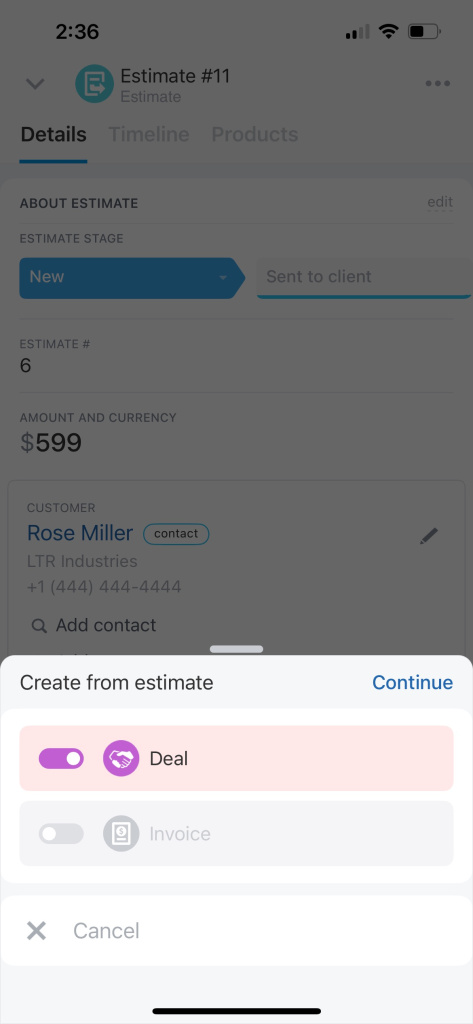
Create a new CRM entity from an existing one. For example, you can create a deal from a lead. New entities appear in the timeline.
Use this feature when you want to transfer customer data between CRM entities. For example, when a potential customer contacts you, you can create a lead. Once the customer is ready to discuss purchase details, you can create a deal and a contact from that lead.
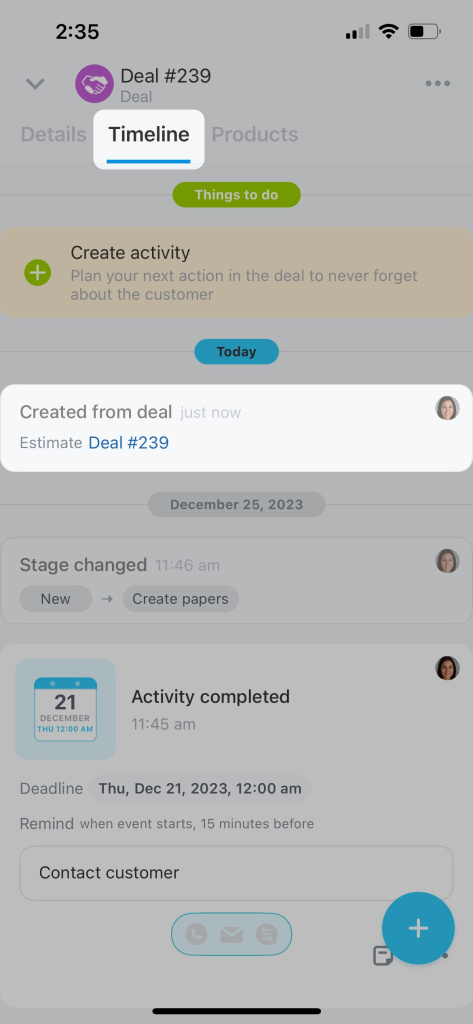
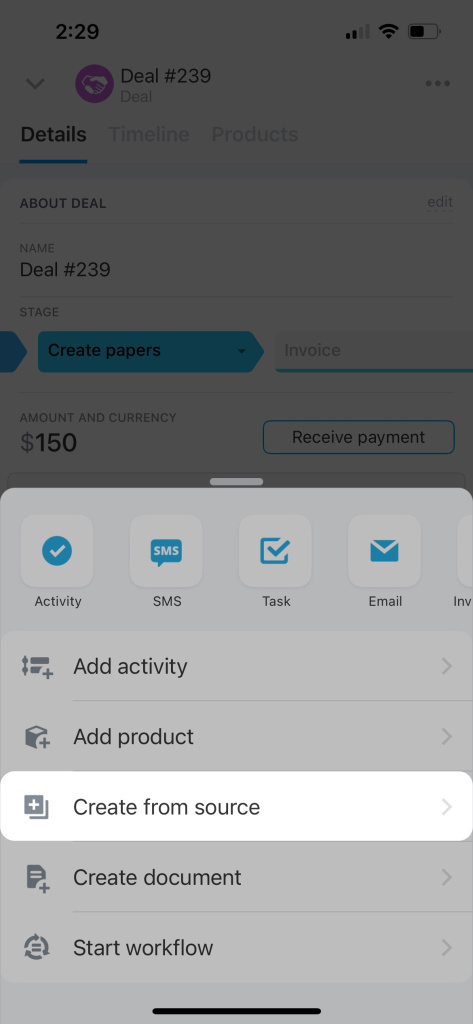
- Open a CRM entity.
- Tap + in the bottom-right corner.
- Select Create from source.
You can create new CRM entities from leads, deals, and estimates.
-
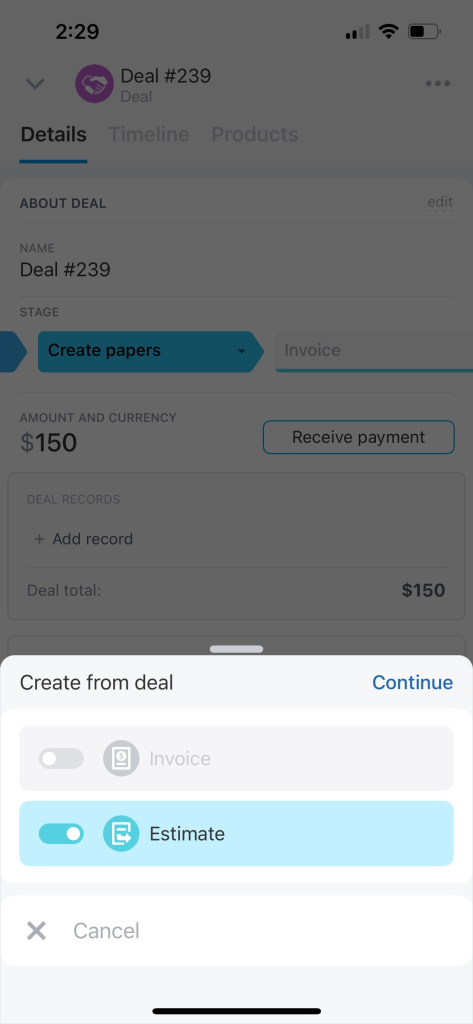
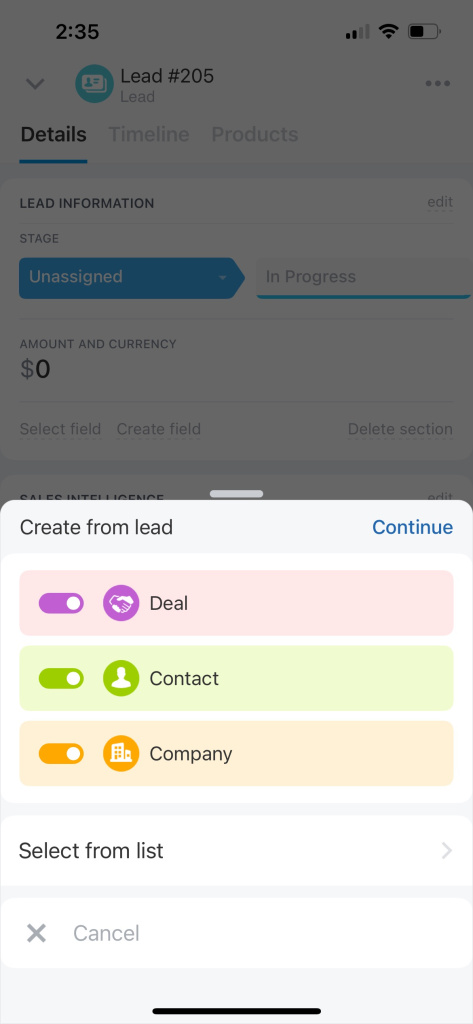
4. Select the entity you want to create.
5. Tap Continue.
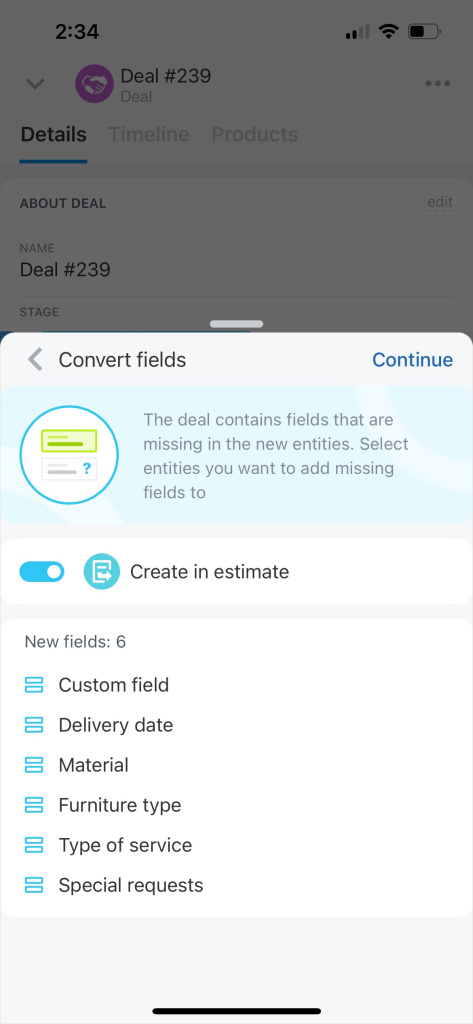
If the new entity is missing fields required for data transfer, CRM will suggest creating them automatically.
-
6. Review the suggested fields.
7. Tap Continue to finish.
Entities you can create from a lead
You can create:
- Deal
- Deal + Contact
- Deal + Company
- Contact
- Company
- Contact + Company
When you create entities from a lead, the lead is converted and moved to the final stage.
Entities you can create from a deal
You can create:
- Estimate
- Invoice
Entities you can create from an estimate
You can create:
- Deal
- Invoice