When a colleague adds you as an attendee to a calendar event, you receive an invitation. You can accept or decline it.
If the host enabled notifications when creating the event, they receive a notification when you accept or decline the invitation.
In this article:
Accept or decline an invitation
You can confirm or decline attendance in three ways: from notifications, the Feed, or the Calendar.
From notifications. Open Messenger and tap the bell icon in the top-right corner.
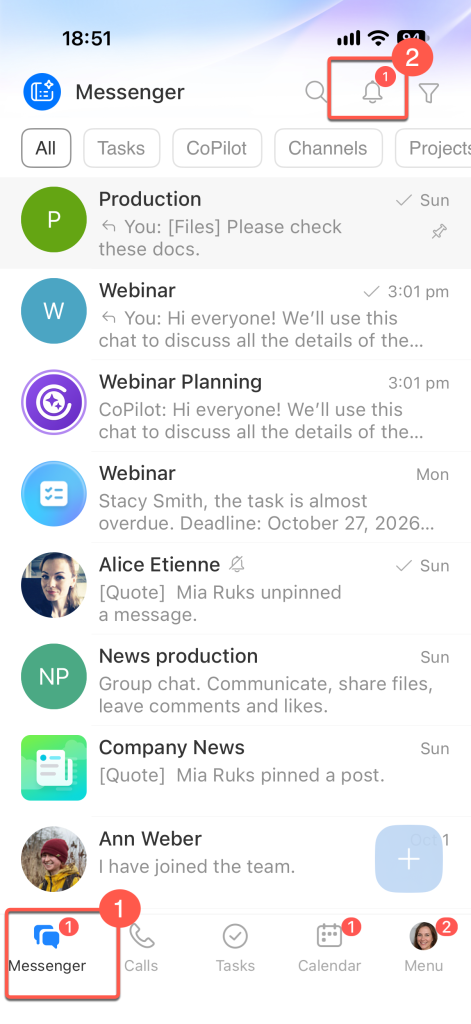
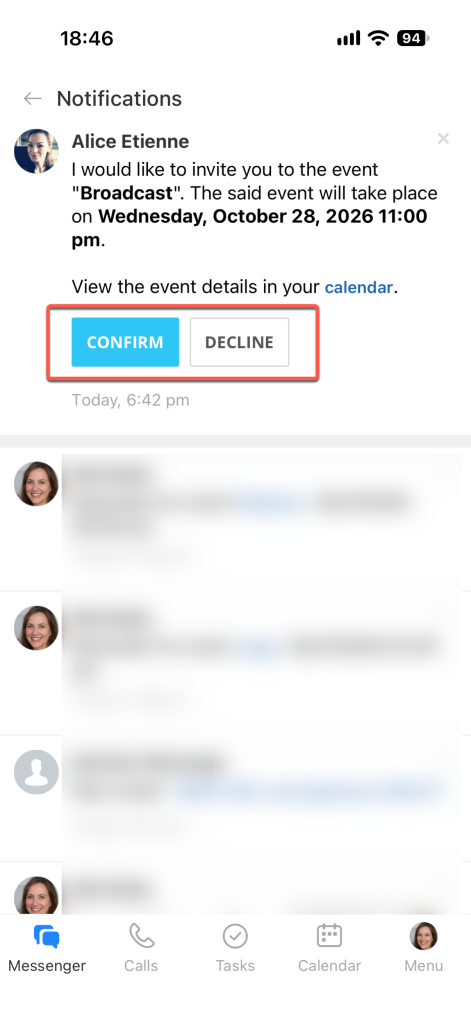
Find the event invitation. It shows the event name, date, and location. Tap Confirm or Decline.
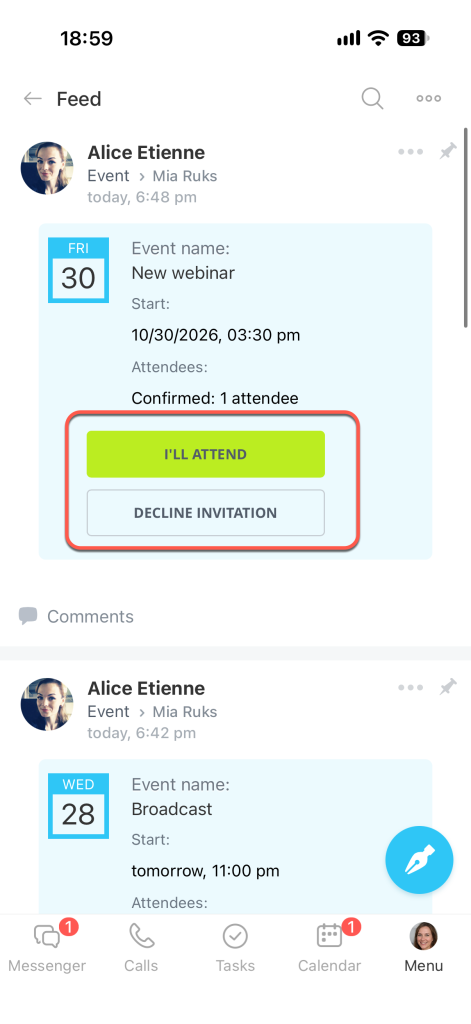
From the Feed. Open Menu > Feed.
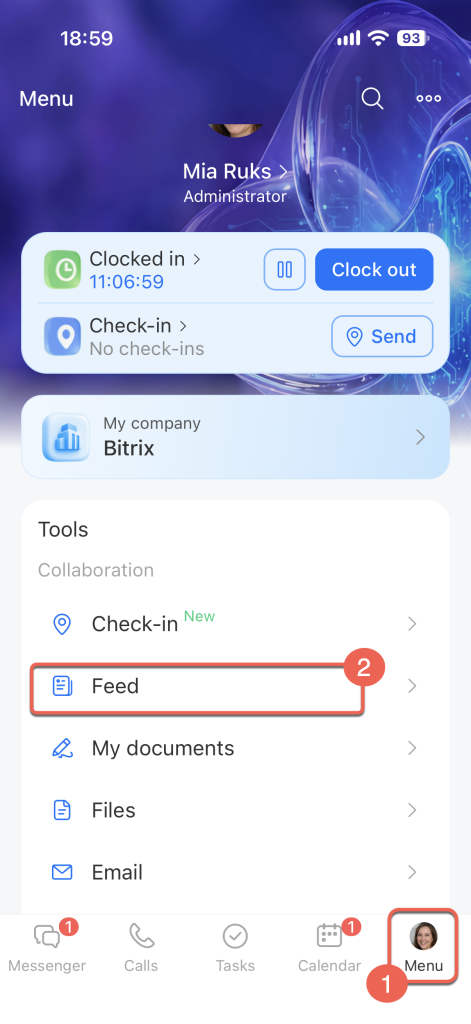
Find the event message. It shows the event name, time, and location. Tap I'll attend or Decline invitation.
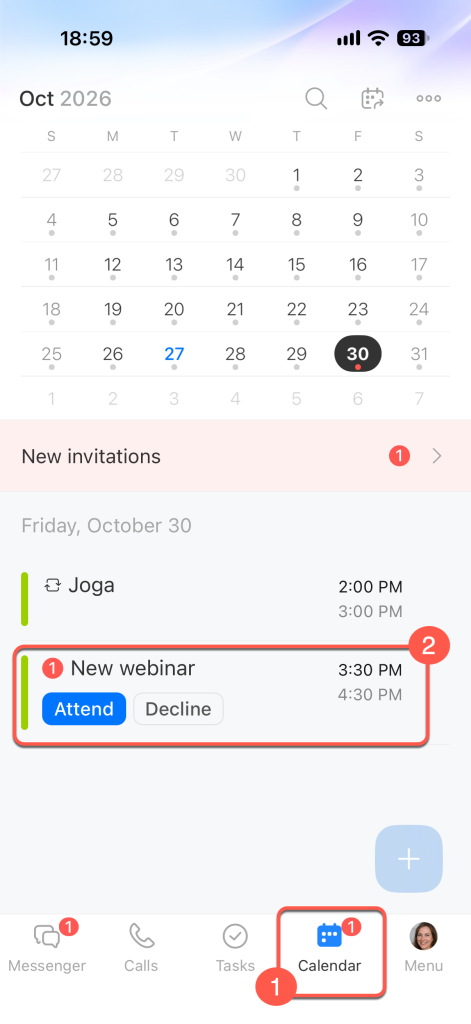
From the Calendar. Open Calendar. New invitations appear in a separate section at the top of the screen. Tap Attend or Decline.
Change your attendance decision
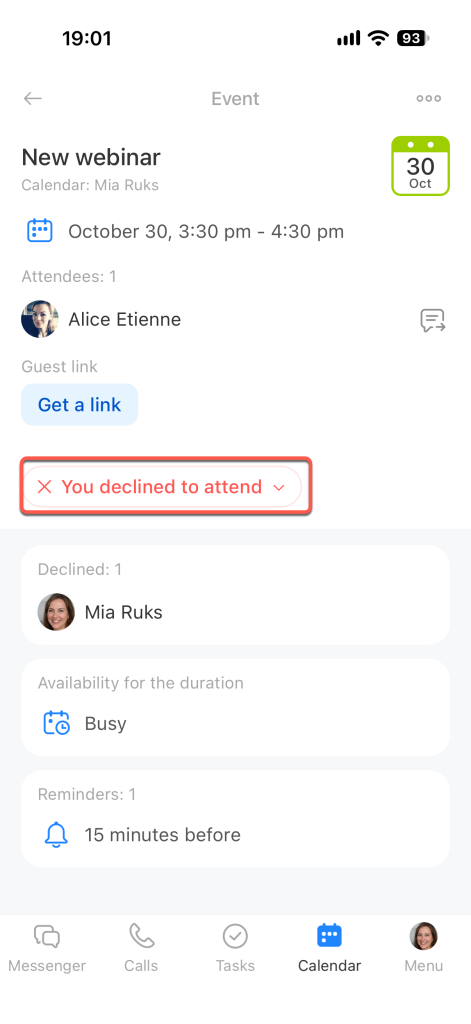
If you can no longer attend an event, you can decline the invitation in the event form.
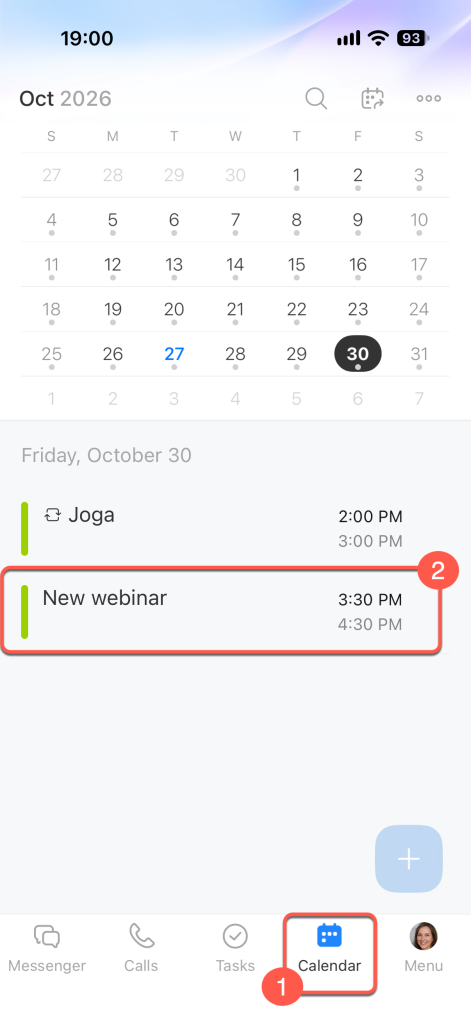
Open the event form in Calendar.
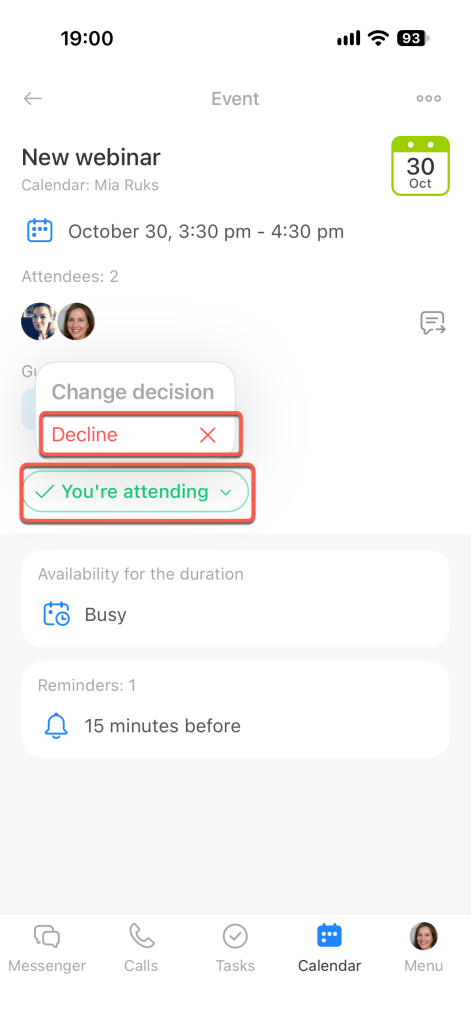
Tap You're attending. In the menu that opens, tap Decline.
Your status changes to You declined, and your name appears in the list of participants who declined.