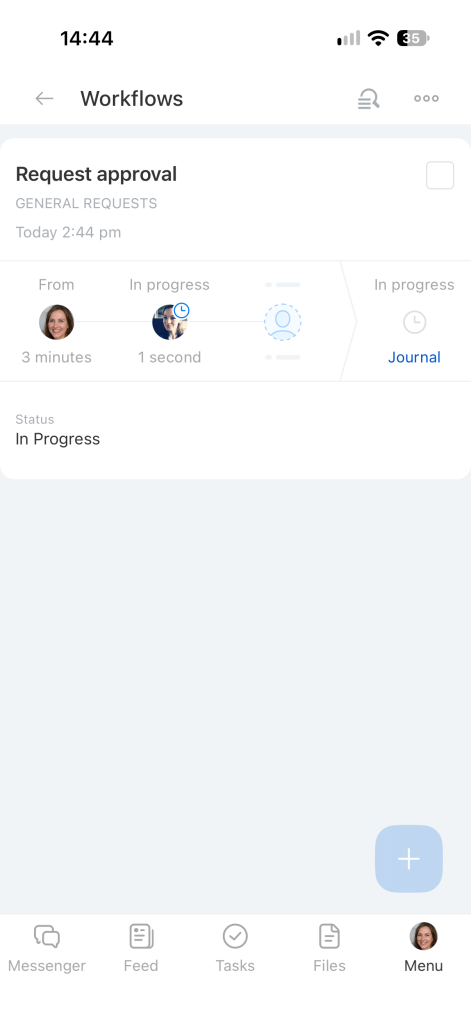
Workflow automation lets you submit routine requests using the Bitrix24 mobile app, such as vacation requests, invoice payment requests, or business trip requests. The request is automatically routed to the employees responsible for approval.
Bitrix24 Plans and Pricing
You can start a workflow from two sections.
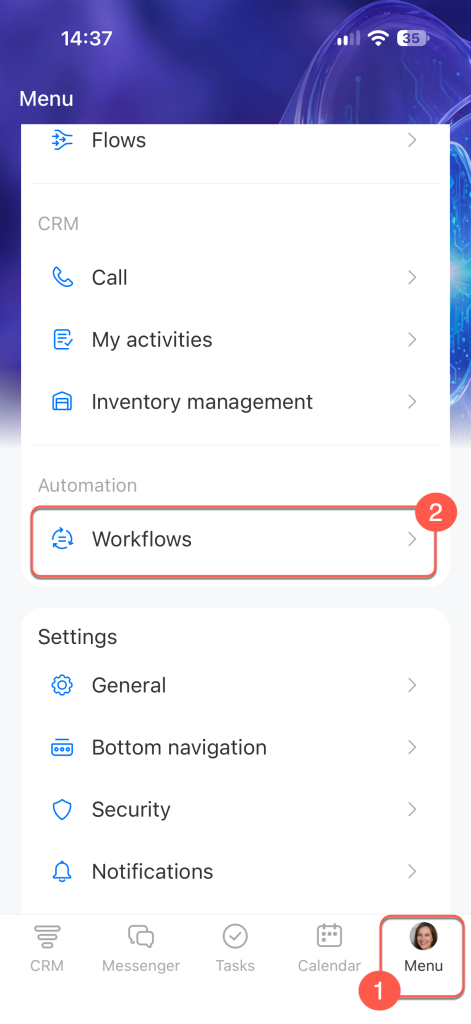
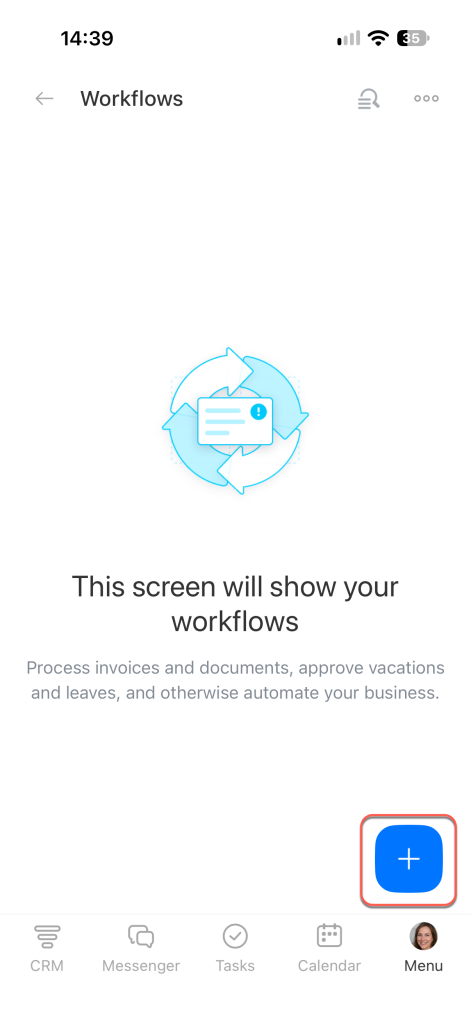
From the Workflows section. Open Menu (≡). In the Automation block, select Workflows.
Tap Plus (+).
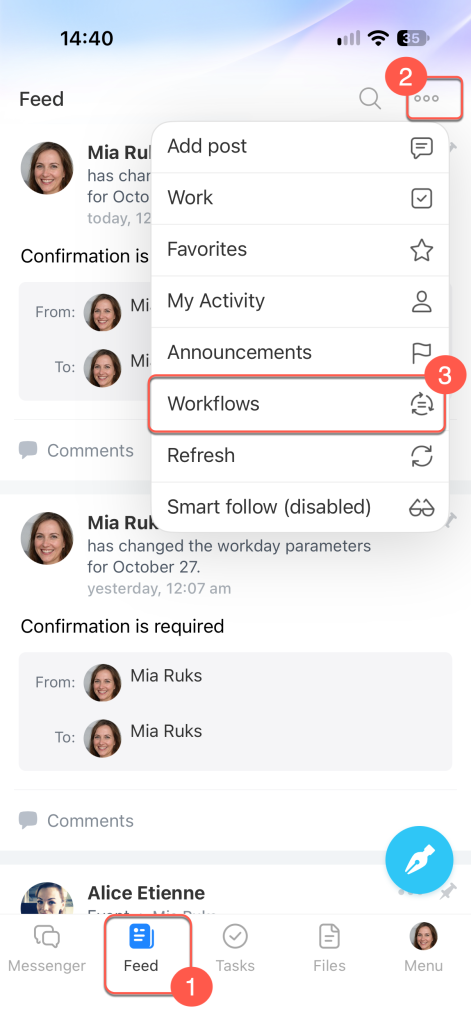
From the Feed. Open Feed, tap Three dots (...), select the Workflows tab, and tap Plus (+).
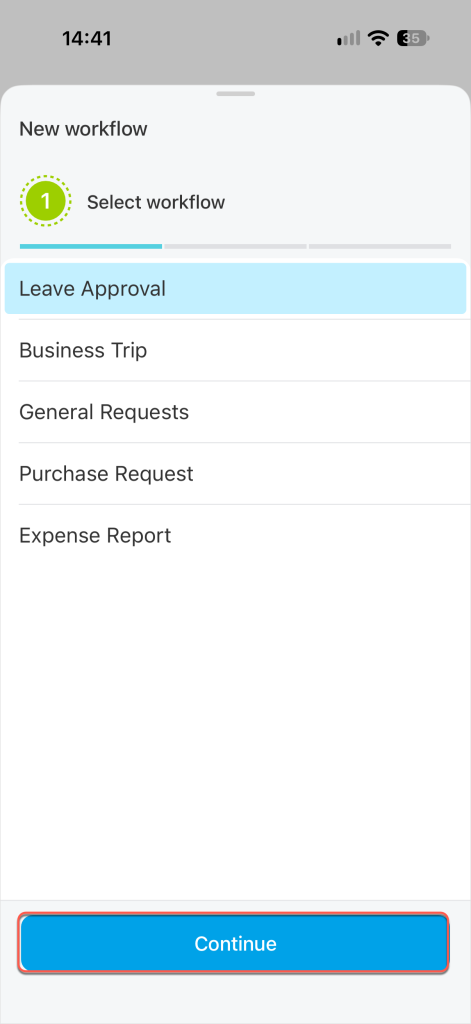
Select the workflow you need and tap Continue.
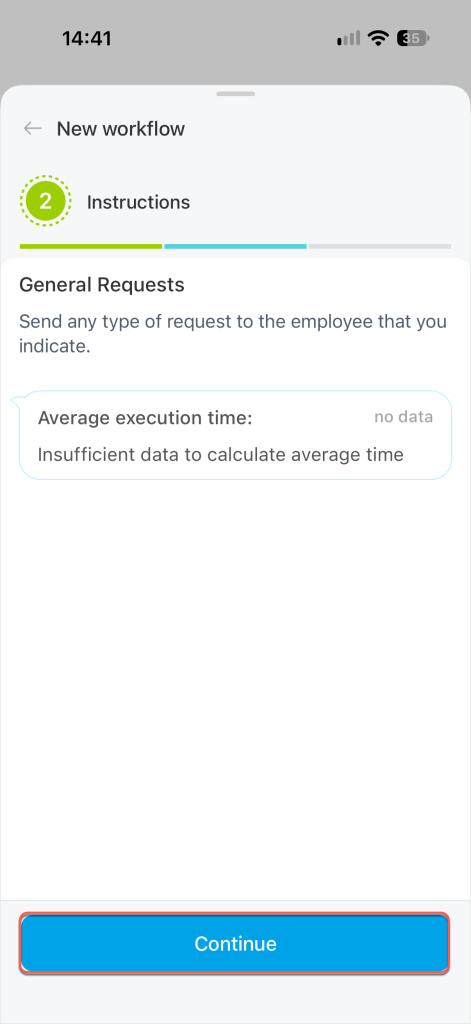
On the Instructions screen, review the workflow description and average completion time. Tap Continue.
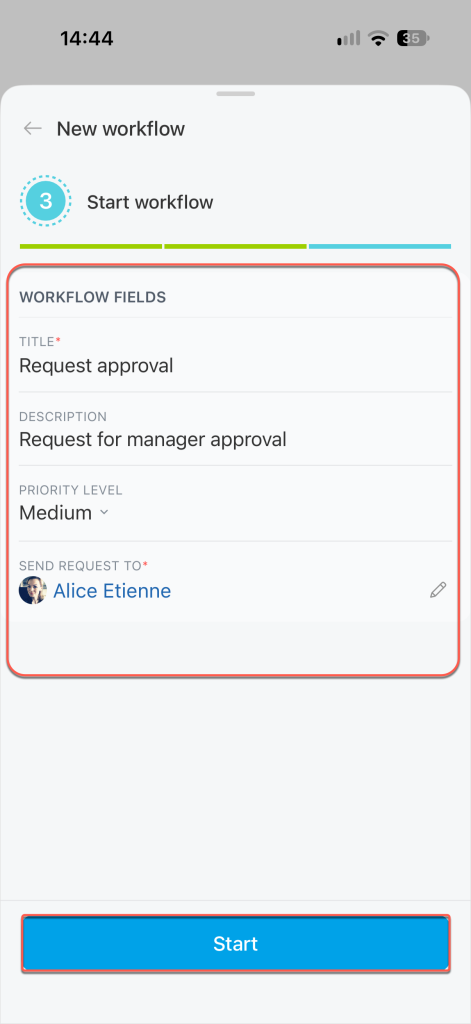
Fill in the workflow fields. For a general request, enter a title and description, and set the priority. Tap Start.
After you launch the workflow, it appears in the list, where you can track its status.