List view displays tasks with key details, such as name, deadline, and activity. You can quickly find a task, sort the list, or take action without opening each task.
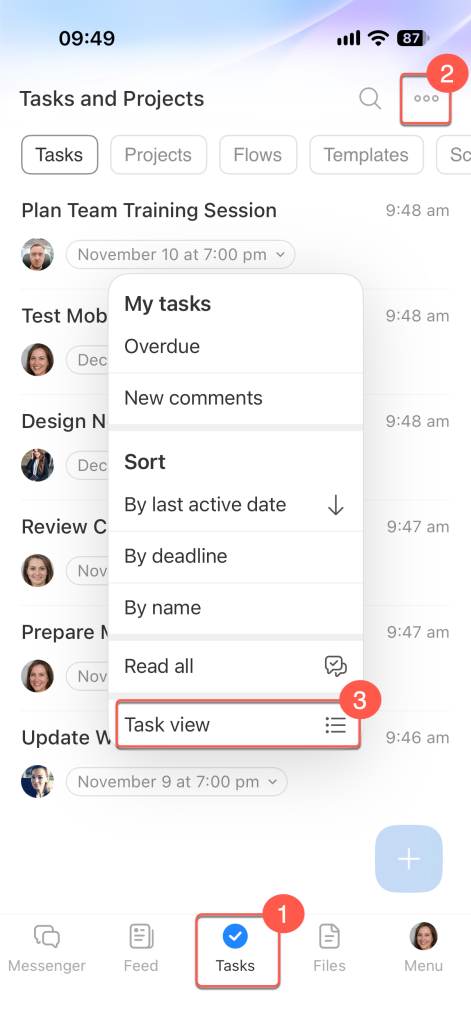
Open List view
1. Open the Tasks section.
2. Tap Three dots (...) in the top-right corner.
3. Select Task view.
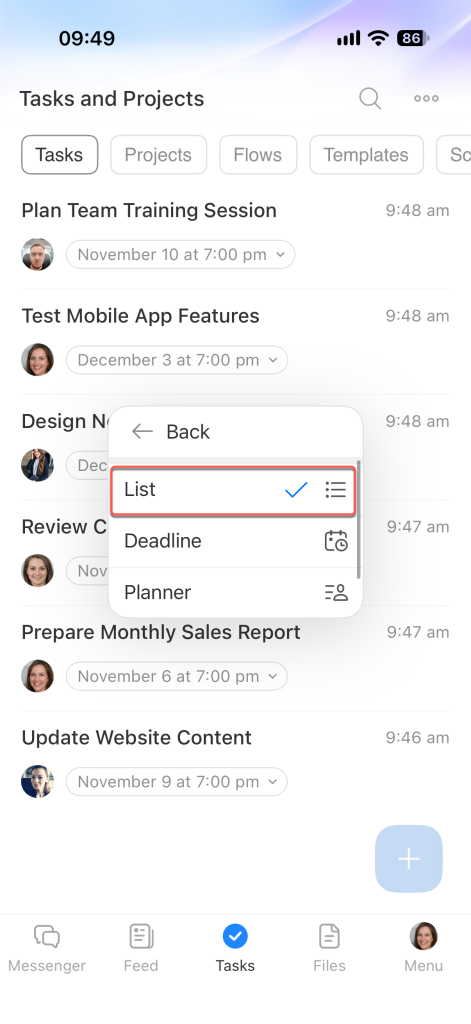
In the menu that opens, select List.
Sort tasks
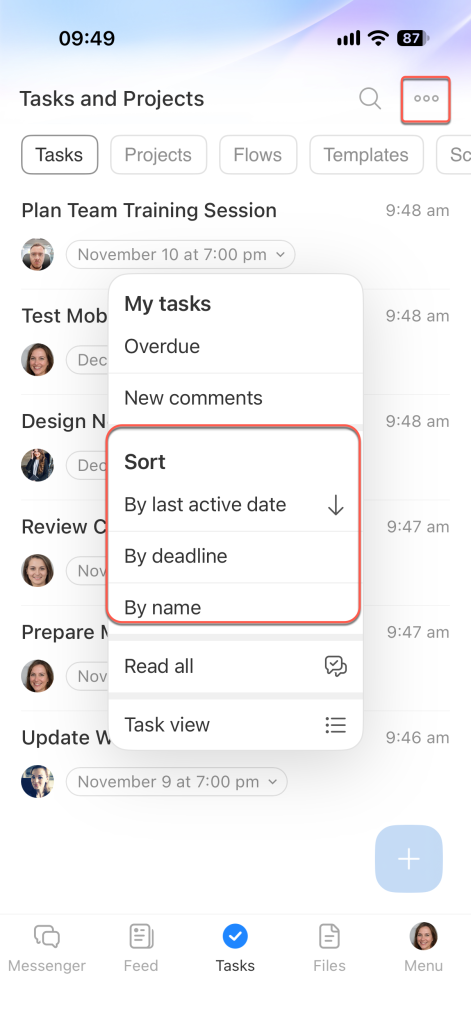
By default, tasks are sorted by activity, with the most recently updated tasks first. To change the order, tap Three dots (...) and select By deadline or By name.
Perform an action on a task
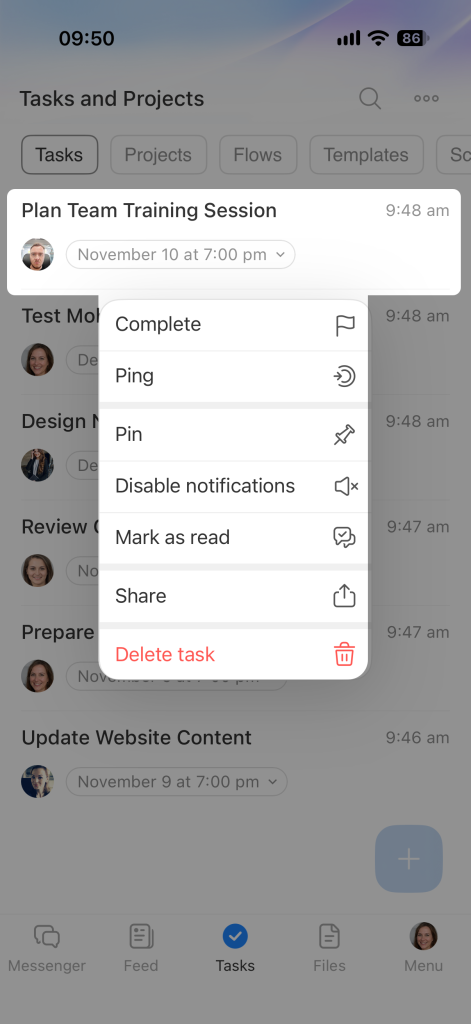
Press and hold a task to open the context menu. Select an action.
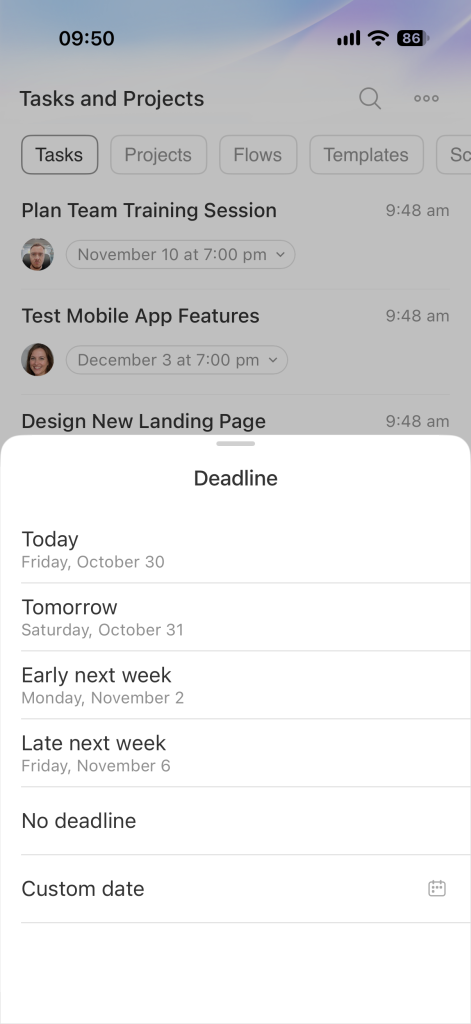
To change the deadline without opening the task, tap the date.
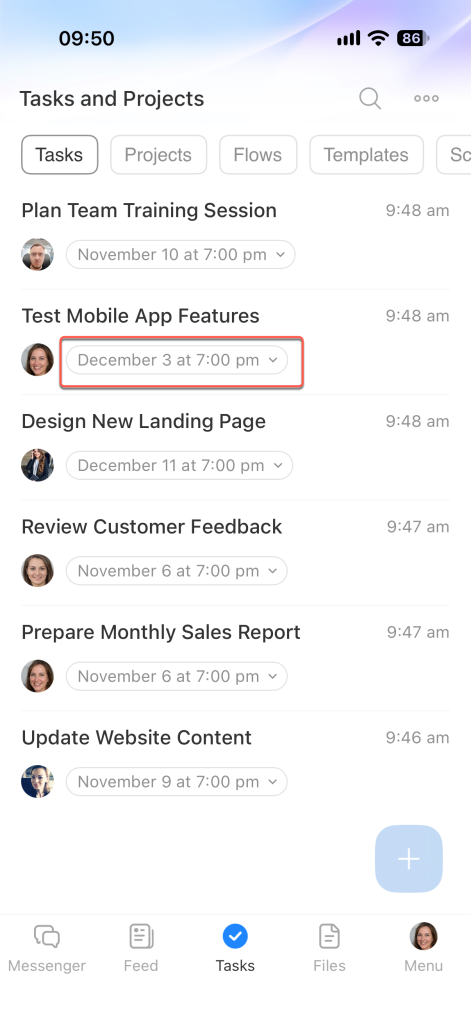
Select a new deadline.