The Bitrix24 mobile app now has a My company section. It gives you access to:
- Employees
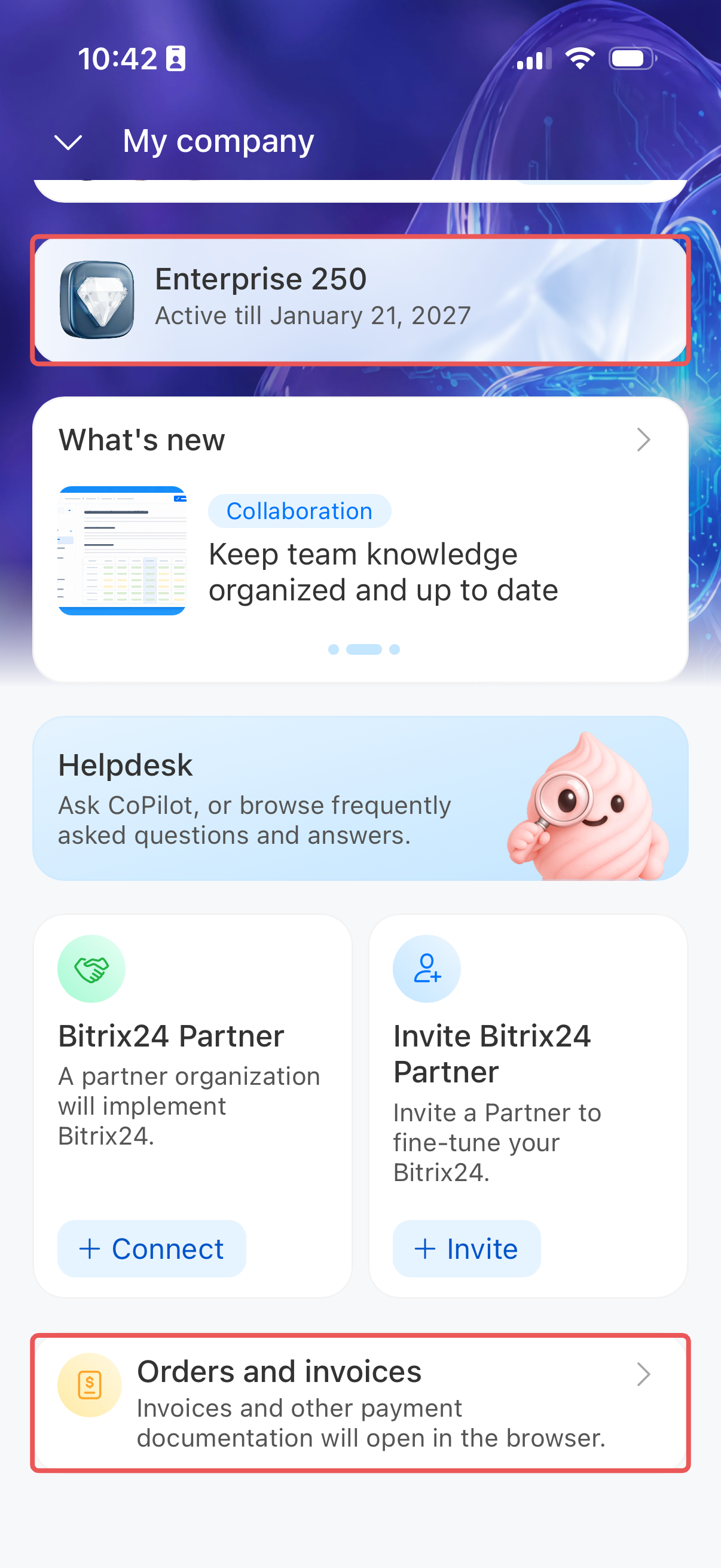
- Plan, orders, and invoices
- Bitrix24 news and updates
- Bitrix24 Partner and implementation help
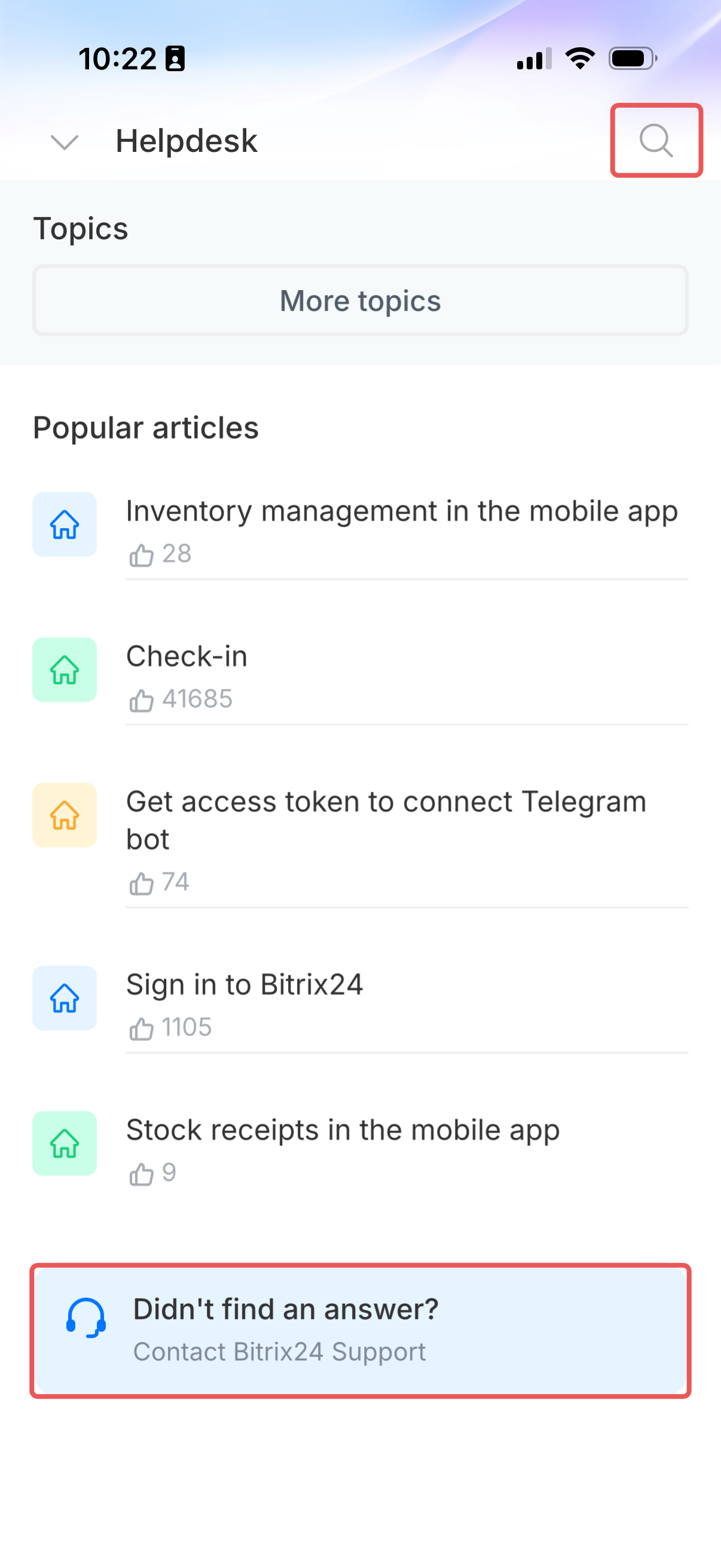
- Bitrix24 Helpdesk
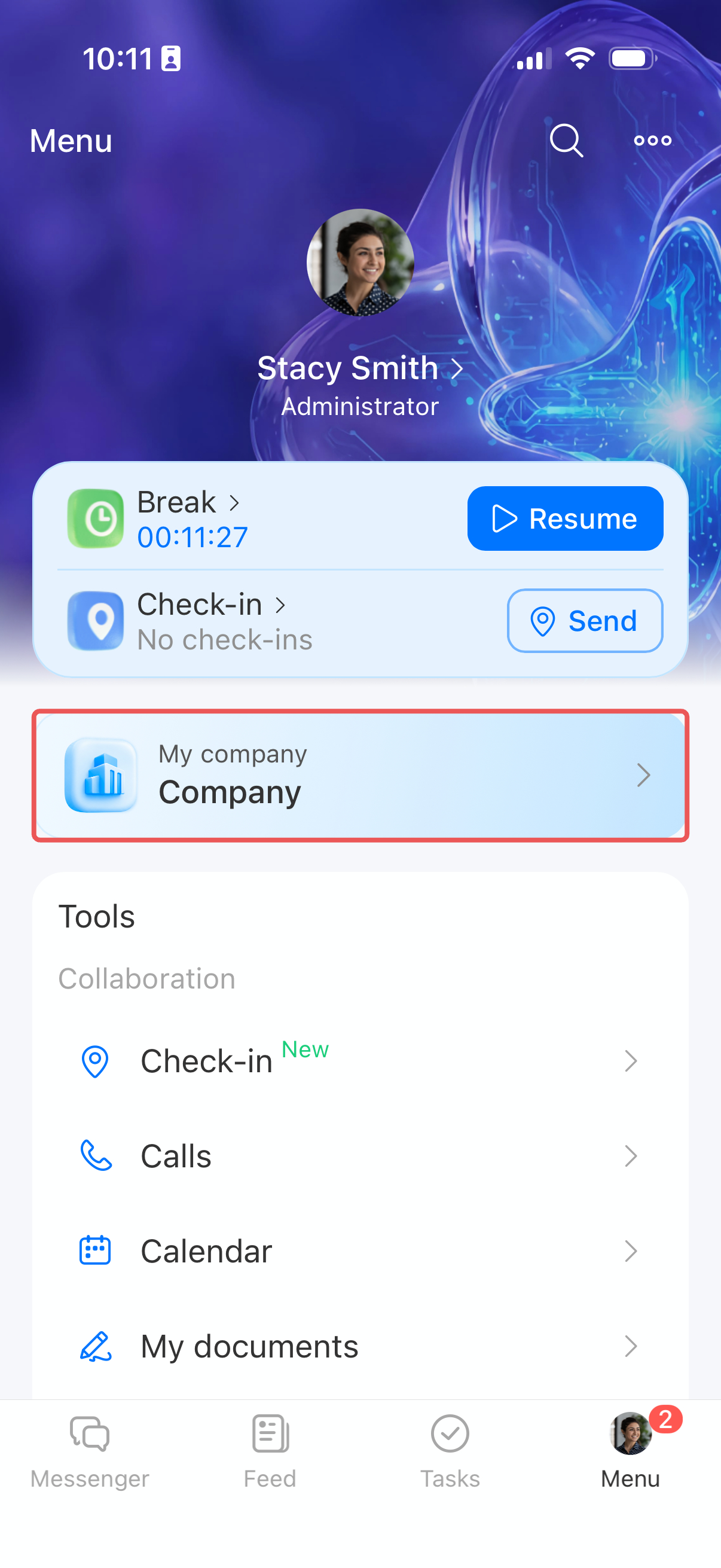
To open the section, tap Menu and select the My company block at the top of the screen.
Company and employees
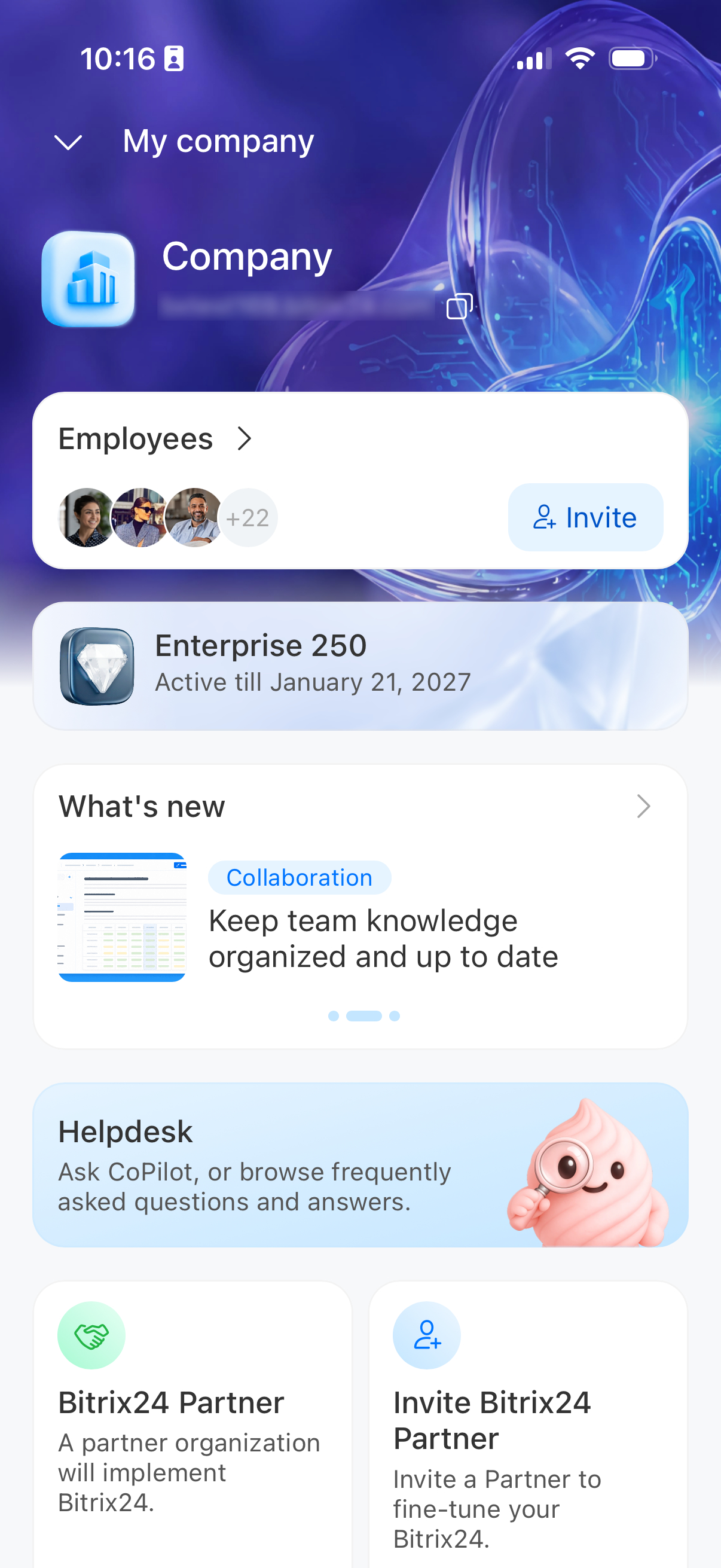
Your company logo, name, and Bitrix24 address appear at the top of the section. Tap the address to copy it, for example, to send it to a new employee.
Employees. Open the card to view the list of colleagues. If you have permission to invite employees, the card displays the Invite button. Otherwise, contact your administrator.
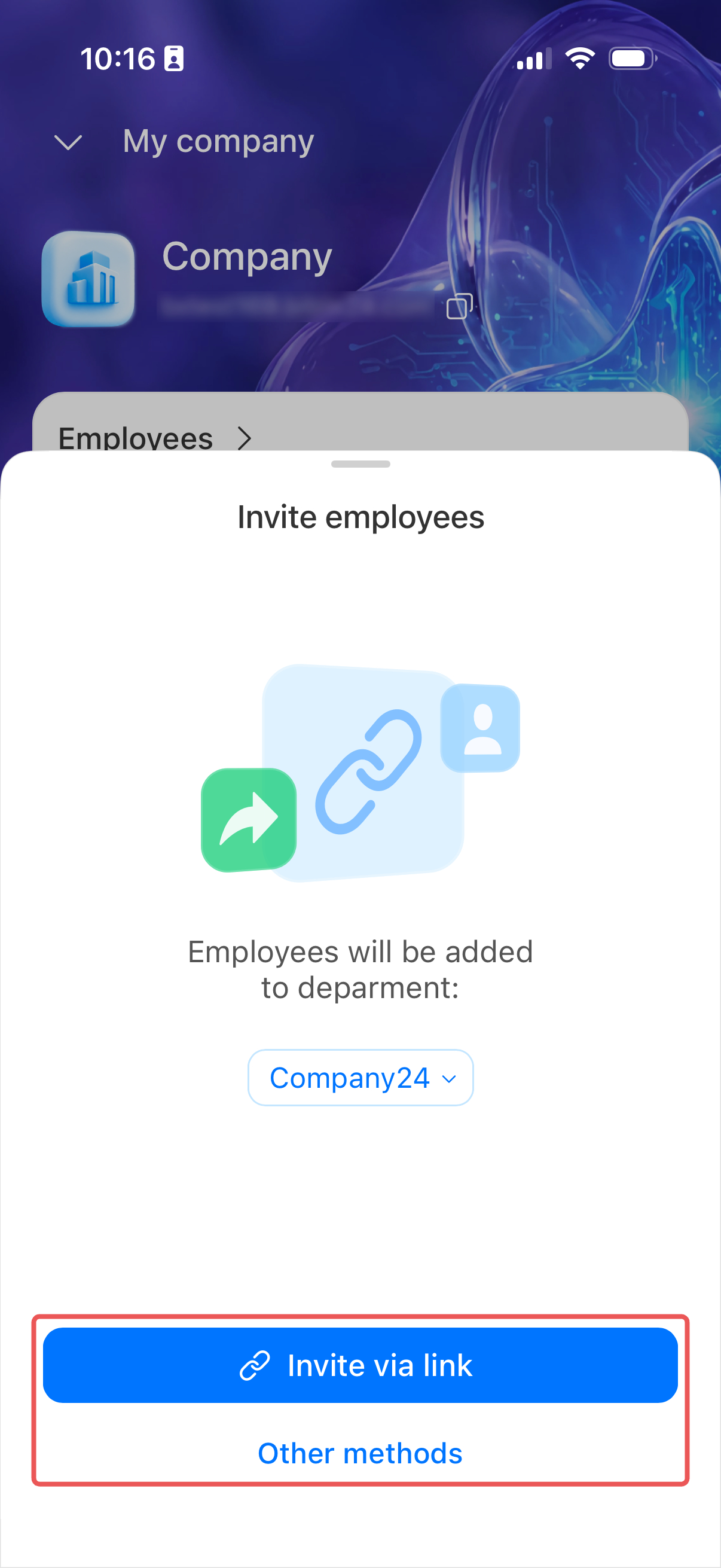
Select the department new employees will join, then tap Invite via link. You can also invite people by SMS, email, or QR code.
Plan, orders, and invoices
Plan. On Android, you can buy, upgrade, or renew your plan directly in the app. You can pay for your plan by card or via PayPal.
Orders and invoices. Invoices and payment documents are available in the web version of Bitrix24. Tap the card, and the app shows how to log in on your computer using a QR code.
What's new
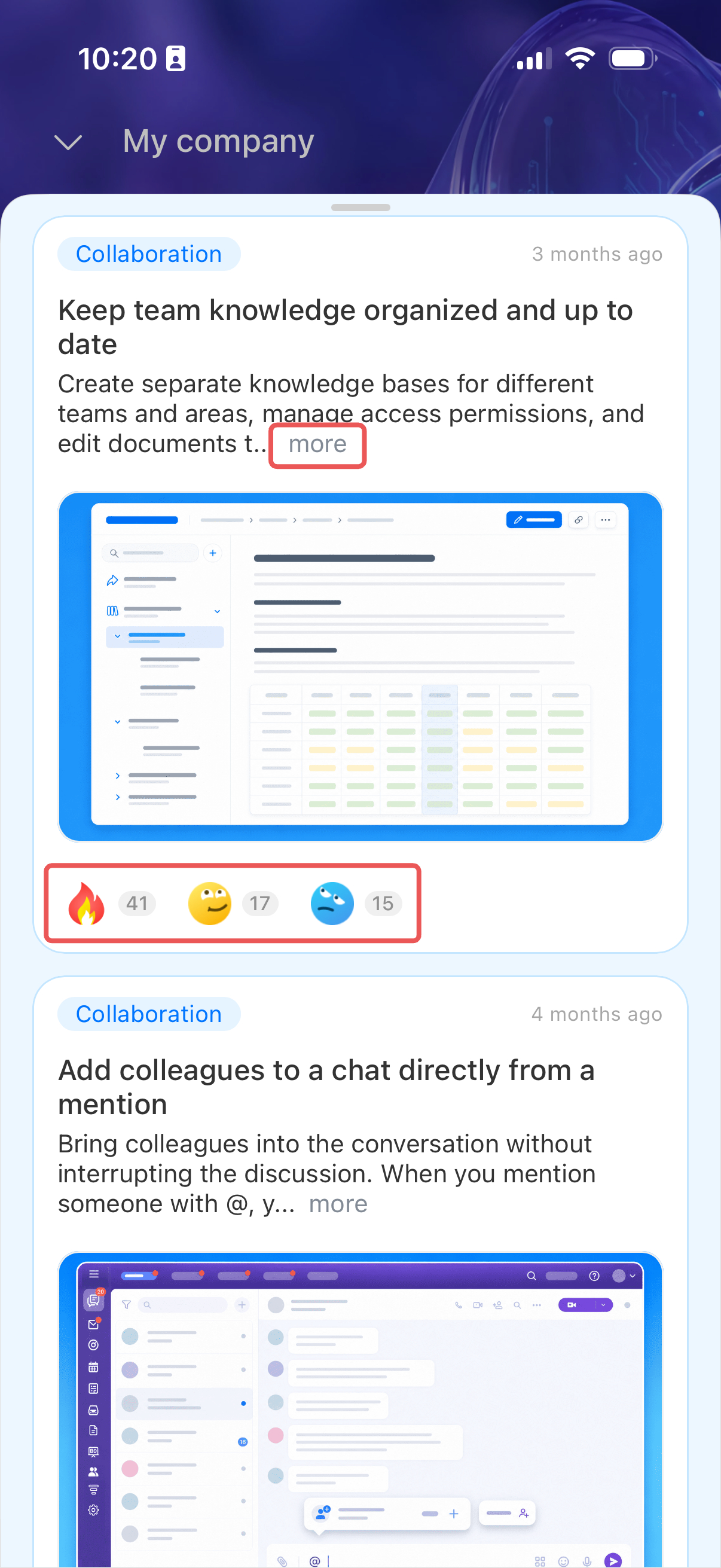
This section shows short descriptions of new Bitrix24 features. Open the block to see all updates. To read the full description, tap more. You can react to each update.
Bitrix24 Partner and implementation help
From your smartphone, you can find a partner company to implement Bitrix24 or invite an expert to set up Bitrix24 for your company's processes.
Bitrix24 Partner. Tap Connect on the Bitrix24 Partner card and submit an implementation request.
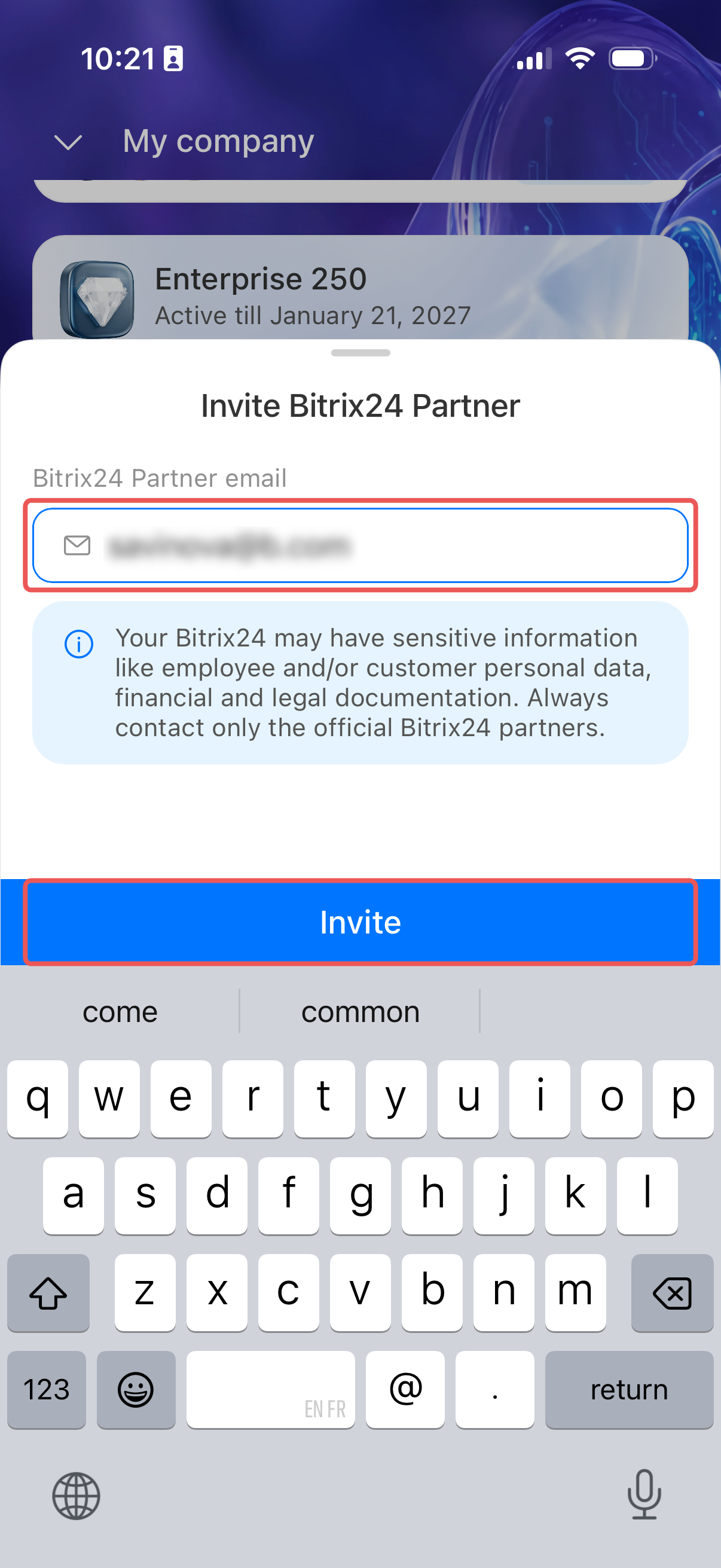
Invite Bitrix24 Partner. Tap Invite, enter the specialist's email, and confirm the invitation.
Bitrix24 Helpdesk
Bitrix24 Helpdesk contains articles about Bitrix24 features and settings. If you can't find a suitable article, tap Didn't find an answer? to open a chat with Bitrix24 Support.
Bitrix24 plans and pricing