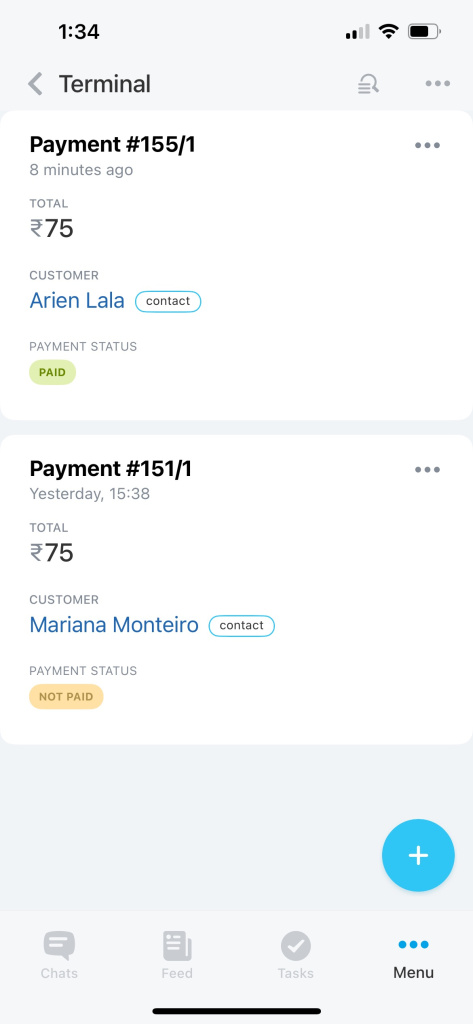
Terminal is a tool that allows you to accept payments using a QR code from your smartphone. There is no need for additional equipment since the tool is available in the Bitrix24 Mobile app for Android and iOS.
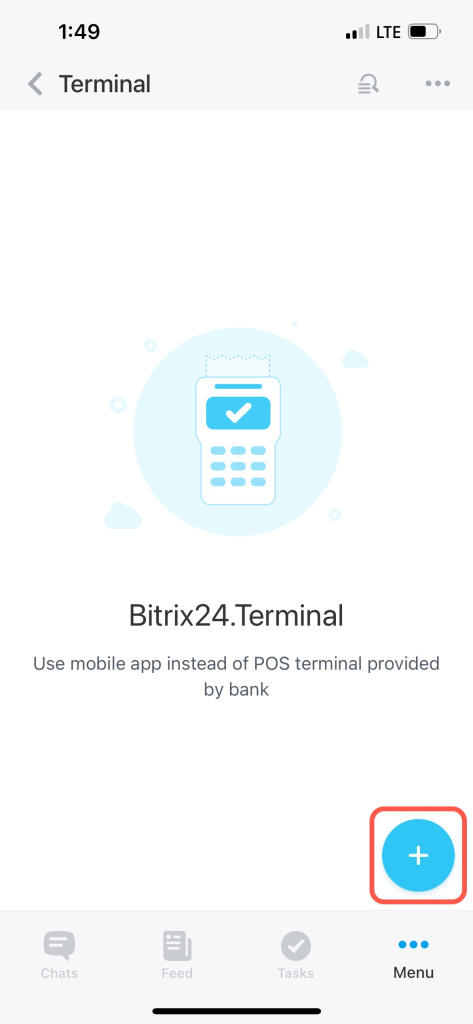
Tap on the + icon in the bottom right corner to create a payment.
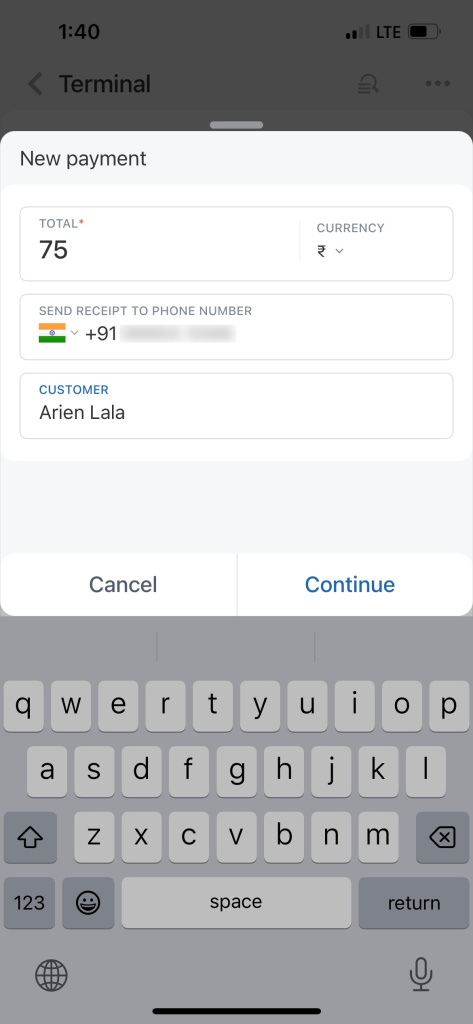
Specify the amount. Enter your client's phone number (optional). If you add this data, your customer will receive proof of payment by SMS.
Also, fill in your client's name to save it in CRM. Then tap Continue.
Select a payment option.
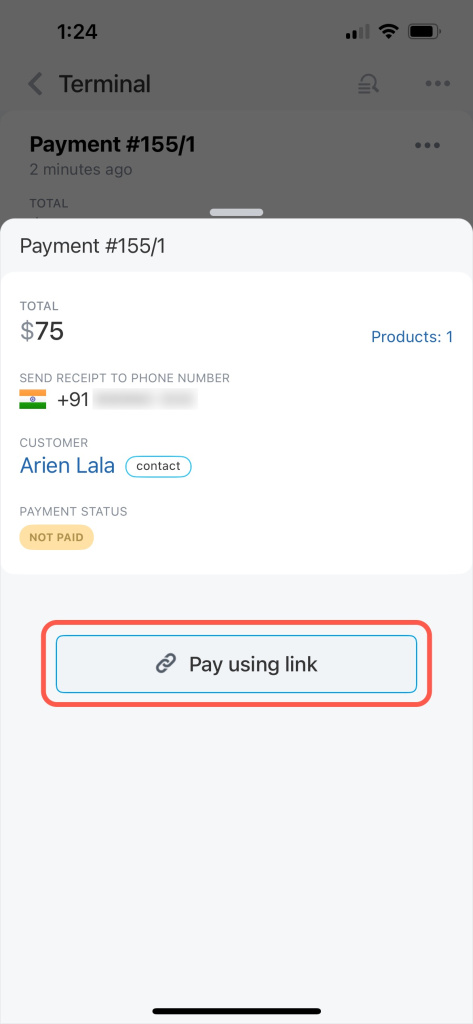
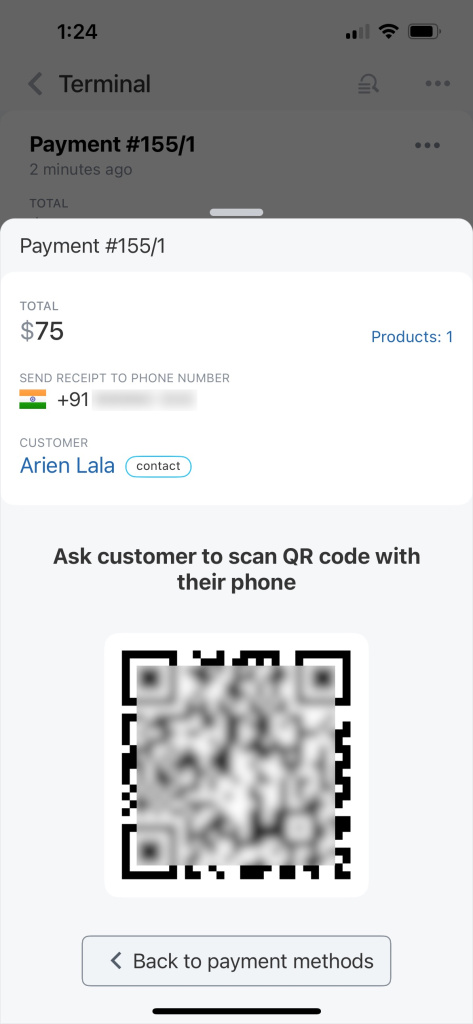
Ask your customer to scan the QR code.
Once they've made a payment, the information about it will appear in the deal timeline and the list of payments under Terminal.