
BI Builder is a business intelligence tool based on Apache Superset 4.0. It lets you build analytical reports using data from your Bitrix24 account.
It works like Google Looker Studio, but runs on Bitrix24’s internal infrastructure. You don’t need to export data or purchase extra licenses. You can create reports of any level of complexity.
Get started
To view reports:
- Open the BI Builder section.
- Select a report from the list.
- Review and analyze your business metrics.
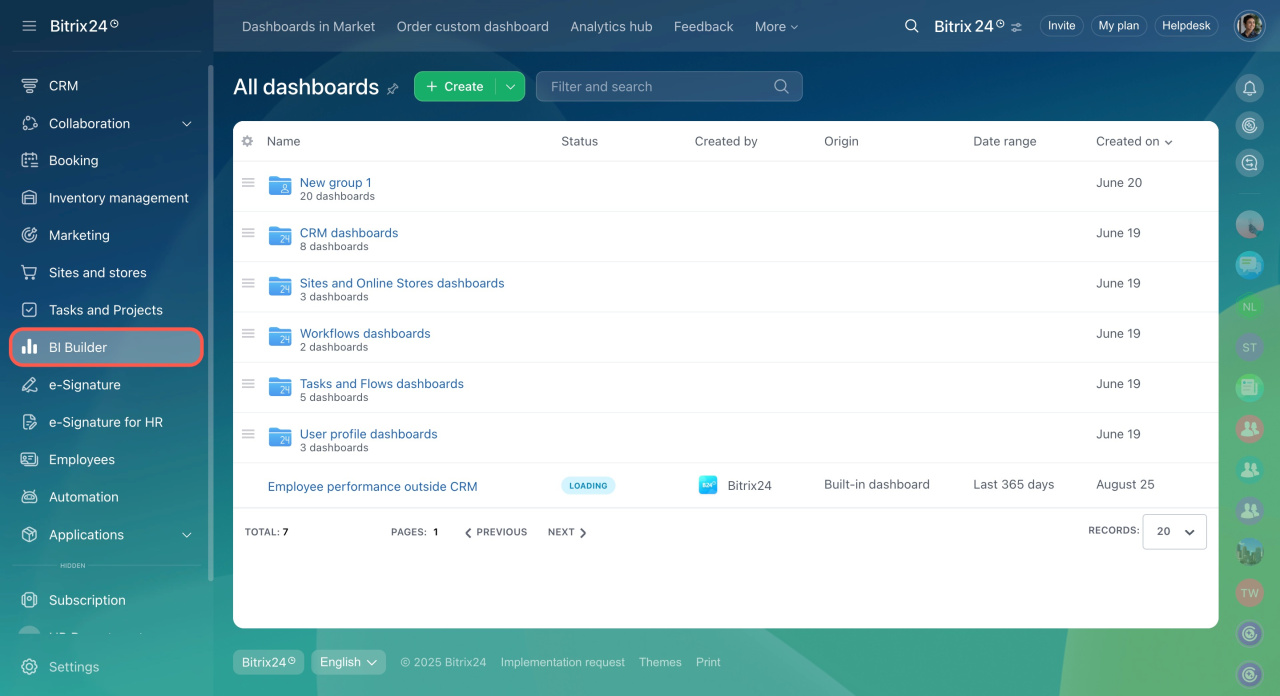
When you open a report, BI Builder automatically pulls the latest data from Bitrix24.
Getting started with BI Builder
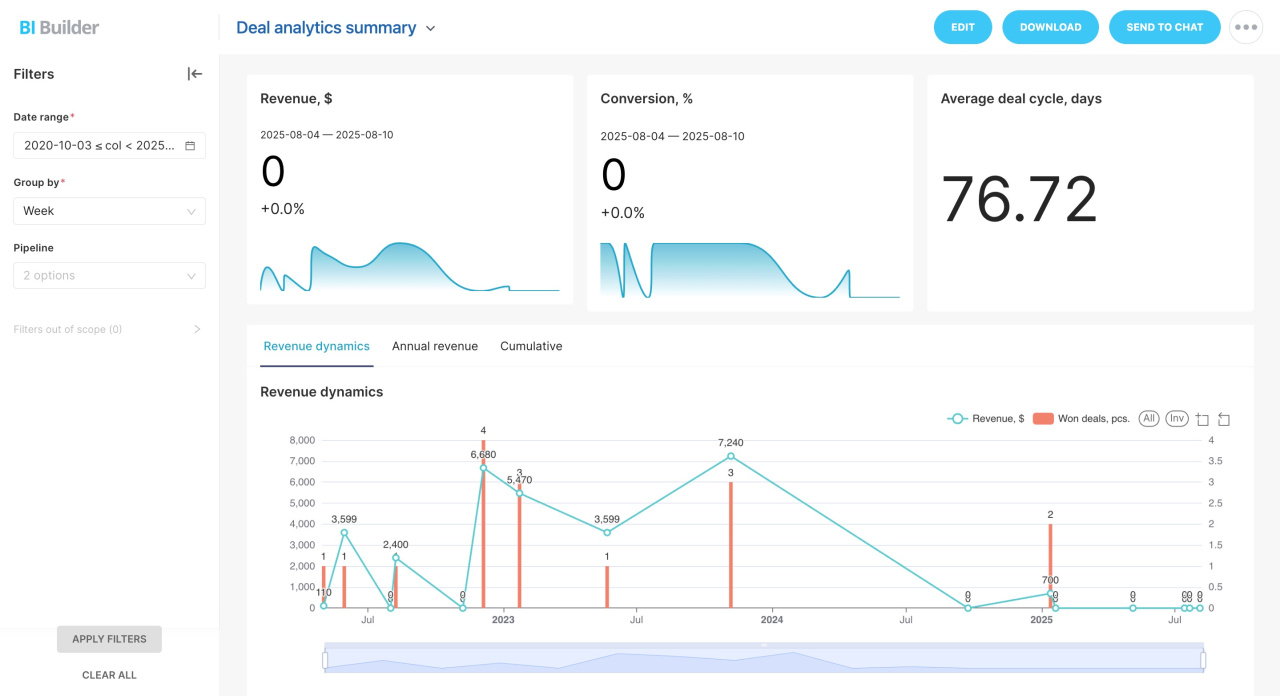
What you can do
- Create new reports.
- Edit built-in reports.
- Build dashboards with charts and tables.
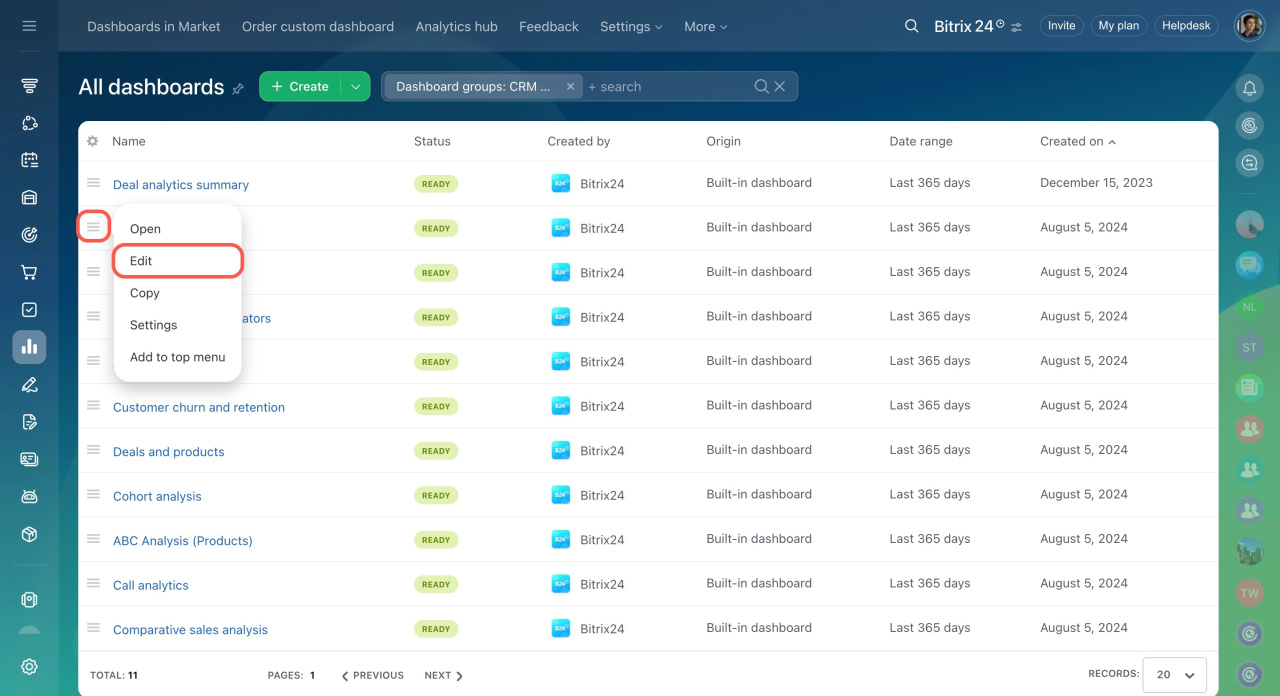
To explore features, start with a standard report:
- Open the BI Builder section.
- Select a report.
- Click the Menu (≡) icon.
- Select Edit.
Try copying a standard report and adding new charts or tables. This is the fastest way to learn how BI Builder works.
Create and edit dashboards in BI Builder
In brief
- BI Builder helps you create analytical reports using Bitrix24 data.
- Start with a standard report and customize it to understand the available features.