
What’s new in Bitrix24 On-premise
This release introduces several updates to improve team productivity:
- Video calls: Host up to 100 participants in a single call. Support for up to 1,000 users is planned.
- Bitrix24 e-Signature for HR: Manage employee document workflows directly in Bitrix24.
- Mobile app: Access key tools from anywhere.
- Bitrix24 CoPilot: Use AI to create tasks, posts, images, and chat responses.
- BI Builder: Build dashboards and analyze your Bitrix24 data.
Starting October 1, 2024, the annual renewal cost will increase from 25% to 50% of the edition price.
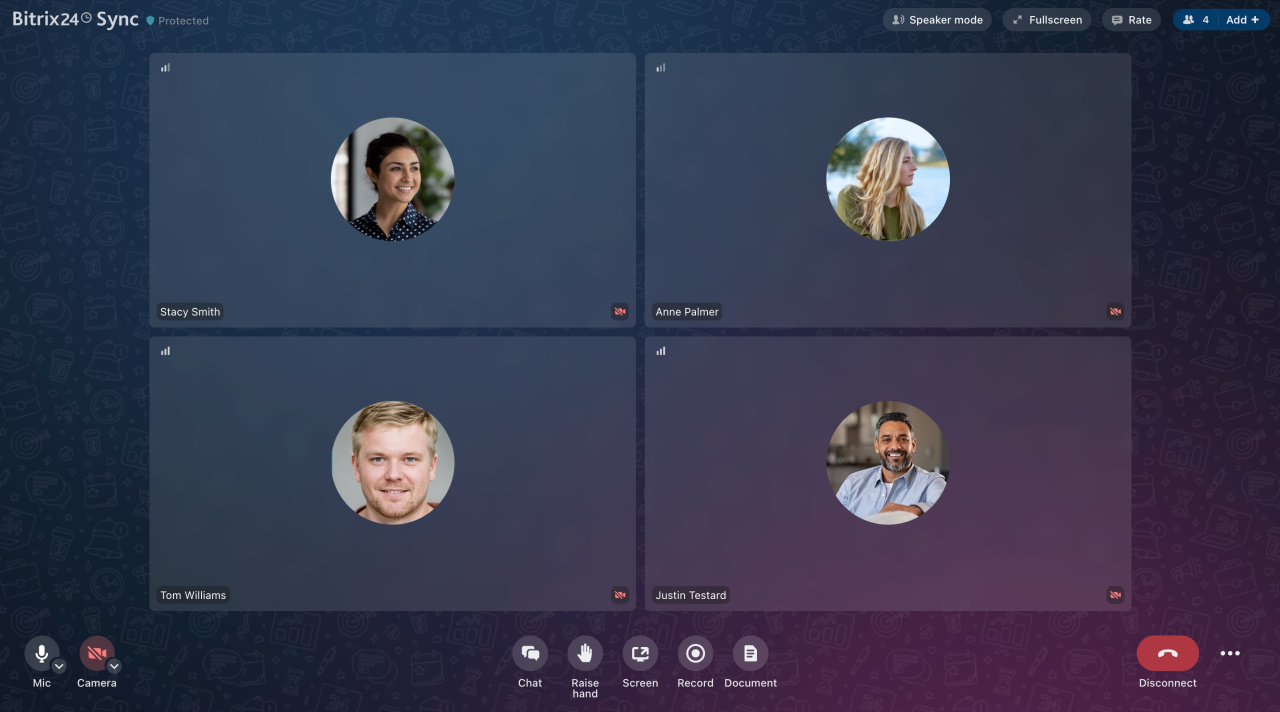
Bitrix24 Sync
Bitrix24 Sync is a new video calling solution built on the M1 communication platform. It provides:
- Stable and fast connections
- Automatic reconnection if issues occur
- High-quality video and screen sharing
You can host up to 100 participants per call, with plans to increase this limit.
Important:
Starting October 1, 2024, legacy video calls will stop working. New calls are not compatible with older modules. Update these modules to continue using video calls:
- Instant Messenger (im): 24.900.0
- Video calls (call): 24.400.0
- Mobile messenger (immobile): 24.700.0
- Mobile video calls (callmobile): 24.100.0
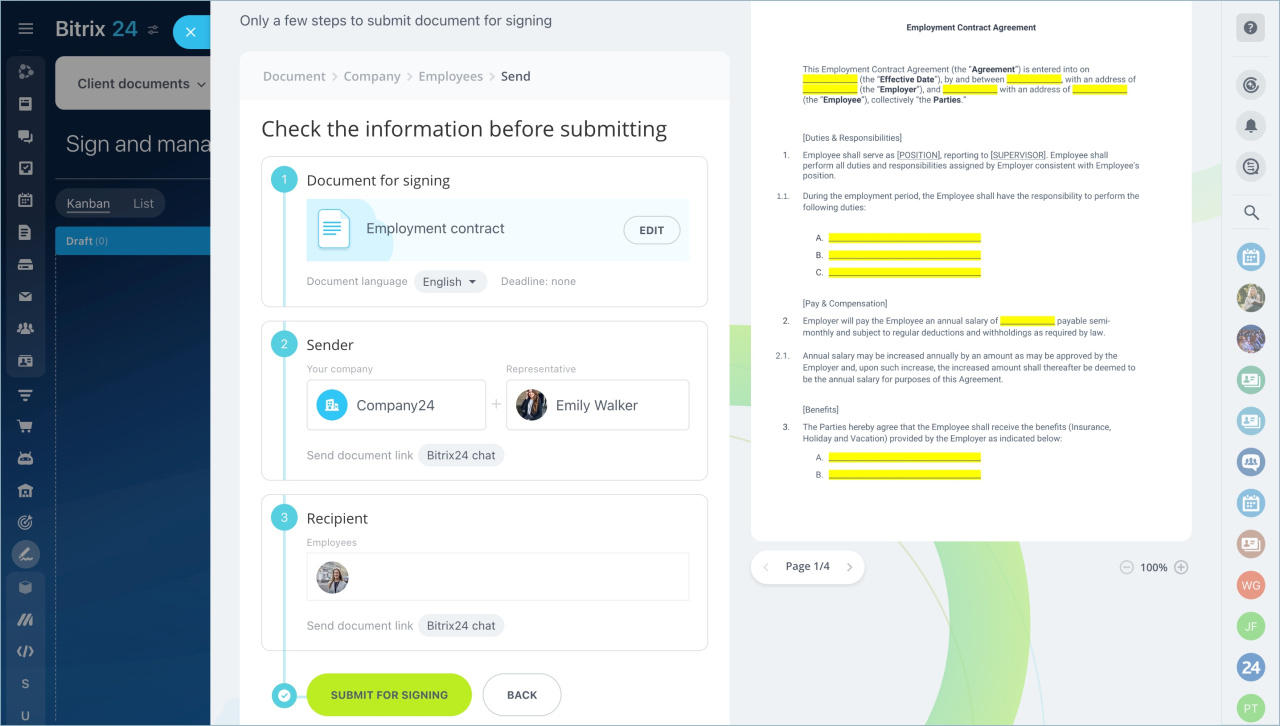
Bitrix24 e-Signature for HR
This service lets employees sign HR documents using a simple electronic signature (SES) inside Bitrix24.
- No additional cost
- Easy to integrate into existing workflows
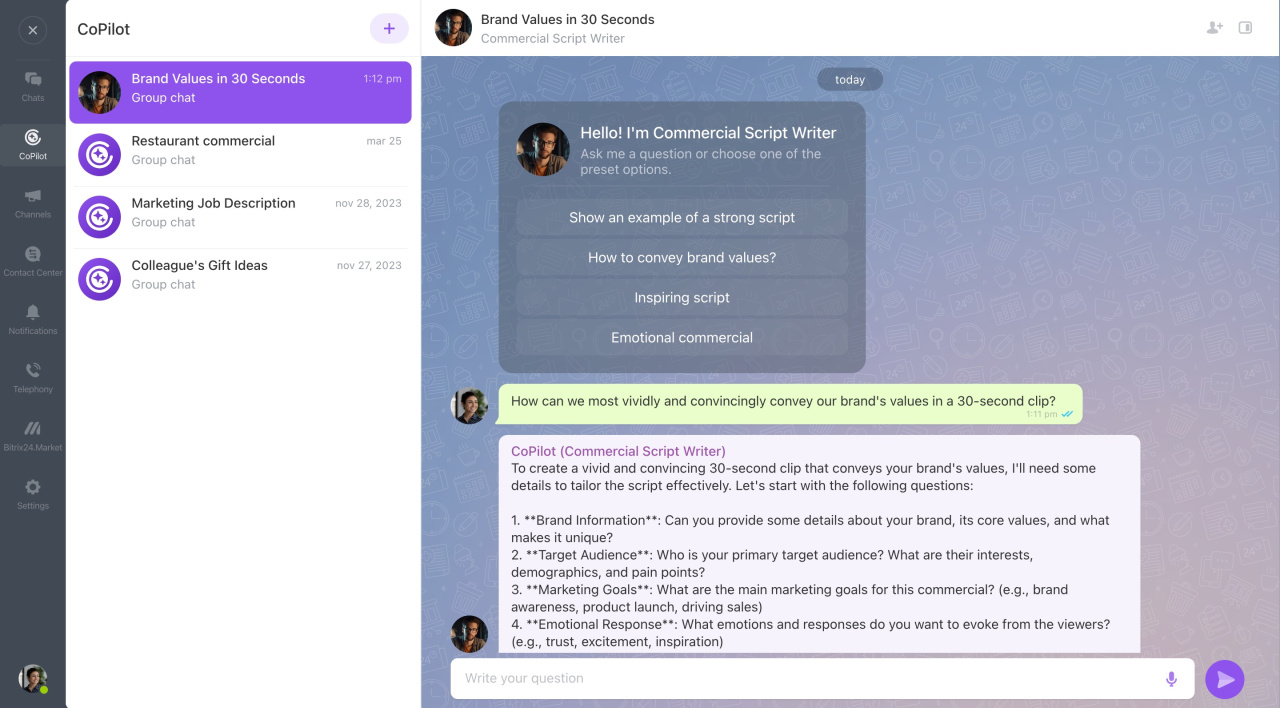
Bitrix24 CoPilot
CoPilot is an AI assistant that helps you:
- Create tasks, posts, and images
- Answer questions in chats
- Access GPT features quickly
You can use built-in language models or connect your own.
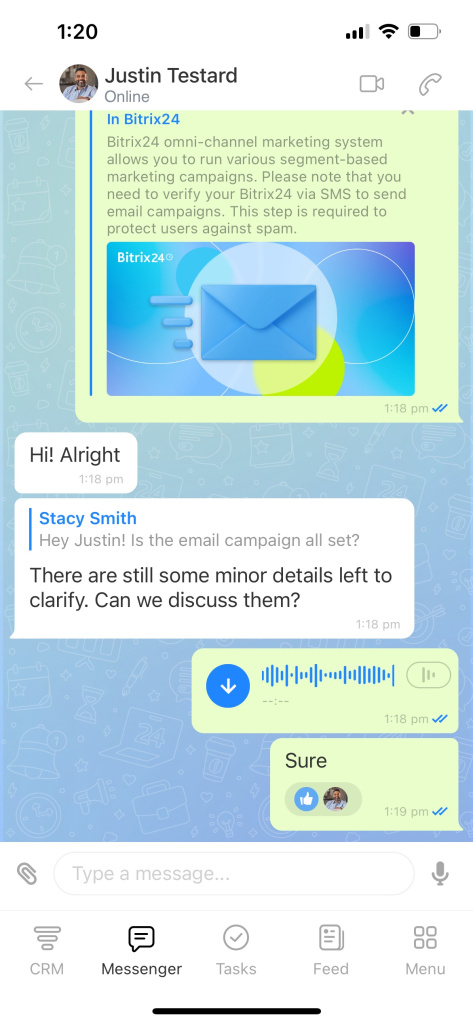
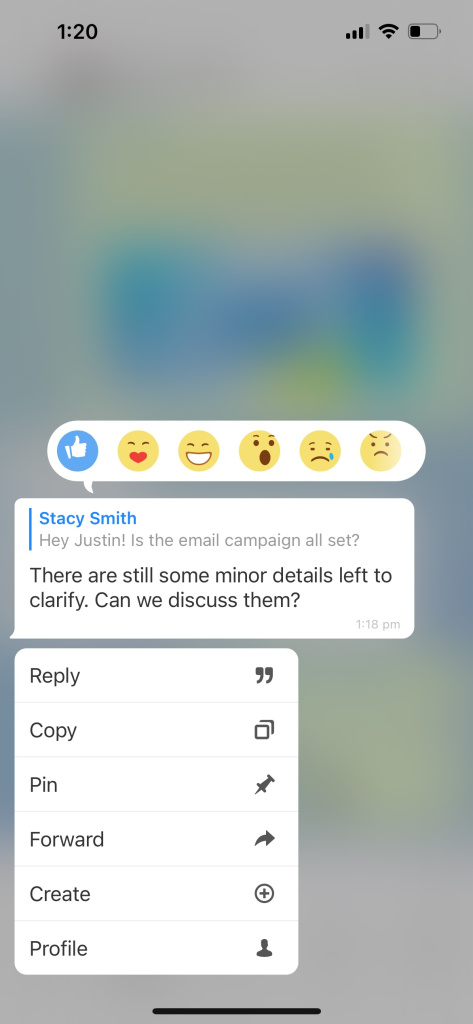
Mobile app
The mobile app now works as a full workplace outside the office. For example, managers can approve invoices on the go.
Important:
Starting October 1, 2024, the latest mobile app version will not work with older Bitrix24 versions. Users may not be able to log in.
Update this module to continue using the app:
- Mobile application (mobile): 23.700.0
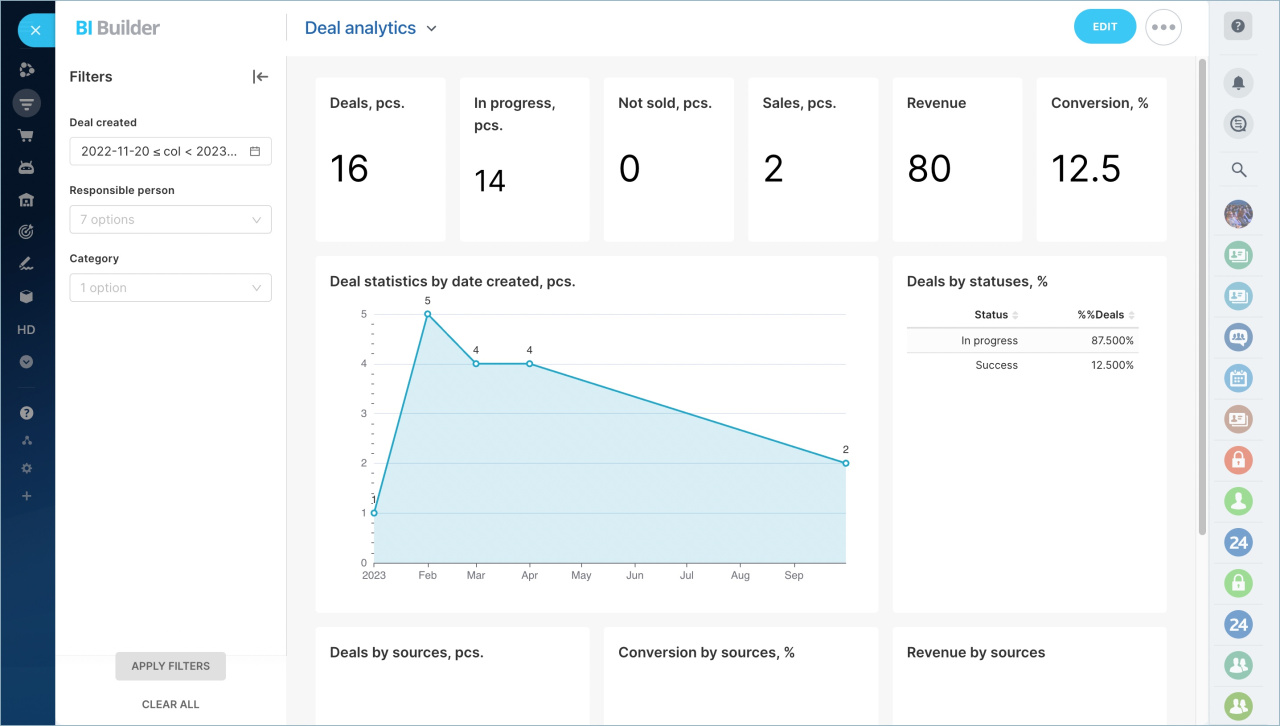
BI Builder
BI Builder is a built-in analytics tool. It lets you:
- Create reports using Bitrix24 data
- Build dashboards without third-party tools
- Work with data of any complexity
FAQ
Why doesn’t the mobile app work with older Bitrix24 versions?
The mobile app uses the latest REST API. Older Bitrix24 versions are not compatible, so the app cannot connect.
What version is required for the mobile app?
Update the Mobile application (mobile) module to version 23.700.0.
What version is required for Bitrix24 Sync?
Update these modules:
- Instant Messenger (im): 24.900.0
- Video calls (call): 24.400.0
- Mobile messenger (immobile): 24.700.0
- Mobile video calls (callmobile): 24.100.0
Why should I update Bitrix24?
Updates improve security and give you access to new features.
Bitrix24 Cloud updates automatically. Bitrix24 On-premise requires manual updates.
How do I update Bitrix24 On-premise?
- Open the Control Panel.
- Go to Marketplace.
- Select Platform Update.
- Click Install recommended updates.
- Open the Updates tab to choose specific updates.
I can’t update Bitrix24. What should I do?
Update issues may occur if you use unsupported third-party integrations.
If needed, contact Bitrix24 support for help.