
The CoPilot Agent is your personal AI assistant. Send a message in the chat, and it can answer questions, help you find information, and complete tasks.
In this article:
Start a conversation
You can have several conversations with the CoPilot Agent at the same time. Each conversation keeps its own context. This makes it easier to work on different topics at the same time.
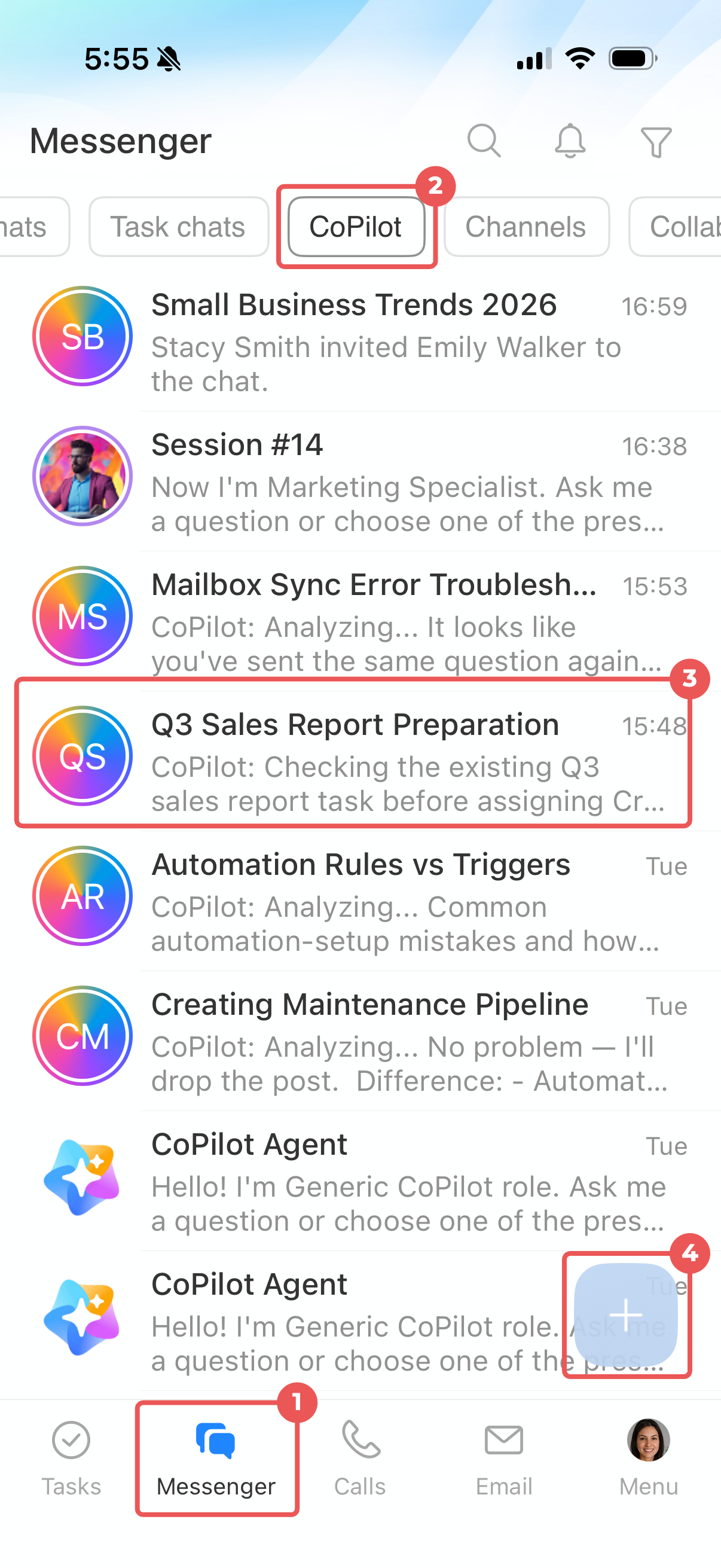
Go to Messenger > CoPilot. Open an existing conversation or tap Plus (+) to start a new one.
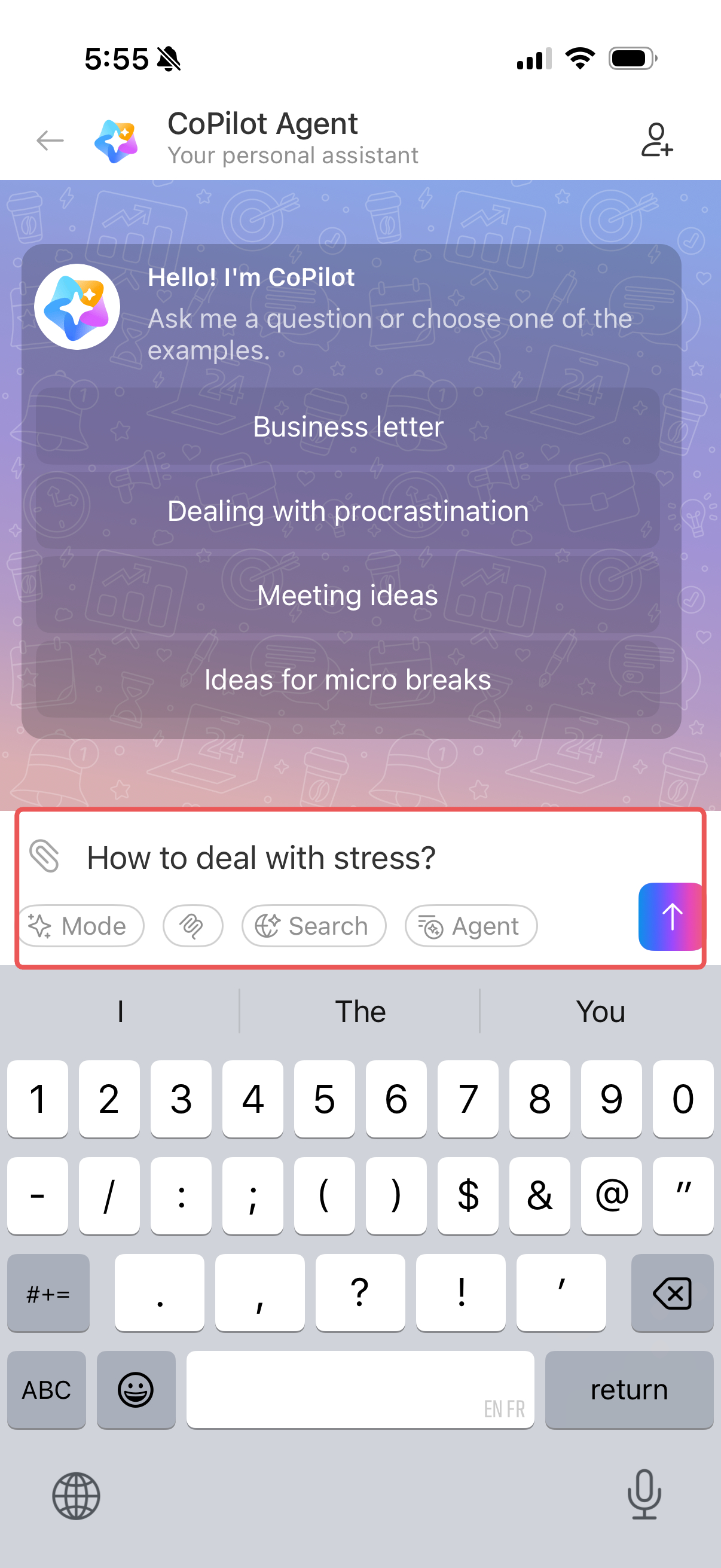
Enter your request, and the agent will reply in the same conversation.
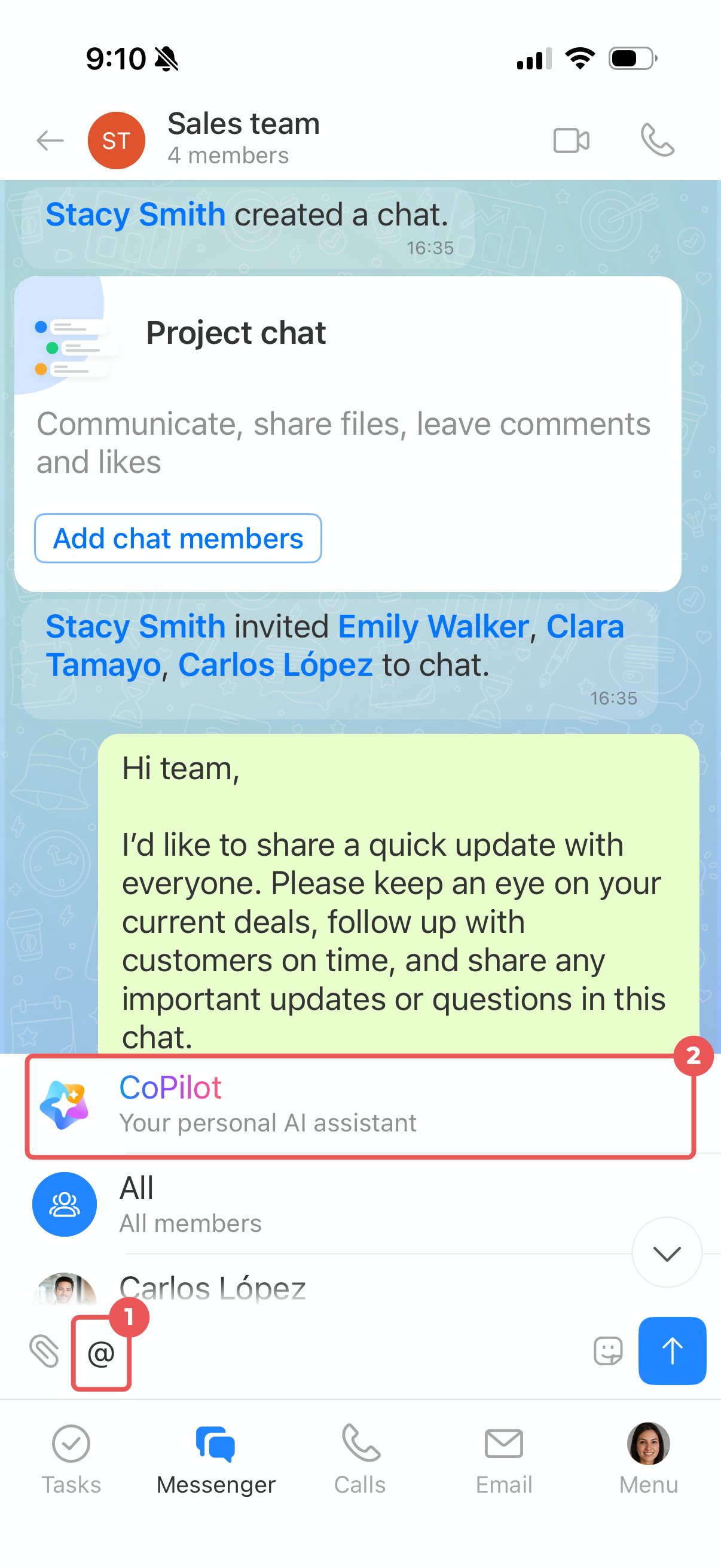
You can also use the agent in a chat with colleagues. Type @ or + in the message field, then select CoPilot from the contact list. The mention will appear in the message field.
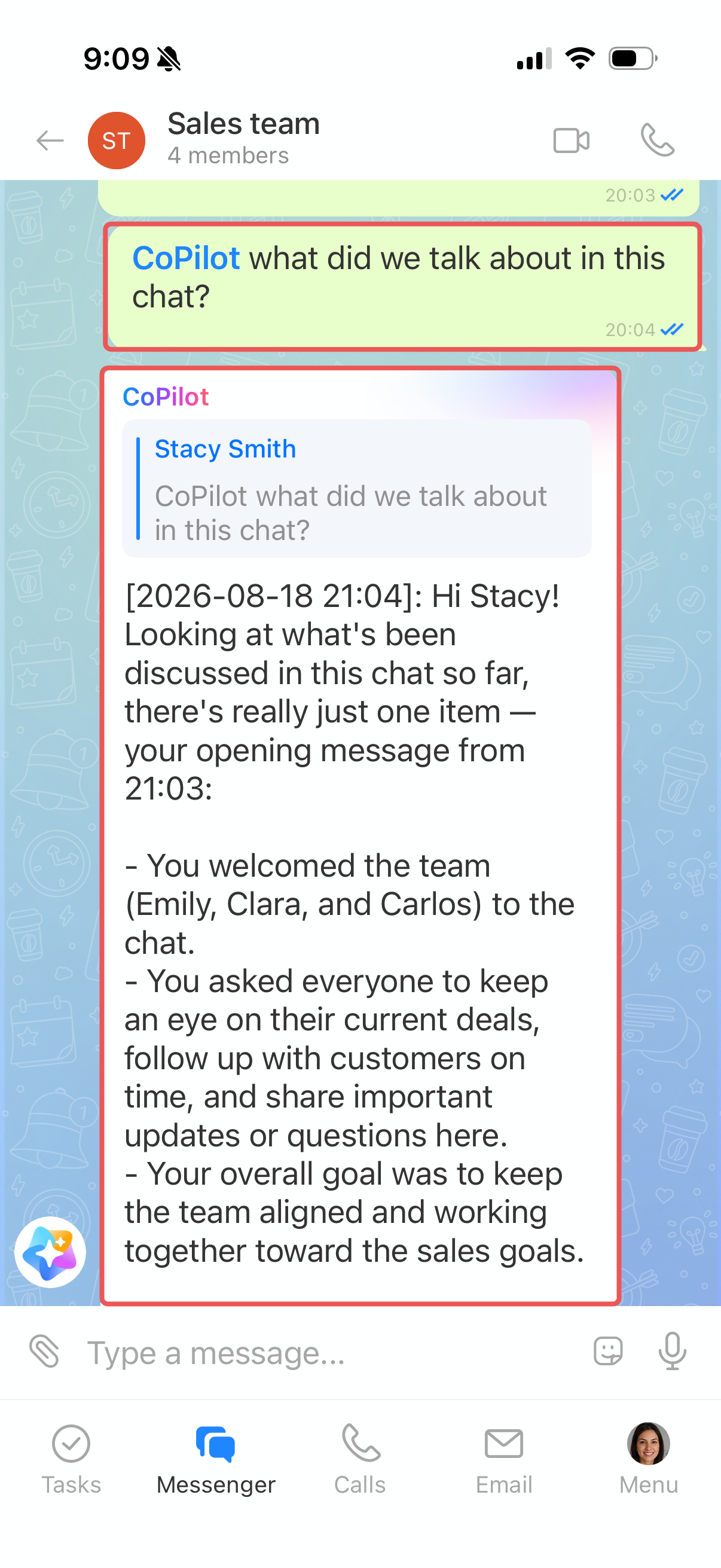
Ask a question or assign a task to the CoPilot Agent. In group chats, the agent replies only to messages where you mention it.
Why CoPilot responses may be inaccurate
Work with data
The CoPilot Agent can find and analyze information from:
- Bitrix24
- The internet
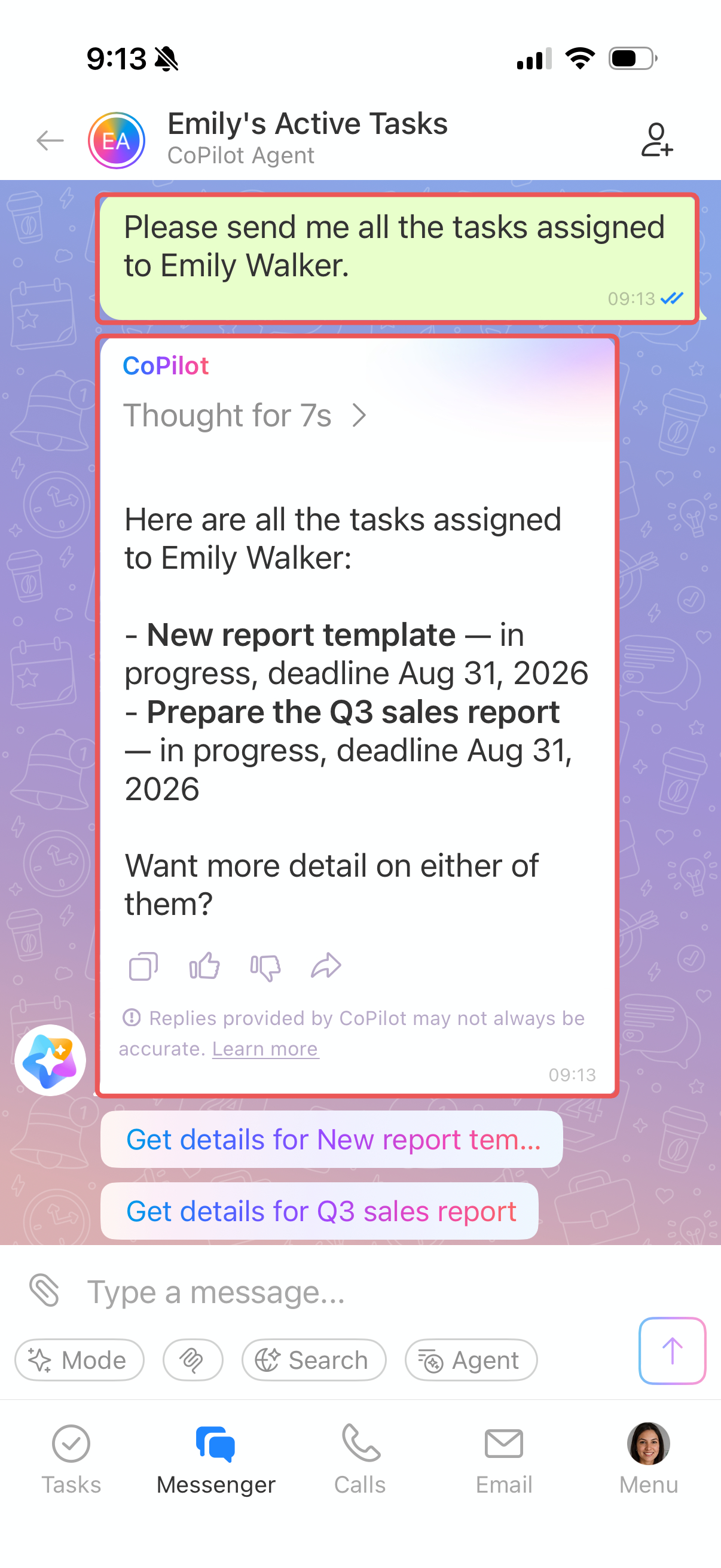
For example, you can ask the agent to show a list of an employee’s deals in the chat or find company details in an external service.
Manage Bitrix24 items
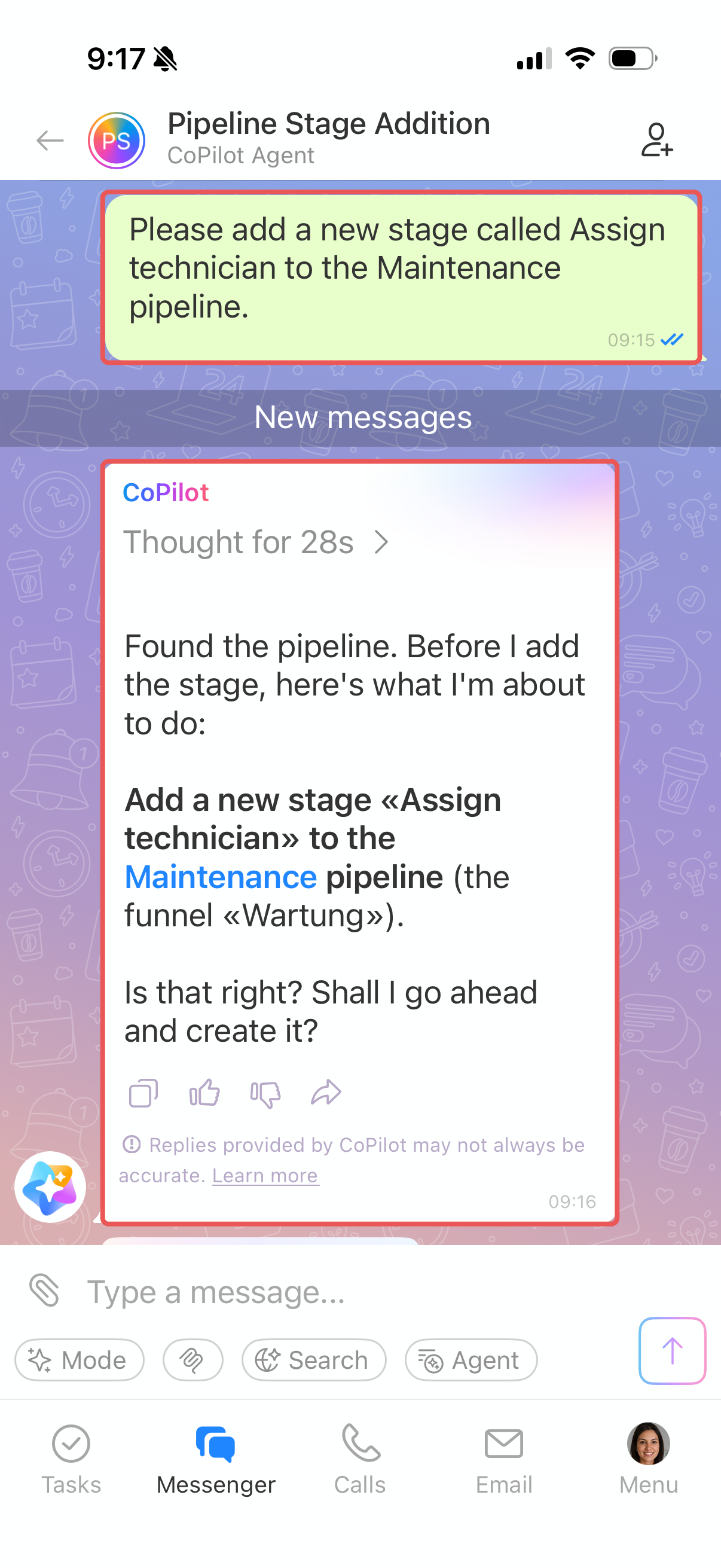
The CoPilot Agent can create or update deals, custom fields, tasks, calendar events, and other items. For example, you can ask it to add a new stage to the sales pipeline. The agent will confirm the details and complete the task.
Manage Bitrix24 with the CoPilot Agent
Learn Bitrix24 tools
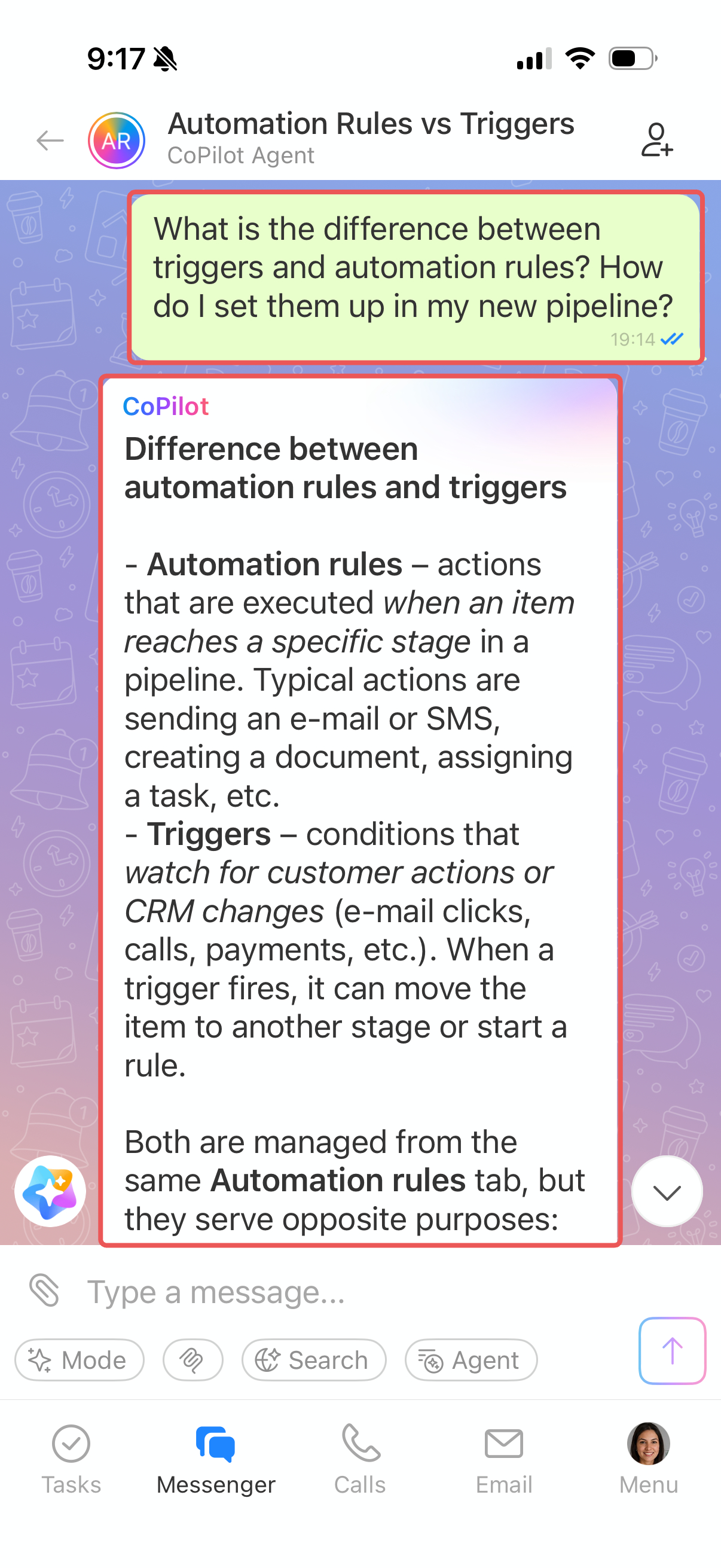
Ask the CoPilot Agent where to start in Bitrix24, how to set up a tool, or what a specific icon in the interface means. Depending on your request, the agent can answer in the chat, provide step-by-step instructions, or share a link to a detailed article.
Work with text
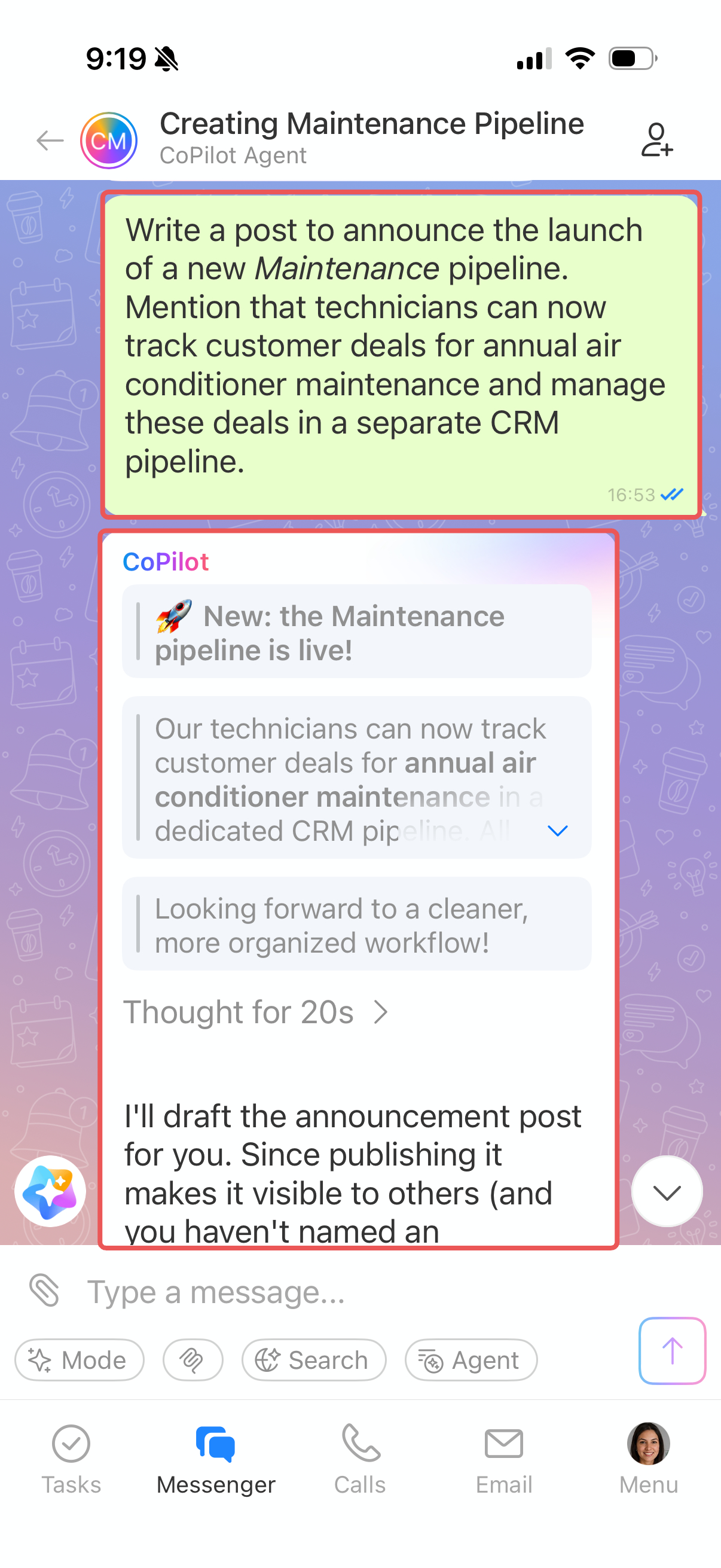
The CoPilot Agent can create, edit, and analyze text. For example, it can:
- Summarize a chat conversation
- Draft a reply to a client in a specific tone
- Suggest a presentation outline
- Translate text into another language
The CoPilot Agent helps new users learn Bitrix24 faster and helps experienced users save time on routine work.