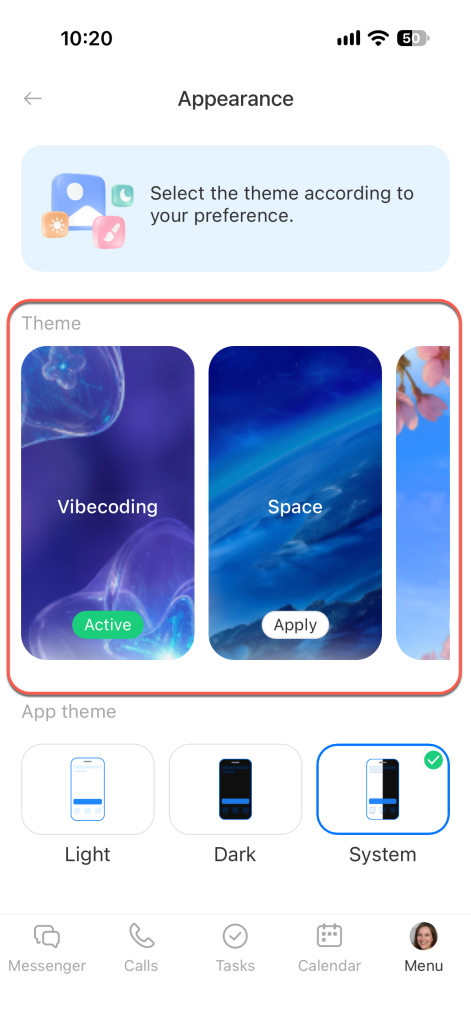
Customize the appearance of the Bitrix24 mobile app: choose a light, dark, or system theme and select a background color. For example, use the system theme to automatically match your phone settings.
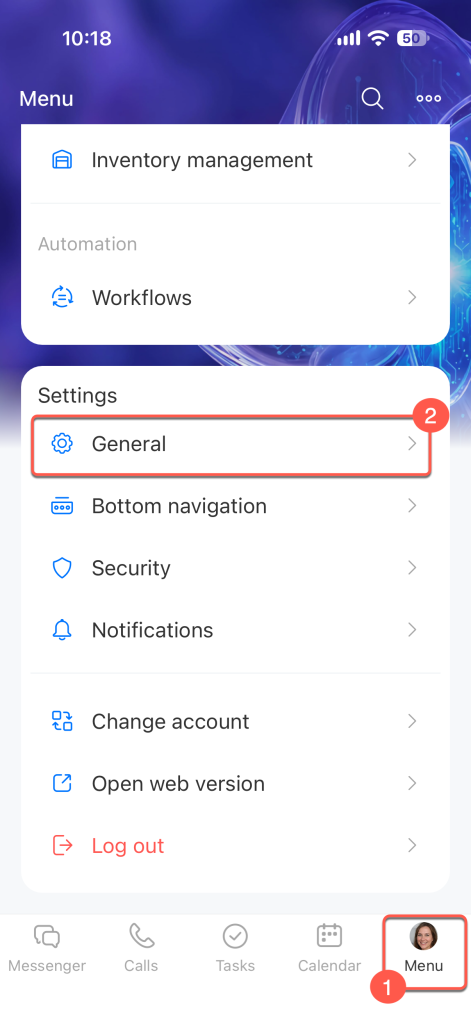
Open Menu in the app's bottom bar. In the Settings block, select General.
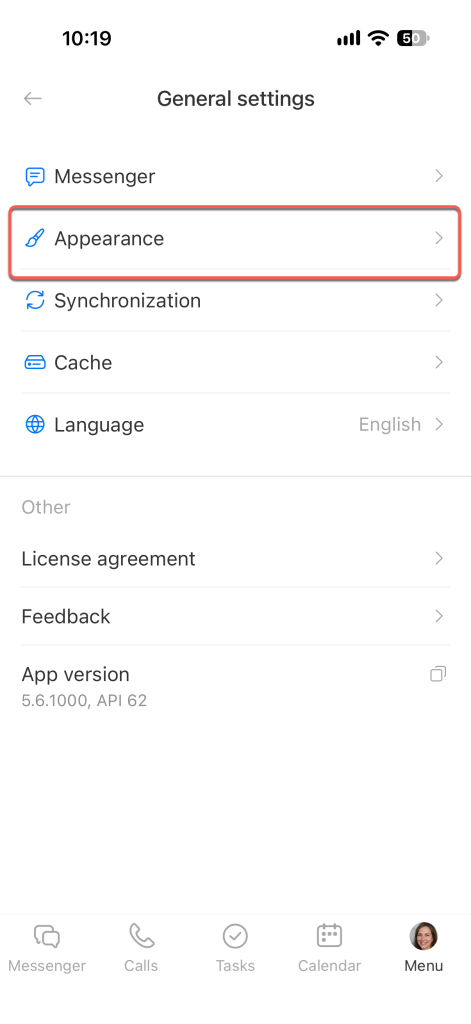
Tap Appearance.
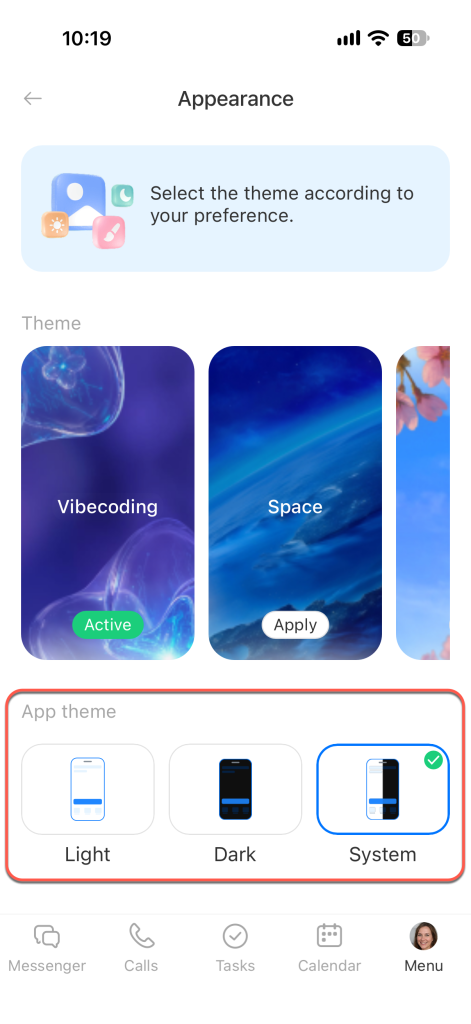
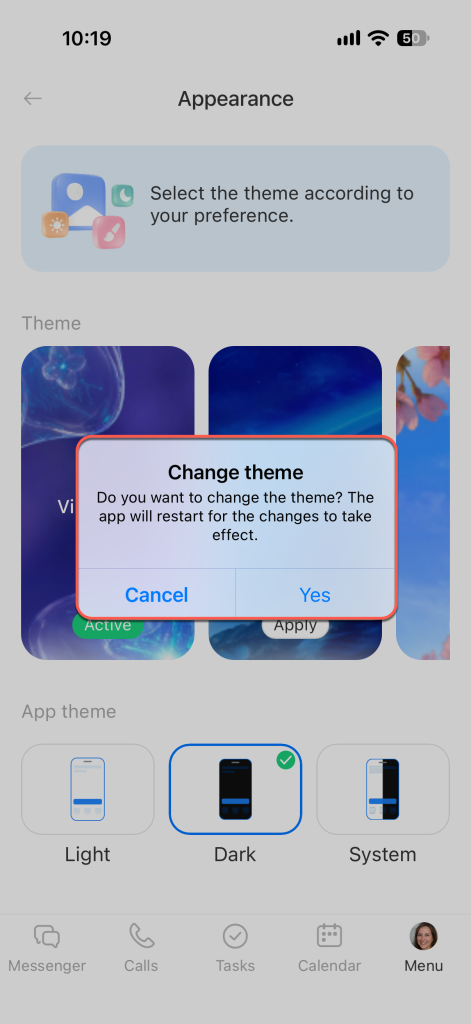
In the App theme section, choose a theme:
- Light — a light interface background.
- Dark — a dark interface background.
- System — the theme changes automatically based on your phone settings.
Tap Yes, switch to confirm the theme change. The app will restart.
In the Theme section, choose one of the background options. The background applies immediately, and you don't need to restart the app.