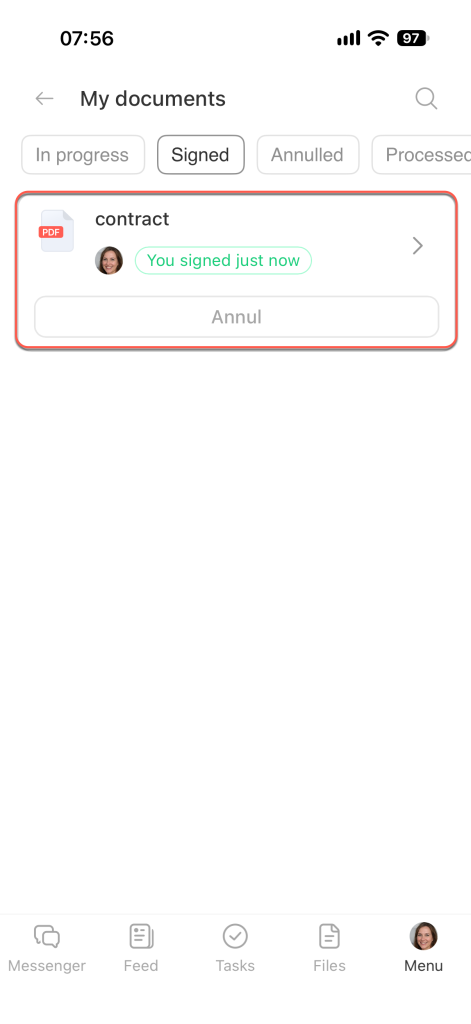
The Bitrix24 mobile app has a My Documents section where you can sign documents, track their status, and send them for signature.
This is especially useful when you need to work with documents on your phone while you're away from your computer.
In this article:
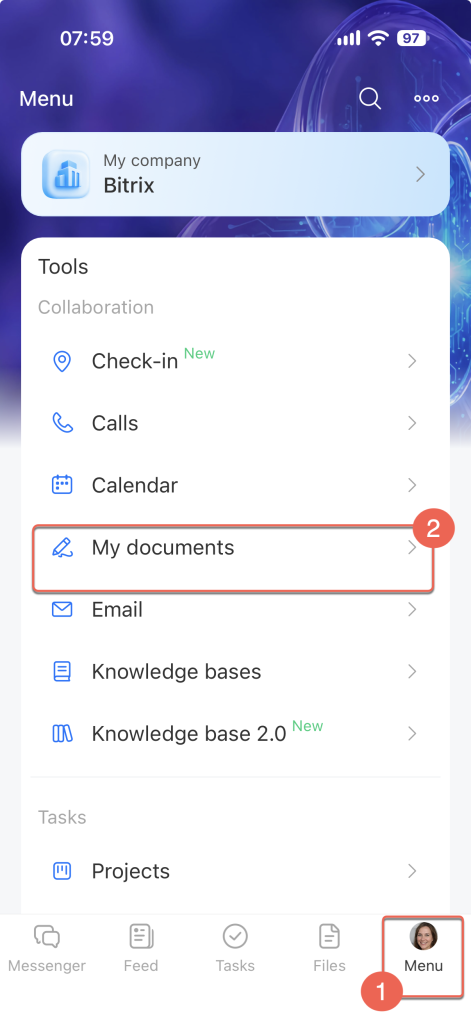
To open this section, tap Menu > My Documents.
Available filters in My Documents
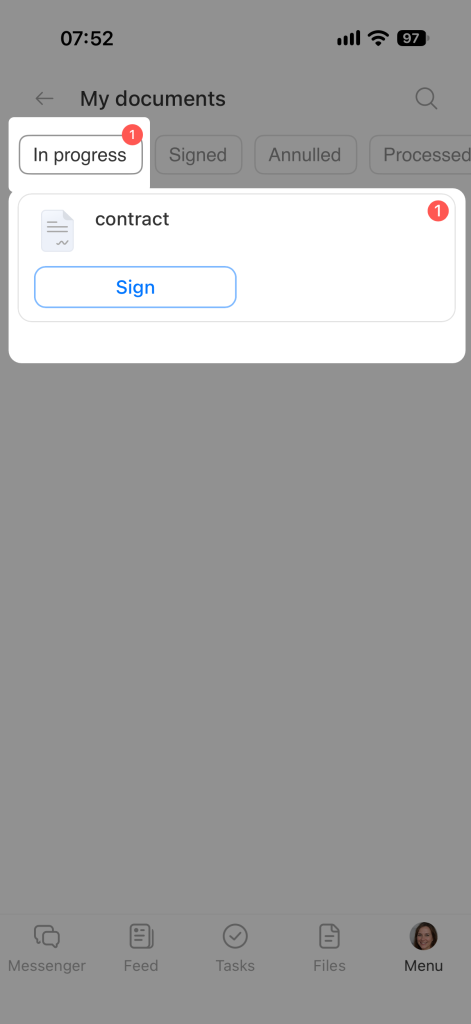
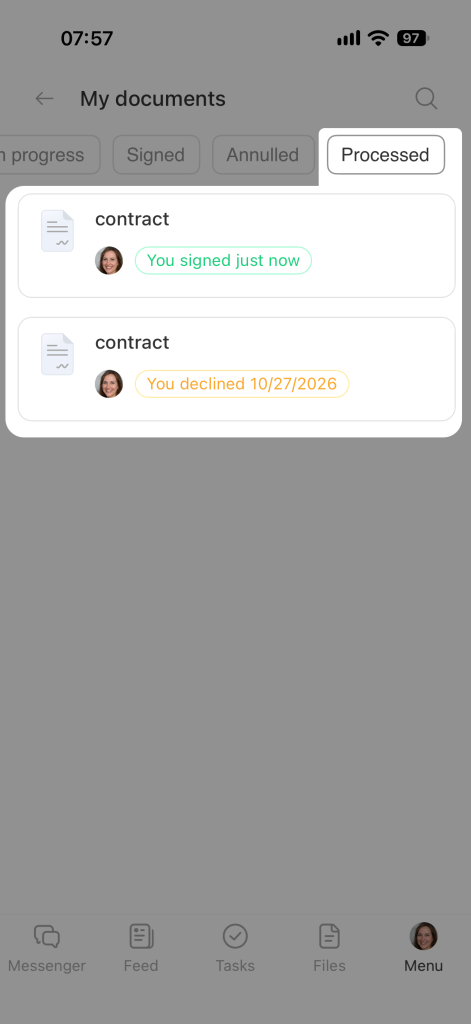
The My Documents section has filters that help you quickly find documents by status: In progress, Signed, Annulled, and Processed.
In progress. Documents that require action from you, such as signing, approving, or filling in fields.
Signed. Documents you've signed, filled out, or approved.
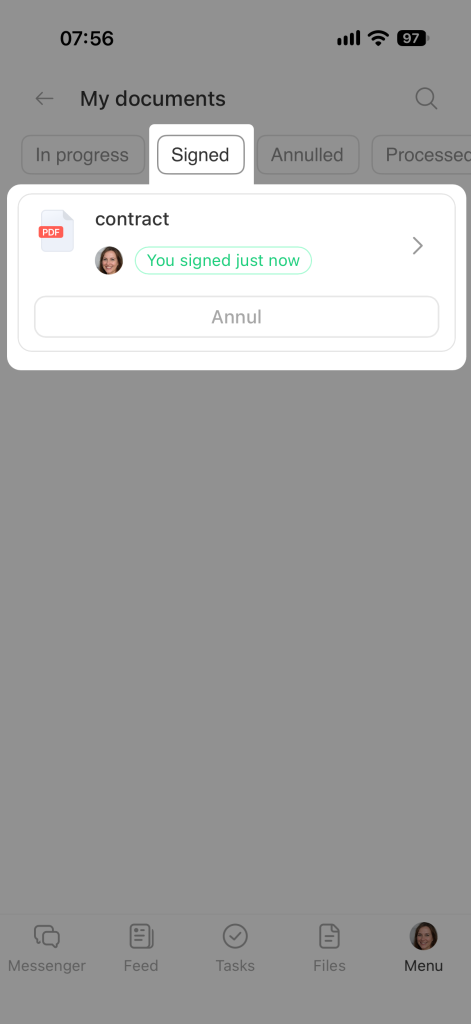
Annulled. Signed documents that have been marked as annulled.
Processed. All documents you've worked with.
Download a document
In this section, you can download signed documents and documents whose signing process was canceled.
Tap the document you want to download. It will automatically download and be saved to your device's storage.