
Use Scrum in Bitrix24 to organize teamwork and distribute tasks clearly.
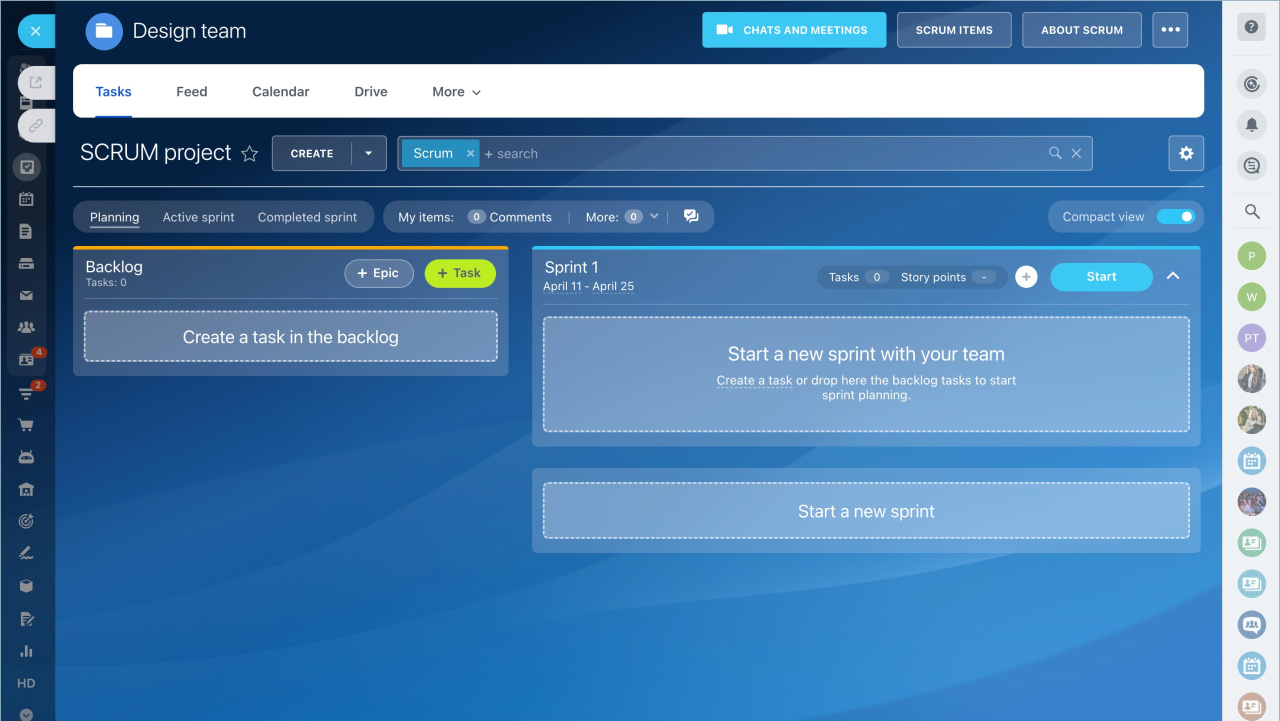
Create a Scrum team and schedule meetings
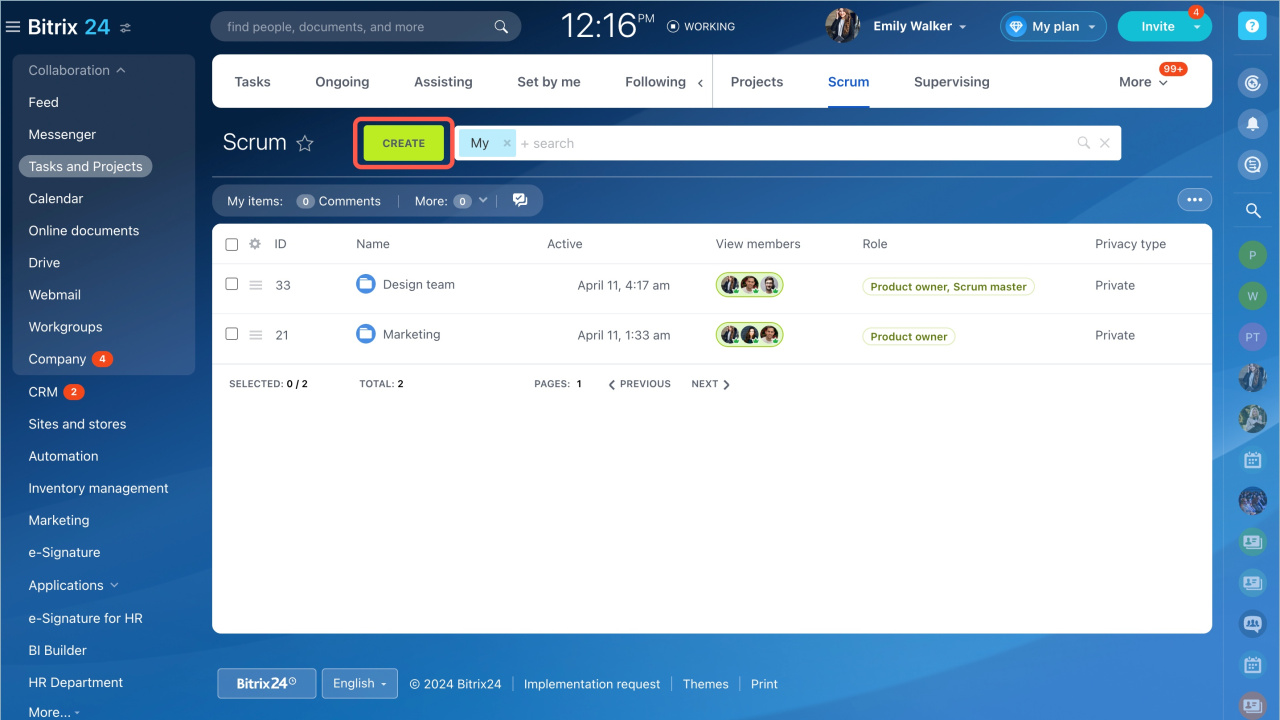
Go to Tasks and Projects > Scrum and create a Scrum team.
Start by scheduling team meetings. Scrum includes four meeting types:
- Daily Scrum
A 15-minute meeting. The team reviews progress toward the sprint goal and adjusts upcoming work. - Sprint Planning
The team selects backlog items to complete during the sprint. - Sprint Review
The team presents completed work and reviews progress toward the product goal. - Sprint Retrospective
A recurring meeting at the end of a sprint. The team discusses what worked well and what to improve.
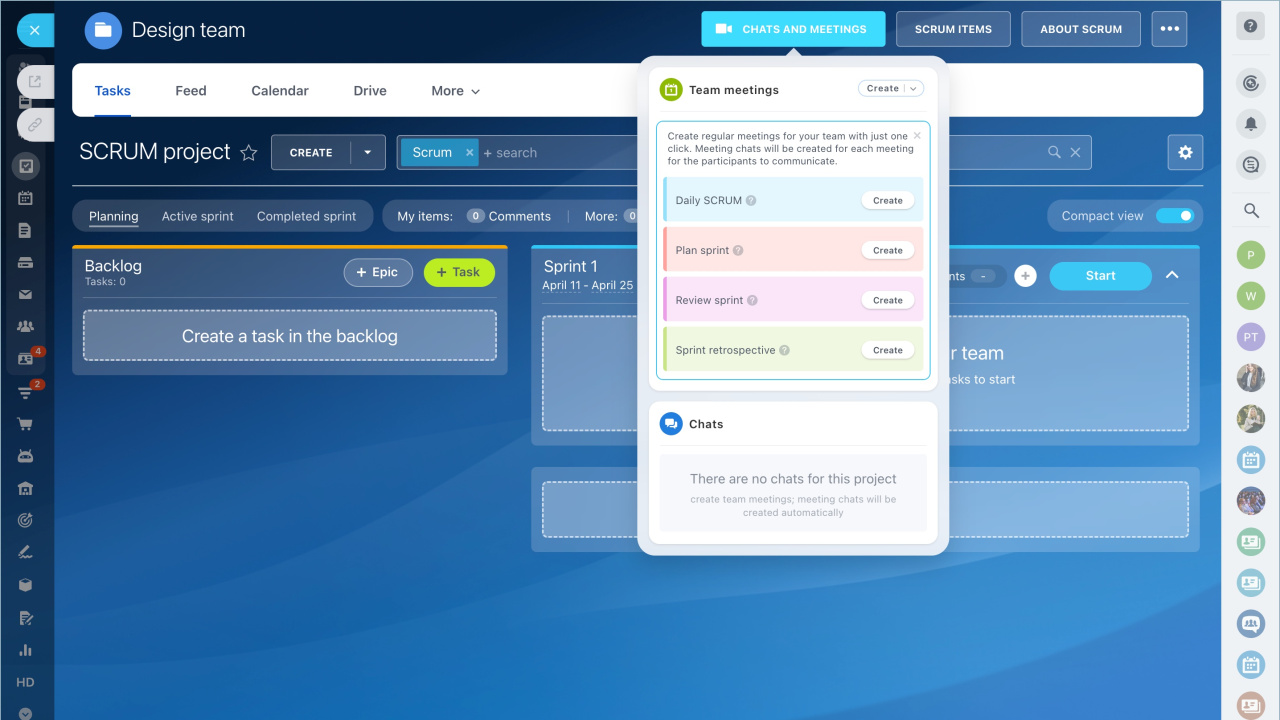
Select a meeting type and create a new event.

Create tasks in the backlog
Any team member can add tasks to the backlog.
- Click Create and choose a template.
- Or click + Task in the backlog.

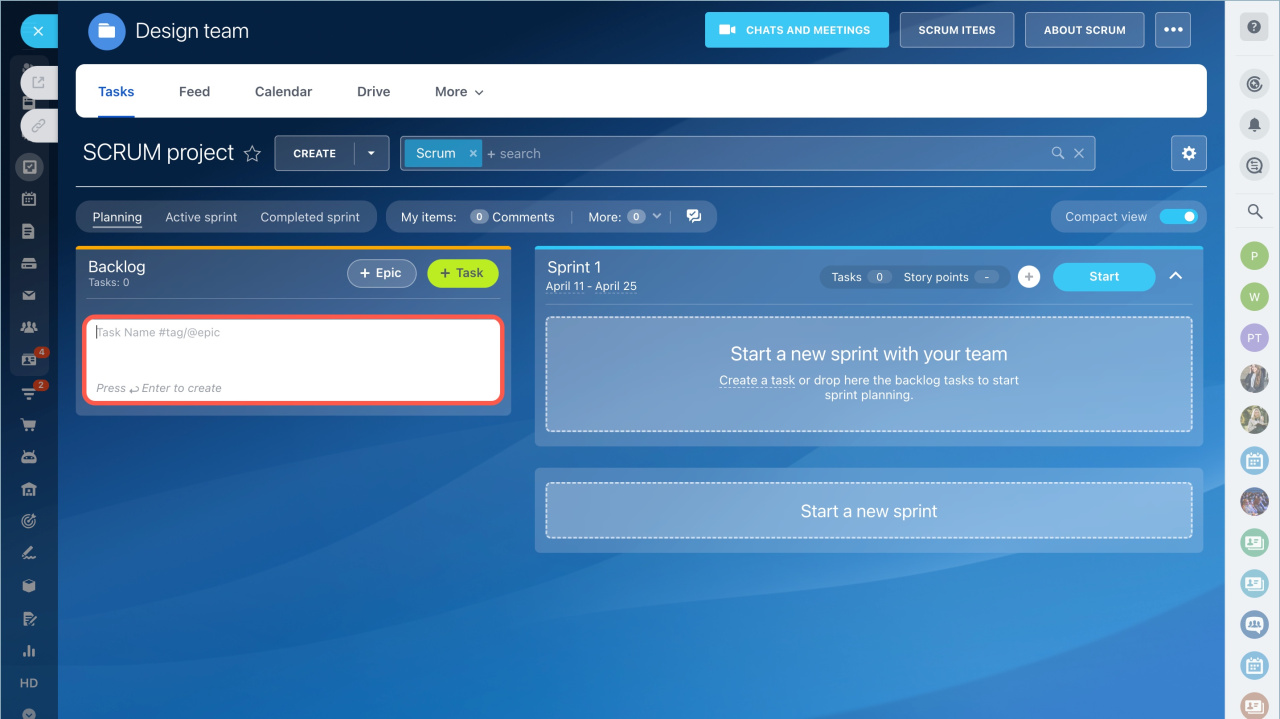
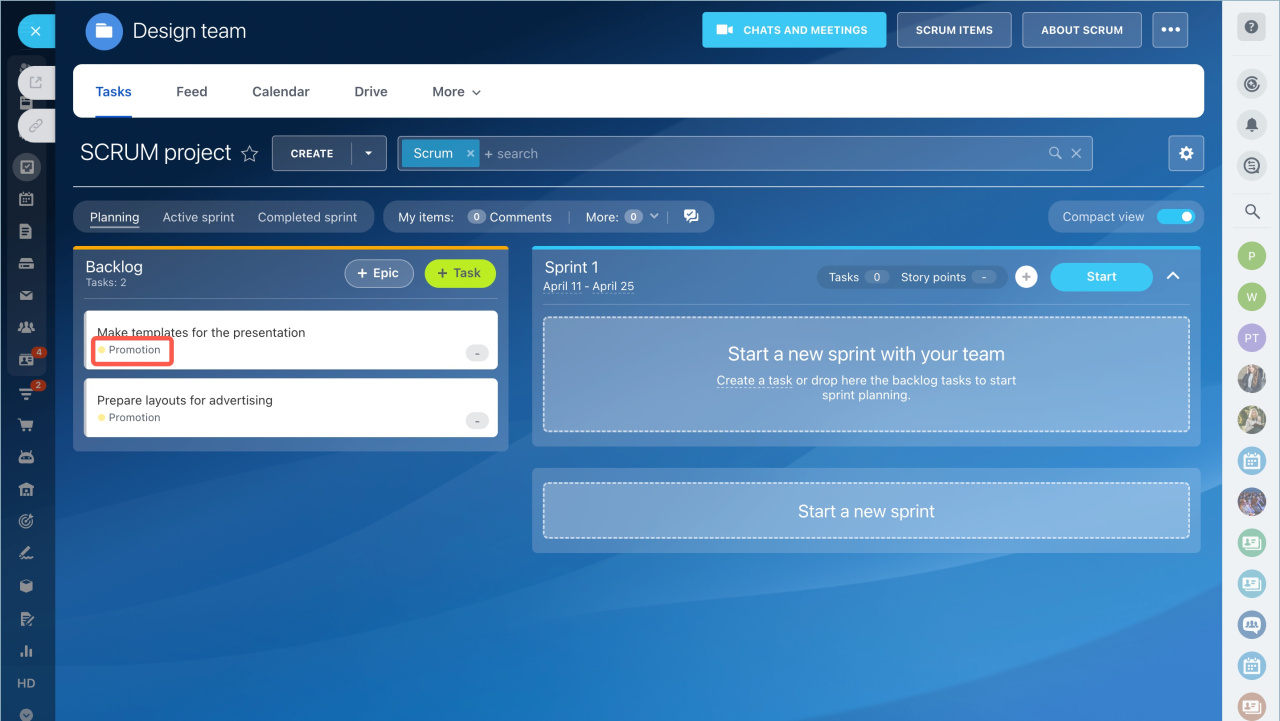
Add an epic to group related tasks under a shared goal or context.
- Click + Epic.
- Enter a name and description.
- Assign the epic to tasks in the backlog.


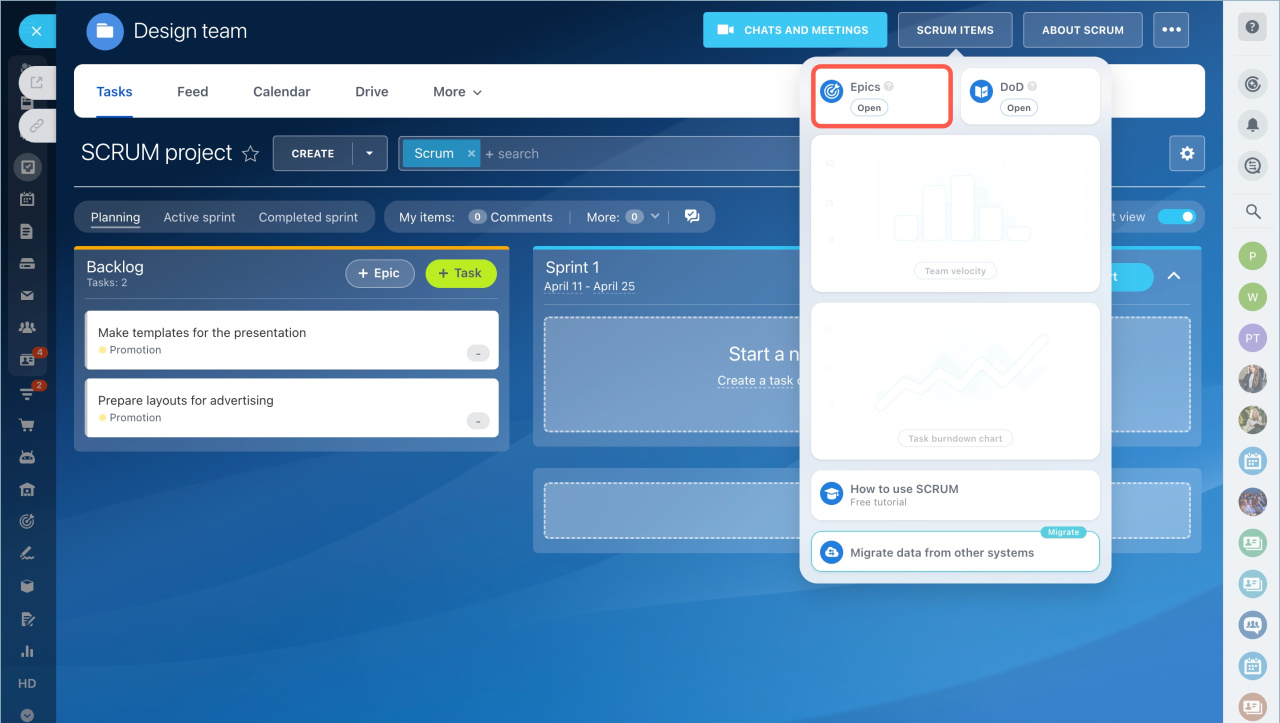
You can also view and manage epics in the Scrum items tab.
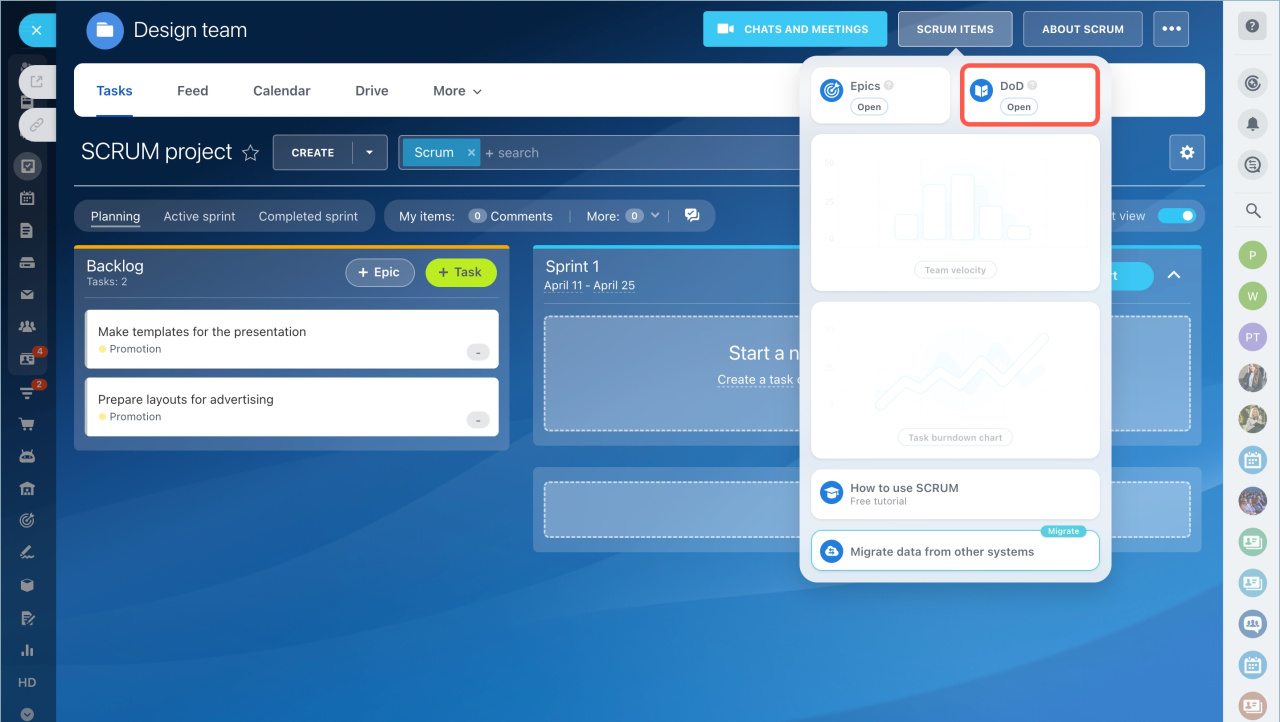
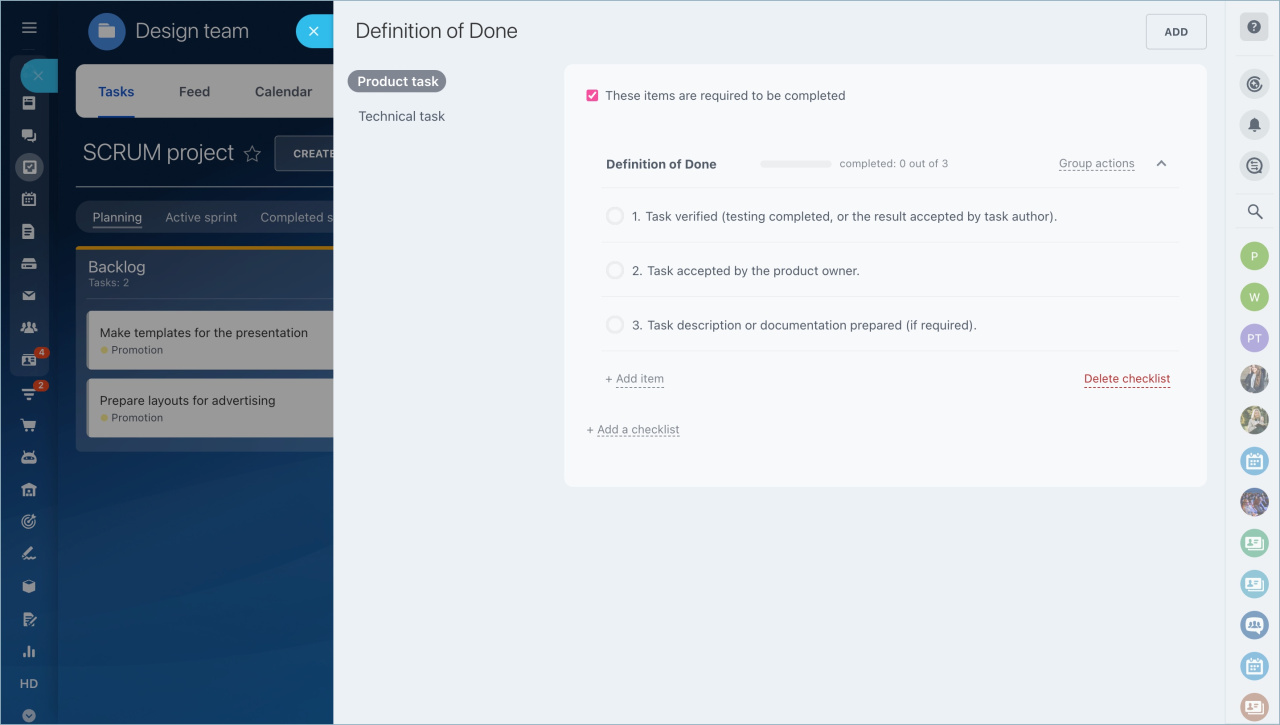
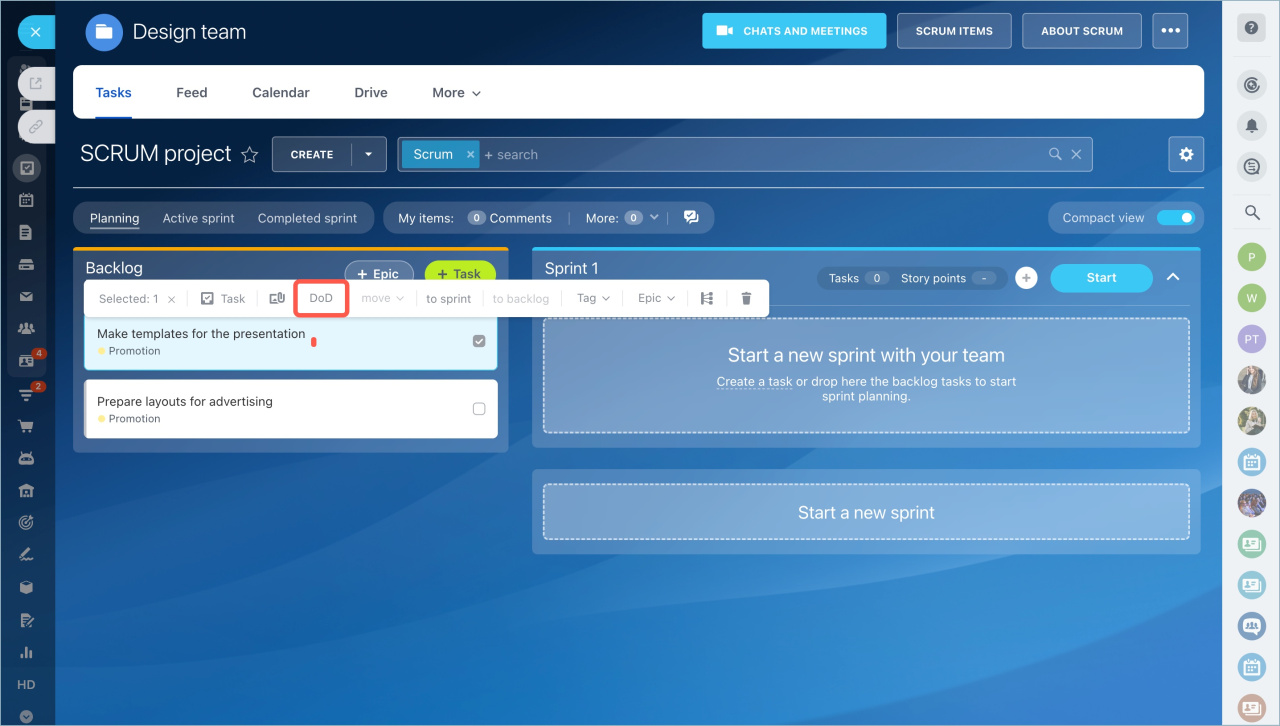
Define a Definition of Done (DOD) for tasks. This is a checklist that confirms when a task is complete.
Create a checklist and enable These items are required to be completed. Users must complete all checklist items before they can close the task.
Assign the checklist to the task.
- Product Owner, Scrum Master, and Development Team can view and manage tasks.
- Stakeholders can view tasks but cannot edit them.
Plan and start a sprint
- Define the sprint goal.
- Drag tasks from the backlog into the sprint.
- Enter a sprint name and duration.

Estimate task effort using Story Points. Then start the sprint.

Monitor sprint progress
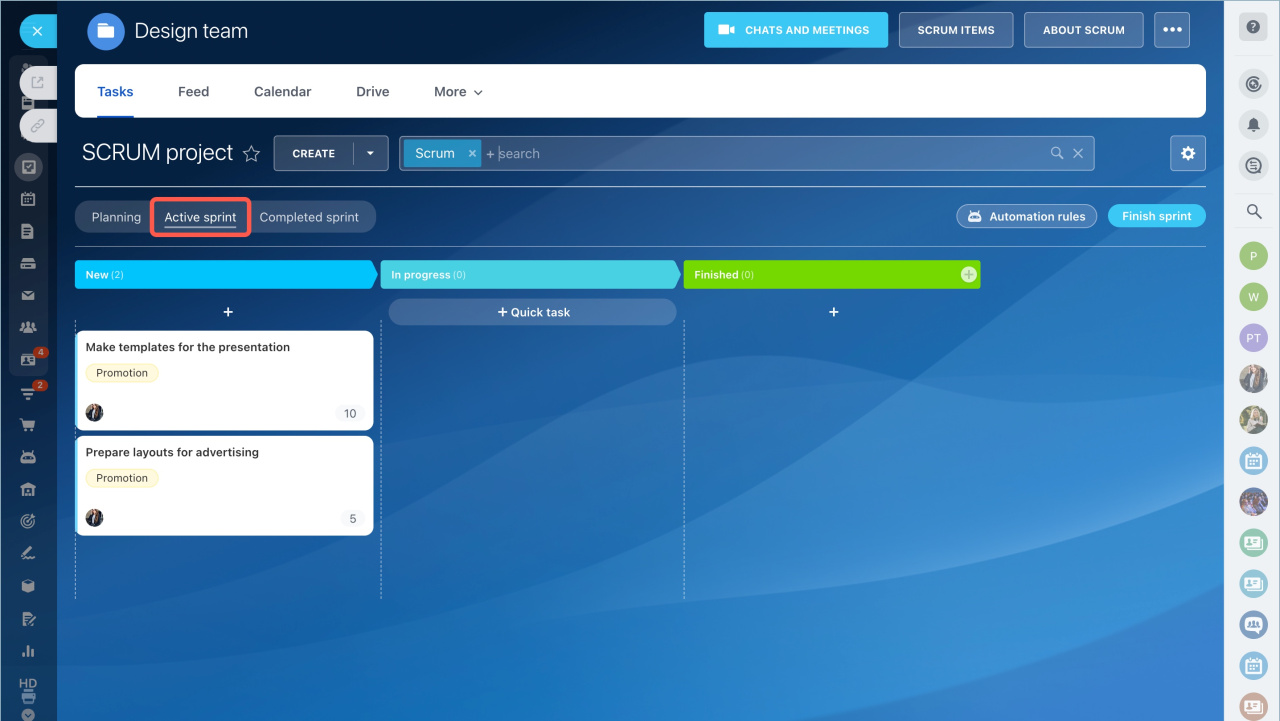
Track progress in the Active Sprint section.
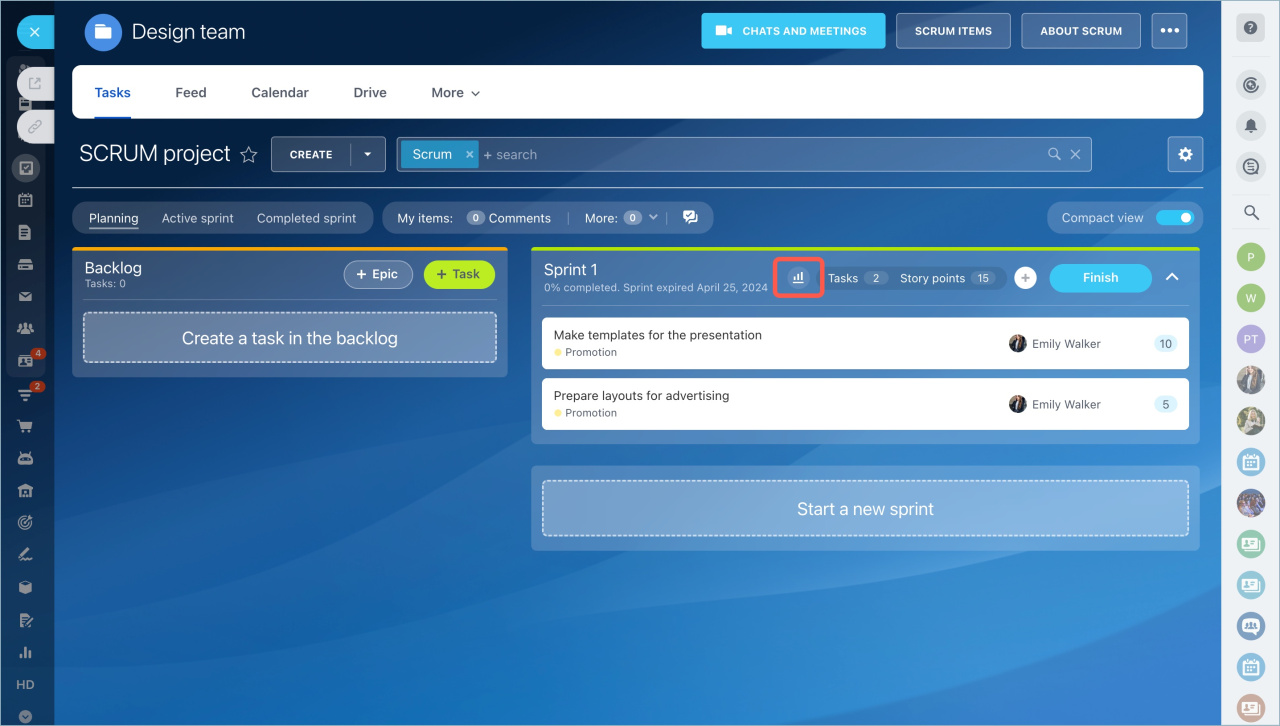
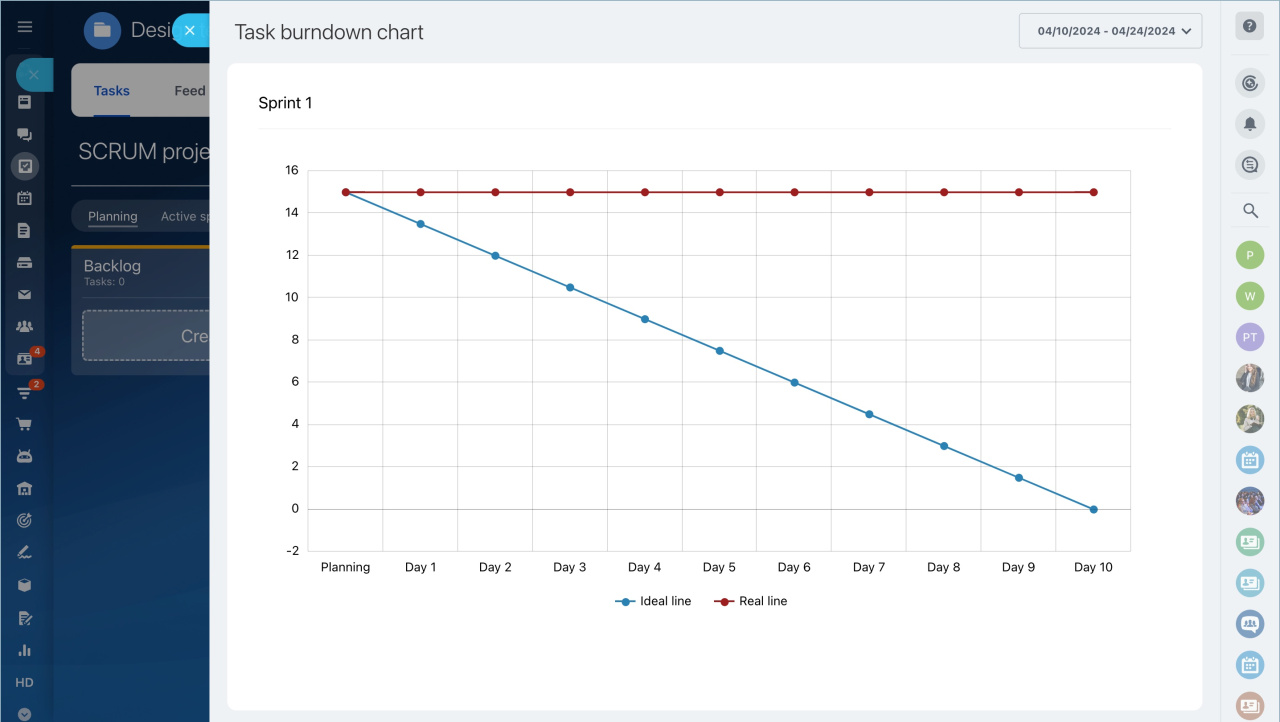
The Task burndown chart shows how much work the team has completed.
- The vertical axis shows total Story Points.
- The horizontal axis shows days remaining in the sprint.
After several sprints, use the Team velocity tool to estimate how much work your team can complete in future sprints.

In brief
- Go to Tasks and Projects > Scrum and create a Scrum team.
- Schedule Scrum meetings.
- Add tasks to the backlog and assign epics and Definition of Done (DoD).
- Define a sprint goal, move tasks to the sprint, and estimate with Story Points.
- Start the sprint and track progress in Active Sprint.
- Use the burndown chart and Team velocity to plan future work.
