
Absence management shows when employees are unavailable due to vacation, sick leave, business trips, or other reasons. Use this information to plan projects and balance workloads. For example, when an employee schedules vacation time, their manager can see it on the chart in advance and assign urgent tasks to other team members.
Bitrix24 plans and pricing
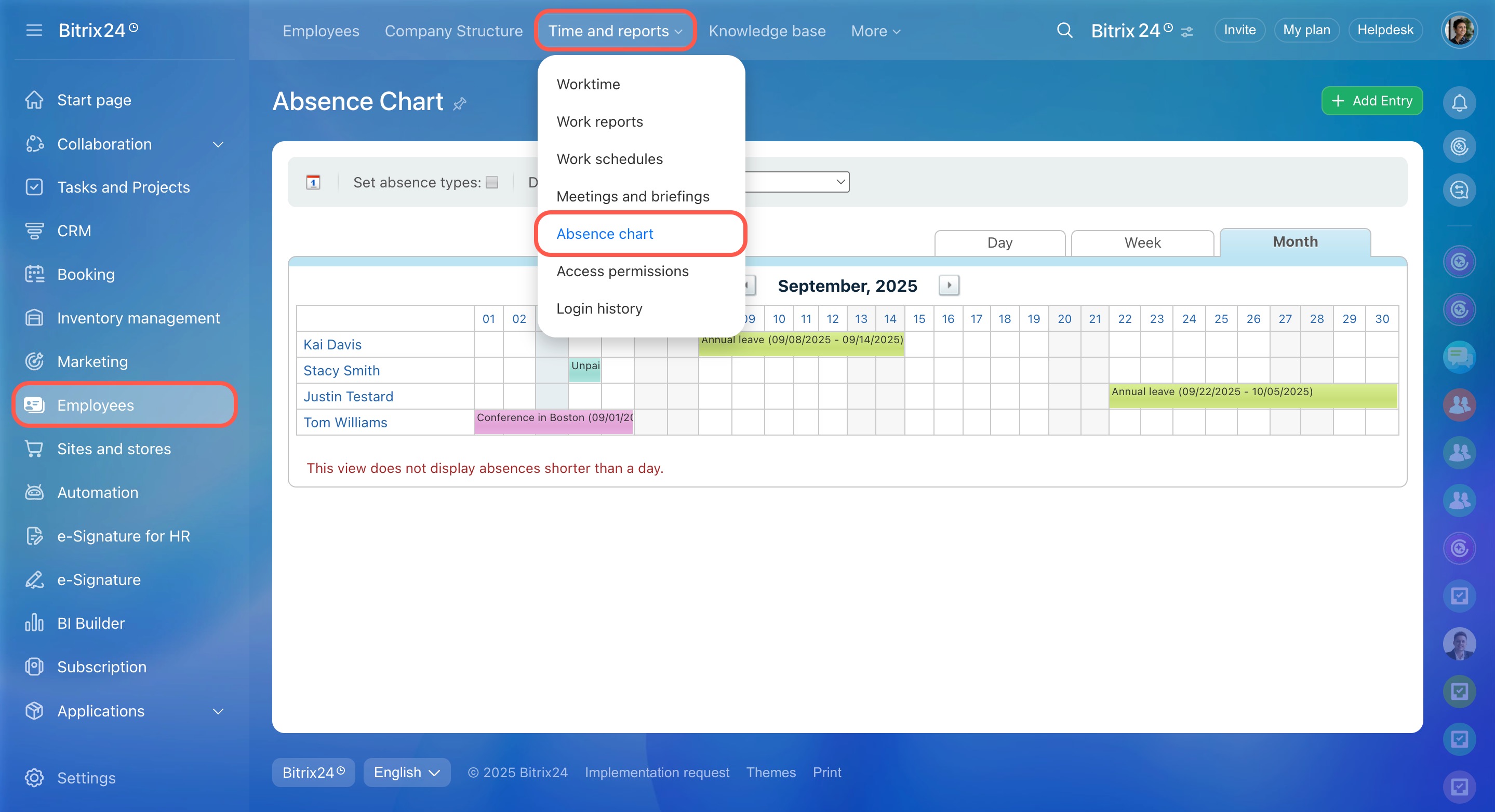
Go to Employees > Time and Reports > Absence management.
All employees can view the absence chart. In Bitrix24 Cloud, only administrators can add absences from the chart. In Bitrix24 On-Premise, administrators and members of the HR Department workgroup can add absences. Employees can add absences only through the calendar or a workflow.
How to add an absence to the chart
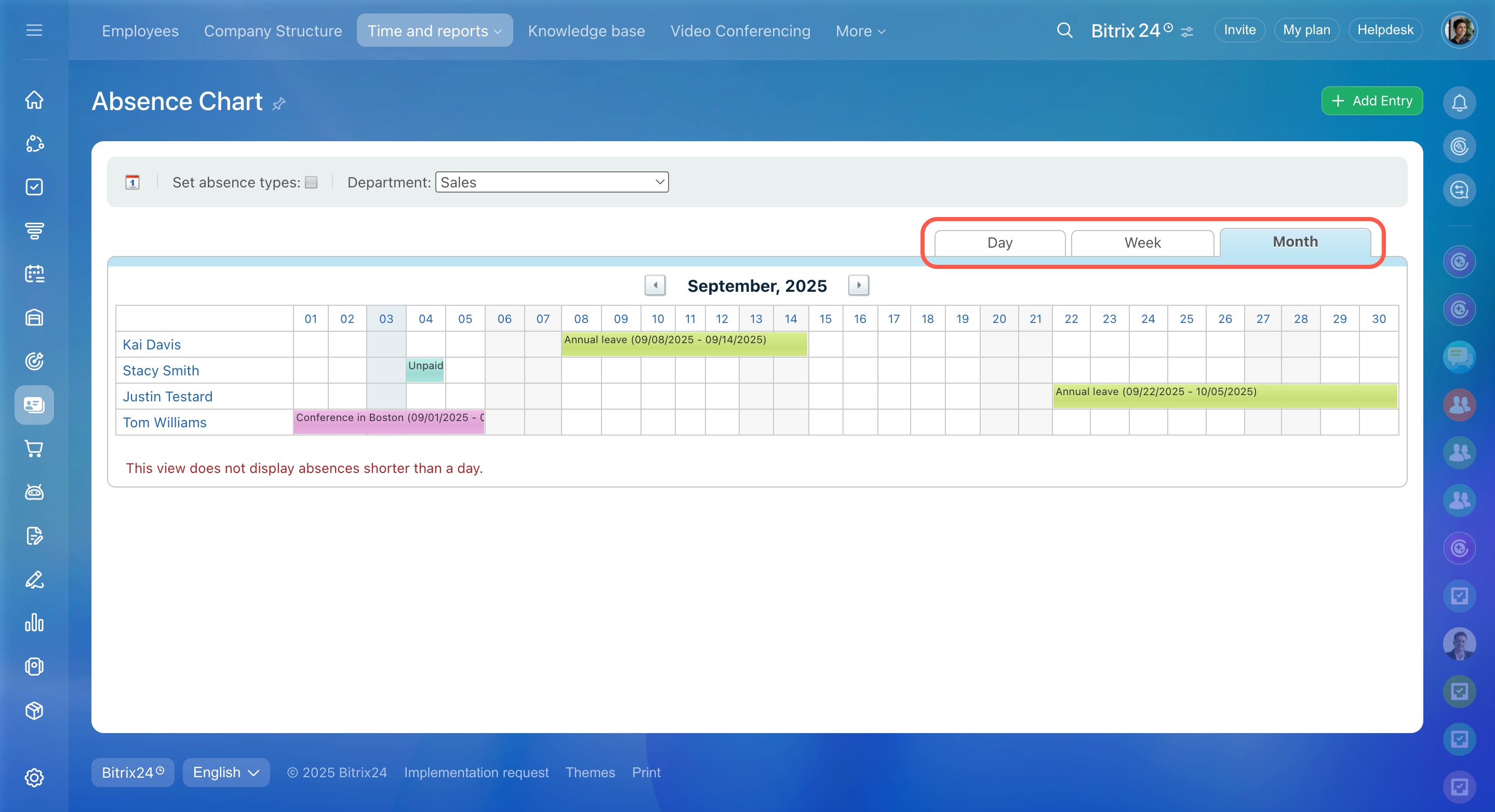
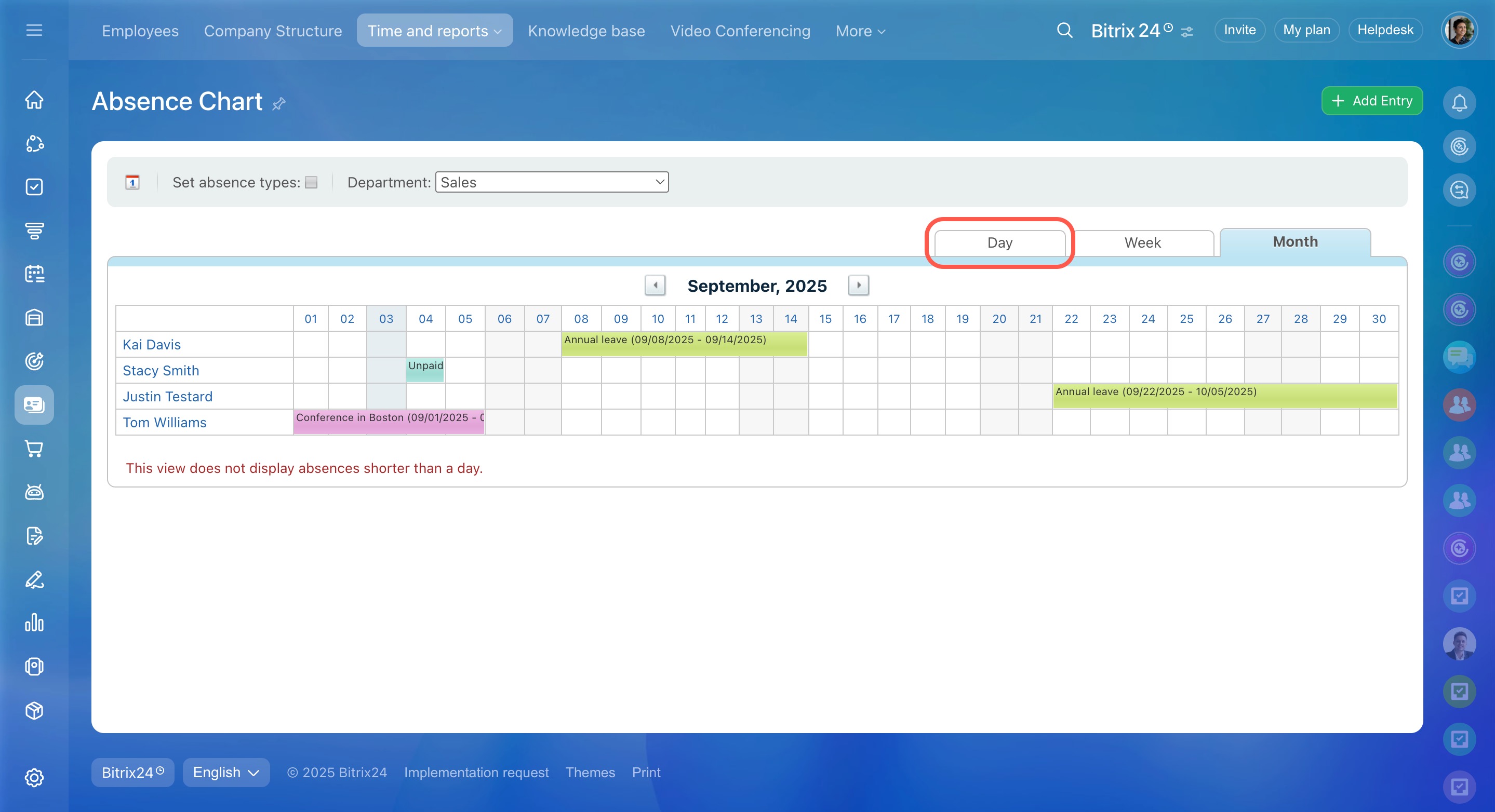
Choose a chart view. Use the Day, Week, and Month options in the upper-right corner. The Month view does not show absences shorter than one day, such as a few hours of time off. Select Day to view these events.
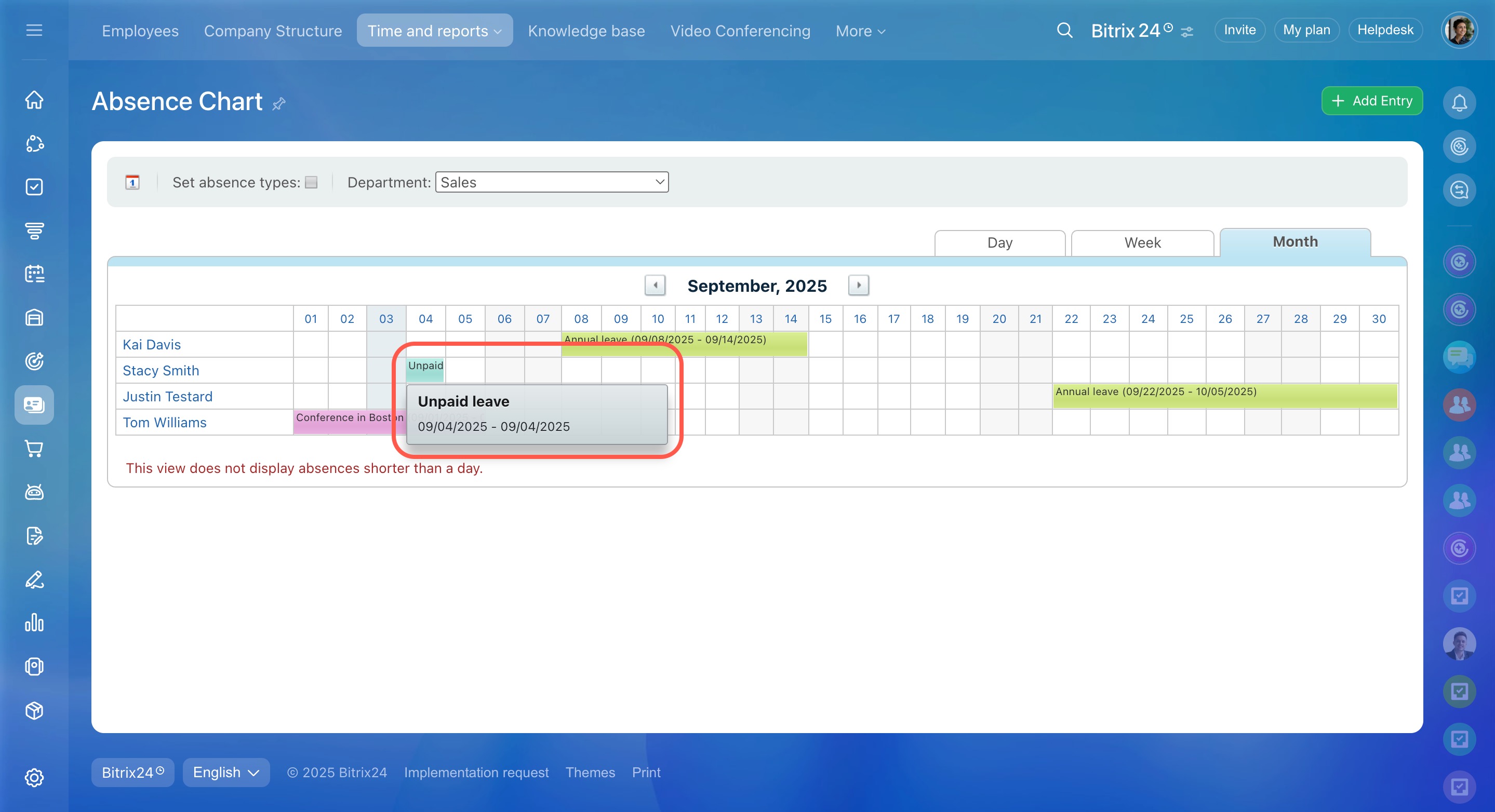
View absence details. Hover over an event to view its name and dates without opening it. Click an event to open its details, edit it, or delete the record.
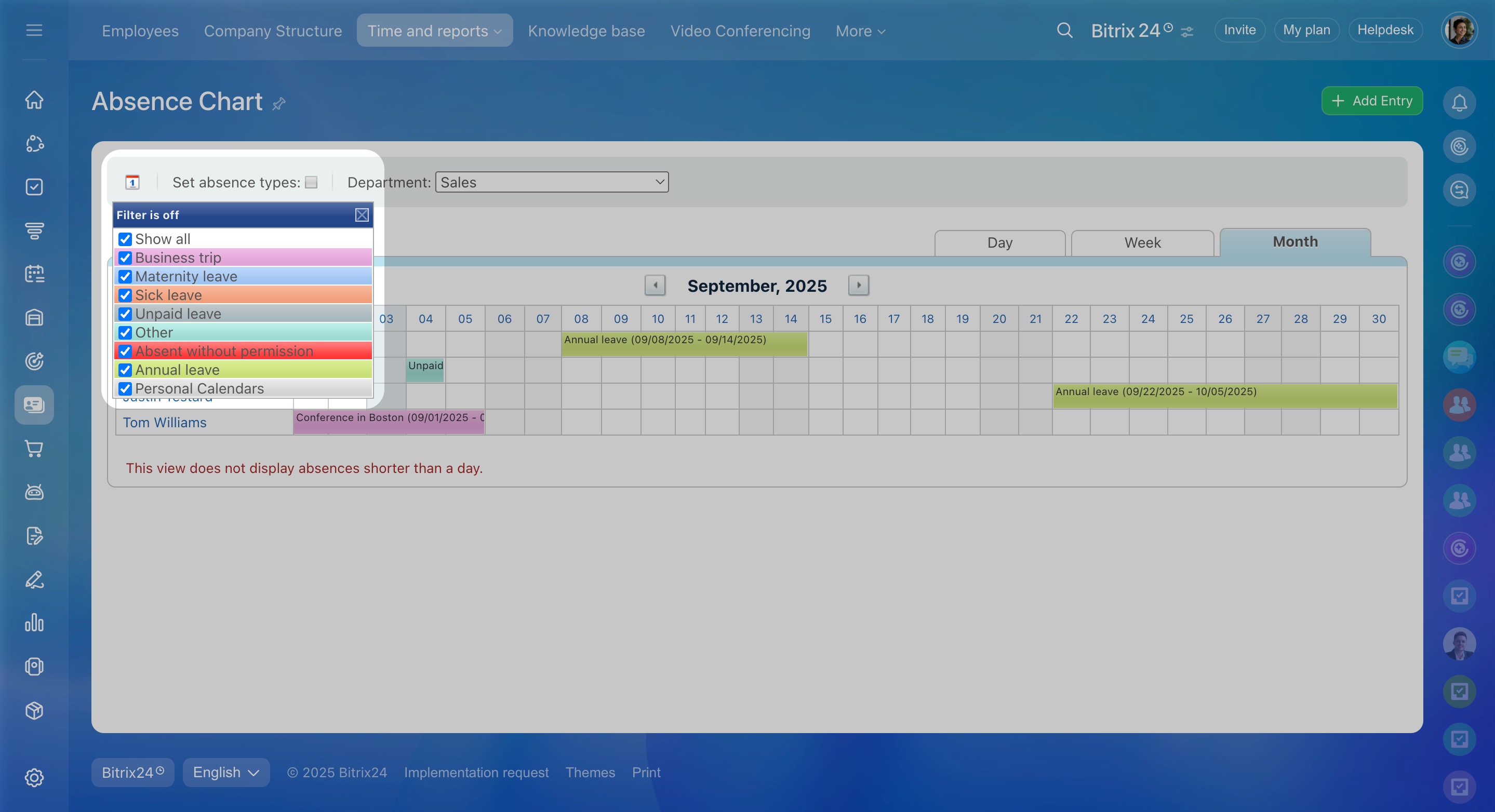
Filter absences by type. Click Absence types in the upper-left corner and select the types you want to see, such as annual vacation only. The chart hides all other absence types.
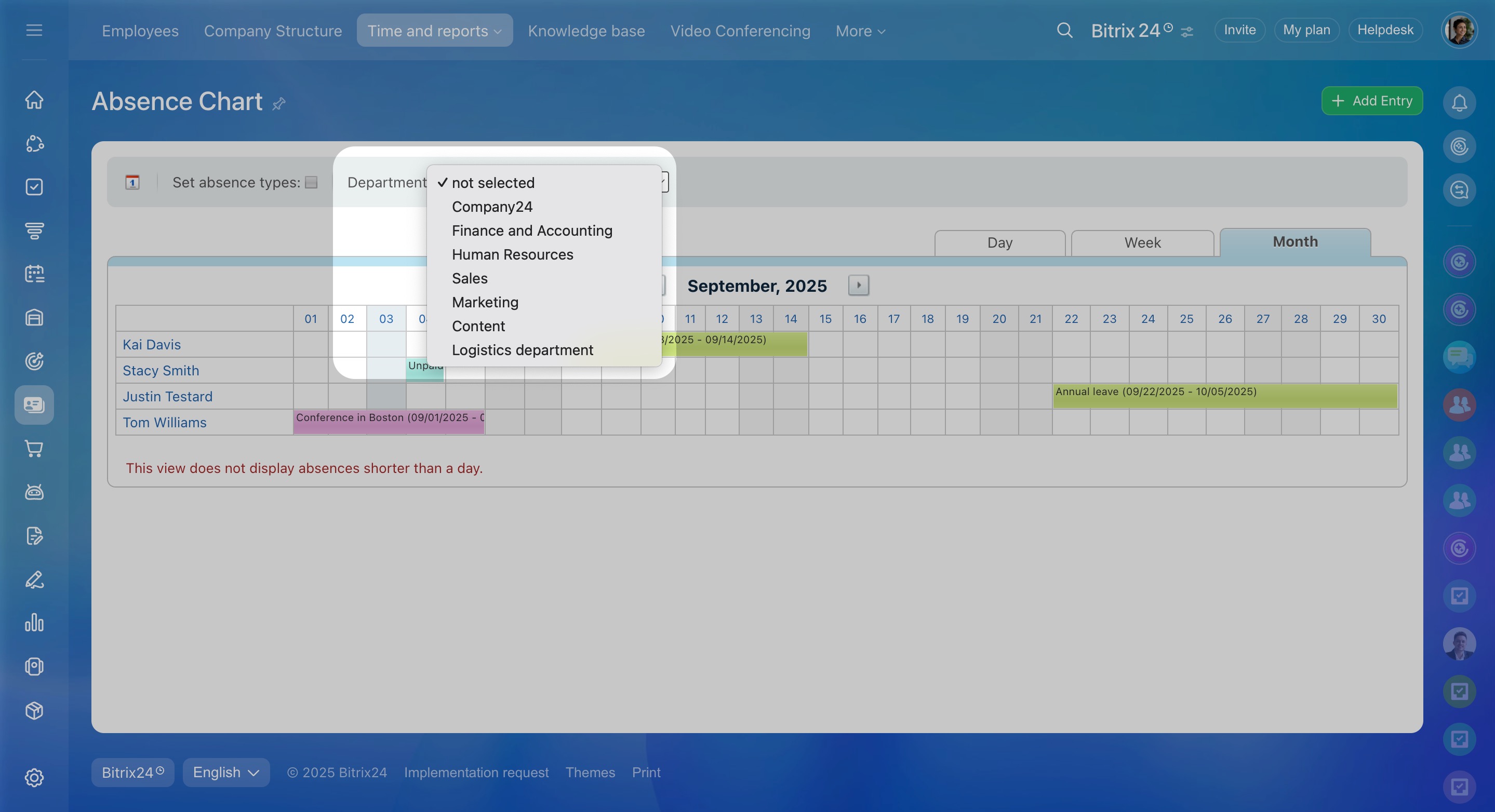
Choose a subdepartment. By default, the chart shows employees from all company departments. To view absences for a specific department, select it in the Subdepartment field.
In brief
- Absence management shows when employees are on vacation, sick leave, business trips, or away for other reasons.
- Open the chart in Employees > Time and Reports > Absence management.
- All employees can view the chart.
- In Bitrix24 Cloud, administrators can add absences from the chart. In Bitrix24 On-Premise, members of the HR Department workgroup can also add absences.
- You can view absences by day, week, or month. You can also filter them by type and subdepartment.