
Knowledge bases in Bitrix24 are online reference libraries with an organized structure and built-in search. Use them to store instructions, guidelines, and other materials.
In the Bitrix24 mobile app, you can view company knowledge bases that contain information for all employees or multiple departments. Knowledge bases for workgroups and projects are available only when using Bitrix24 on a computer. You can also create, configure, and manage knowledge bases only on a computer.
Company knowledge base
In this article:
Open a knowledge base
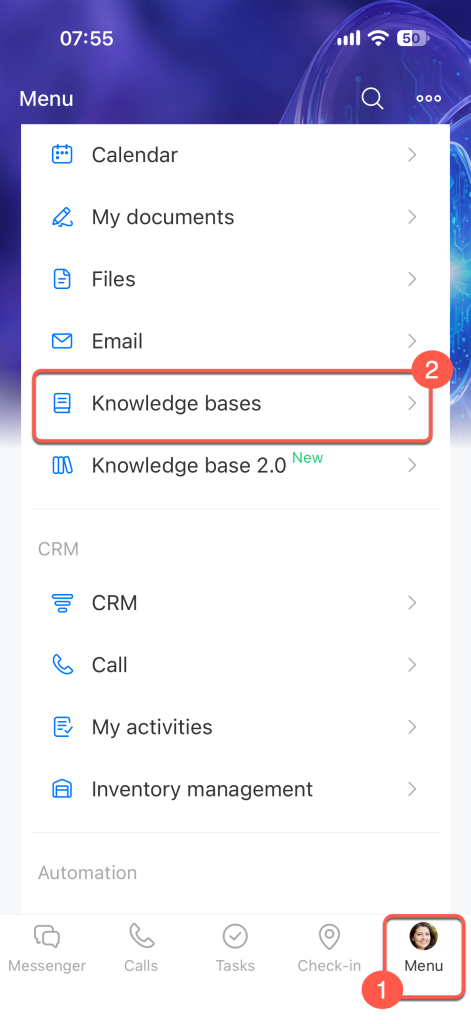
Tap Menu in the bottom-right corner, then select Knowledge Bases.
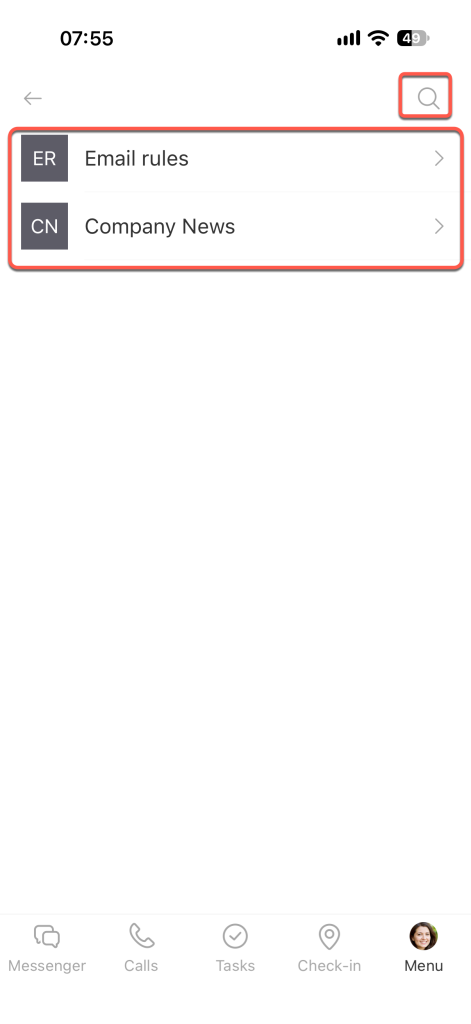
Tap a knowledge base to open it. If there are many knowledge bases, tap the search icon in the top-right corner and enter the knowledge base name.
Find information in a knowledge base
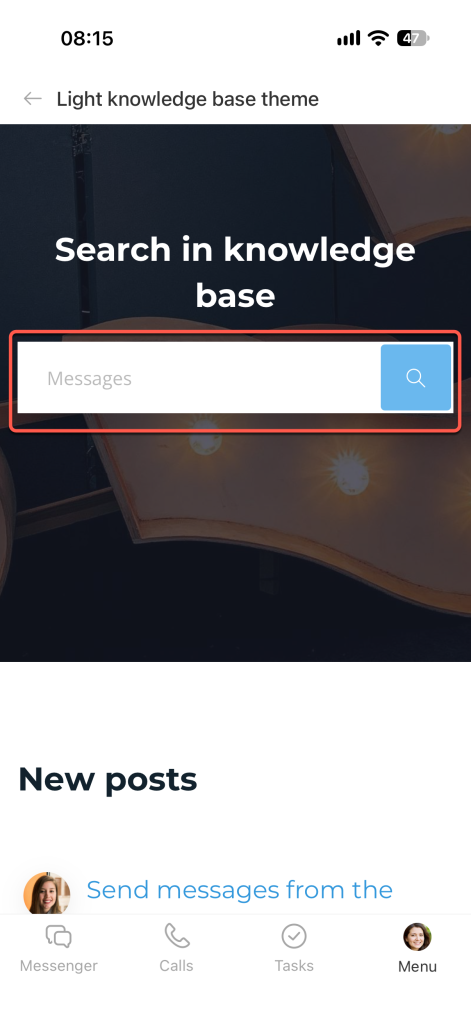
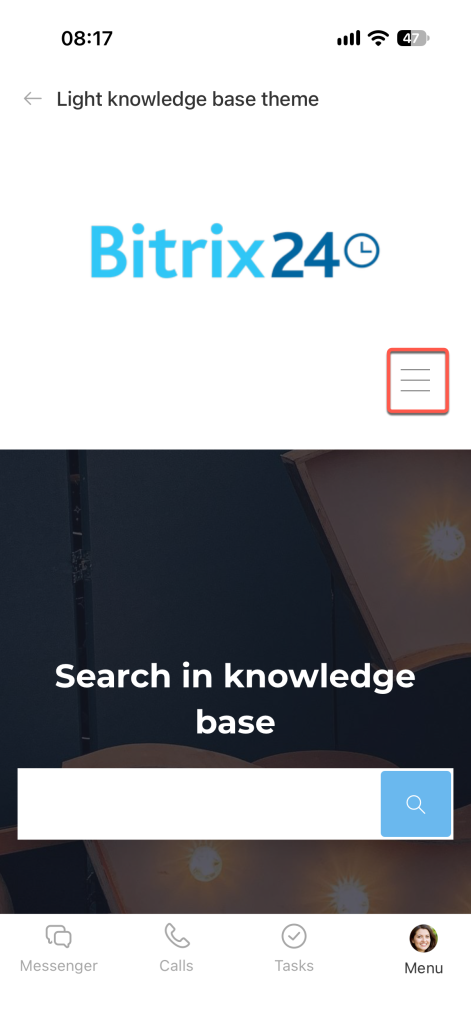
To find information by keyword, use the search field on the knowledge base's main page. Enter your query and tap the search icon at the end of the field.
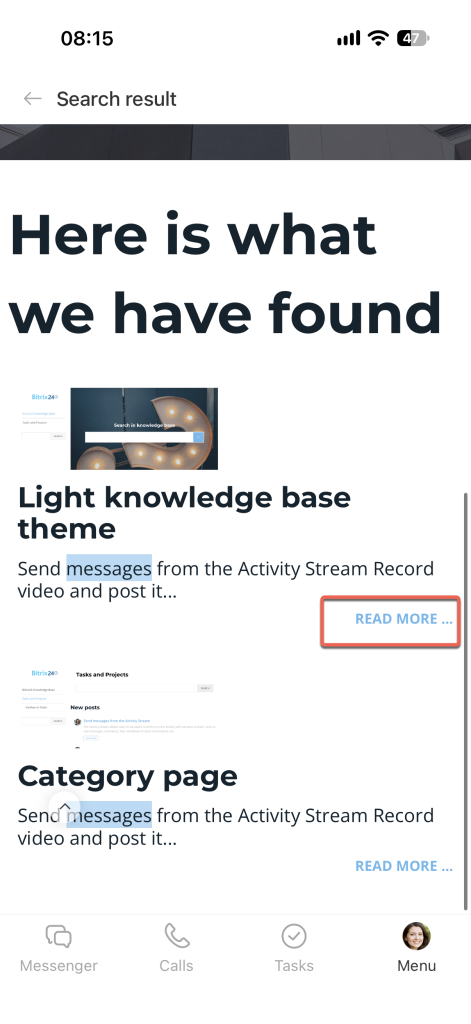
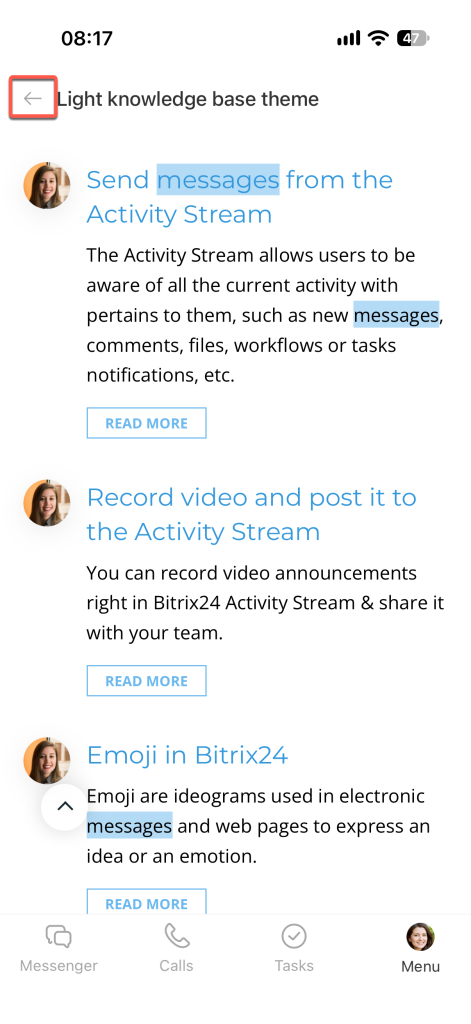
Find the page you need in the search results and tap Read more.
To return to the previous page, tap the arrow in the top-left corner.
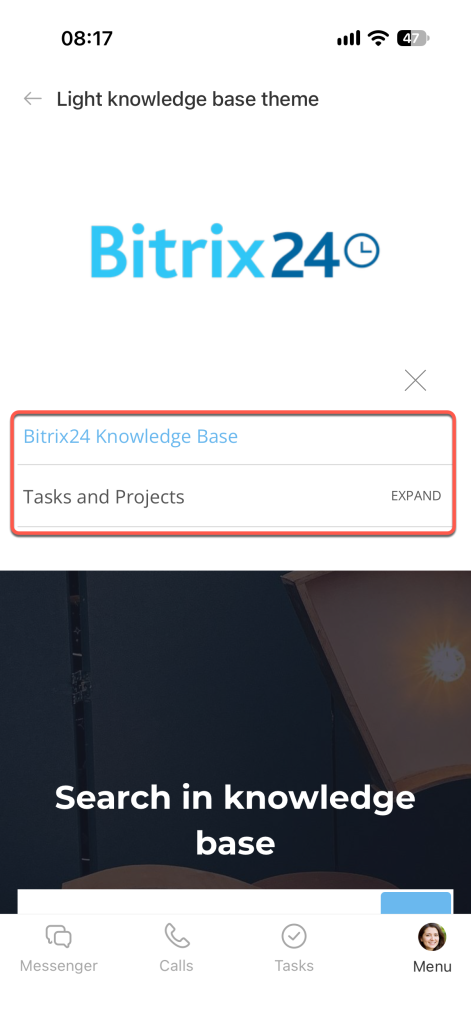
Knowledge base content can be organized into sections. To open a section, tap Menu (≡). The menu button is available on every page.
Tap the section you want to open.
With the Bitrix24 mobile app, employees can quickly find the information they need in company knowledge bases, even when they're away from the office.