
The number of knowledge bases you can create depends on your Bitrix24 plan.
Bitrix24 plans and pricing.
Bitrix24 plans and pricing.
Every company has information employees need to access. Use a company knowledge base to keep everyone aligned and informed.
To create a company knowledge base:
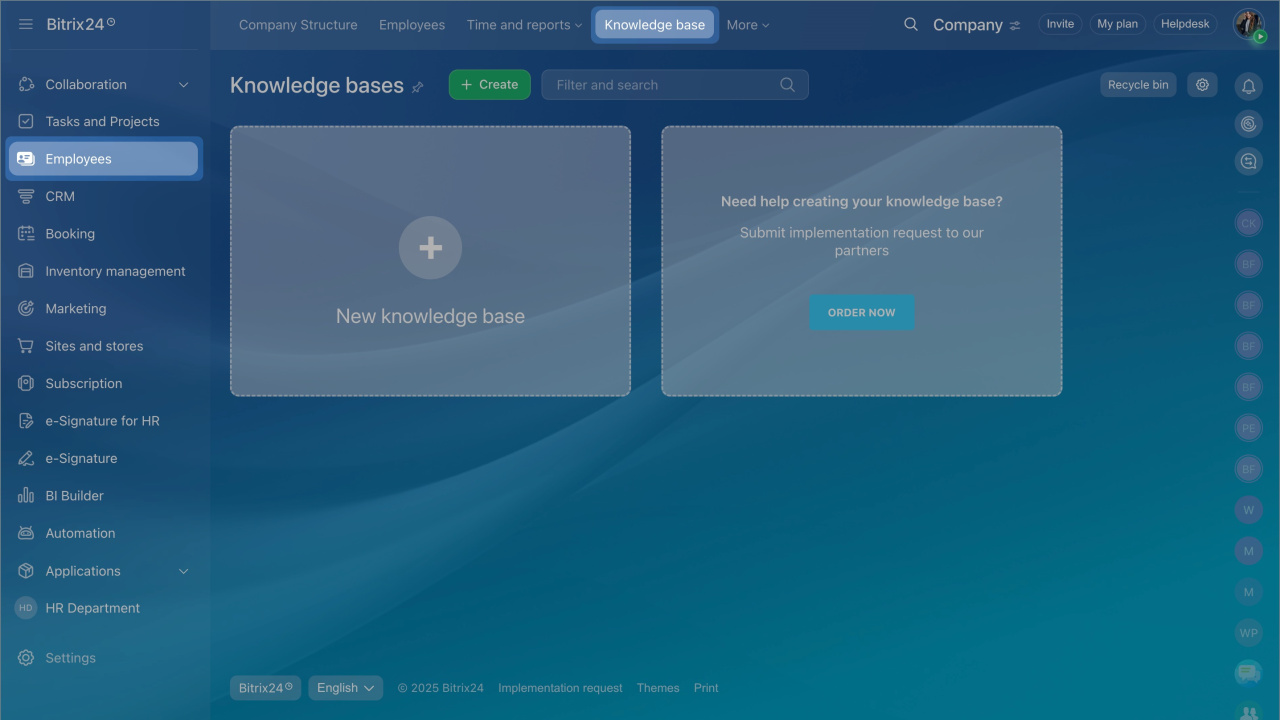
- Go to Employees > Knowledge base.
- Click Create.
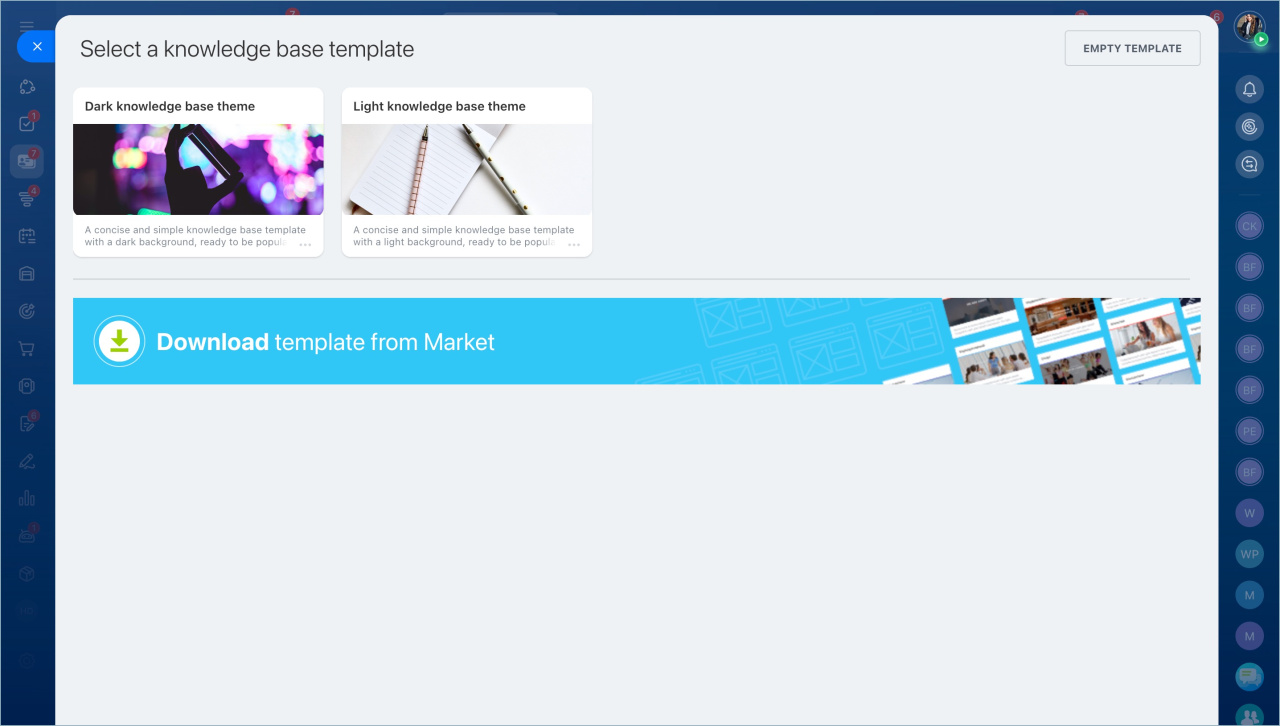
- Choose how to start:
- Select a template,
- Download one from the Market, or
- Create a blank knowledge base.
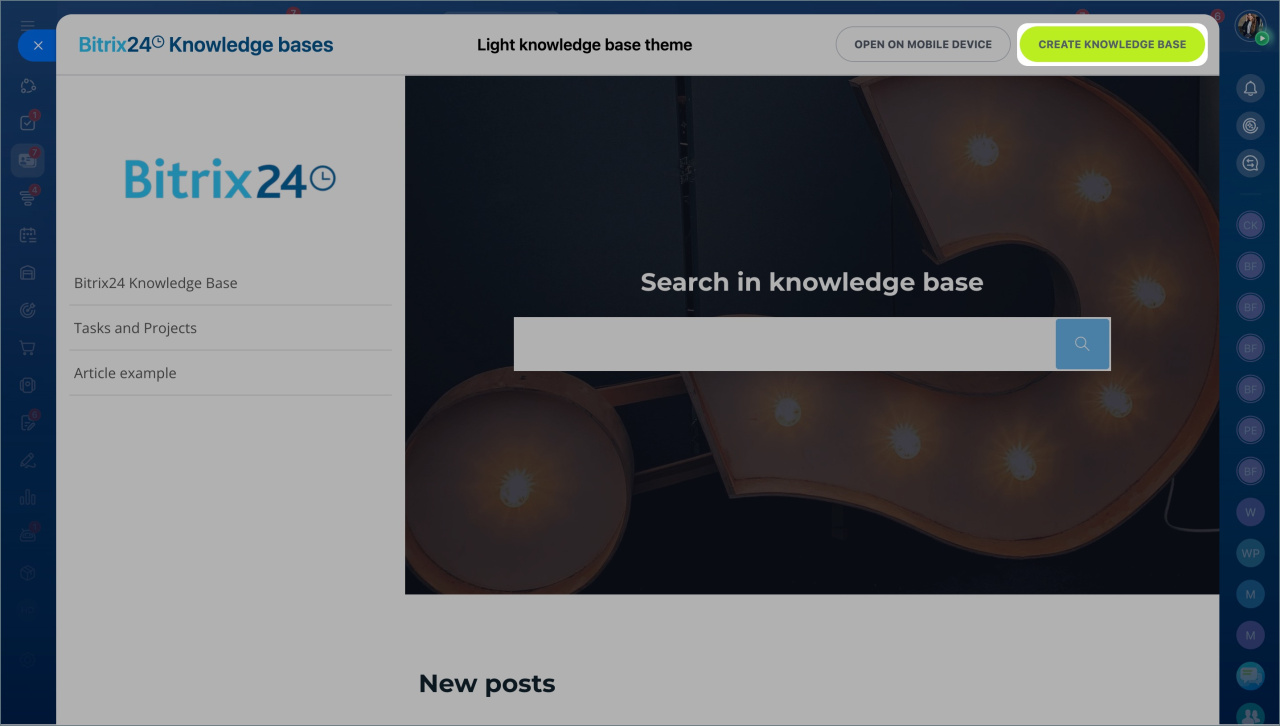
- Enter a name and description. Choose a color theme, then click Create.
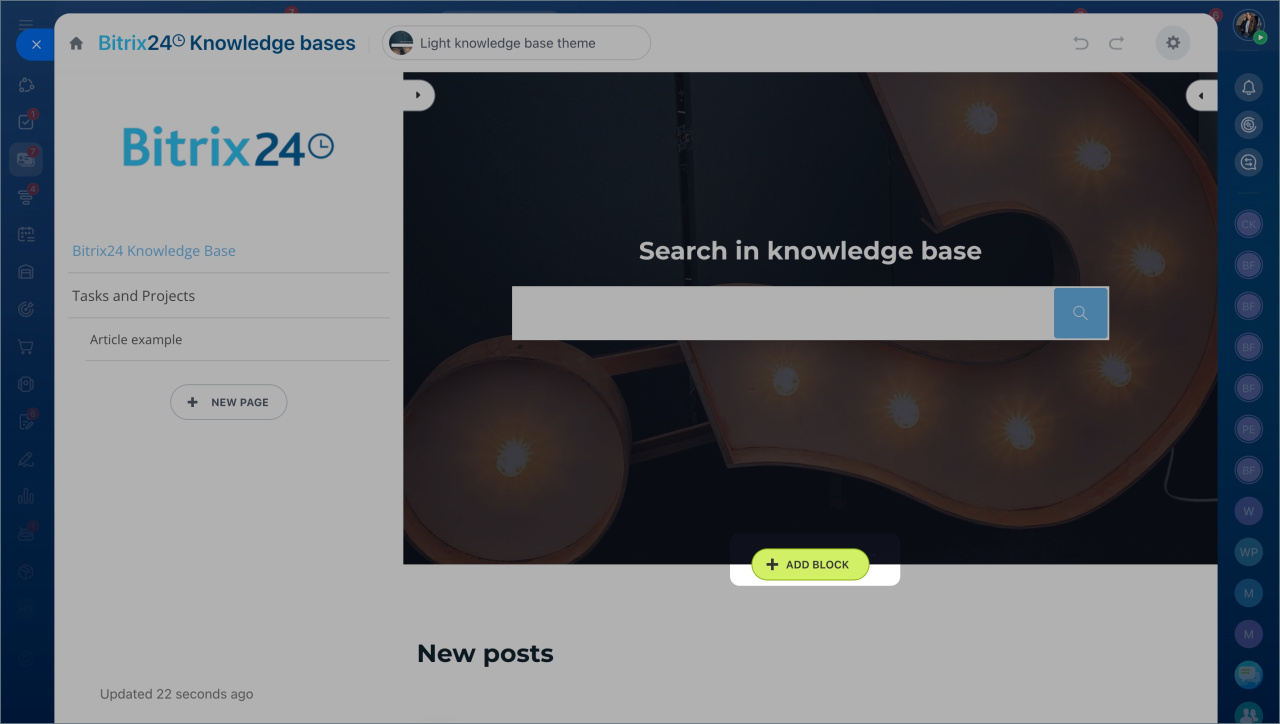
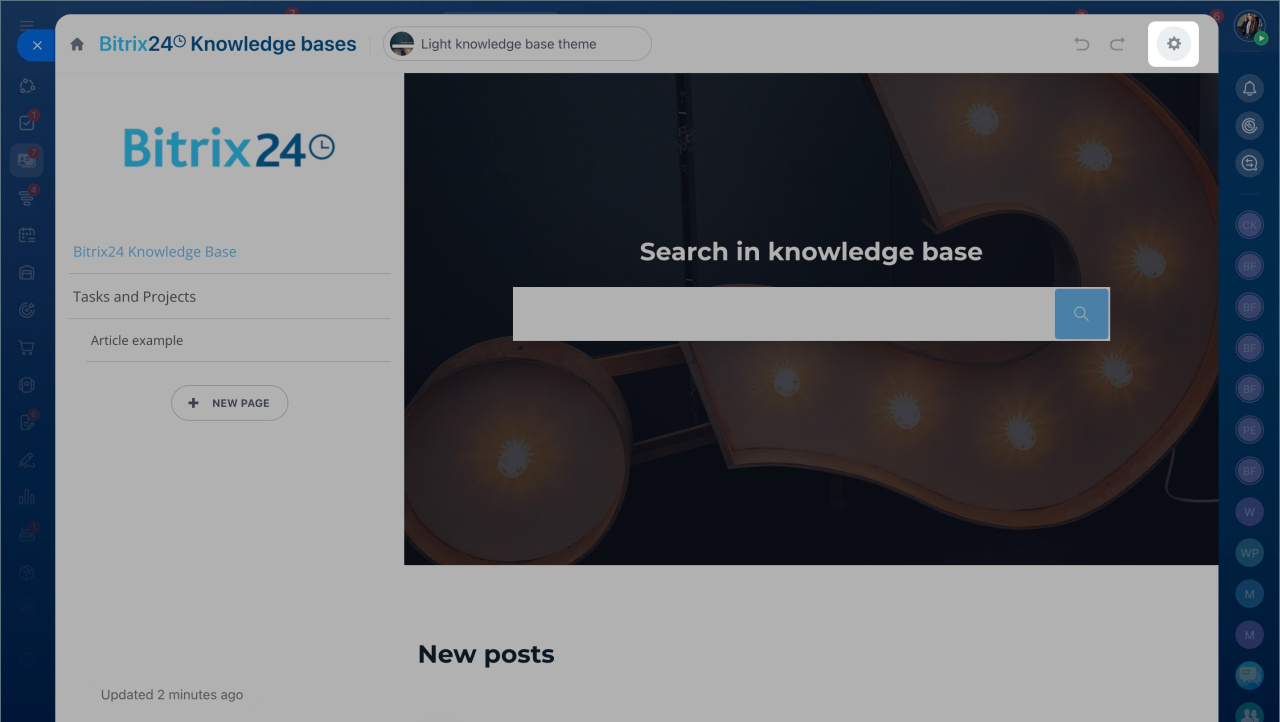
- Update the menu structure. Click the settings icon to edit sections.
- Add content to pages. Use blocks for text, images, and videos.
- Open Knowledge base settings (top right). Set the URL, choose the main page, and adjust the design.
By default, all employees have full access to company knowledge bases. You can change access for all knowledge bases or for a specific one in the permissions settings.