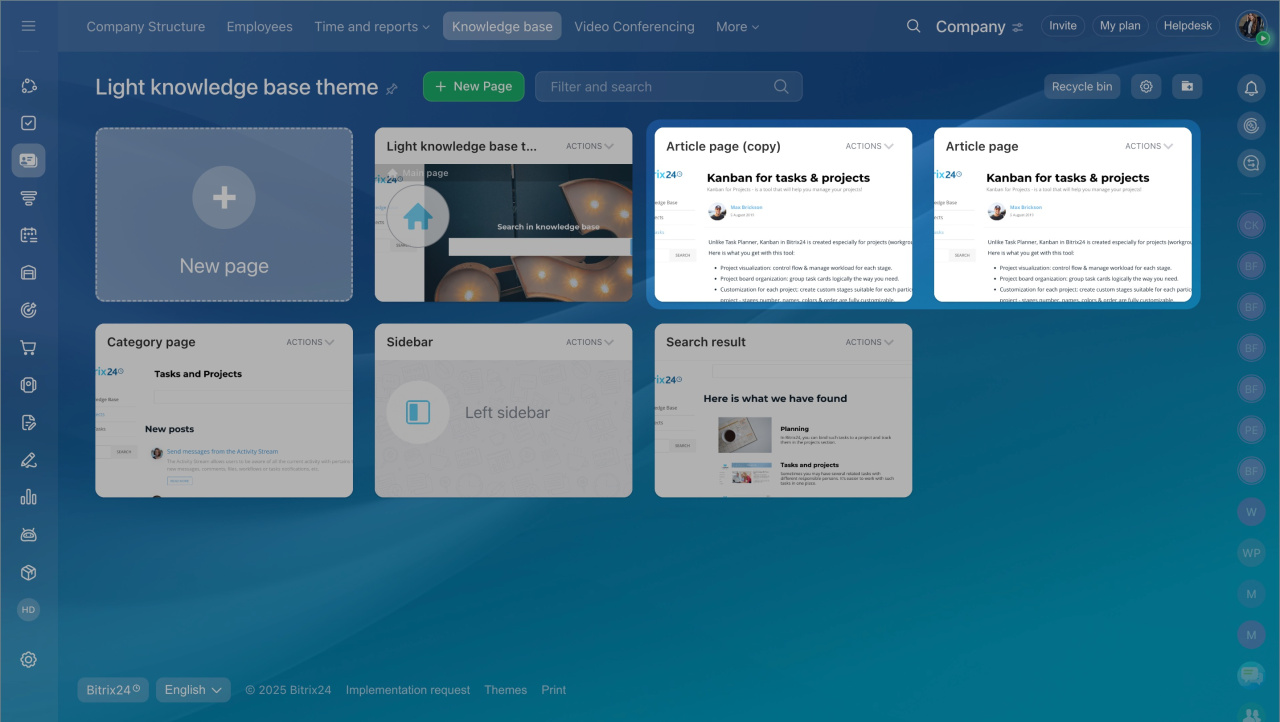
When you build a knowledge base, you often need multiple pages with the same layout. Instead of starting from scratch, copy an existing page and update its content.
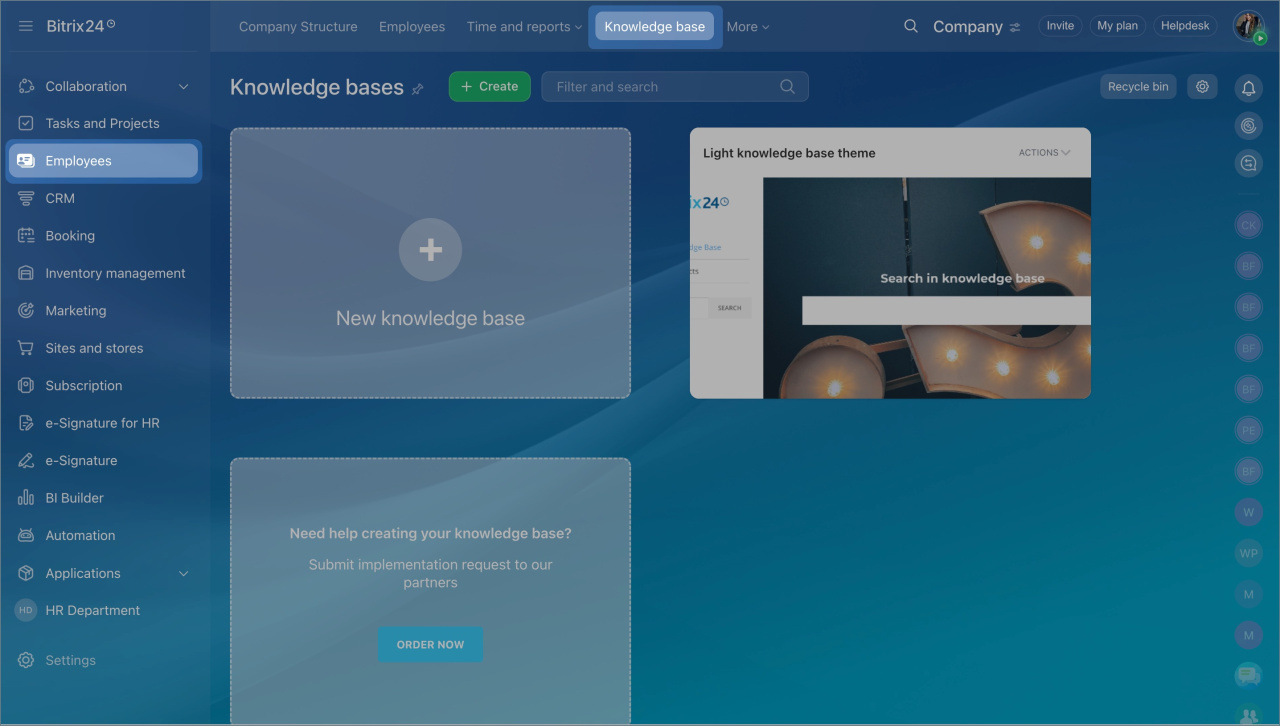
- Go to Employees > Knowledge base.
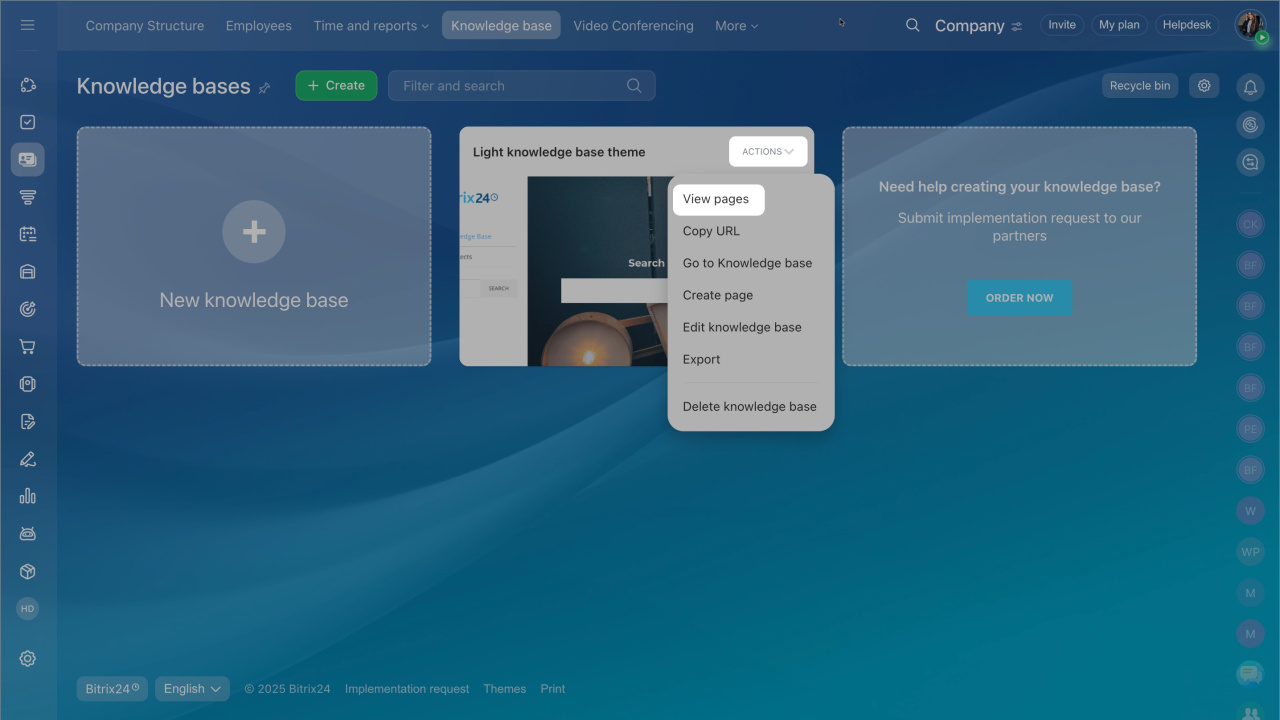
- Open the knowledge base and click Actions > View pages.
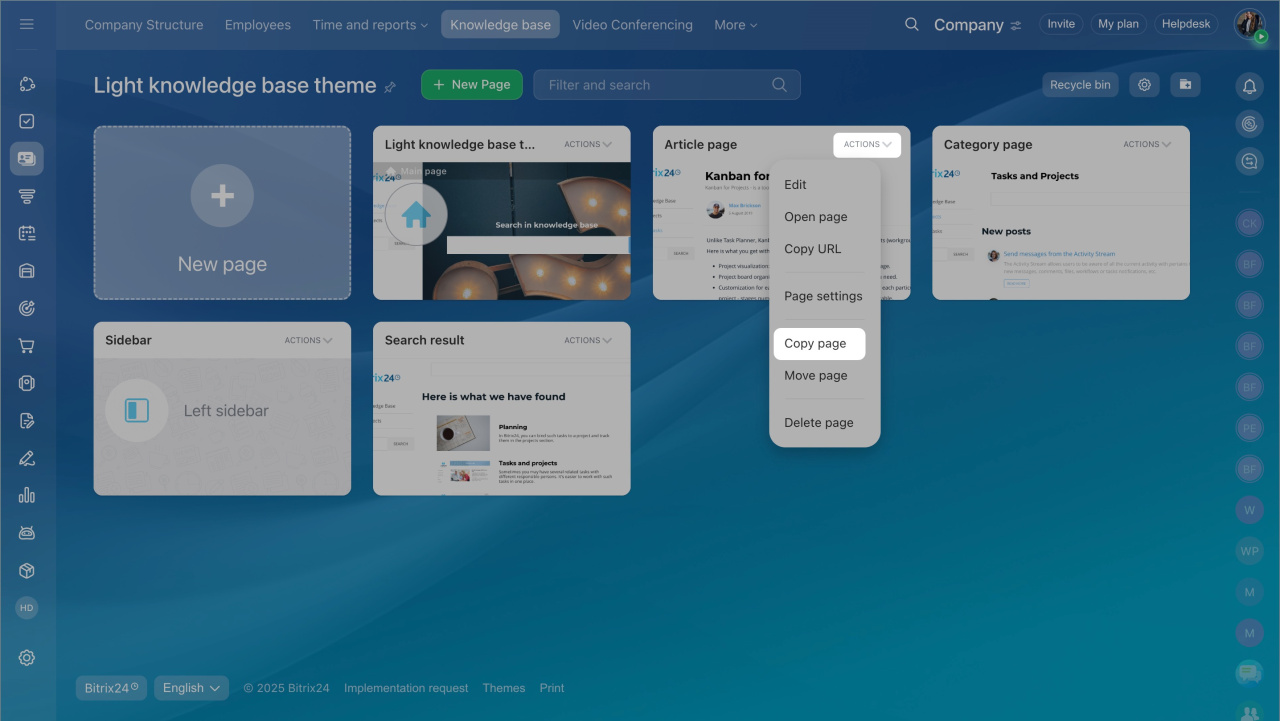
- Find the page you want to reuse. Click Actions > Copy page.
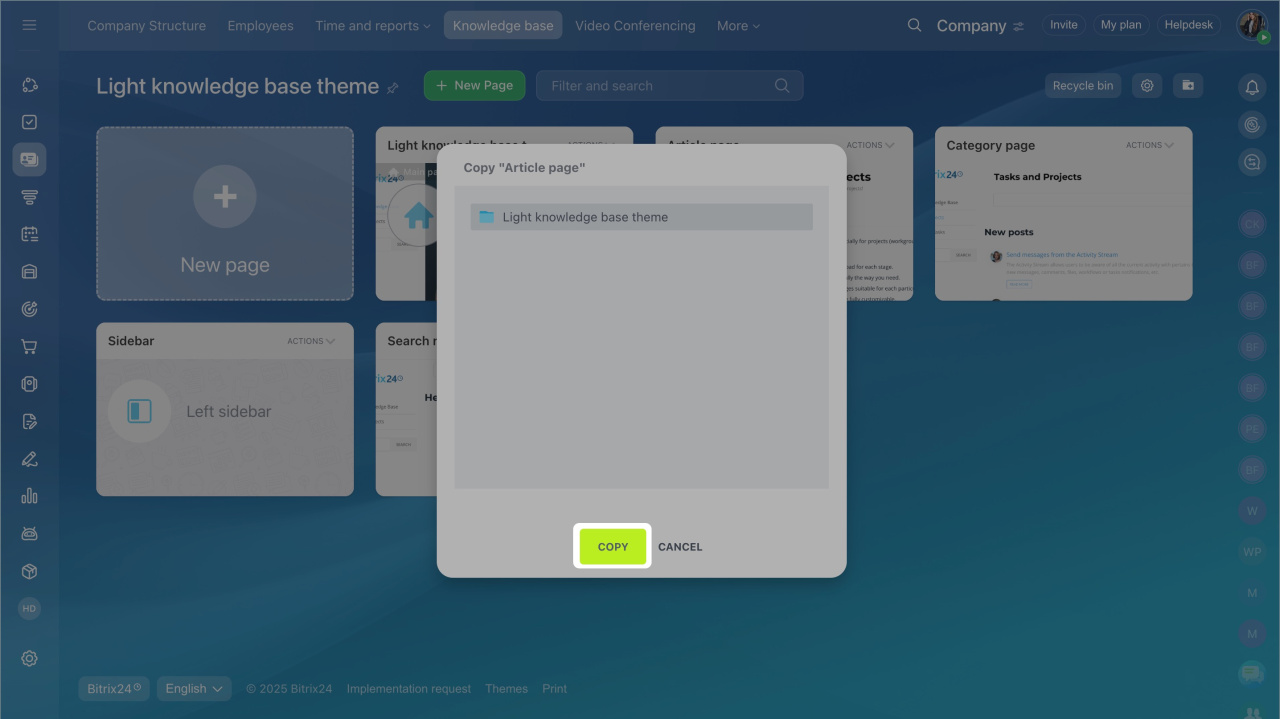
- Choose where to save the copy:
- Keep it in the same knowledge base, or
- Move it to another one.
- Select the destination and click Copy.
After you copy the page, replace the content with your own.
Fill a knowledge base