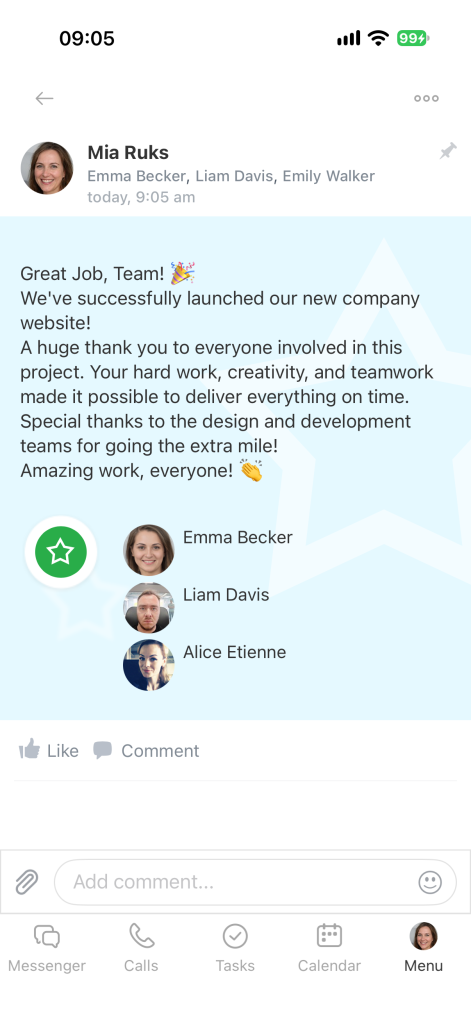
In the Bitrix24 mobile app, you can recognize a coworker's achievements with an appreciation post in the Feed. Choose a badge, and other employees will see the post. The badge also appears in your coworker's profile.
Go to Menu > Feed.
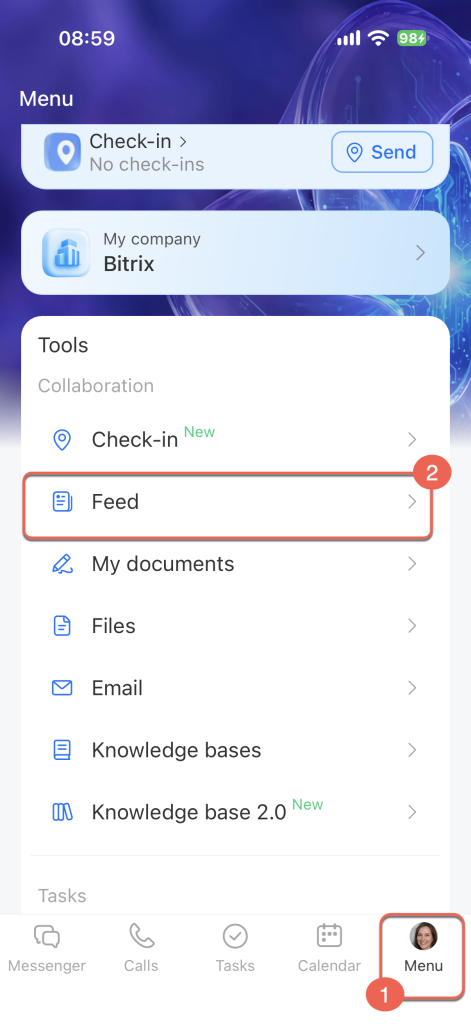
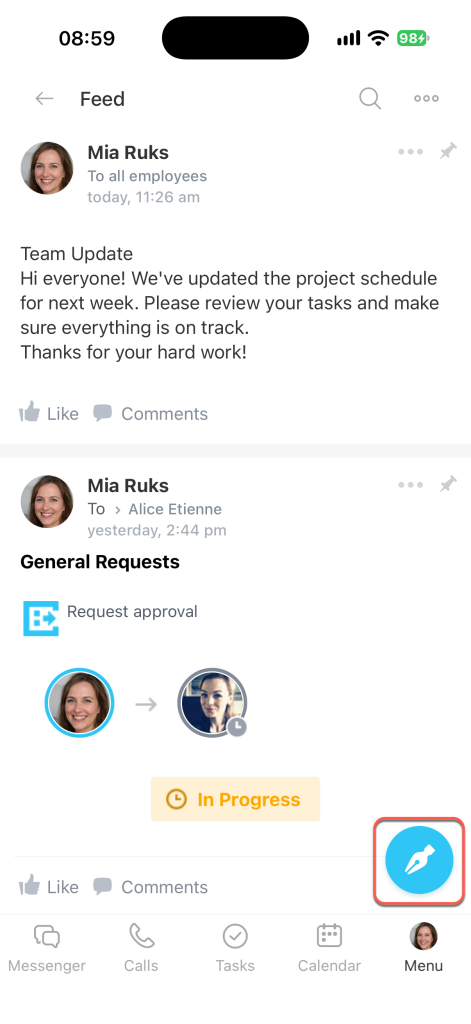
The Feed opens. Tap the pencil icon to create a new post.
Create Feed posts in the mobile app
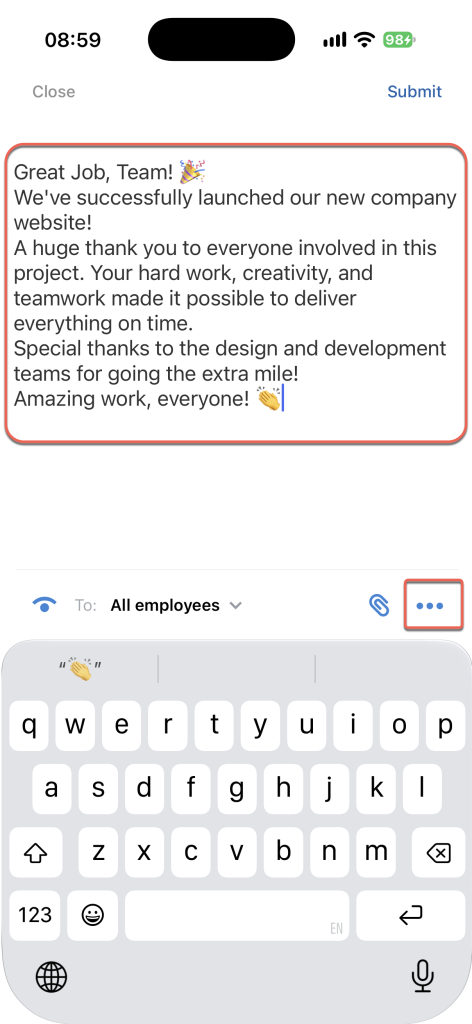
Write your appreciation message and tap Three dots (...).
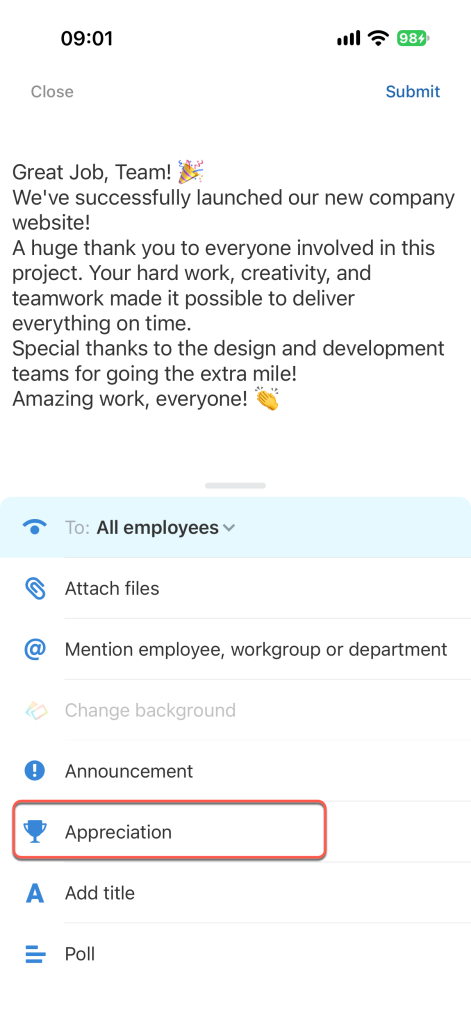
Select Appreciation.
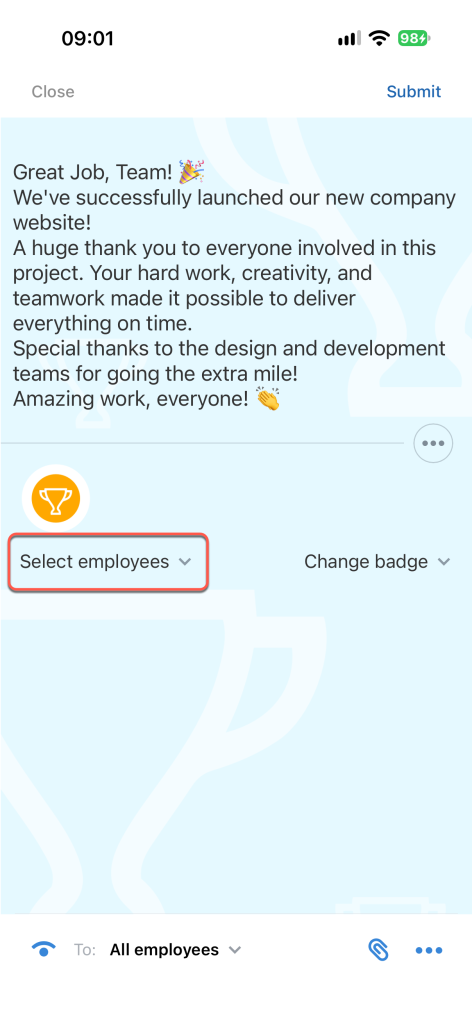
Tap Select employees below the post to choose who you want to recognize.
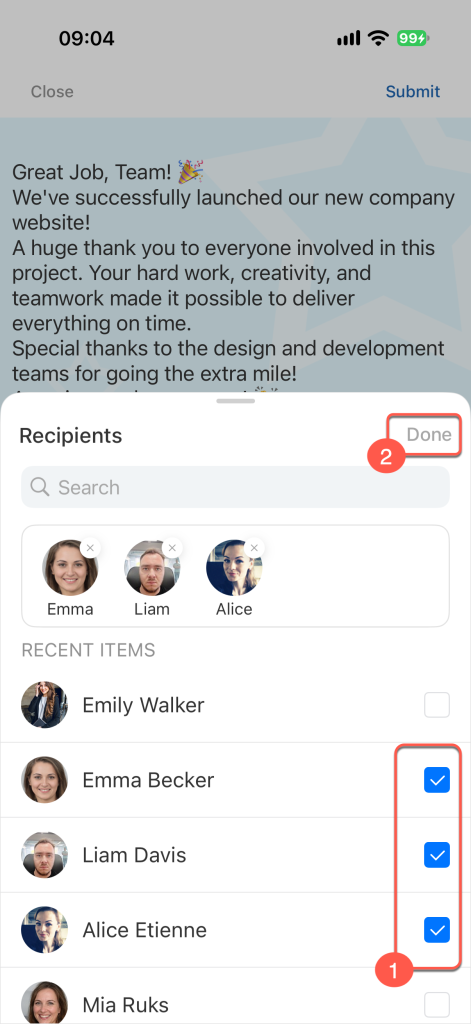
Find the employees in the list or use search. Select the checkbox next to each coworker you want to recognize, then tap Done.
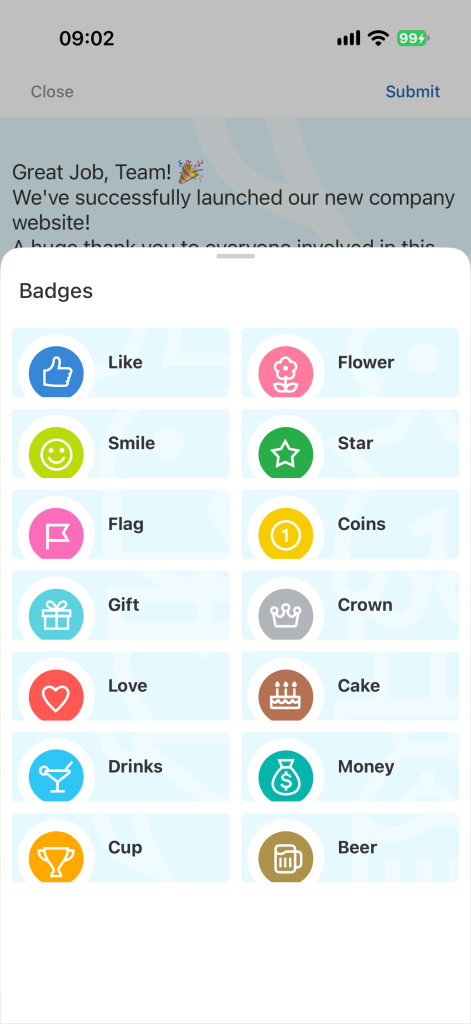
To choose a different badge, tap Change badge or the badge image.
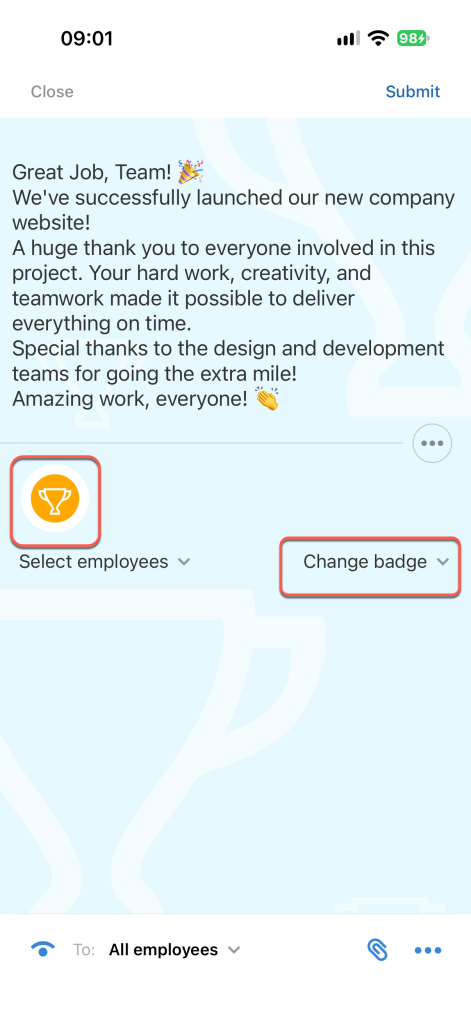
Select a badge from the list. It will appear in the post and in the employee's profile.
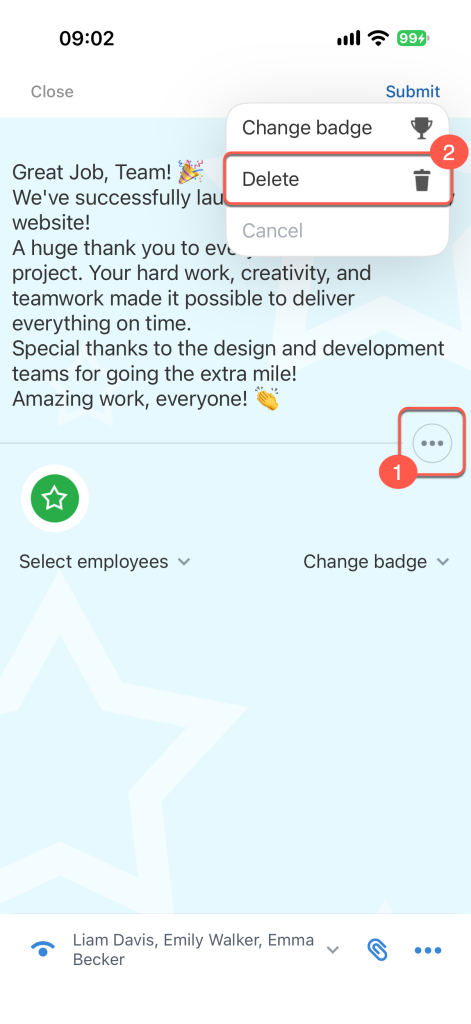
If you added an appreciation badge by mistake, tap Three dots (...) and select Delete.
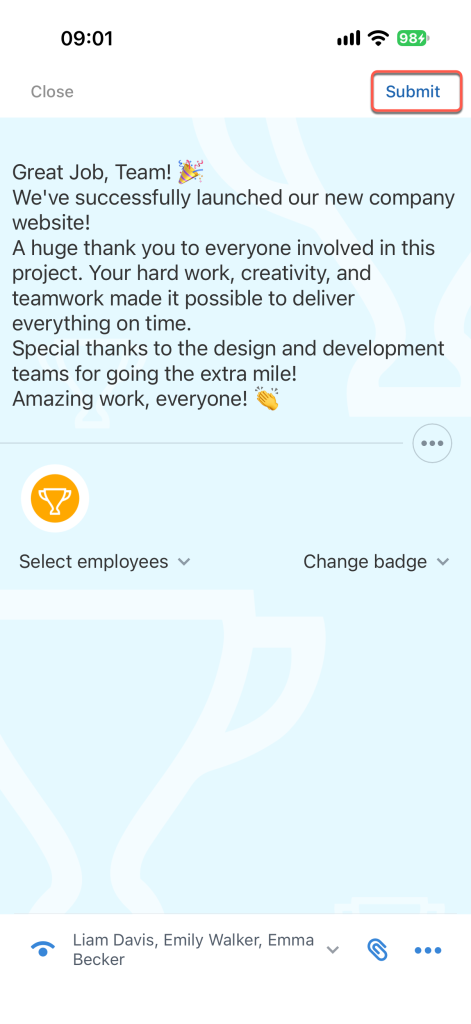
When your appreciation post is ready, tap Submit.
The appreciation post will appear in the Feed, and the selected badge will appear in the employee's profile.