
A sales order is created automatically when you close a deal. The system deducts products from the warehouse and records the services provided. This helps you keep inventory accurate and avoid accounting errors.
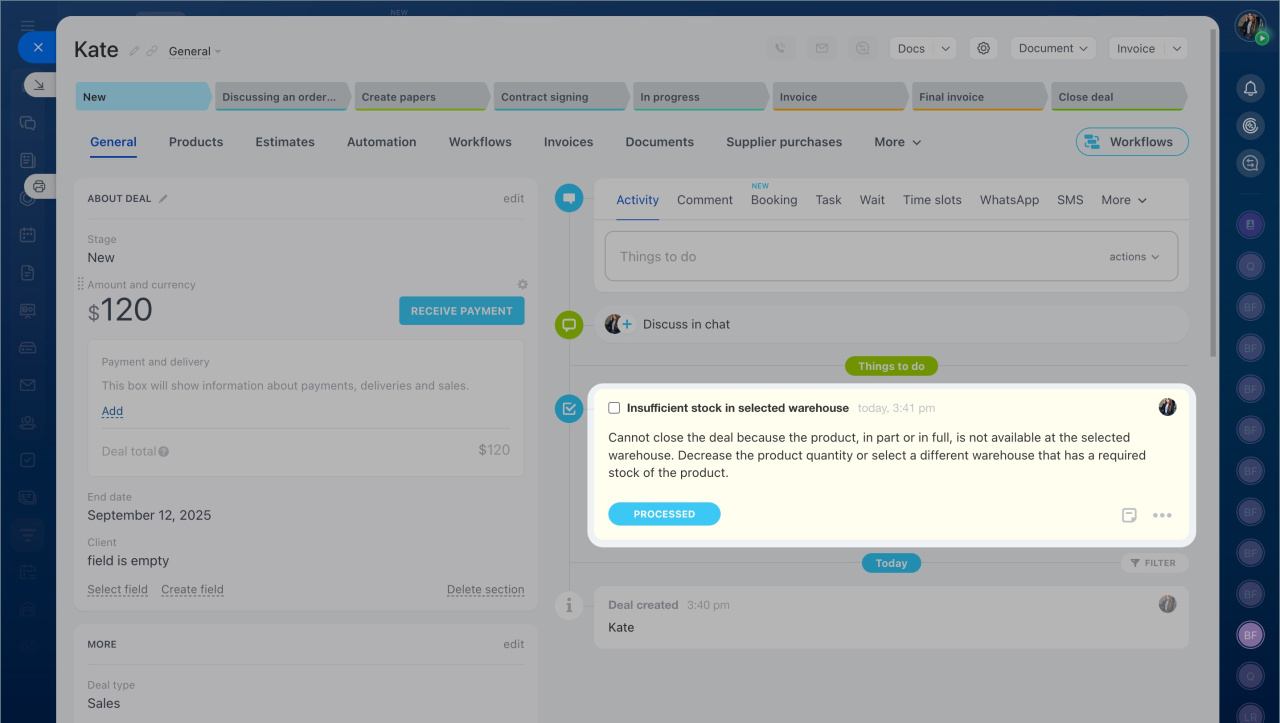
Insufficient stock in the selected warehouse
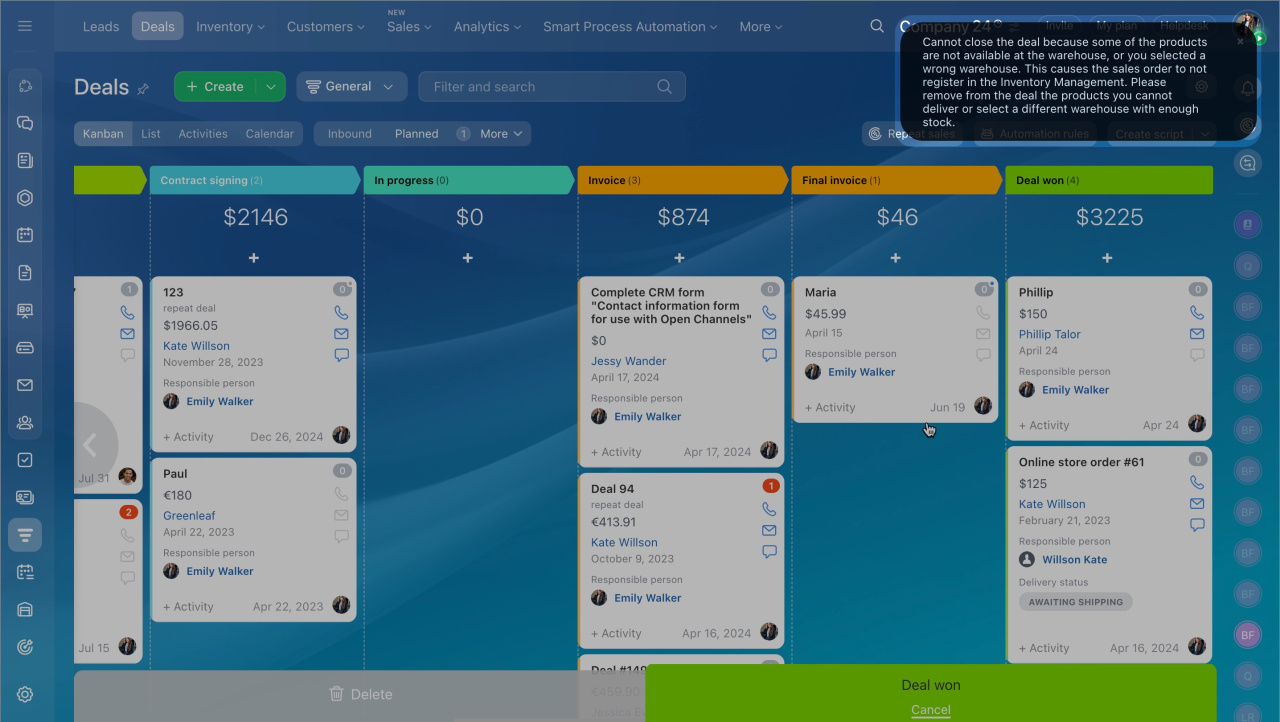
When you close a deal, the system checks product availability in the warehouse. If there isn’t enough stock, you can’t close the deal. You’ll see a notification. To continue, reduce the quantity or choose a different warehouse.
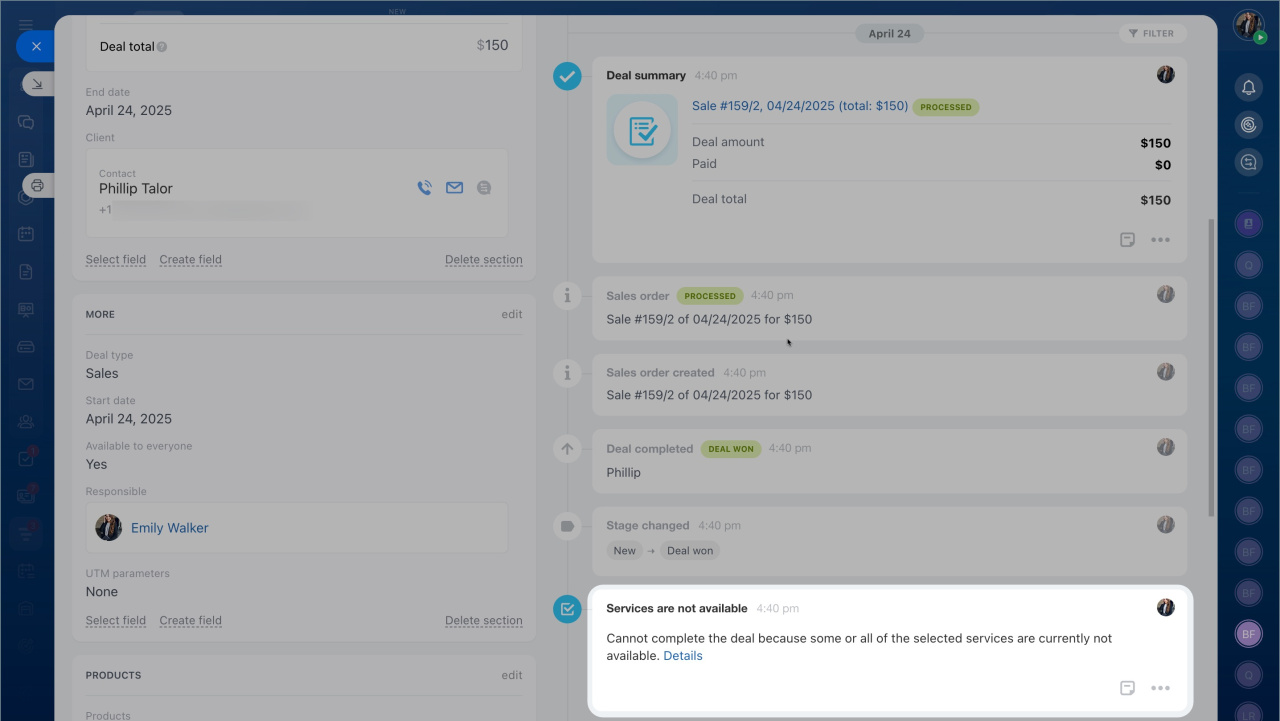
Services are not available
This notification appears if a service is marked as unavailable.
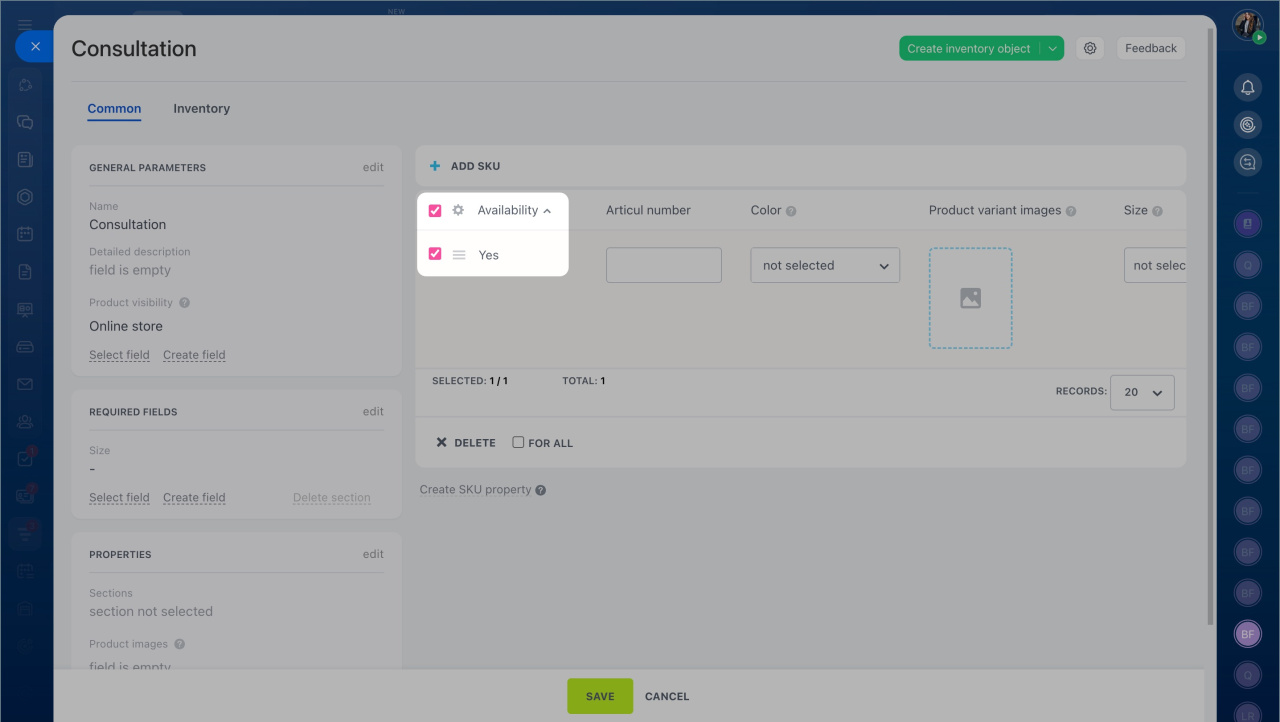
To fix this, open the service and turn on Availability in the service form. After that, you can add the service to the sales order.
In brief:
- A sales order is created automatically when you close a deal.
- Products are deducted automatically if they are available in the warehouse.
- If stock is insufficient or a service is unavailable, the system shows an error and suggests what to do.