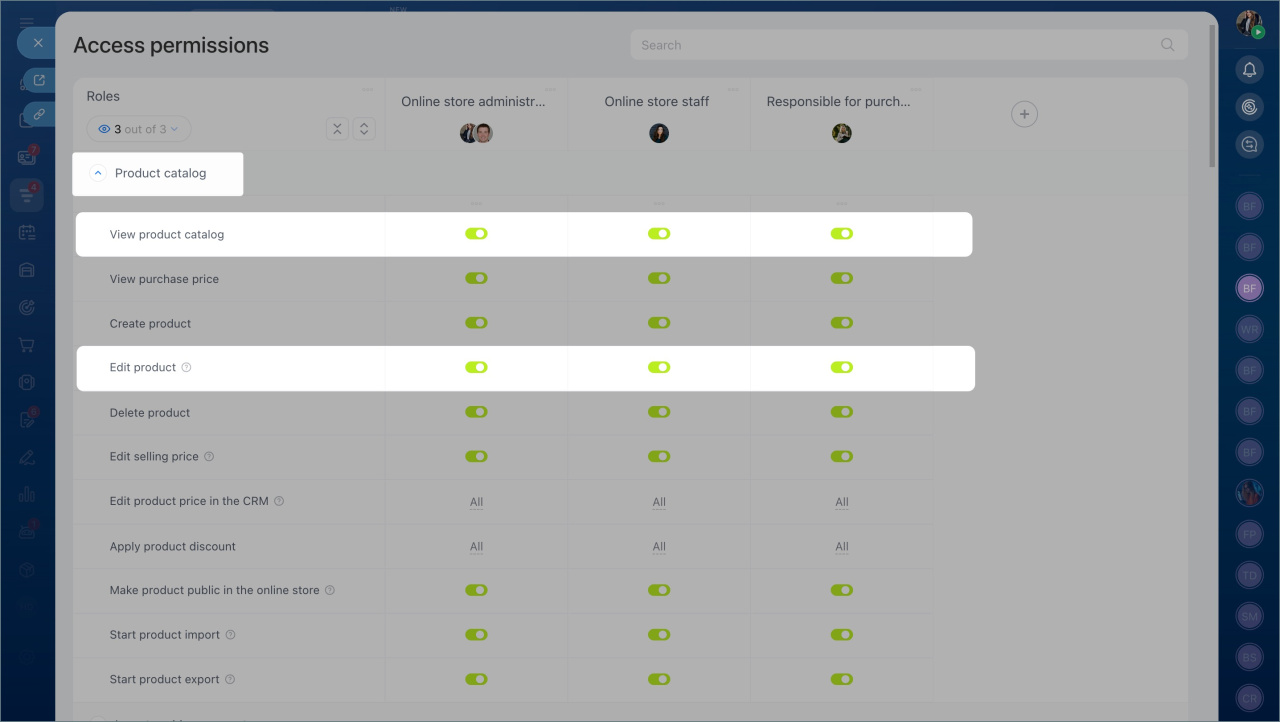
Use access permissions to control who can change the product form layout in the Product catalog.
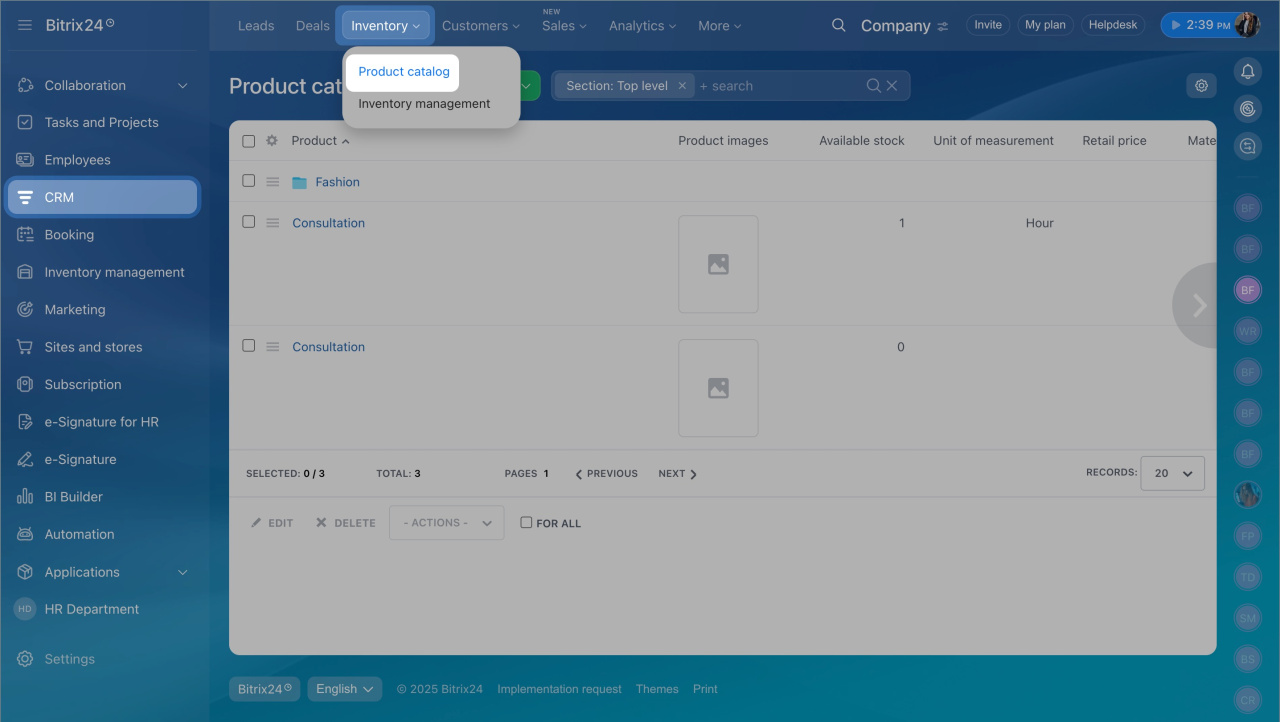
- Go to CRM > Inventory > Product catalog.
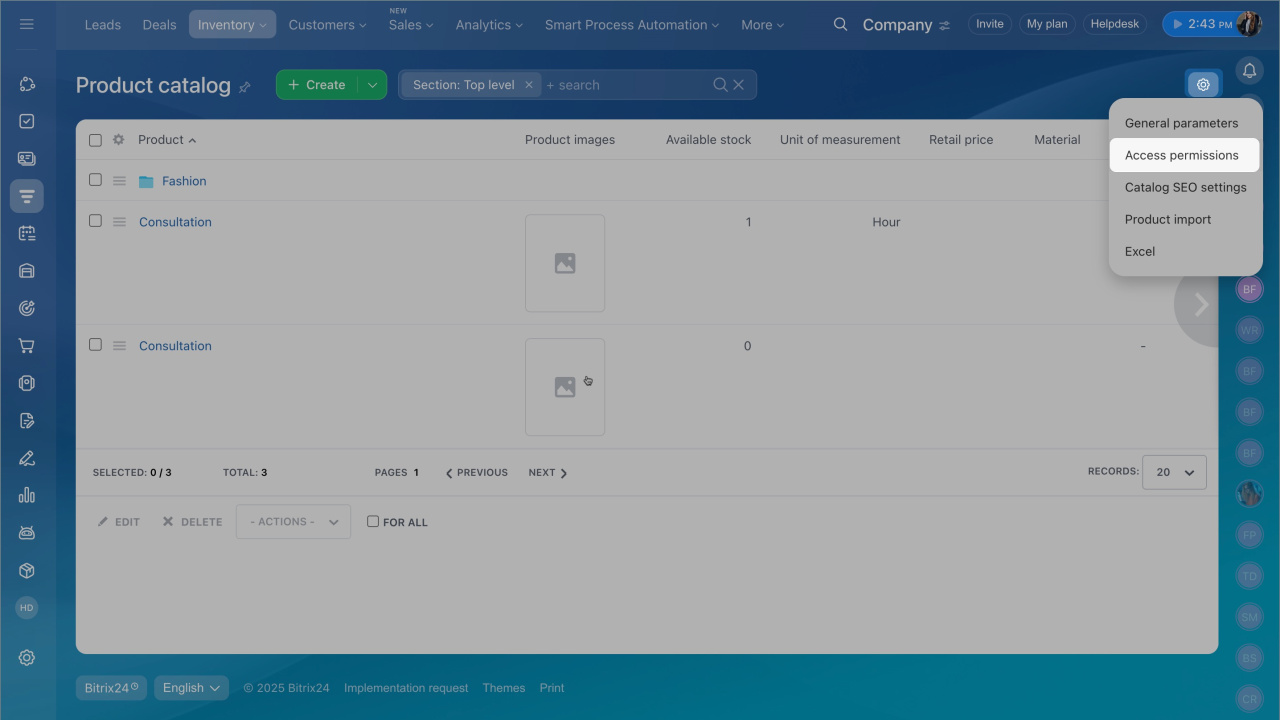
- Click the settings icon and select Access permissions.
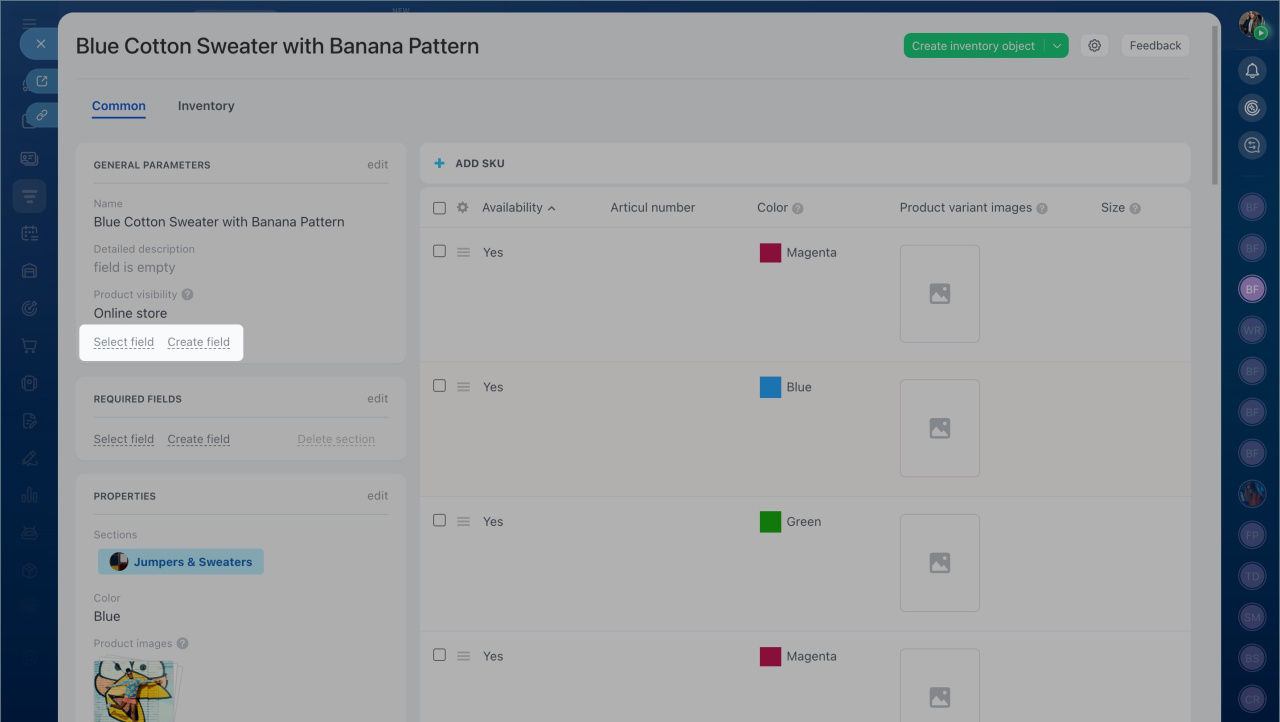
The Modify product view form permission allows employees to:
- Add fields
- Edit fields
- Delete fields
If this permission is disabled, users cannot add or display fields in the product form.
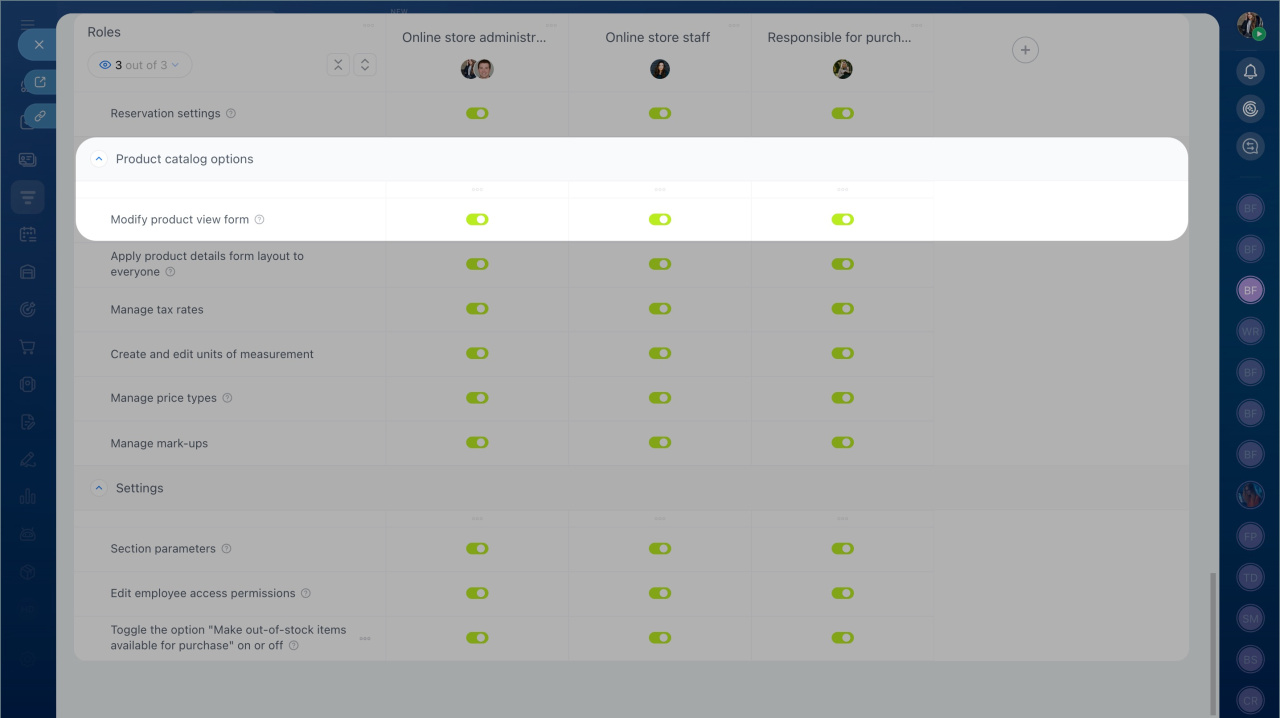
The Apply product details form layout to everyone permission lets a user set a fixed form layout for all employees.
Assign this permission to a team lead or administrator. This ensures:
- The required fields stay in the form
- Other users cannot remove or change them
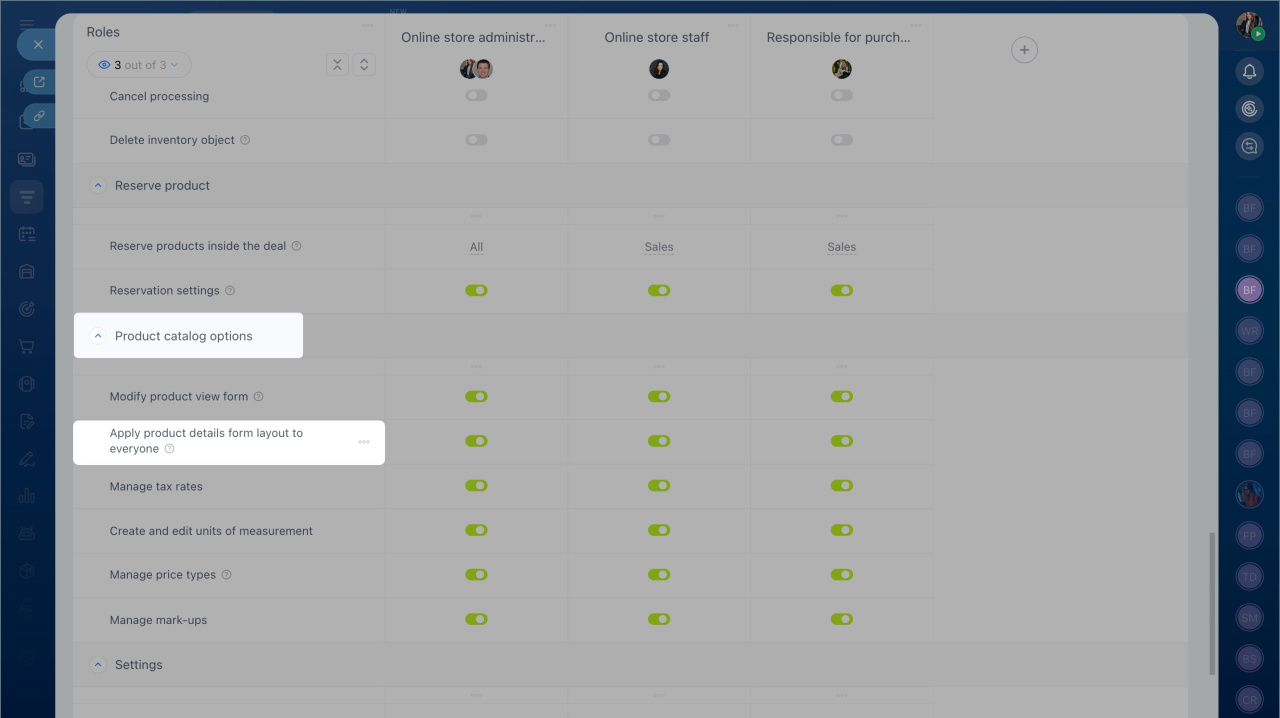
To let a user customize the product form, enable these permissions:
- View product catalog.
- Edit product.
Without these permissions, users cannot update the product form layout.