A Bitrix24 profile helps coworkers quickly see what department a person works in, how to contact them, what interests they share, and other useful details.
What a profile includes
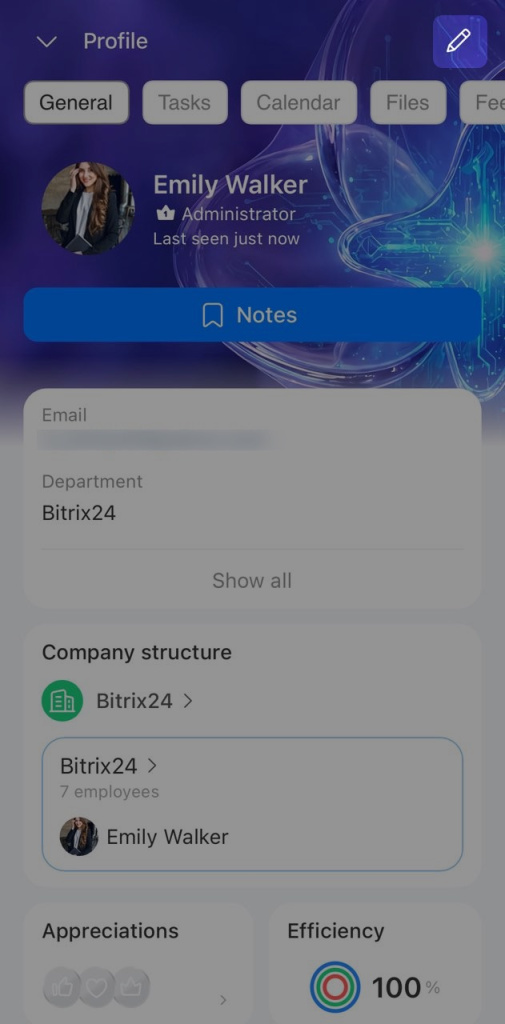
Contact details. This section includes a first name, last name, phone number, email, job title, and other details. It helps coworkers understand what topics they can contact an employee about and how to reach them.
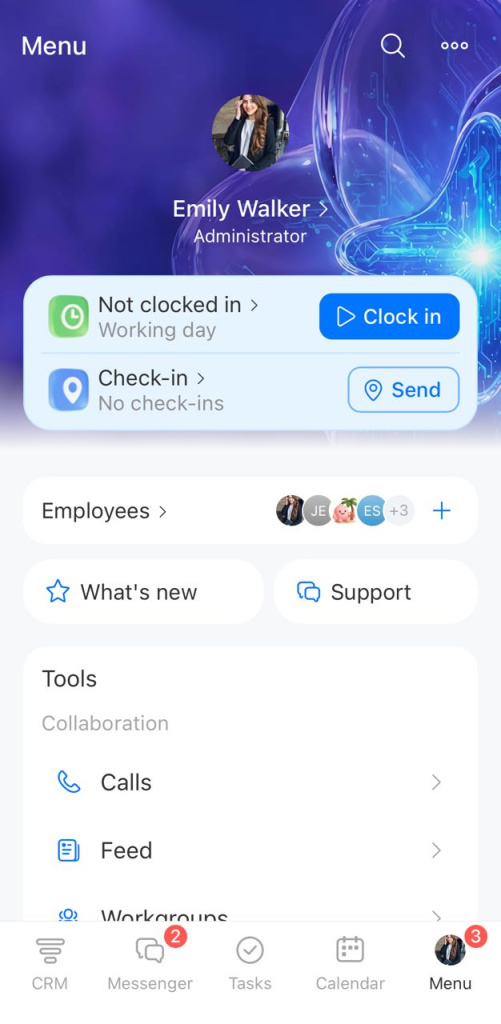
Photo. A profile photo helps coworkers recognize an employee faster. The photo appears in chats, calls, tasks, and other Bitrix24 tools.
Status. Status shows whether an employee is available: Online, On vacation, Offline, or Don't disturb. Coworkers can quickly see whether they can message someone right away.
Notes. Notes is a personal chat in Bitrix24 that only you can see in your profile. Use it to save important information, messages, or files.
Notes in Bitrix24 chats

Bitrix24 tools. From your profile, you can quickly open tasks, calendar, files, and other tools. Coworkers only see the tasks and files they have permission to access.
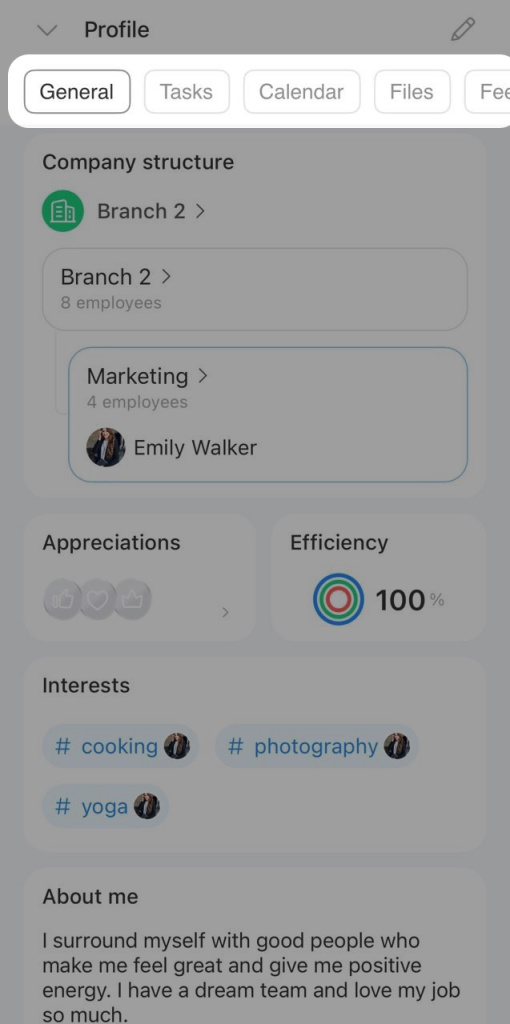
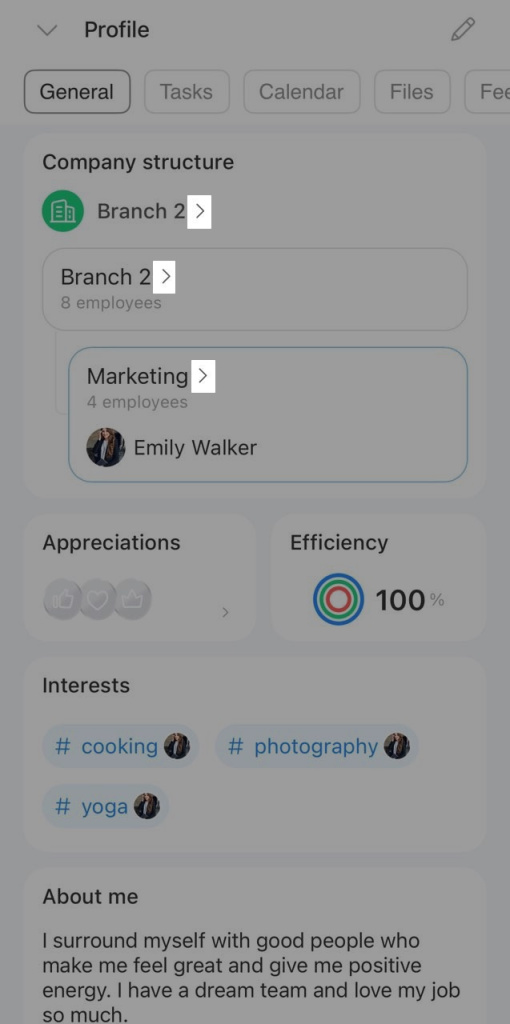
Company structure. This section shows an employee's place in the company structure, including their subdepartment, supervisor, and number of direct reports or team members. It helps you understand how a team is organized and open any employee's profile quickly.
Company structure: New interface and features
To view a list of employees in a subdepartment, department, or the entire company, click the arrow.
List of employees in Bitrix24 mobile app
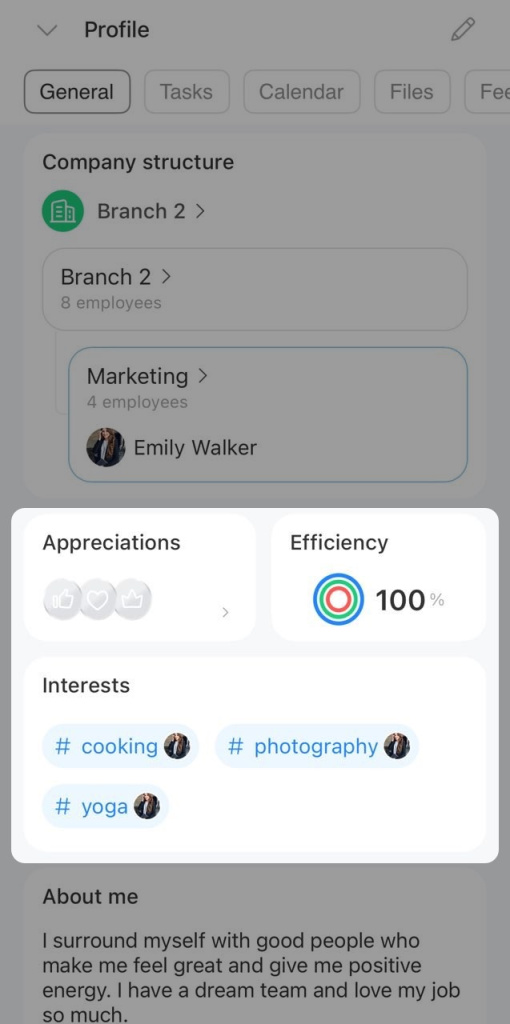
Appreciation badges. This section shows icons such as likes, stars, trophies, and more. These icons reflect what coworkers have recognized you for. To open the appreciation post, click the icon. All users can see the icons and the total count, but only recipients can view the posts.
Create an appreciation post in Feed
Efficiency. Efficiency shows the percentage of tasks an employee completes on time as the assignee or a participant.
Task efficiency
Interests. Employees can add hashtags for topics they enjoy, such as #movies, #travel, or #sports, and find coworkers with similar interests.
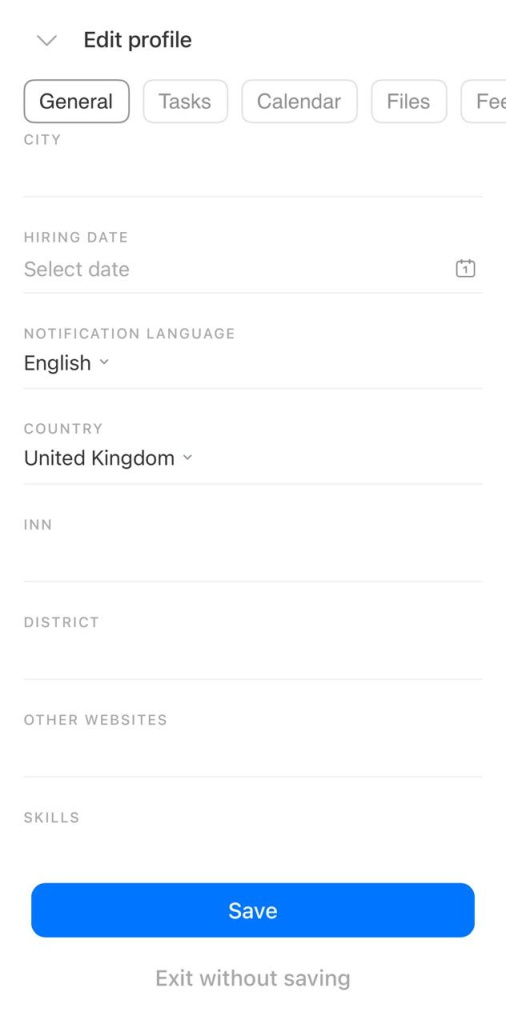
Edit your profile
You can update profile information at any time. The employee and a Bitrix24 administrator can both make changes.
For example, you can update a phone number, email, job title, or upload a new photo. To do this, click the pencil icon in the top-right corner.
Enter the new information and save your changes.