Write a compelling job description, create a viral social media post, or build a concept for a marketing campaign. All this – inside the CoPilot chat, your personal expert in any field.
In the chat, you can communicate with AI like you would with a colleague: discuss ideas, write texts, analyze, and structure information. Think of it as a conversation instead of typing commands.
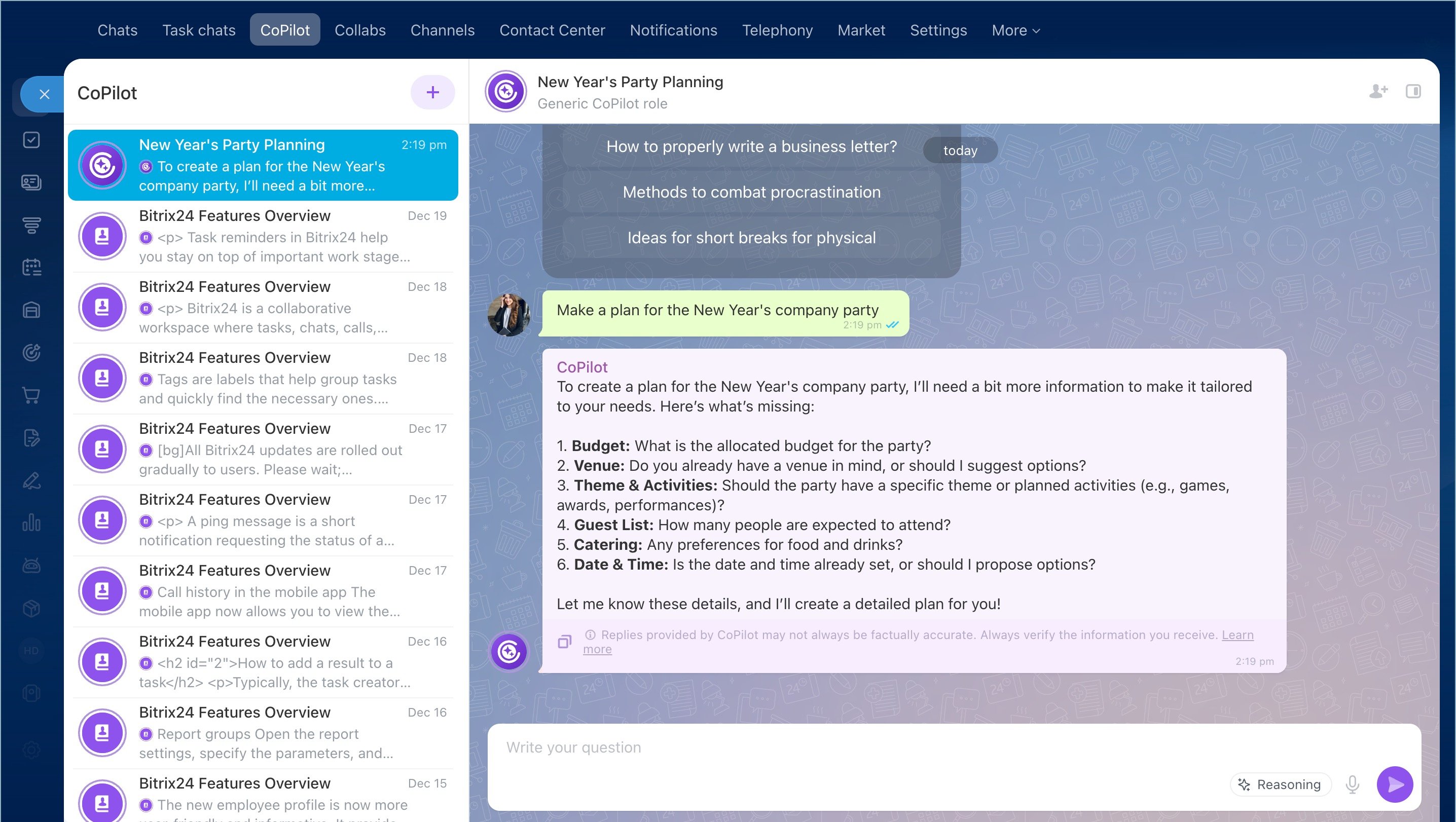
CoPilot is great for outlining complex projects from scratch. It works like a think tank, offering options, highlighting risks, and taking into account all the little details. It's like having a high-paid consultant always available.

Alex
Project manager
What makes the CoPilot chat special
-
Non-tech friendly
You don't have to have any IT background to use CoPilot. Just use common language to describe your request. CoPilot understands context and asks for details when needed. -
The context is always there
Within a chat, CoPilot remembers the details of your conversation going back to message one, so you can count on its remembering the context. -
20+ pre-configured roles
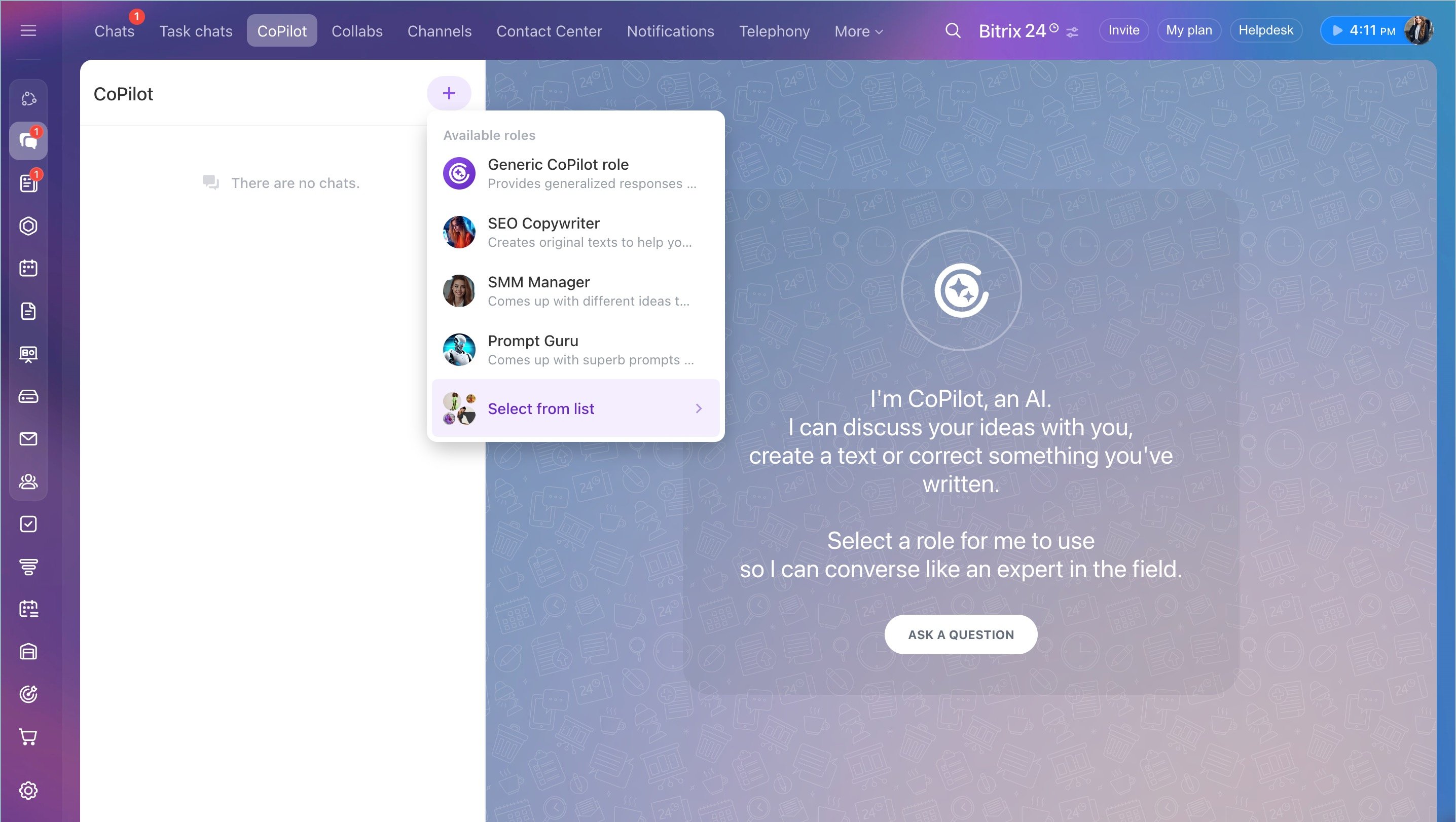
In addition to the Generic CoPilot, you can choose a specific role, such as "SEO Copywriter", "Legal specialist", "Backend developer", etc. for more detailed, focused replies. -
Just another teammate
Need to have a team discussion? Add a bunch of your teammates to the chat with CoPilot and discuss ideas together – AI will participate in the discussion just like another colleague.
Create your own expert AI roles
You can create custom CoPilot roles in Bitrix24 (tailored to your line of business) and share them with your team. Set up a new role in the Role Library and use it in all Bitrix24 tools where CoPilot is available.
How to interact with CoPilot
-
Choose a role
Before asking a question, choose the appropriate role for CoPilot in the chat menu. This sets the tone and depth of the response. Not sure which role to pick? Just go with Generic CoPilot. -
Enter your prompt
The more context you provide, the more detailed (and desired) result you will get. Just use a casual, conversational tone, as you would when talking to a friend:
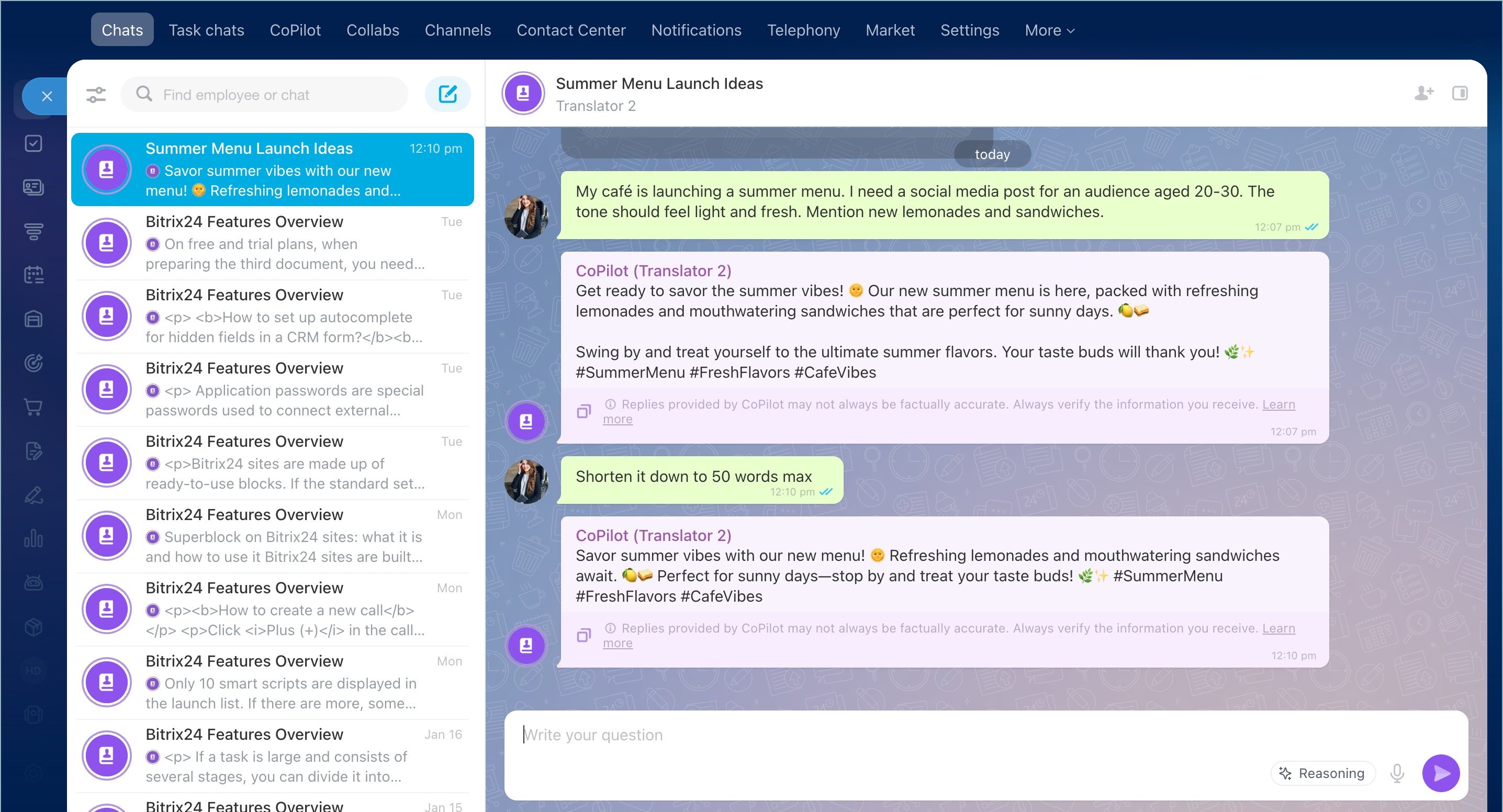
My café is launching a summer menu. I need a social media post for an audience aged 20-30. The tone should feel light and fresh. Mention new lemonades and sandwiches. -
Follow up with additional prompts if necessary
CoPilot has something called Reasoning, which is essentially a mode that allows AI for a deeper research before providing a reply. If there's not enough data, CoPilot will proactively ask additional questions.
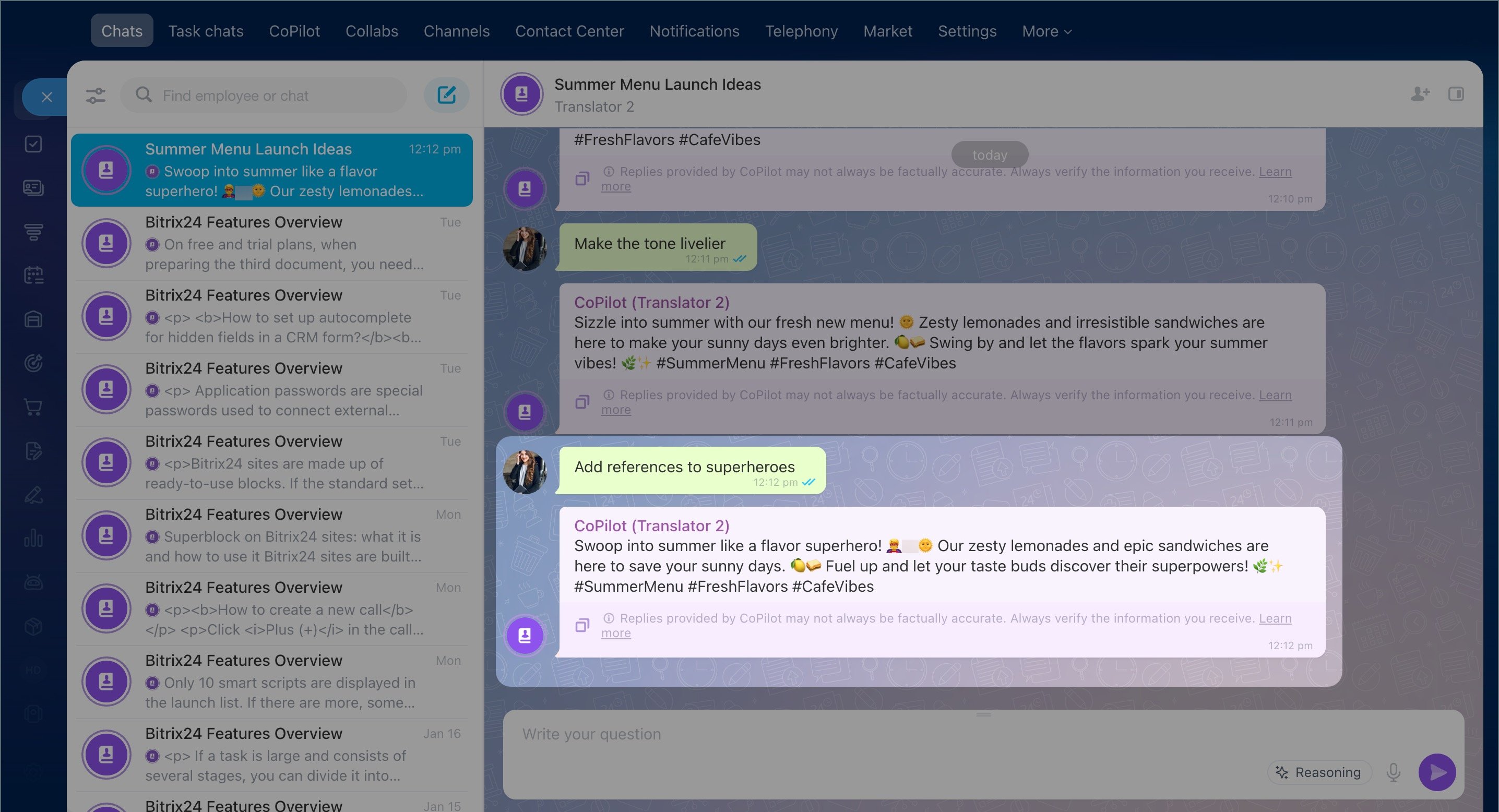
If CoPilot's reply is still not perfect, just write something like this:
Shorten it down to 50 words max
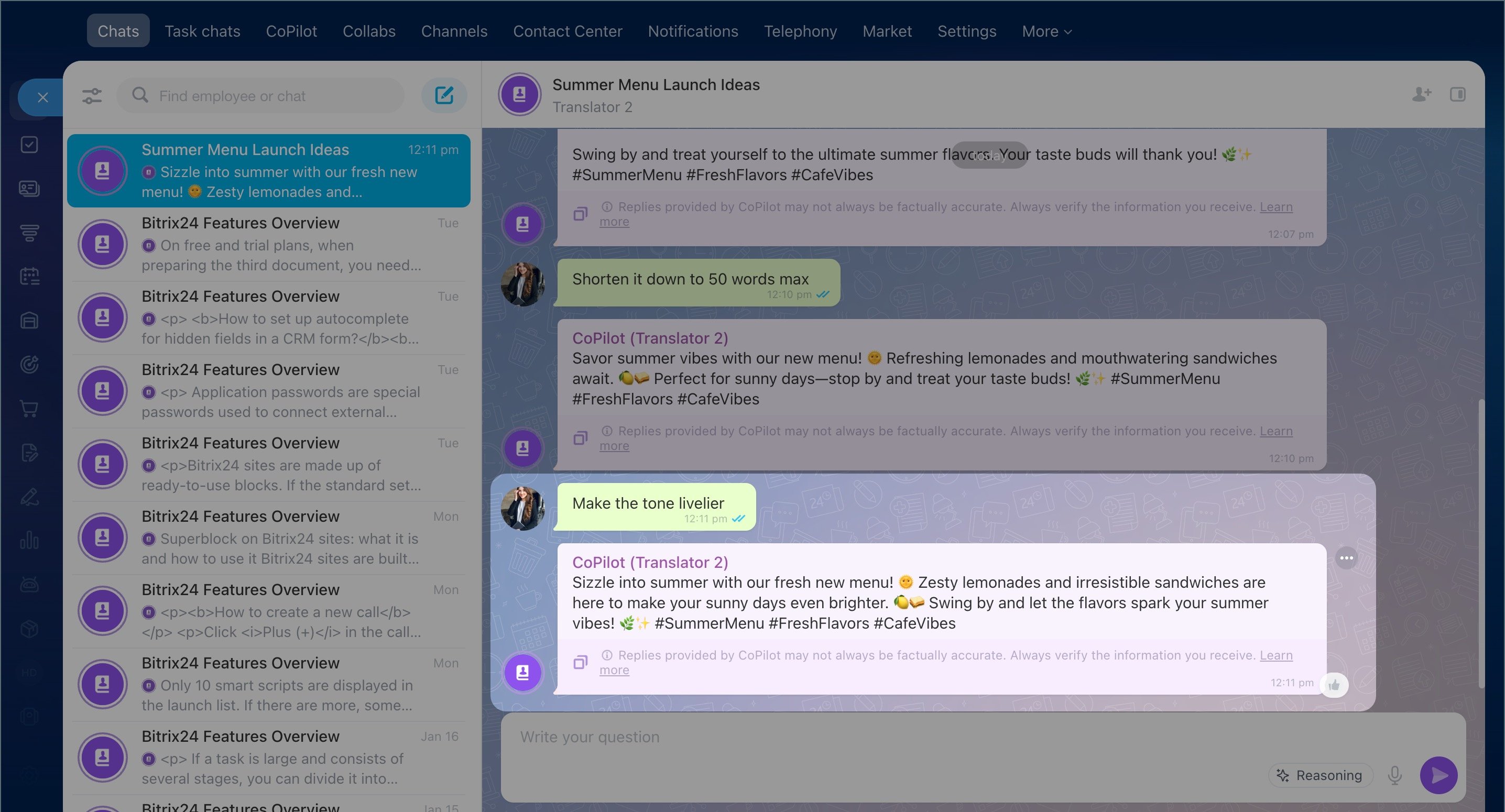
Make the tone livelier
Add references to superheroes
Useful tips
-
Ask CoPilot to generate ideas on ANY topic
Come up with 10 ideas for
Suggest a cool name for
Give me 5 clever headlines for…? -
Break complex tasks into steps
1. Draft a plan
2. Describe each point
3. Expand the first point -
Switch roles mid-conversation
You can mix roles in one dialogue: Marketing Specialist creates a customer profile, SEO Copywriter drafts the article, Product Manager improves it, etc. -
Specify what should NOT be in the answer
Explain in simple words, no clichés
Do not use technical jargon
Avoid long sentences -
Provide examples
Write in the same friendly tone as here: [example
Use short phrases like in this text: [example -
Start a new chat
If you need to change the topic or reset the context, just start a new chat with CoPilot. The information from the previous chat(s) won't affect this new conversation.