
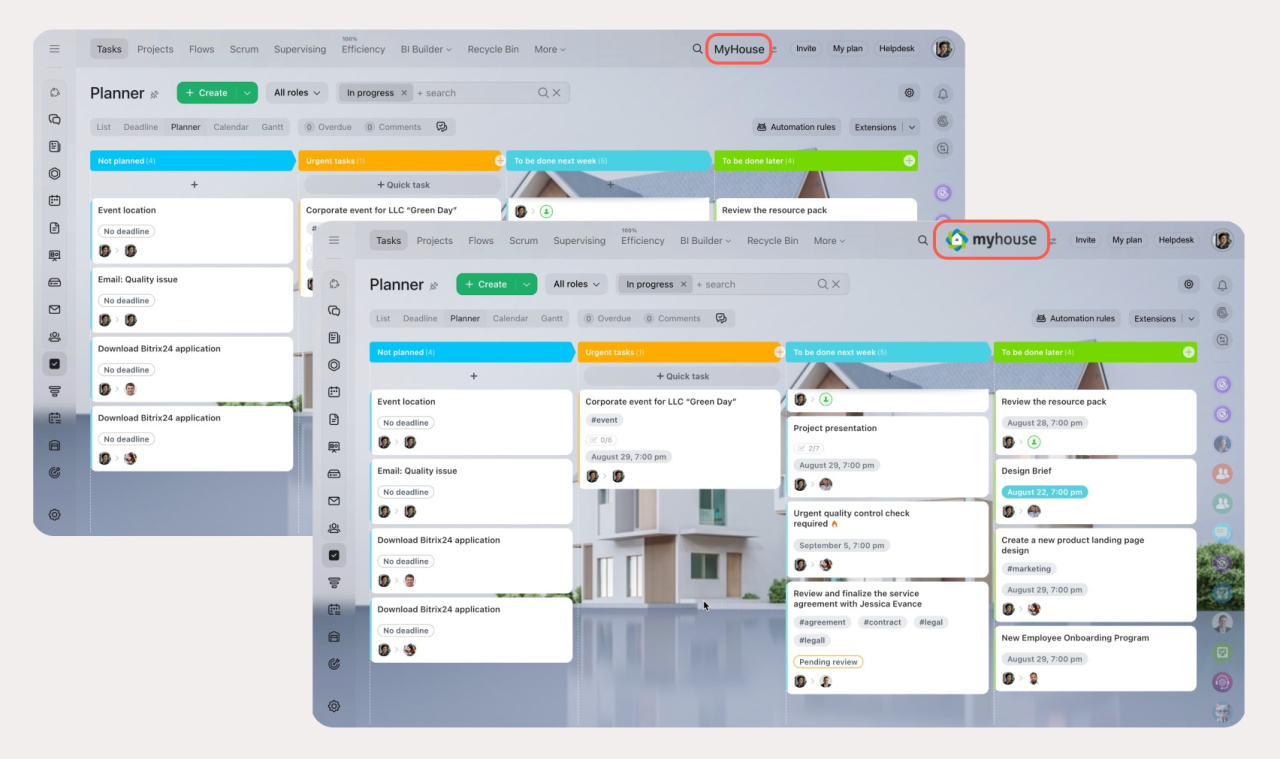
Bitrix24 is a workspace for your team. You can customize the account to match your brand. Replace the Bitrix24 name in the top-right corner with your company name or logo.
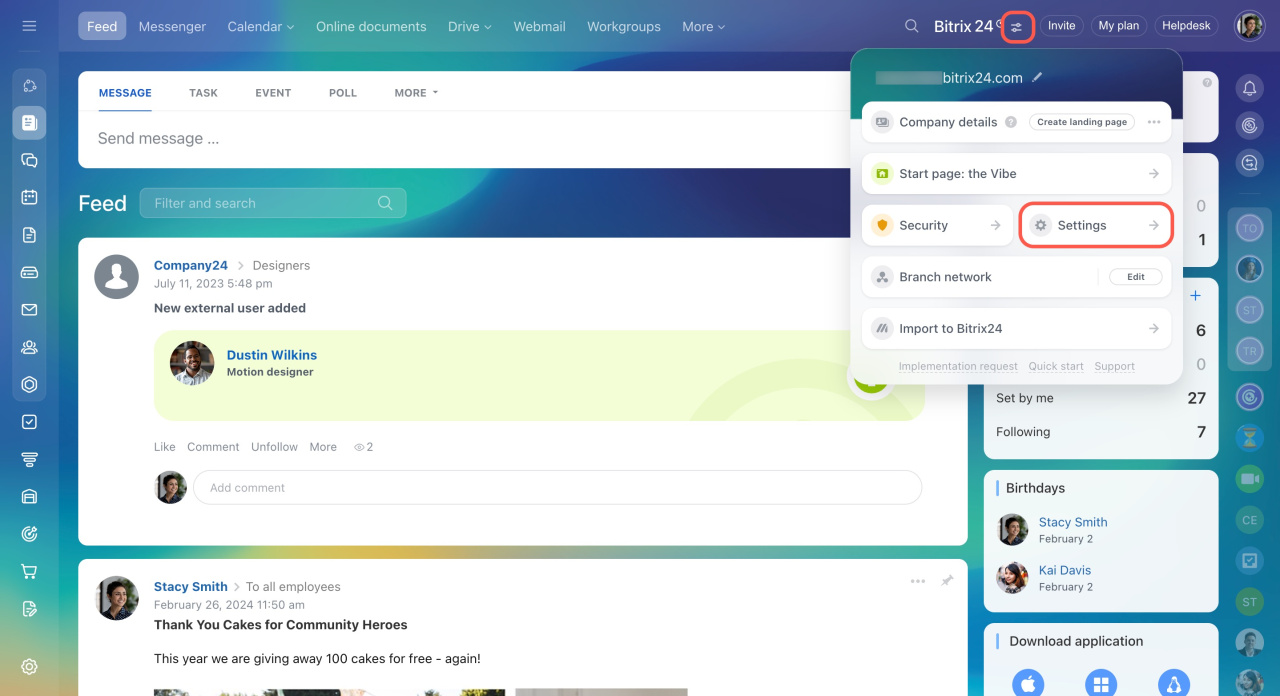
To access these settings:
- Click on the toggles icon in the top-right corner.
- Select Settings in the widget.
- Open the My Bitrix24 tab.
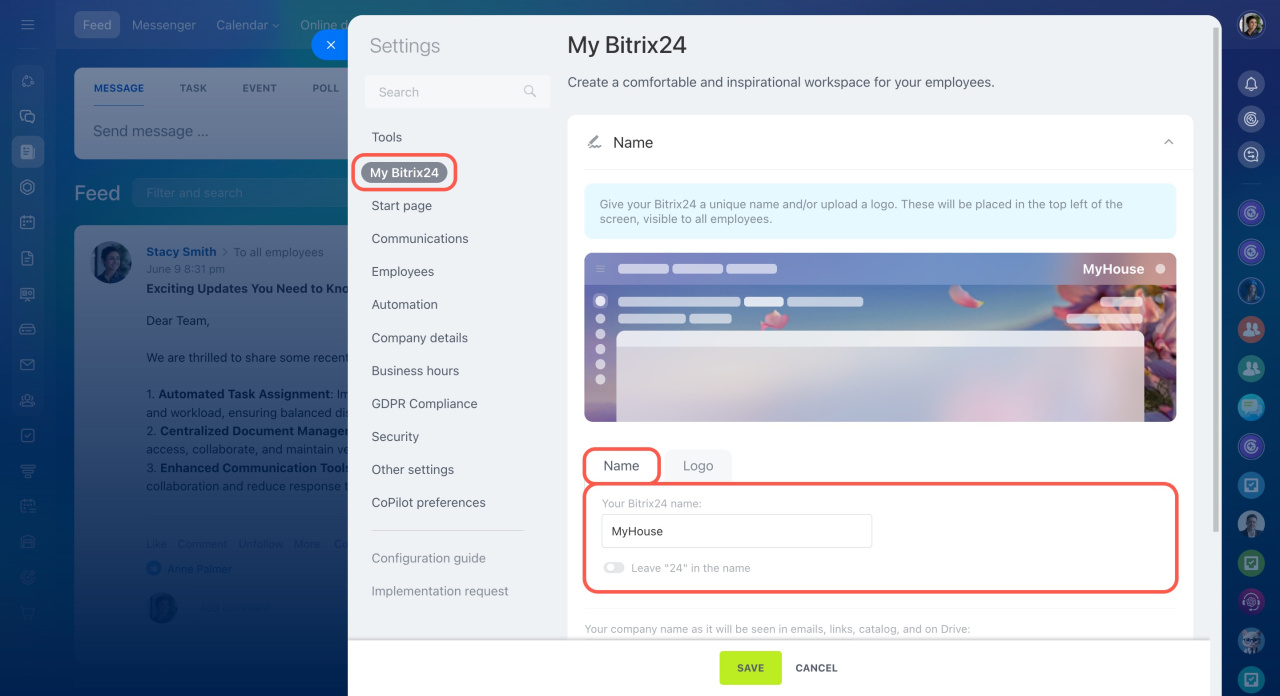
Replace Bitrix24 with your company name
Enter your company name, for example, MyHouse. It will appear in the top-right corner for all employees instead of Bitrix. By default, the number 24 stays in the name, for example, MyHouse 24.
To remove “24,” turn off the corresponding option.
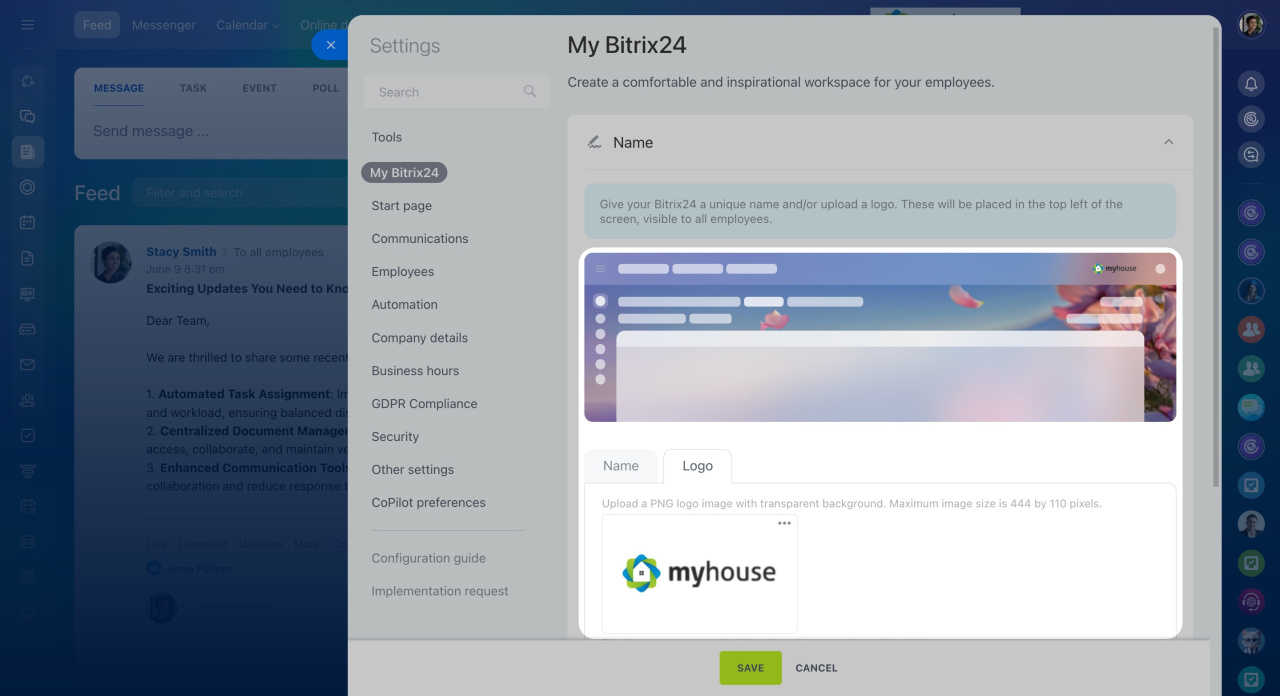
Replace Bitrix24 with your company logo
- Open the Logo tab.
- Upload an image in PNG format with a transparent background.
The maximum image size is 444 × 110 px.
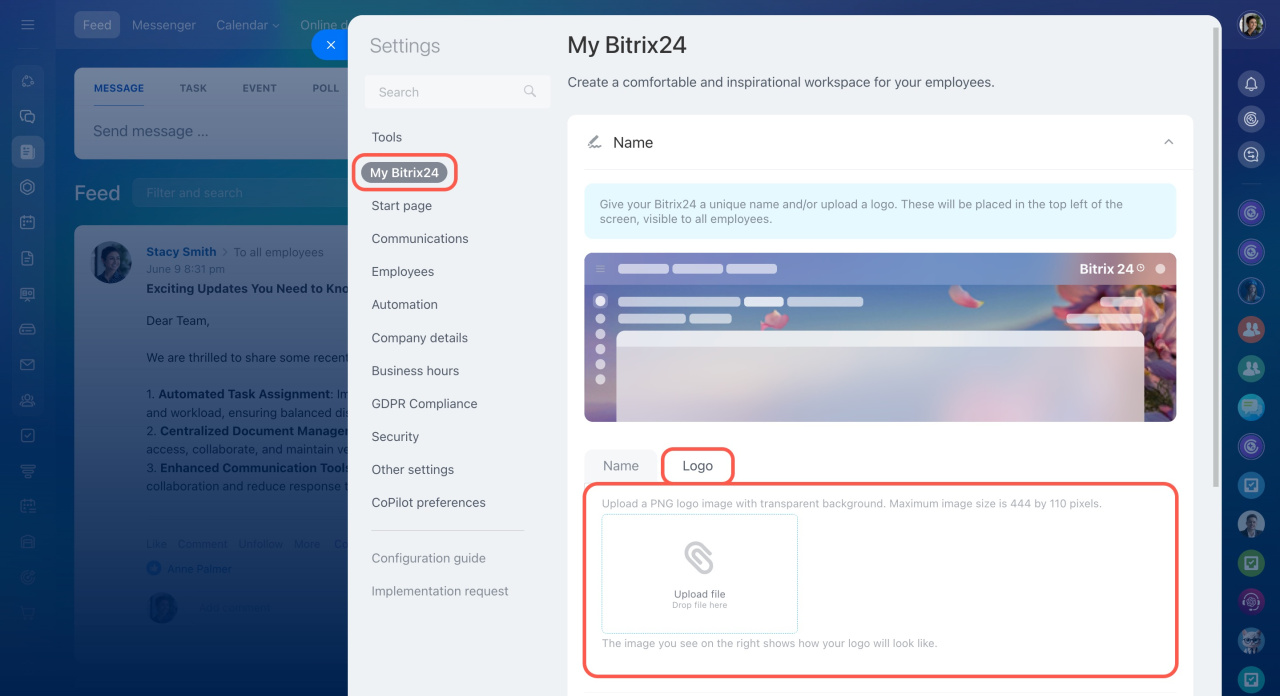
Use the preview area to see how the logo will look in the account.
Bitrix24 plans and pricing
In brief
-
Replace the Bitrix24 name in the top-right corner with your company name or logo.
-
Only administrators can change these settings.
-
To update the branding, go to Settings > My Bitrix24 from the toggles menu.