
In Bitrix24, you can stop automation rules at a certain stage of a CRM item or task. This is useful if you need to interrupt a series of rules set to run later, like in a few hours or days. The changes will only affect the specific item you modify.
Only Bitrix24 administrators and employees with permission to edit CRM items or tasks can stop automation rules.
Access Permissions in CRM
Tasks: Access permissions
Access Permissions in CRM
Tasks: Access permissions
To stop automation rules:
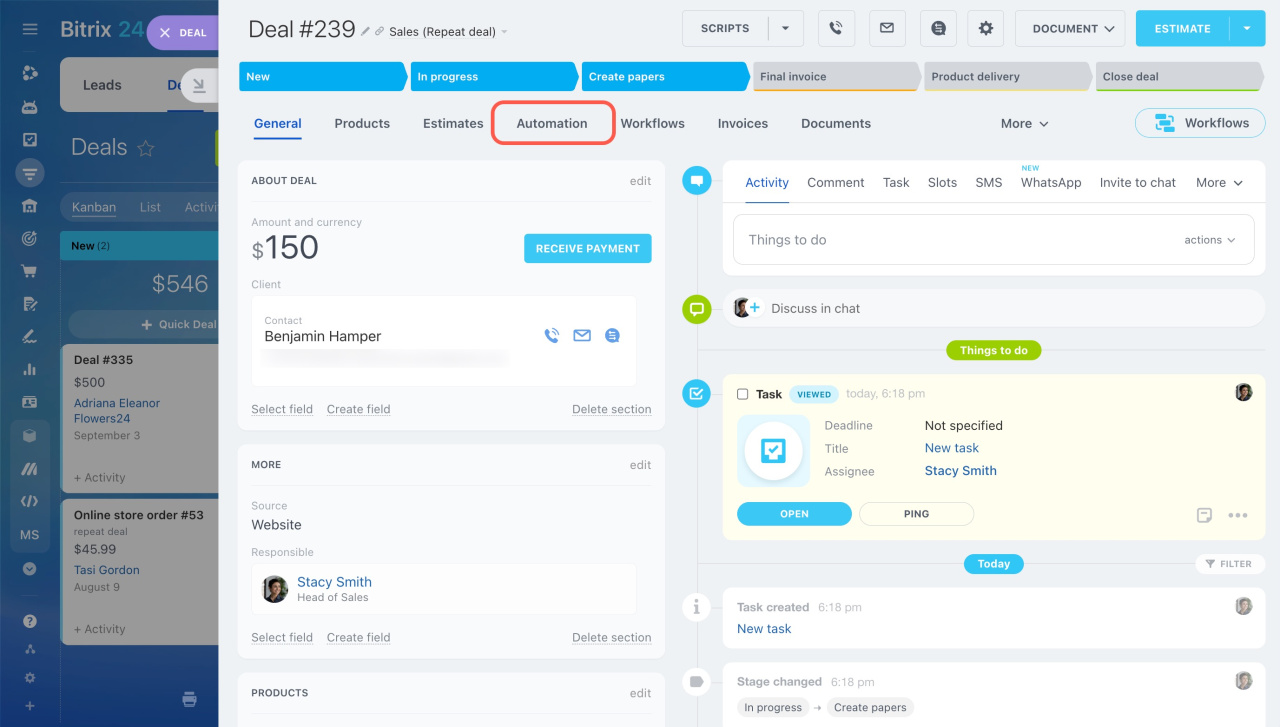
- Open the CRM item or task form.
- Go to the Automation tab.
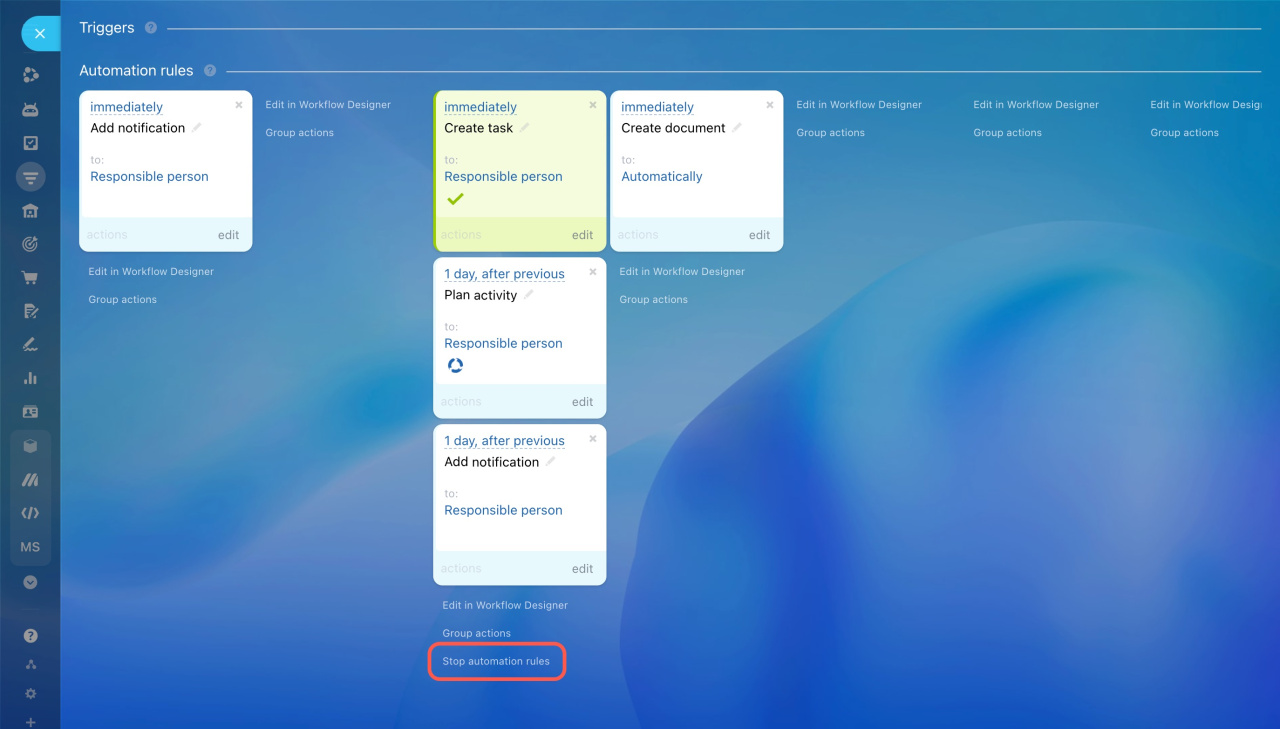
- Click Stop automation rules at the bottom of the desired stage.
This will stop all the postponed rules, such as those planned for the next day.
Read also: