
If you need to uninstall Bitrix24 Messenger on macOS, follow these steps:
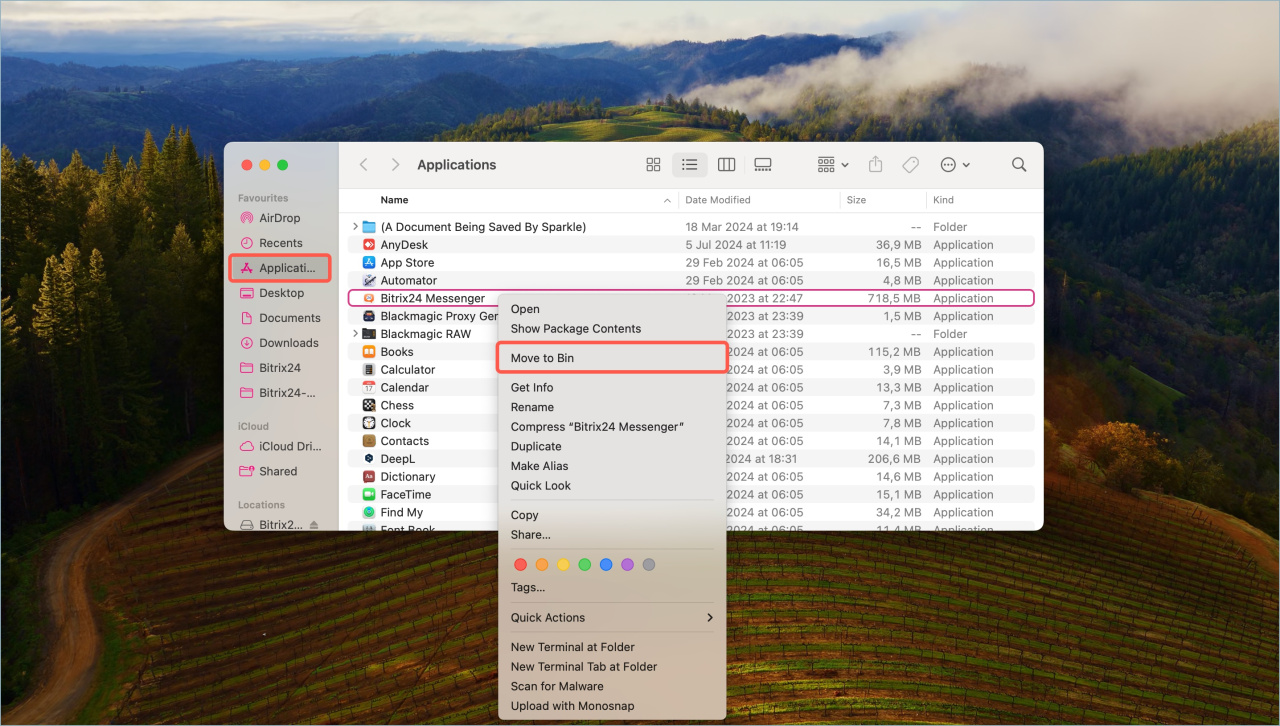
- Open the Applications folder.
- Right-click the Bitrix24 Messenger app.
- Select Move to Bin.
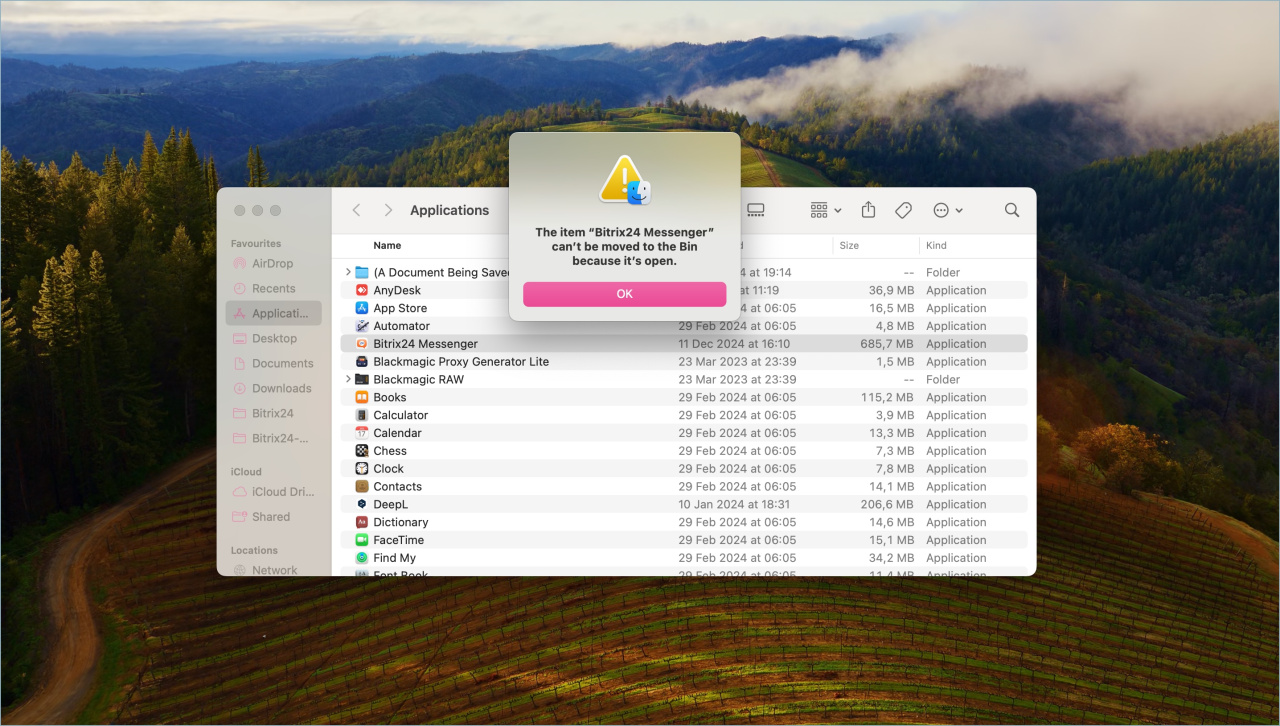
You may see this message:
"The item Bitrix24 Messenger can't be moved to Bin because it's open."
If this happens, disable the Bitrix24 Messenger extension:
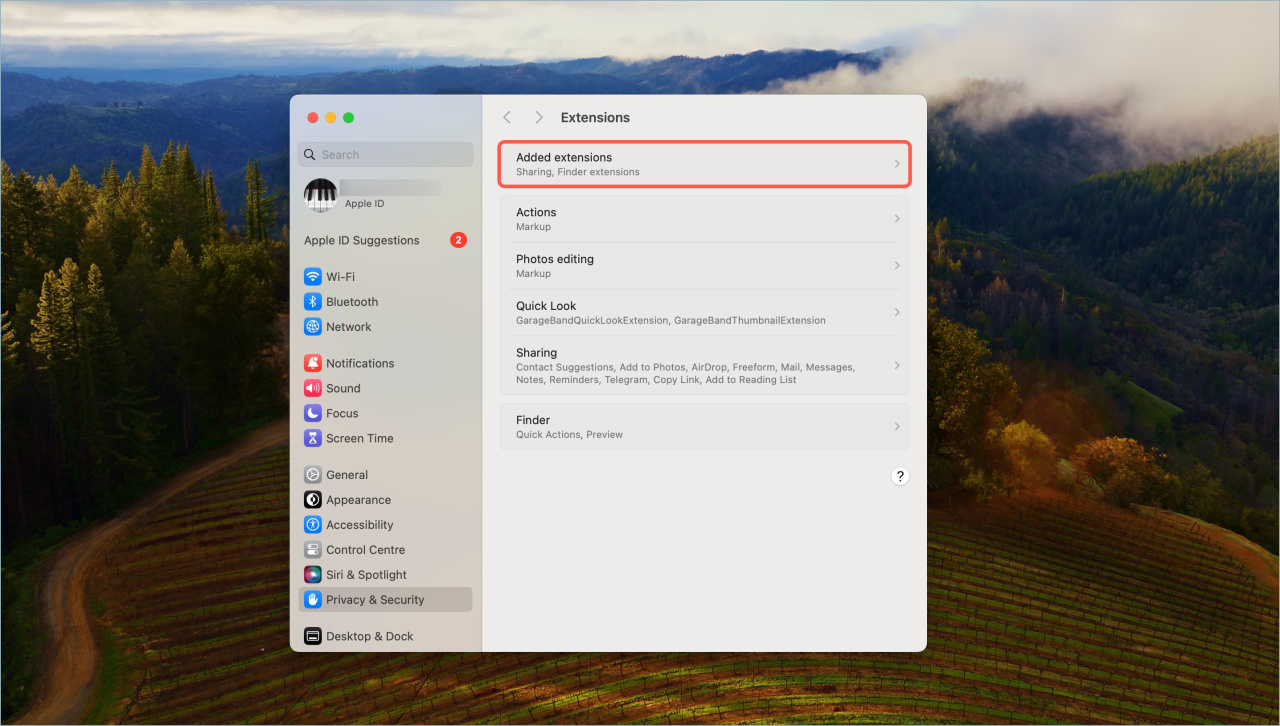
- Go to System settings > Privacy & Security > Extensions.
- Select Added extensions.
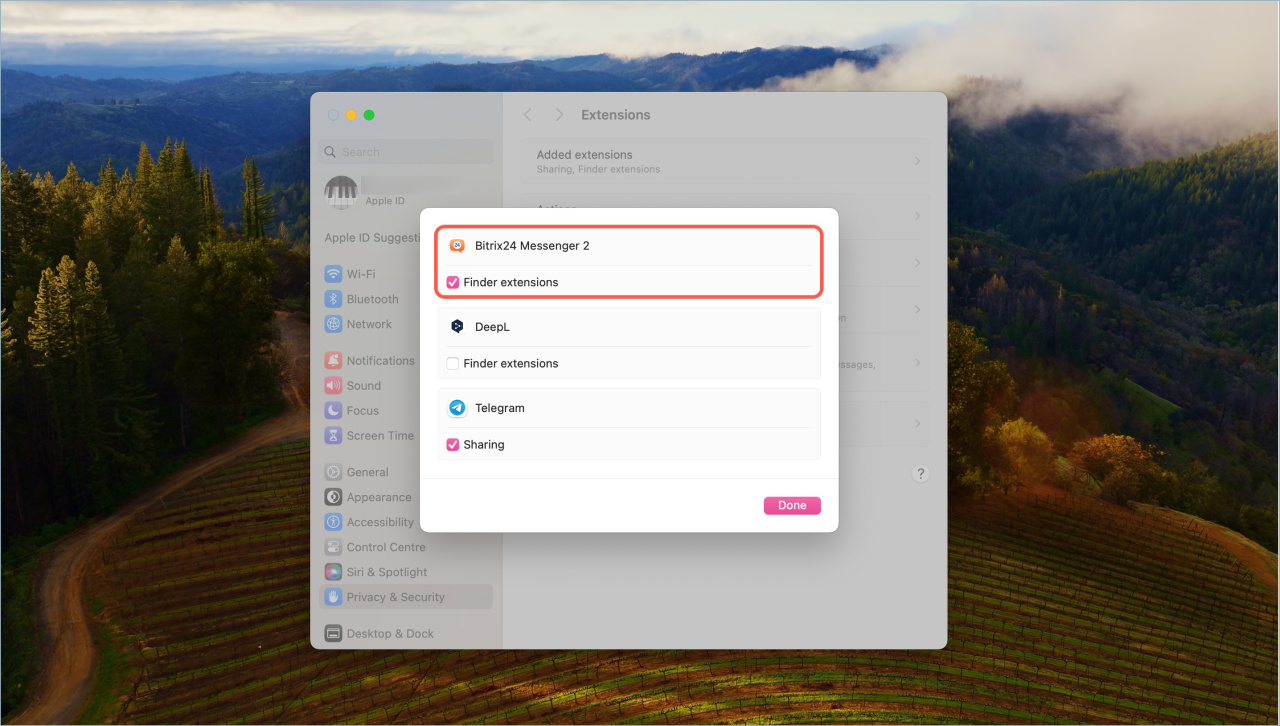
- Clear the checkbox for Finder extensions.
After that, you can delete Bitrix24 Messenger.