
If you have questions about Bitrix24 tools, you can contact support directly.
Bitrix24 plans and pricing
What Bitrix24 Support can help with
- Find information in Bitrix24 documentation
- Identify and fix tool errors
- Resolve issues with plans and payments
What Bitrix24 Support doesn’t cover
- Custom development or implementation of Bitrix24 tools
- Building or maintaining Bitrix24 applications
- Designing workflows or automation rules
- Integrating SIP phones, PBX systems, or third-party telephony apps
If you have questions about Bitrix24 tools, follow these steps:
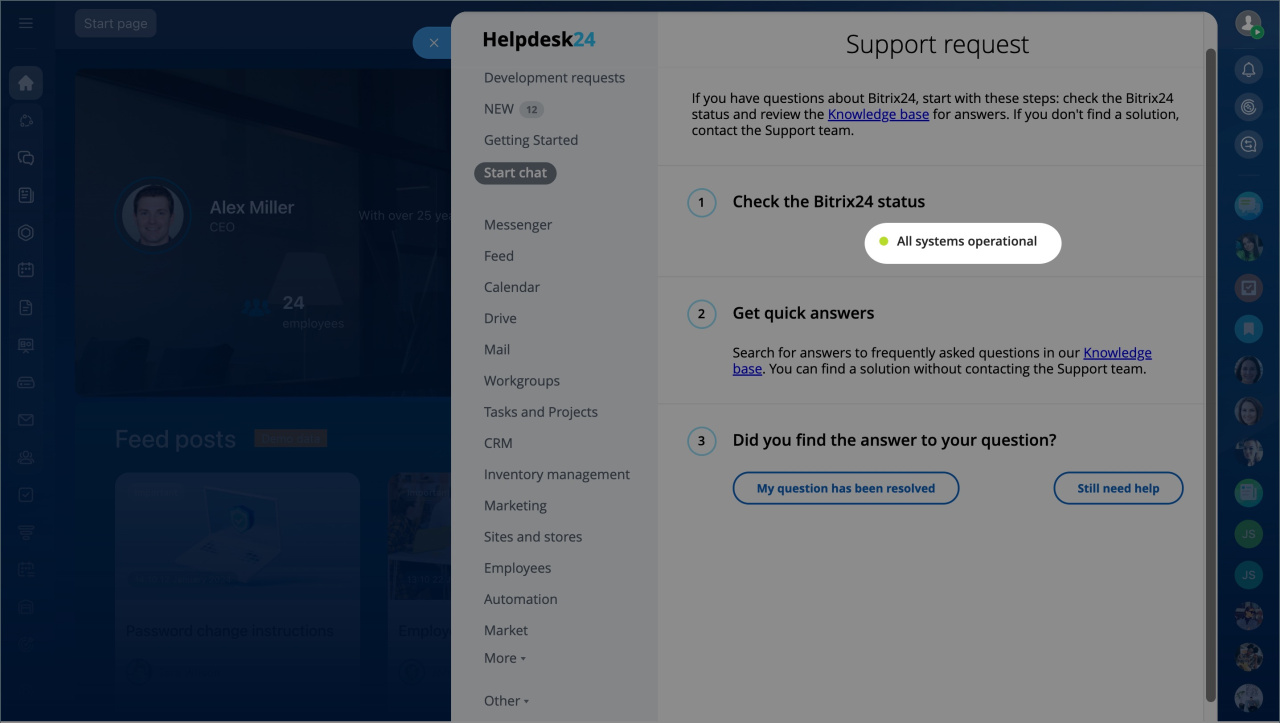
1. Check system status
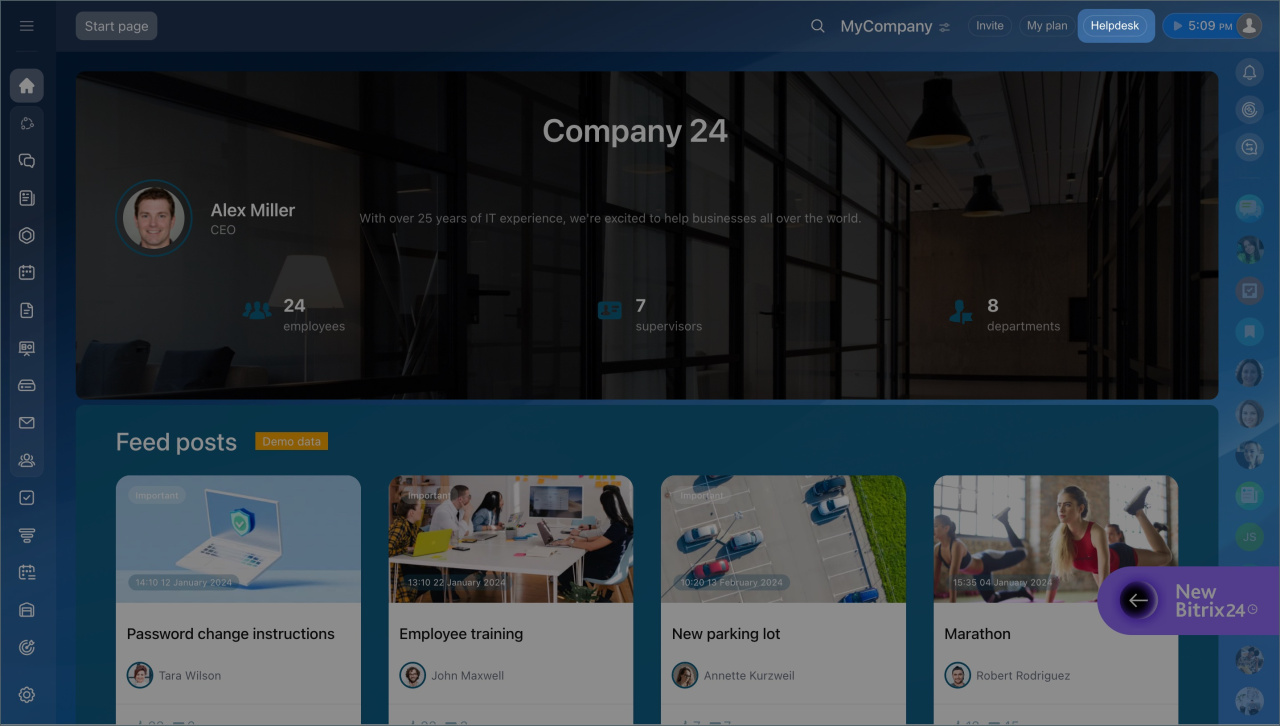
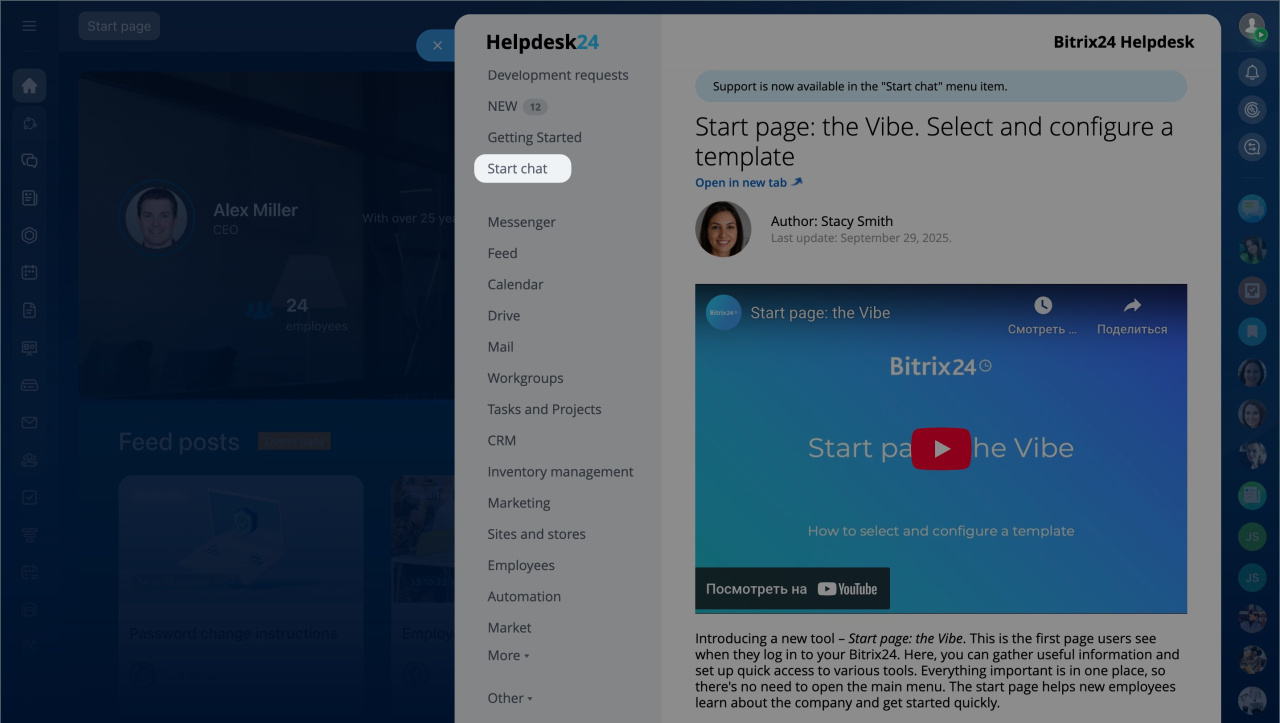
Сlick Helpdesk > Start chat.
- Green status — everything is working normally.
- Red status — there is a known issue, and the team is already working on it.
If the status is red, you don’t need to contact support.
2. Search the Knowledge Base
Check the Knowledge Base for answers. Many common questions are already covered in the documentation.
3. Contact support
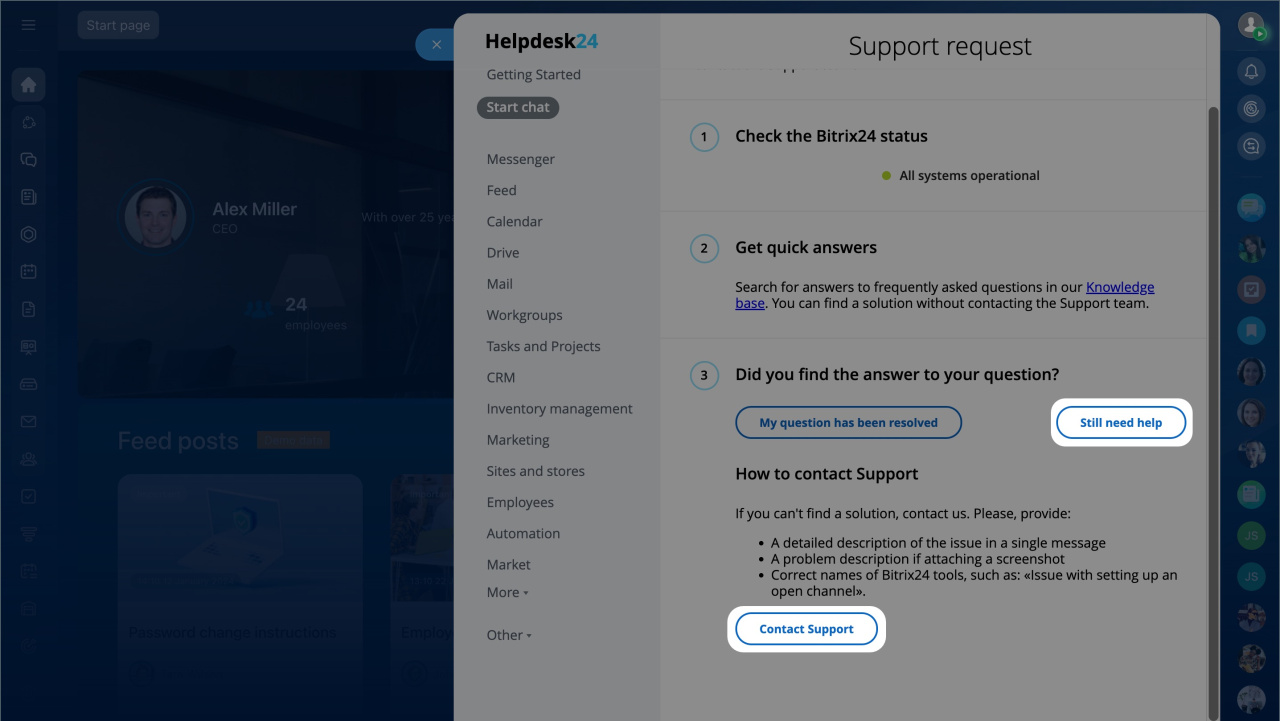
If you still need help, click Still need help > Contact support.
A chat will open. Describe your issue clearly:
- What you did
- What you expected
- What actually happened
Attach screenshots if possible. You will first get a reply from the virtual assistant. If needed, a support specialist will join the chat.
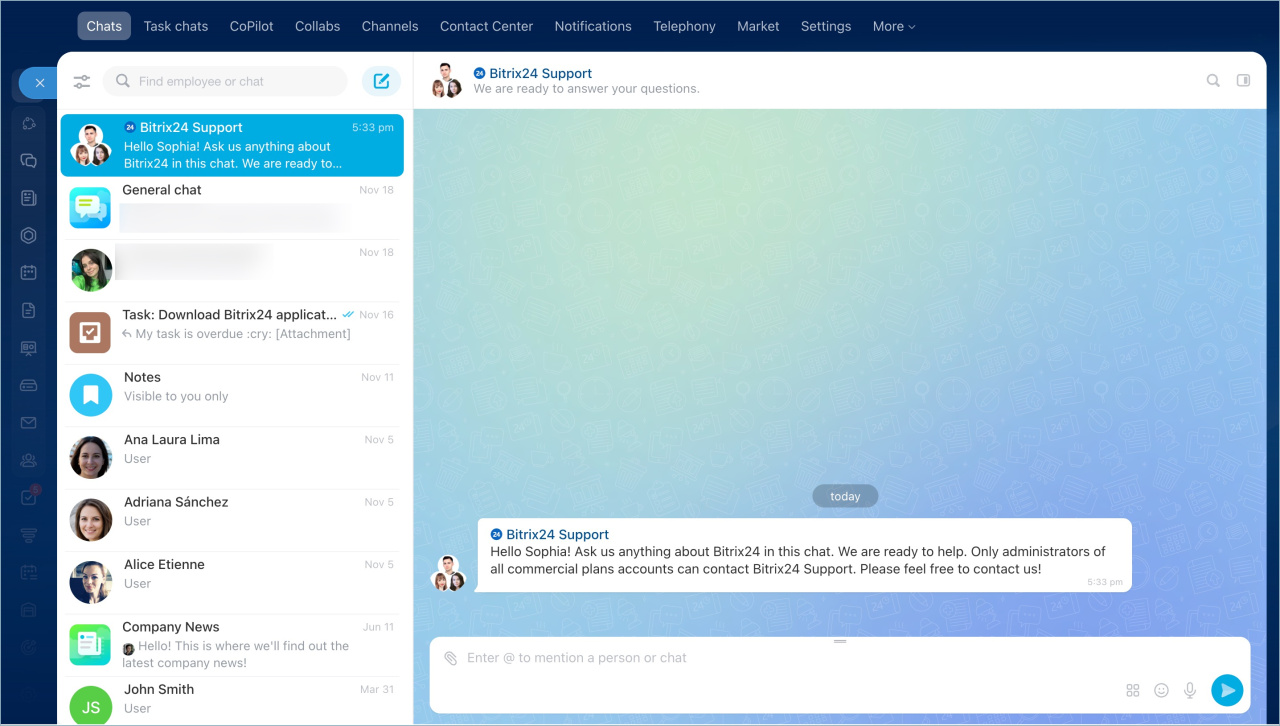
A support specialist solves only one issue in one chat. If you have multiple questions, create separate chats. Support can work on several chats at the same time.
To contact support in the On-Premise version, an administrator must enable this option in settings.
Create multiple dialogs with Bitrix24 Support
Technical support for Bitrix24 On-Premise version
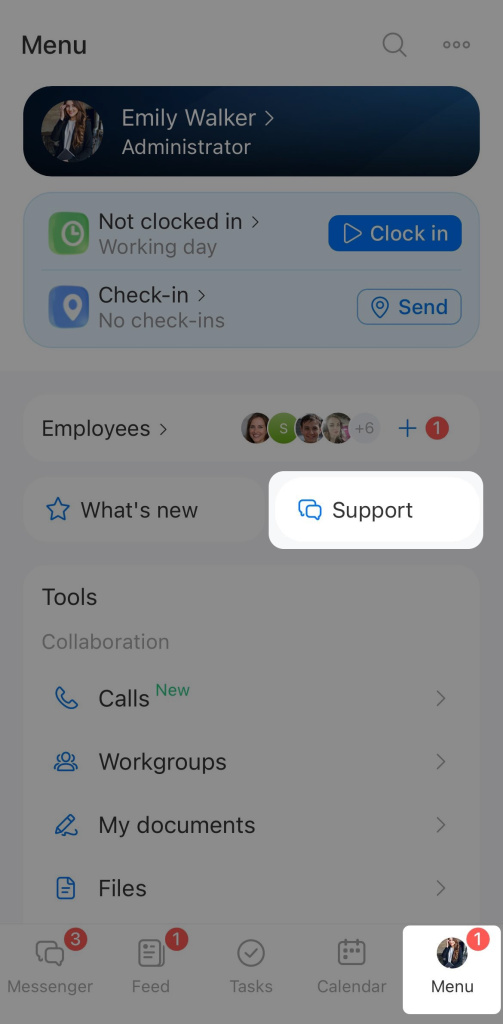
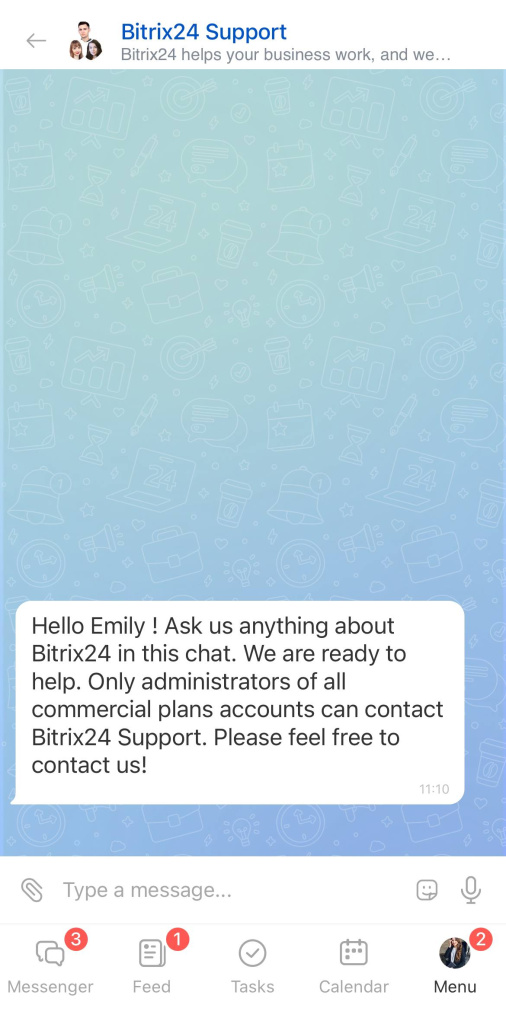
To contact support:
- Tap Menu > Support.
- Enter your question and wait for a response.
If you can't find the Bitrix24 Support chat
Check the following:
- Admin permissions — make sure you are an account administrator
Assign admin permissions - Partner Support — if enabled, Bitrix24 Support is not available
Activate support from Bitrix24 partners
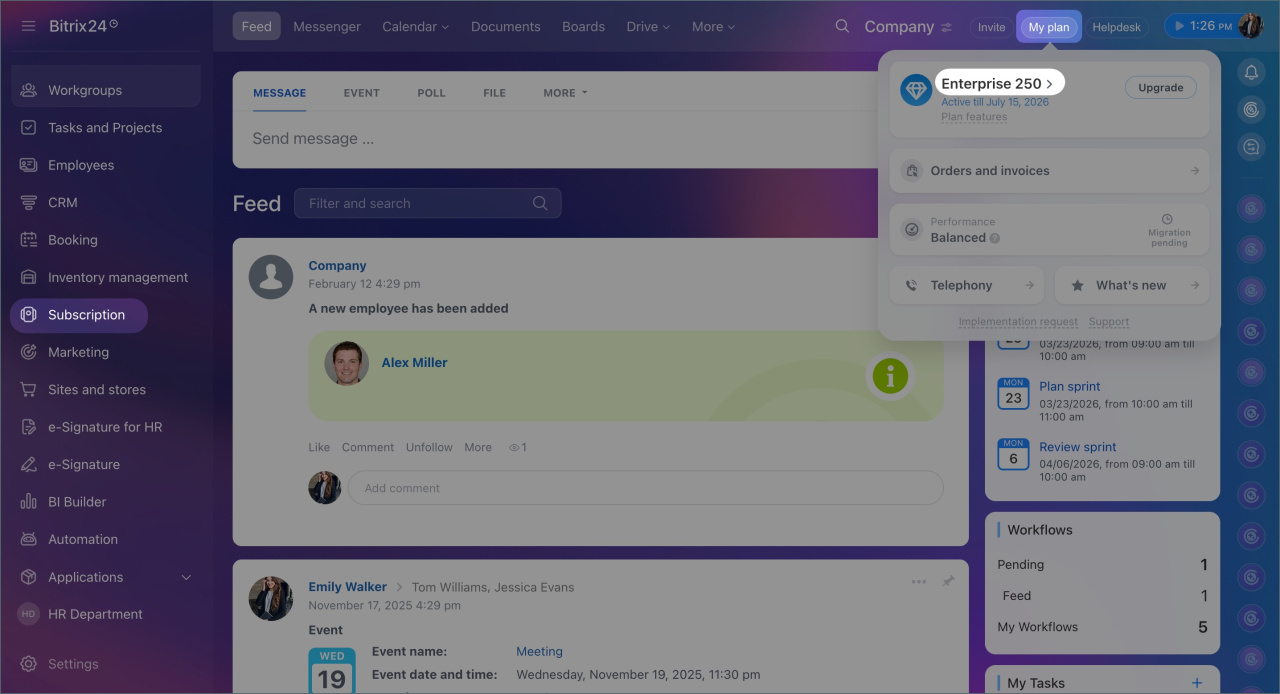
You can contact Partner Support or return to Bitrix24 Support. To disable Partner Support, open the My Plan widget, click your plan name and select Support.
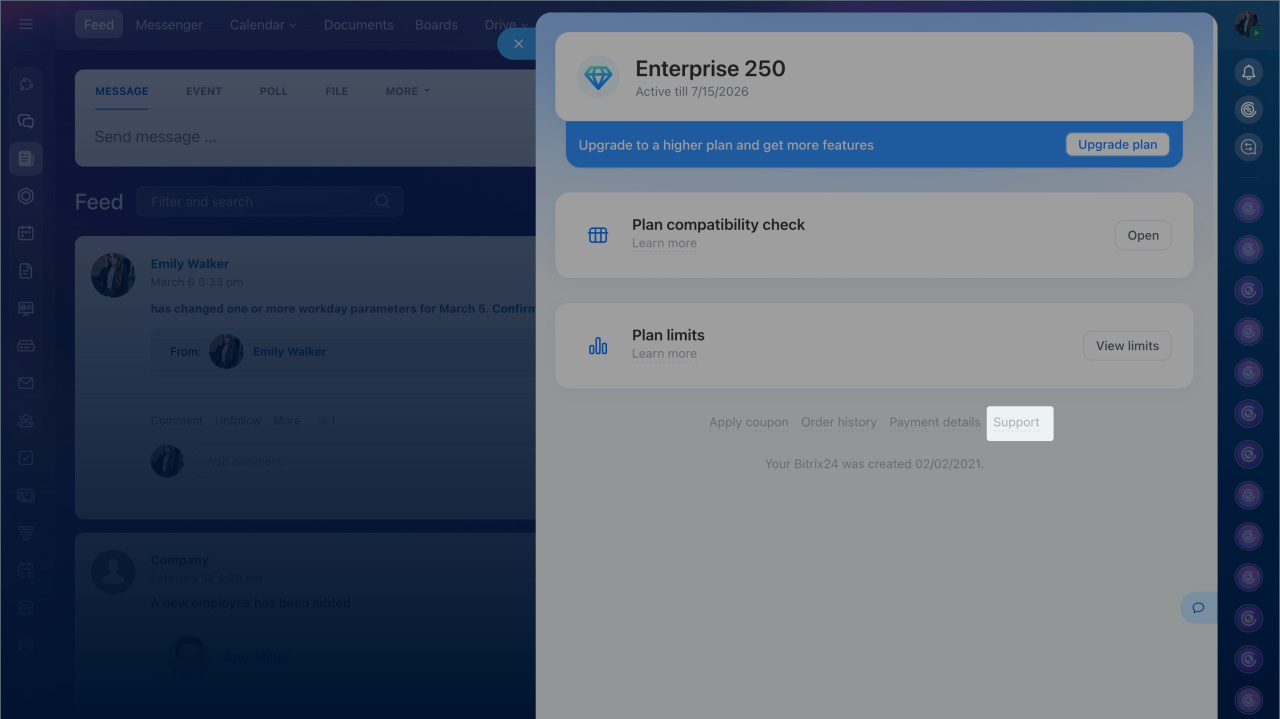
Contact Sales Support
For billing or plan questions:
- Open the My Plan widget.
- Click your plan name.
- Select Need help? Contact us.
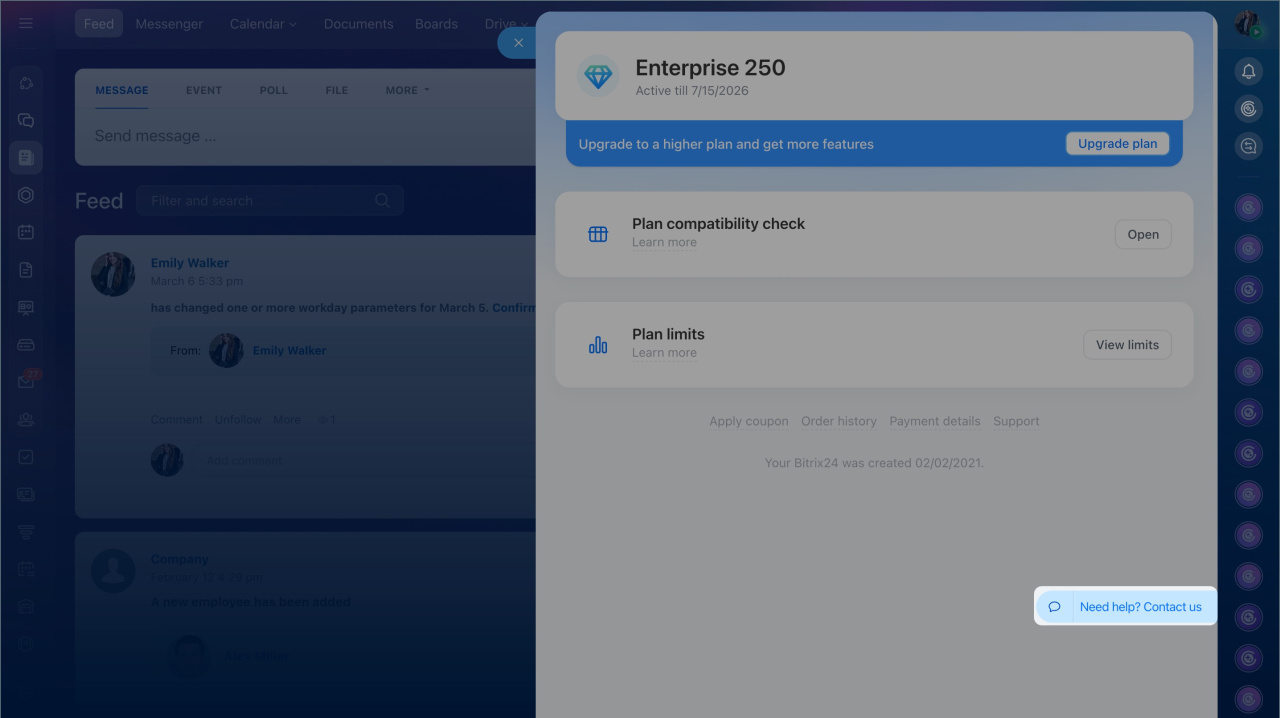
In brief
- AI support chat is available on all plans. Only commercial plans allow transfer to a live support specialist.
- Go to Helpdesk > Start chat in the top-right corner.
- If you can’t find a solution, click Still need help > Contact support.
- A support chat will open. Describe your issue clearly and attach screenshots.
- For multiple questions, create separate chats.
- To contact Sales Support, open the My Plan widget, click your plan name, and select Need help? Contact us.