
Alaio Vibecode is a platform for building AI-powered solutions for Bitrix24. You can use it to create an app, a chatbot, or an AI agent.
Alaio Vibecode is useful when your Bitrix24 does not include a ready-made solution you need, such as a custom report or integration.
What tasks can be solved with Alaio Vibecode
You do not need programming skills to use Alaio Vibecode. Just describe the task clearly, as if you were explaining it to a developer. The actual vibe coding runs through an external AI service, such as Claude Code or Codex. Connect the service to the platform first.
Alaio Vibecode: Create and set up an app
Alaio Vibecode: apps and AI tools without development
Alaio Vibecode can help many teams, for example:
- Managers can compile employee or deal summaries in the format they need.
- Marketers can create ad campaign reports that standard tools cannot generate.
- Product managers can test ideas quickly before starting full development.
- IT specialists can complete tasks without a long development cycle.
In this article:
Sign in to Alaio Vibecode
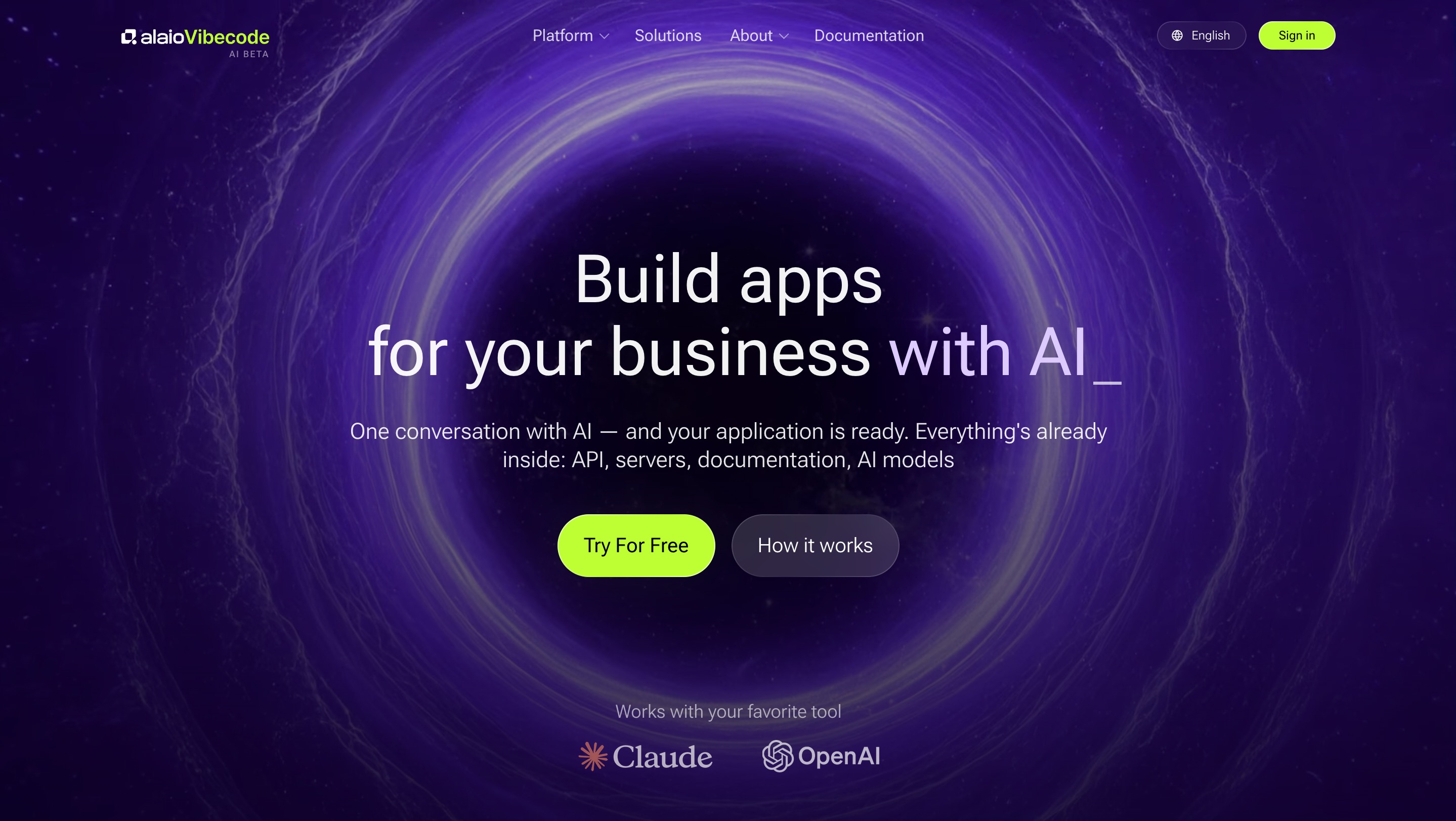
To get started, go to the Alaio Vibecode website.
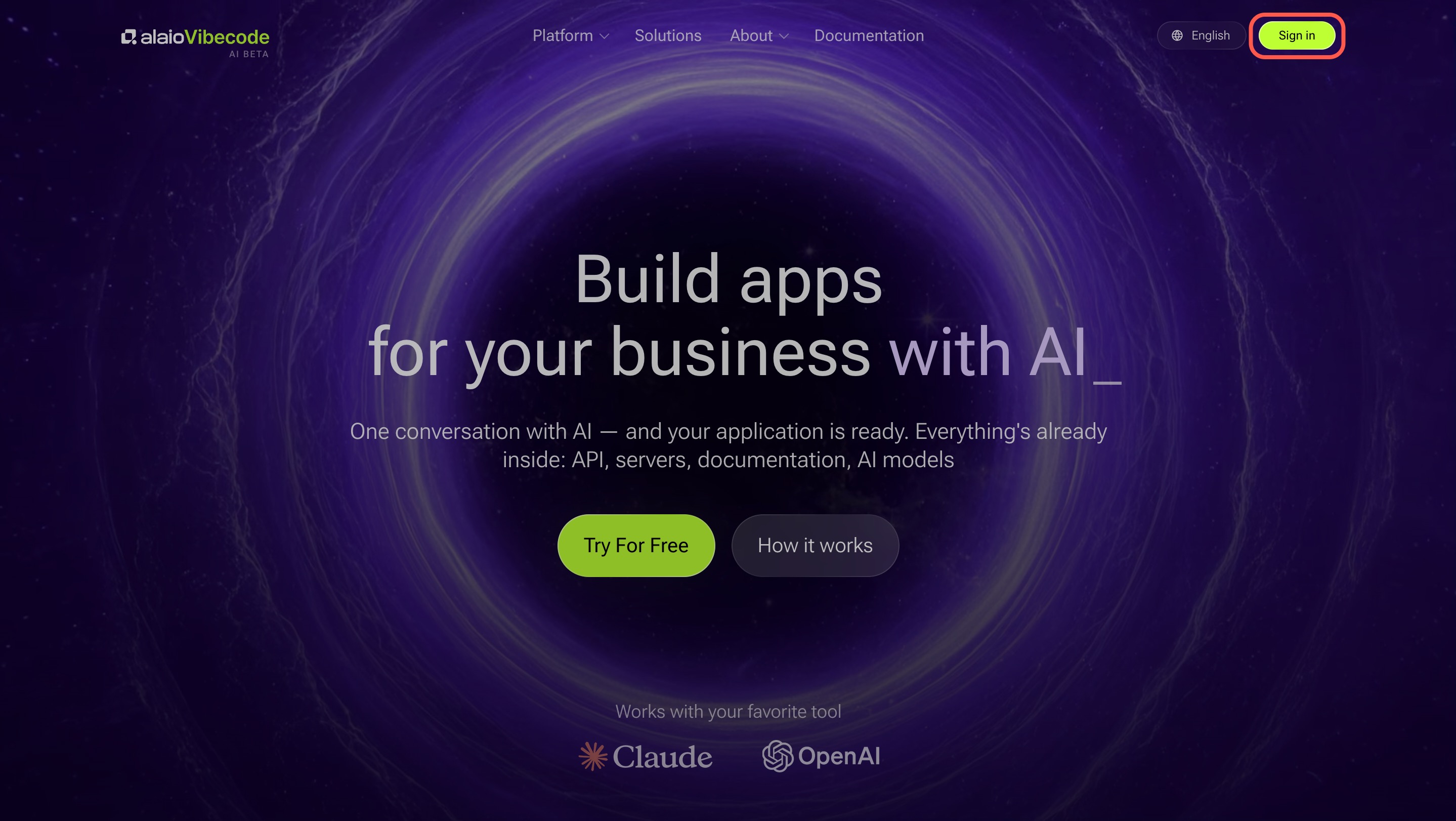
1. Click Sign in.
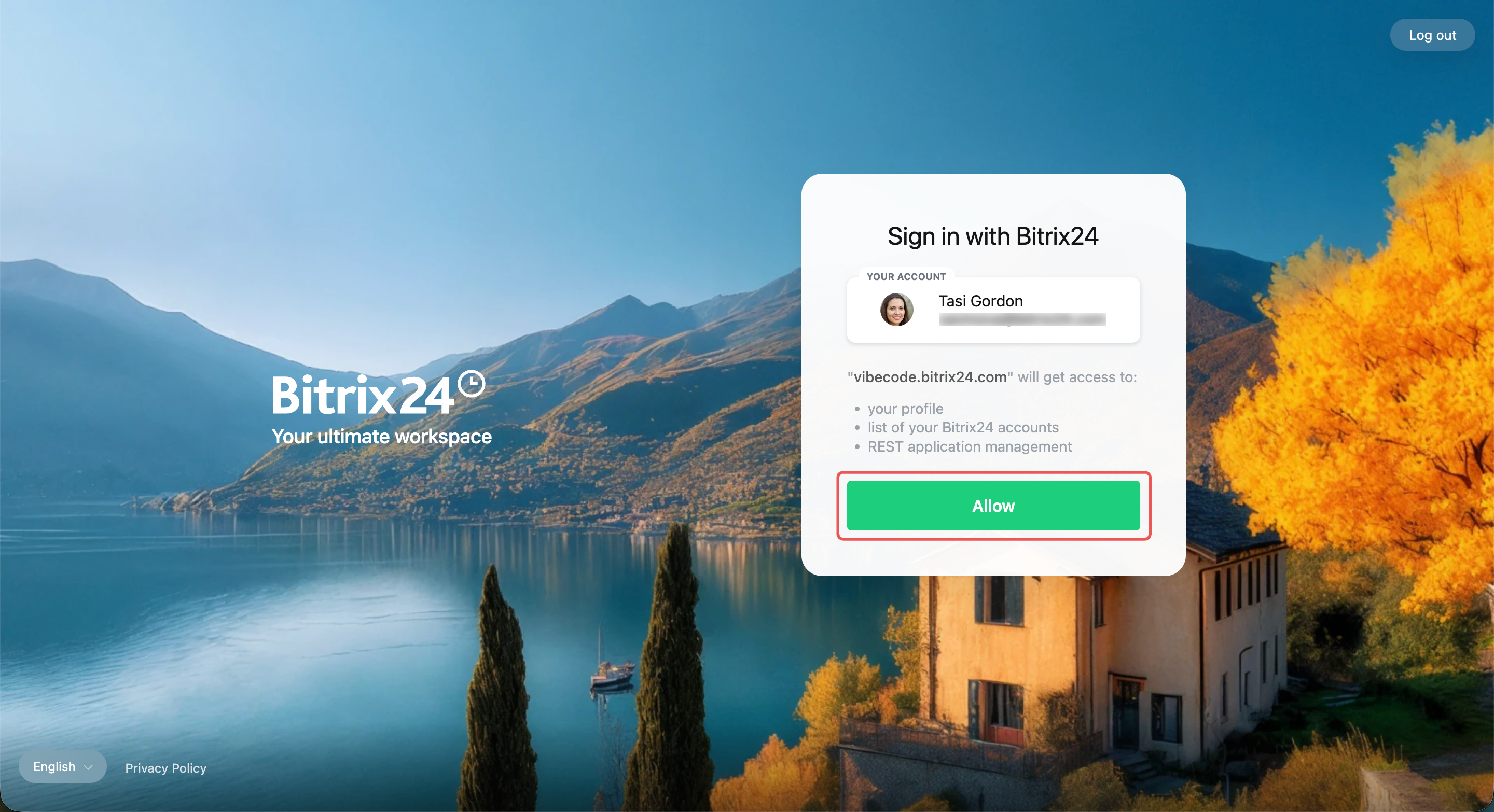
2. Sign in to Bitrix24 using any convenient method, such as a QR code.
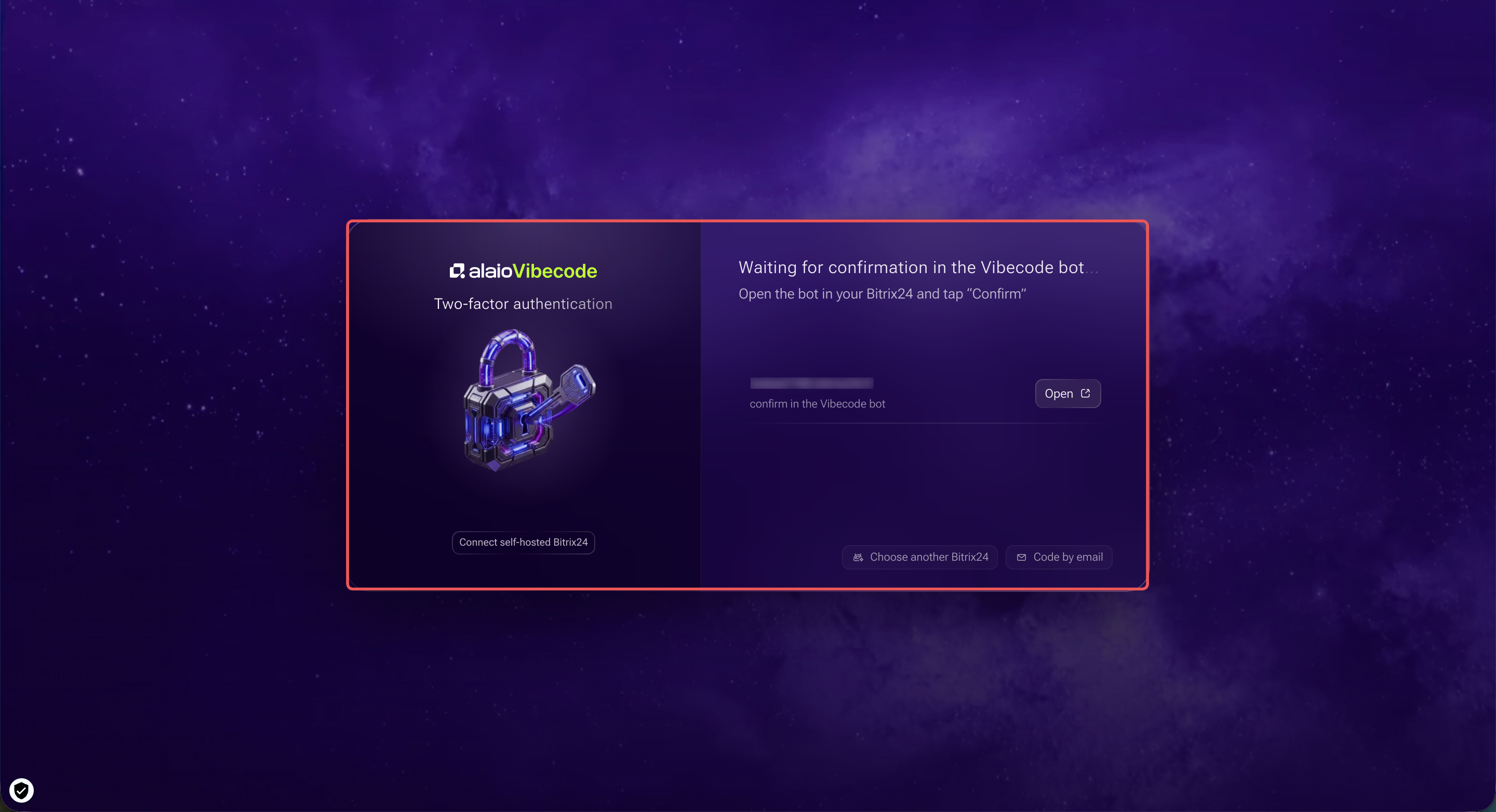
3. Complete two-factor authentication.
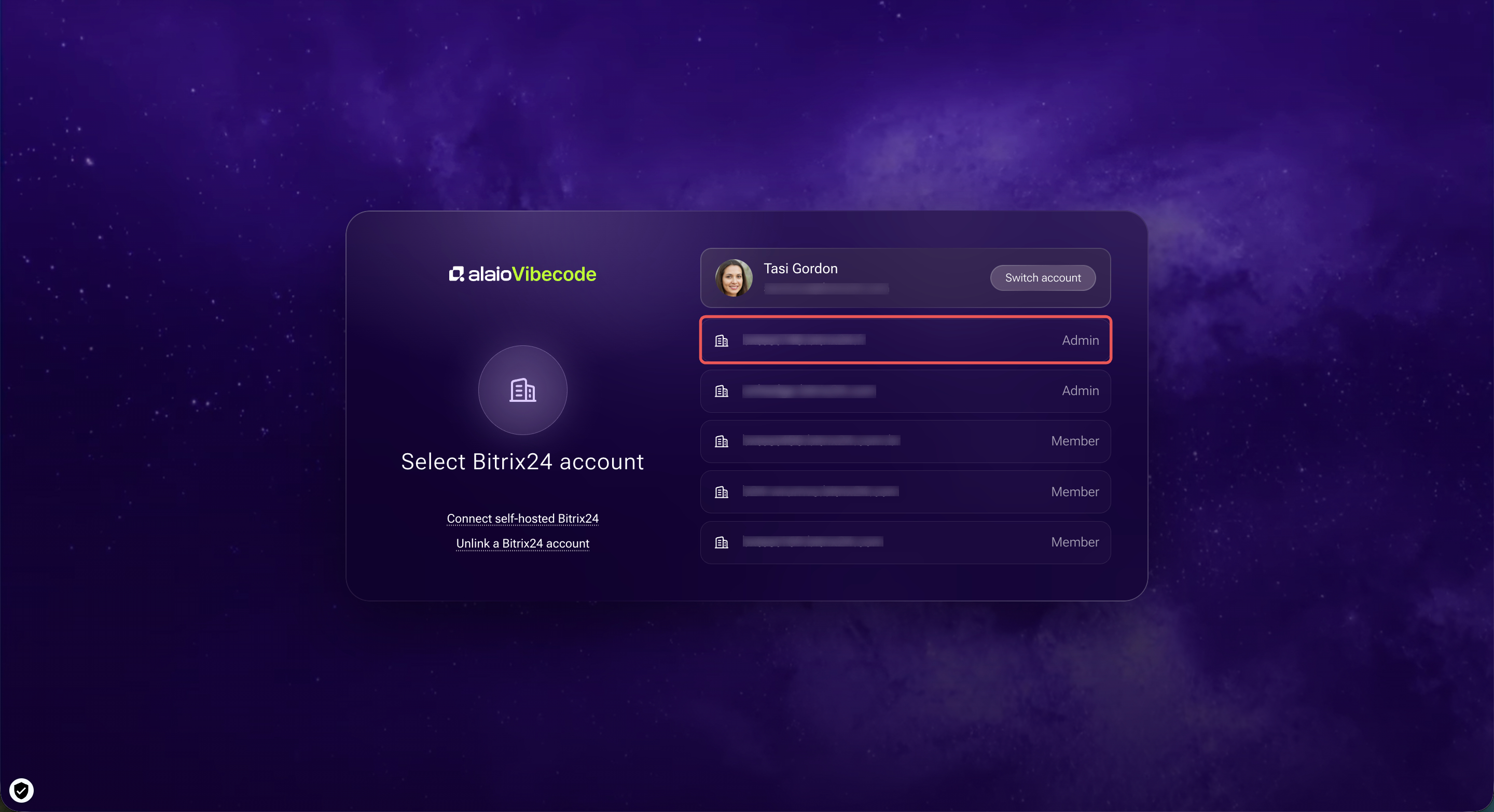
4. Select the Bitrix24 account you need.
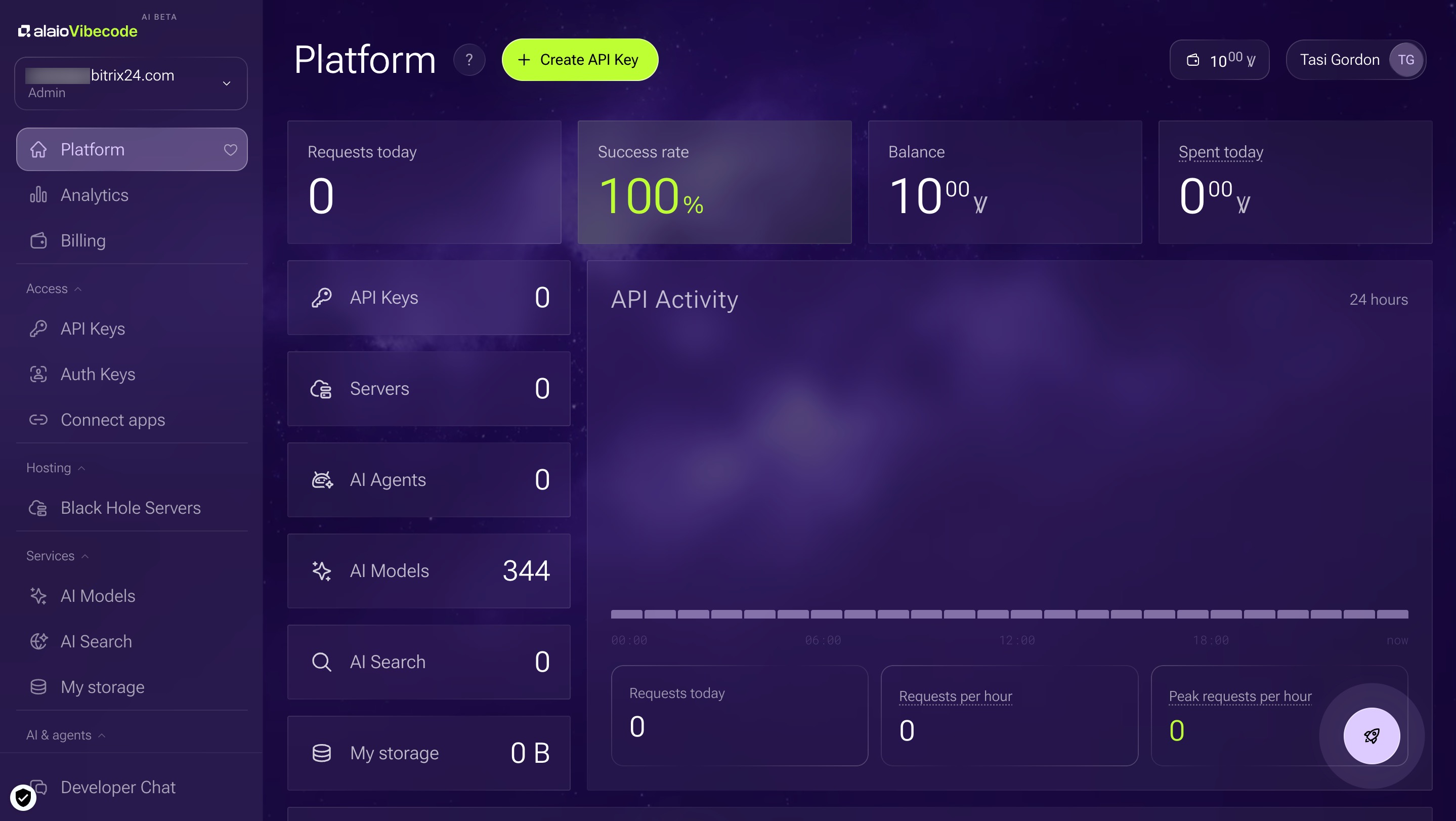
After you sign in, the Alaio Vibecode platform opens. You can now create your own apps.
Alaio Vibecode: Create and set up an app
Security in Alaio Vibecode
Alaio Vibecode works with your Bitrix24 data, including deals, customers, documents, and messages. Security is built into the platform at multiple levels. In Alaio Vibecode:
- Black Hole servers are not accessible from outside
- Authentication is available only through Bitrix24
- Access keys are unique for each task
- Access can be revoked at any time
Pay for Alaio Vibecode
Every new Bitrix24 account automatically gets 10 welcome Vibe credits. This is enough to build one simple app and try the platform.
Vibe credits are an internal billing unit. 1 Ꝟ equals 1 USD. You can buy a Vibe credit package in Bitrix24 and pay by card or PayPal.
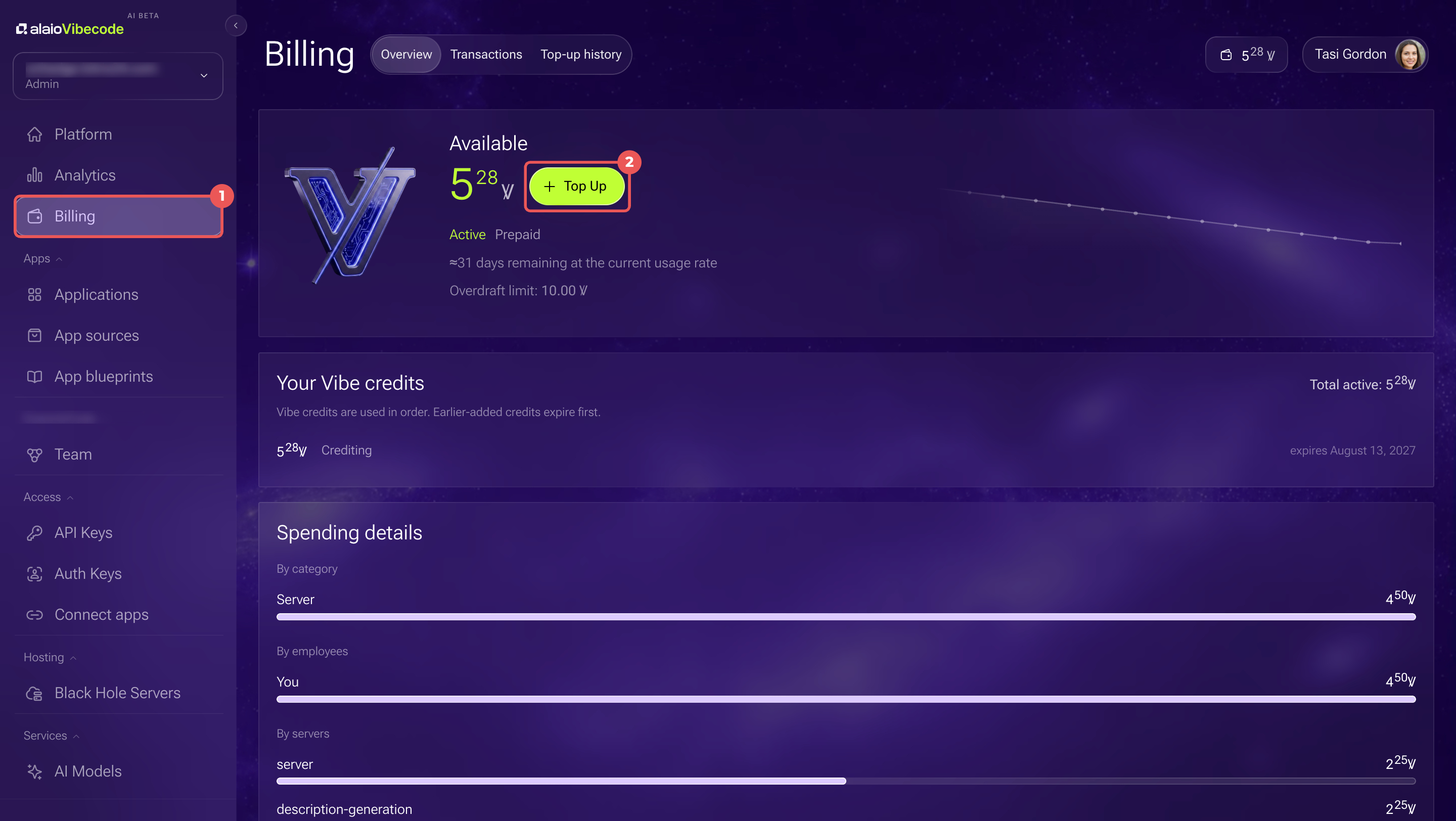
1-2. In the Vibecode platform, open the Billing section and click + Top Up.
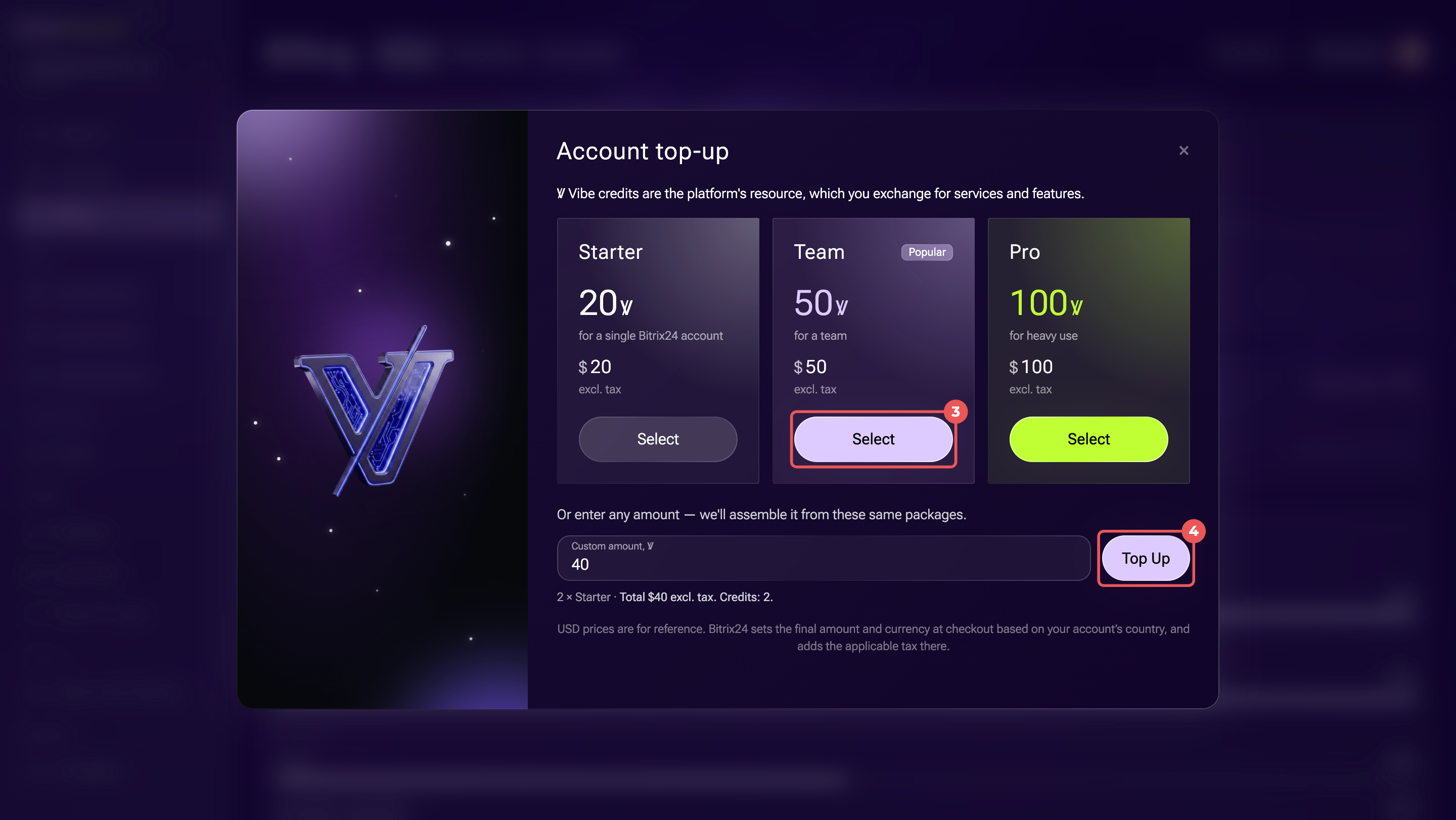
3-4. Choose how many Vibe credits to buy:
- To buy a ready-made package, click Select under the package you want.
- To enter a different amount, type it in the Custom amount field and click Top Up.
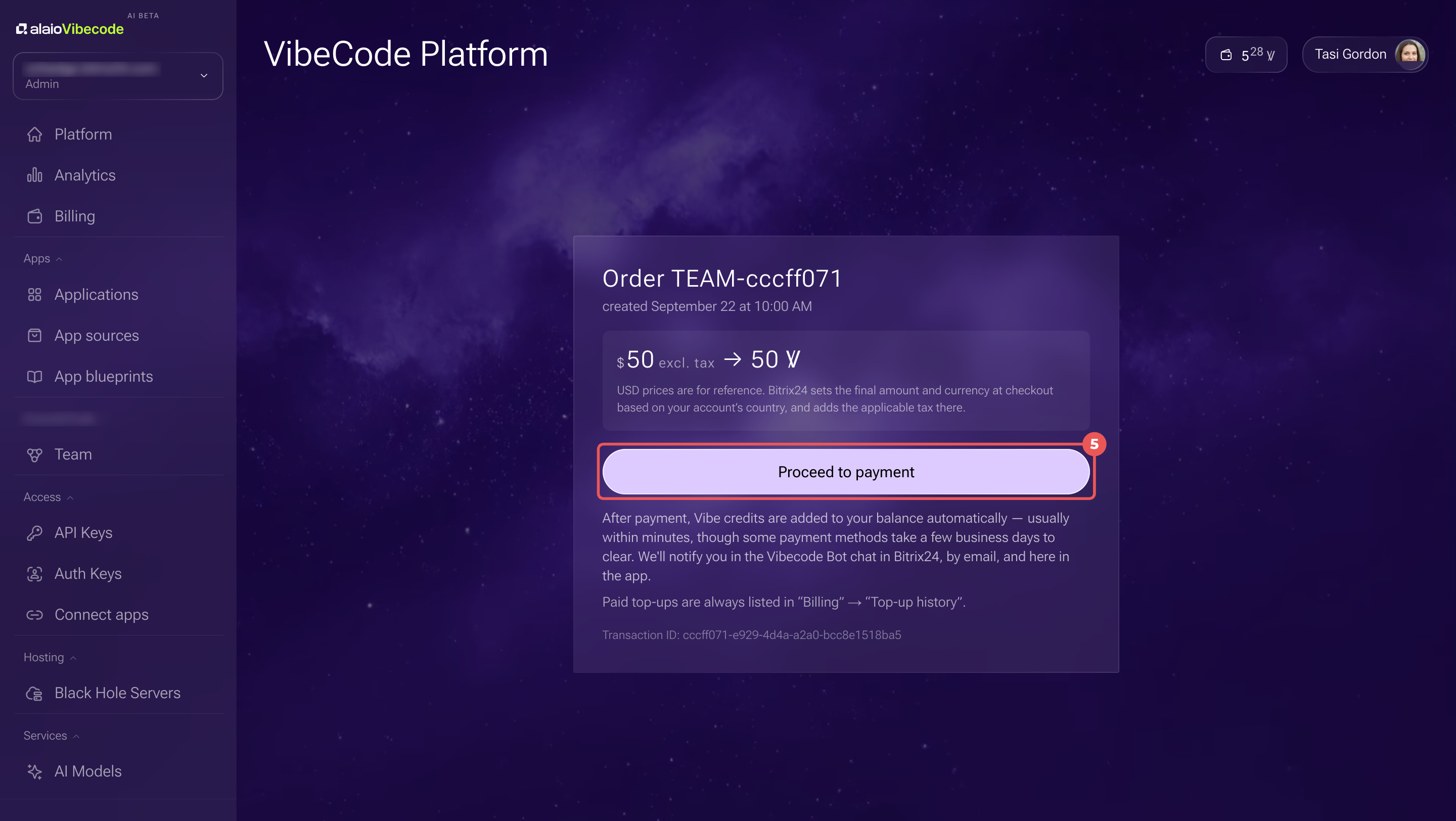
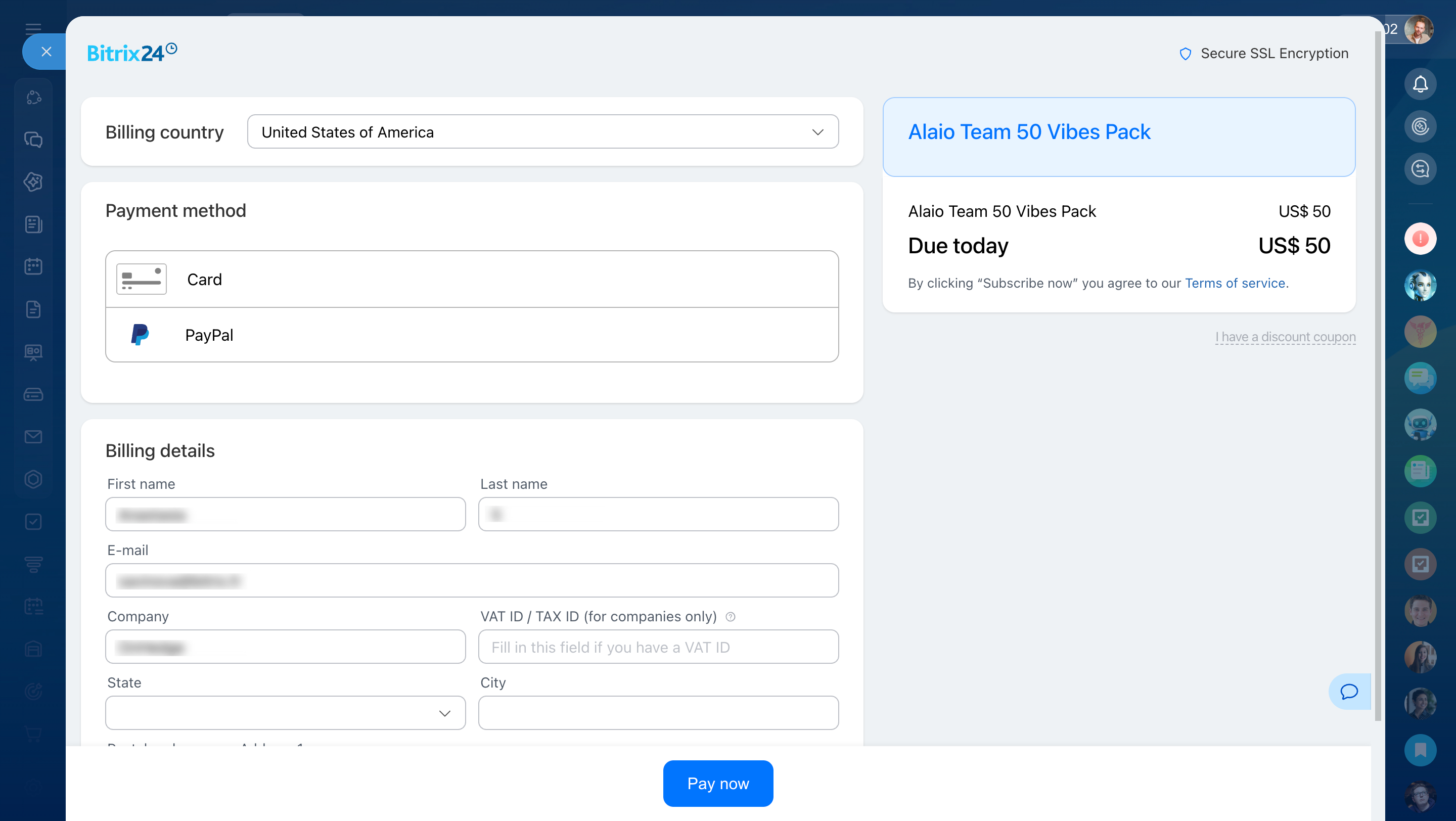
6. On the Bitrix24 checkout page, choose a payment method, either card or PayPal, and fill in your billing details.
7. Click Pay now.
After payment, Vibe credits are added to your balance automatically. The timing depends on the payment method. You can track the order status in the Billing section on the Top-up history tab.
Current limitations
Alaio Vibecode has some limitations to consider before you start:
- Built-in code editor. Right now, apps are built through an AI agent in the platform editor. Manual coding is not available yet.
- Market publishing. Apps created in Alaio Vibecode cannot be published to the Market yet.
In brief
- Alaio Vibecode is a platform for building AI-powered apps in Bitrix24. You do not need programming skills.
- It is a good fit when Bitrix24 is missing a button, report, or integration you need.
- Apps run on closed Black Hole servers, and authentication is available only through Bitrix24.
- Market publishing and a built-in code editor are planned for future releases.