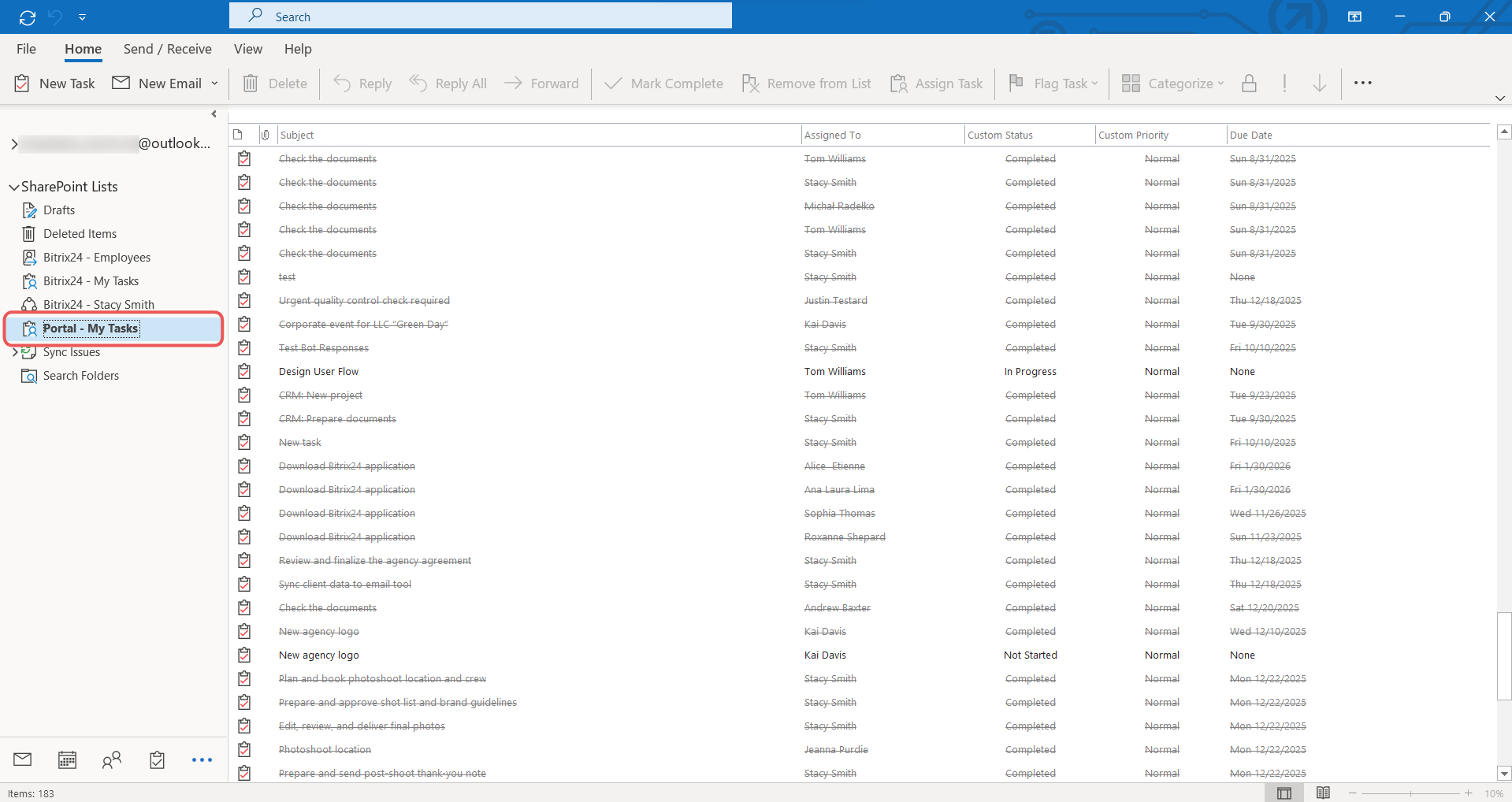
Synchronization lets you work with Bitrix24 tasks directly in Microsoft Outlook, so you do not need to switch between services. Tasks created in Bitrix24 appear in Outlook, and vice versa.
Synchronization works only on Windows with the Outlook app.
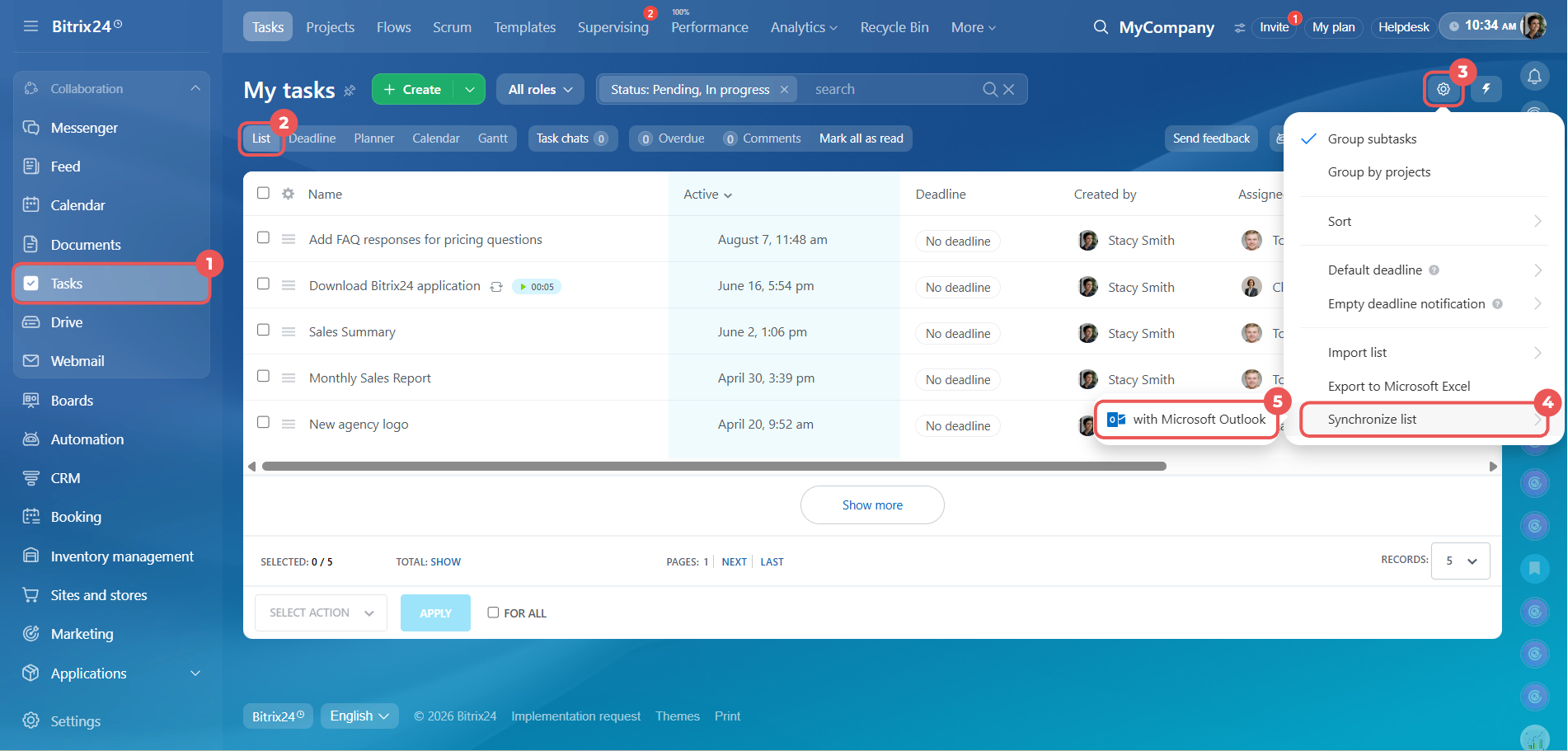
1–2. Open the Tasks section and select the List view.
3–5. Open Settings (⚙️) > Synchronize list > with Microsoft Outlook.
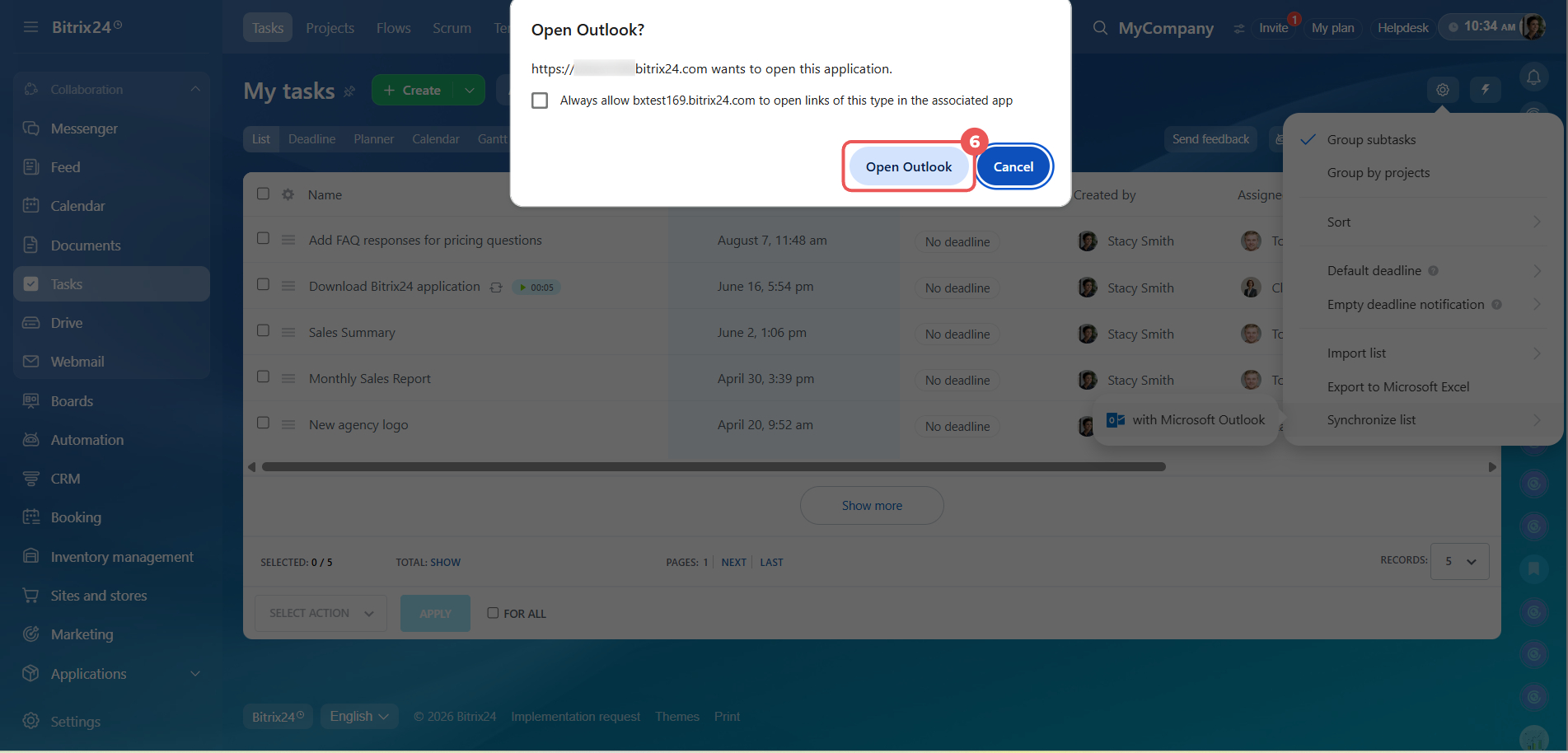
6. When your browser asks to open the Outlook app, click Open Outlook.
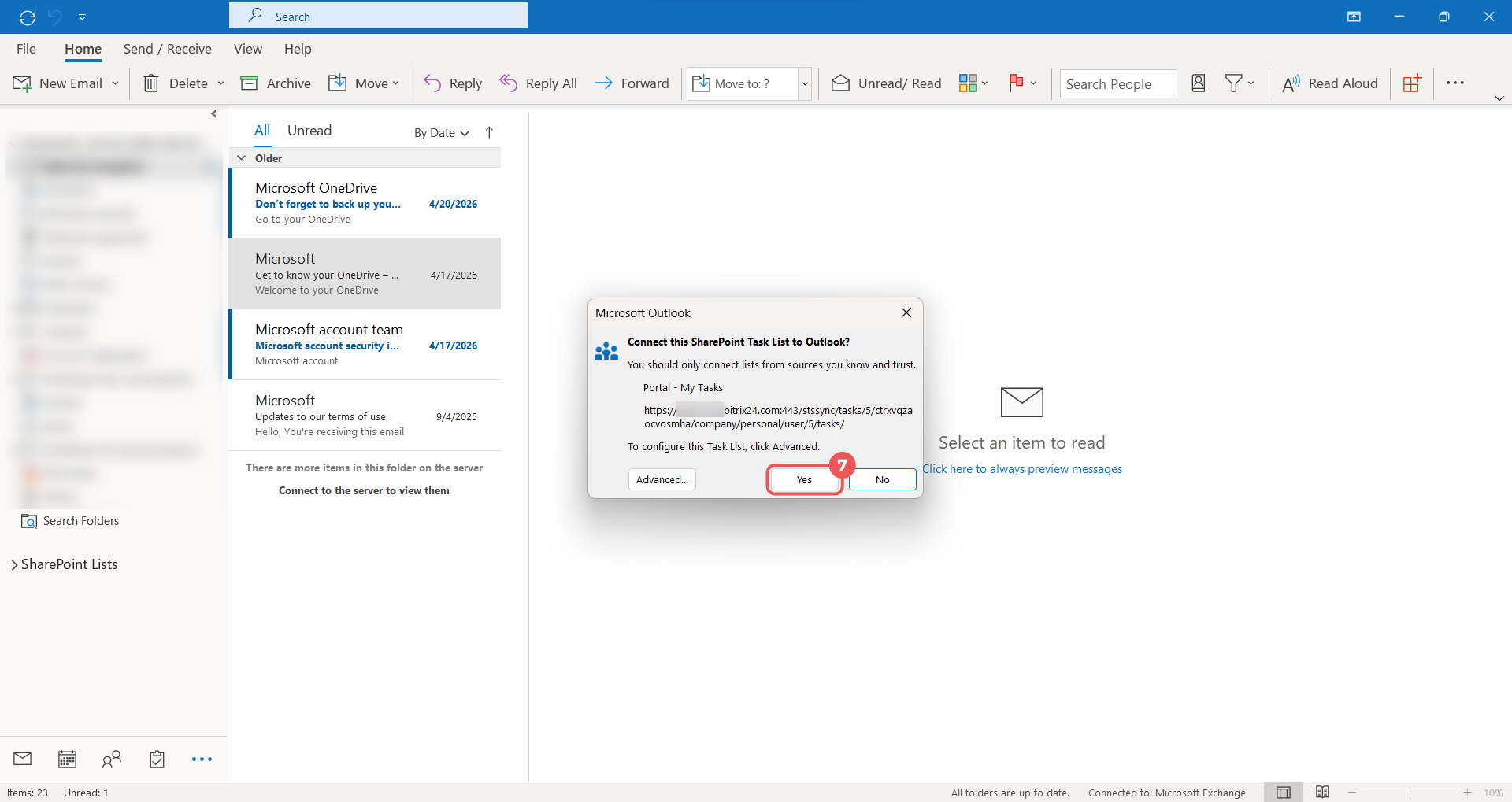
7. When the Outlook app displays a window to connect the task list, click Yes.
Bitrix24 tasks will then appear in the My Tasks section in Outlook. New tasks will synchronize automatically.