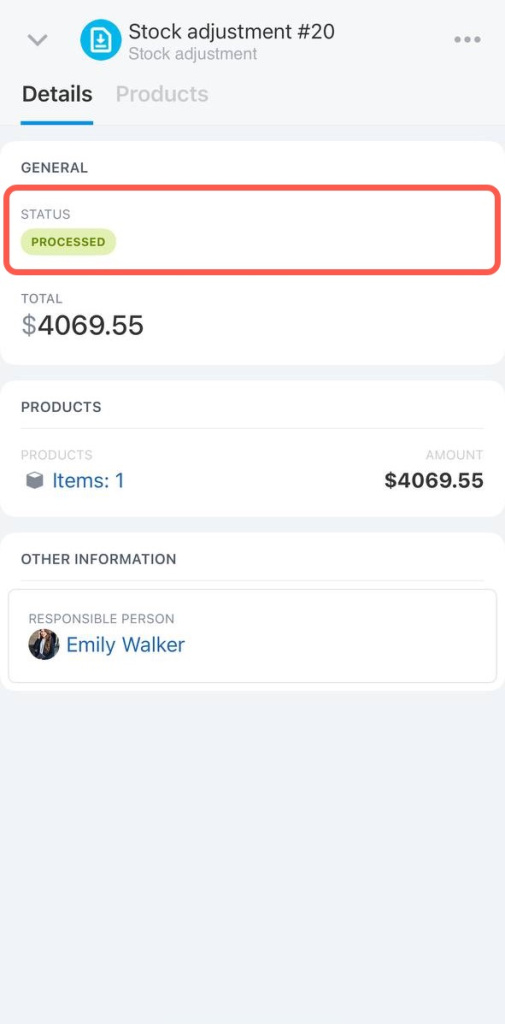
Use the stock adjustment document to record the stock balances.
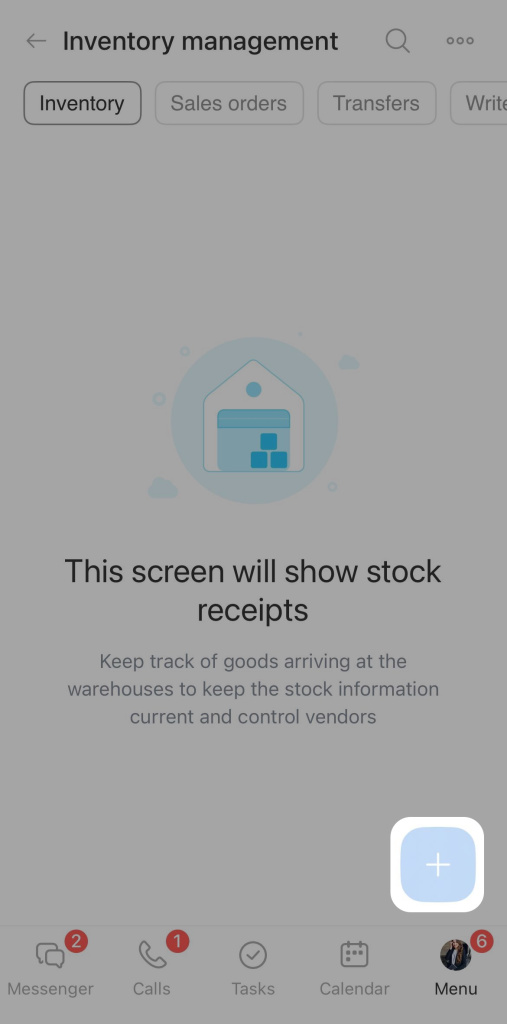
Open the Inventory management section and click on the plus + button.
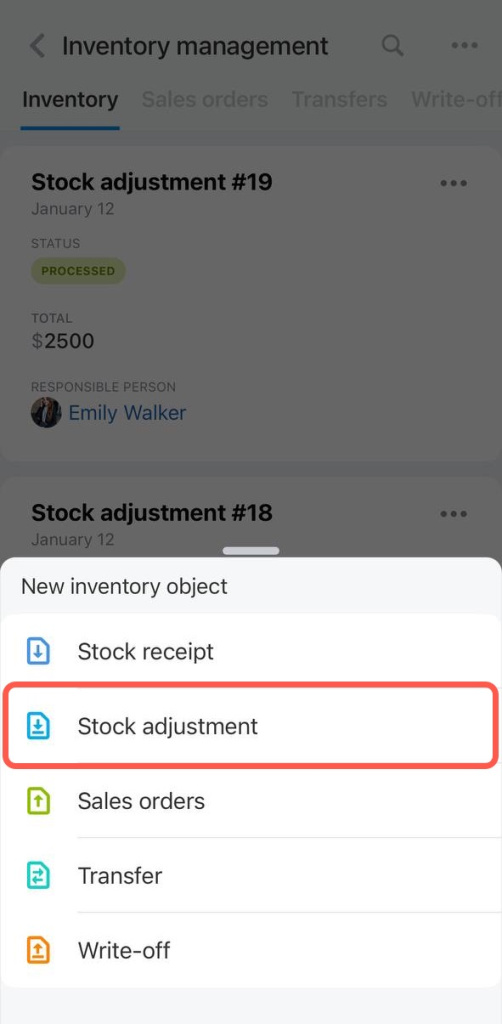
Select Stock adjustment.
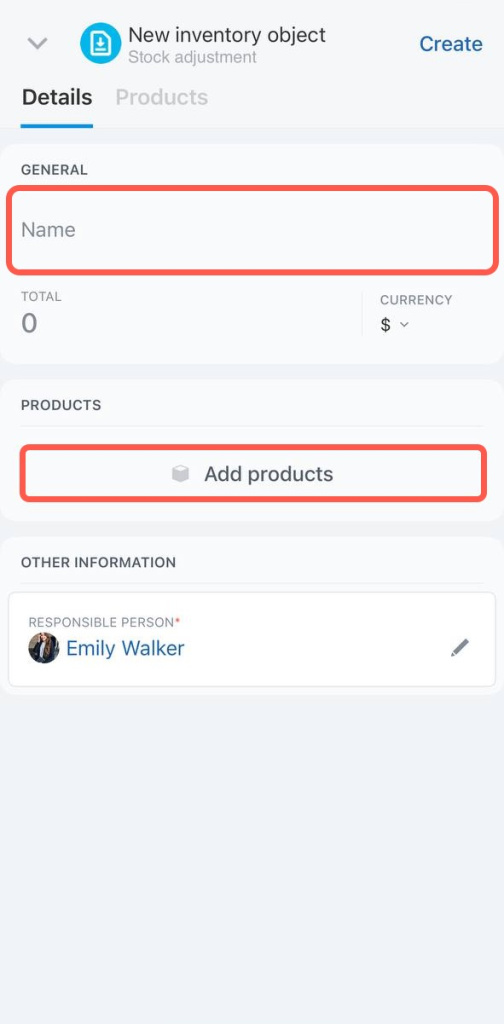
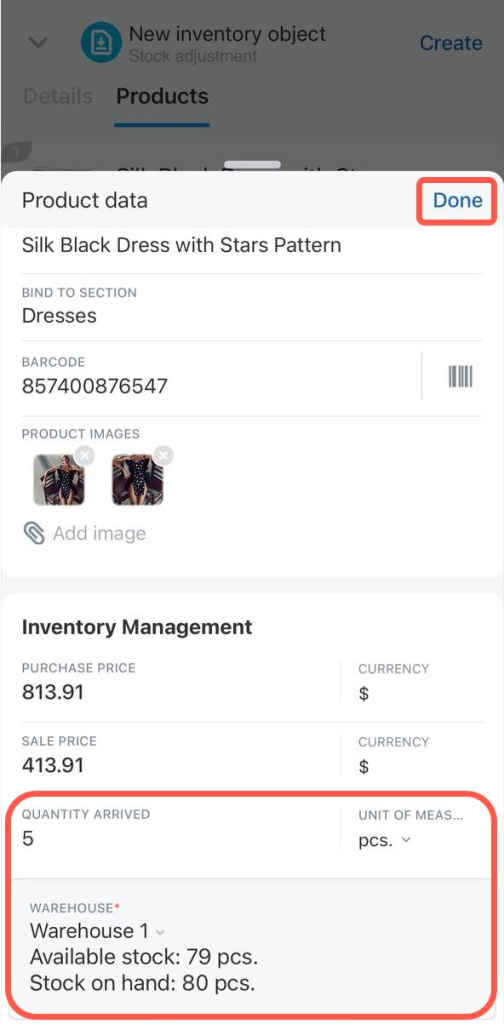
Specify the document name and add products. You can create a new item, search it by barcode or add it from the catalog.
You can only create a simple product in the mobile application. If you need to add product variants, you can add them in the web version of Bitrix24.
Variants are additional characteristics of one product, for example, different sizes or colors of the T-shirt.
Variants are additional characteristics of one product, for example, different sizes or colors of the T-shirt.
When you have added the products, fill in the Quantity arrived and Warehouse fields. Then click Done.
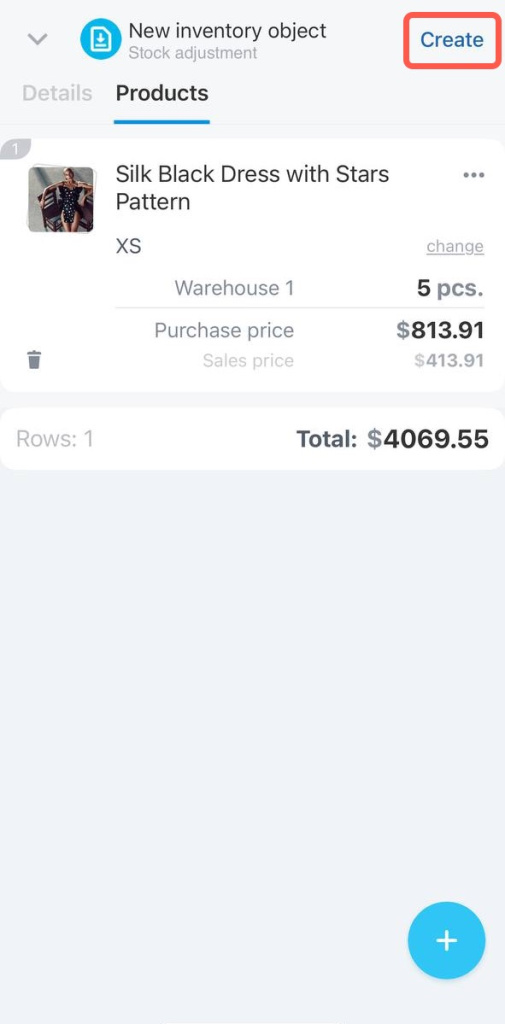
Click Create to save the draft. The stock balances will not be updated while the stock adjustment document has a draft status.
To add the item to the warehouse, process the document.
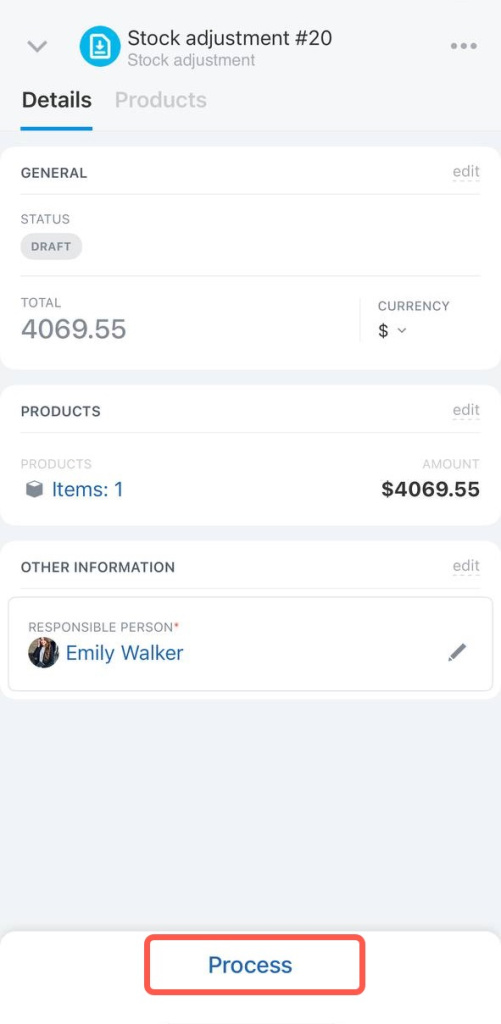
The document will appear in the list with the processed status.