
Bitrix24 administrators can disable time management for the entire company, specific departments, or individual employees.
Disable time management for the entire company
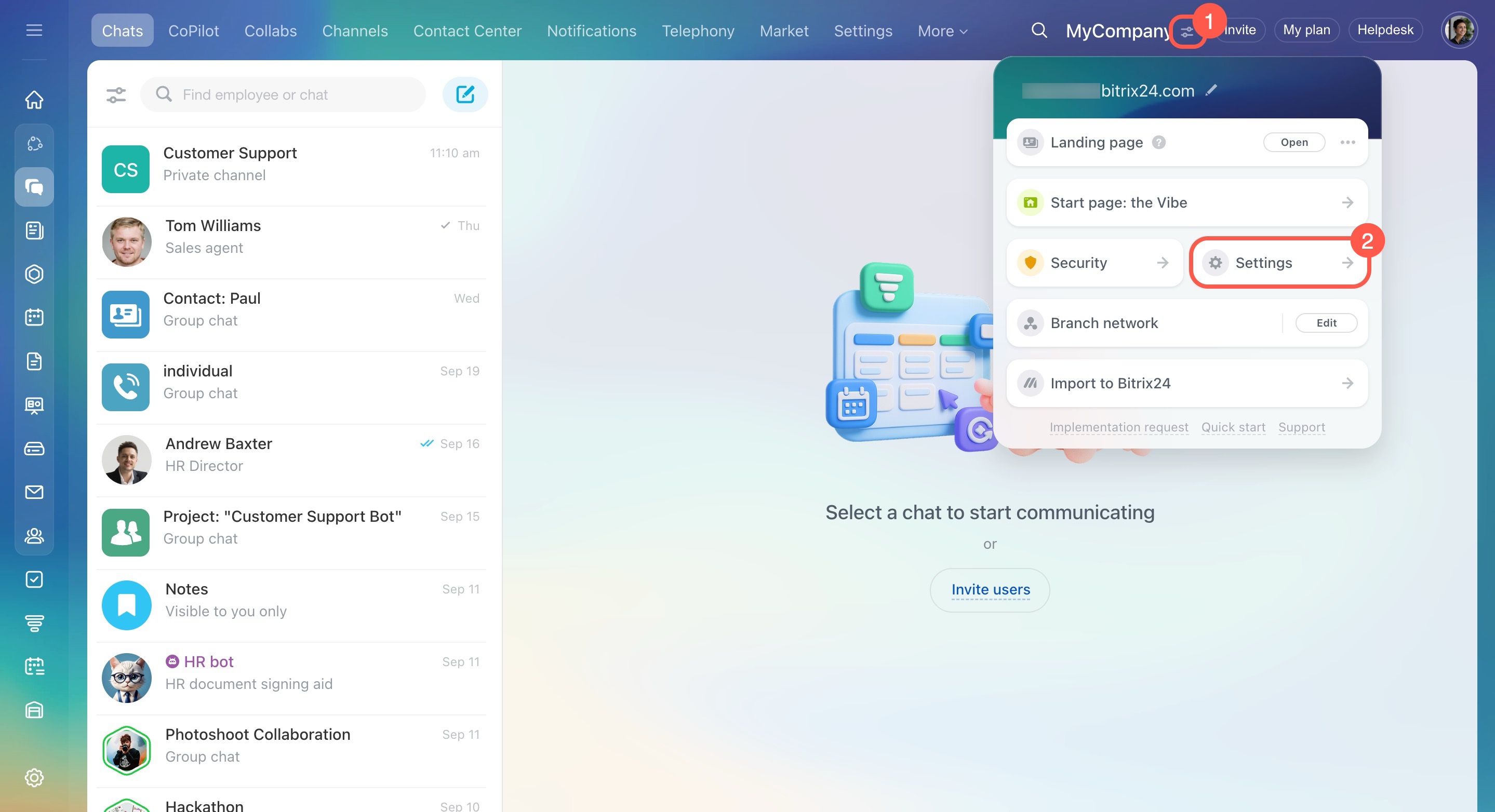
- Open the account settings.
- Go to Tools.
- Expand the Company section.
- Disable the Worktime and reports option.
- Click Save.

Disable time management for specific employees or departments
- Go to Employees > Time and reports > Worktime.
- Click the clock icon next to an employee or department.
- Enable or disable the Working time management option.


Some employees may also see the Inherit department settings option. When this option is enabled, the employee uses the same time management settings as their department.

You can also configure individual schedule exceptions for some employees.
Work schedules
Work schedules
