
Currently, CoPilot uses various service providers in Bitrix24:
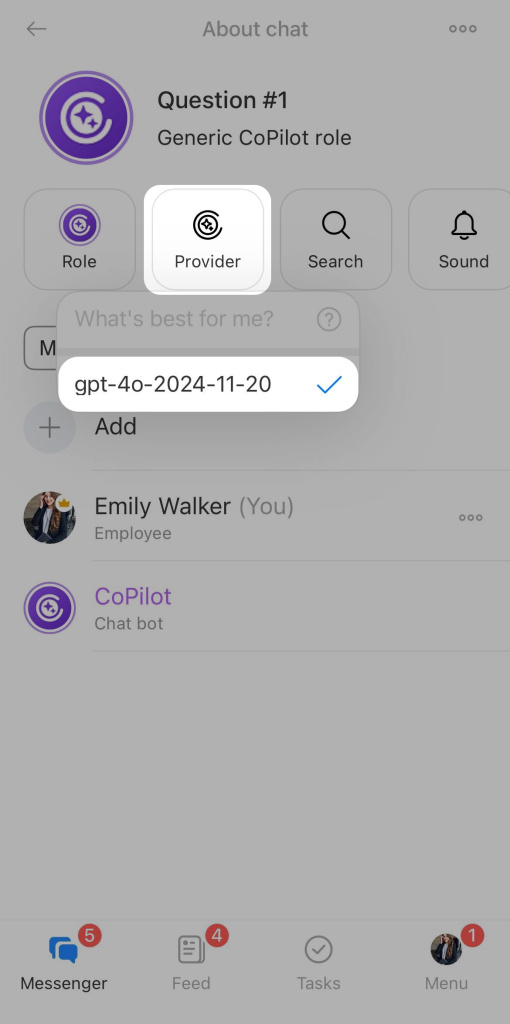
- gpt-4o-2024-11-20 for chats, creating texts, brief call descriptions, call assessments, scripts for repeat sales, and automatic CRM field completion
- Dall-E-3 for image generation
- AudioCall for transcribing video calls
- AudioAssistant AI for transcribing CRM calls and audio messages in chats
Each employee can check which service provider is used in chats with CoPilot.
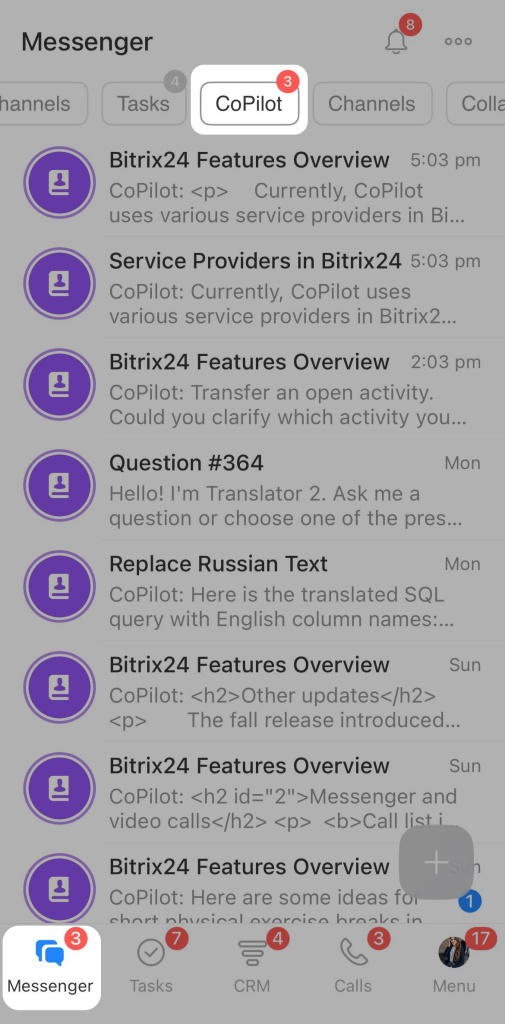
Open a chat with CoPilot in the Messenger section.
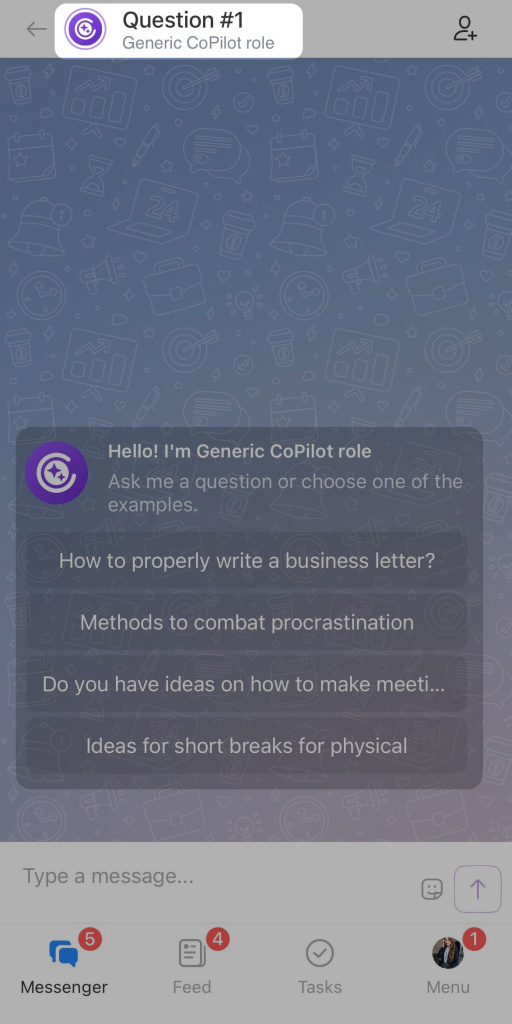
Click on the chat name.
Click the Provider button.
If an error occurs on the side of one of the service providers, CoPilot will not be able to process your request. Please wait while the provider resolves the issue.
Additionally, our Bitrix24 partners are always ready to assist. They can develop a solution for integration with other AI providers for you.
Bitrix24 partners
