Quick answer
To print a Bitrix24 page:
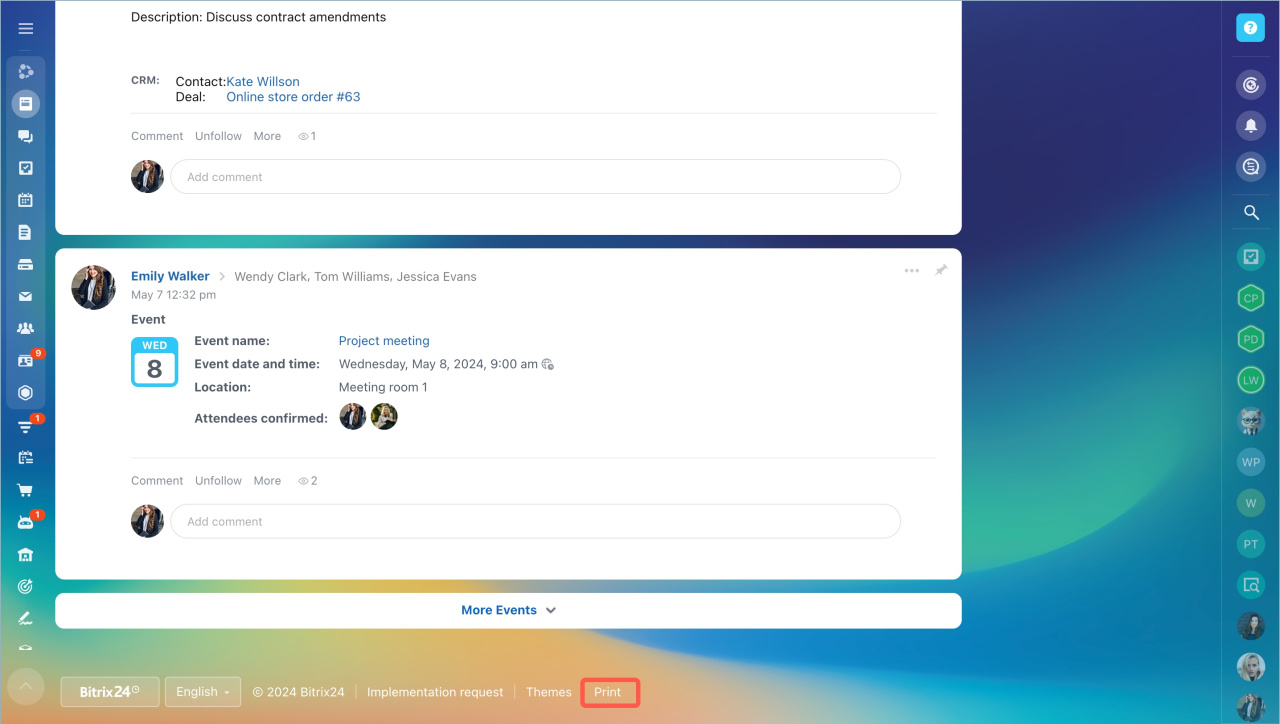
- Scroll to the bottom of the page and click Print.
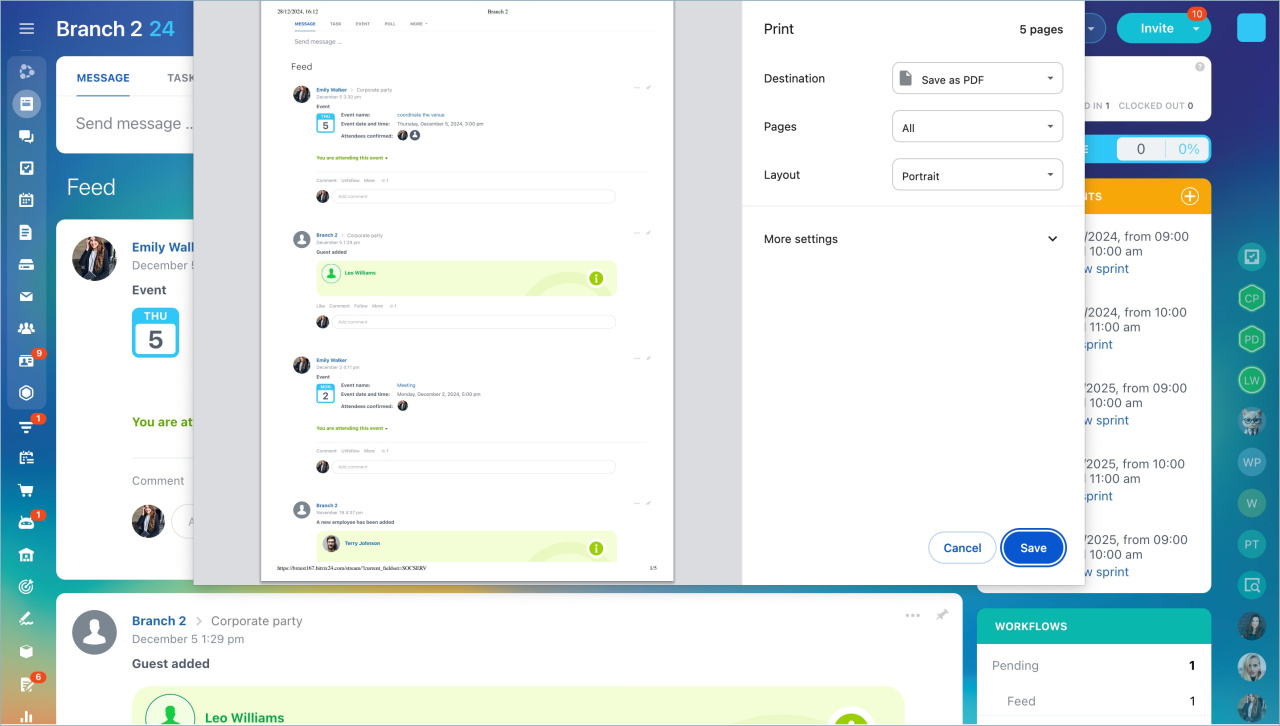
- Set your print options.
- Click Save.
Detailed answer
You can print any page in Bitrix24. Scroll to the bottom of the page and click Print.
You can also use keyboard shortcuts: Ctrl + P (Windows) or CMD + P (macOS).
Set up your print options:
- Destination
- Pages
- Layout
- Paper size
- Papers per sheet
- Margins
- Scale
- Additional options
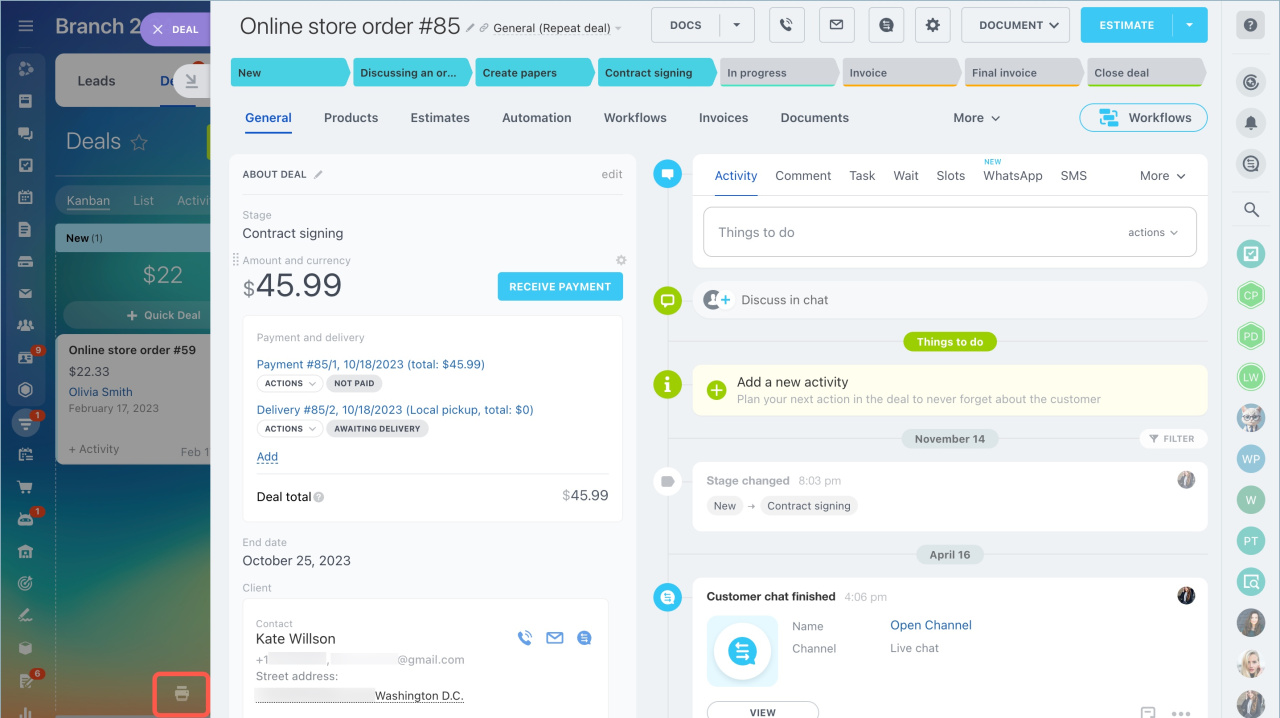
To print a slider, click the print icon in the bottom-left corner.