
The product form includes a parameter called Product visibility. It allows you to control whether a product is displayed in the online store or remains hidden from customers. This feature is useful for removing items from the storefront that should not be visible to customers.
For example, you can hide test products, archived models, or items that are not yet available for sale.
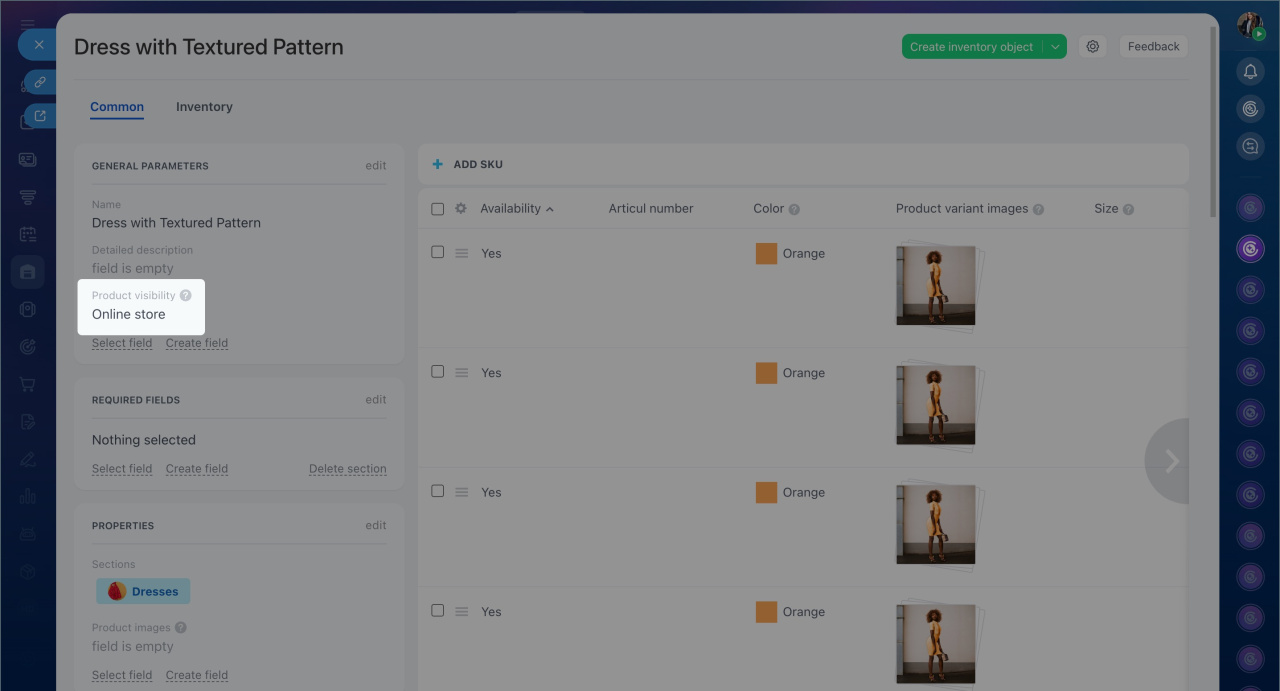
By default, product visibility is managed by the Bitrix24 administrator. To allow an employee to change product visibility, configure the access permissions for publishing products.
Set permissions to control product visibility in the online store
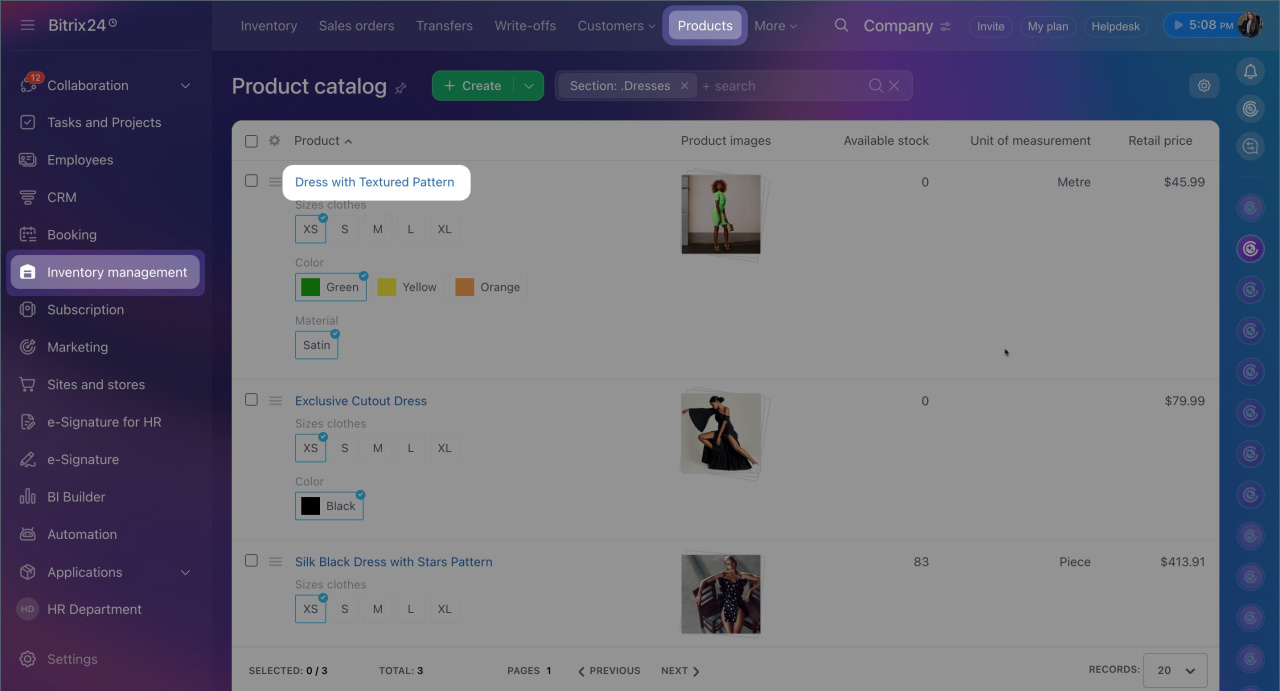
1. Go to CRM > Inventory Management > Products > Product catalog and open the required product.
2. In the product form, locate the Product visibility field and disable the Online store option.
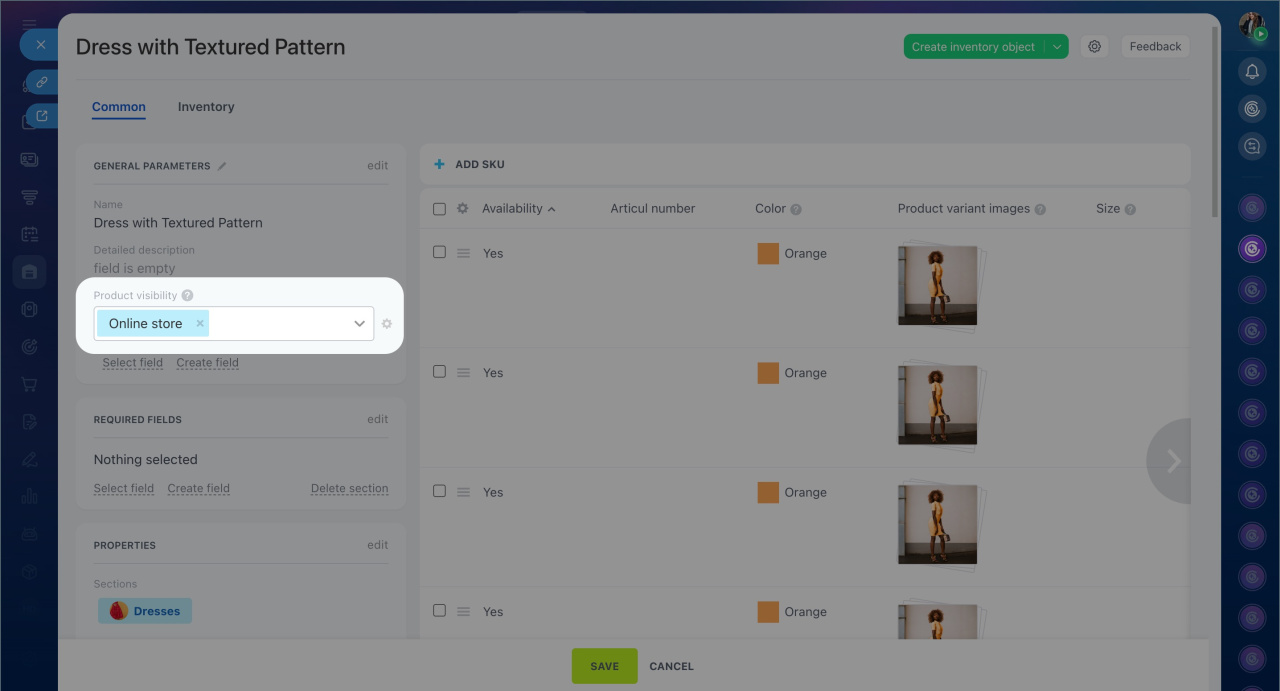
After this, the product will no longer appear in the public section of the store, and visitors will not see it.
Inventory access permissions
Create and configure product properties in CRM
