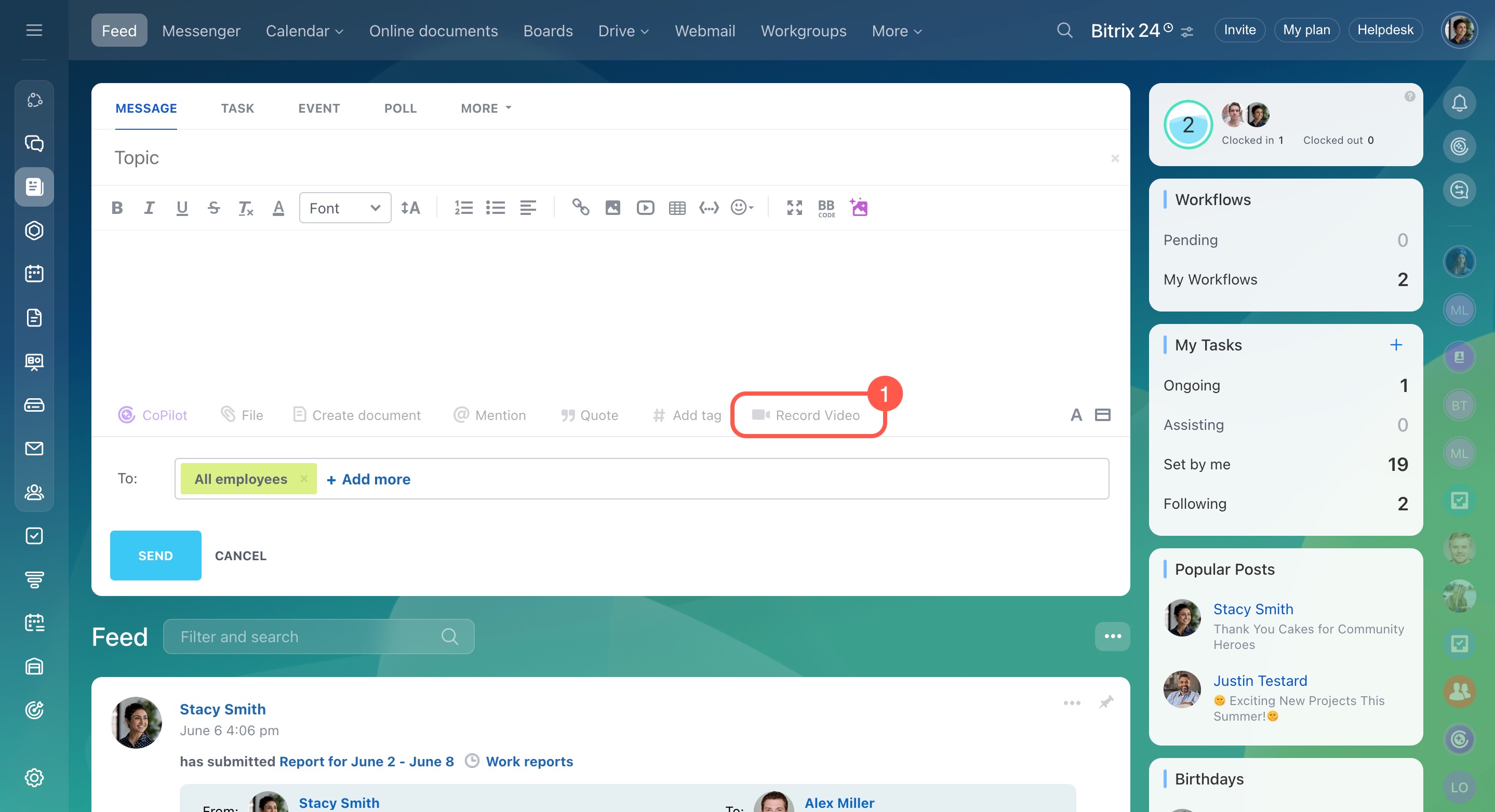
You can record a video in Feed and share it with your team.
- Click Record Video in the message field.
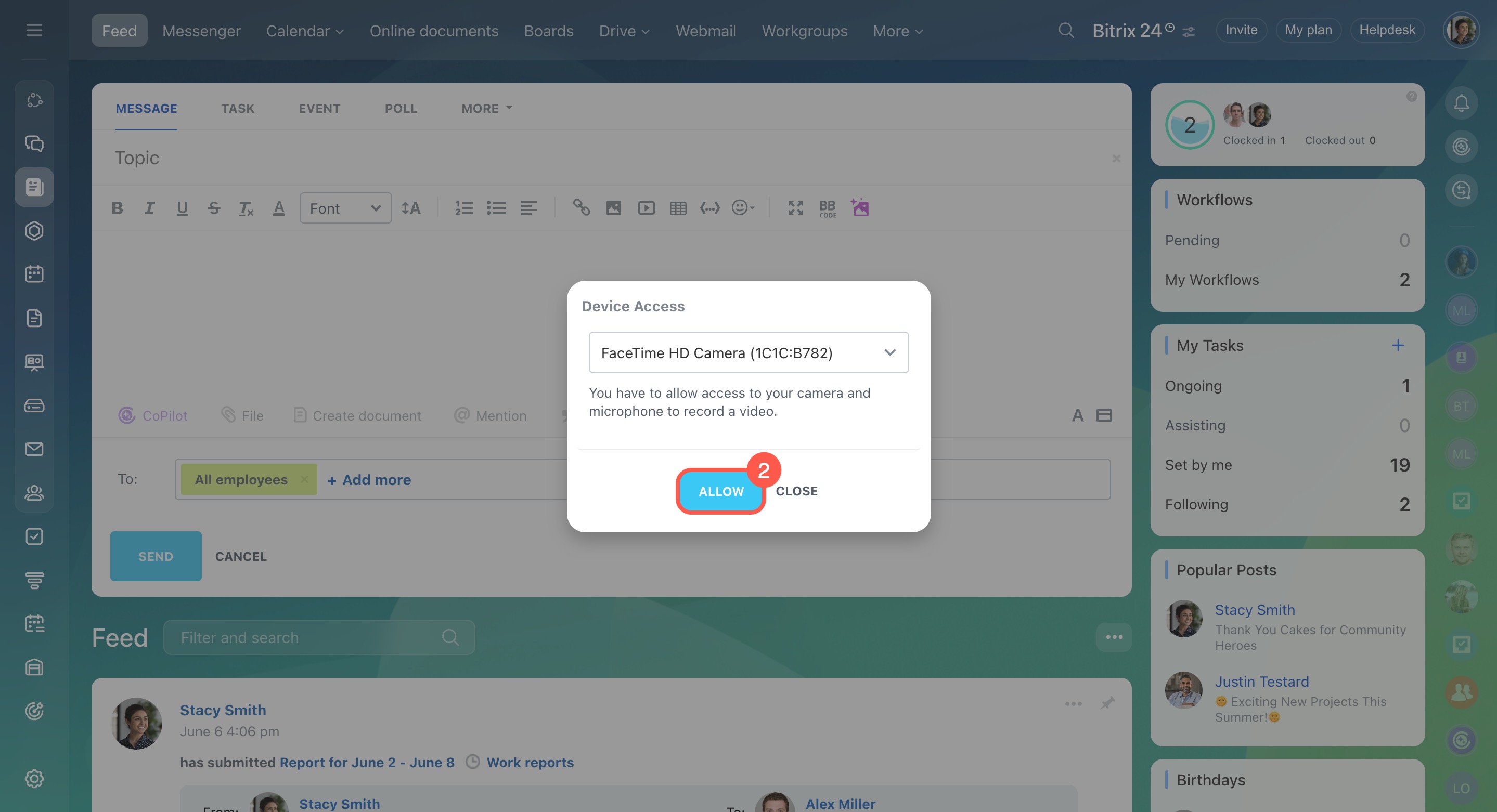
- Allow access to your camera and microphone.
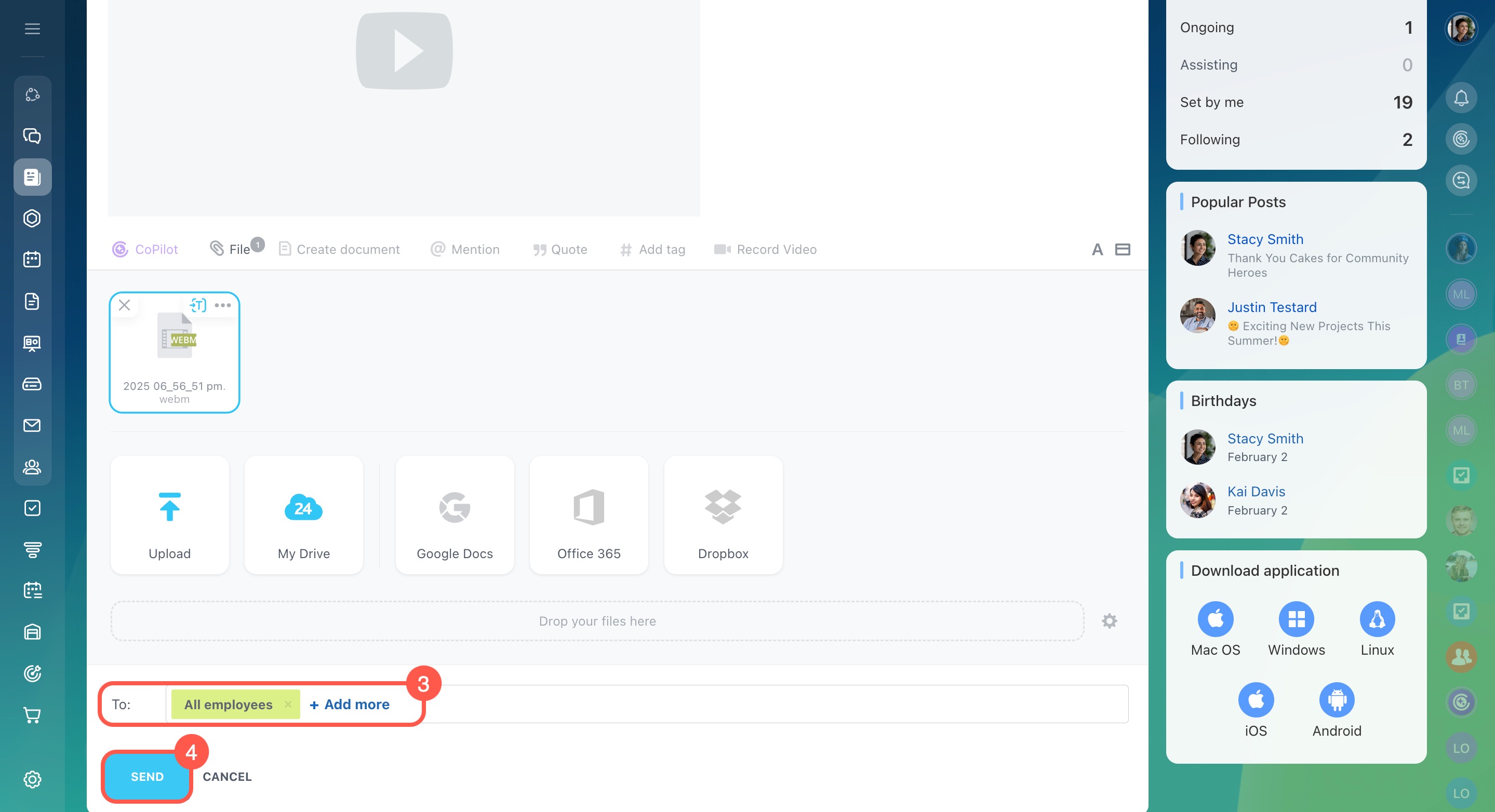
- Record a video and select the recipients.
- Click Send.
The video will be posted to the Feed and can be viewed by the selected recipients.
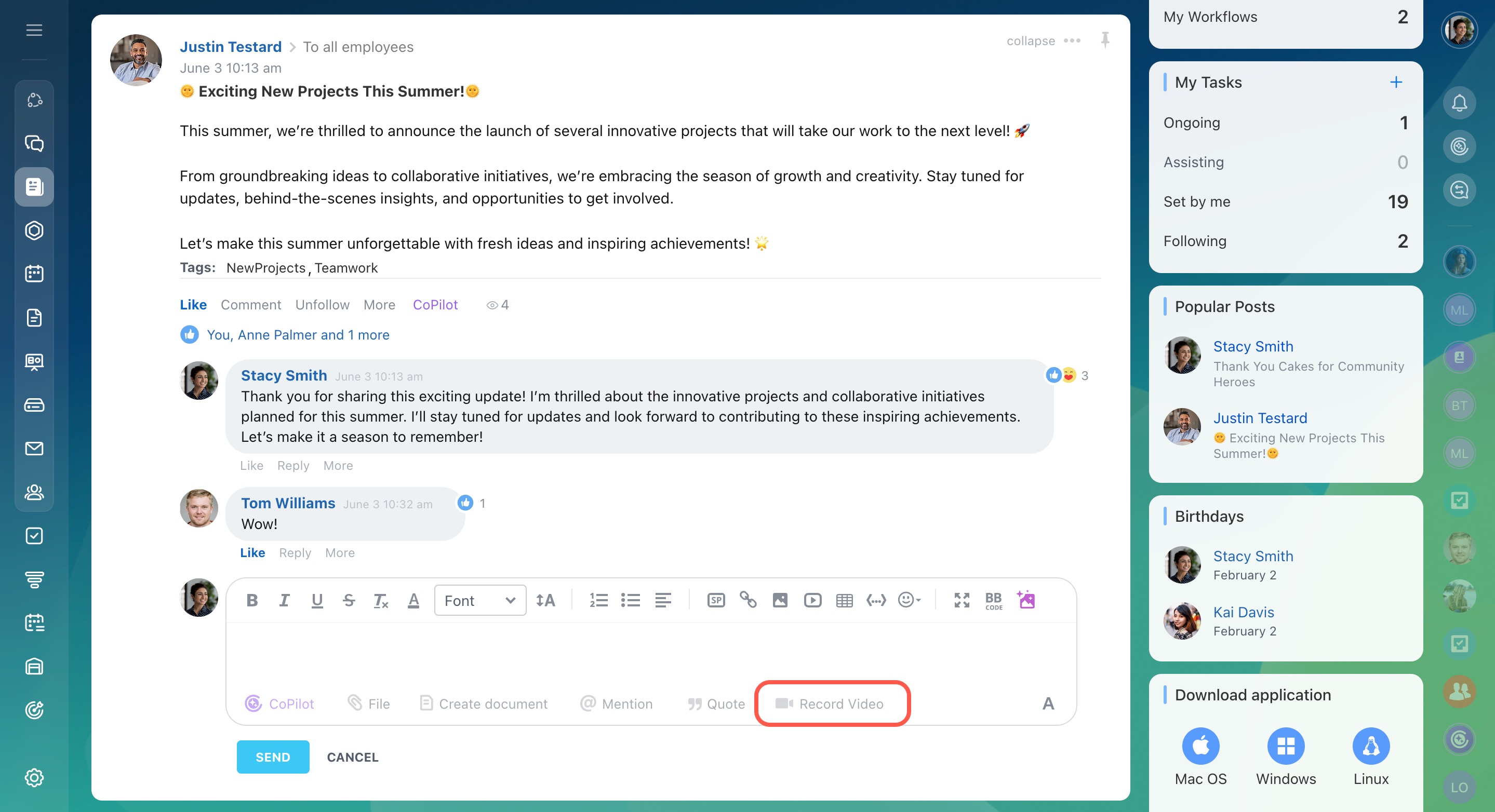
You can also record videos in comments to the Feed posts.