Assign access to workgroups and projects by selecting a role for each employee.
- Full access: Only the workgroup owner or project owner has full control.
- Partial access: The workgroup moderator or project moderator has limited control.
Reassign workgroup or project ownership
To assign a new owner:
-
Open the workgroup or project.
-
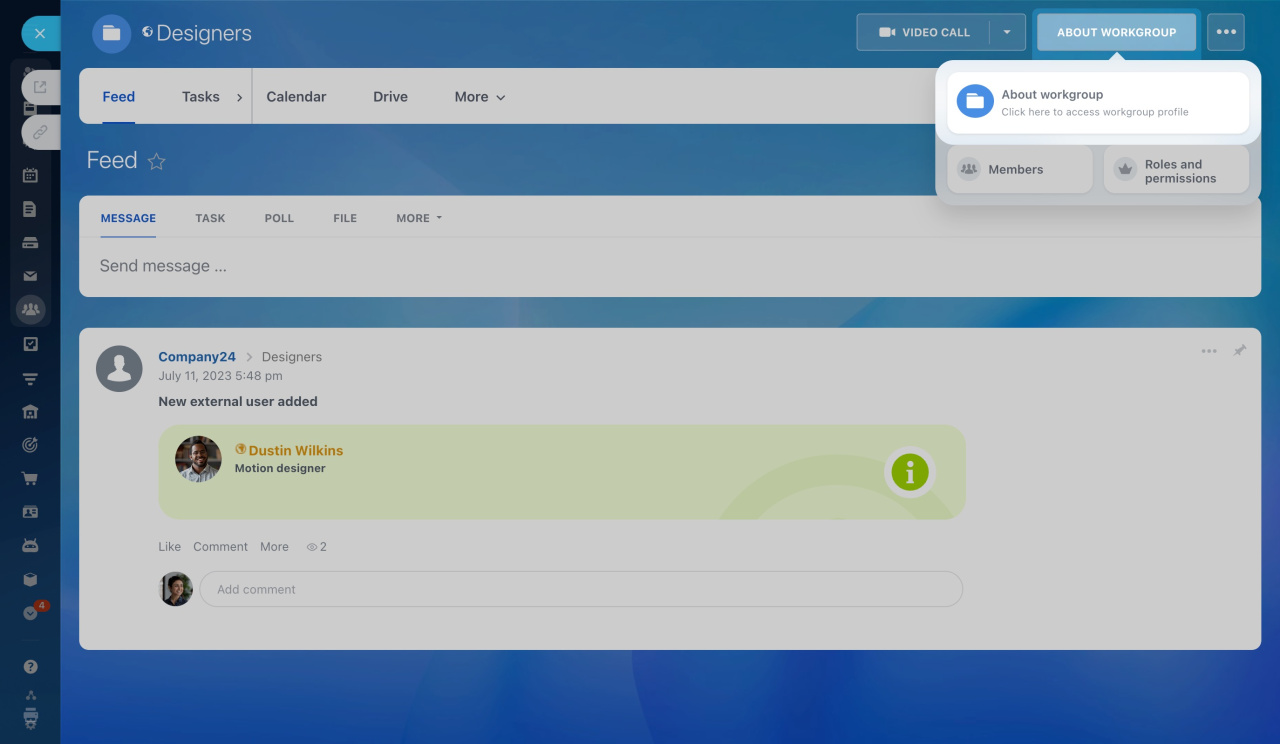
Click About workgroup in the top-right corner.
-
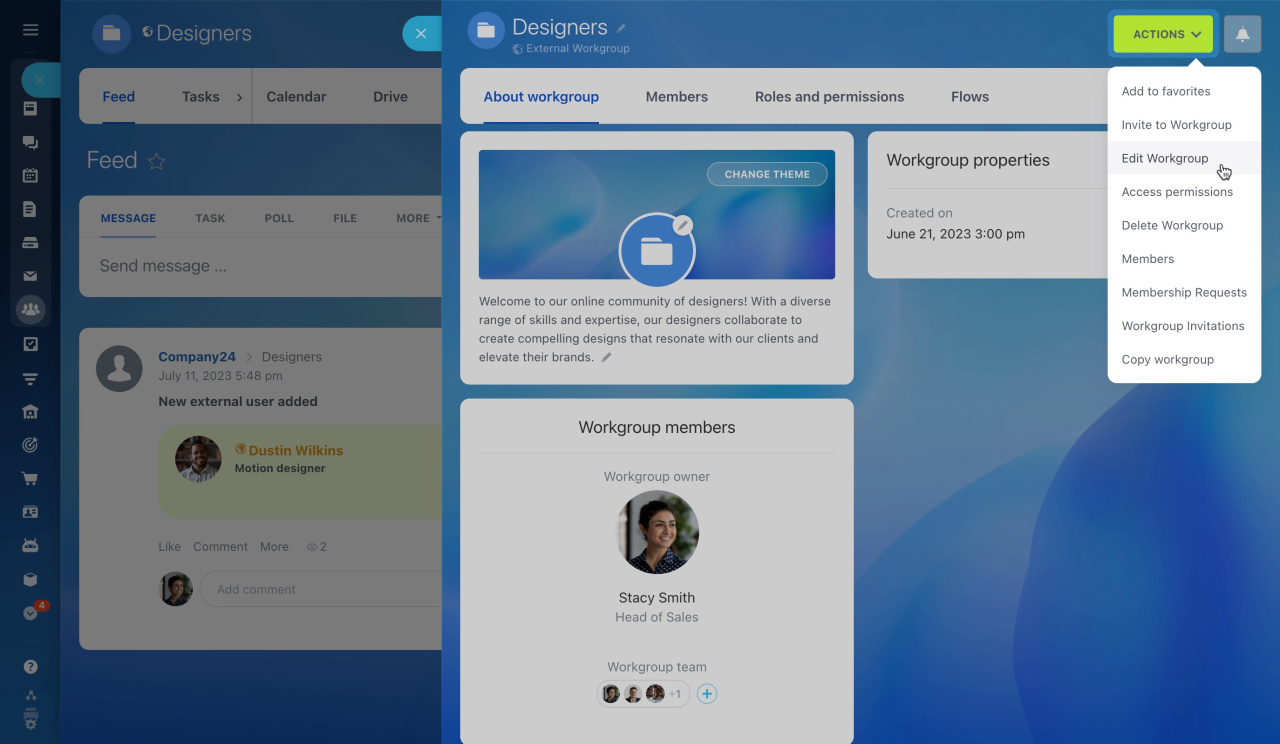
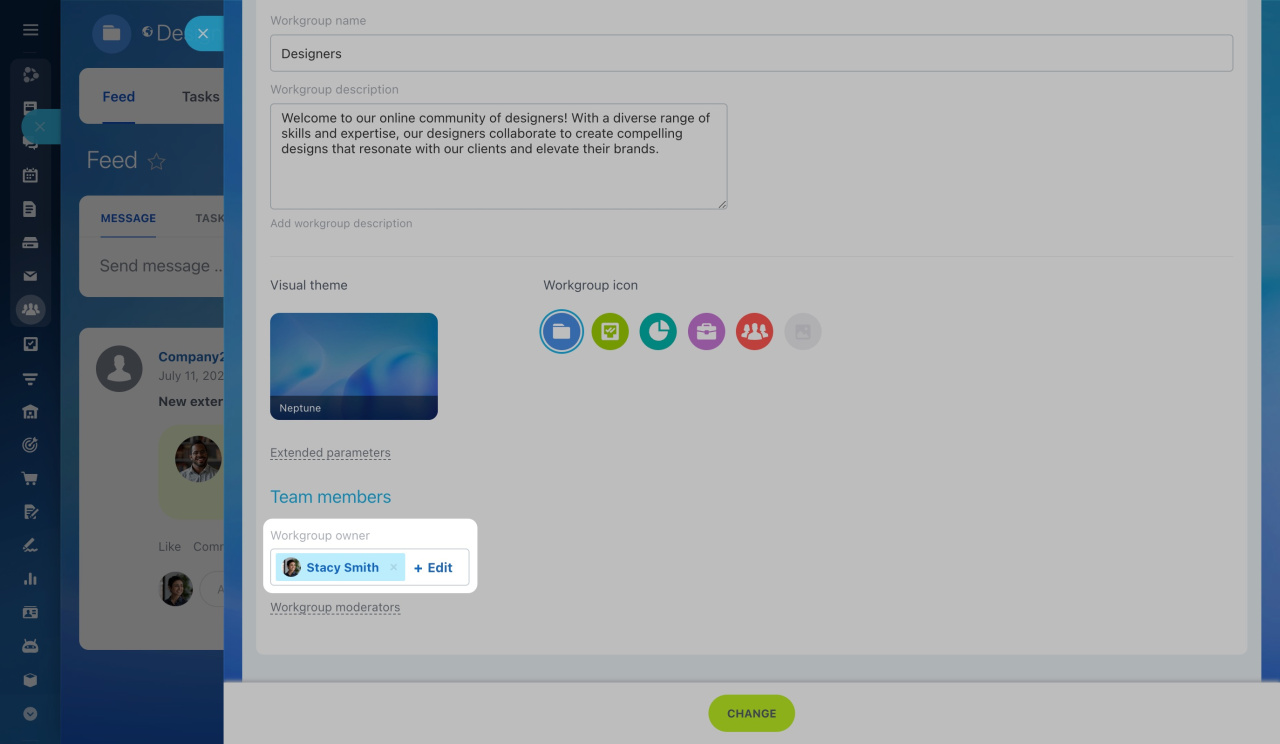
Open the Actions menu and select Edit workgroup.
-
In the Workgroup owner field, click Edit and select a new employee.
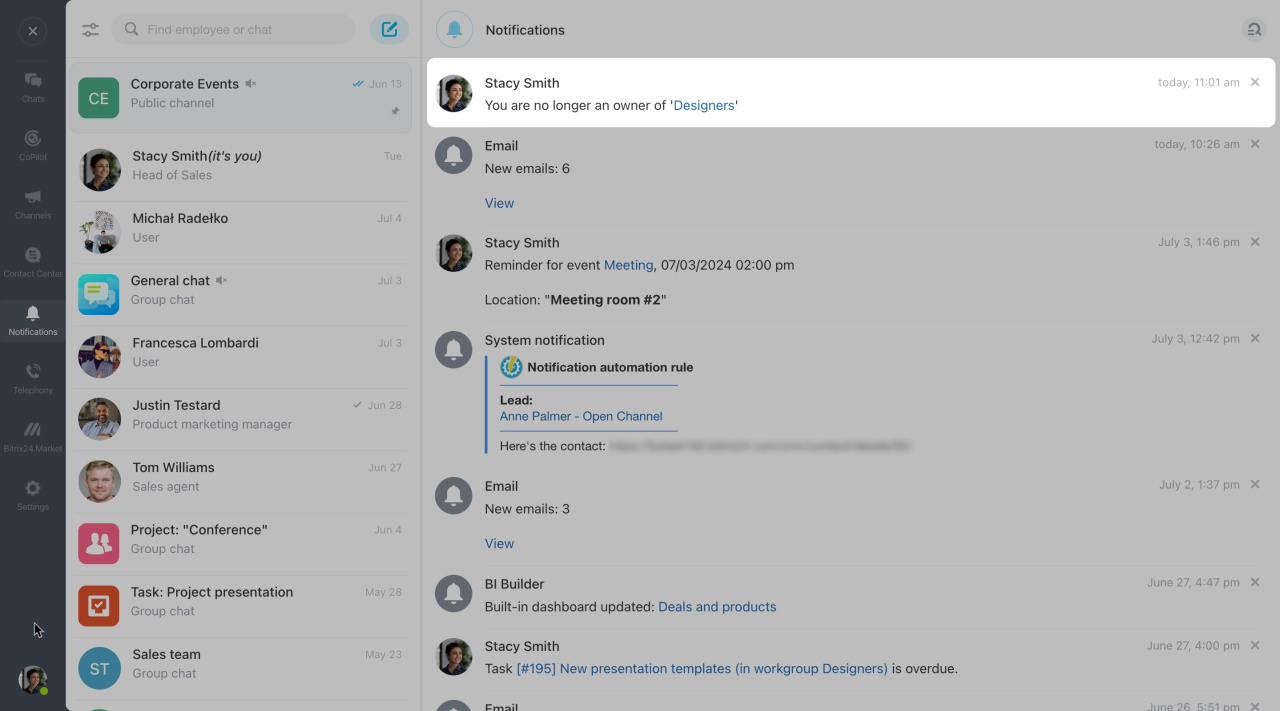
You will get a notification confirming the change.
Take back workgroup or project ownership
To assign yourself as the owner:
-
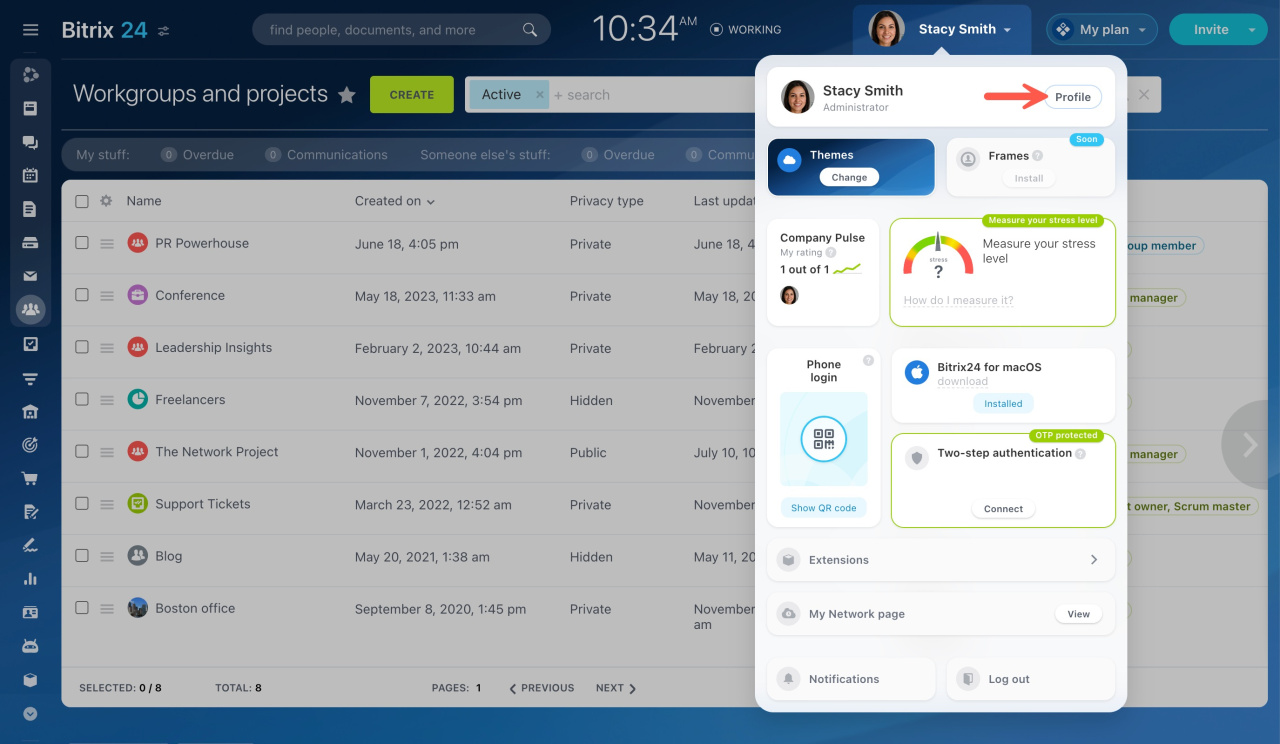
Go to your profile page.
-
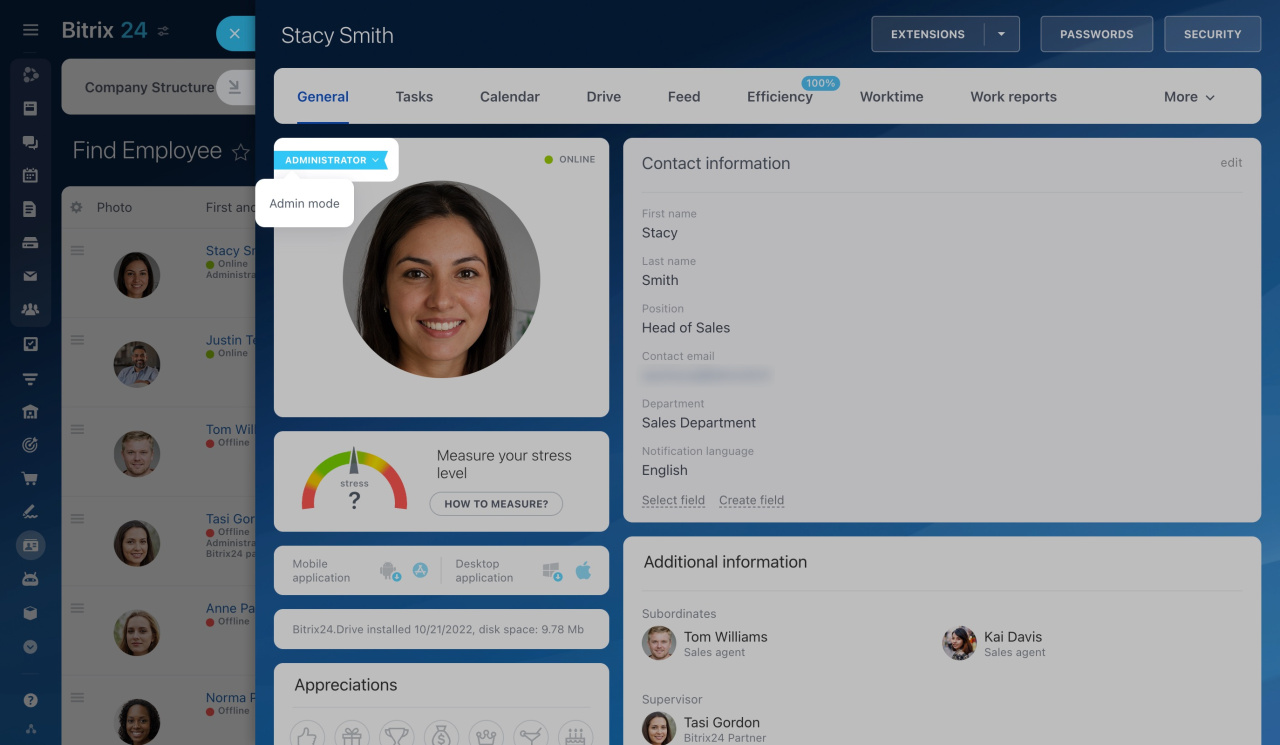
Click the arrow next to the Administrator label and enable Admin mode.
This option is available only to users with administrative rights.
What is the Admin mode? -
Open the workgroup or project.
-
Follow the steps above to reassign ownership.