
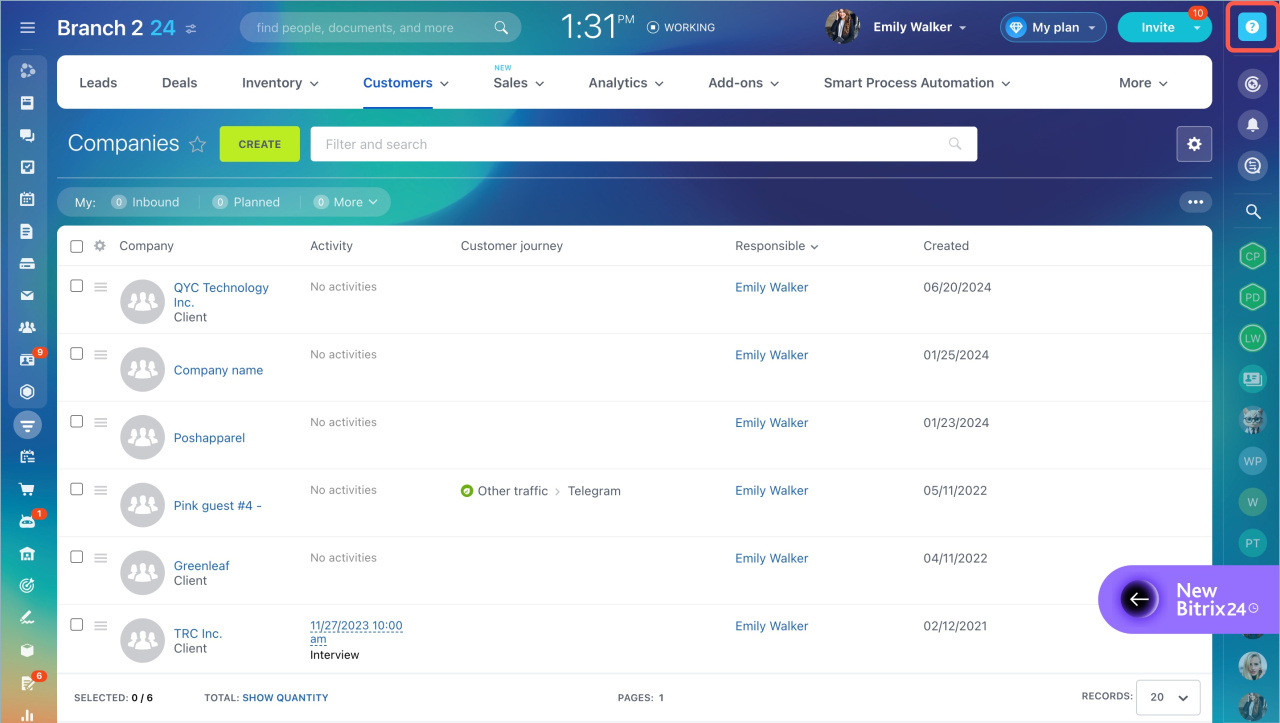
Bitrix24 Knowledge Base helps you find answers about features and tool settings. To open it, click the question mark in the top right corner.
By default, the Knowledge Base shows an article related to the tool you are using. For example, if you work with deals in Kanban, it opens the CRM Kanban article.
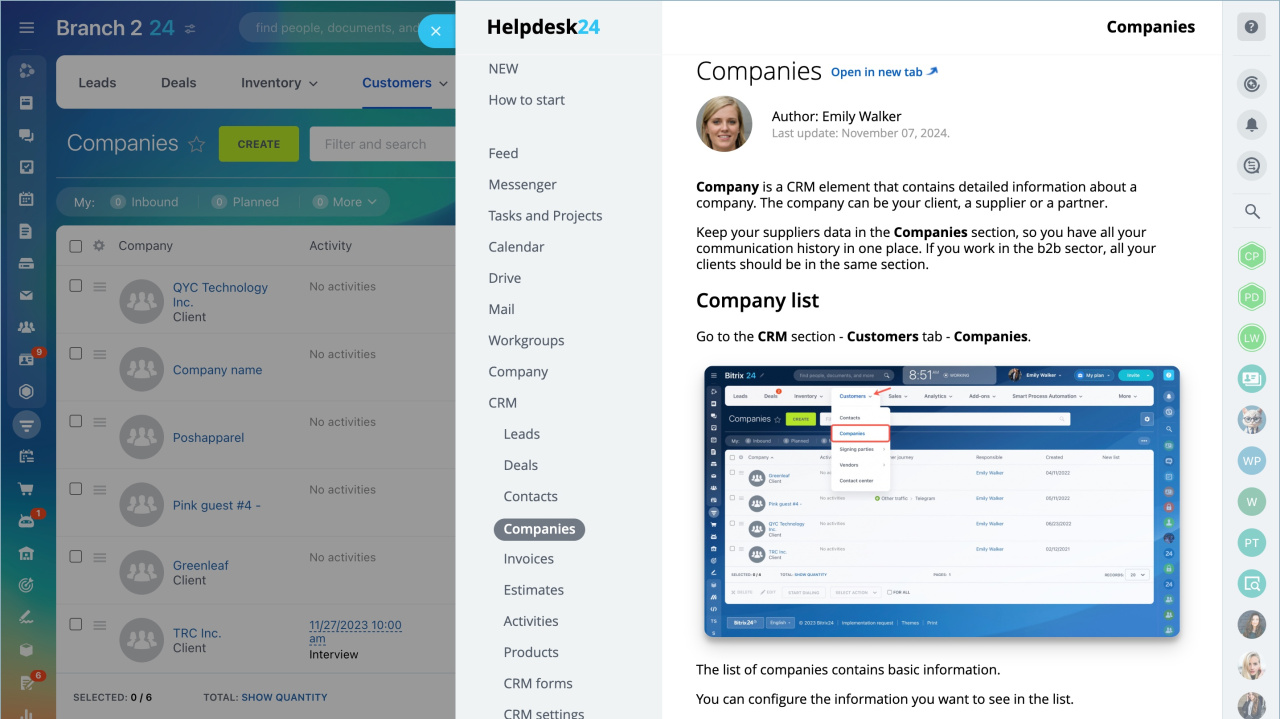
New articles. Stay up to date with the latest Bitrix24 changes and updates.
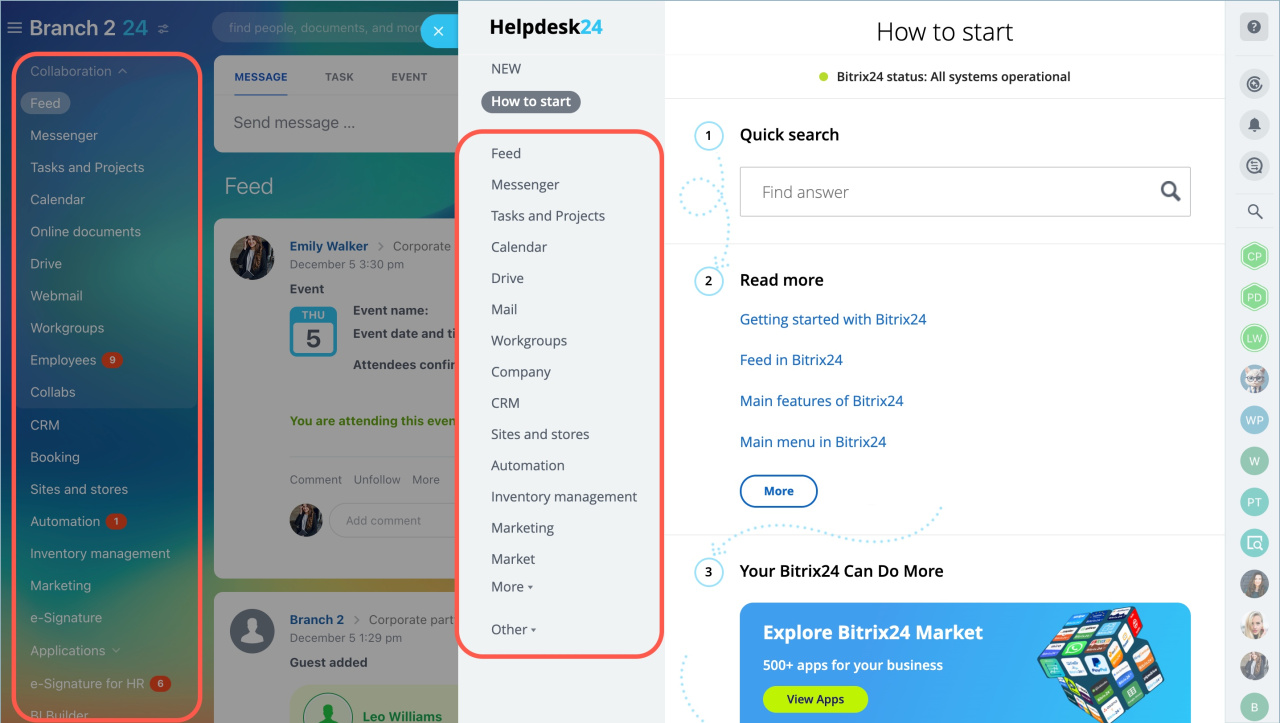
How to start. This section is for new users. It covers basic setup and key features.
Sections about Bitrix24 tools. The left menu matches the main Bitrix24 menu. Use it to find articles for each tool.
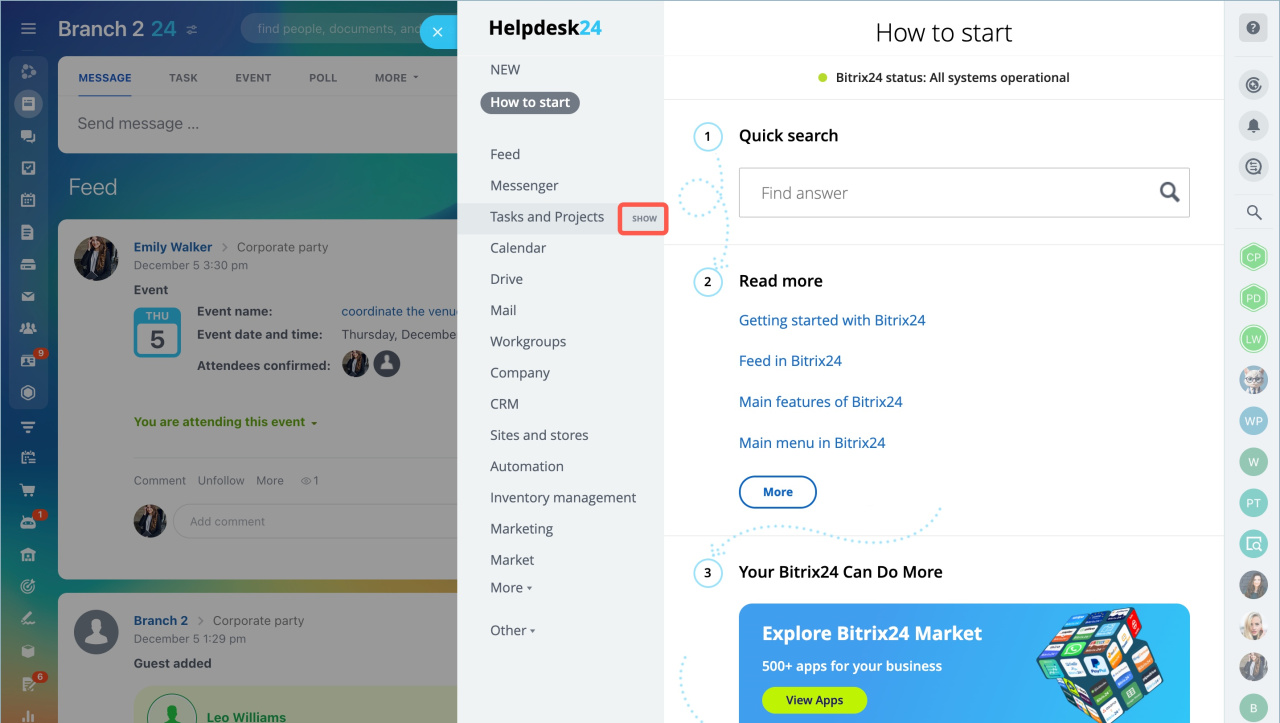
Some sections include subsections. For example, task-related articles appear under Tasks and Projects, Flows, and Scrum. Click Show to expand a section and view all related articles.
Other. This section includes tools that are hidden in your Bitrix24 left menu.
Find an article. Use the search bar at the top of any Knowledge Base section. If you don’t see it, click any item in the left menu.
Type the article name or tool name. Then click the search icon or press Enter.
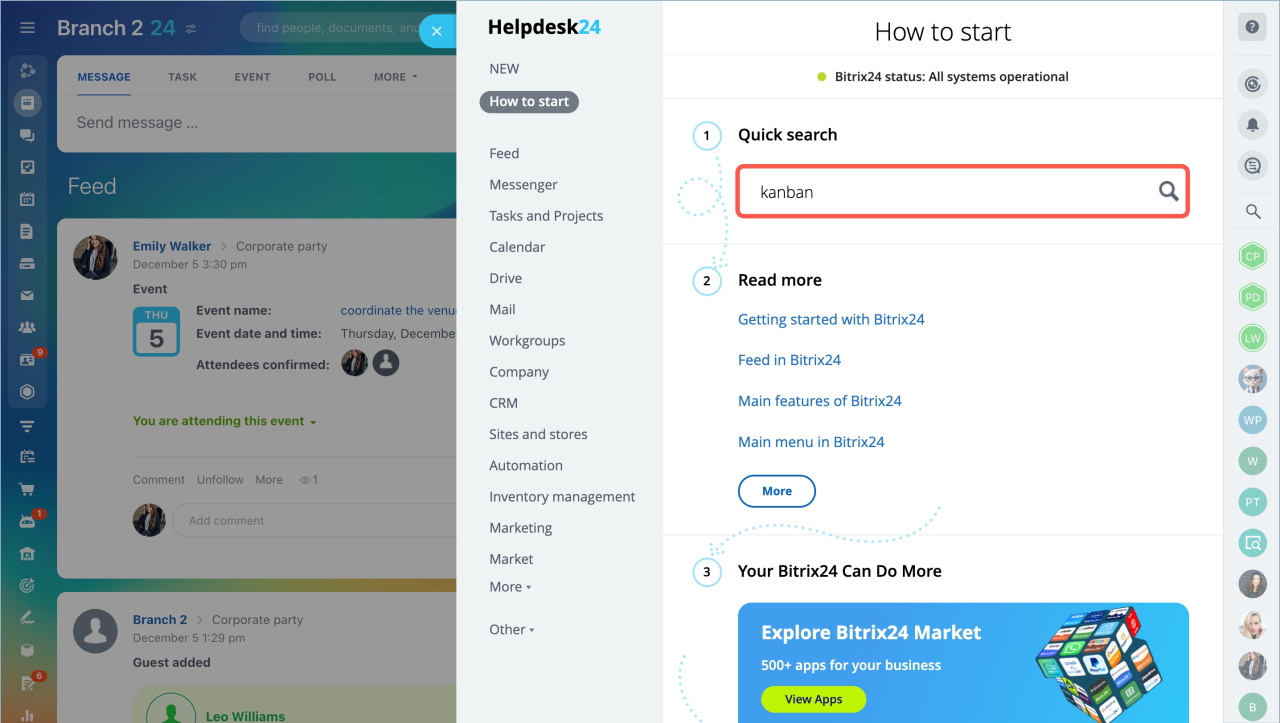
Open an article on the Bitrix24 website. To share an article, click Open in new tab and copy the link.
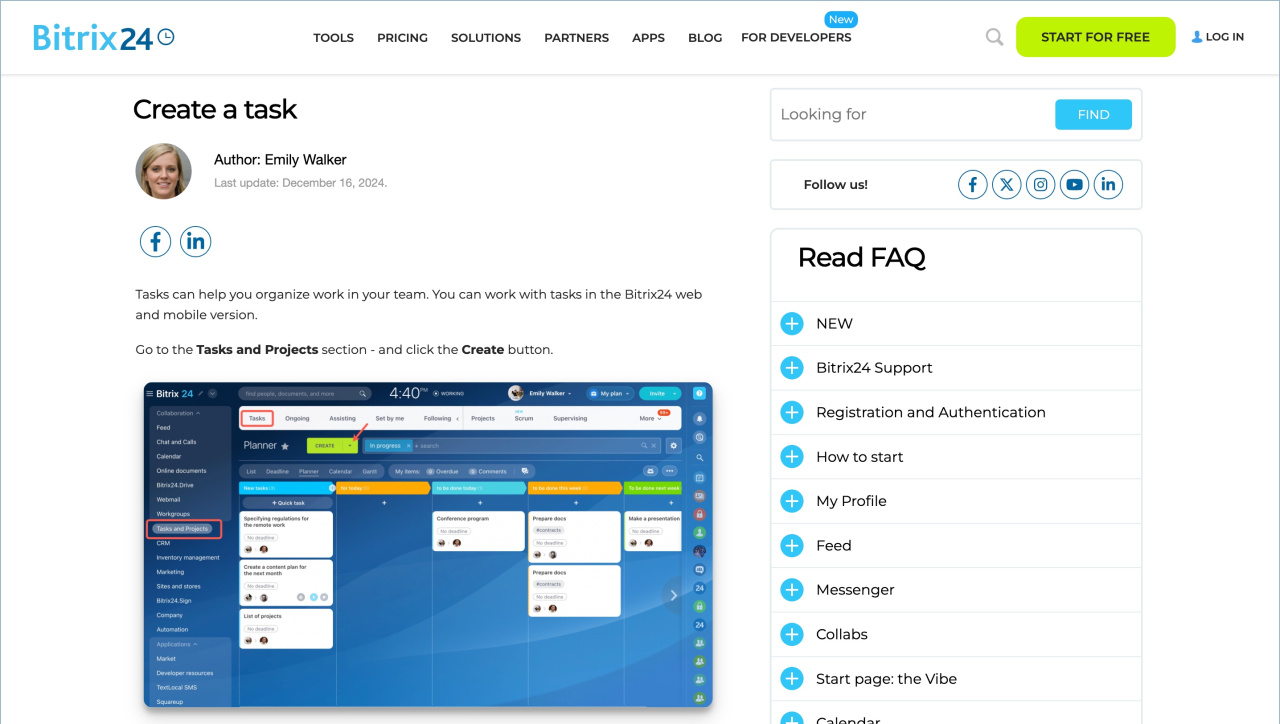
You can also browse all articles on the Bitrix24 website.

In brief:
- Bitrix24 Knowledge Base helps you find answers about features and tool settings. Click the question mark in the top right corner to open it.
- By default, it shows an article related to the tool you are using.
- The left menu sections match the main Bitrix24 menu.
- Use the search bar to find articles quickly.
- To share an article, click Open in new tab and copy the link.