
Use the Bitrix24 mobile app to stay productive anywhere. Work with tasks, CRM deals, documents, email, and the calendar. Communicate with your team, accept payments, and approve workflows — all from your phone.
The app is useful when you are outside the office, such as during meetings or business trips. You can quickly respond to updates and keep work moving.
Bitrix24 plans and pricing
Customize the bottom menu
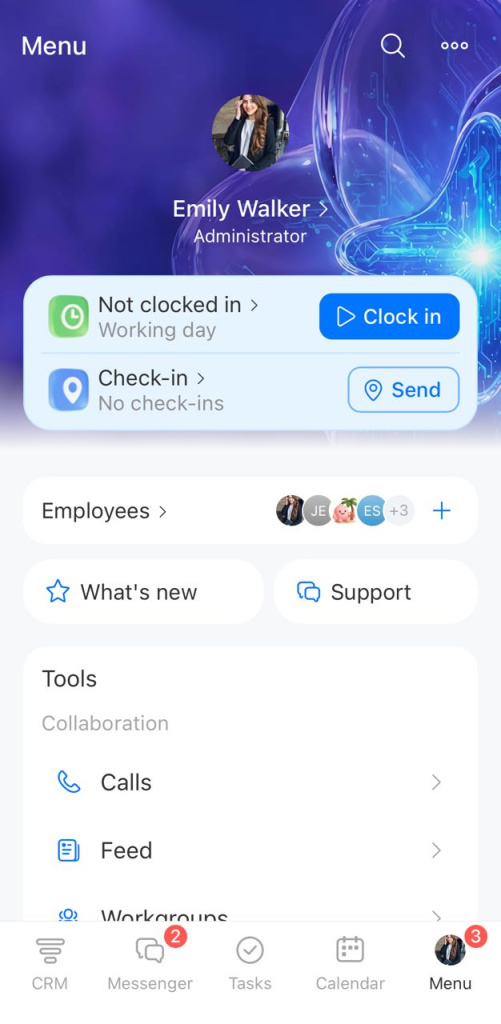
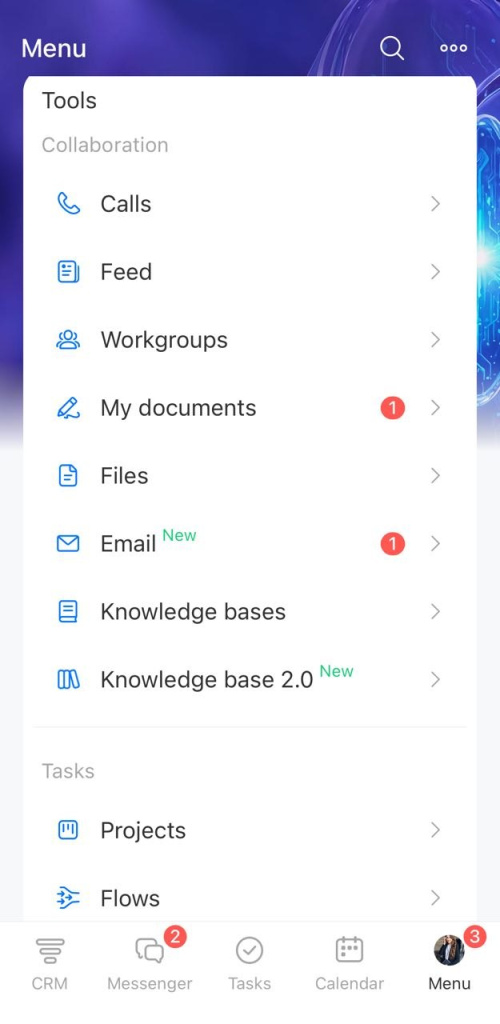
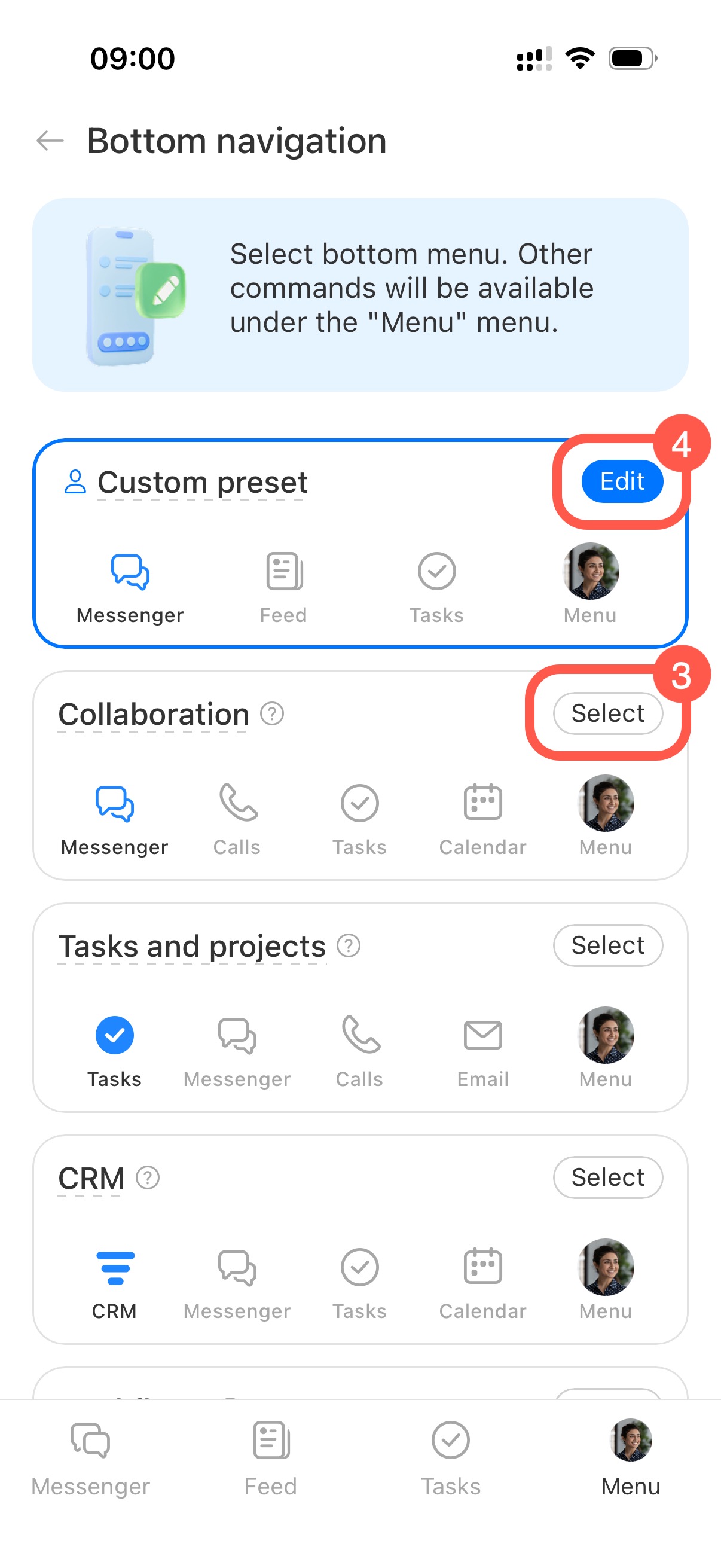
Add your most-used tools to the bottom menu for quick access. You can use a preset or create your own. Selected sections stay available from anywhere in the app. All other sections remain in the main menu.
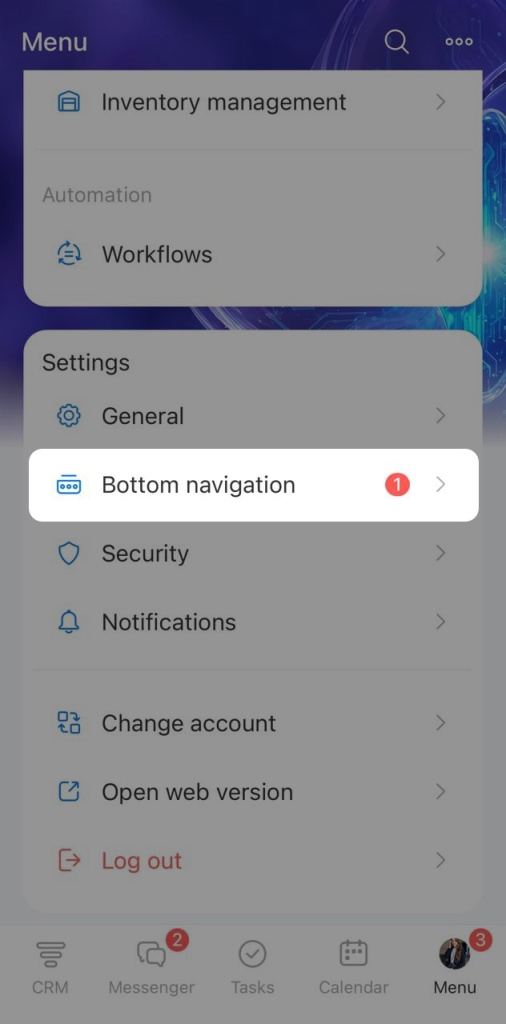
To change the bottom menu:
- Tap Menu > Bottom navigation.
- Select a preset menu.
- Tap Edit in Custom preset to create your own layout.
In this article:
Employee profile
Profile
Update your personal details such as job title, contact info, or photo. Open a coworker’s profile to view their department, phone number, interests, and other details.
Profile page
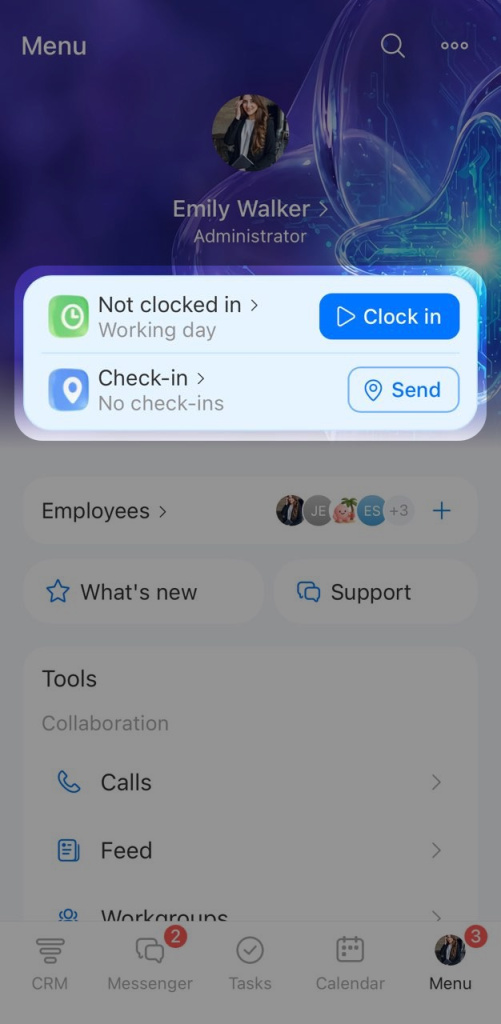

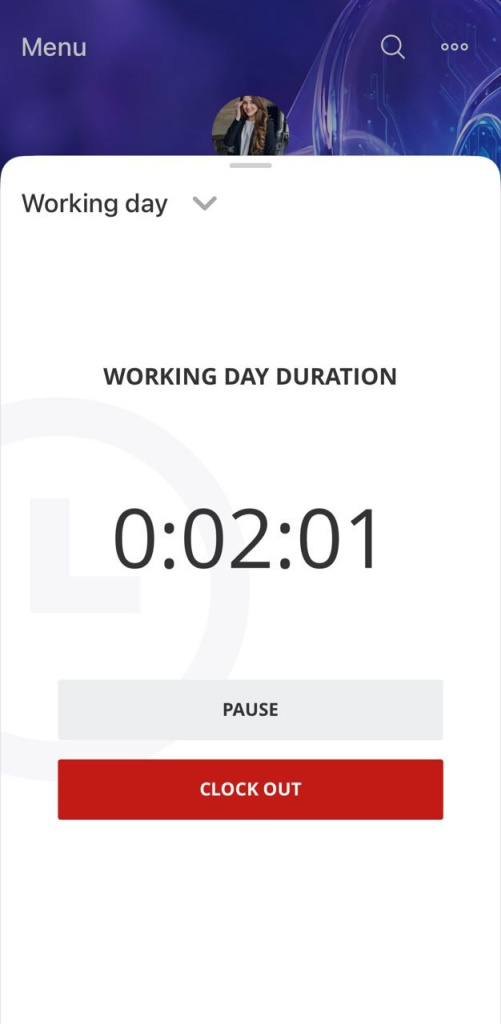
Time tracking
Track the start and end of your workday in the app. View hours worked at any time. This is useful if you work remotely or start your day away from your computer.
Worktime tracking in Bitrix24
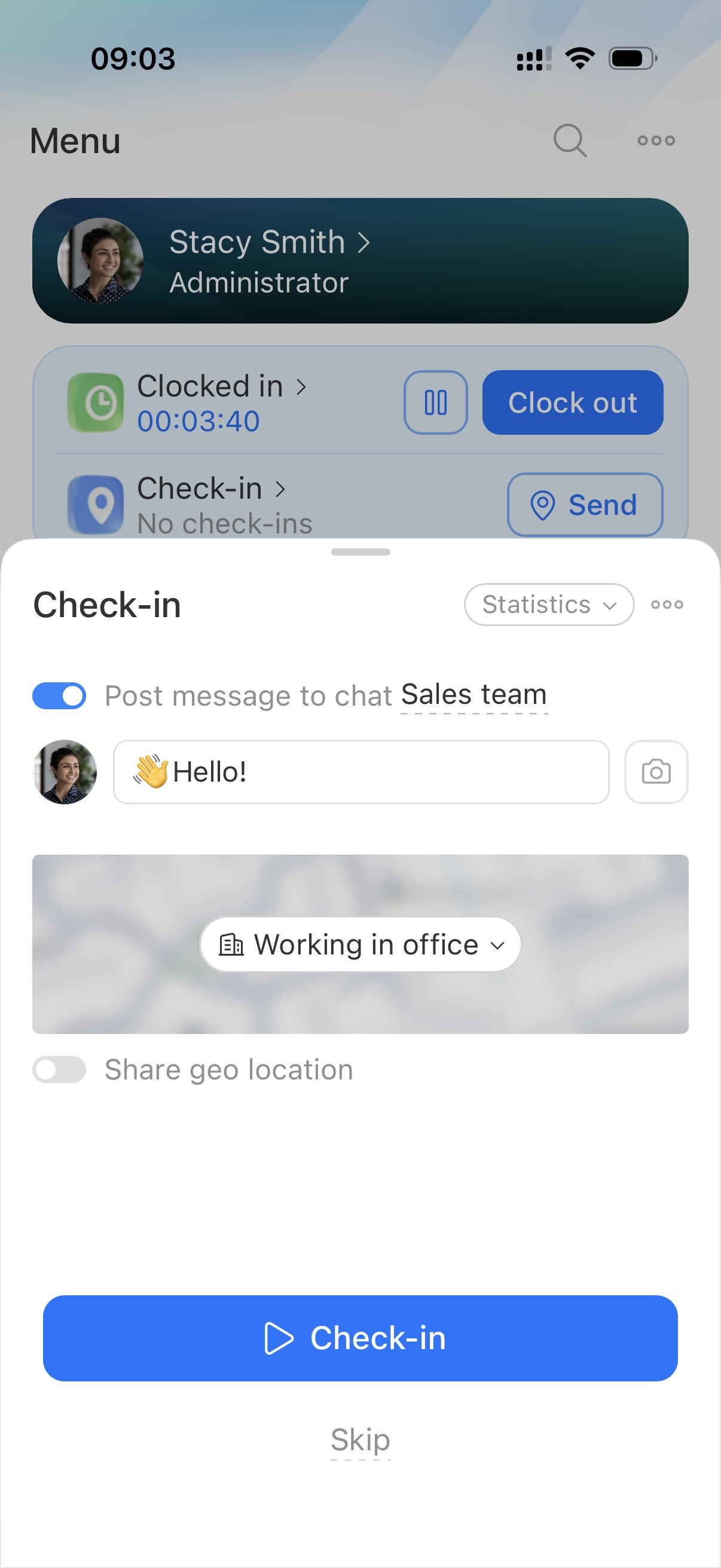
Check-in
Mark the start of your workday with a check-in. Add time, location, and a photo. Your team and manager can see your status. Check-in informs the team but does not replace time tracking.
Check-in
Employees and Support
Employees
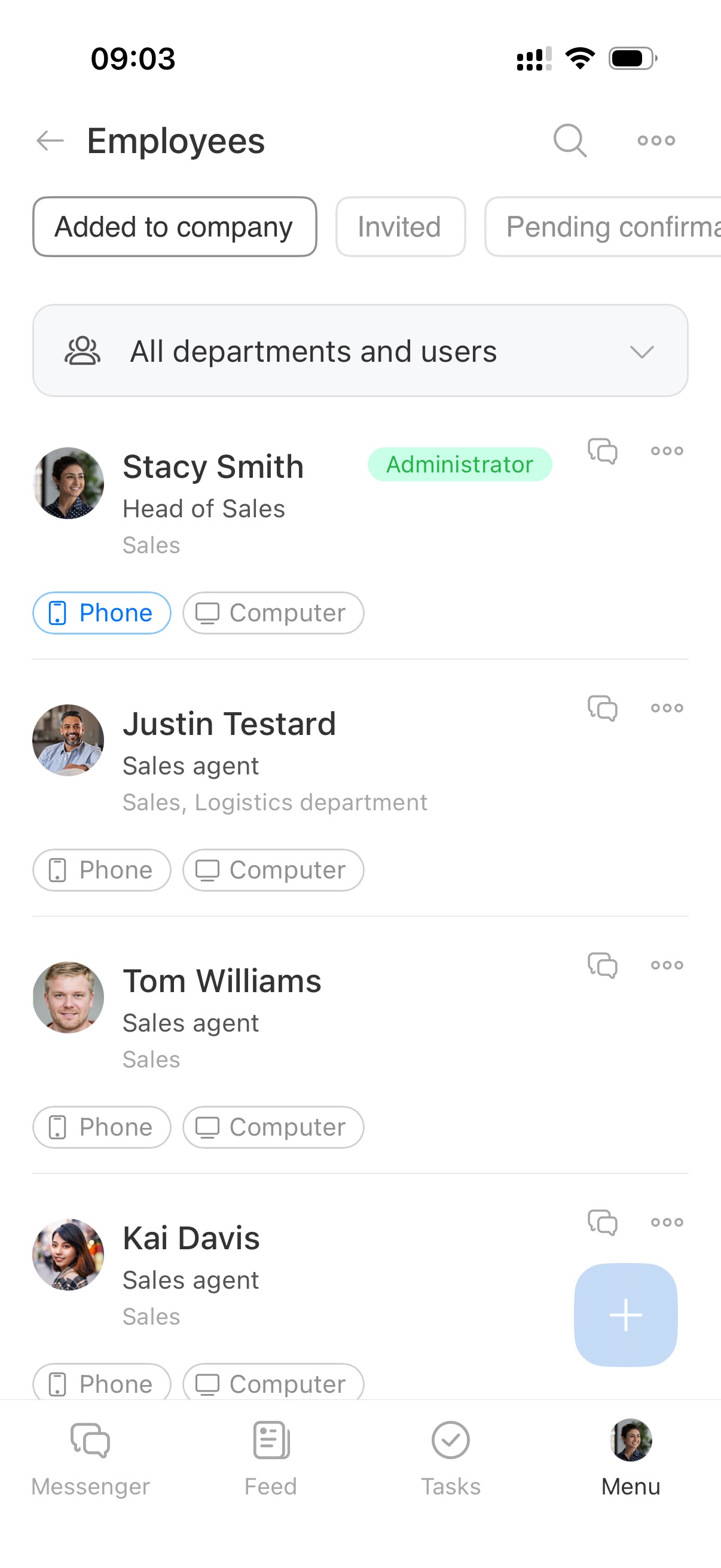
View employee details such as name, position, and status. Open profiles, invite users, and see who is active, invited, or dismissed.
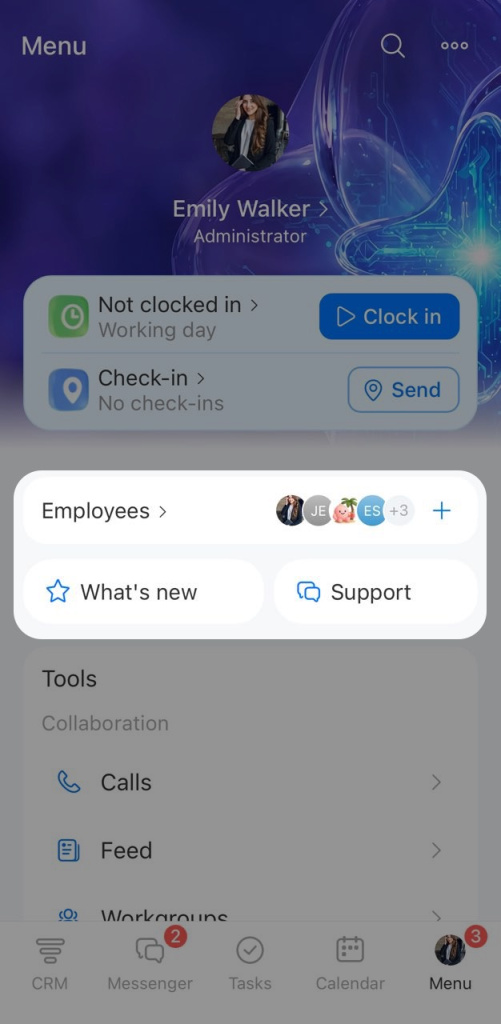
What’s new
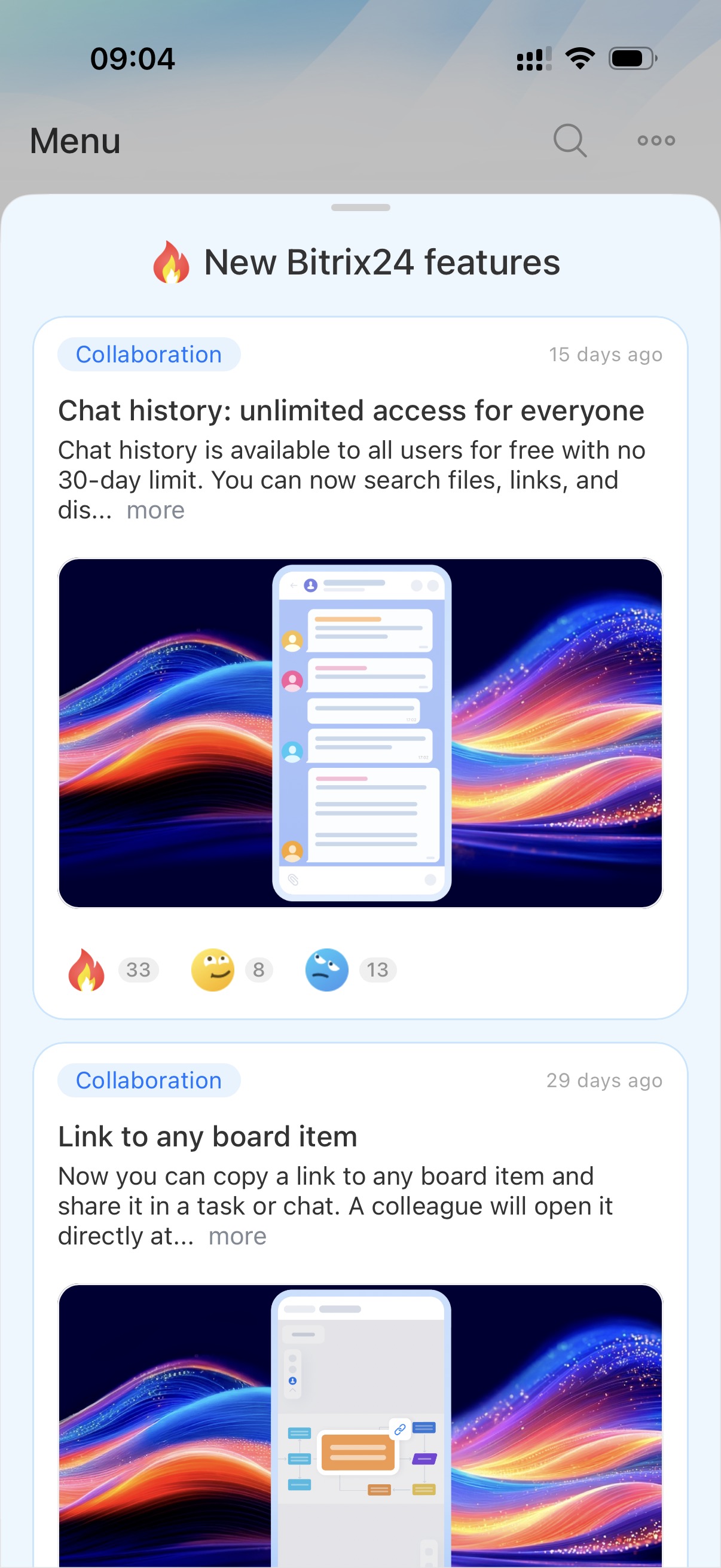
View recent product updates.
Support
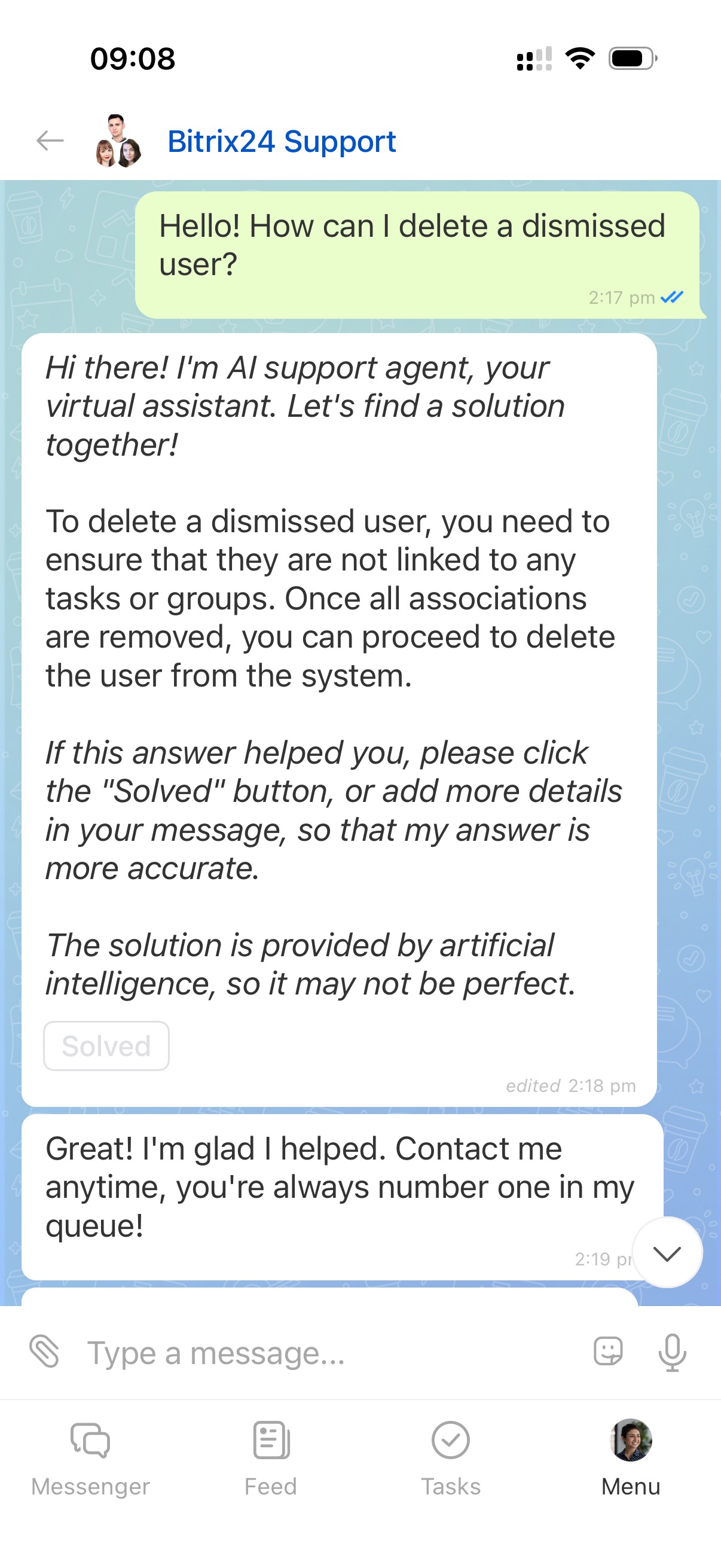
Contact support via chat if you have questions.
AI support agent in Bitrix24 Support chat
Contact Bitrix24 Support
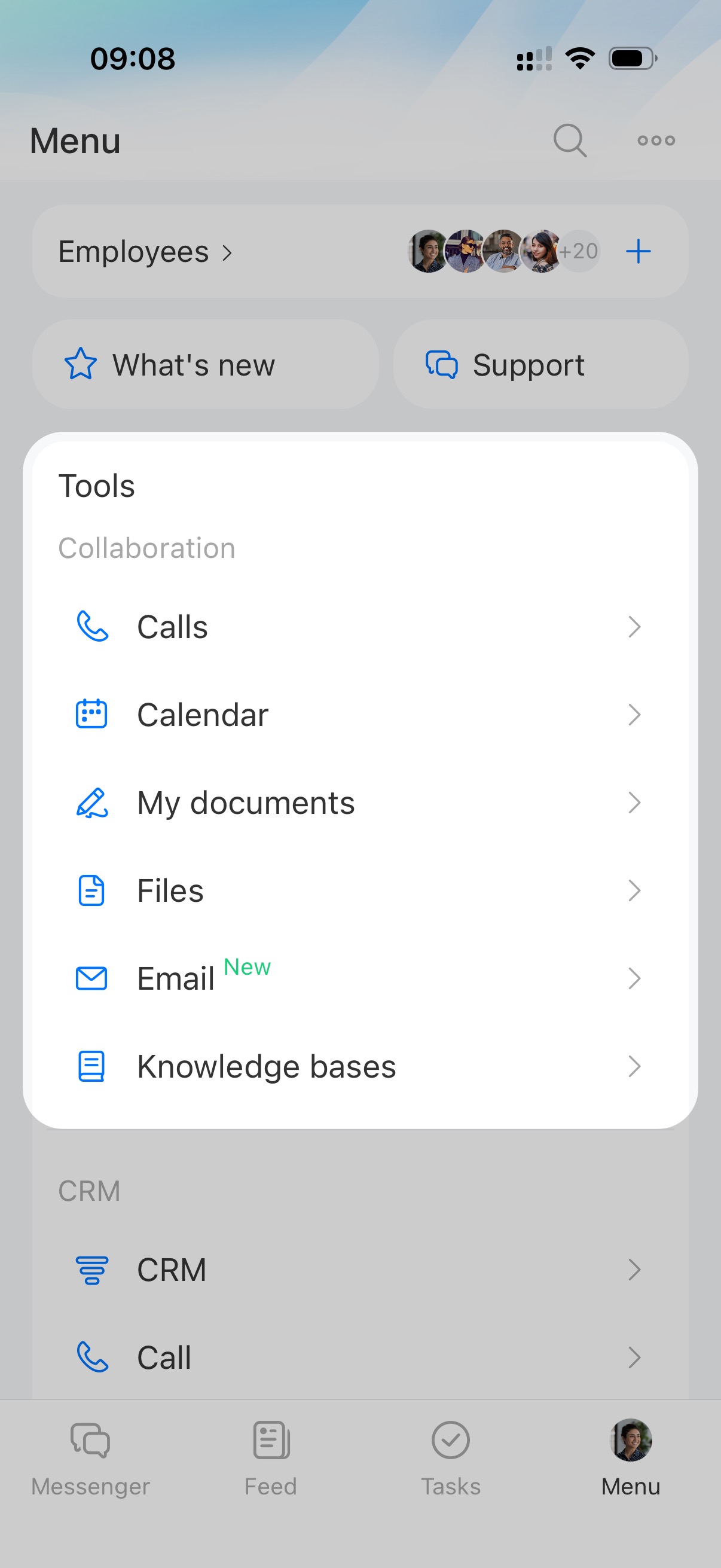
Collaboration
Calls
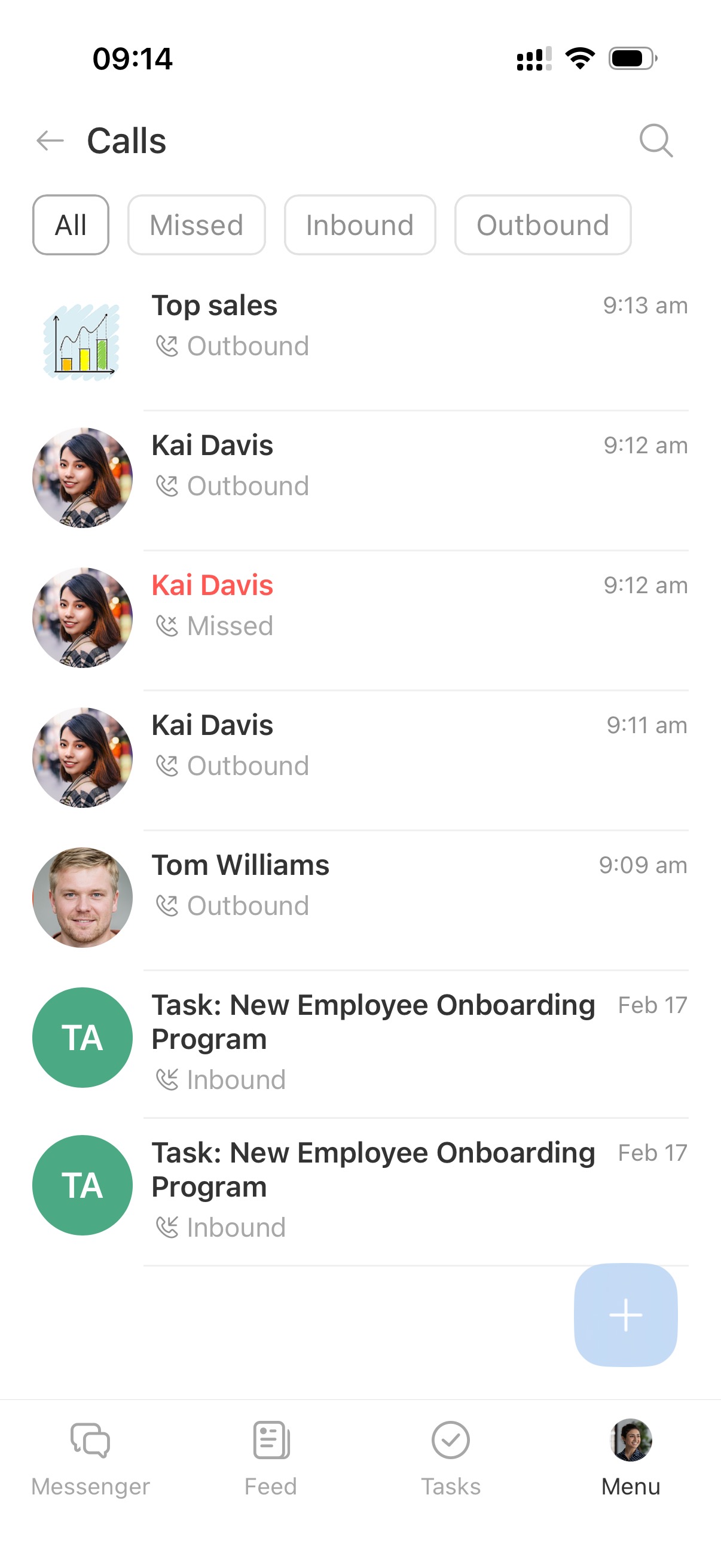
View call history with colleagues. Use tabs like All, Missed, Inbound, and Outbound. Search by employee name or chat title.
Call list in the mobile app
Feed
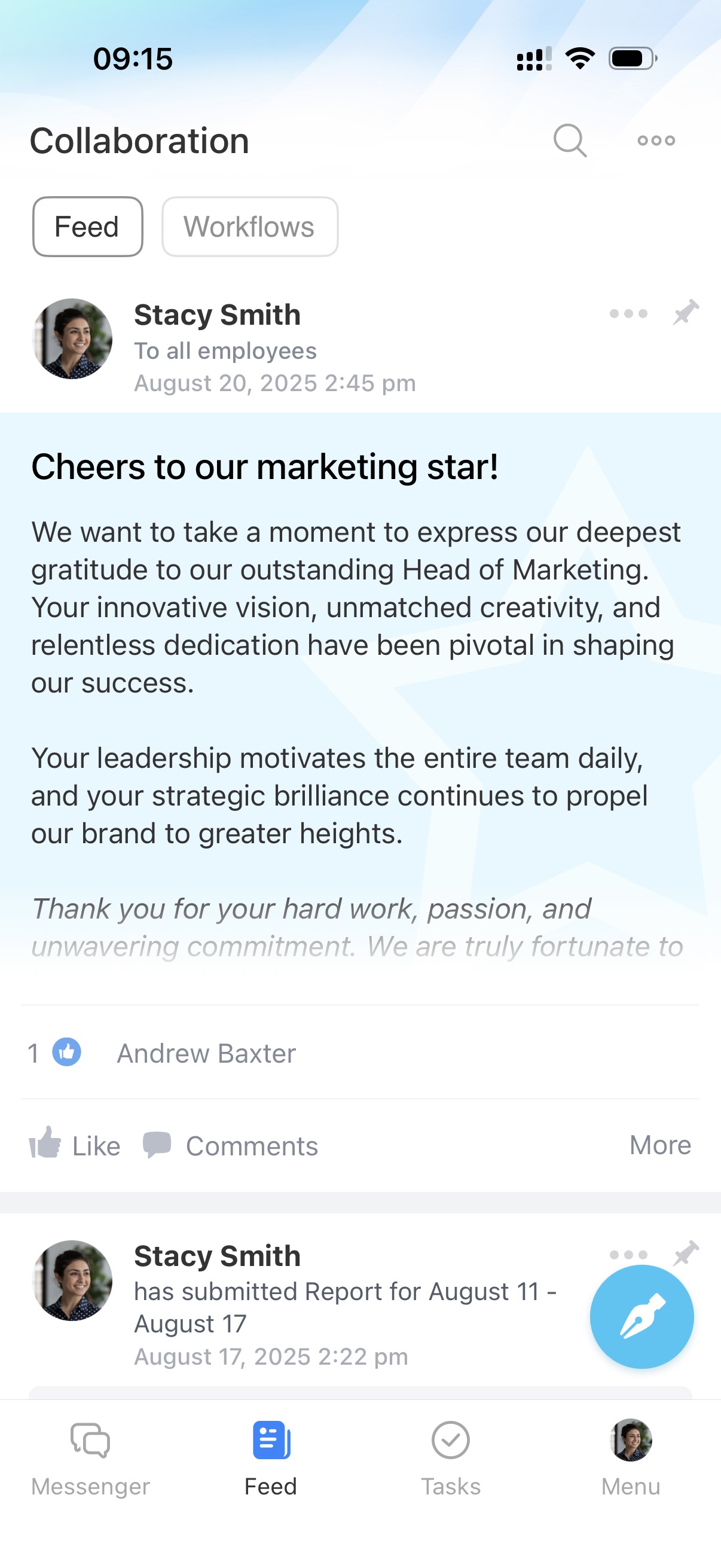
Use the Feed for company communication. View posts, events, reports, and workflows. Publish posts, comment, and react.
Feed in Bitrix24
Calendar
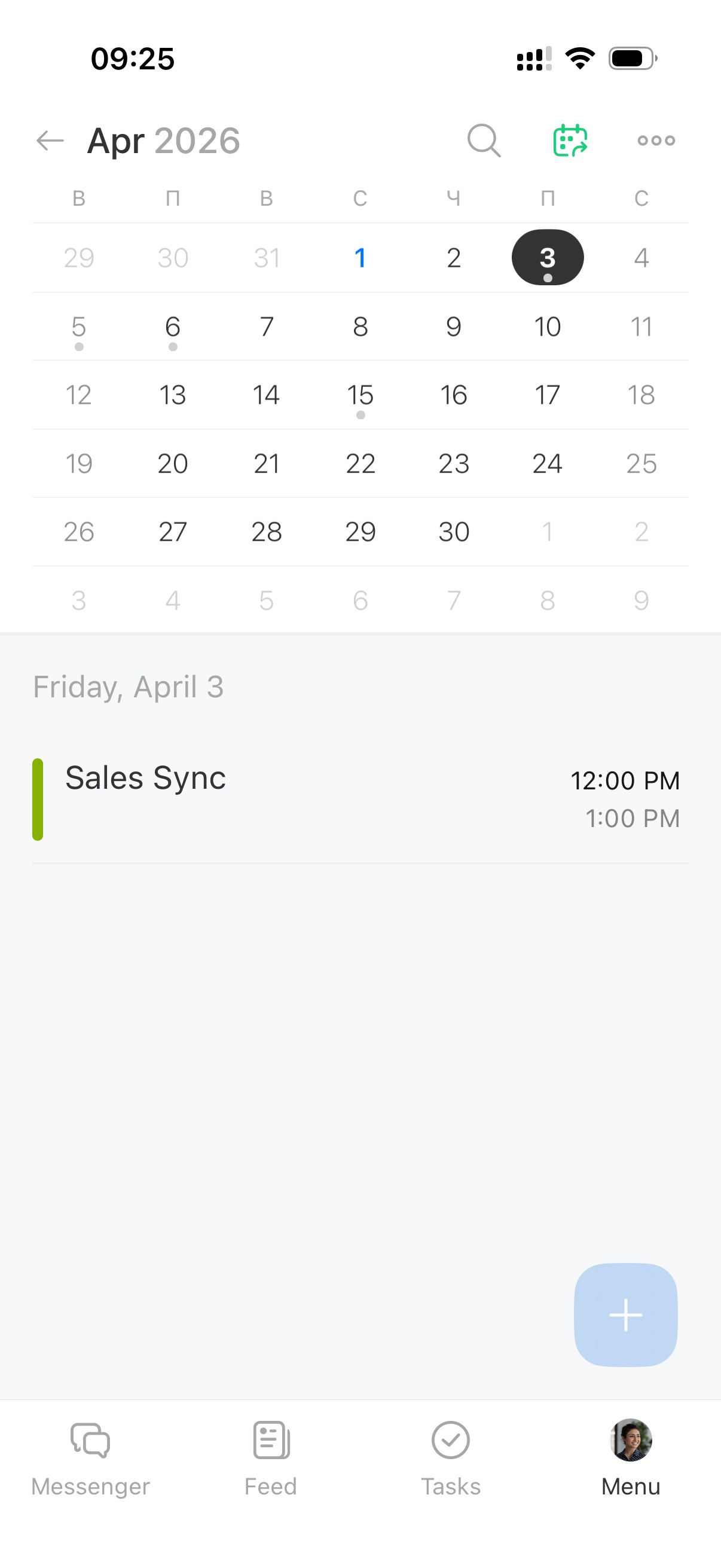
Schedule meetings and personal events. Create events, invite participants, and share available time slots.
Calendar in Bitrix24 mobile app
Open slots in Bitrix24 calendar
My documents
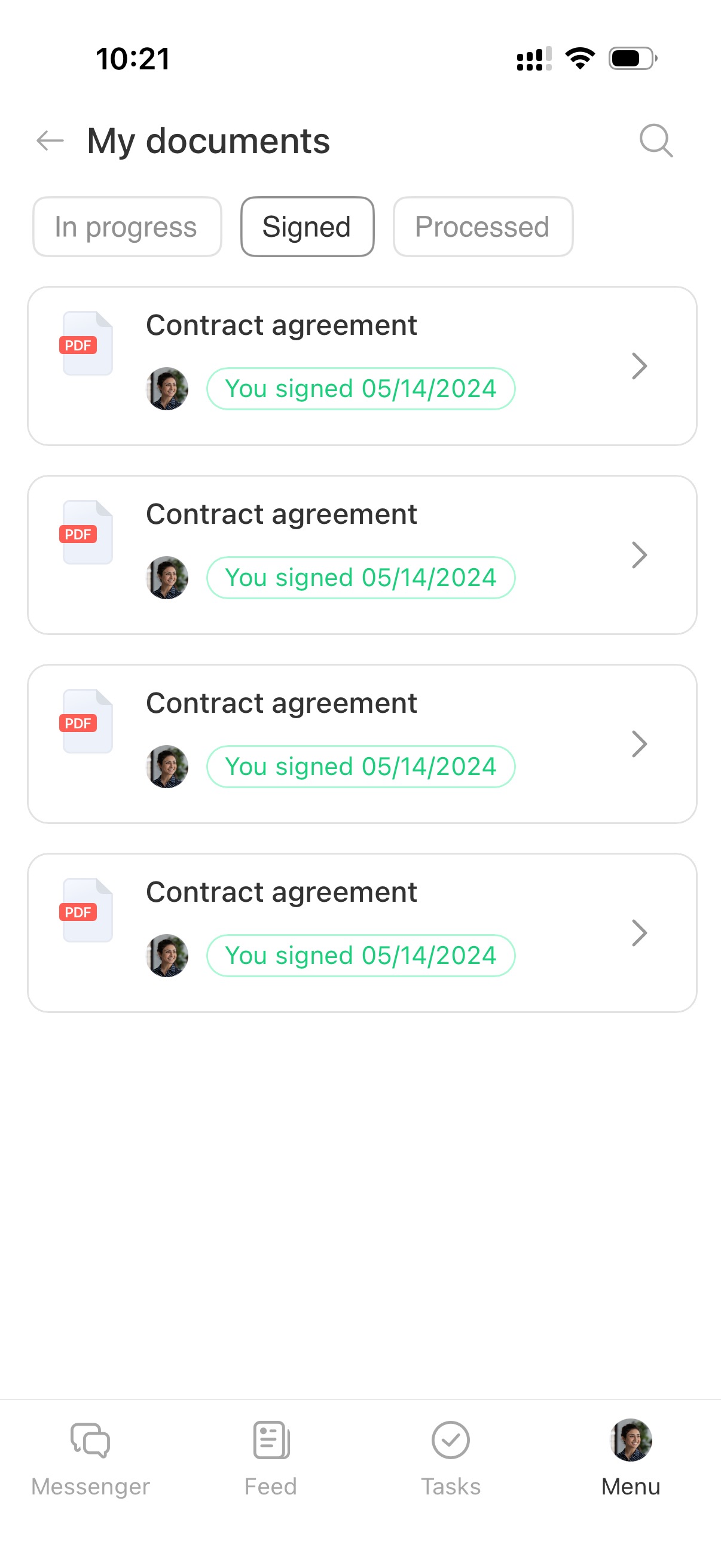
Manage HR documents. Send for signature, sign, track status, and download files.
Bitrix24 e-Signature for HR: Getting Started
Files
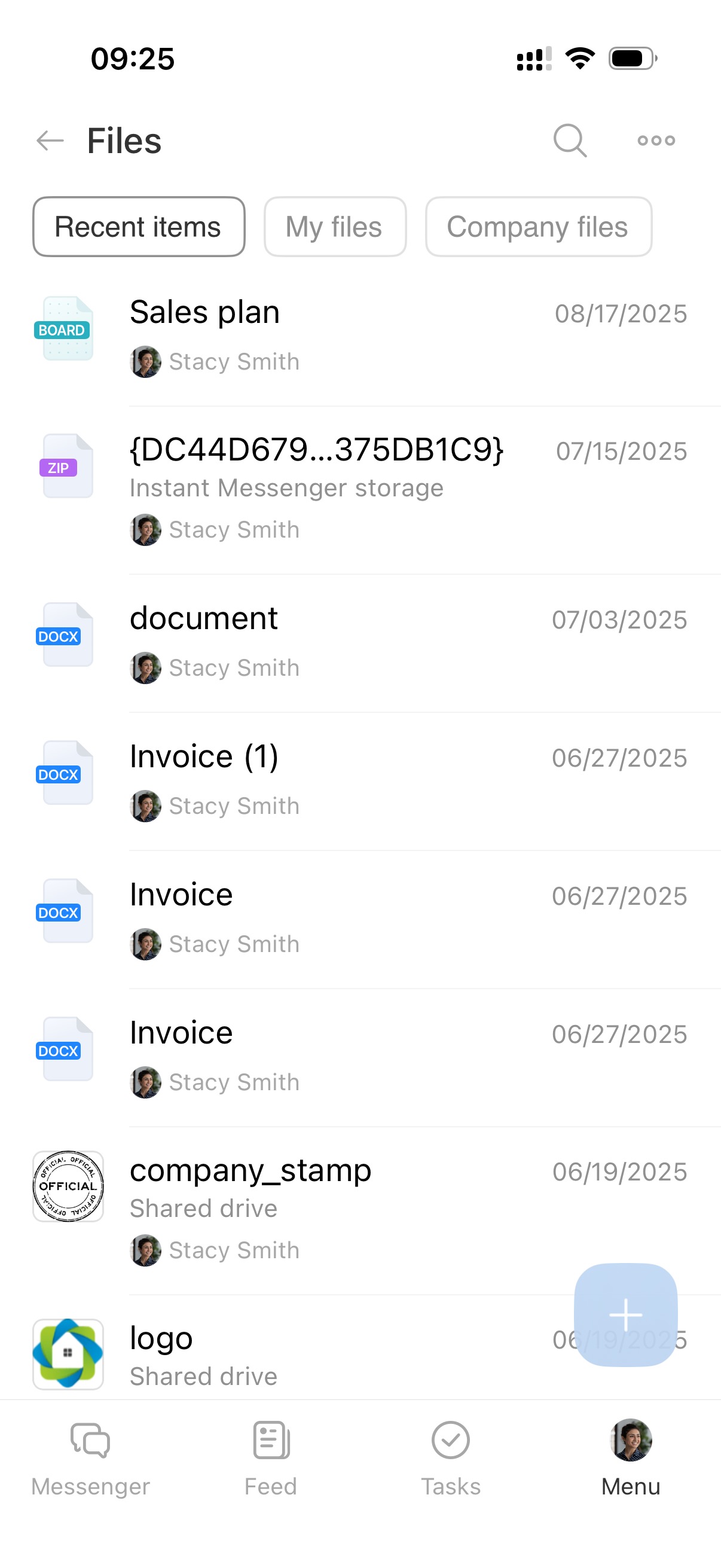
Access your personal Drive and the Company Drive. Use files in tasks, chats, and CRM.
Work with files and folders on Drive
Company Drive overview
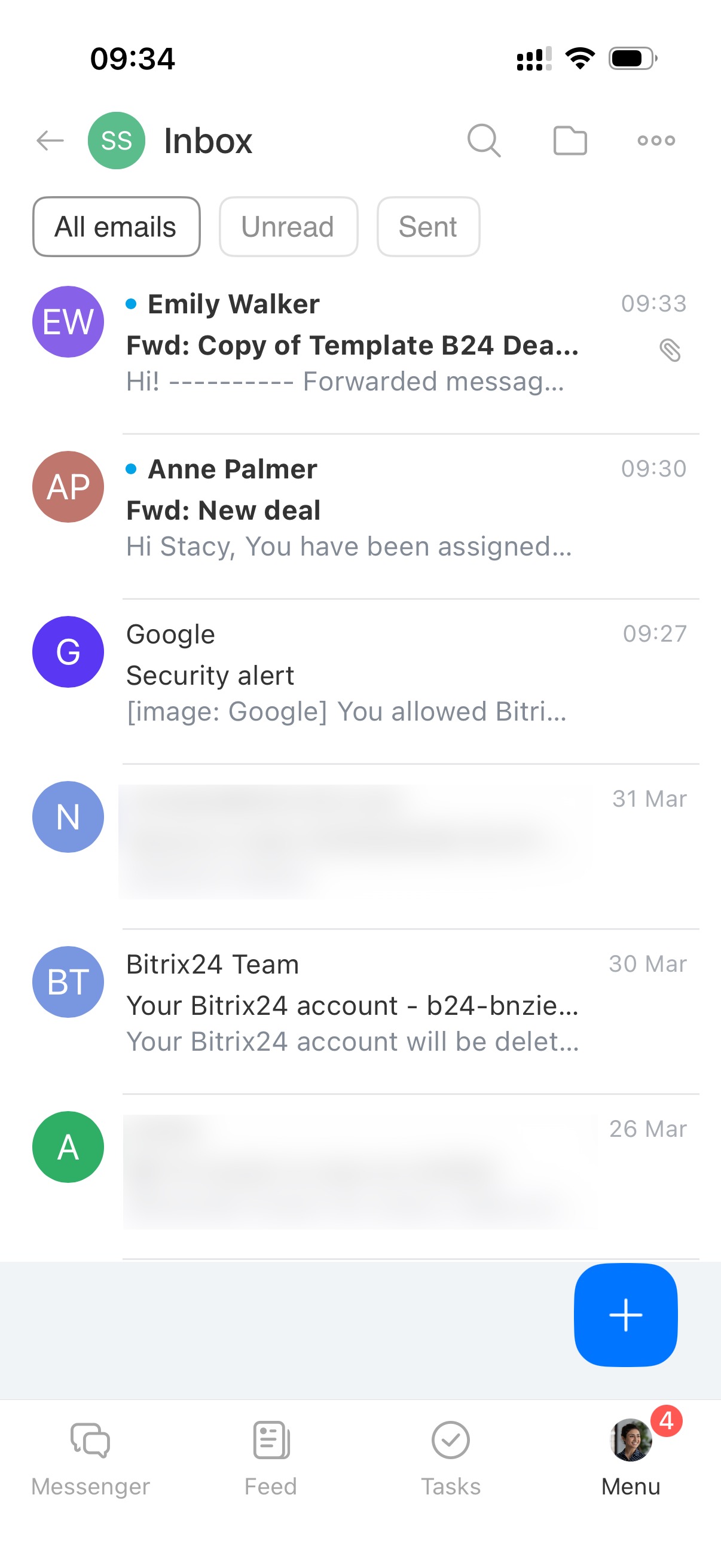
Connect mailboxes and manage email. Send and forward messages, create tasks from emails, and link emails to CRM items.
Mail in Bitrix24 mobile app
Knowledge bases
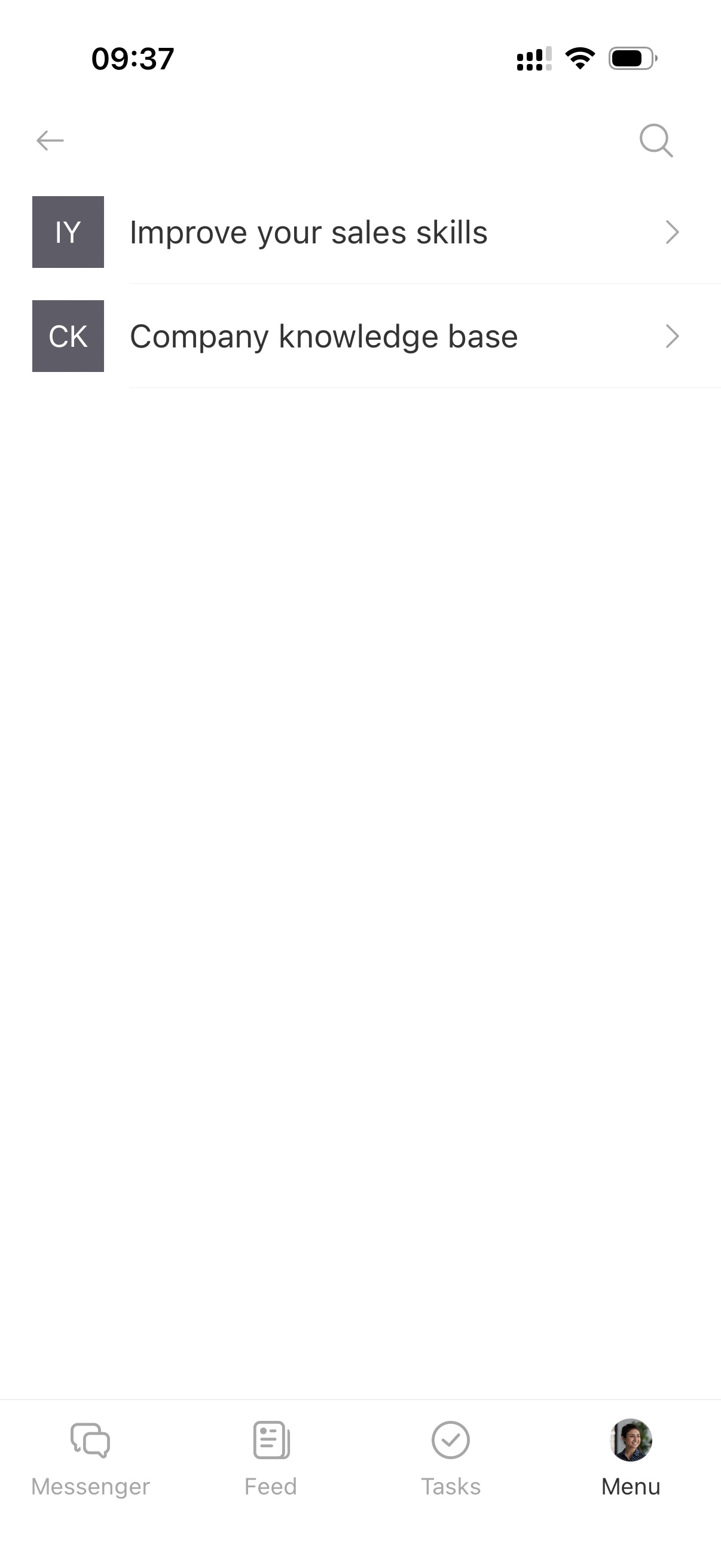
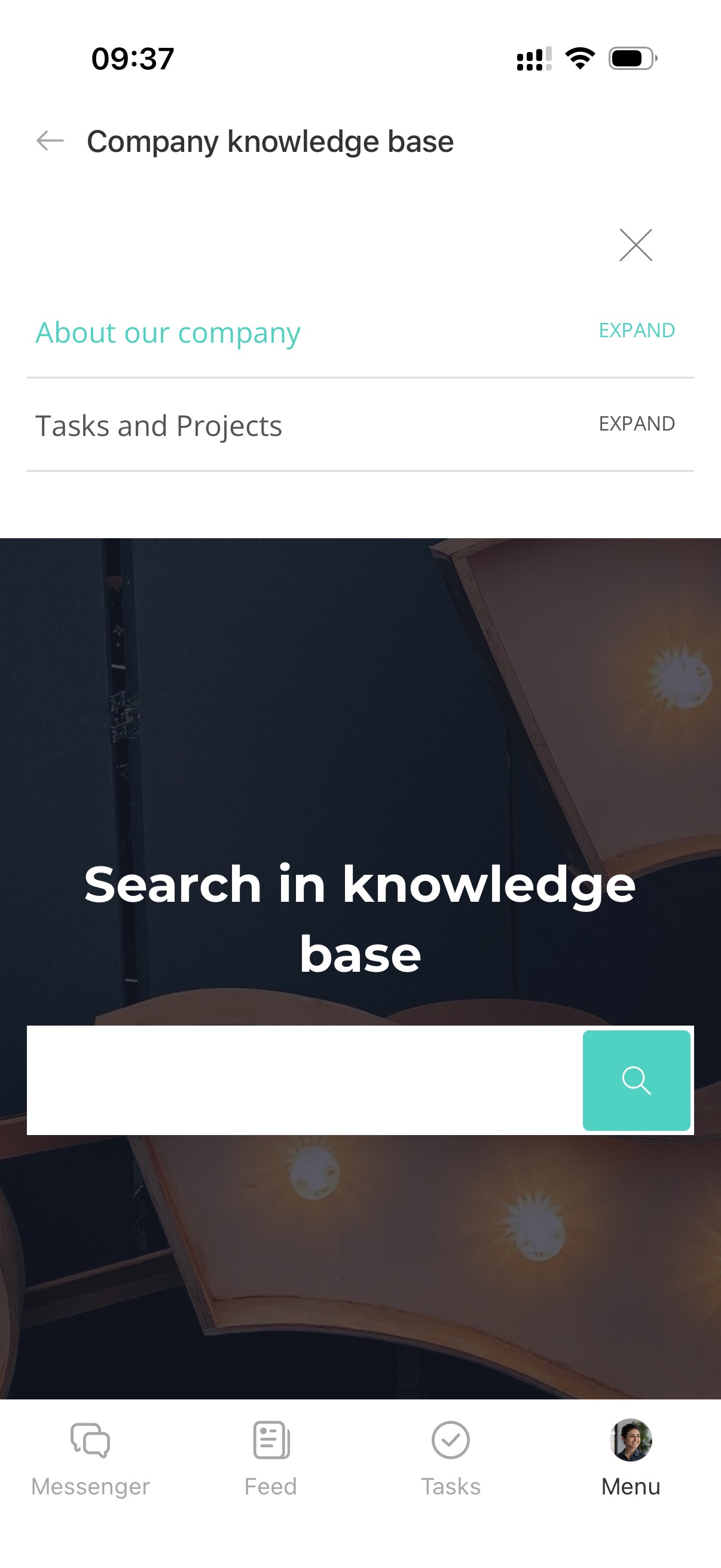
Access internal documentation and company instructions. Search articles and follow guidelines in your daily work.
Tasks and Projects
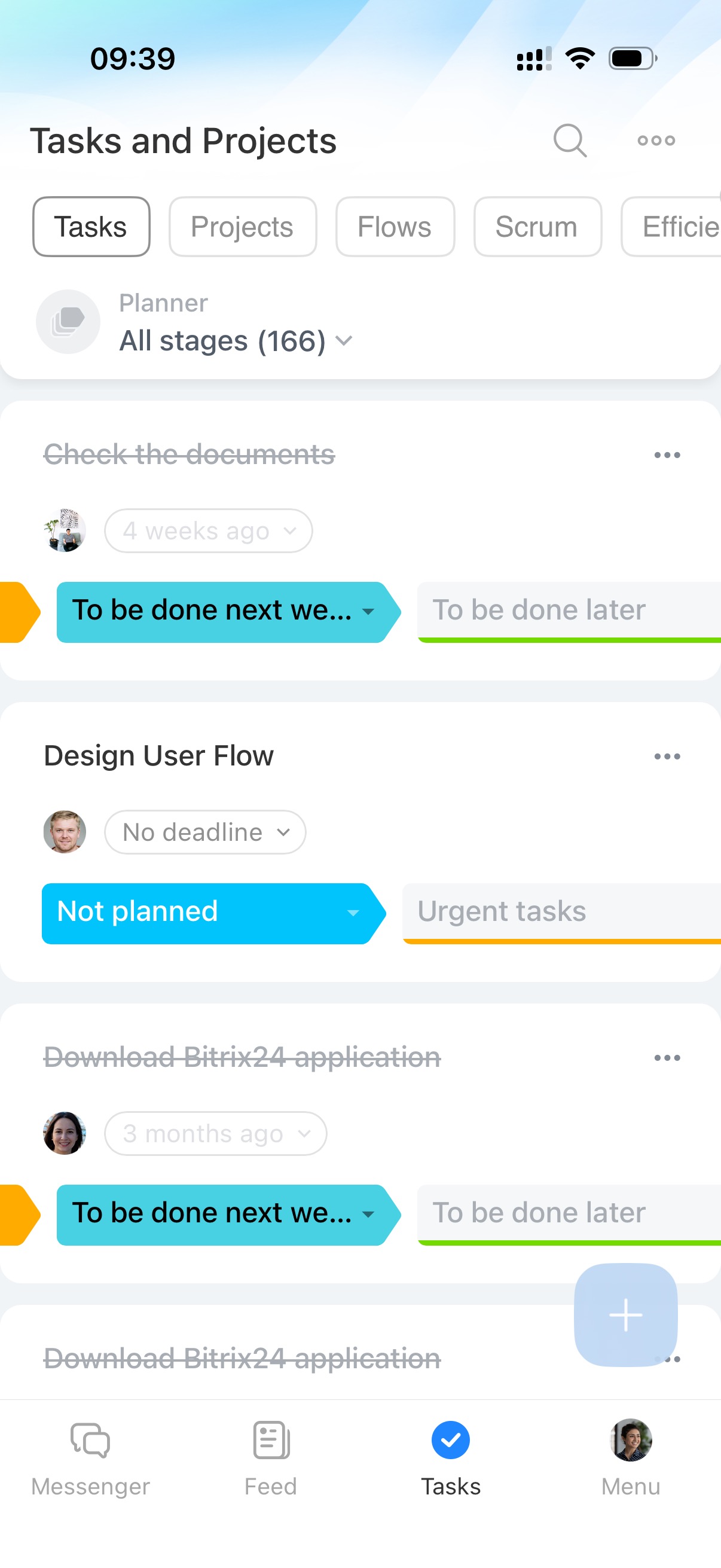
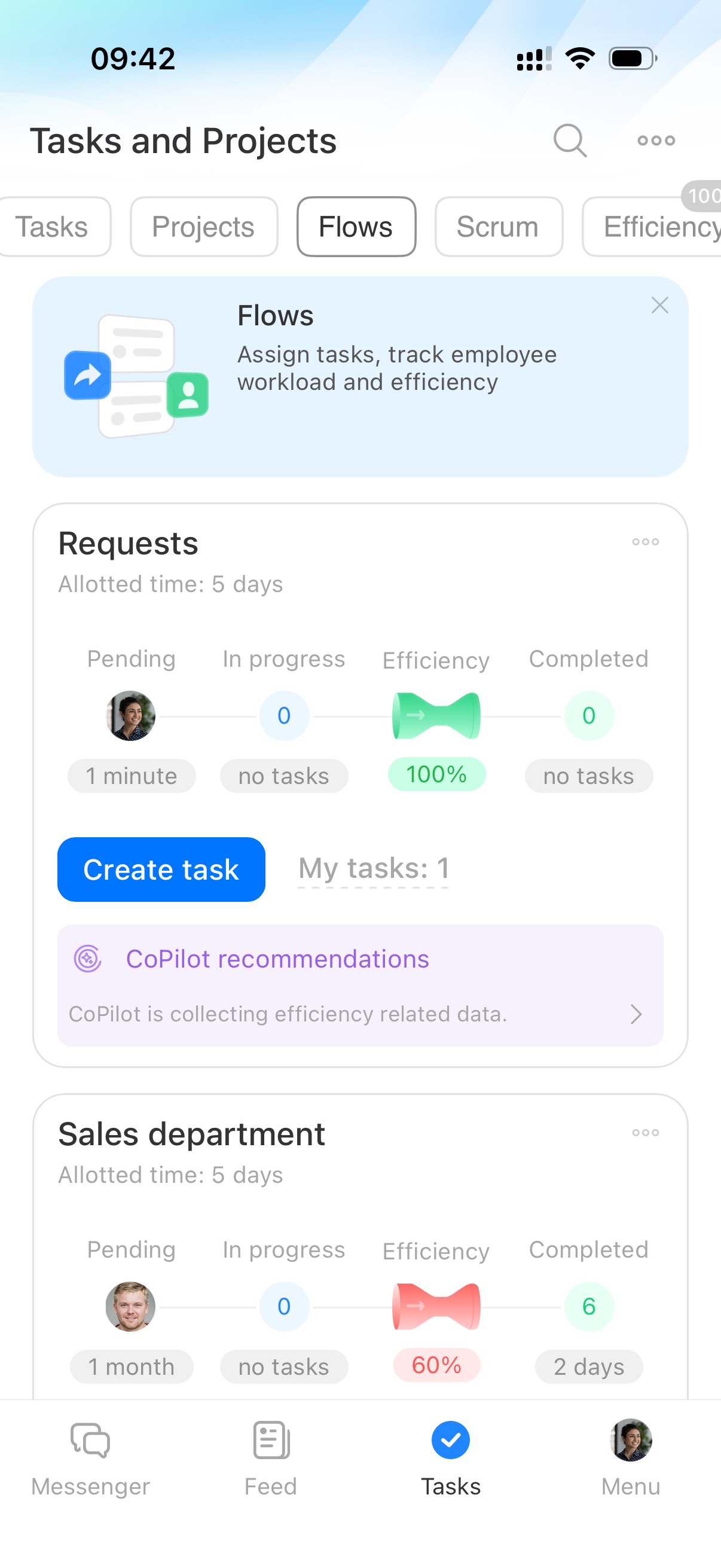
Create tasks and organize them into projects or flows. Assign work, set deadlines, track progress, and discuss details. Manage work even when you are away from the office.
Tasks in Bitrix24
Bitrix24 Flows: Get started
Messenger
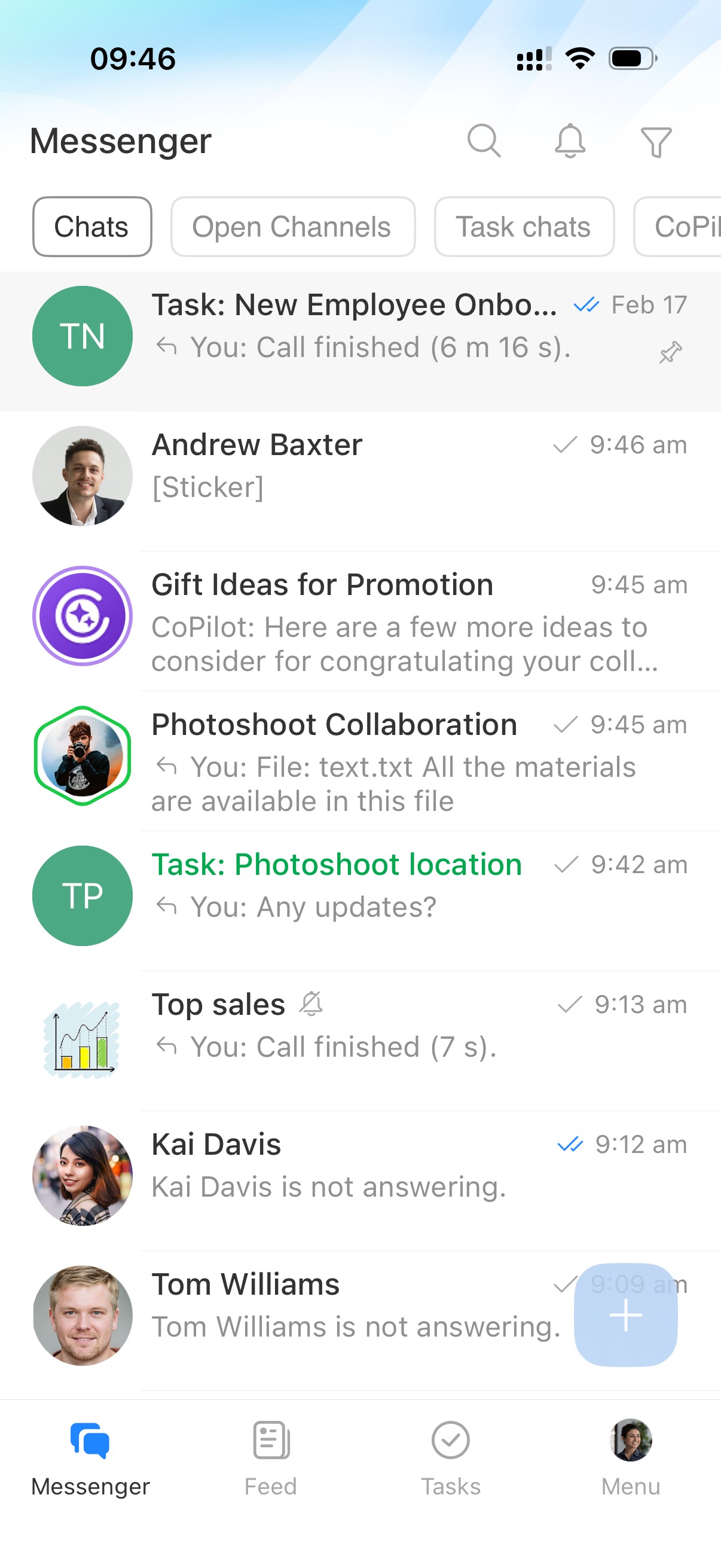
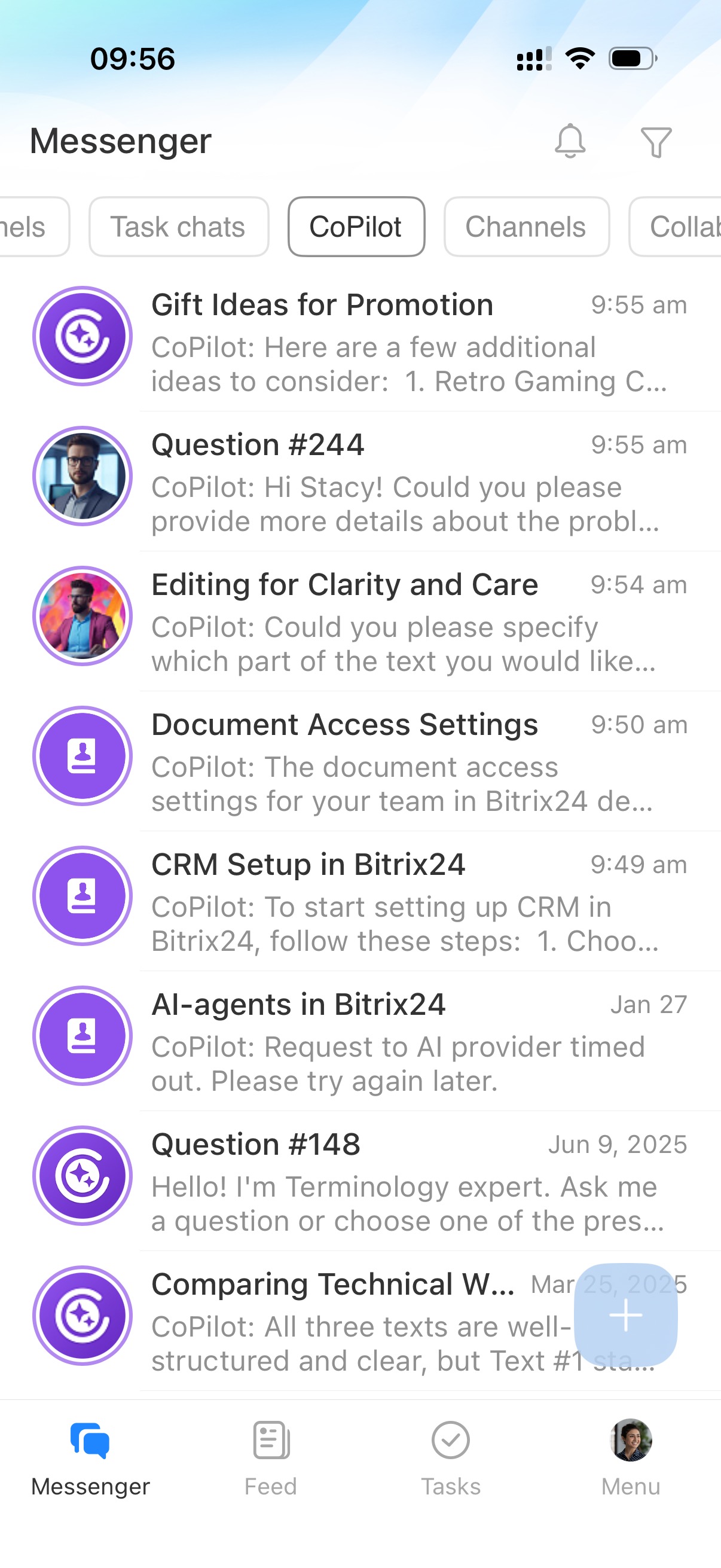
Communicate securely with your team. Send messages, share files, create tasks, and schedule meetings directly from chats.
Use personal chats, group chats, channels, projects, chats with CoPilot, and video calls.
Notifications and search help you stay updated and quickly find information.
Bitrix24 Chat: new interface and features
Chat with CoPilot
CRM
CRM
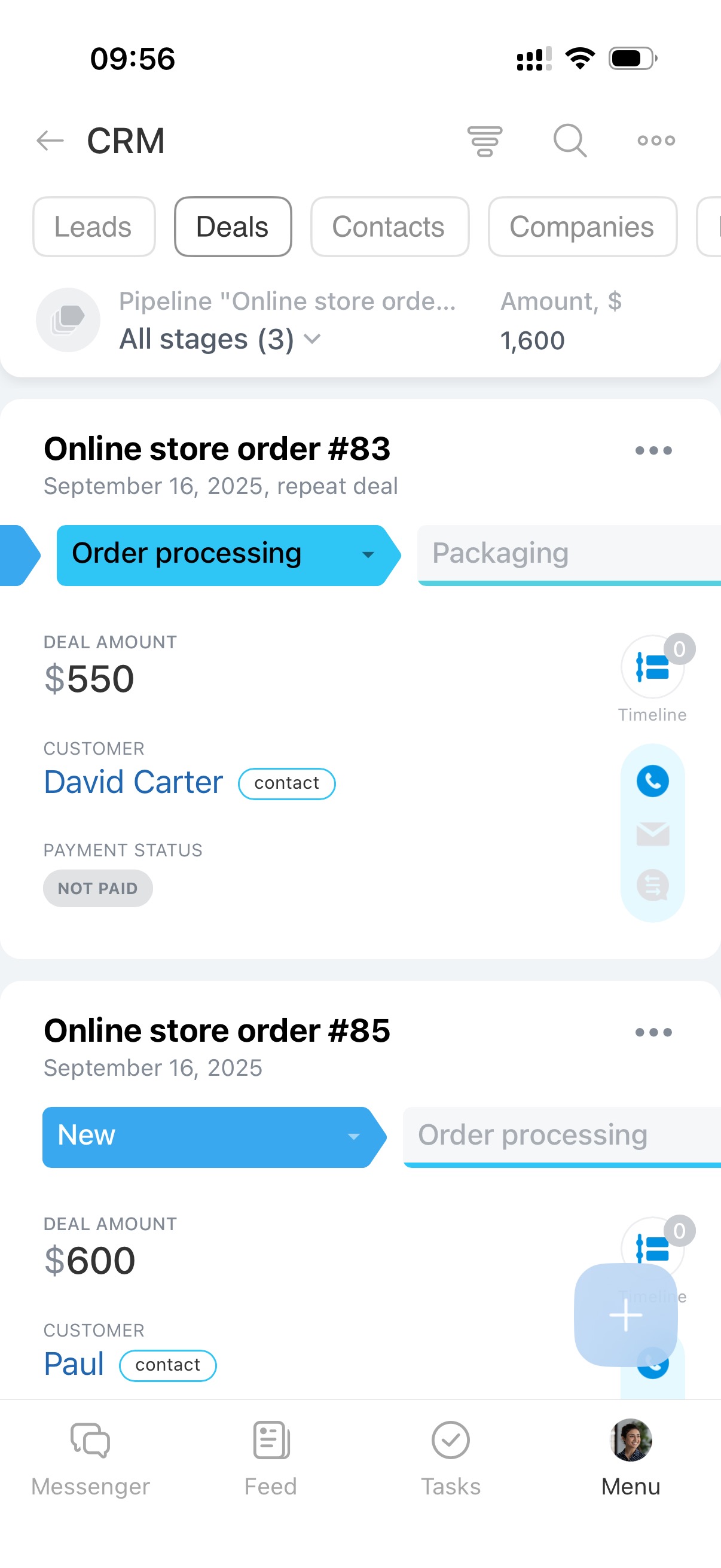
Work with CRM on mobile like on desktop. Create and edit deals, assign responsible employees, change stages, plan activities, create invoices, and accept payments.
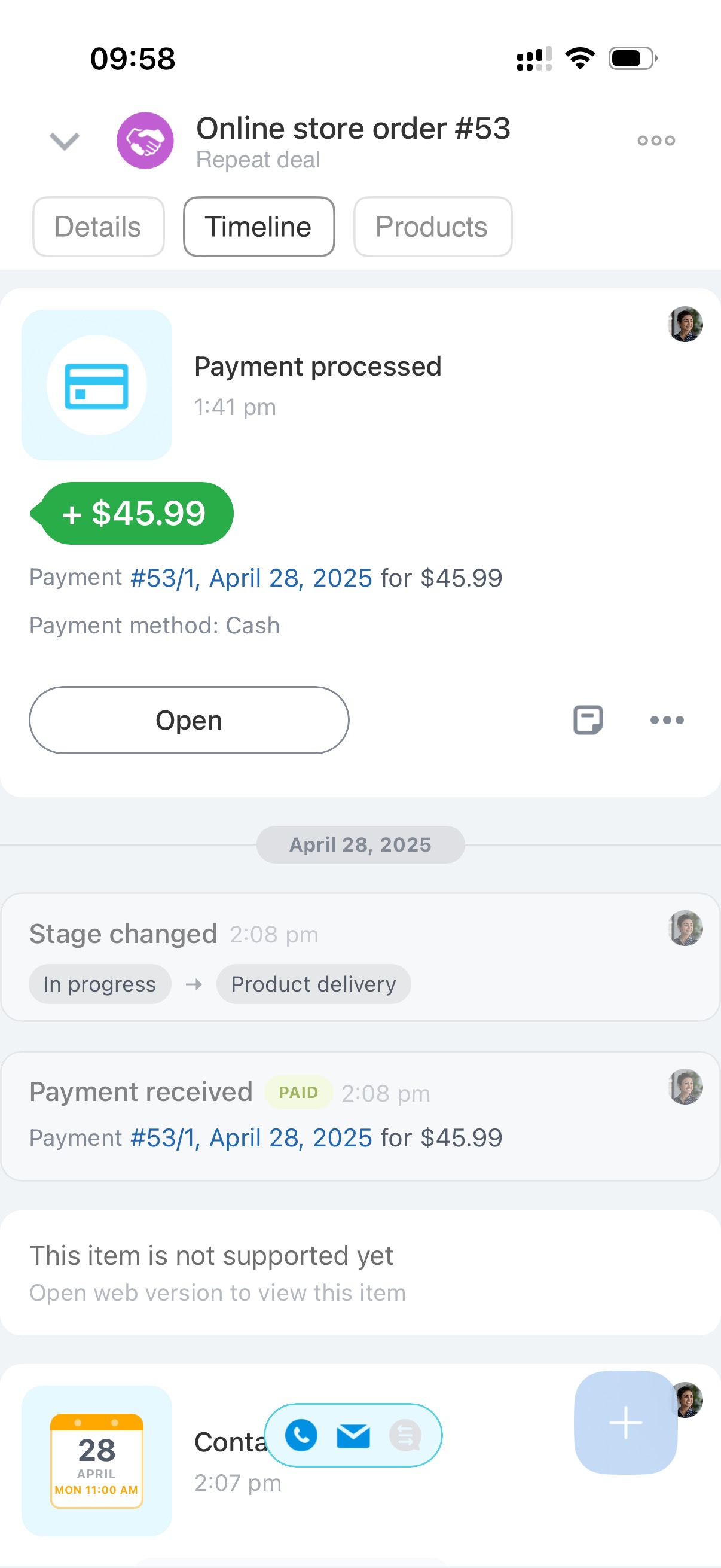
View the full customer history in the CRM timeline.
CRM overview
Call
Call customers directly from CRM. Call history is saved automatically.
Make calls from the mobile app
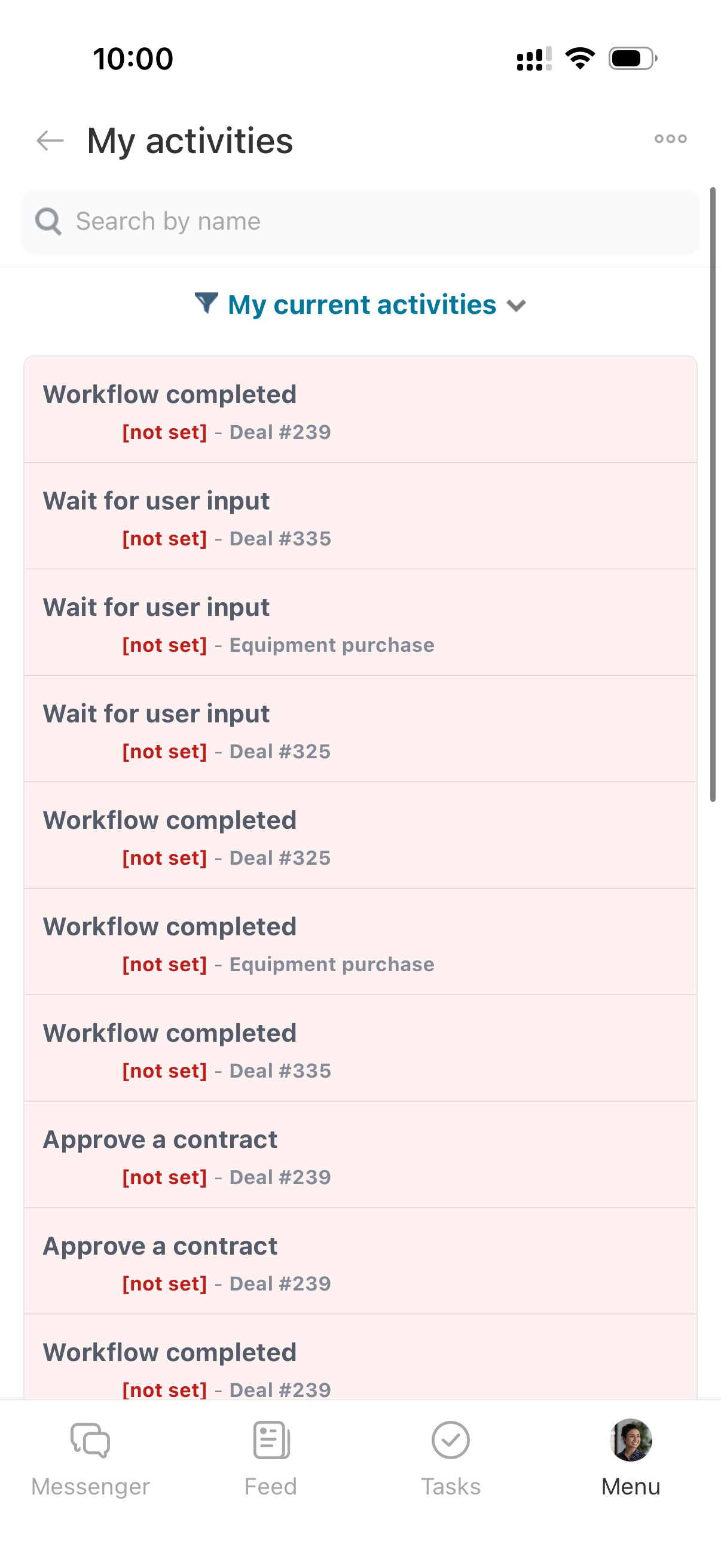
My activities
View planned and completed activities such as calls, meetings, tasks, and emails. Use filters and open related CRM items.
My activities in CRM
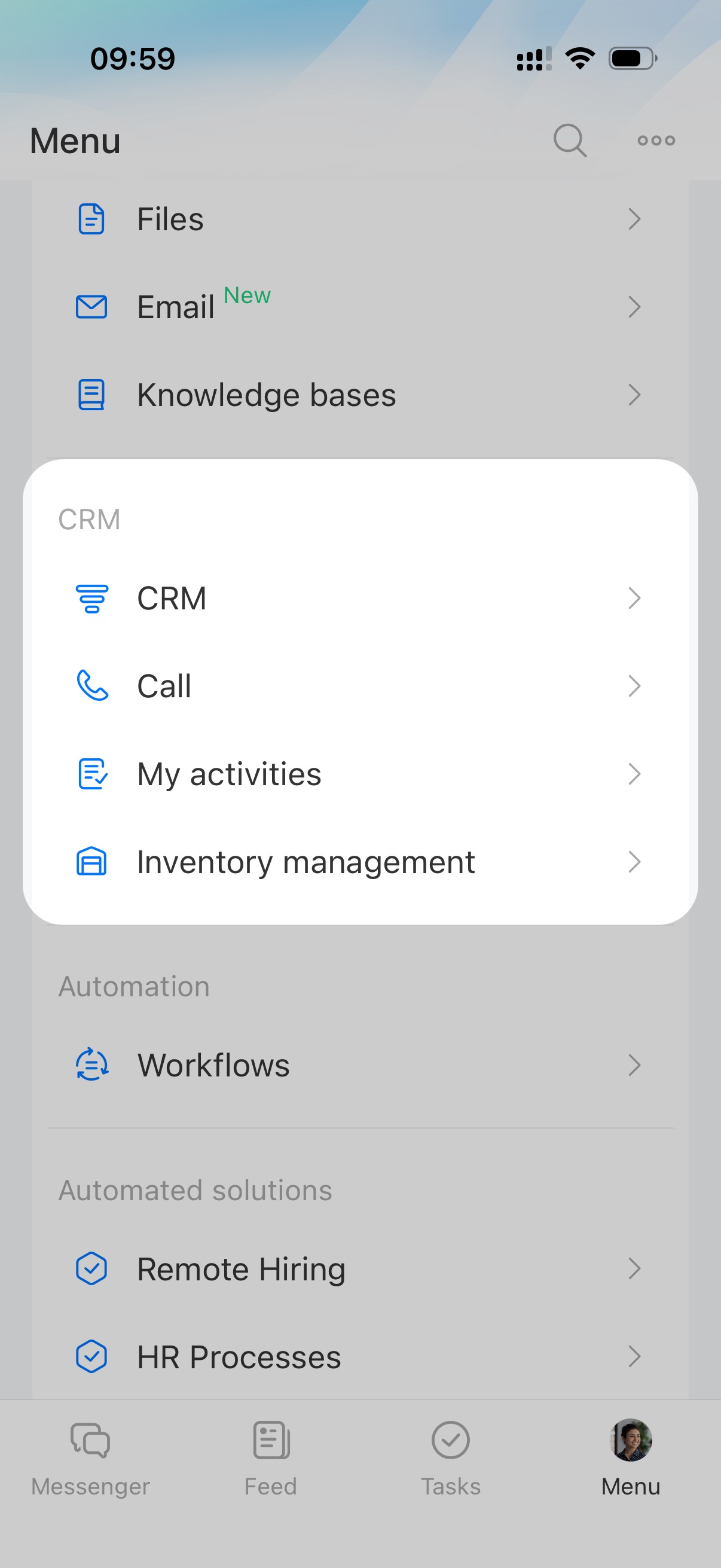
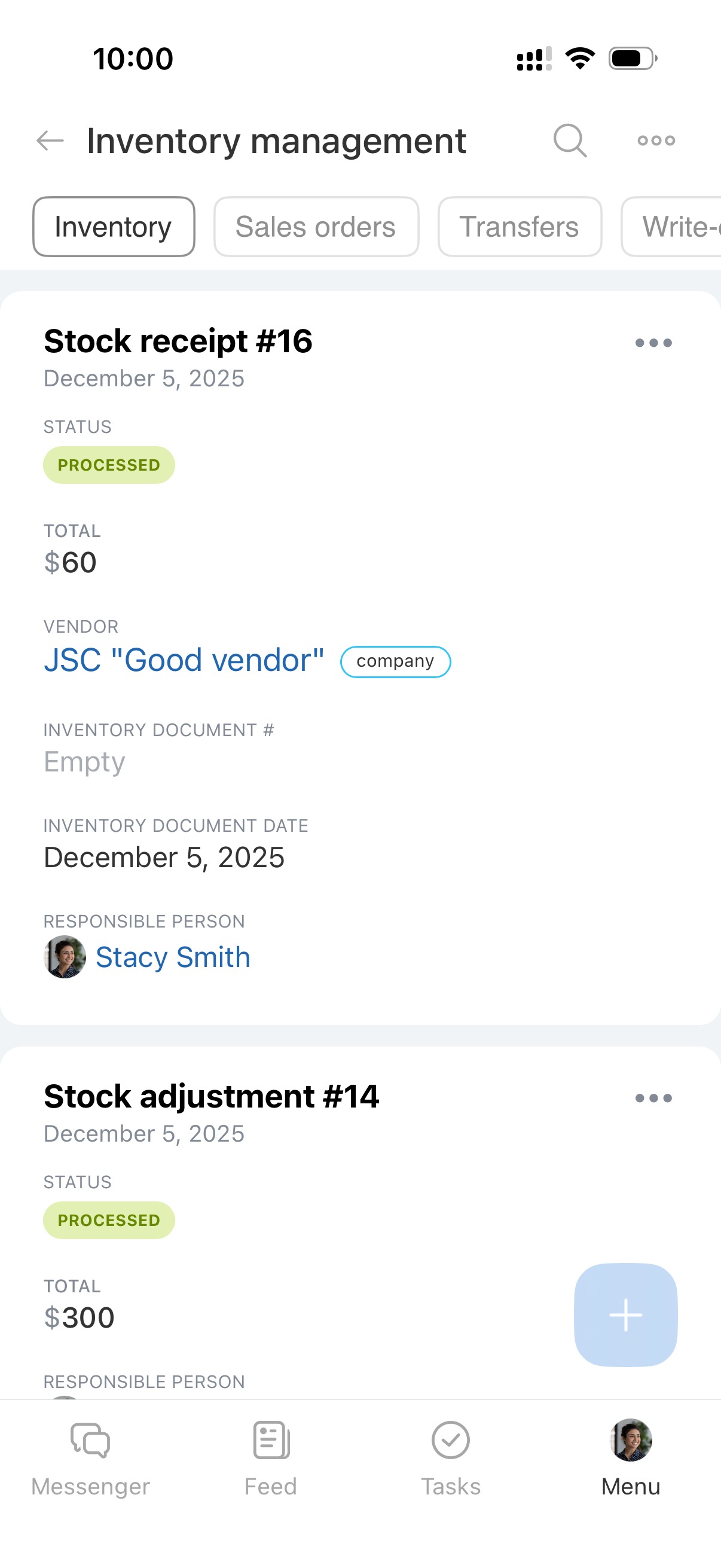
Inventory management
Track product receipt, transfer, sales, and write-off.
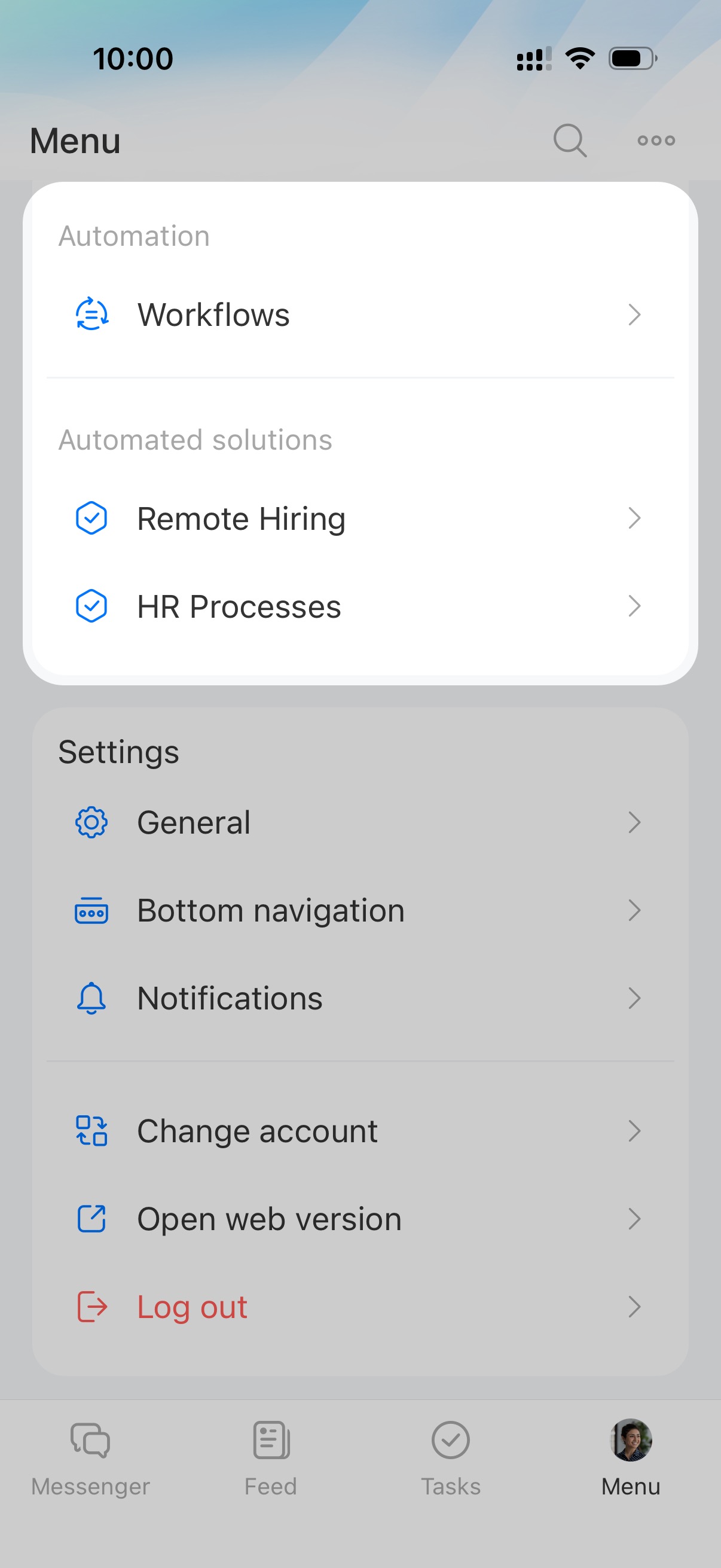
Automation
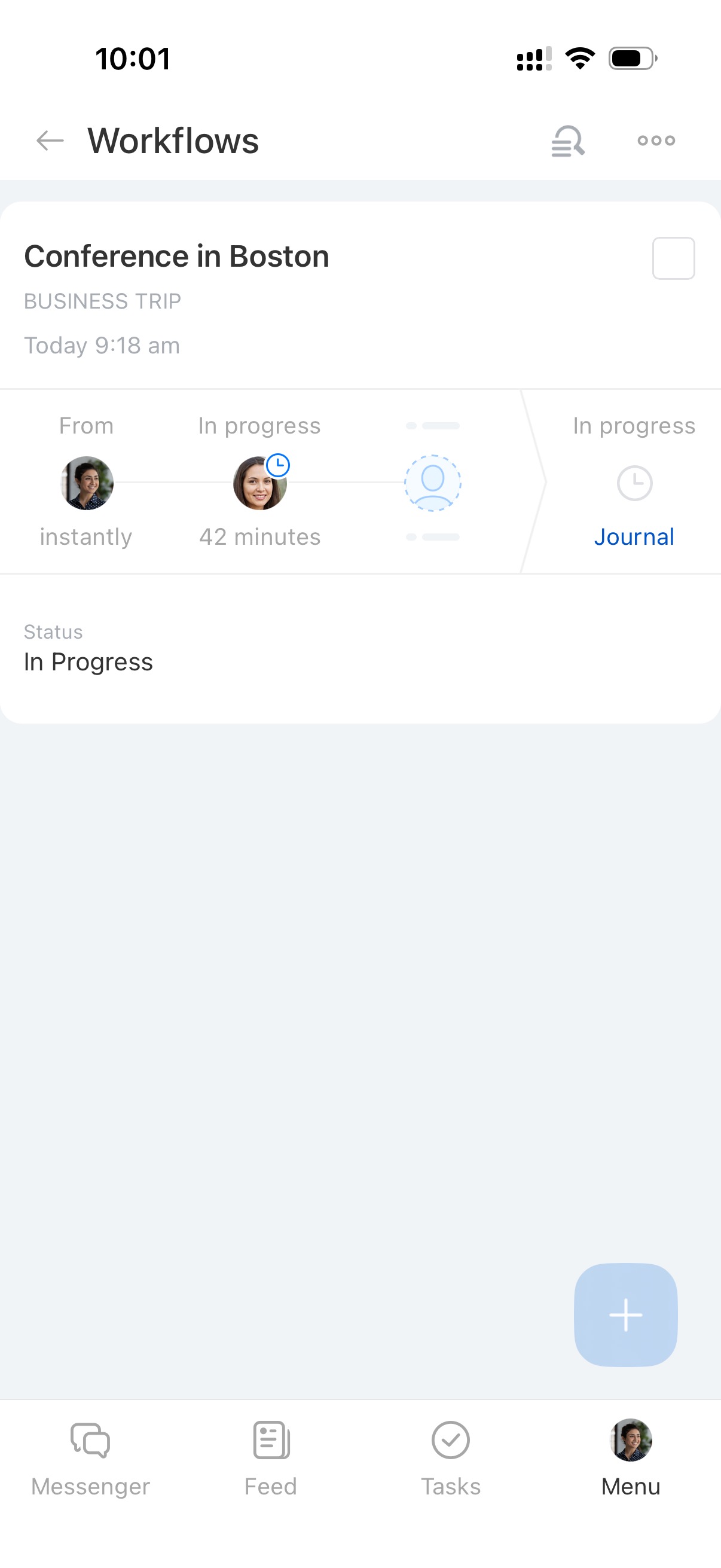
Workflows
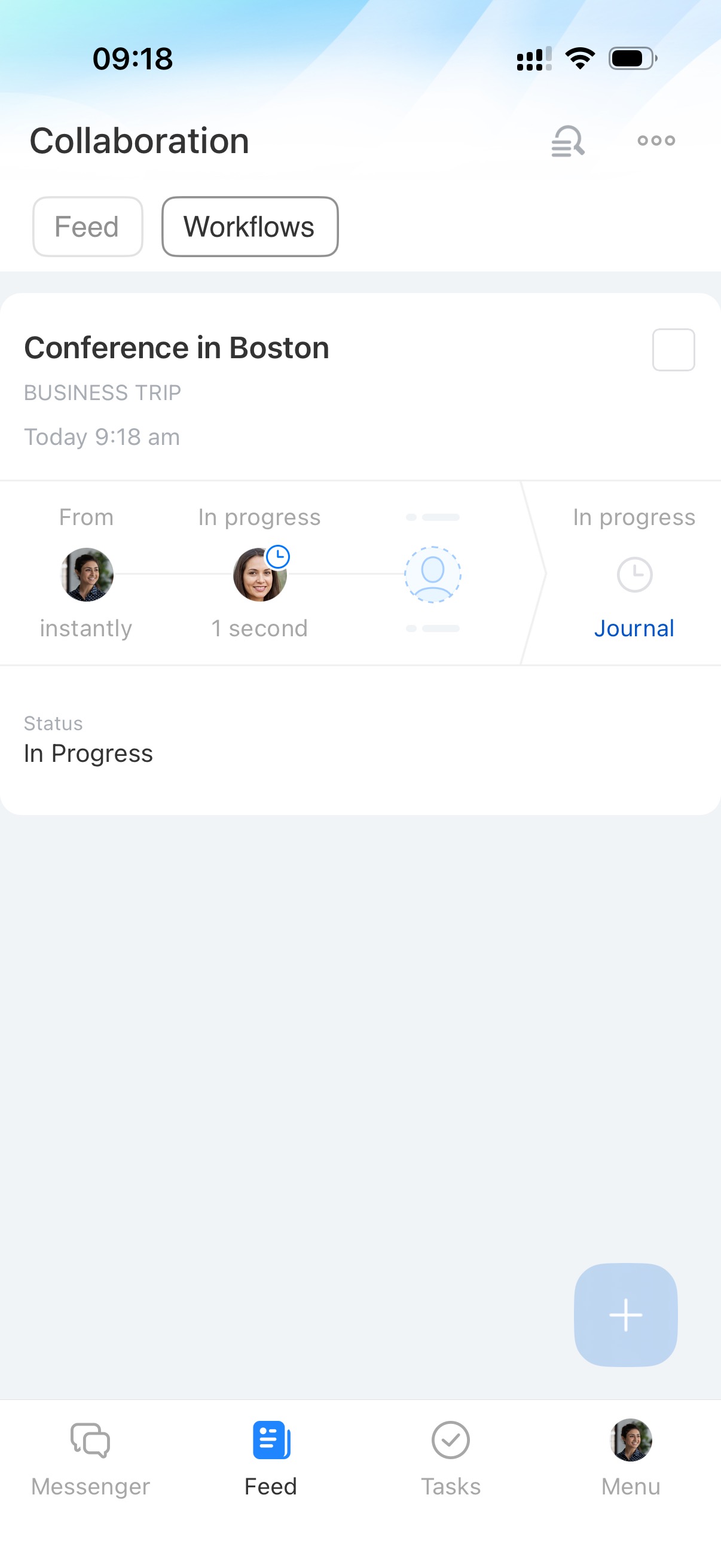
Approve and process documents in the app. Complete multiple assignments at once. For example, approve several requests or invoices in one action.
Workflows: group actions in Bitrix24 mobile app
Automated solutions
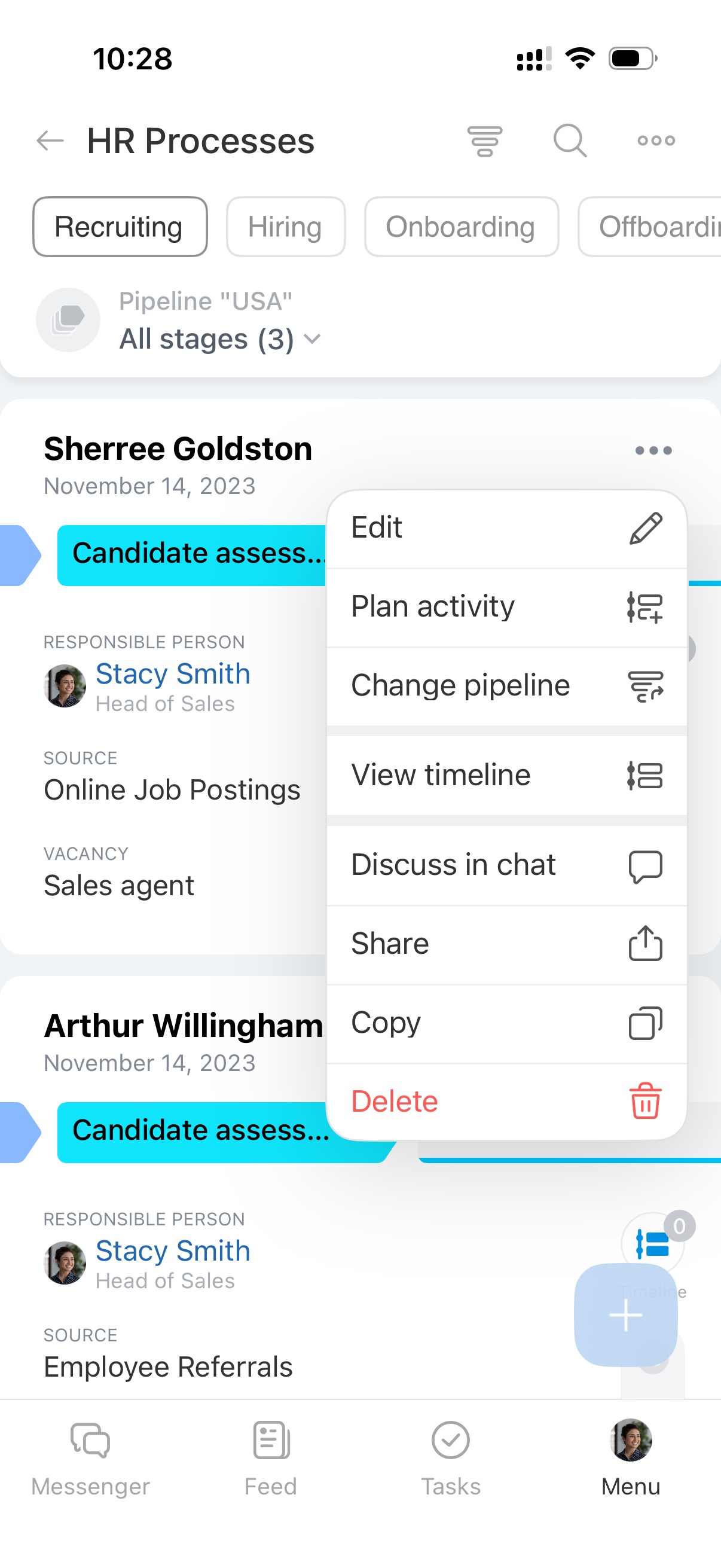
Use SPA to automate workflows across departments. For example, HR can manage hiring processes.
Create, edit, move, and delete forms. Plan activities for each process.
Automated solutions: automate work of company departments
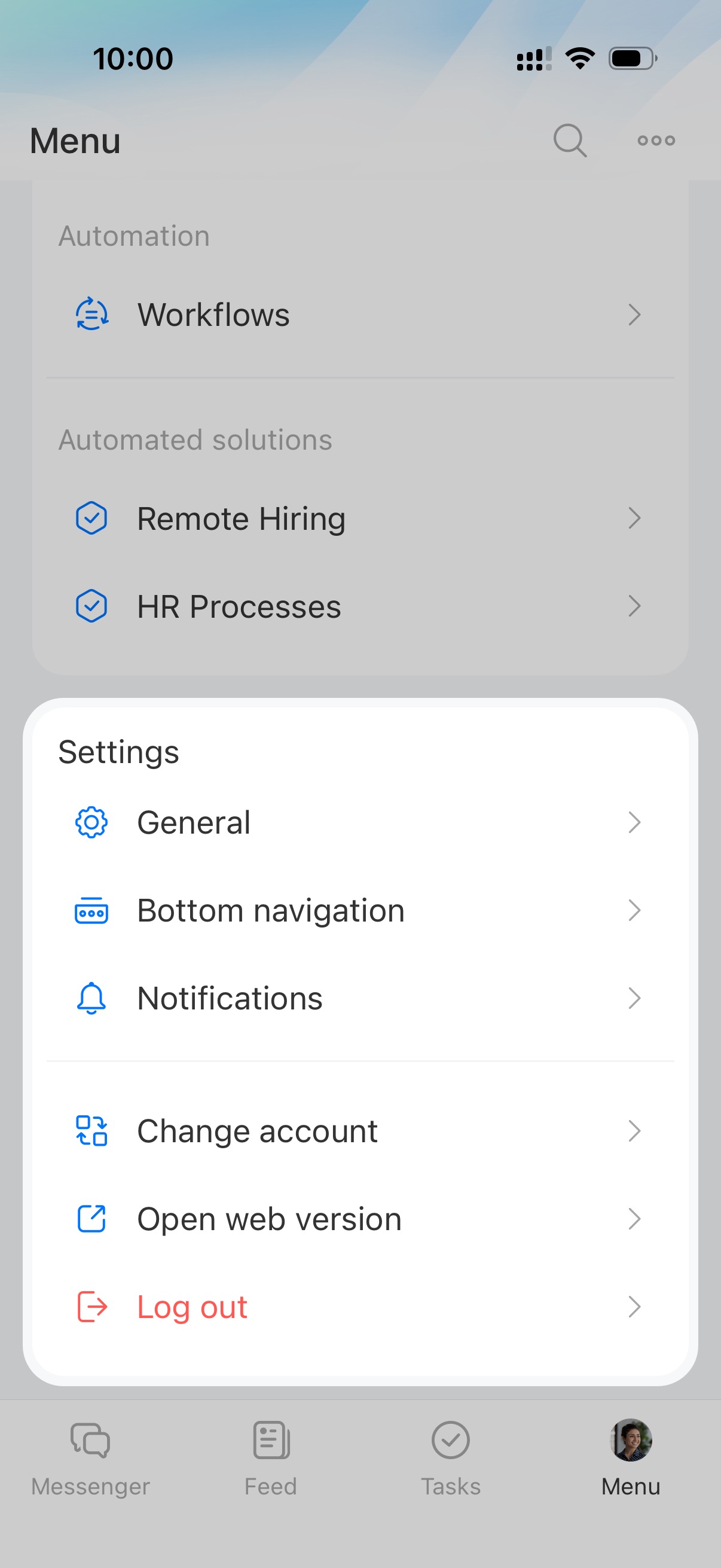
Settings
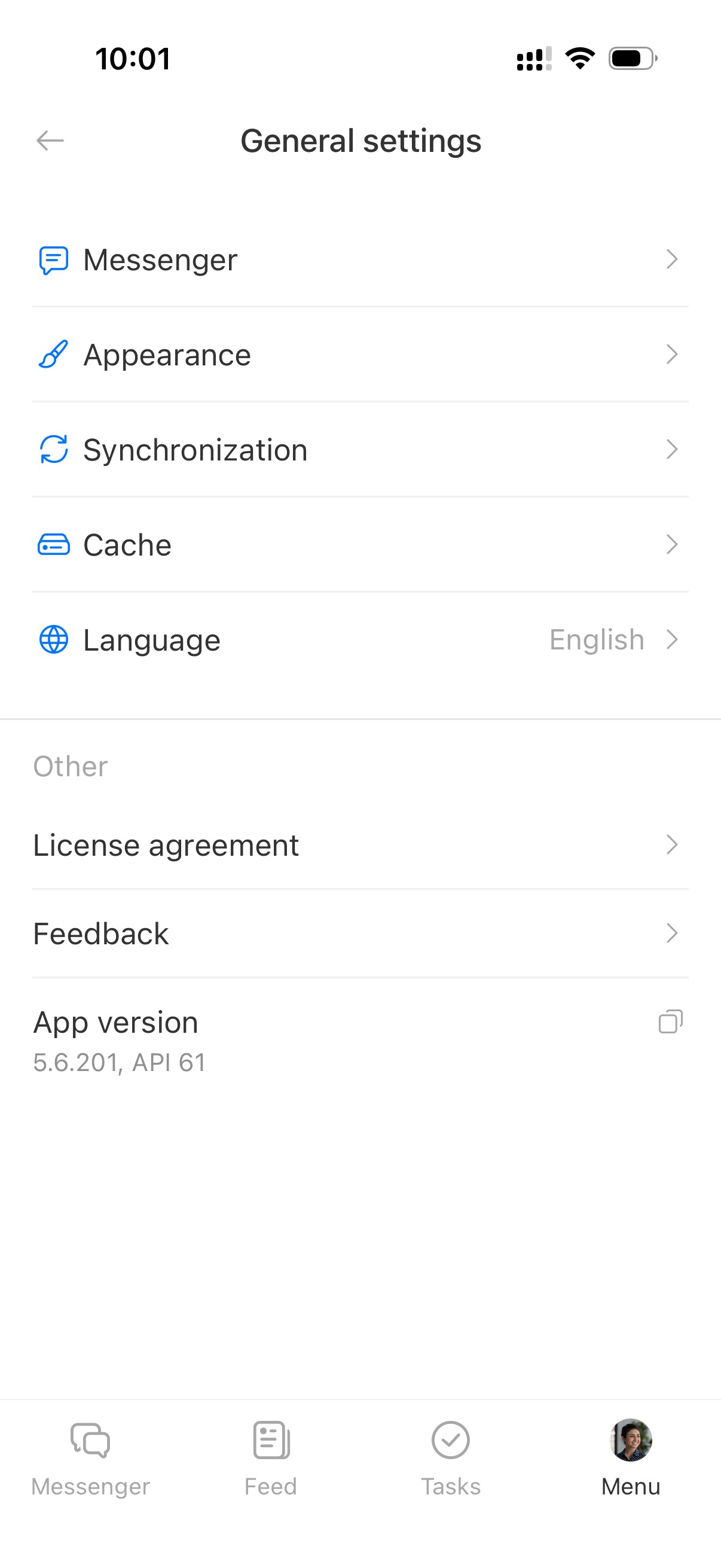
General
Configure the app. Change theme, set up chat, sync contacts and calendars, and select language.
Set up the Bitrix24 mobile app
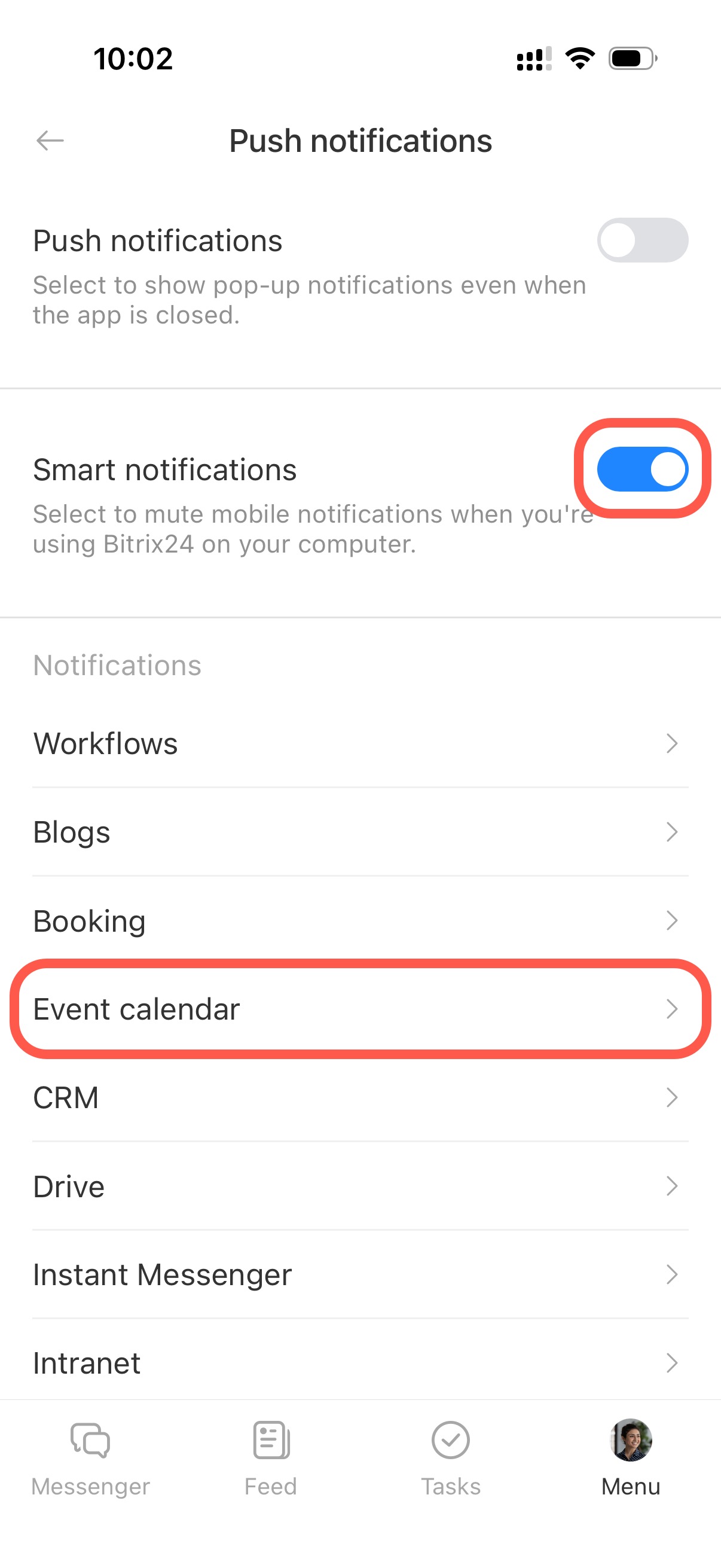
Notifications
Choose which notifications to receive. Enable Smart notifications to avoid alerts when working on desktop.
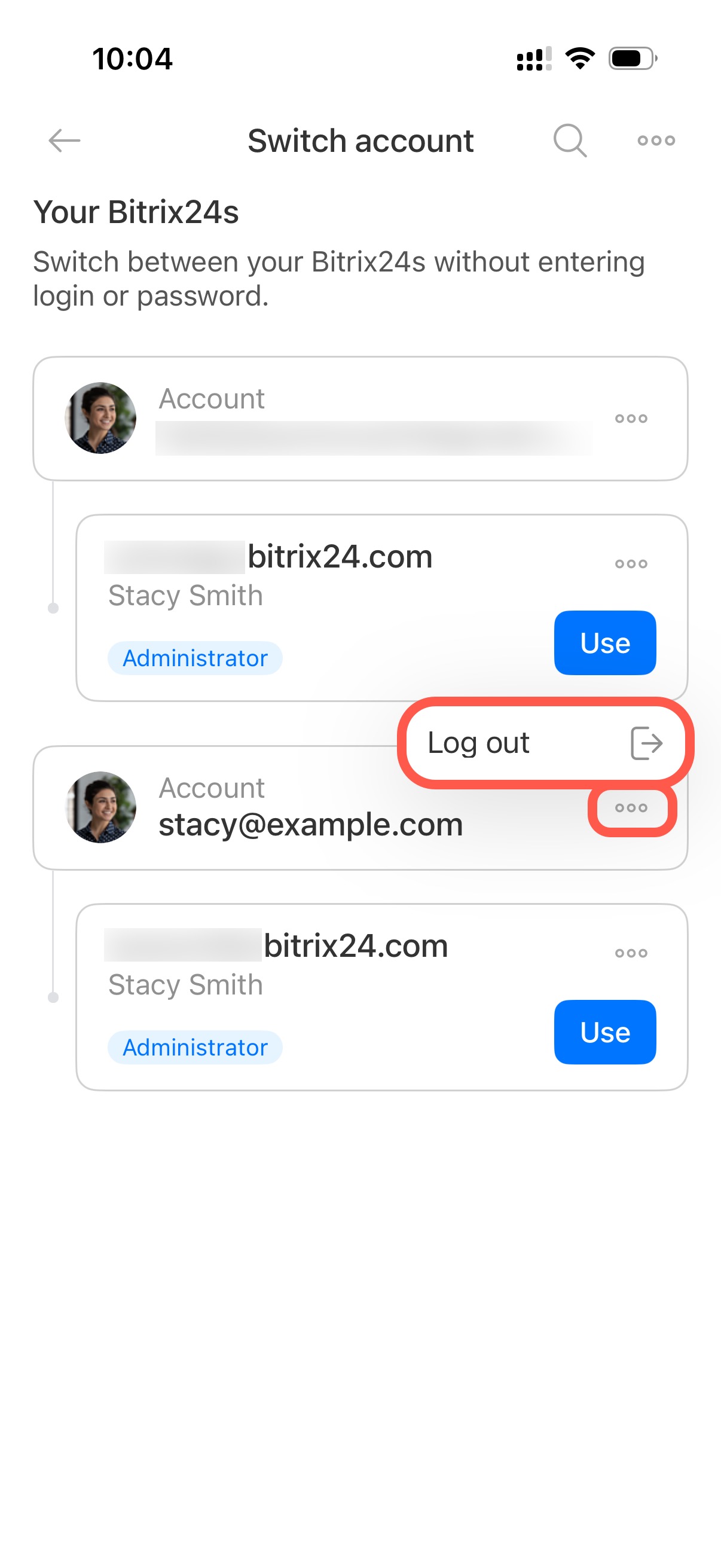
Change account
Switch between multiple Bitrix24 accounts.
Open web version
Open Bitrix24 on your computer without entering credentials manually. You are signed in automatically.
Log out
Sign in again when you reopen the app.
In brief
- The Bitrix24 mobile app gives you access to key tools on your smartphone. Manage tasks, CRM deals, documents, email, calendar, payments, and workflows.
- Customize the bottom menu for faster access to frequently used tools.
- The app includes Profile, Employees and Support, Collaboration, Tasks and Projects, Messenger, CRM, Automation, and Settings.