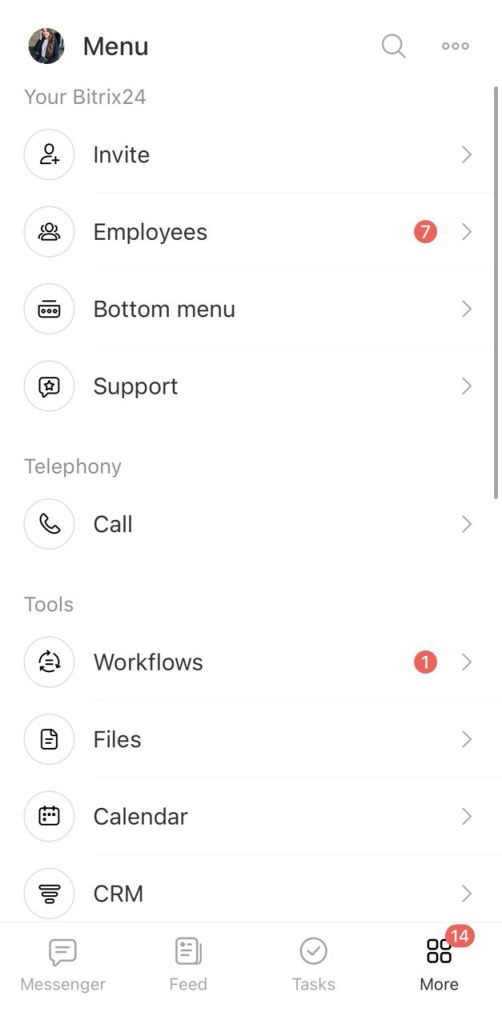
Bitrix24 is an online workspace with tools for running your company and managing daily operations.
Collaboration
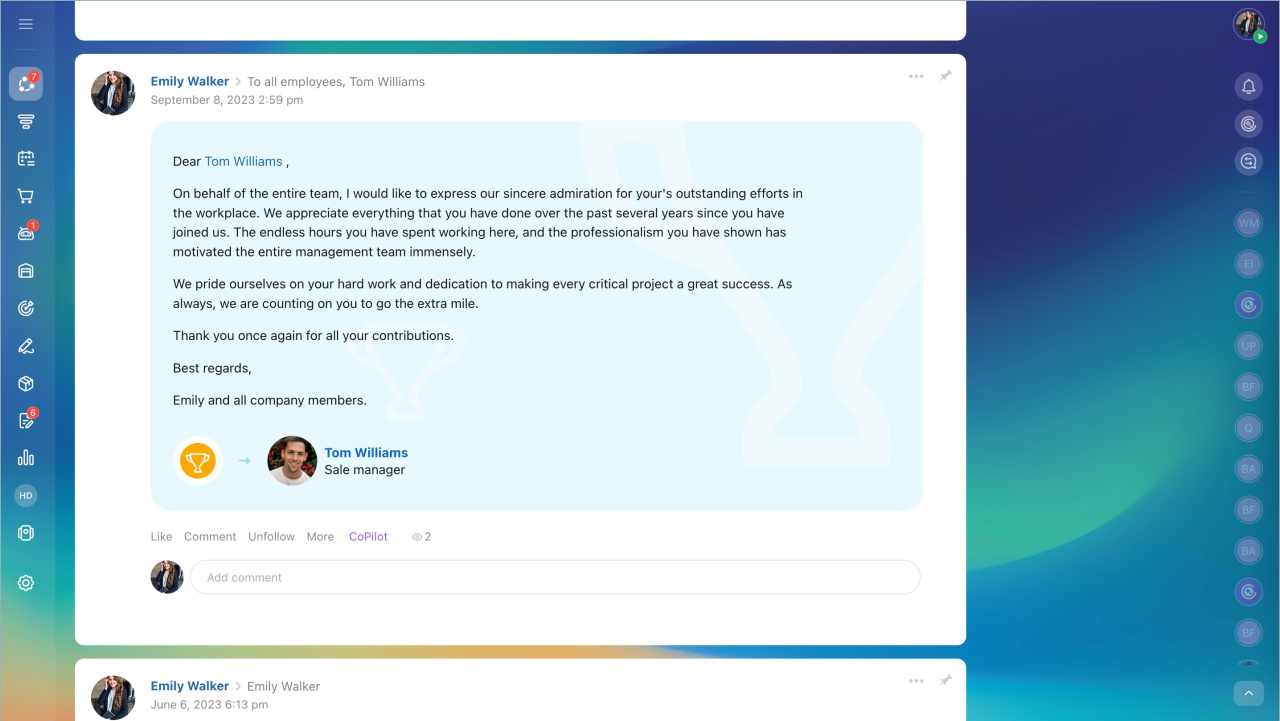
Use Collaboration to share files, discuss work, and edit documents together.
- Feed: A company social network. Share updates, recognize colleagues, and run polls.
- Calendar: Plan meetings with personal and company calendars.
- Documents: Edit files with your team in real time.
- Drive: Store and access company files in one place.
Feed in Bitrix24
My calendar
Bitrix24 Drive
Messenger
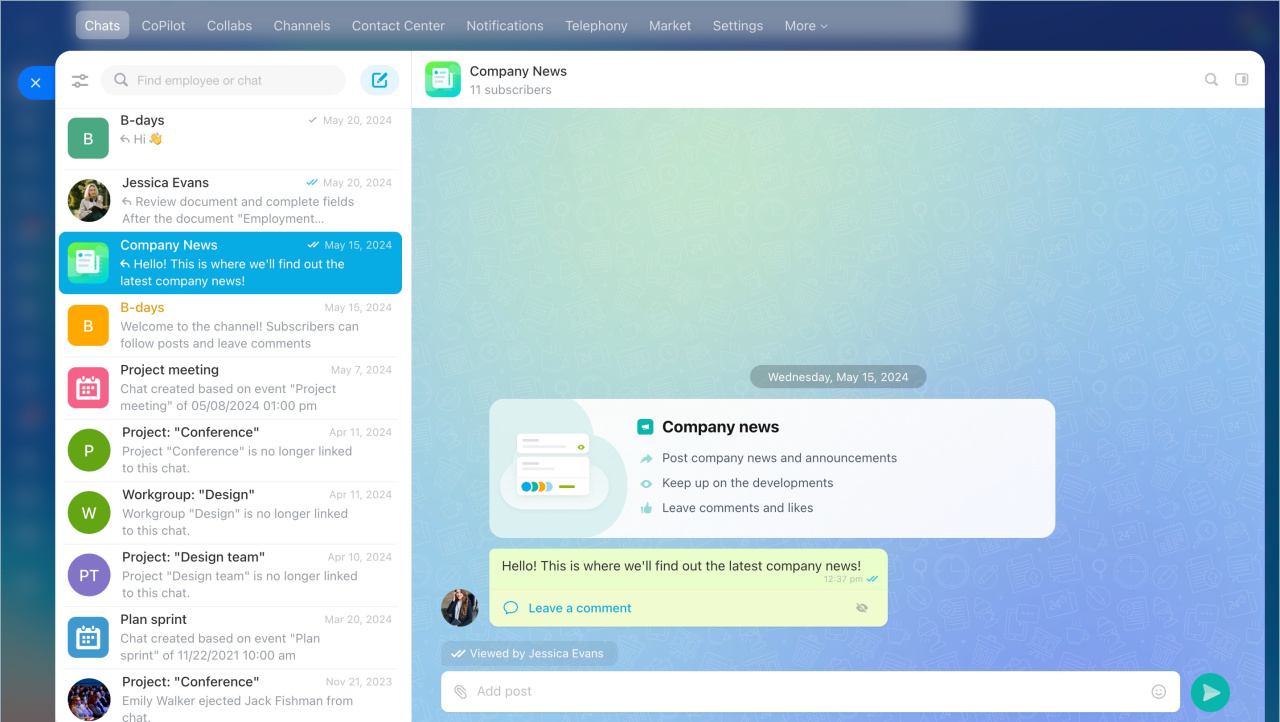
Messenger includes chat, video calls, and channels built into your workflows.
- Chat is private to your company. No external users or spam.
- Use Bitrix24 Sync for video calls. Start calls from tasks, events, or chats.
- Use channels to share updates and connect teams around topics.
Bitrix24 M1 chat
Bitrix24 Sync
Bitrix24 Channels: a new format for company communications
CRM
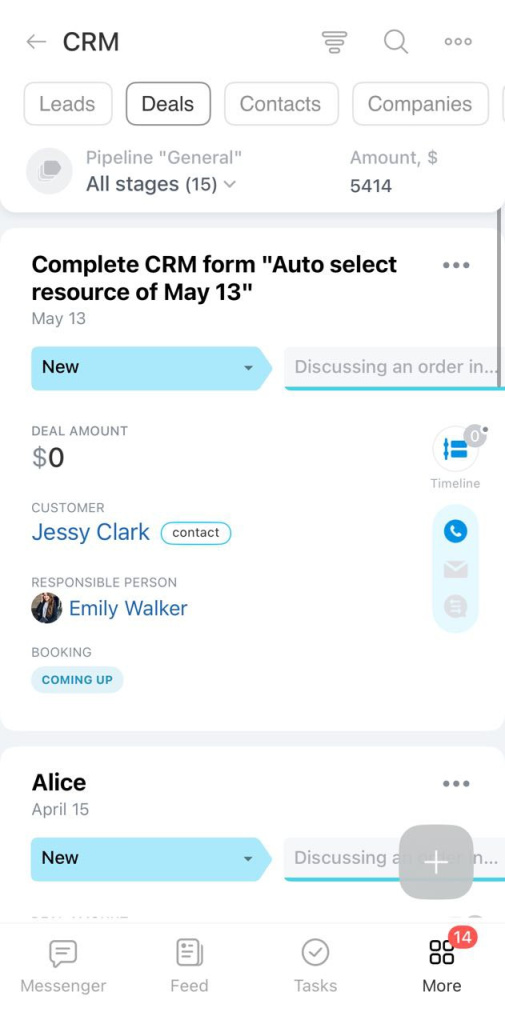
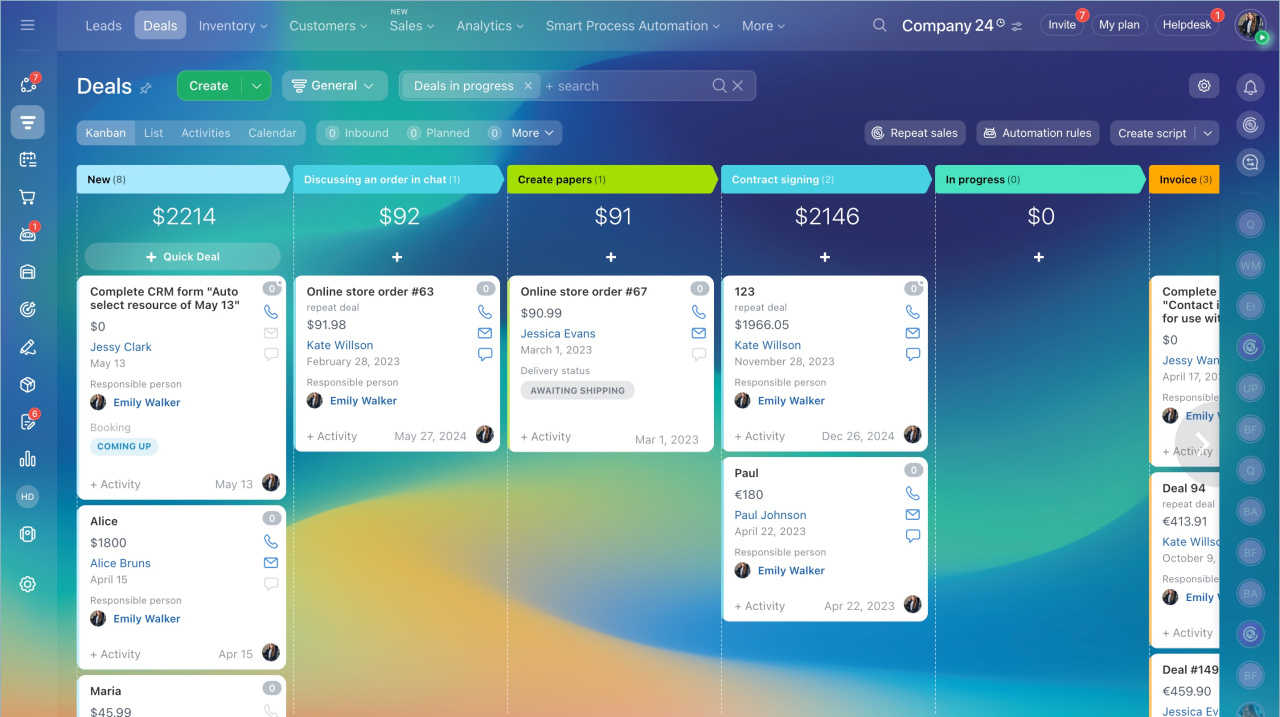
Use CRM to manage customer communication and track sales activity.
- Automate sales: Assign leads, send messages, record calls, create invoices, and generate reports.
- Store data: Keep contacts and deals in one place. Track sources and purchase history.
- Analyze performance: Monitor sales metrics and build reports.
Tasks and projects
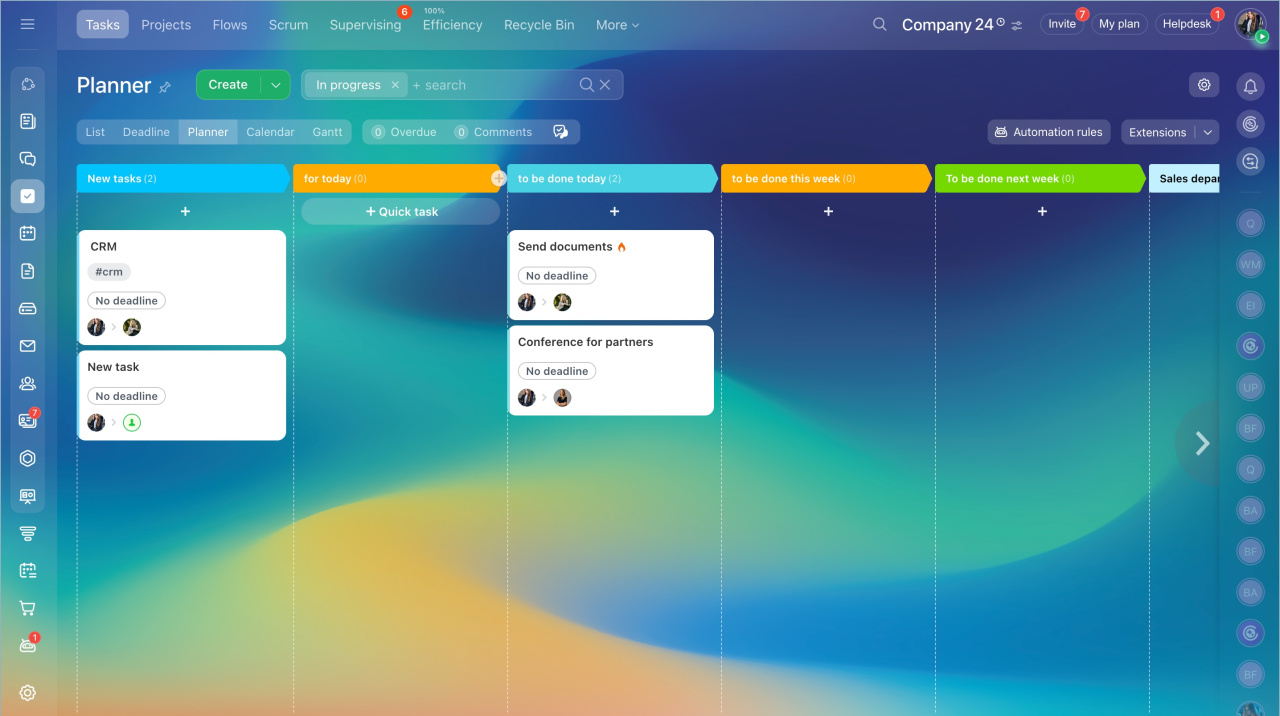
Manage work using different views and methods.
- Switch between List, Deadline, Planner, Calendar, and Gantt views.
- Use Scrum for agile workflows.
- Use Flows to group tasks and track team workload.
To collect tasks in one place and monitor employee workload, you can use Flows.
Tasks in Bitrix24
Bitrix24 Flows: Get started
Automation
Use Automation to streamline processes and reduce manual work.
- Automate routine workflows like request handling and approvals.
- Reduce errors by using predefined rules and triggers.
Create automation rules and triggers
Workflows: new interface and features

Sites and stores
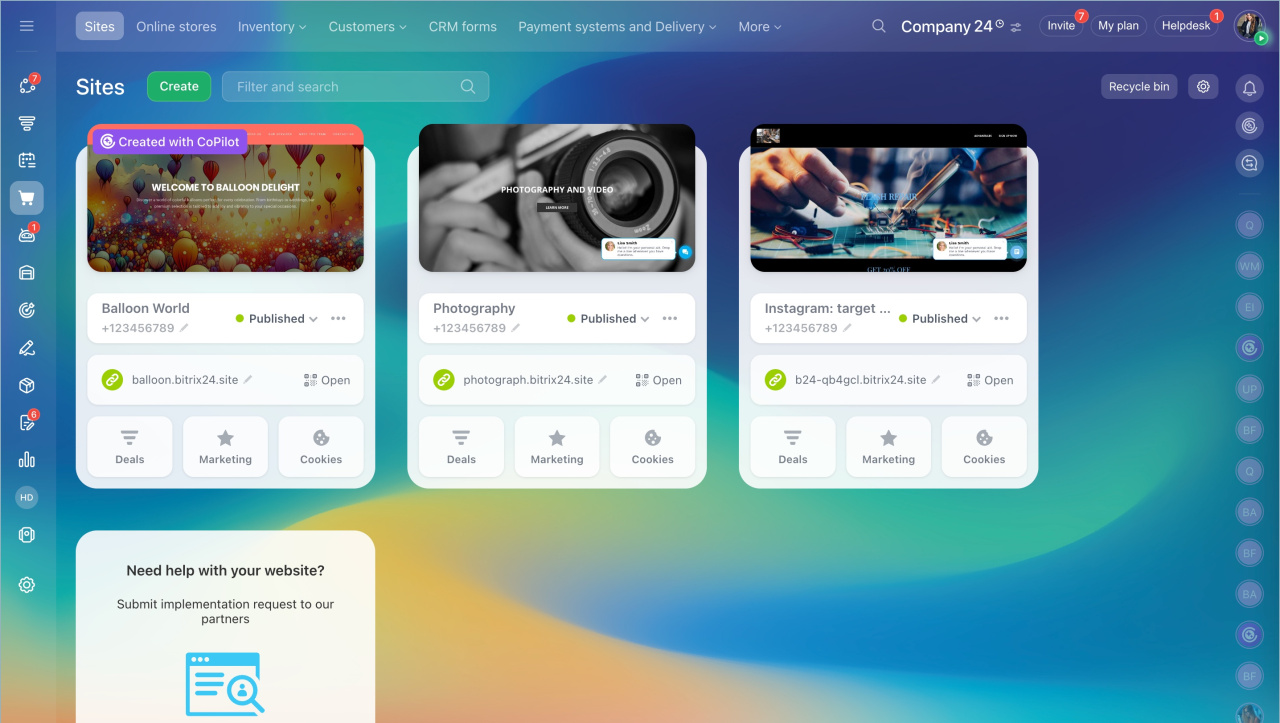
Create websites and online stores.
- Set up online payments.
- Connect analytics to track user behavior.
CoPilot
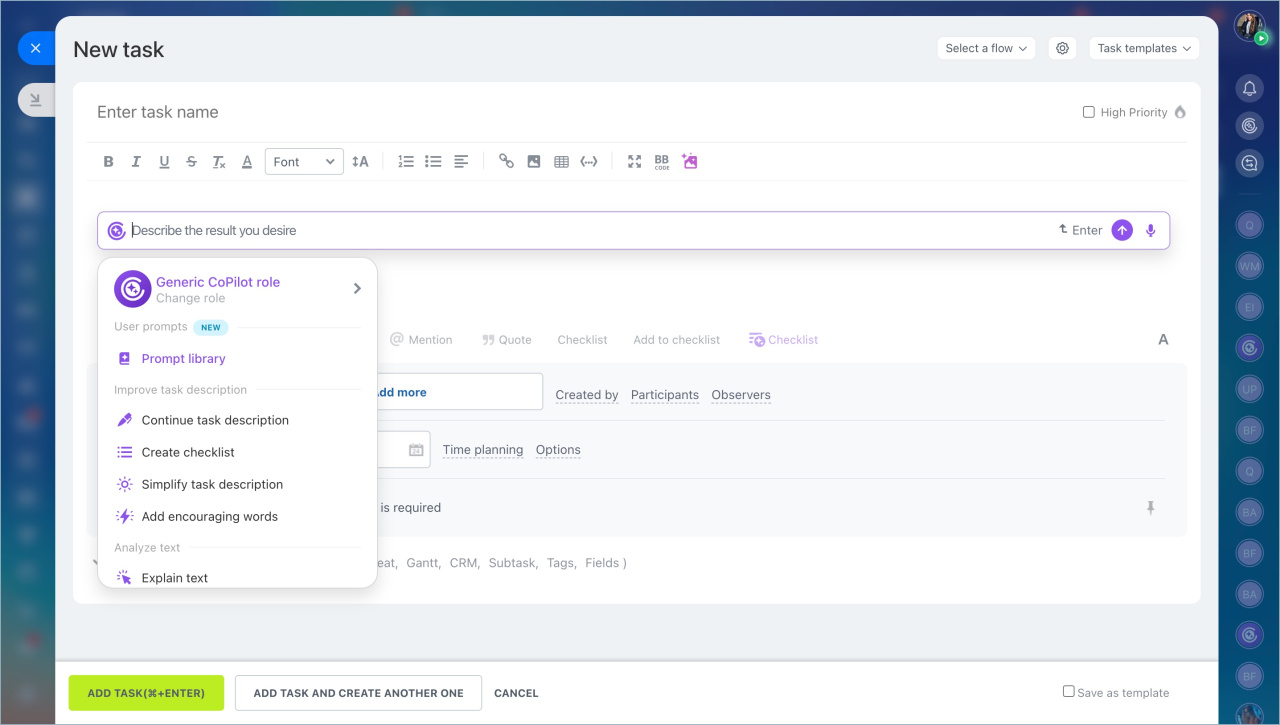
CoPilot is an AI assistant for daily work.
- Analyze calls and fill in CRM fields automatically.
- Edit and translate text, or adjust tone and style.
- Turn comments into structured tasks and checklists.
- Chat with CoPilot and assign it roles.
CoPilot, your personal assistant with AI
Mobile app
Use the mobile app to manage work from anywhere.
Available tools include:
- CRM
- Messenger and Channels
- Tasks and Calendar
- Feed
- Workflows
- Inventory Management
- Knowledge base
- Employee directory
Download the app from the App Store or Google Play.
Download in App Store
Download in Google Play