
Bitrix24 Market includes ready-made migration apps that can move your existing database to CRM without manual data entry. By default, only administrators can install apps. An administrator can also give this permission to other employees.
There are two ways to open the migration apps section:
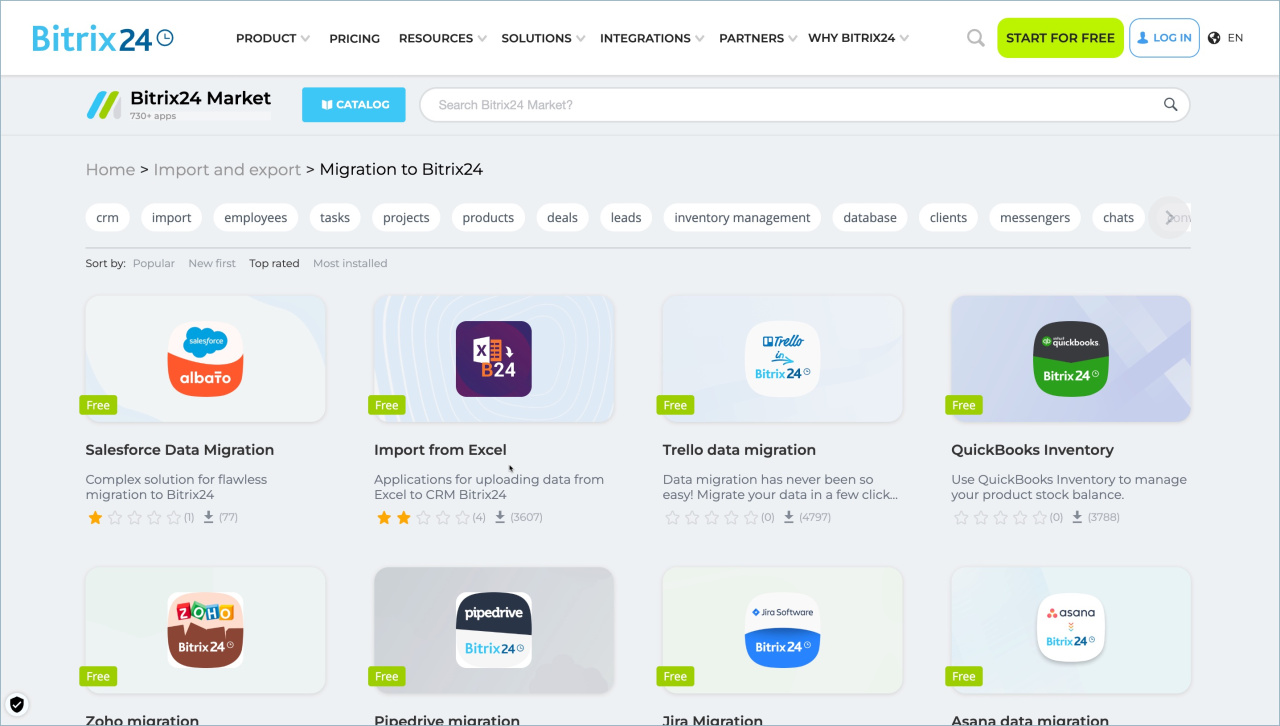
- On the Bitrix24 website.
- In Bitrix24 account
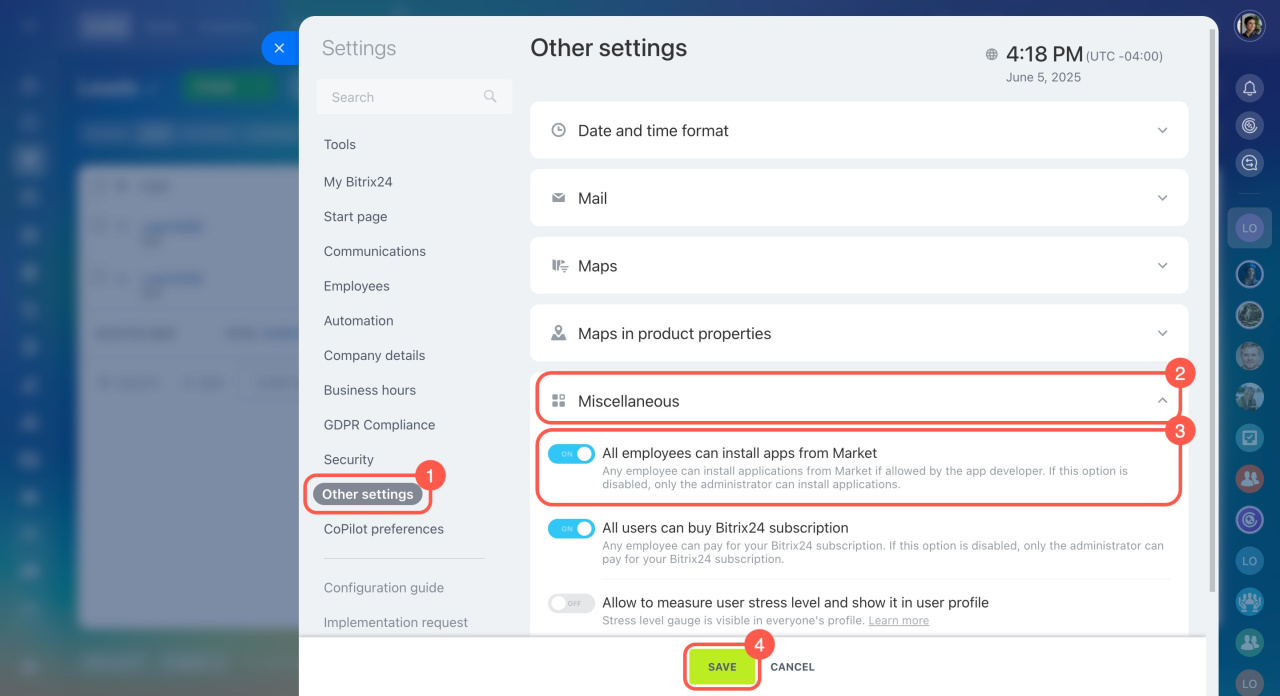
- Go to Bitrix24 settings.
- Open the Other settings tab.
- Expand the Miscellaneous section.
- Enable the All employees can install apps from Market option.
- Save the changes.
- Bitrix24 Market includes ready-made apps for database migration.
- You can find migration apps in two places: on the Bitrix24 website and in the Market section inside your Bitrix24 account.
- By default, only administrators can install apps.
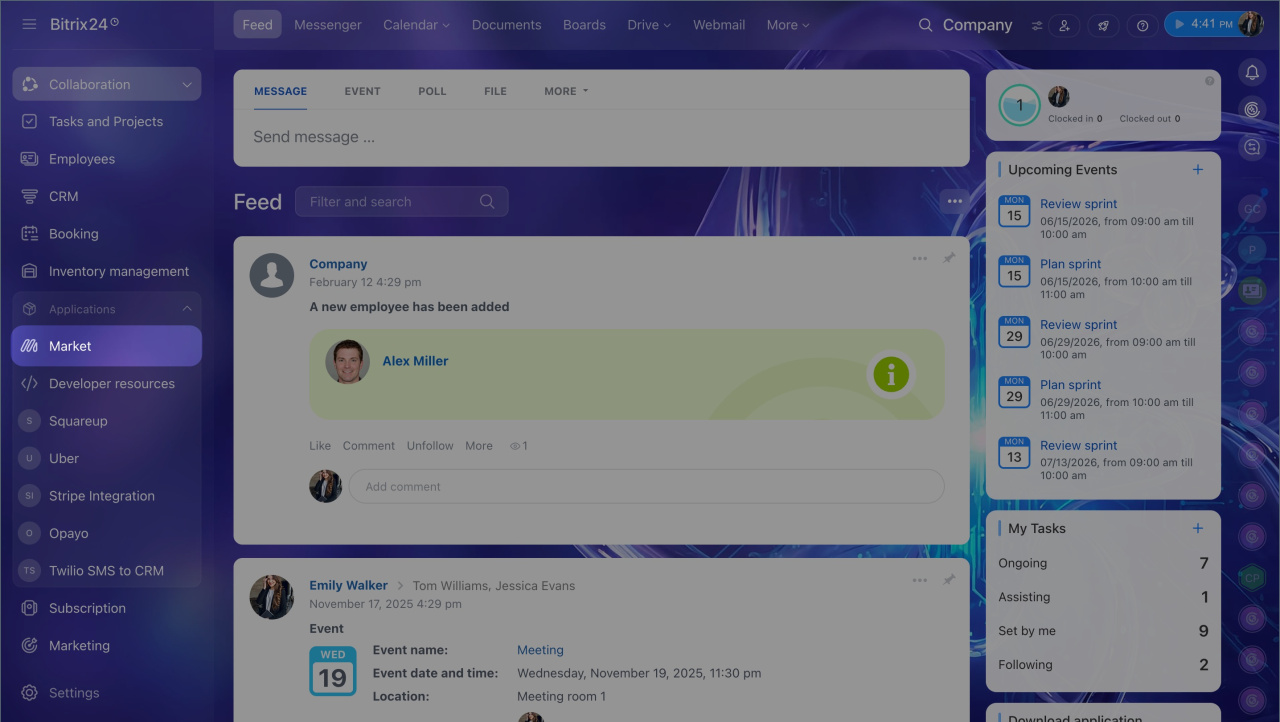
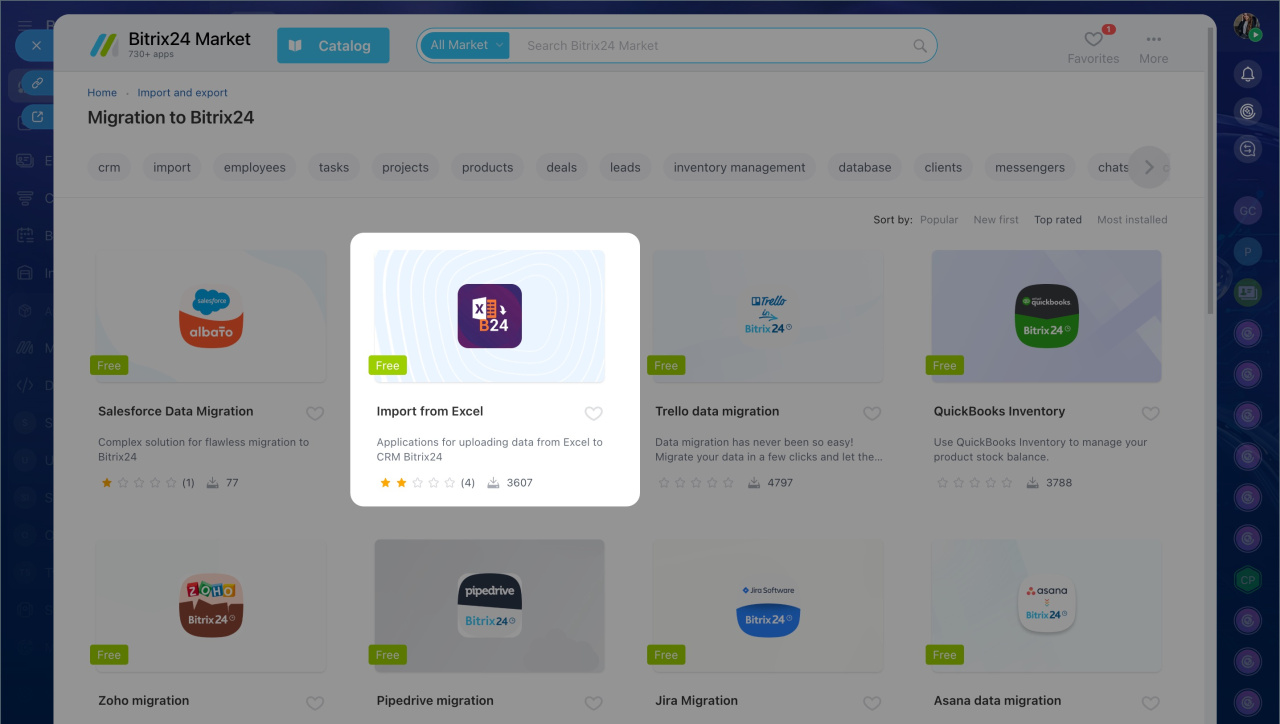
1. Go to the Market section.
2. Click Catalog.
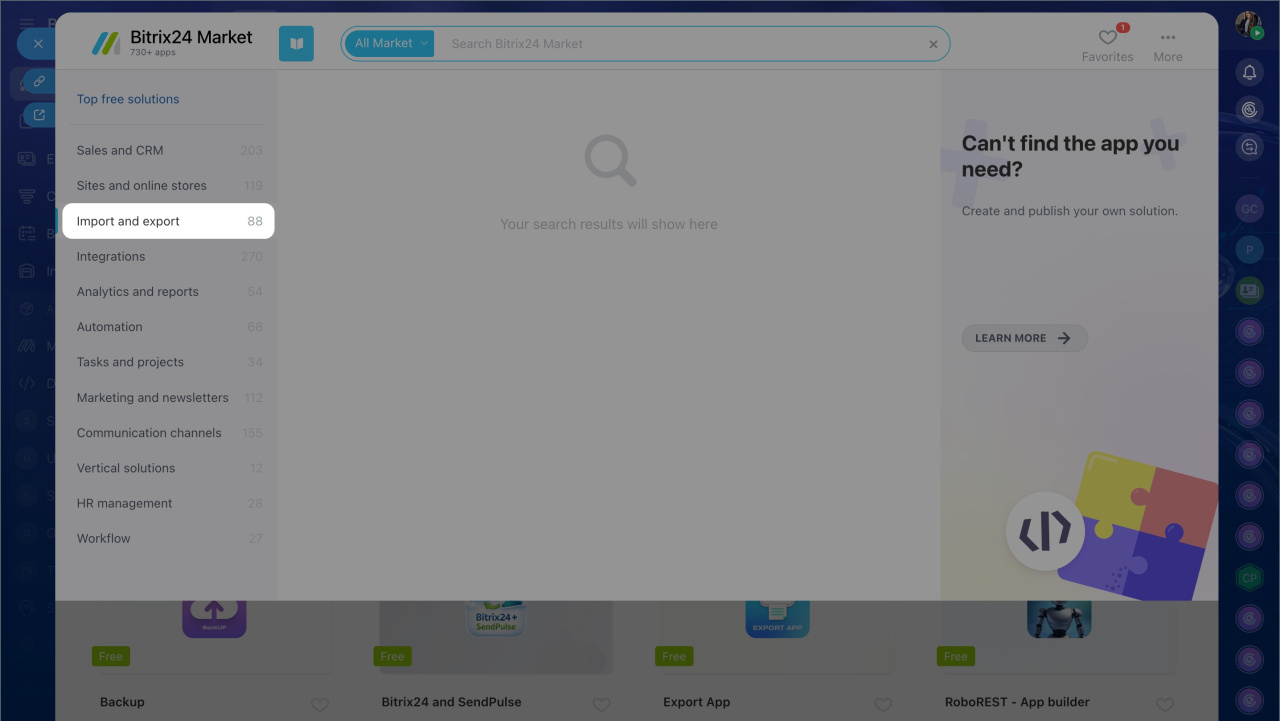
3. Select Import and export.
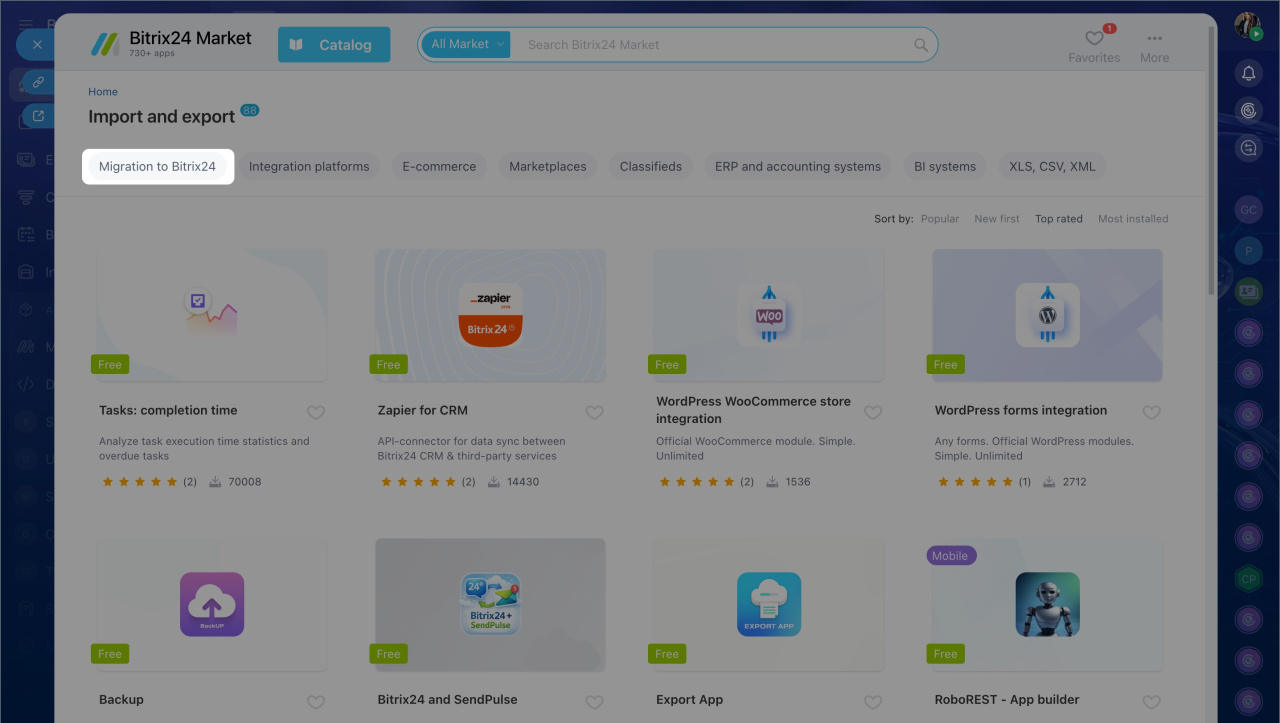
4. Open Migration to Bitrix24.
5. Choose an app from the list.
6. Click Install.
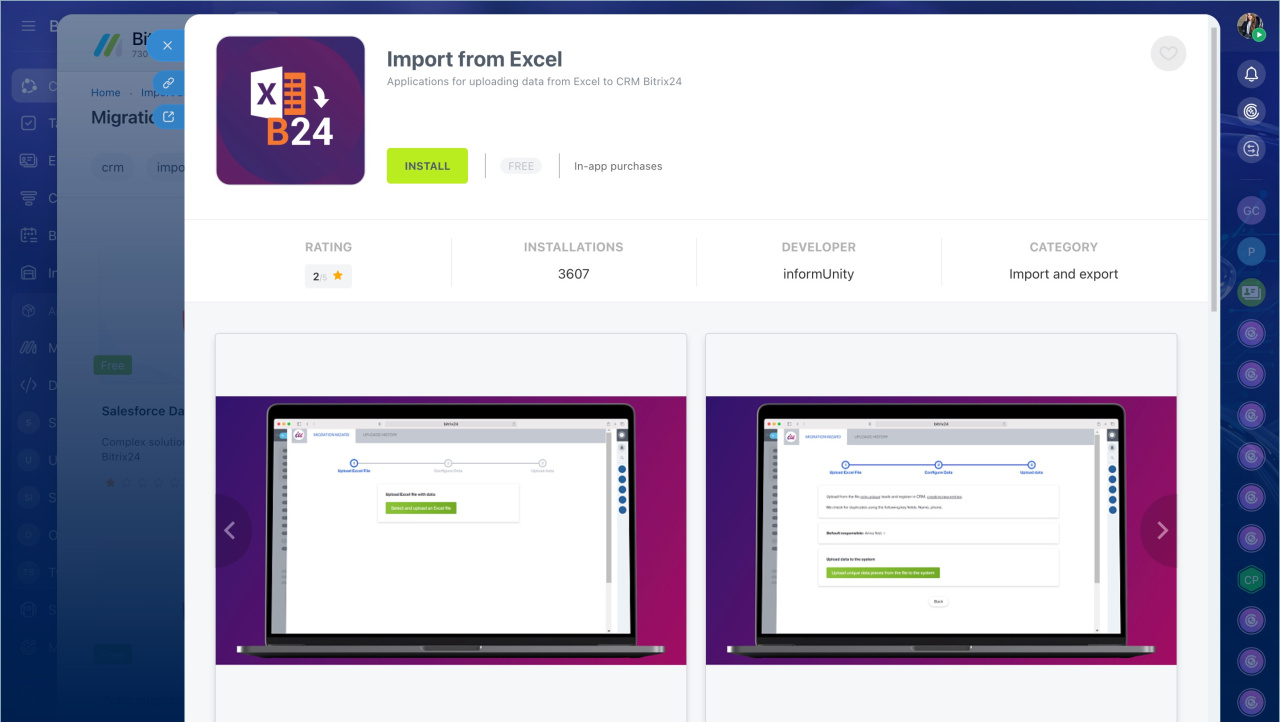
By default, only administrators can install apps from the Market. Regular users can browse apps and read their descriptions. Administrators can adjust permissions to allow any user to install apps. Here's how:
Bitrix24 Settings: New single section
Migration apps are especially helpful for new users. They let you keep your customer base intact while making the most of Bitrix24 CRM features.