
You can manage product variants at any time. Add or remove variants, or create new properties like color or size. In Bitrix24, products are created with variants by default. Each variant has a unique ID.
Edit products
If a product does not have variants, you cannot add new properties to it.
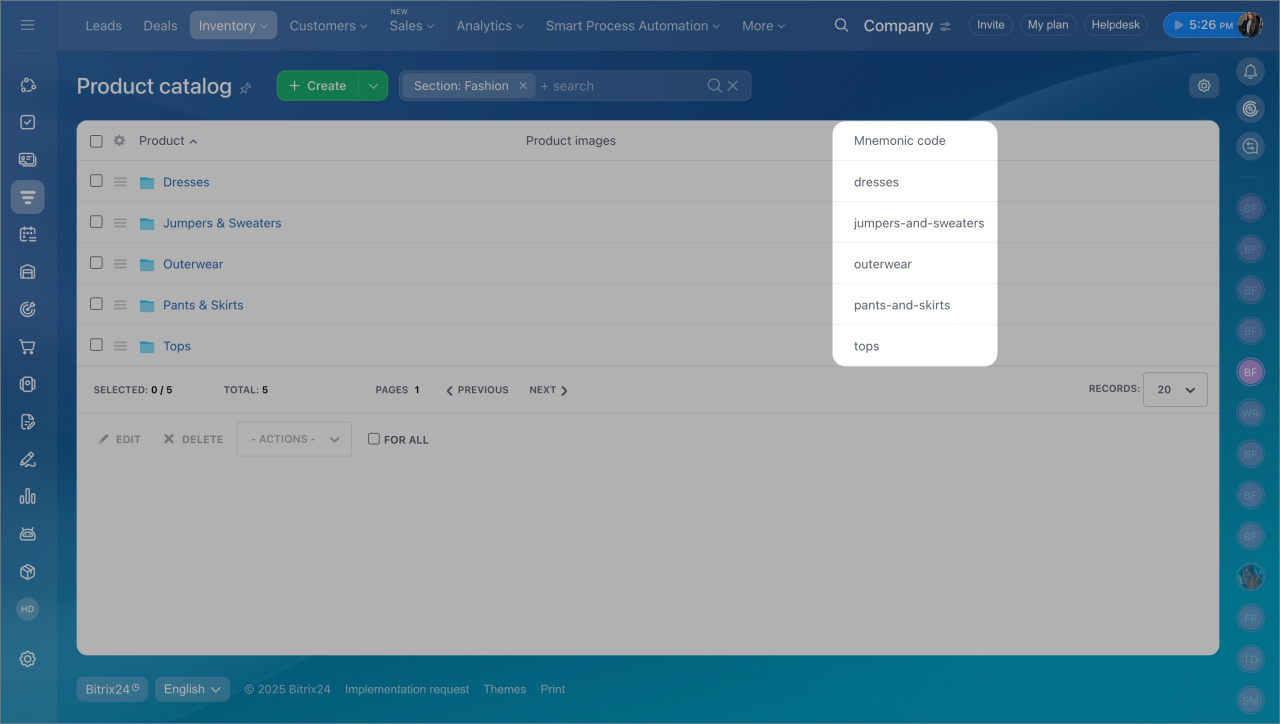
To fix this, create a new product or copy an existing one. Before copying, delete the mnemonic code. If you don’t, the system will show an error and the copy will fail.
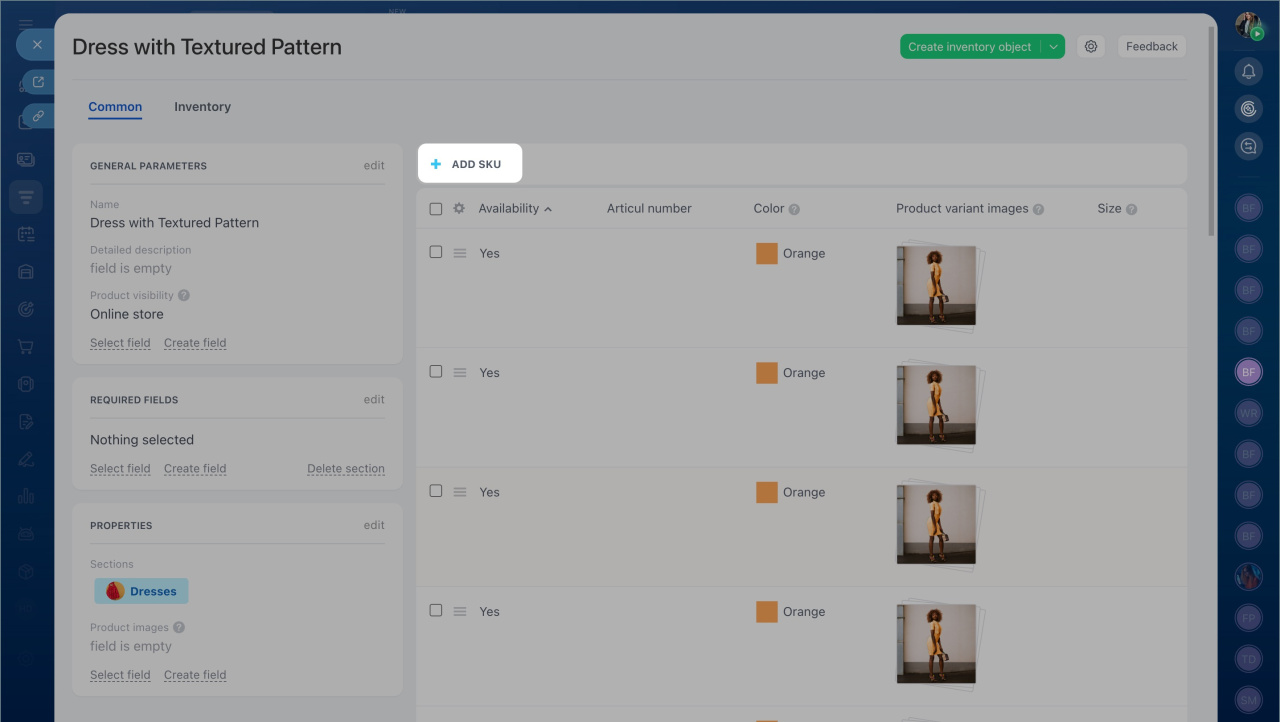
To add a new variant:
- Open the product form.
- Click Add SKU.
- Enter the variant details.
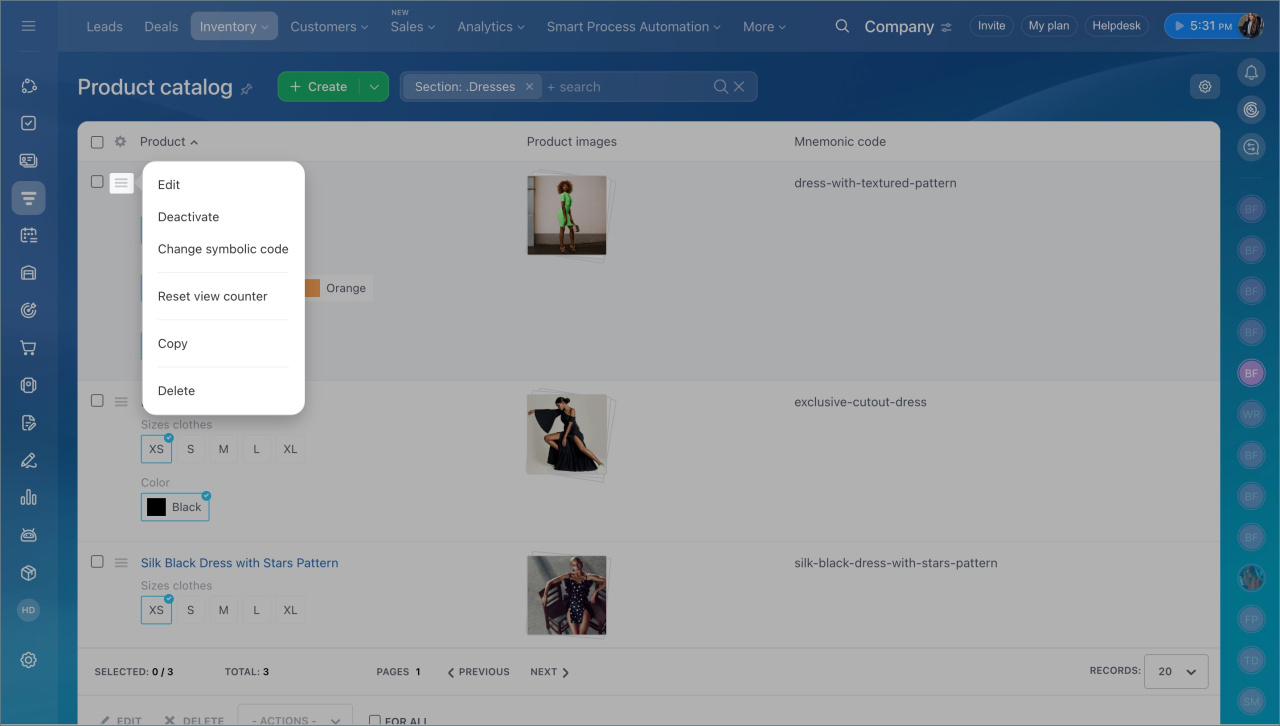
To edit, deactivate, or delete a variant, open the action menu and select the needed option.
In brief:
- You can add or remove product variants and properties at any time.
- Products without variants do not support new properties.
- Create or copy a product to work with variants. Remove the mnemonic code before copying.
- To add a variant, open the product and click Add SKU.
- Use the action menu to edit, deactivate, or delete variants.