
In BI Builder, you can share a report with an external user through a public link. This is useful when you want to show data quickly without exporting files.
Create a link, set an expiration date, add a password, and send it to the recipient. You stay in control and can disable the link at any time. For example, a manager can send a client a link to a monthly ad spend report. The client can open the report and view the data without access to Bitrix24.
In this article:
Set up report access
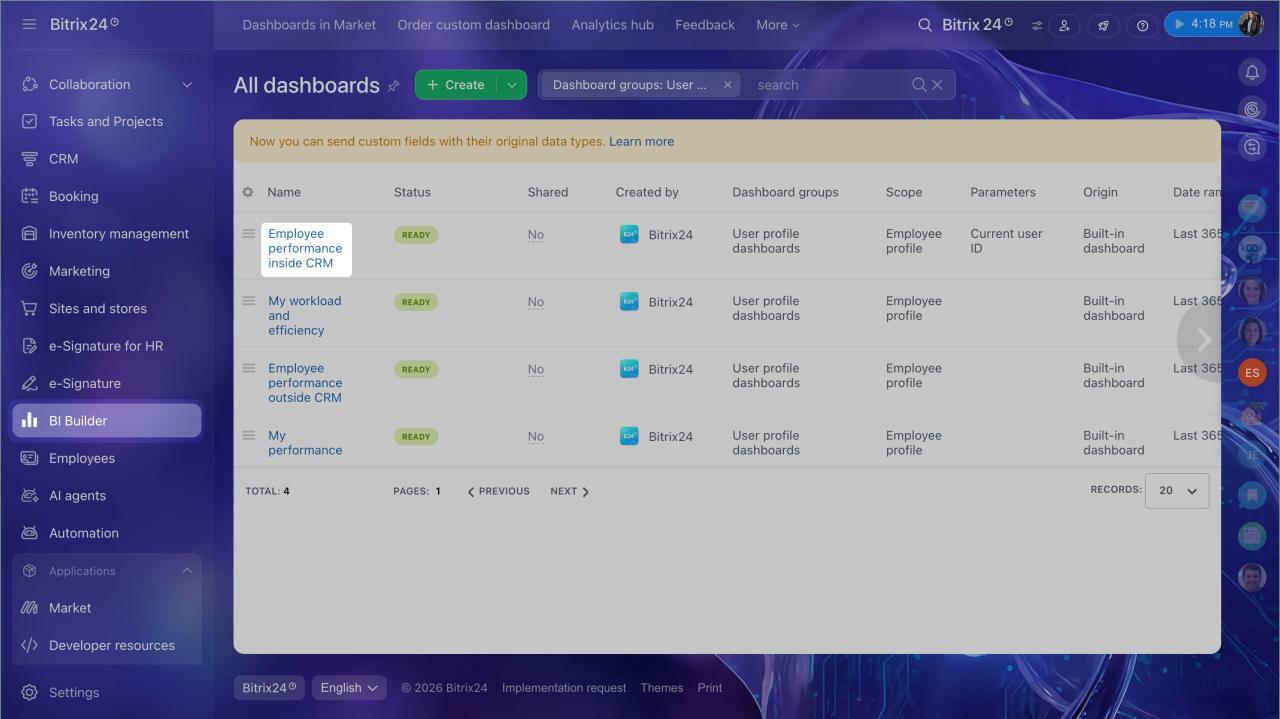
- Open the BI Builder section.
- Find the report you want to share.
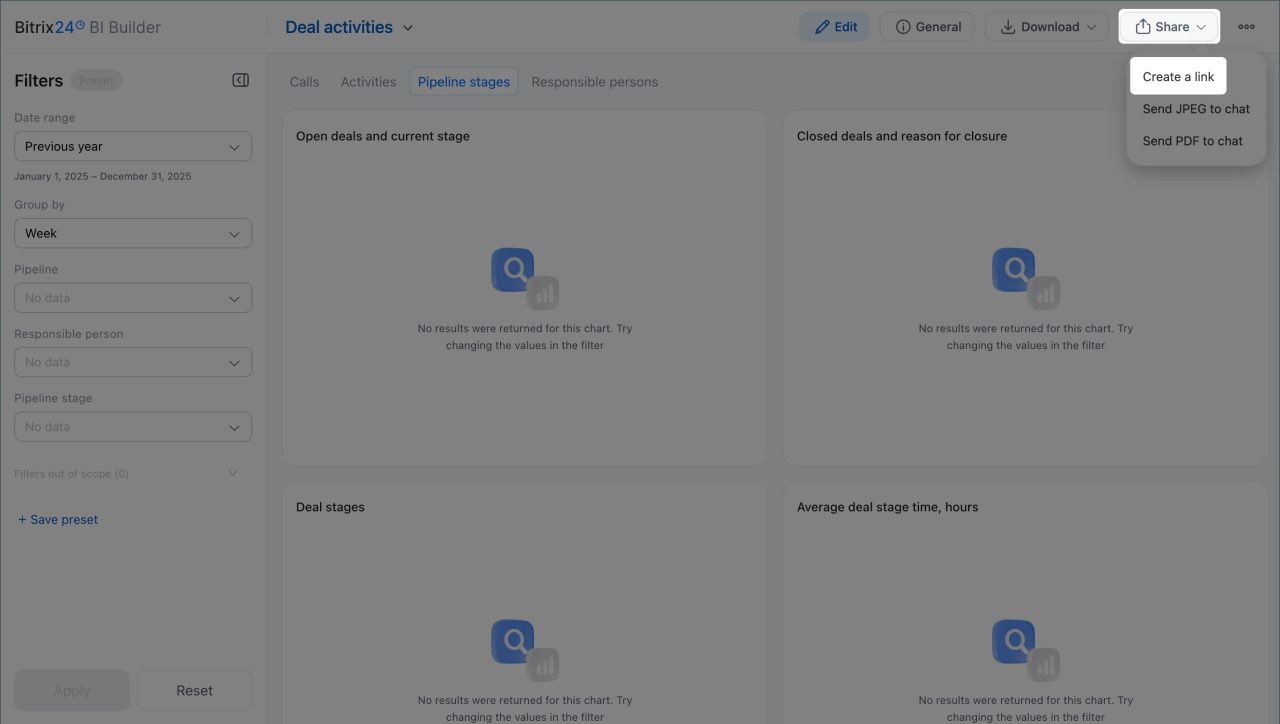
- Click Share > Create a link.
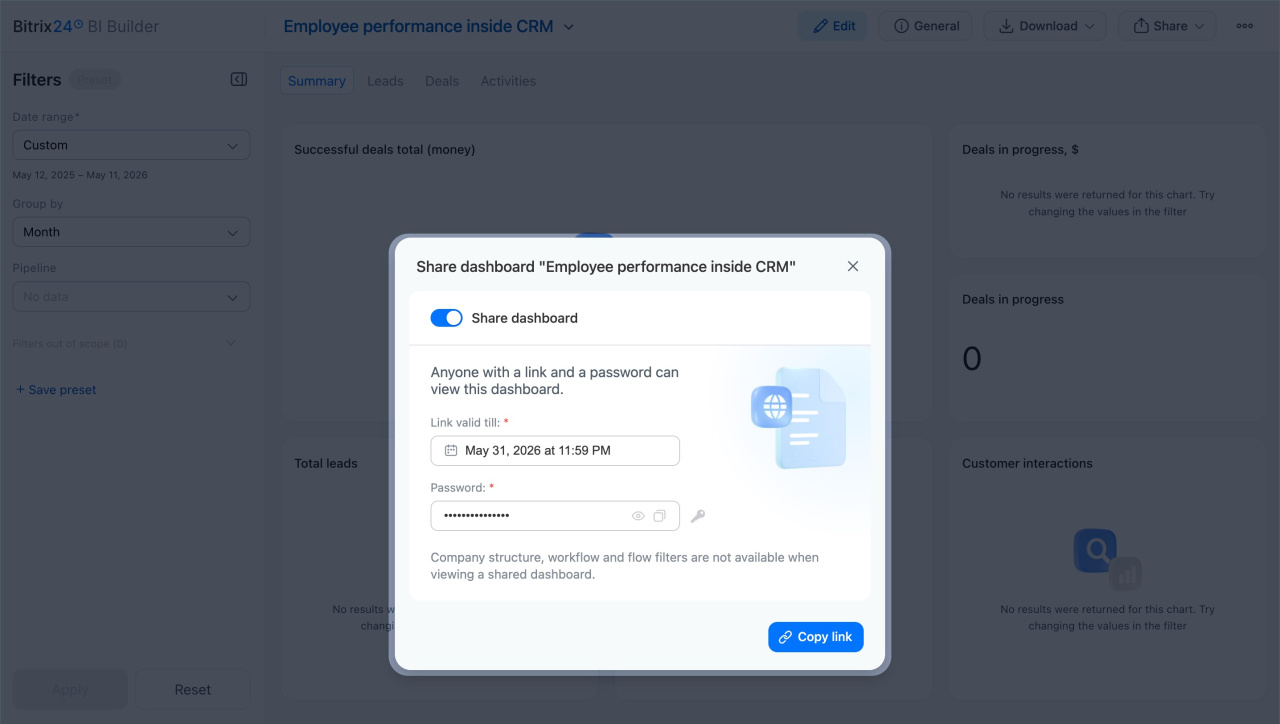
- Enable the Public link option.
Set the access options:
- Link valid till: Set the date and time when the link will stop working. After that, the external user will no longer be able to open the report.
- Password: Set a password for viewing the report.
When you're done, click Copy link and send it to the external user with the password.
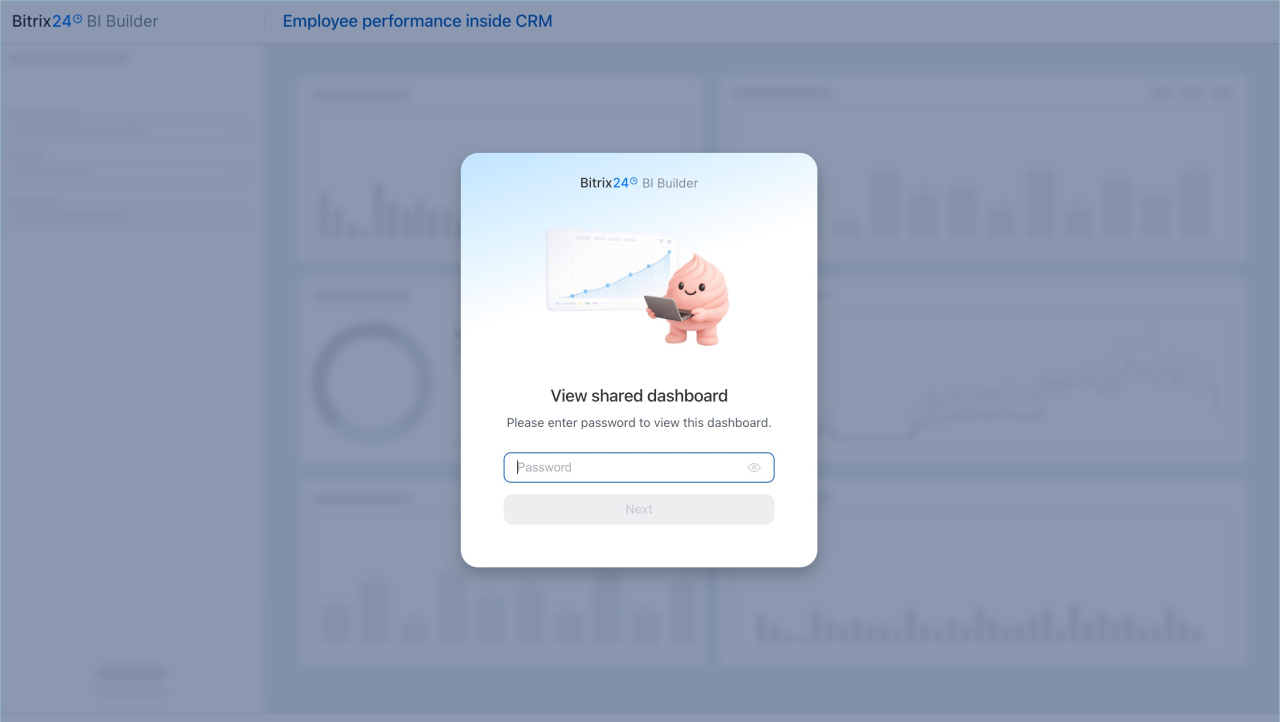
When the users open the link and enter the password, they can view the report without signing in to Bitrix24.
In the report, users can interact with charts and available filters. Some filters are locked when you create the link. Filters for company structure, workflows, and flows can't be changed in view mode. For example, if the link creator selected the sales subdepartment, the external user will see the report for that subdepartment only and won't be able to switch to another one.
Disable report access
Access is disabled automatically when the link expires. To disable access earlier, do it manually:
- Open the report.
- Click Share > Create a link and disable the Share option.
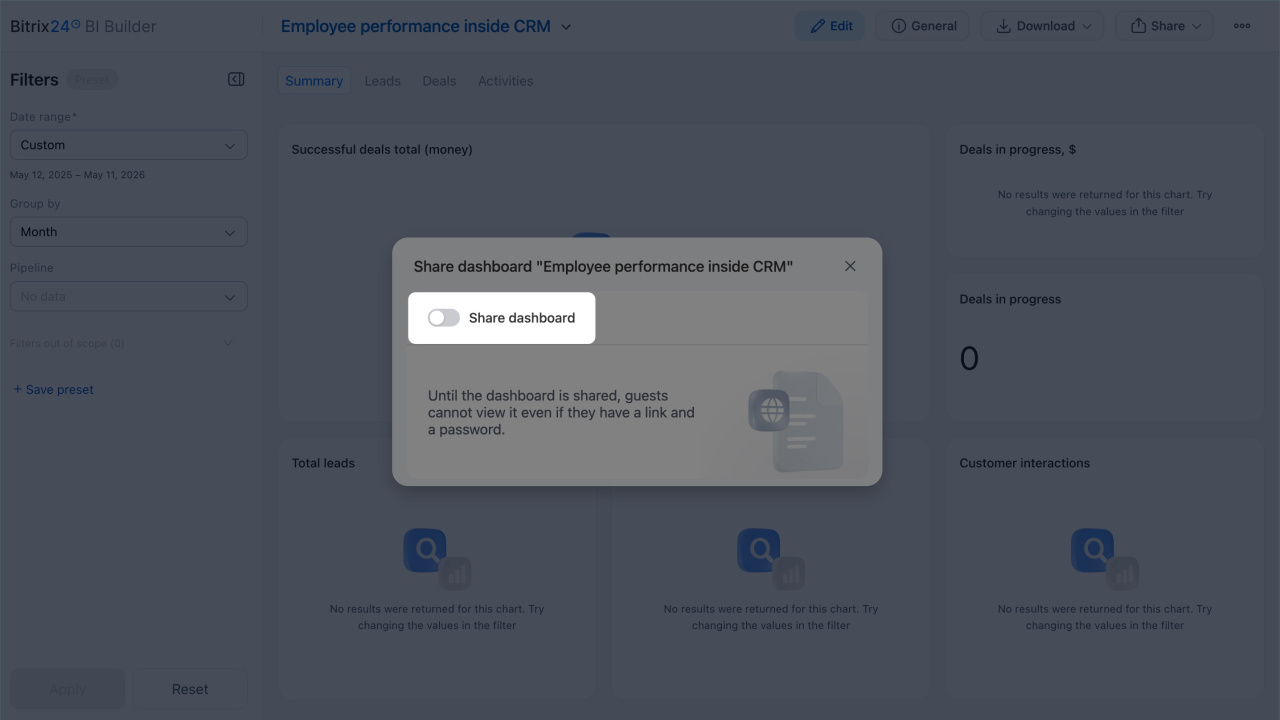
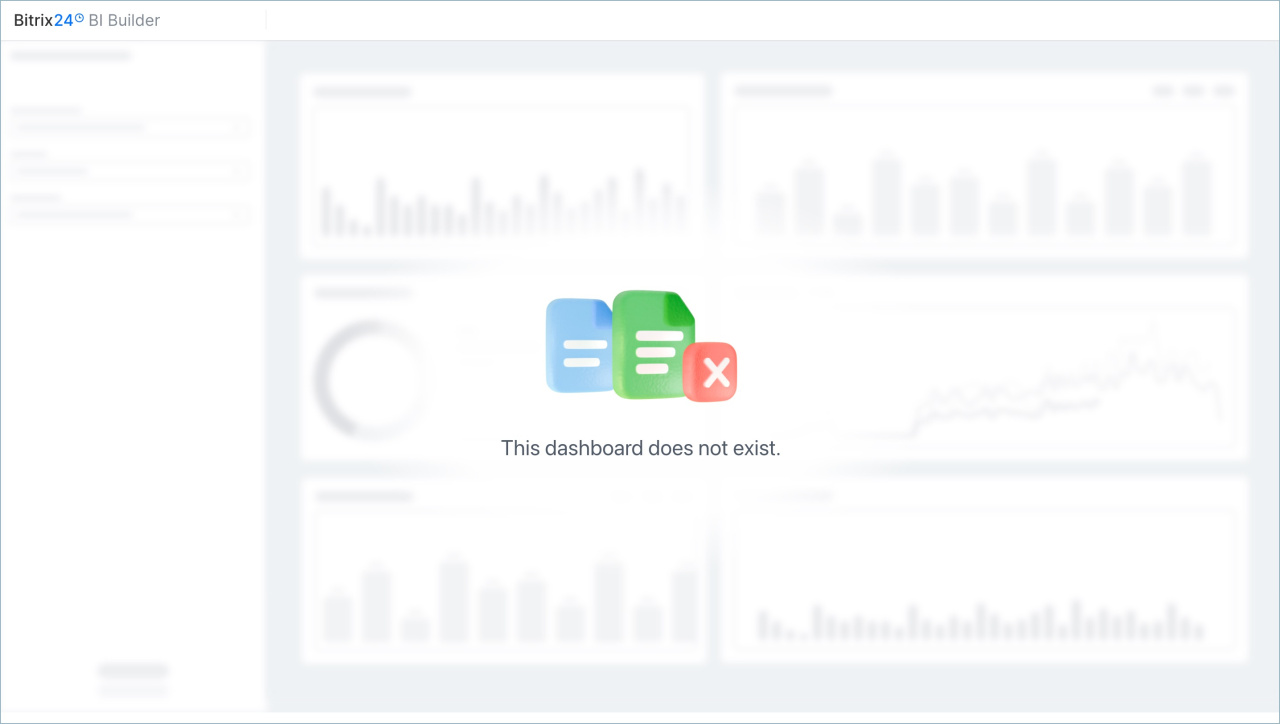
After you disable the link, it stops working. If the external users try to open the report, they will see a notification.
In brief
- In BI Builder, you can share a report with an external user through a public link.
- You can set an expiration date and a password for the link. The external user opens the link, enters the password, and views the report without signing in to Bitrix24.
- Filters for company structure, workflows, and flows are locked when the link is created and can't be changed.
- Access to the report is disabled automatically when the link expires. You can also disable it manually at any time.