
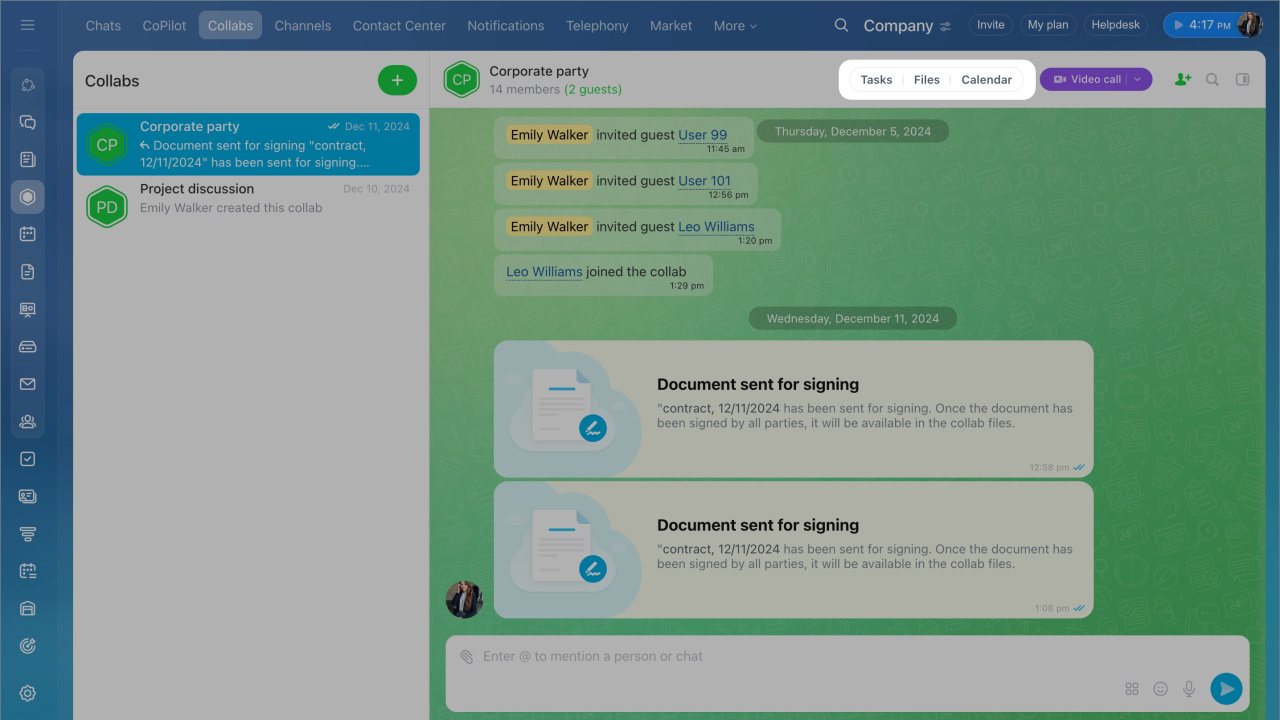
A collab is a workspace for working with clients and external teams. You don’t need to switch between apps. Chat, files, tasks, and calendar are all in one place.
For example, invite an expert to a collab. Team members review materials, join calls, and complete tasks together.
One workspace for your team
Invite employees and guests to work together. You can see who has joined. Users who have not joined receive a reminder.
Chats. Use chat to discuss work and start calls. All messages are saved, so you can find them anytime.
Use a collab chat
Files. Store and edit documents in one place. This reduces the risk of data loss and keeps files organized.
Manage collab files
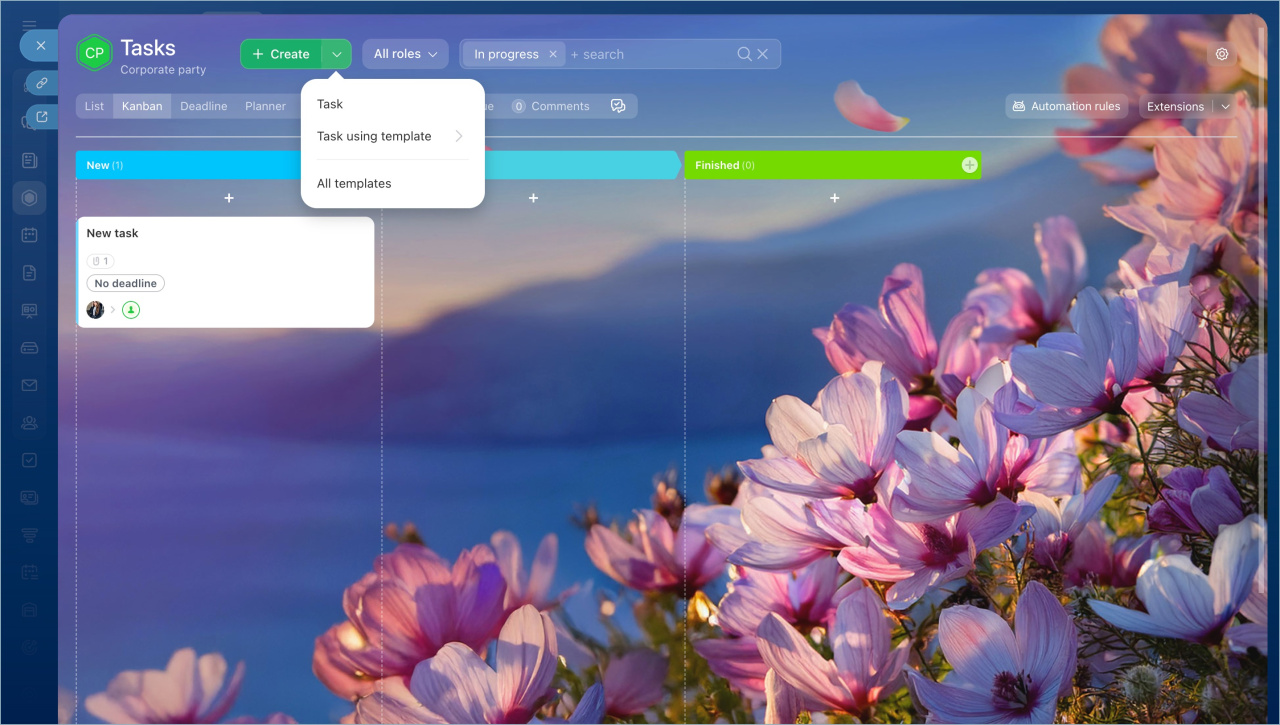
Tasks. Turn discussions into tasks. You can create a task from a chat message. All tasks are stored in one list, and participants can track progress.
Work with collab tasks
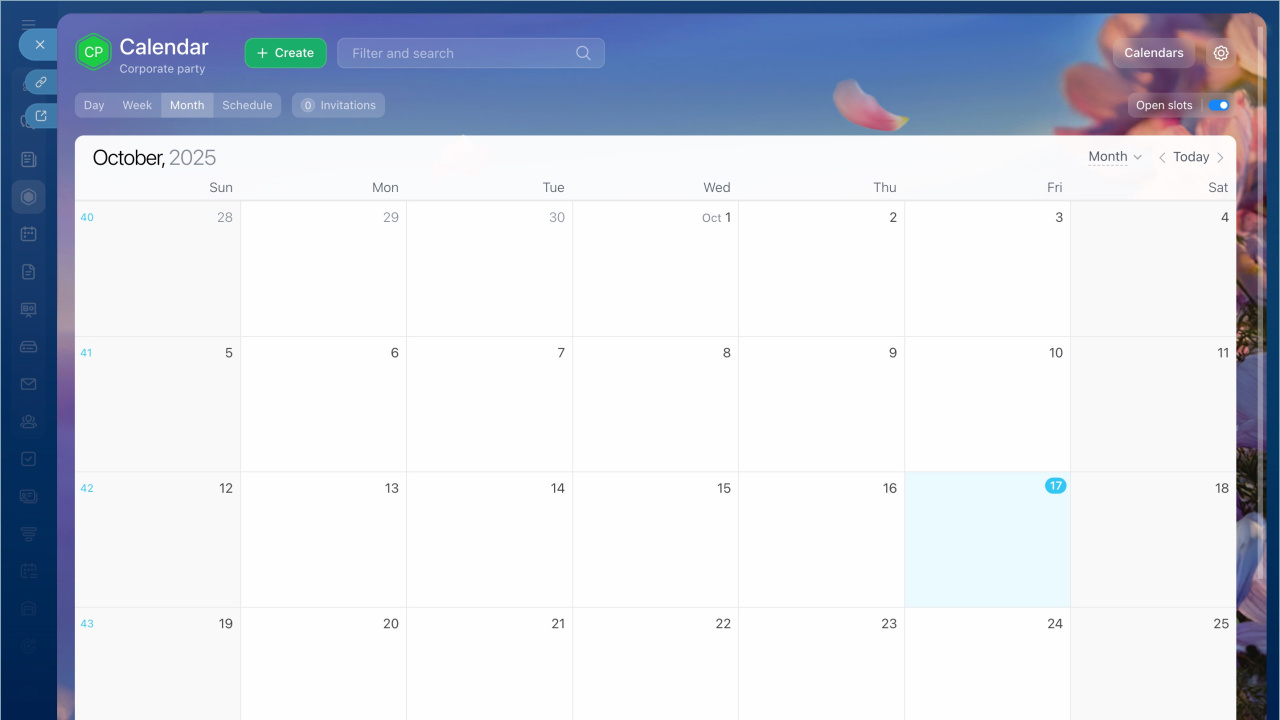
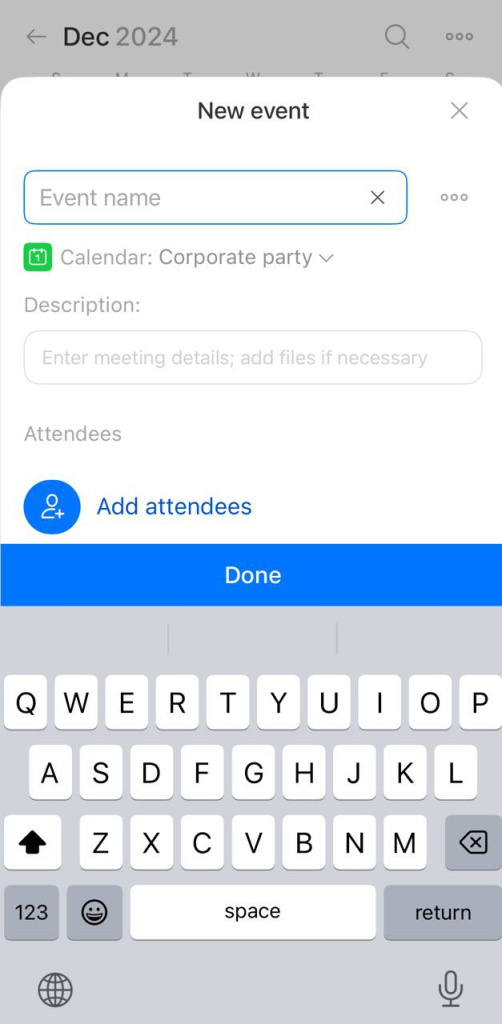
Calendar. Find a time that works for everyone. View shared availability and events. Create meetings in a few clicks.
Work in a collab calendar
Security and data access
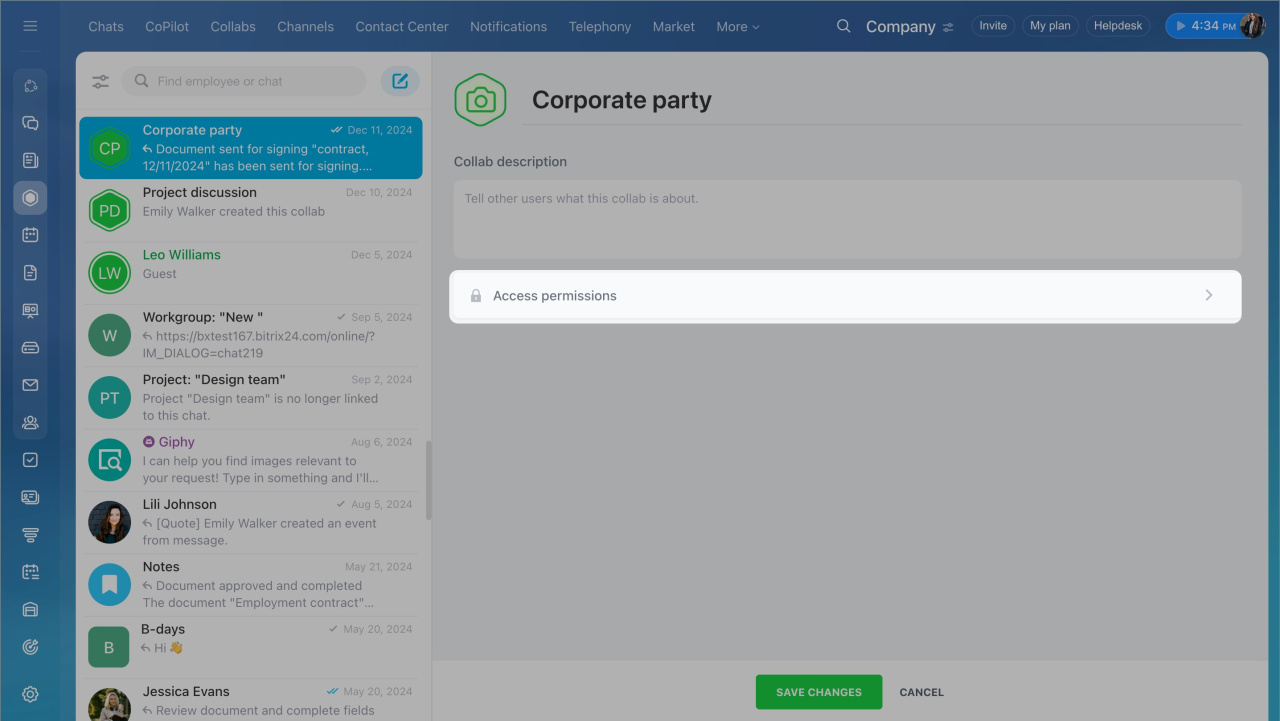
Set access permissions so users see only what they need. If you remove a user, they lose access to the collab. Employees who leave the company also lose access to Bitrix24.
When you remove a participant, their data stays in the collab.
Only invited users can join a collab. This helps protect it from spam and unauthorized access.
Configure access permissions to a collab
Find everything in one place
Chat, files, tasks, and events are all in the collab. You don’t need to switch tools or forward messages.
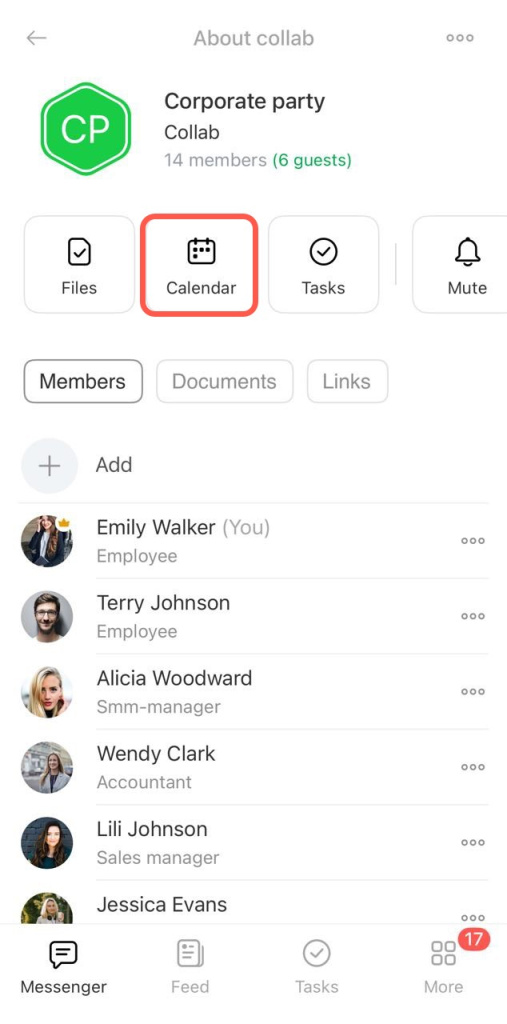
You can also use collabs in the Bitrix24 mobile app. Chat with your team, start calls, schedule meetings, track tasks, and share files from your phone.
In brief
- A collab is a workspace for clients and external teams. All tools are in one place: chat, files, tasks, and calendar. No need to switch between apps.
- Chat is the main area for communication. Discuss work, start calls, and access message history at any time.
- Store and edit documents in one place. This keeps files safe and easy to manage.
- Turn discussions into tasks directly from chat. All tasks stay in one list, and participants can track progress.
- Use the calendar to check availability and schedule meetings in a few clicks.
- Collabs are available on both web and mobile.