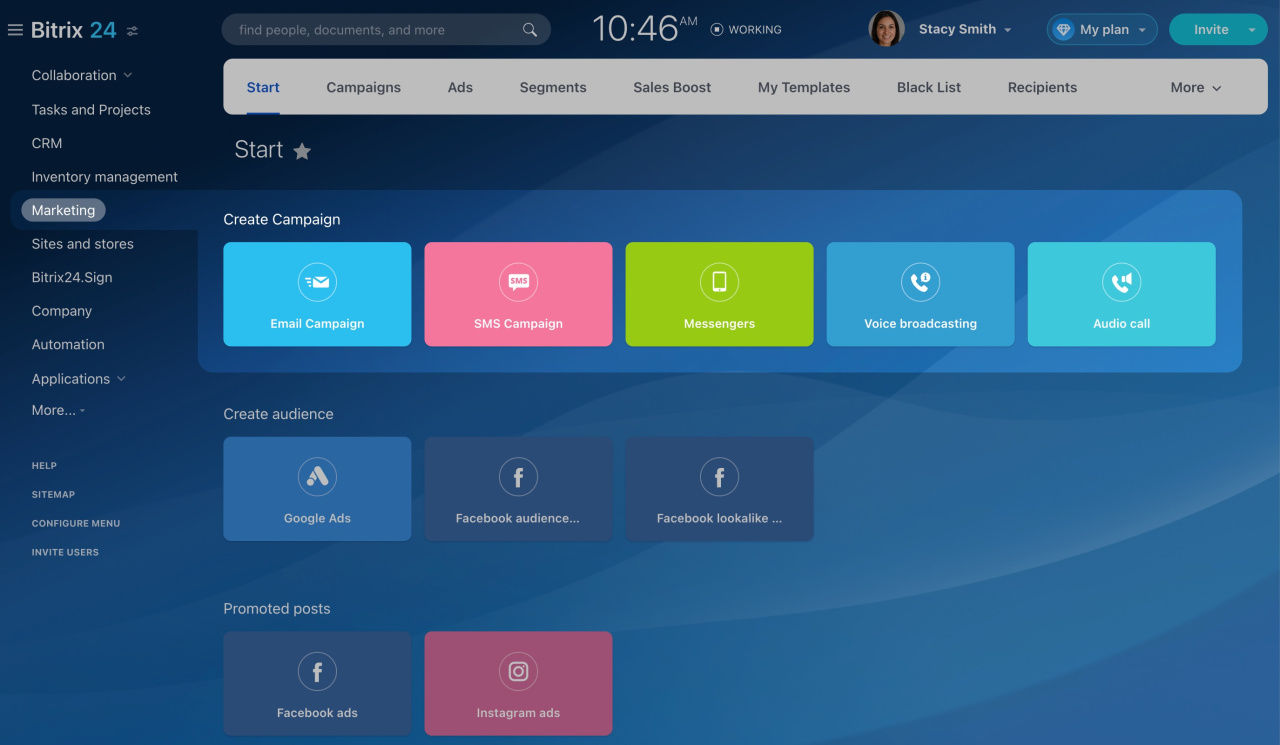
After you create a client segment, choose how you want to contact those clients. Marketing includes several campaign tools:
Email Campaigns
Email is one of the most common ways to contact clients. For example, a pet store can use an email campaign to tell customers about a new brand of cat food.
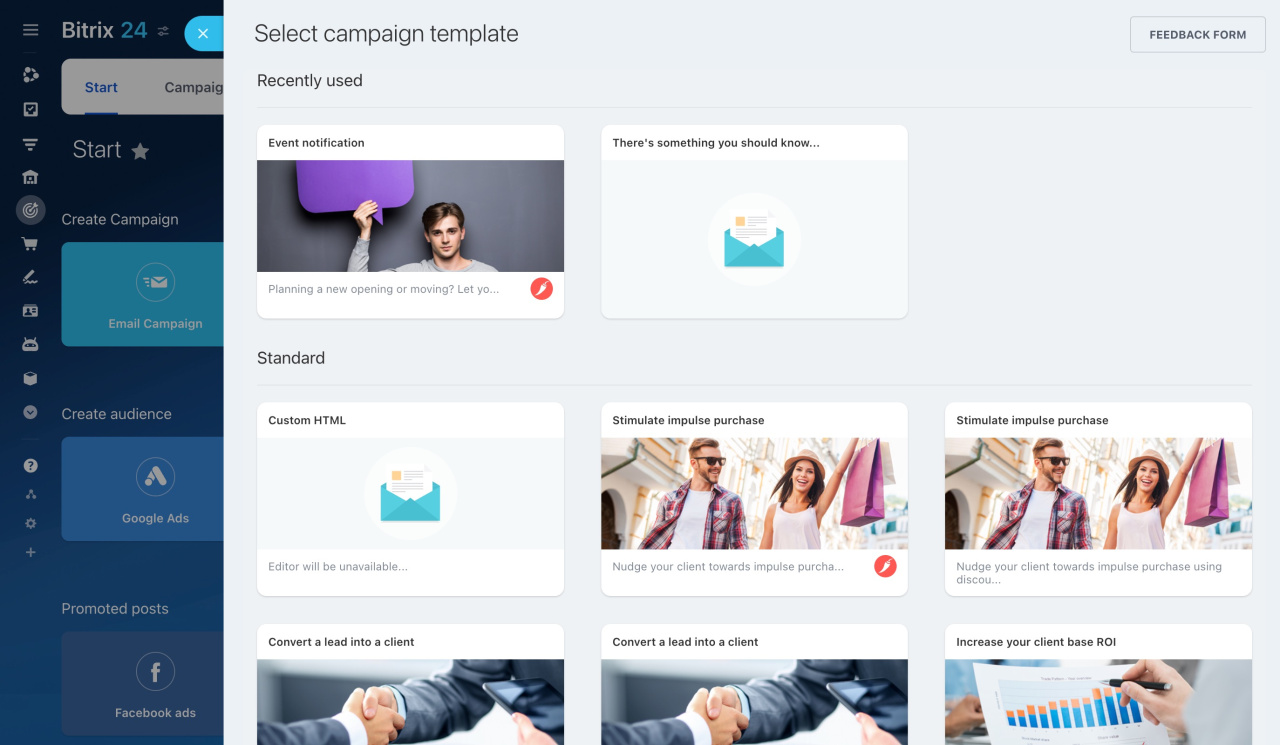
Use a standard Marketing template and edit it, or create your own template in My Templates.
SMS Campaigns
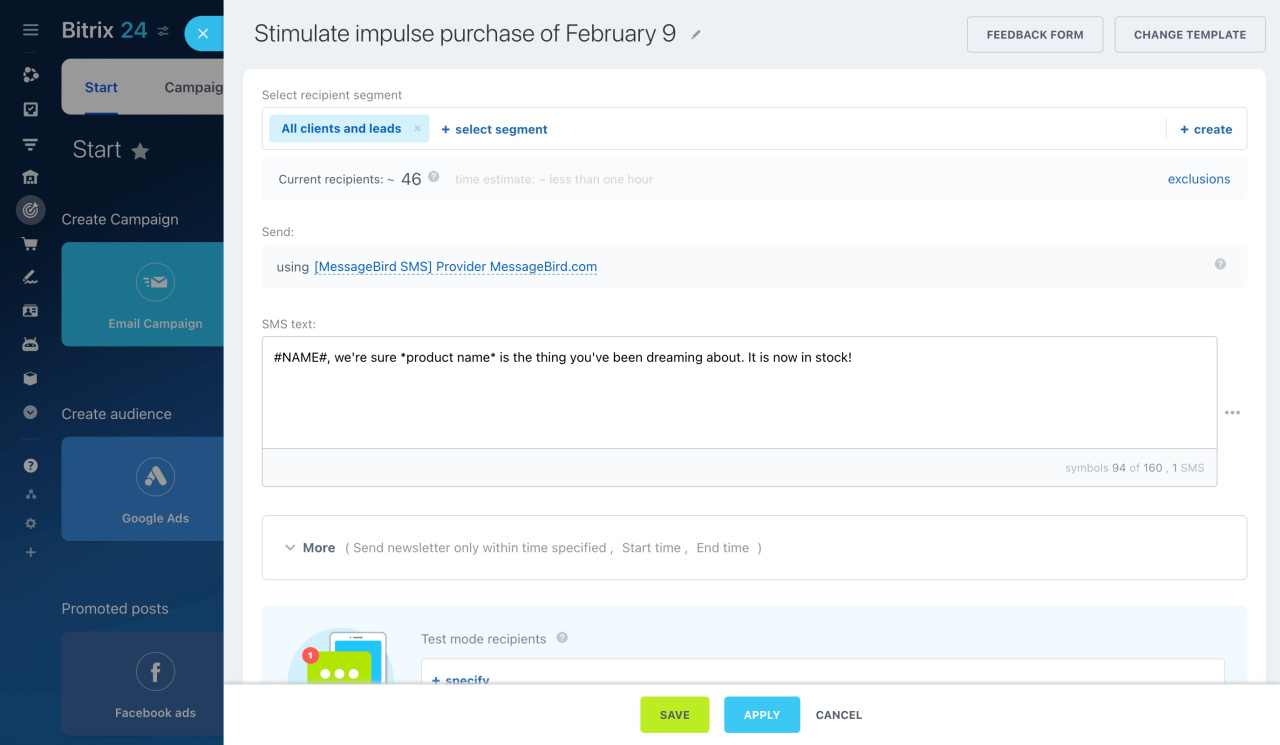
You can also contact clients with SMS messages. Write a short message about a discount or promotion, then select a segment. Bitrix24 will send the messages automatically.
For example, a car service can invite customers to schedule a seasonal tire change by SMS.
To send SMS campaigns, connect an SMS provider. You can set up the built-in Twilio integration or install another SMS app from Bitrix24 Market.
The number of messages you can send per day depends on your SMS provider. To check your current limit, go to Marketing > Settings > SMS.
Voice Broadcasting
Bitrix24 can make automatic calls to clients. It converts your text into audio and calls the selected phone numbers.
Use voice broadcasting to tell customers that a product is back in stock or to remind them about an event.
Text to Speech is a paid add-on service provided by Voximplant. You can check current prices on the Voximplant pricing page.
Before you make calls, configure Telephony. You can rent a phone number or connect your PBX using the SIP connector.
Bitrix24 can make up to five calls at the same time every 15 minutes. Other scheduled calls start after the current calls end.
Voximplant: pricing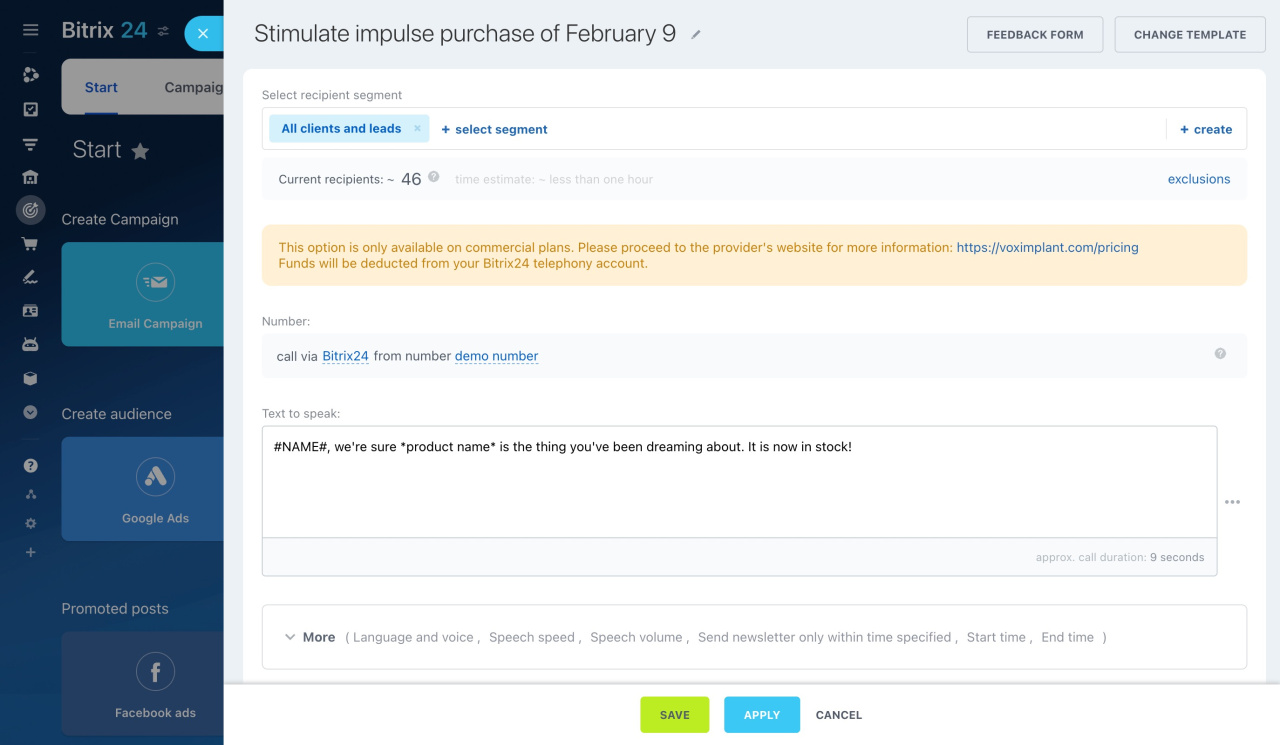
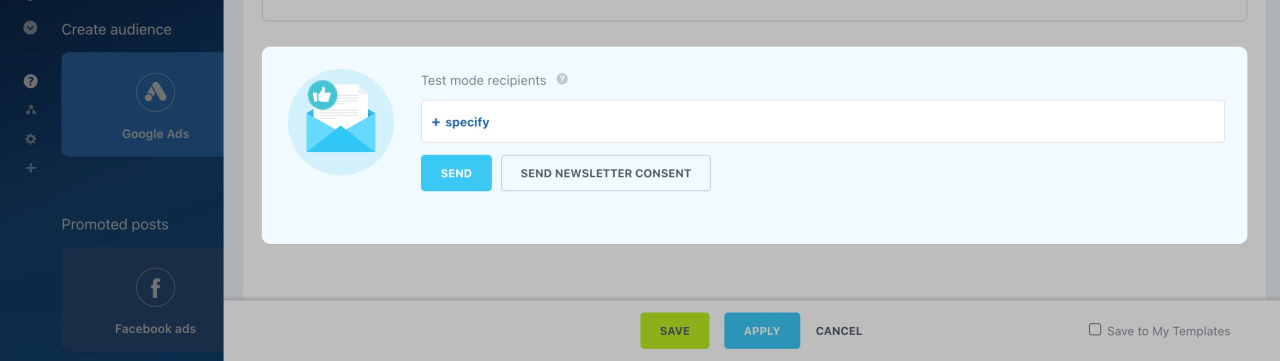
Test mode recipients
You can test SMS campaigns, email campaigns, and voice broadcasts before sending them to clients. Use your own phone number or email address to check how the message looks or sounds.
Messengers
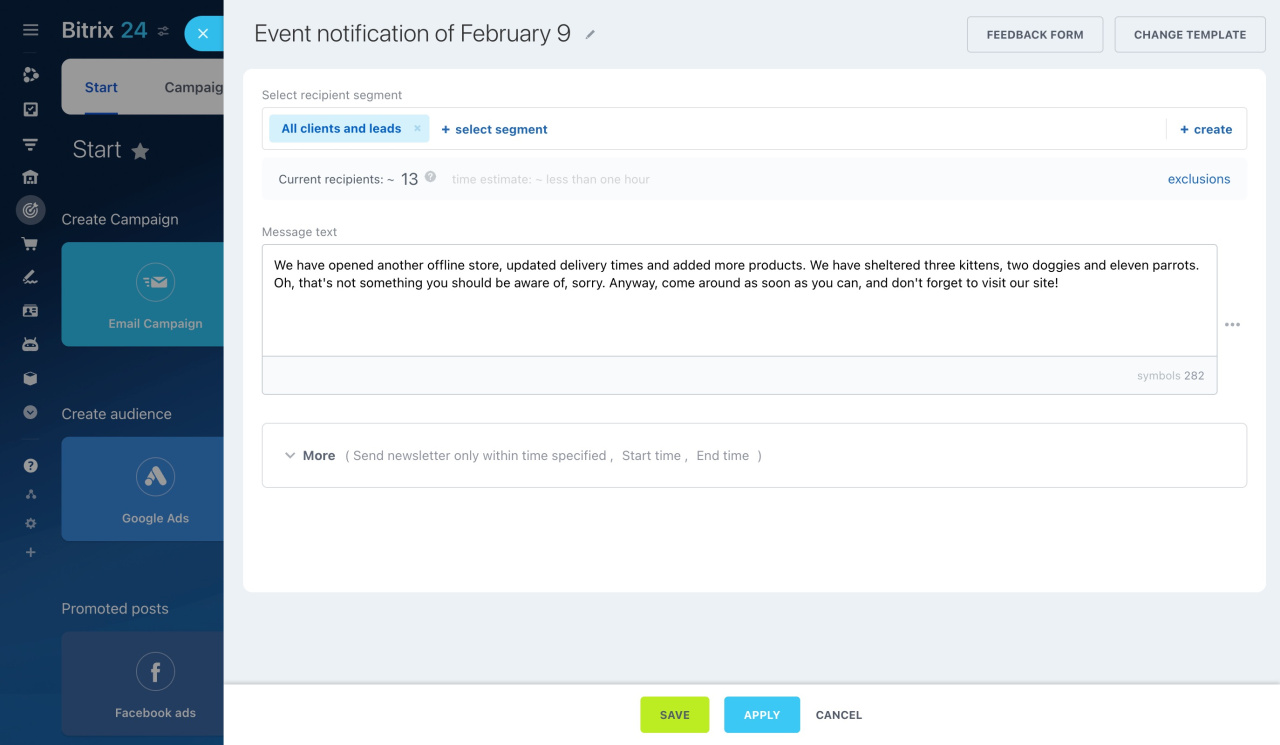
Messengers and social networks are another way to reach your audience. If Open Channels are connected, you can use Marketing campaigns with all supported messengers.
For example, a cosmetology clinic can invite clients to book a follow-up visit.
The message is sent to clients who recently contacted you in the selected messenger. The chat does not need to be active when you send the campaign. If a client replies, you will get a new message notification in the Open Channel.
Sales Boost
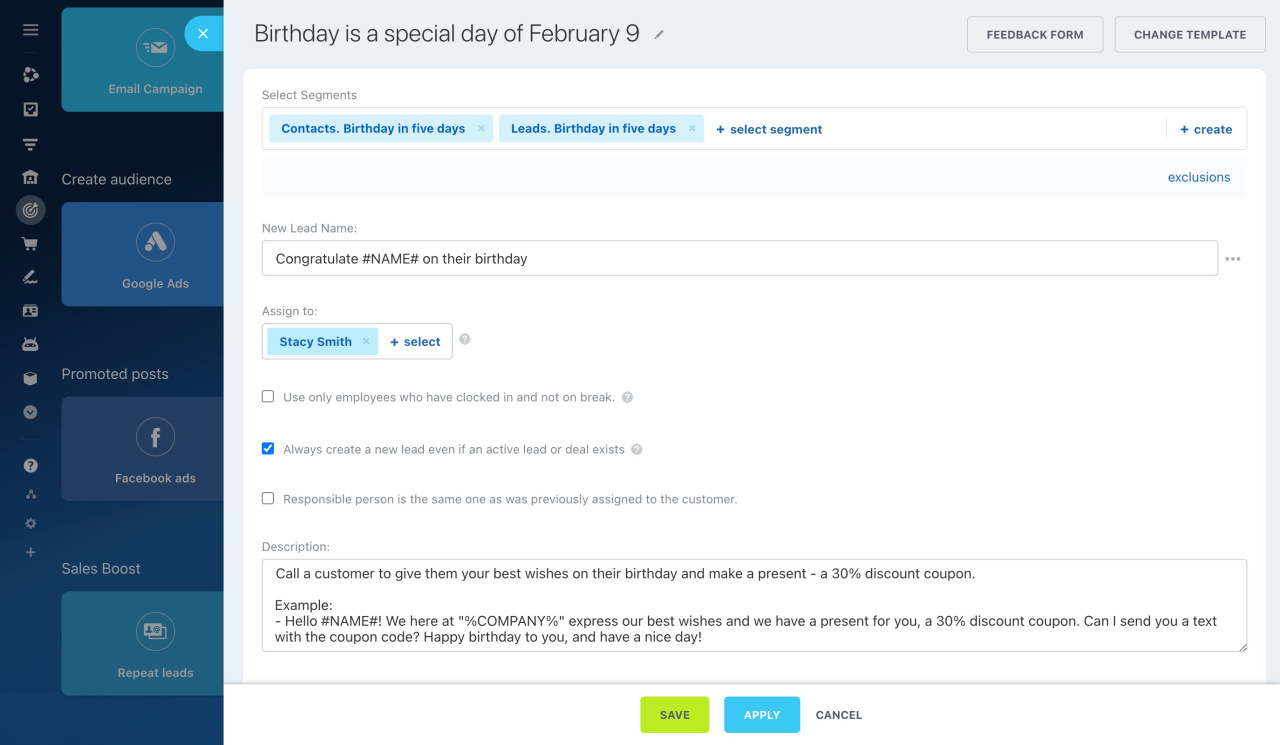
Sales Boost creates repeat deals and leads for a selected group of clients. You can also create a task for the manager who will work with the deal.
Use this tool when a specific employee needs to contact clients directly.