
Workflows help you automate routine tasks across your company. You can use them to approve vacation requests, review documents, process leads, and more.
Bitrix24 supports two workflow types: sequential and status-driven.
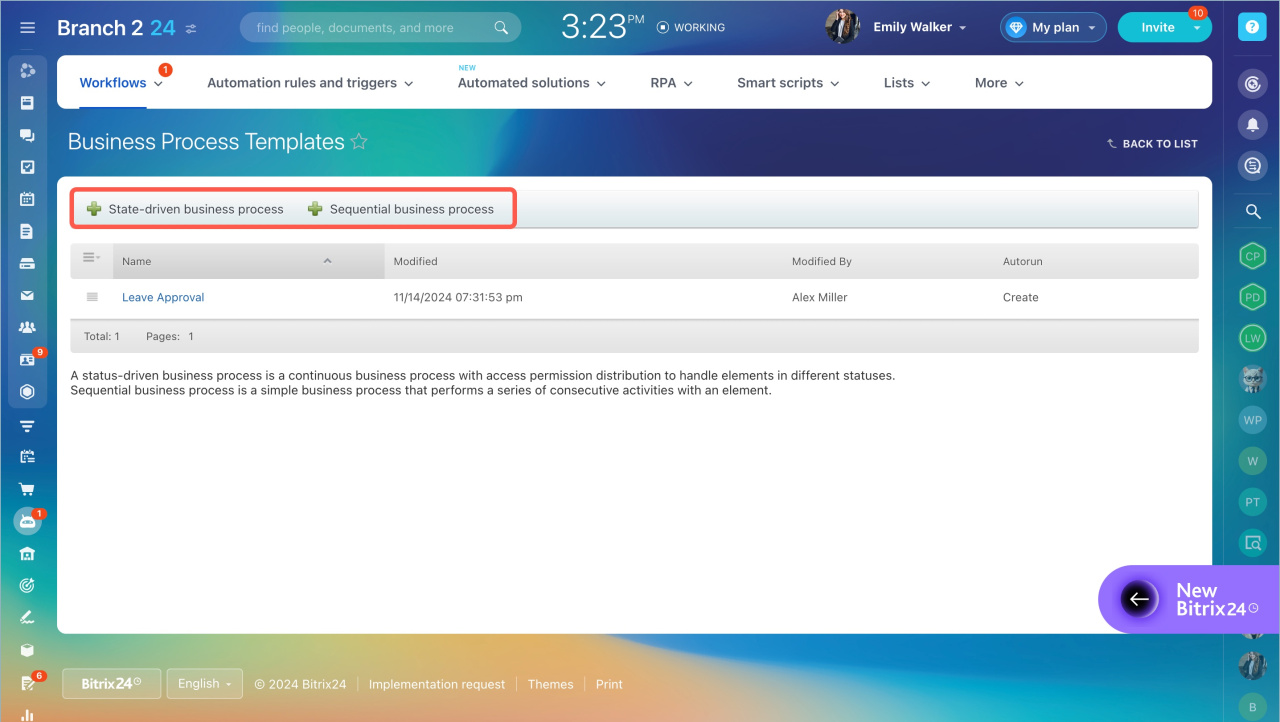
Sequential workflow
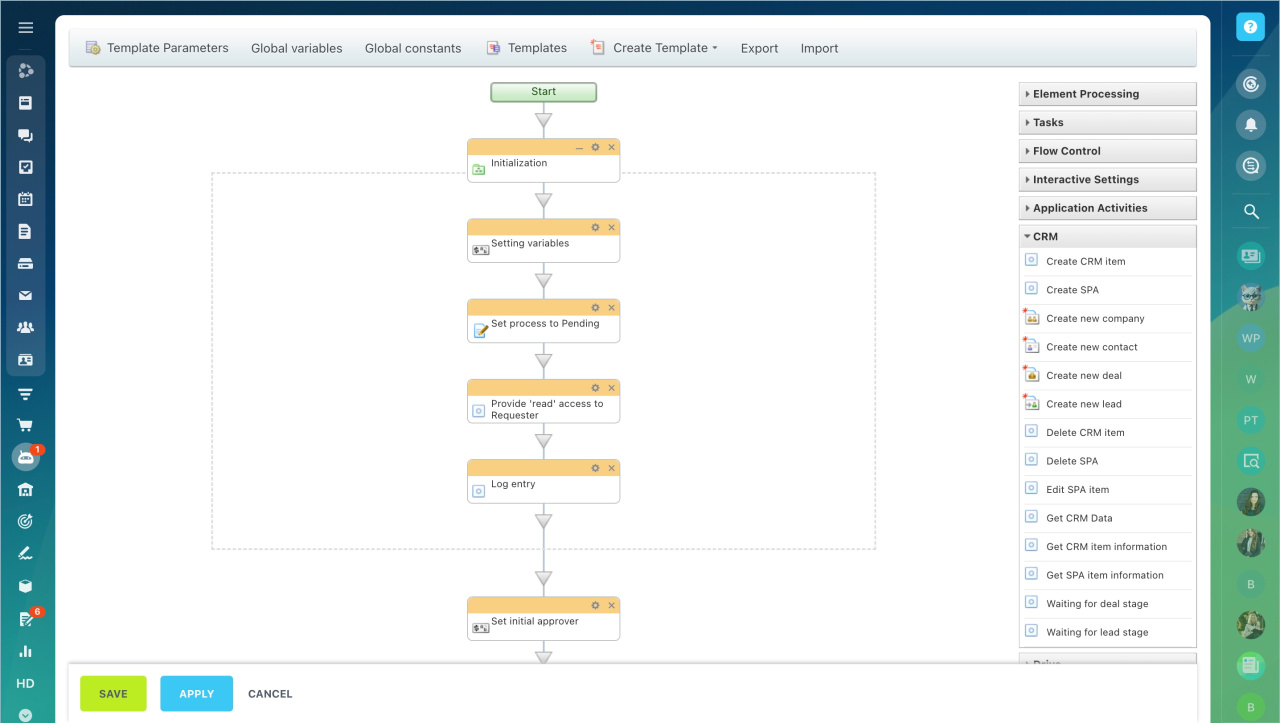
Use a sequential workflow for simple processes where actions follow a fixed order. Each step starts only after the previous one is complete.
Example:
To approve a contract, it moves through a set sequence:
- Department head reviews it.
- Lawyer checks it.
- Company head signs it.
Create a sequential workflow template
Status-driven workflow
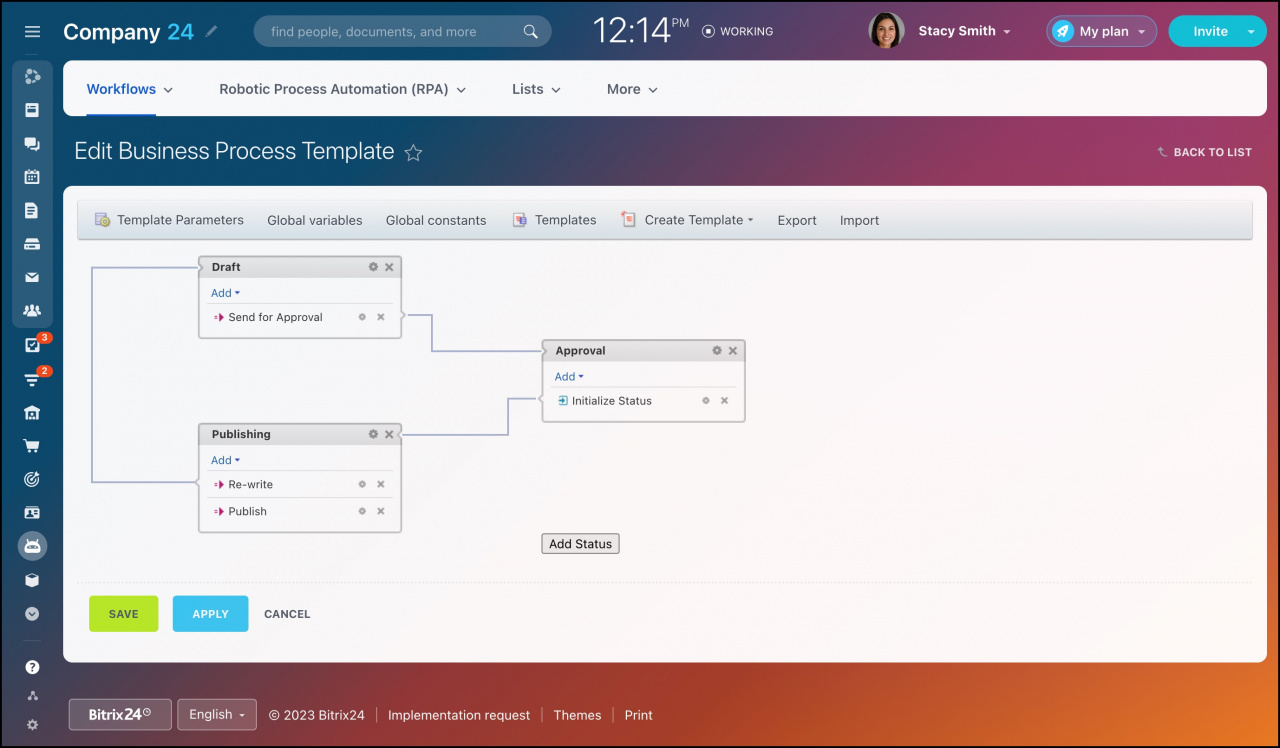
Use a status-driven workflow for complex processes with multiple stages and possible outcomes.
This type combines several sequential workflows. Each stage has its own status, and the process can change direction based on results at each step.
Example:
When closing a deal, the workflow moves through several stages. Each stage has a status, and the next step depends on the outcome.
Each step can involve different employees with specific roles.
Status Driven Business Process Template
In brief
- Workflows automate routine business tasks.
- Bitrix24 offers two types: sequential and status-driven.
- Sequential workflows work best for simple, step-by-step processes.
- Status-driven workflows are better for complex, multi-stage processes.