
This release introduces updates to the Bitrix24 interface and key tools. The changes focus on simpler navigation, faster communication, and better team collaboration.
New Bitrix24 Space+ interface
The interface is now cleaner and easier to use. Navigation is simpler, and key tools are easy to find.
Work starts in chat. From there, you can message your team, create tasks, and schedule meetings.
New Bitrix24 Space+ interface
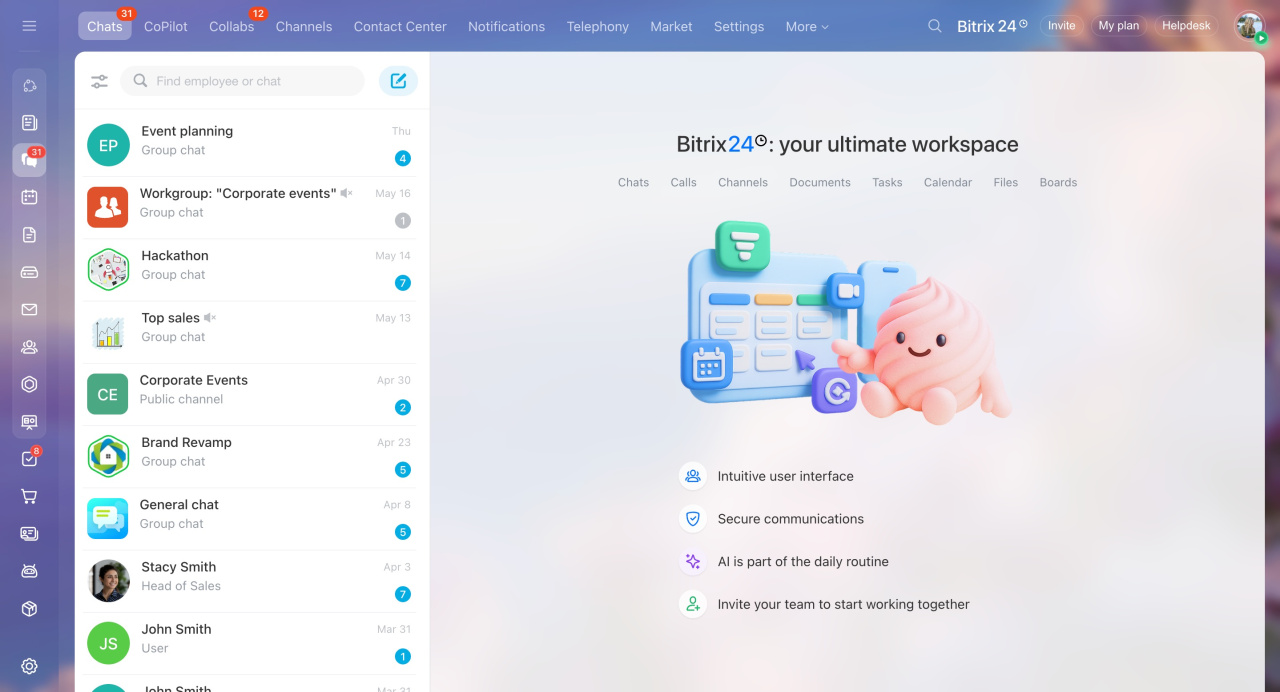
Bitrix24 Chat
Use Bitrix24 Chat to communicate, share files, and manage work in one place.
You can choose from different chat types depending on your needs, including team chats, channels, and AI chats.
Bitrix24 Chat: new interface and features
Types of Bitrix24 chats
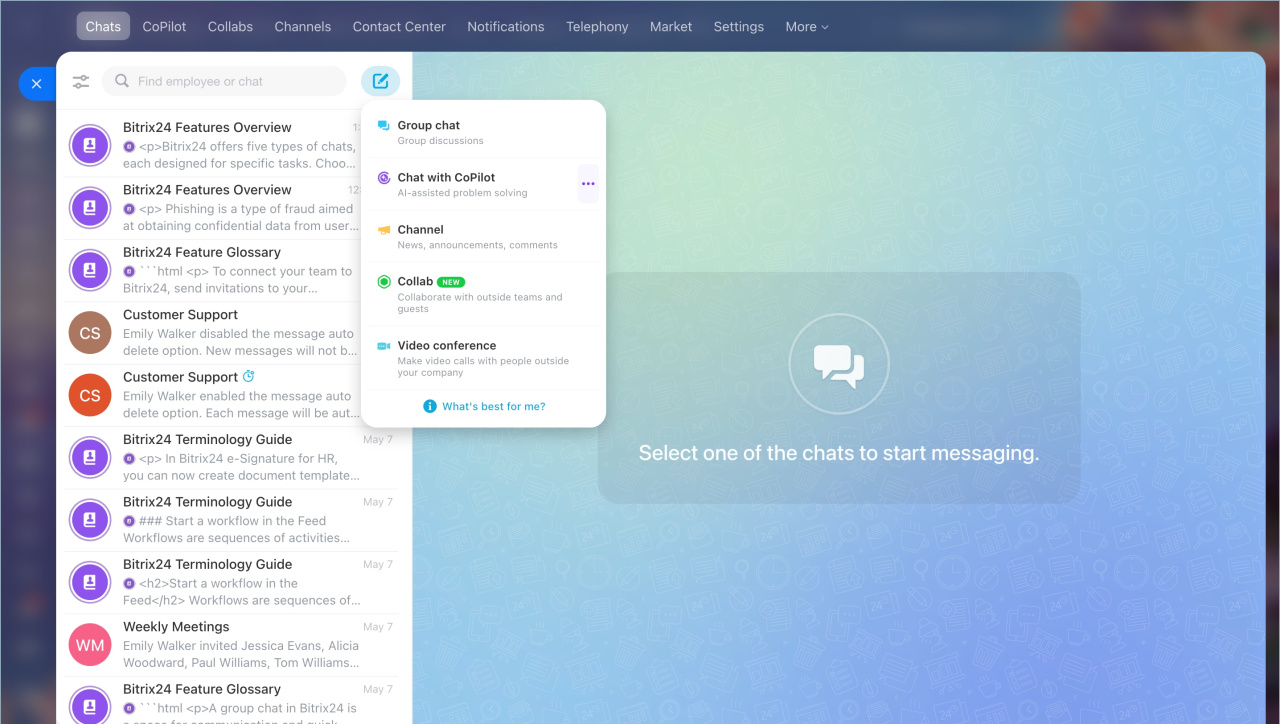
Polls. Create polls in chat to collect feedback and make decisions. Polls can be anonymous or public. You can allow one or multiple answers.
Polls in Bitrix24 chats
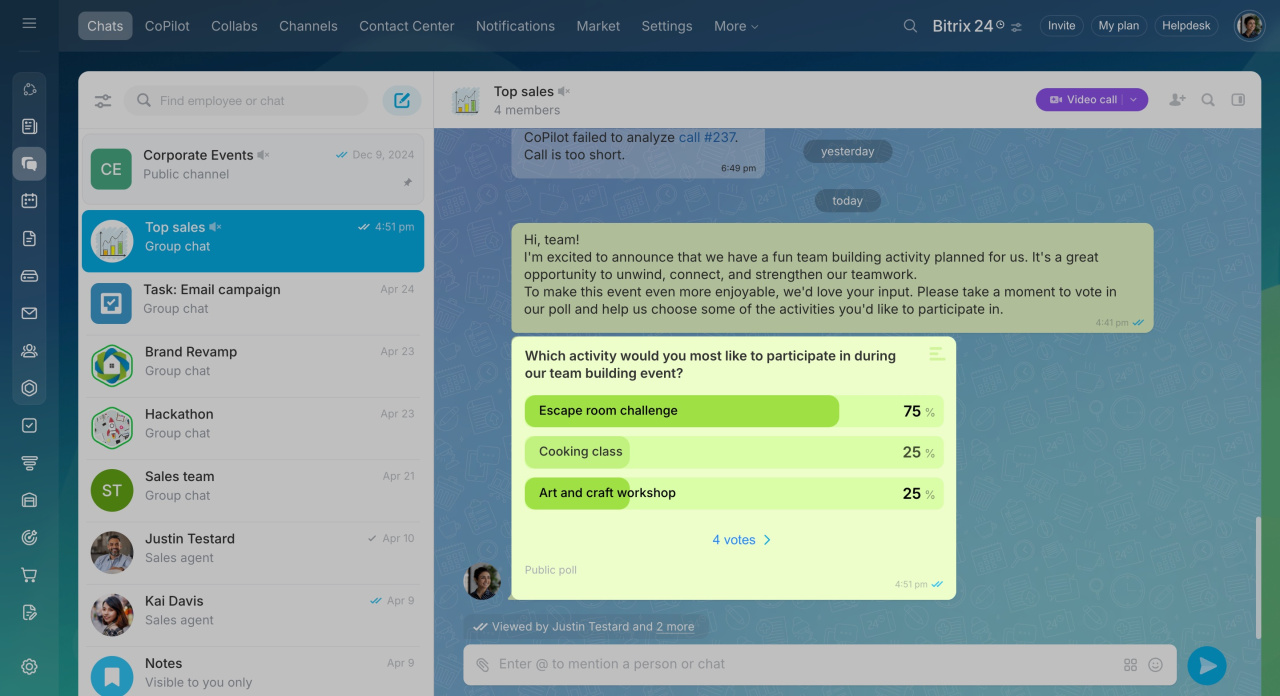
Auto delete messages. Set a time limit for messages. After that, the system deletes them automatically. This works well for temporary discussions or sensitive information.
Auto delete messages option in Bitrix24 chats
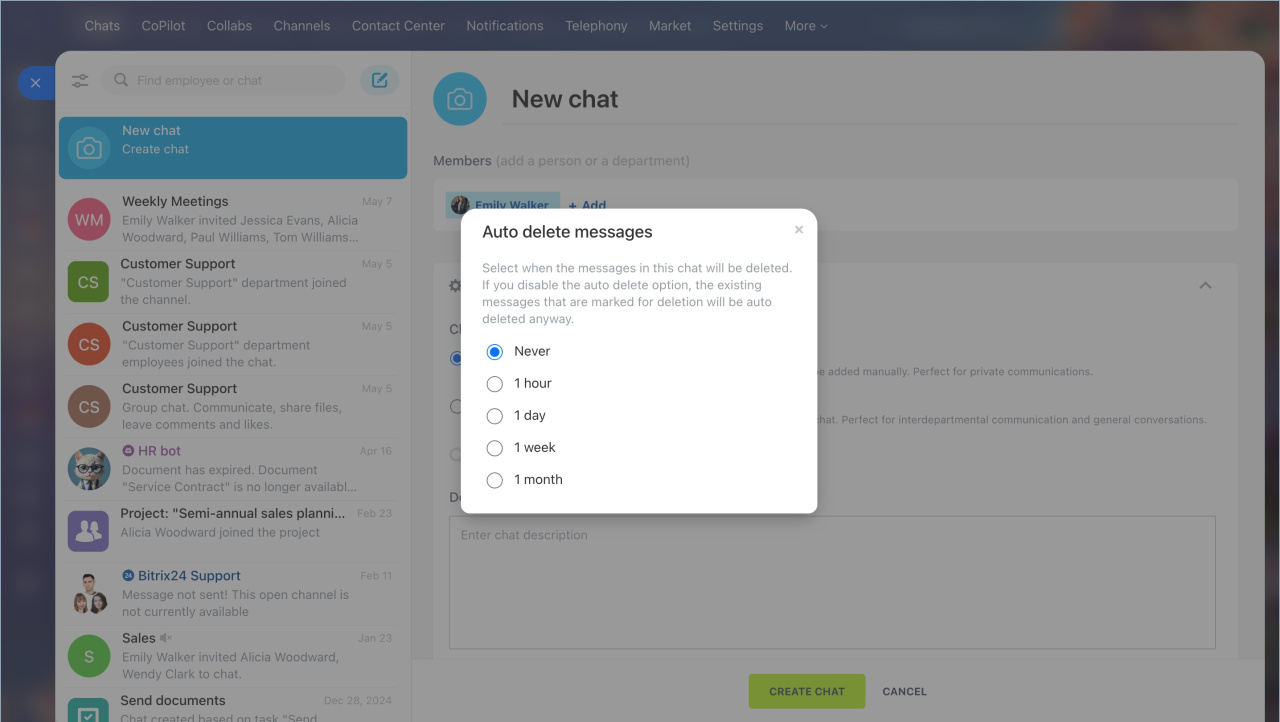
Bitrix24 Messenger
Bitrix24 Messenger brings chats, calls, notifications, tasks, and CRM tools into one window.
All communication stays within work chats. When an employee leaves the company, they lose access automatically.
Bitrix24 Messenger: Getting Started

Company structure
The company structure shows your departments and employees.
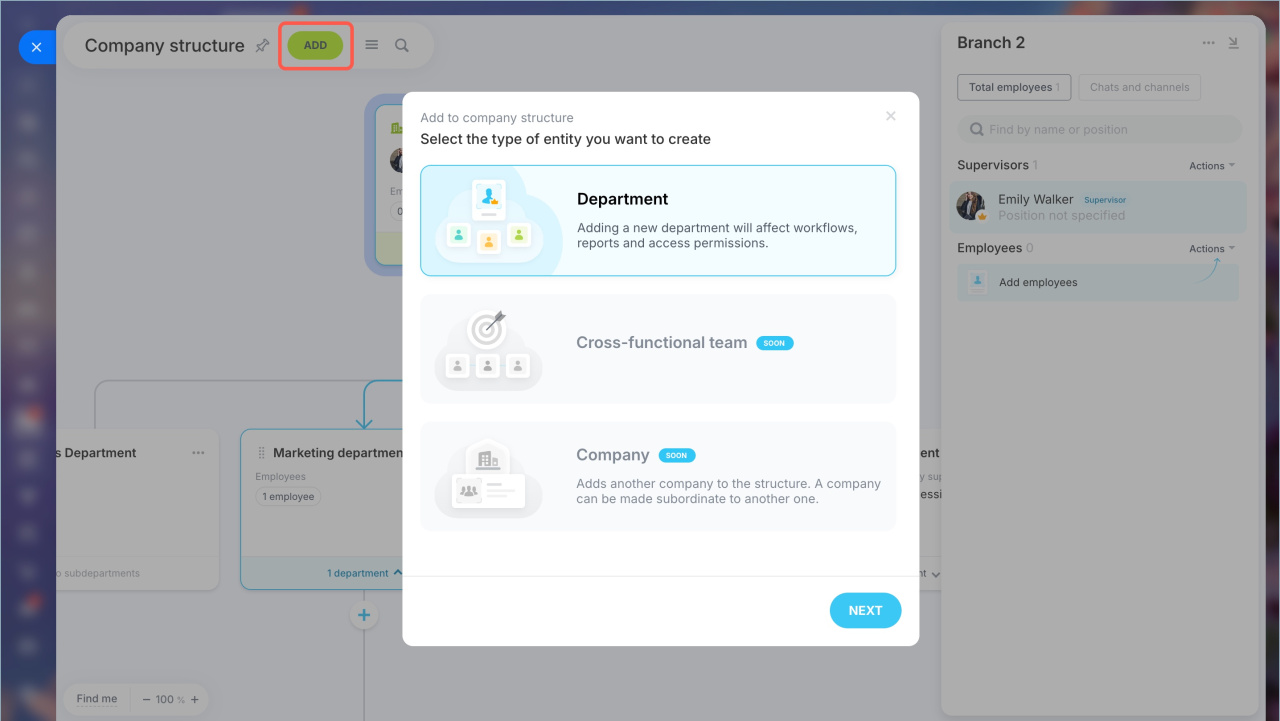
You can add department members to chats and channels automatically. New employees get access to team communication right away.
Add department members to chats and channels
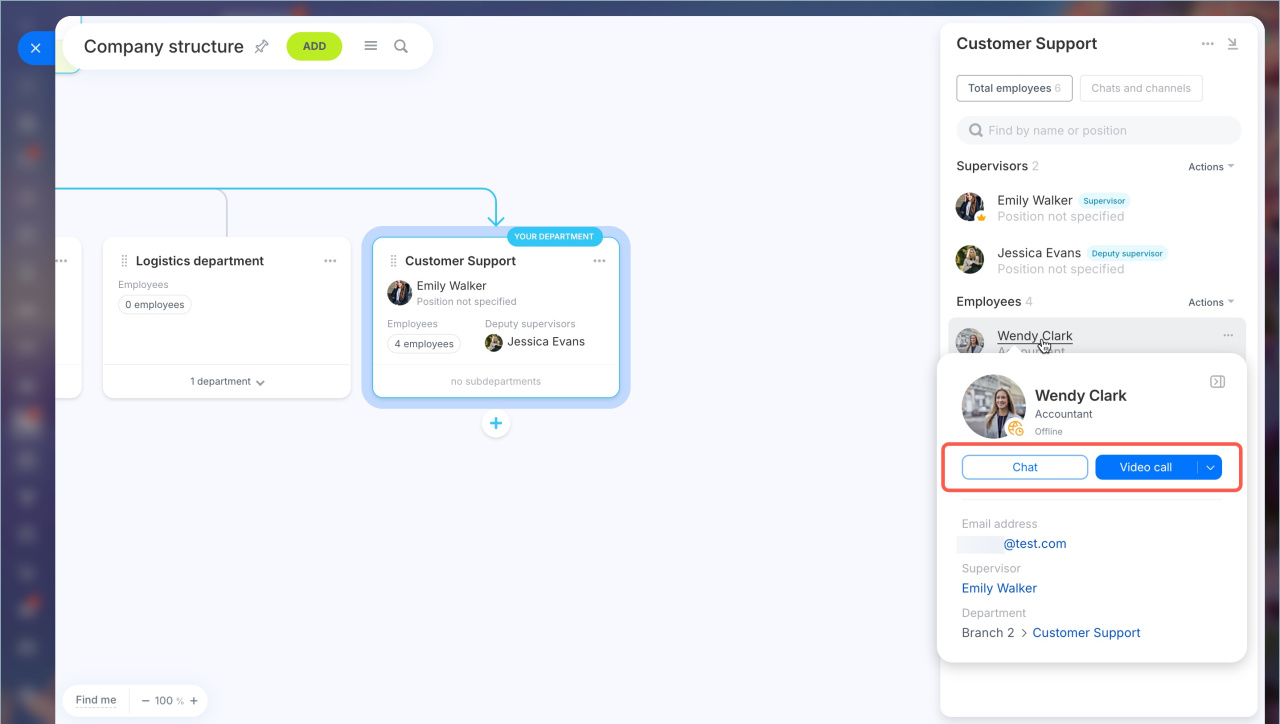
Employee mini profile. View key details like email, phone number, department, and manager. This helps you quickly find and contact coworkers.
Employee mini profile
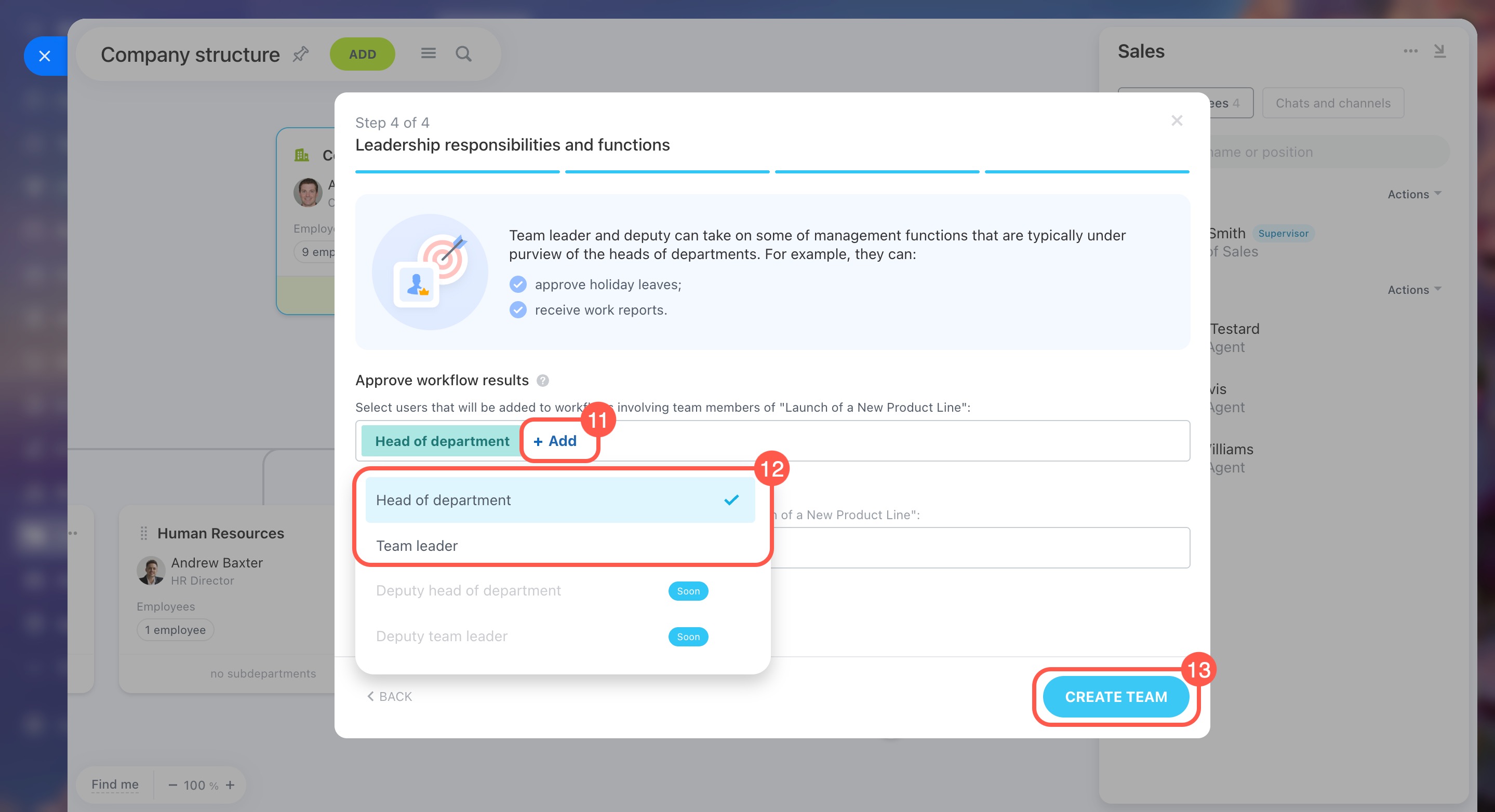
Cross-functional teams
Create teams with employees from different departments. These teams work together on shared goals, such as launching a product.br> Cross-functional teams in Bitrix24
Workflow approvers in cross-functional teams
Tasks and projects
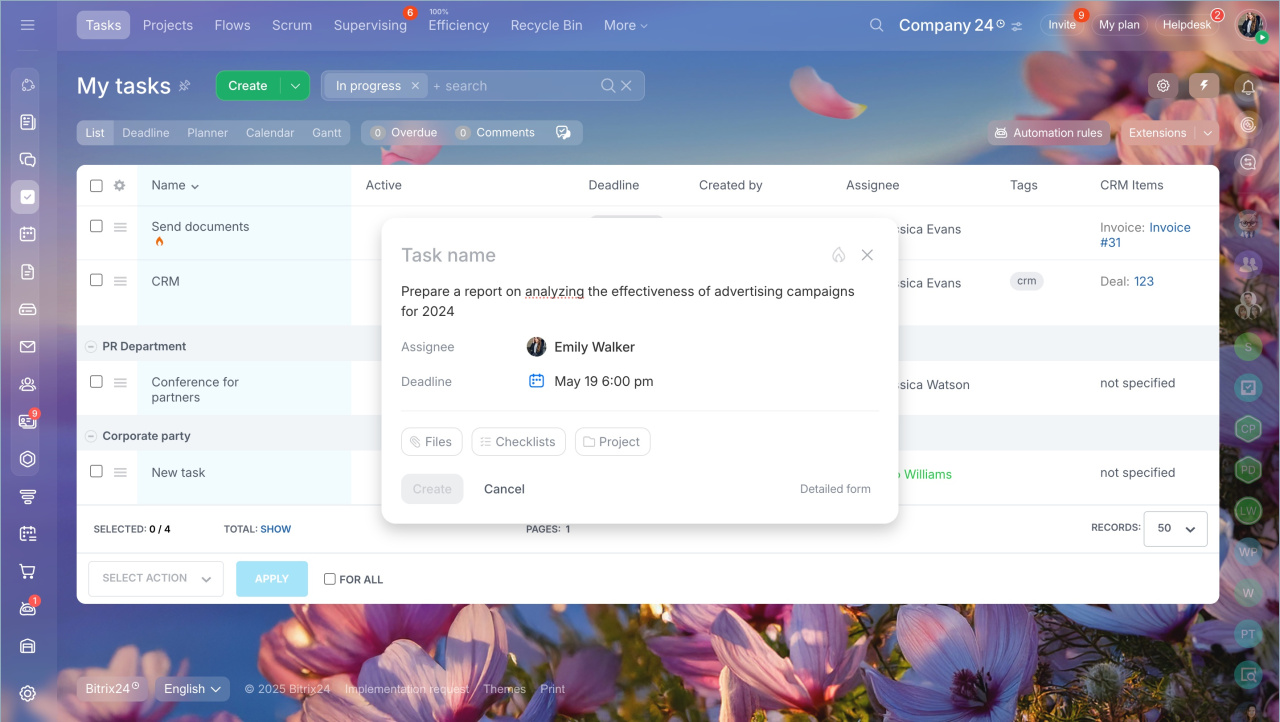
Use the quick task form to create tasks faster. Add a title, description, and deadline. Skip extra fields when you don’t need them.
Quick task creation form
Booking
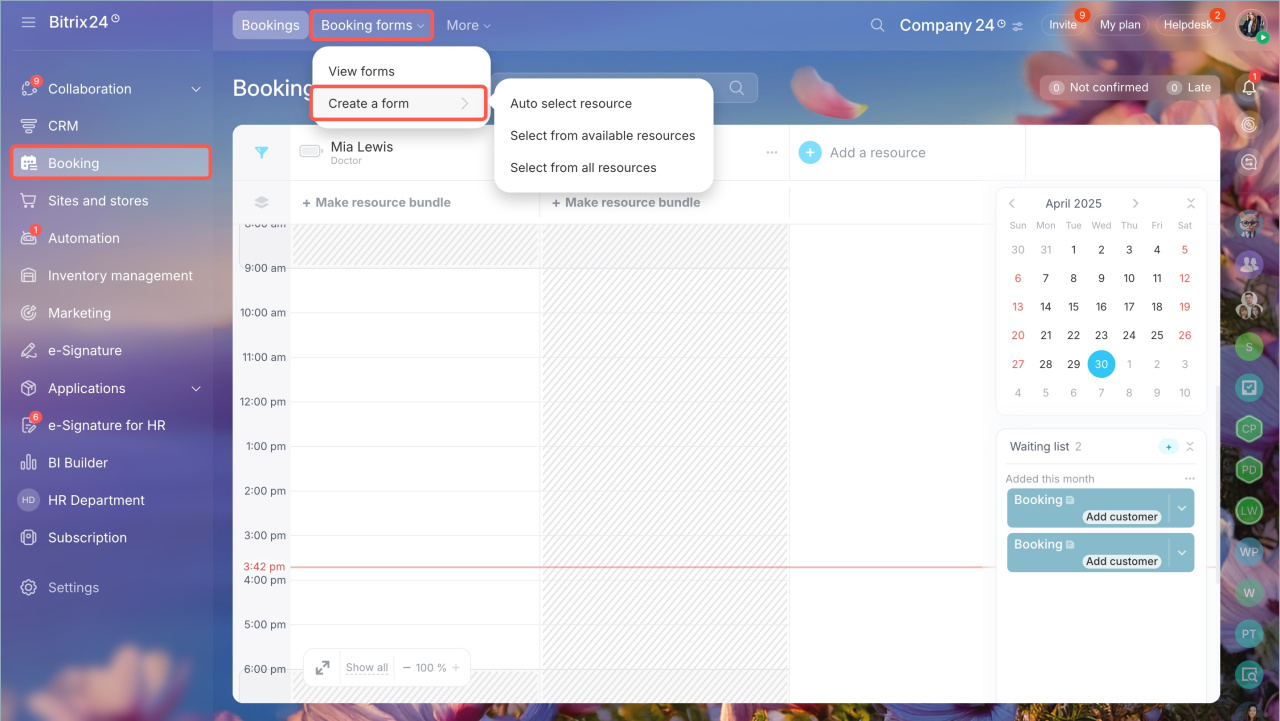
YCreate booking forms so customers can choose a time and schedule services. The system saves all booking data in the CRM and notifies managers.
Create a resource booking form
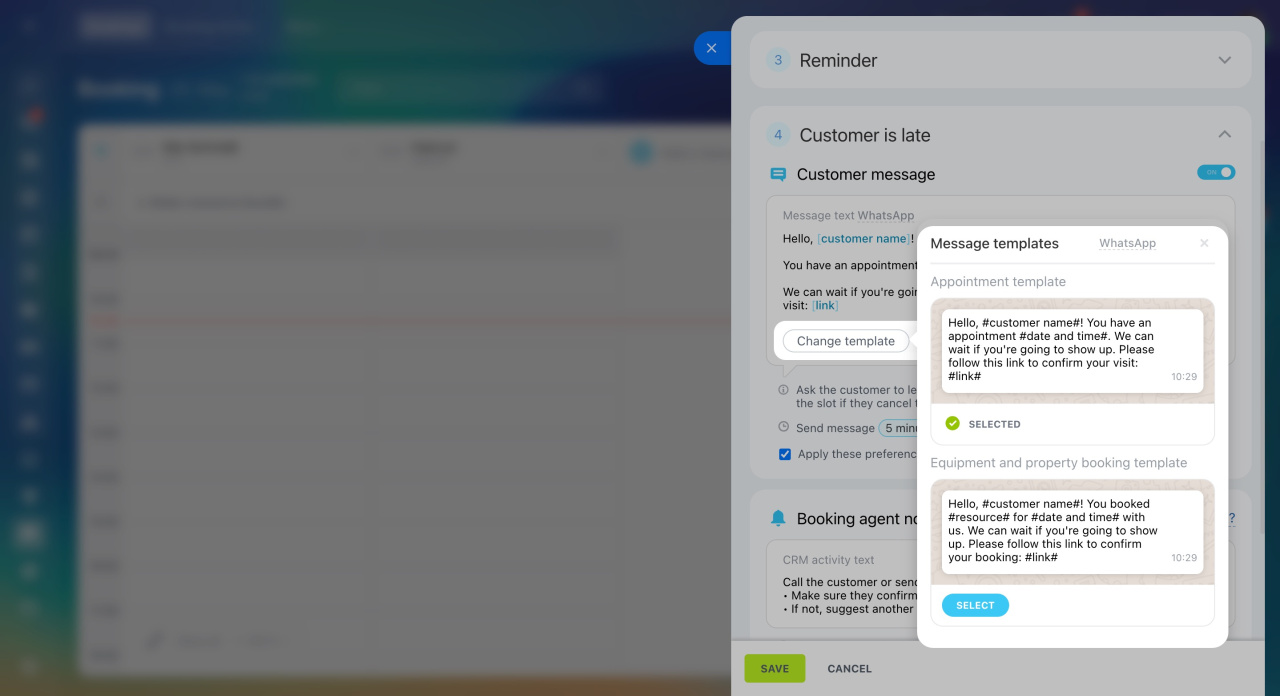
Customer message templates. Set up automatic messages for confirmations, reminders, and updates.
Booking: Customer message templates
BI Builder
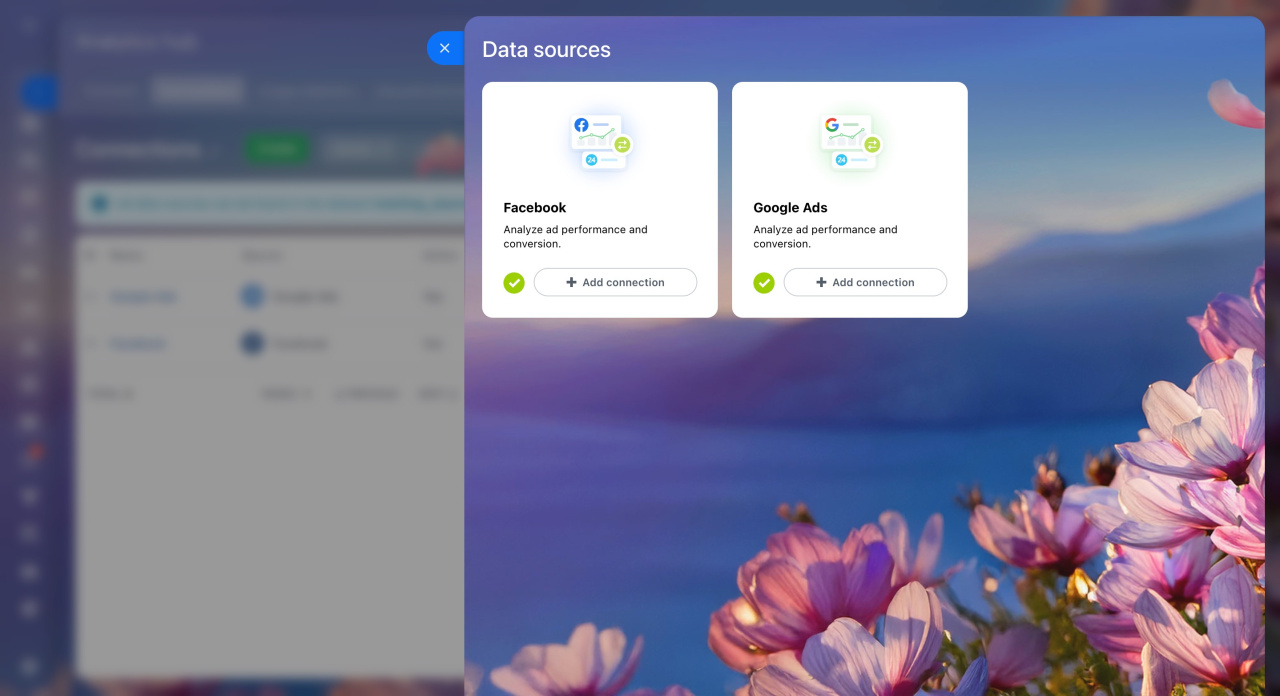
BI Builder now includes more data for ad analysis. You can track costs, ad details, and UTM parameters. This helps you understand which campaigns perform best.
BI Builder: Get and use data from ad accounts
Registration and login
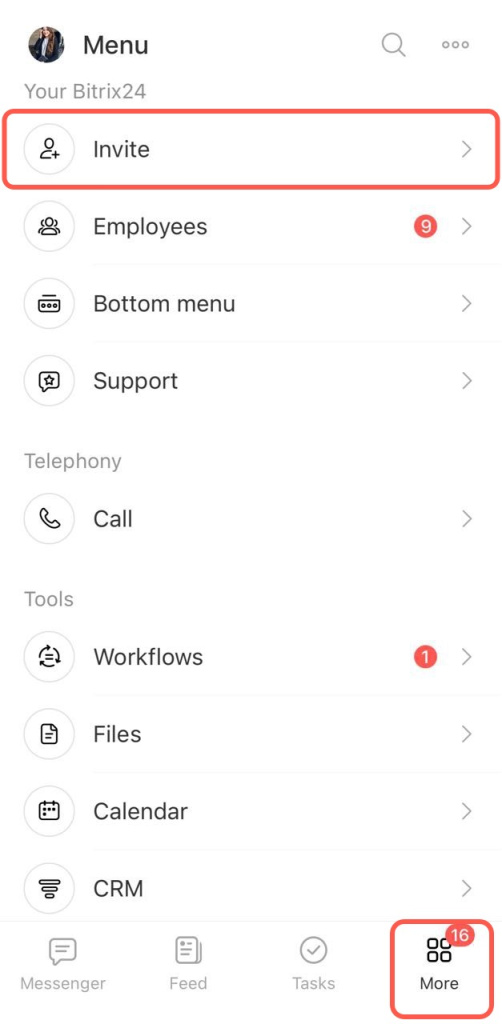
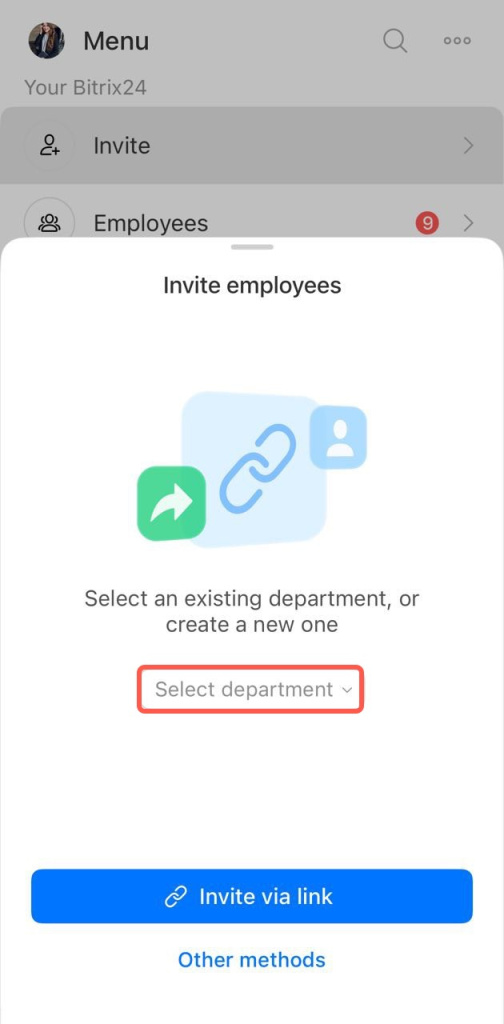
Invite employees by email. You can send invitations using:
- Your email app, such as Outlook or Apple Mail
- The built-in Bitrix24 mailing service
Bitrix24 Boards
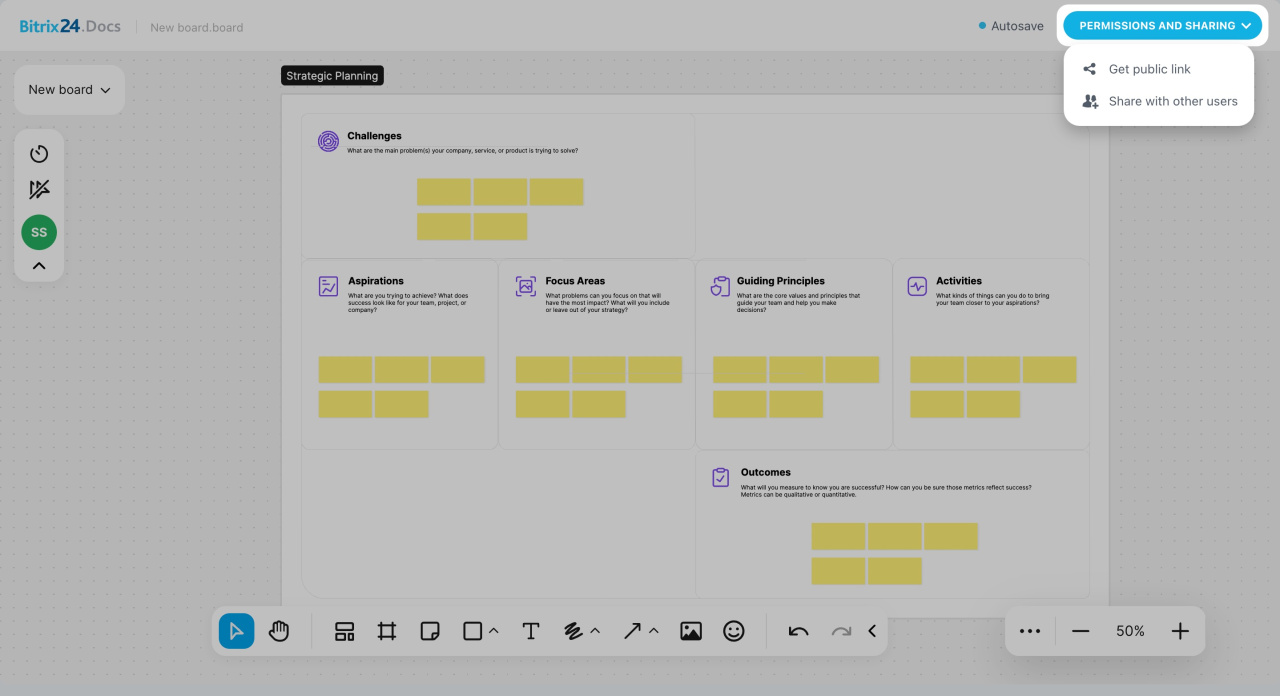
Boards provide a shared workspace for visual collaboration. Use them to:
- Visualize ideas and strategies
- Create diagrams and plans
- Discuss tasks and make real-time changes
Article updates
This release also includes updates to Sync, video calls, workflows, analytics, and other tools.
Bitrix24 Sync
Bitrix24 Sync: Video calls in Bitrix24 Messenger
Employee widget: New interface and features
CoPilot Follow-Up: AI-powered speech analytics for video calls
Access permissions to the company structure
Add a resource to Booking section
Booking: Customer message templates
Start workflows in Feed
Activities: Flow Control
Group chat