
Application passwords are special passwords used to connect external services and devices to Bitrix24. They are used, for example, to sync calendars or contacts with Outlook, mobile phones, and other services.
Application passwords allow you to:
- Automatically connect external services to Bitrix24.
- Avoid entering your main Bitrix24 password for every synchronization.
- Keep your main password secure by not sharing it with third-party services.
If two-step authentication is enabled in your Bitrix24, using application passwords is obligatory.
Enable two-step authentication for Bitrix24 login
Enable two-step authentication for Bitrix24 login
In this article:
Generate application passwords
You can generate passwords in your personal profile.
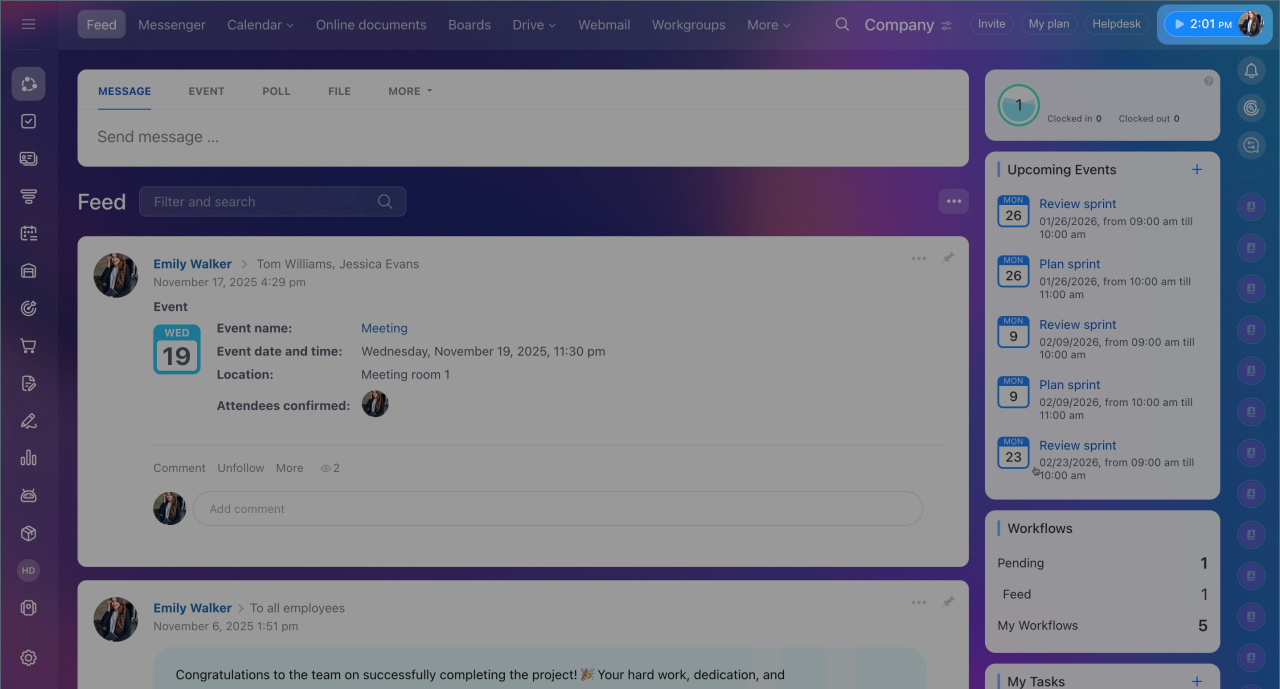
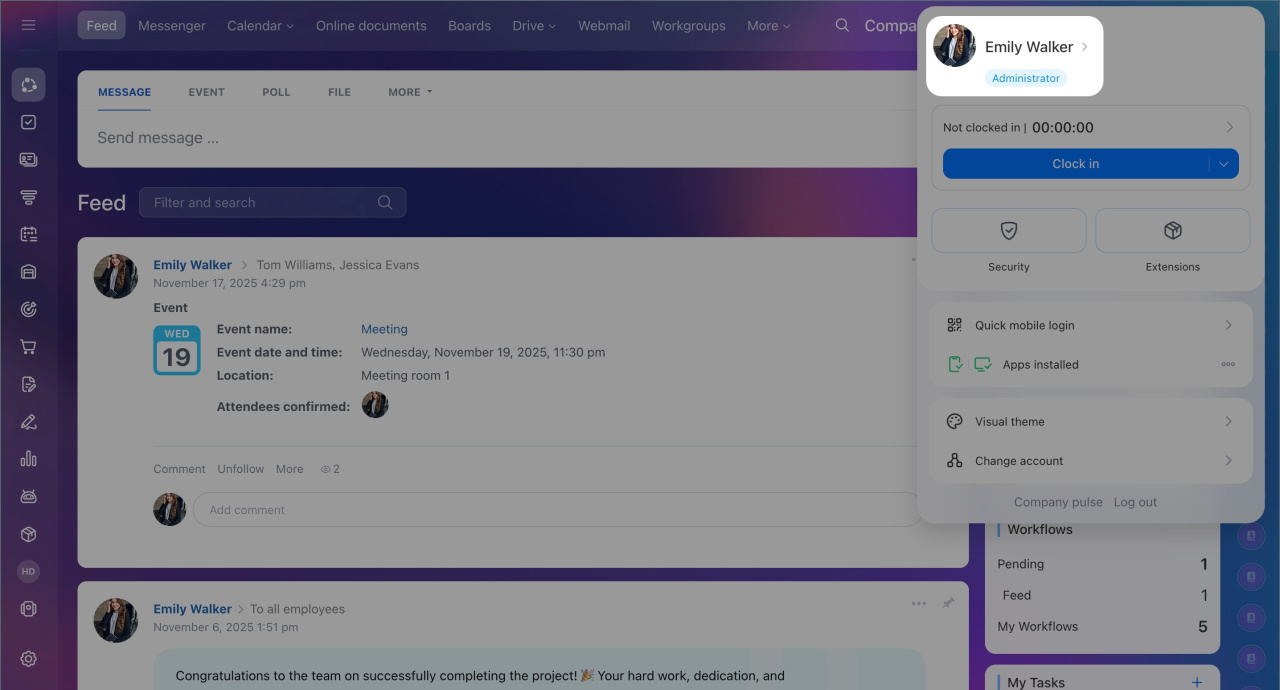
- Click on your photo to open your personal profile page.
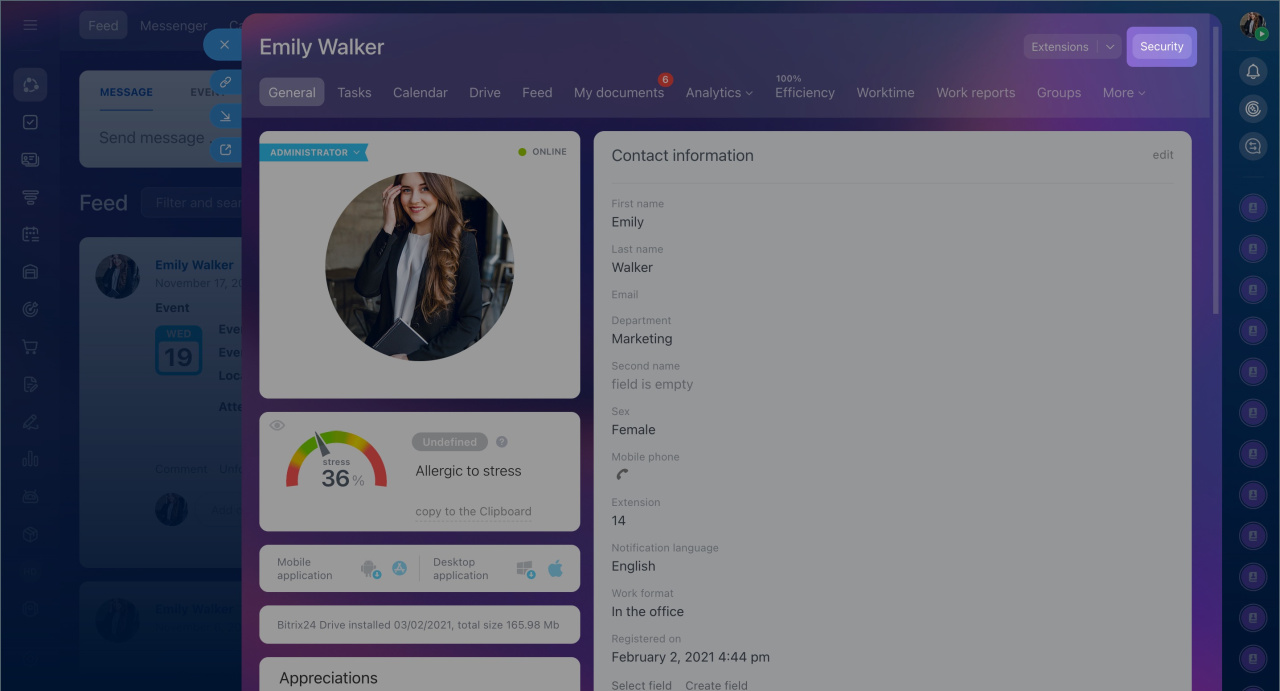
- Select Security.
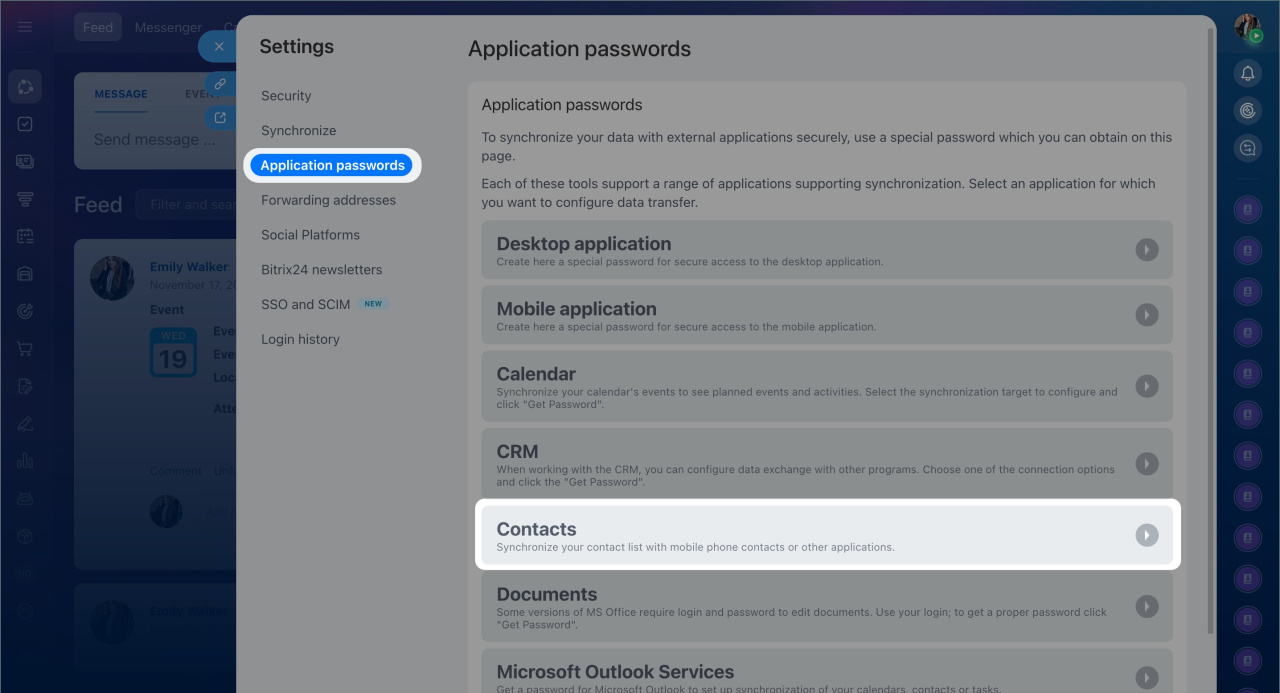
- Click Application passwords and choose what to sync with, for example, Contacts.
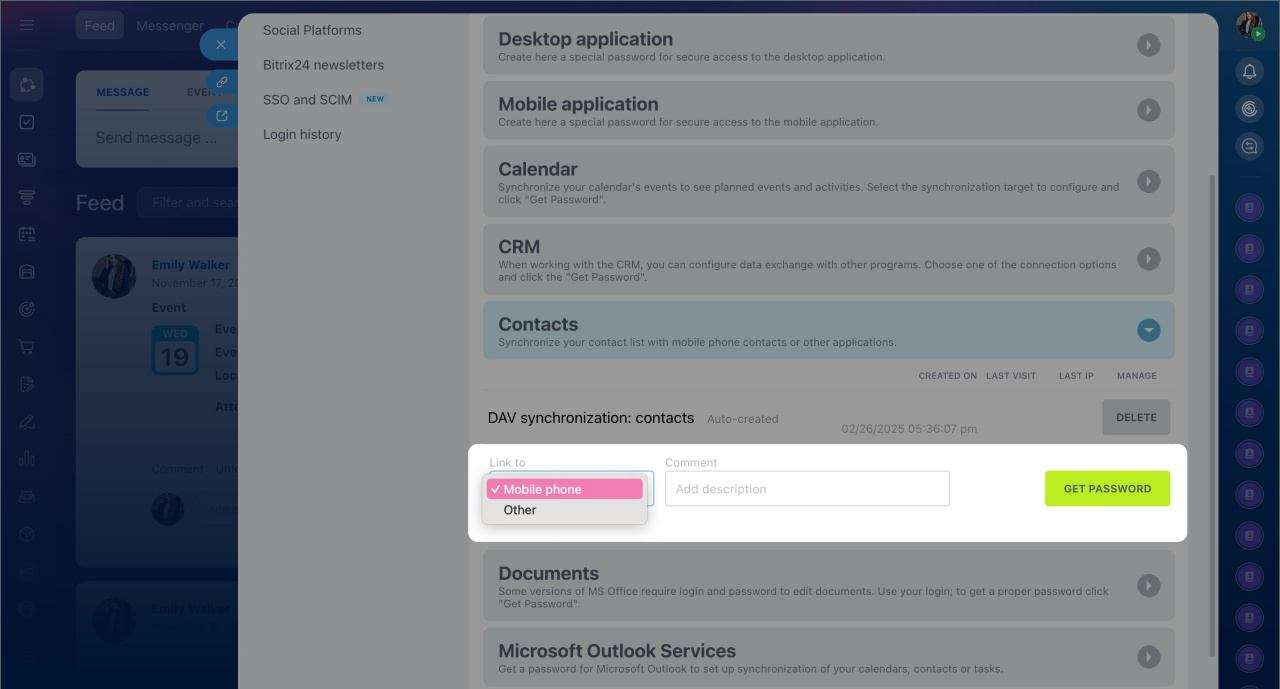
- Select the service or device to sync contacts with, such as a mobile phone.
- Add a comment if needed. For example, specify the device and program where the password will be used.
- Click Get password. Copy and paste it into the external service settings instead of your regular Bitrix24 password. The application will then connect to your Bitrix24 account automatically./li>
Do not close the window until you copy the password and add it to the required application.
Each password can be used for one service or device.
Each password can be used for one service or device.
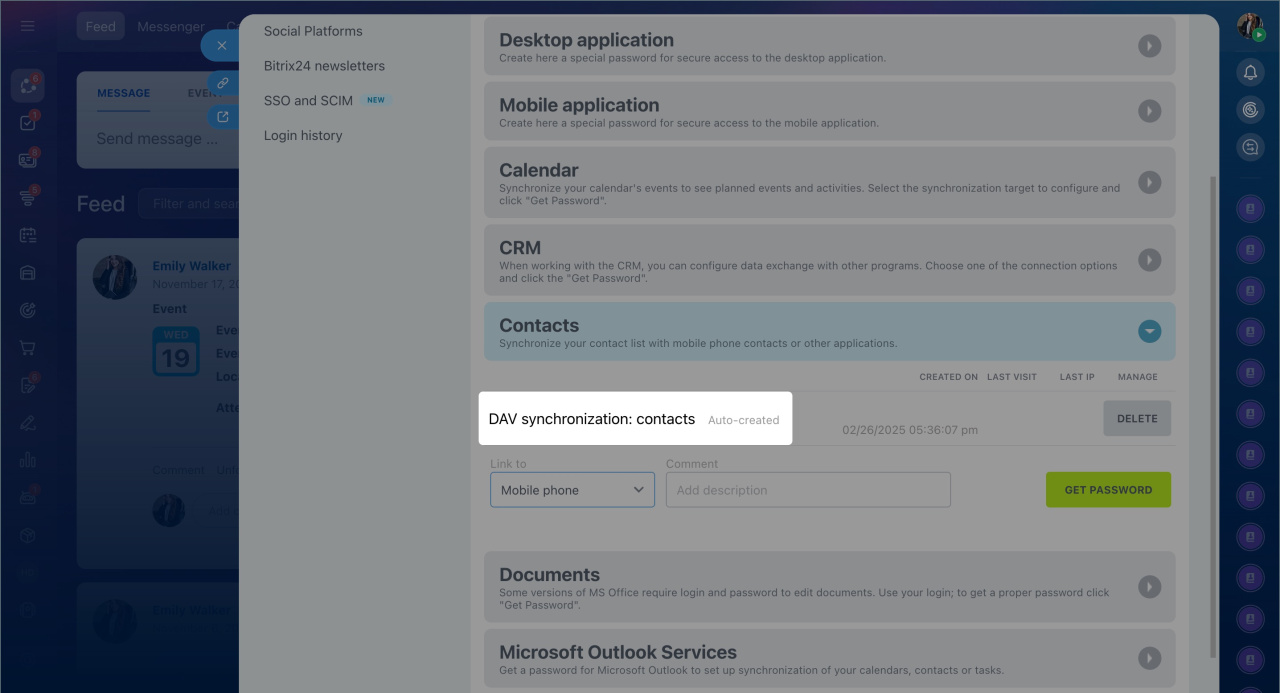
In some services, application passwords are generated automatically, for example, when logging into Bitrix24 on a computer or mobile app. In this case, no additional setup is required. Bitrix24 will create and use the password for the connection.
Delete application passwords
If you no longer use an external service or have lost the device for which synchronization was set up, you can delete application passwords.
- Open your personal profile and open the Security section.
- Click Application passwords.
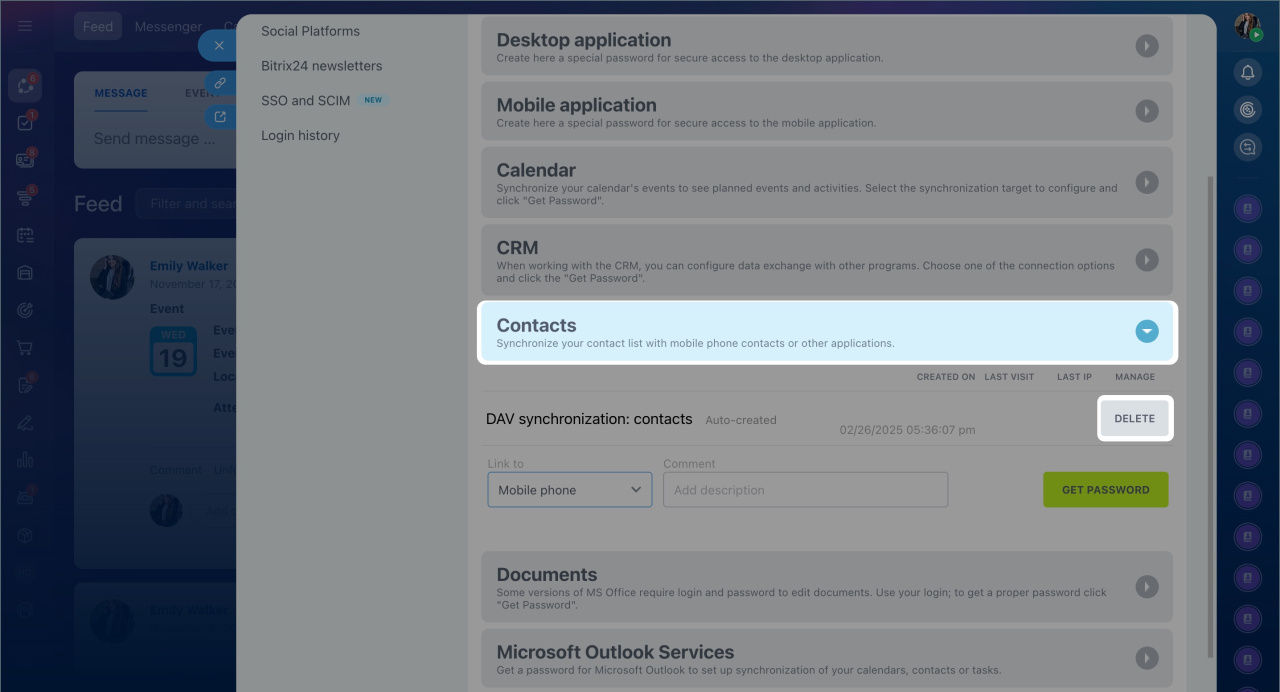
- Select the service for which the password was created.
- Click Delete. Synchronization will be immediately disabled.
In brief
- Application passwords are special passwords for connecting external services and devices to Bitrix24. They are used, for example, to sync calendars or contacts with Outlook, mobile phones, and other services.
- If two-step authentication is enabled in your Bitrix24, using application passwords is obligatory.
- You can generate application passwords in your personal profile in the Security section.
- Each password can be used for one service or device.
- You can delete application passwords and disable synchronization at any time.
