
You can work with tasks in Bitrix24 on any plan, but the free plan has some limitations. Some restrictions apply immediately, such as the inability to enable time tracking in tasks. Additional limits come into effect after creating 100 tasks.
In the first 100 tasks on the free plan, you can:
- Add a task participant or observer
- Delegate a task
- Use the Control task after completion option to approve work on time or send it back for revision
- Make tasks recurring — they will be created automatically on a schedule
- Create templates with subtasks
- Track subordinate tasks in the Supervise section to assess team workload and monitor deadlines
- View task statistics in the Efficiency section: how many tasks are in progress, completed, or overdue
Starting from the 101st task, these features become unavailable. They will be marked with a lock icon in the interface. Restrictions apply only to new tasks, while previously created tasks retain all functionalities. The limit includes the total number of tasks and subtasks created. Deleting old tasks will not restore access to these features.
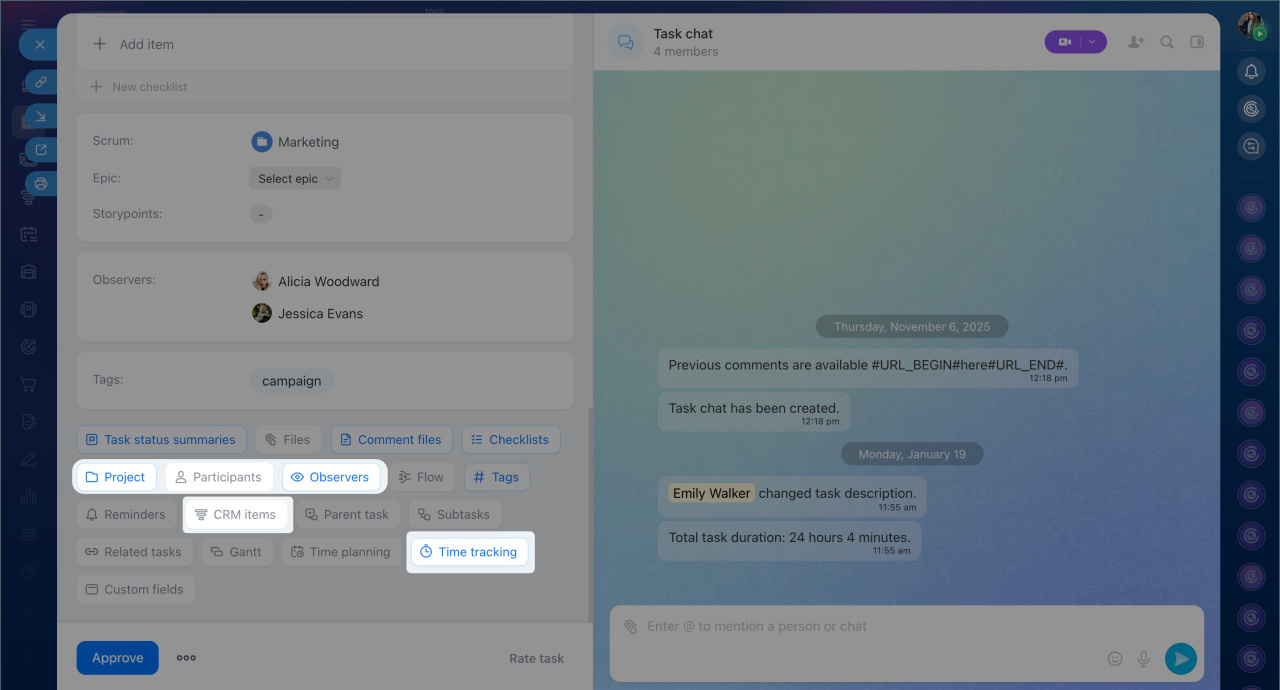
If you plan to actively use recurring tasks or control tools, keep in mind the 100-task limit on the free plan. To work without restrictions, switch to a commercial Bitrix24 plan.
Bitrix24 plans and pricing
