
Bitrix24 limits how workflows start in CRM. You can have up to 10 incomplete workflows at the same time for one itemIn Bitrix24, a CRM item can be a lead, deal, contact, company, invoice, estimate, or SPA item..
For example, if 10 workflows are already running in an Equipment purchase deal, a new workflow starts only after one of the current ones finishes.
This limit helps keep Bitrix24 running smoothly and applies to the cloud version.
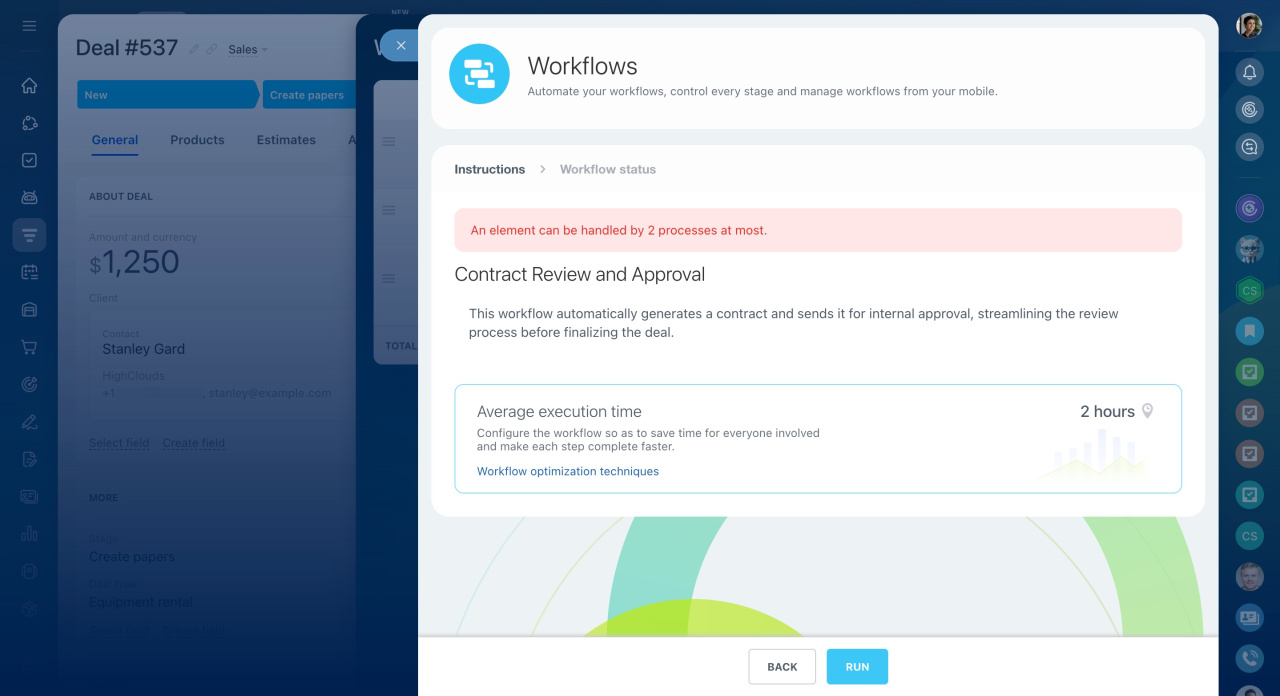
How the workflow launch limit works
- The limit does not apply to automation rules created in Workflow Designer. Even if 10 workflows are already active, these automation rules launch without restrictions.
Sales and marketing automation in CRM - Workflows with the Run when created option enabled run in a queue. If a workflow has no wait actions, it finishes immediately and does not count toward the limit on simultaneously running workflows.
In the on-premise version of Bitrix24, you can configure the limit on simultaneously running workflows separately.
Keep track of how many workflows run for the same CRM item. Set priorities and prepare templates in advance. This helps avoid delays and keeps your processes running smoothly.