Time is a key resource. Use it effectively to keep your team productive. Bitrix24 includes a dedicated set of tools to track and manage working time.
In this article:
Worktime
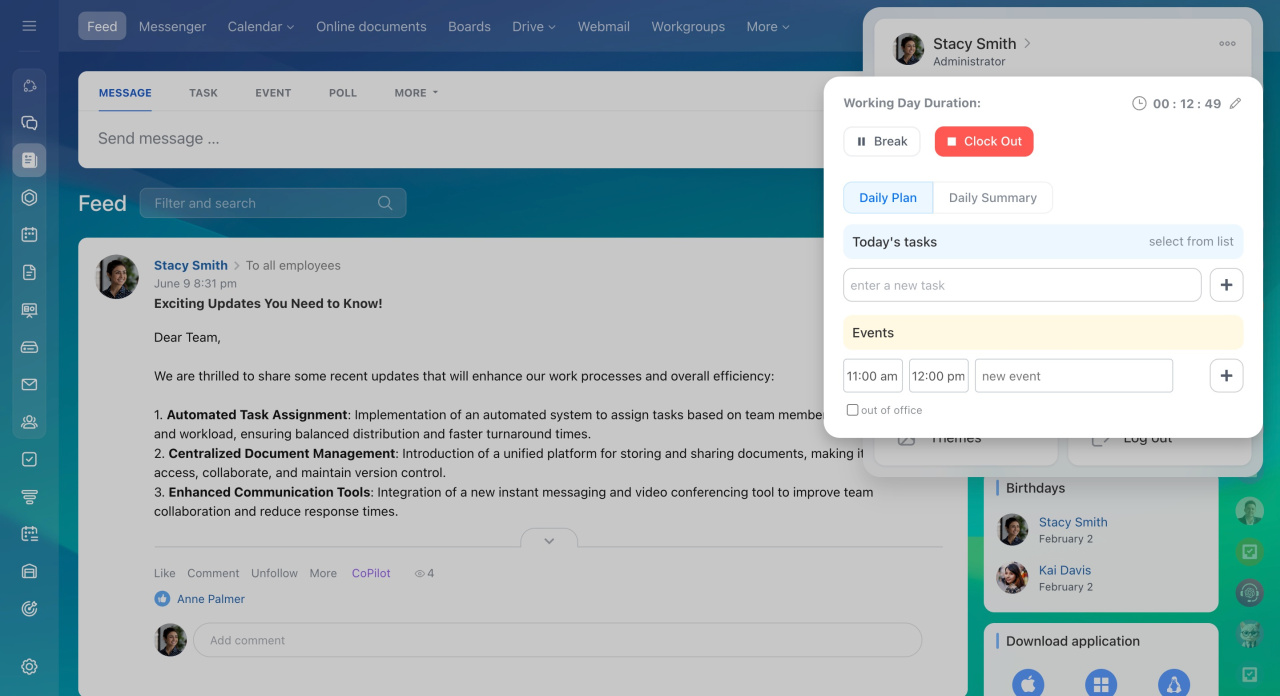
Use Worktime to track the start and end of the workday, breaks, and absences. You can also plan daily tasks, track how long they take to complete and generate reports on employee working hours at any time.
Worktime
Worktime tracking in Bitrix24
Work reports
Set up reminders for work reports and choose how often employees submit them: daily, weekly, or monthly.
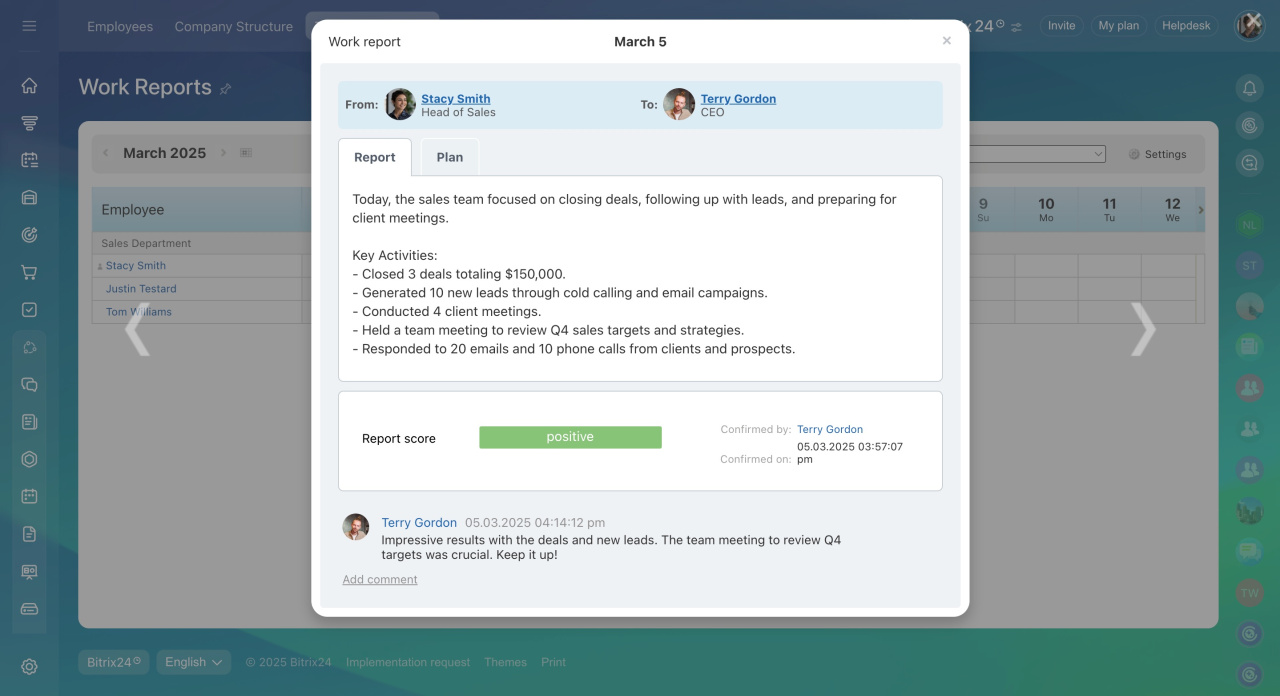
Employees add details about completed tasks. The system automatically includes related events in the report. Supervisors review reports, leave comments, and assign grades. This helps managers evaluate performance and make adjustments when needed.
Work reports
Complete and confirm a work report
Work schedules
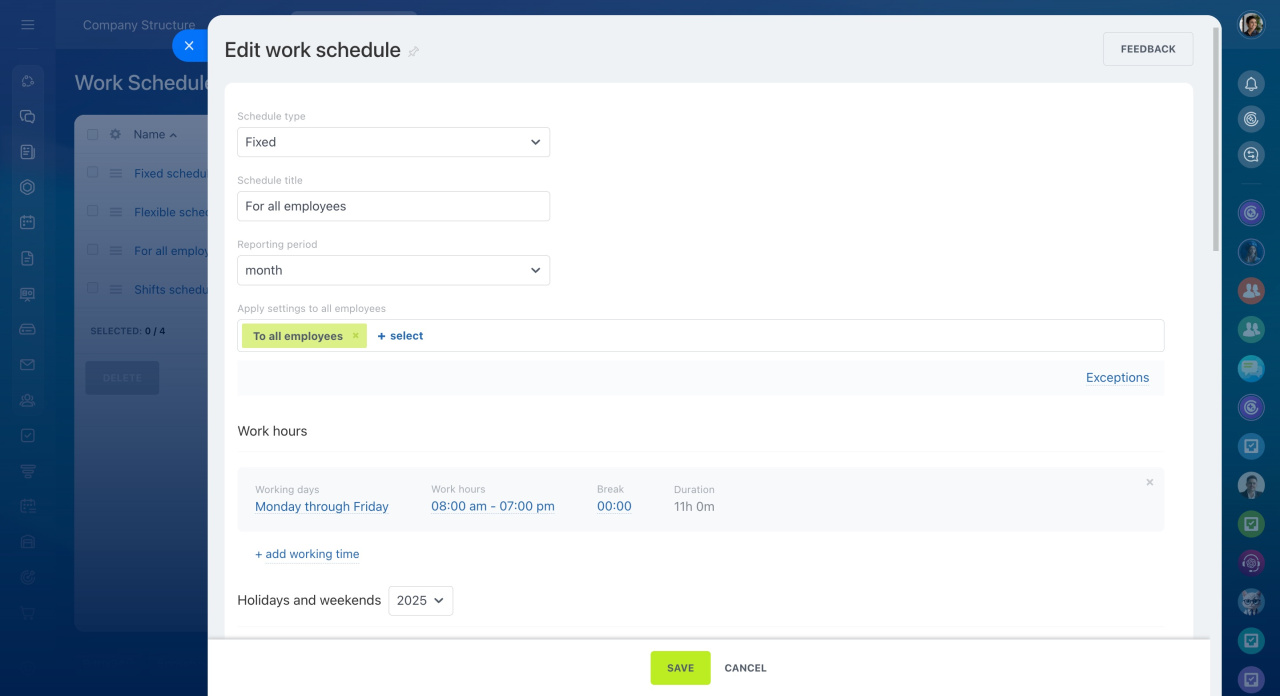
Use work schedules to manage employee working hours. This helps you spot delays or missed hours.
You can also create custom schedules for different departments based on their needs.
Work schedules
Work schedule types
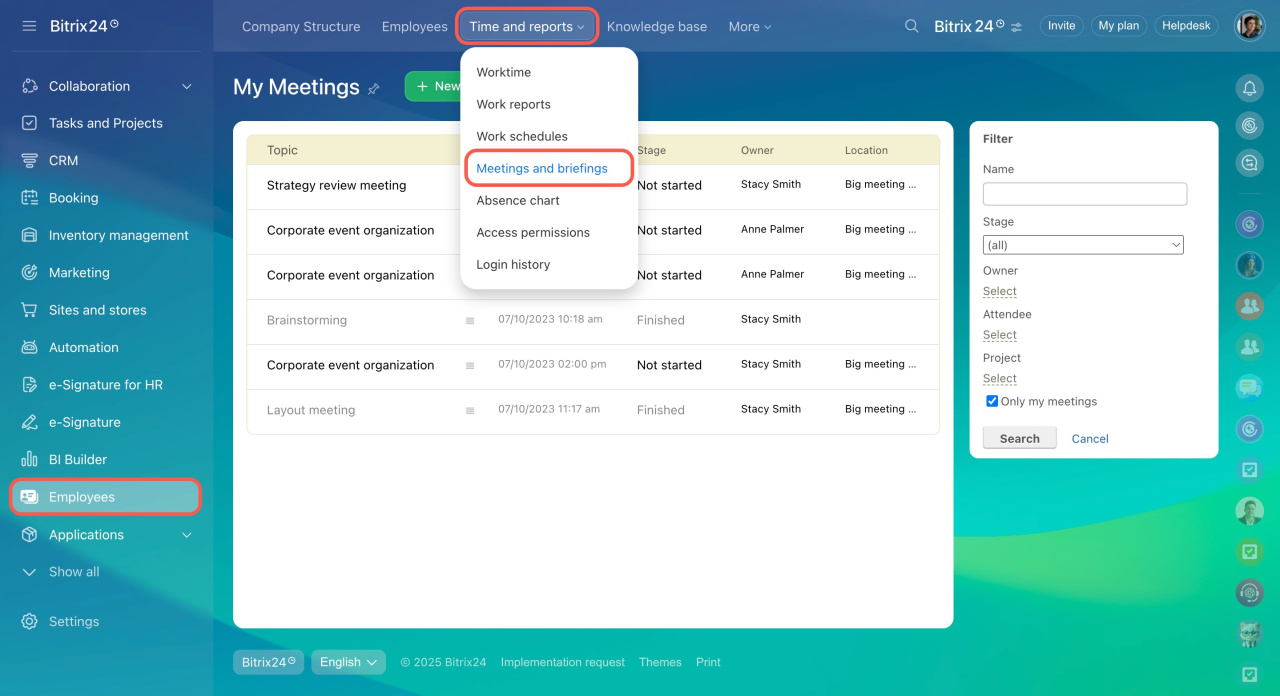
Meetings and briefings
Plan meetings in advance. Add agenda items, assign responsible employees, and create tasks. This helps you stay organized, avoid missed topics, and track progress after the meeting.
Create a new meeting
Hold a meeting
Absence chart
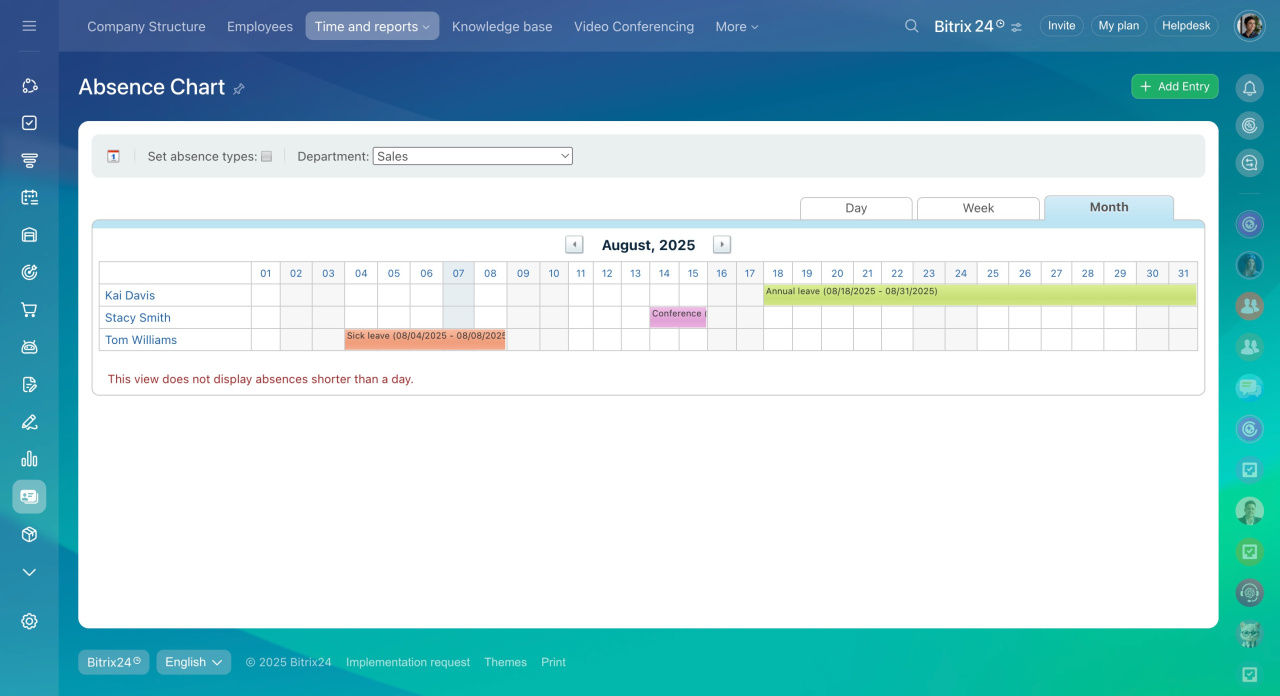
The absence chart shows all types of absences, including business trips, sick leave, maternity leave, and vacation. Use it to plan workloads and distribute tasks across your team.
Absence chart
Add absence to the chart