
If you’re already logged in to Bitrix24 on the web or desktop app, you can log in to the mobile app with a QR code. You don’t need to enter your login or password.
Bitrix24 mobile app
The QR code is personal. Use it only for your own login to keep your account secure.
To log in with a QR code:
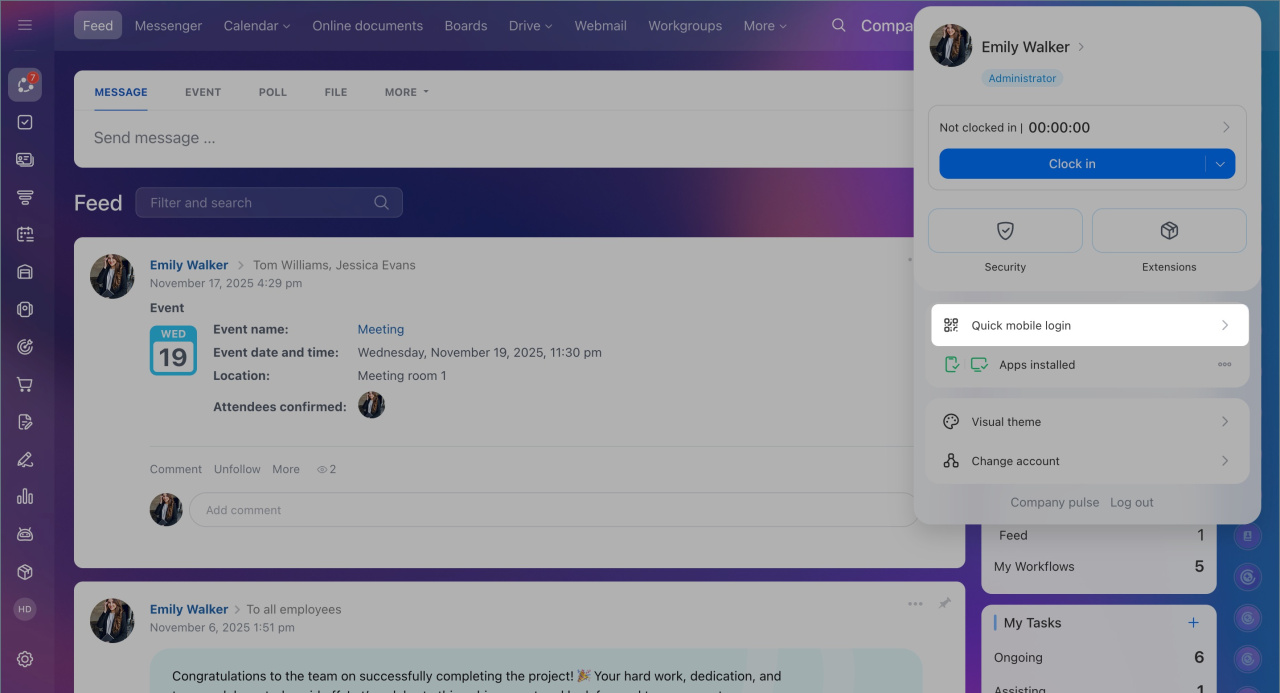
- Click your profile photo to open the widget.
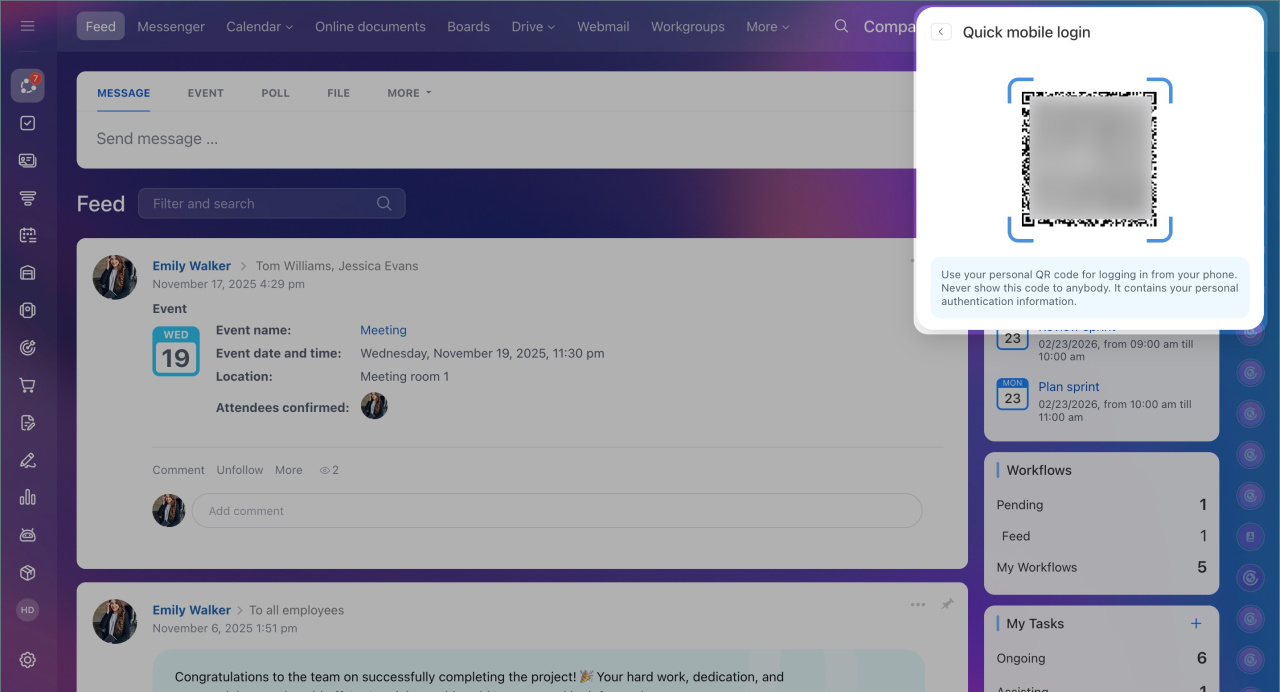
- Click Quick mobile login.
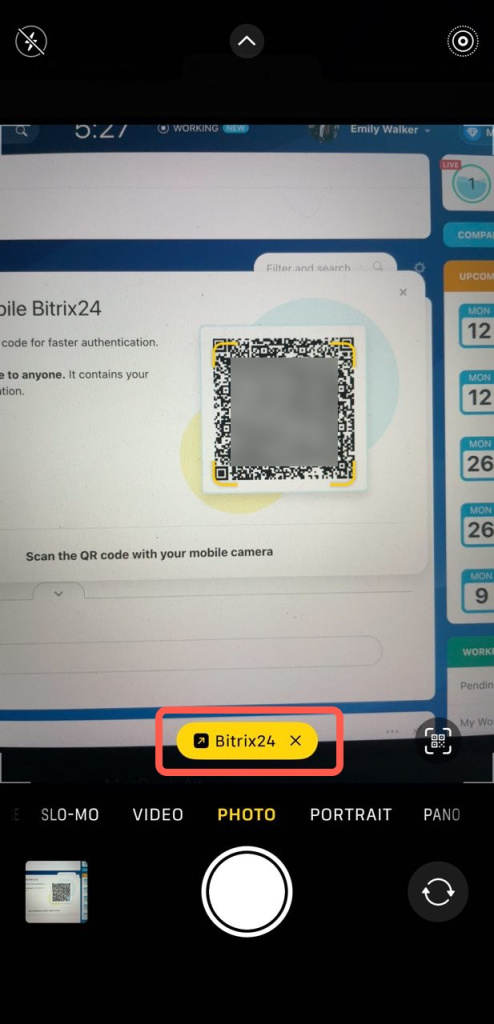
- Scan the QR code with your mobile device camera.
On your mobile device:
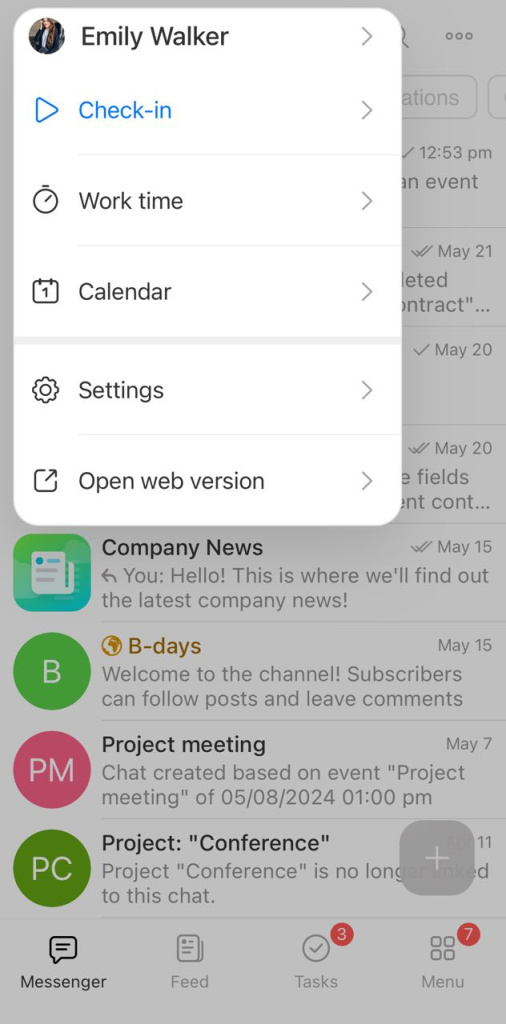
- Tap Bitrix24 after scanning the code.
- The app will open, and you’ll be logged in.
Some Android devices may not recognize QR codes. If this happens, log in to the mobile app using your login and password or a connected social account.
Log in to Bitrix24 mobile app
Log in to Bitrix24 mobile app
Use the mobile app to send documents to clients, stay in touch with your team, and keep up with company updates when you’re away from your desk.