
Here are the most important updates for December.
Sign documents on behalf of a company
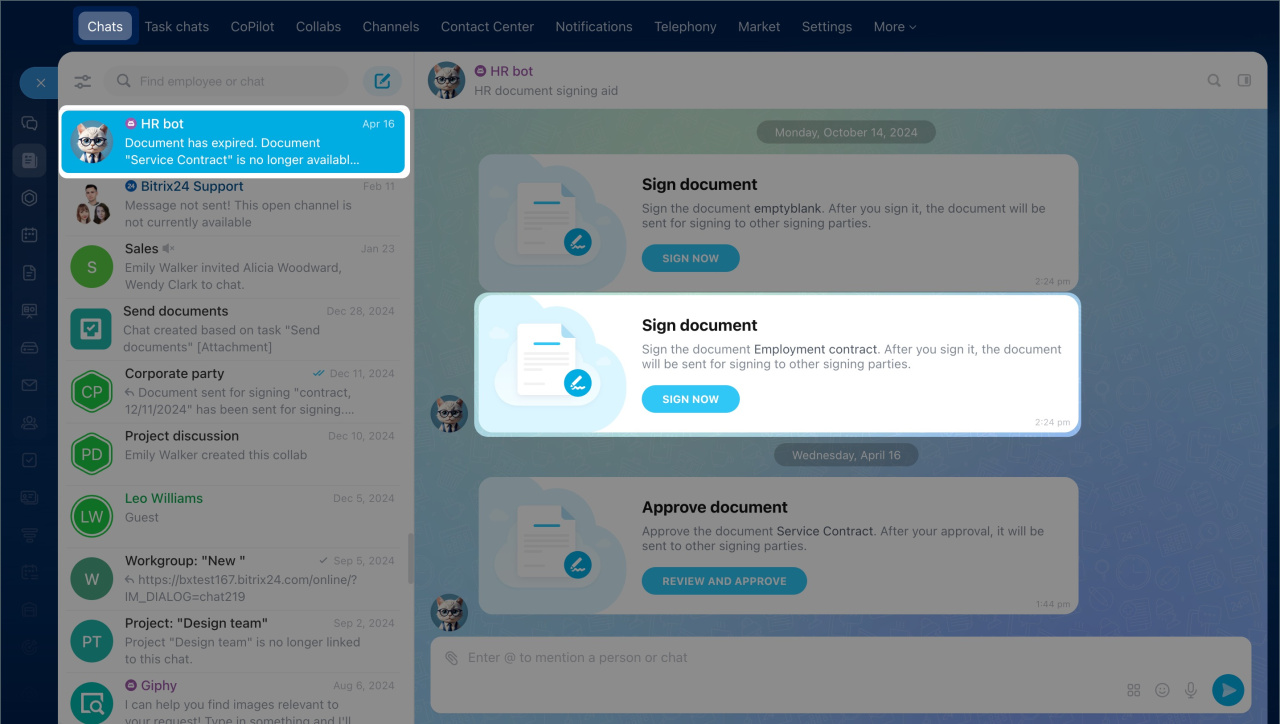
When using e-Signature for HR to sign a document, you have to choose who will sign it from your company. This person is known in Bitrix24 as the company representative, and it can be the CEO or anyone else who has the authority to sign documents.
Sign documents on behalf of a company
Manage Bitrix24 using external AI systems
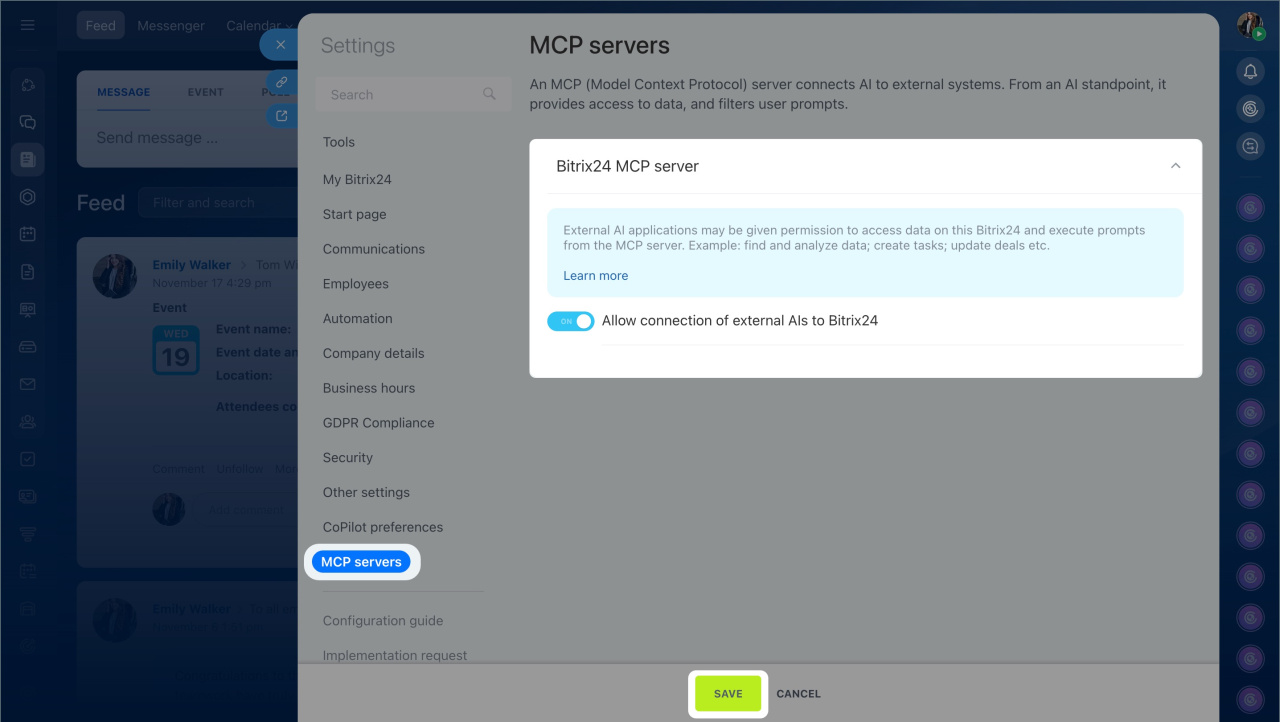
With the MCP server, you can connect Bitrix24 to external AI systems you already use, such as ChatGPT or Manus AI. This is convenient if you want to manage tasks directly from a chat with your virtual assistant.
For example, if you are creating a work plan in ChatGPT, you can immediately ask the AI assistant to create tasks in Bitrix24 with the required names, deadlines, and assignees. This way, you can continue working without switching between applications, as all tasks will appear in Bitrix24.
Manage Bitrix24 using external AI systems
Chat with CoPilot
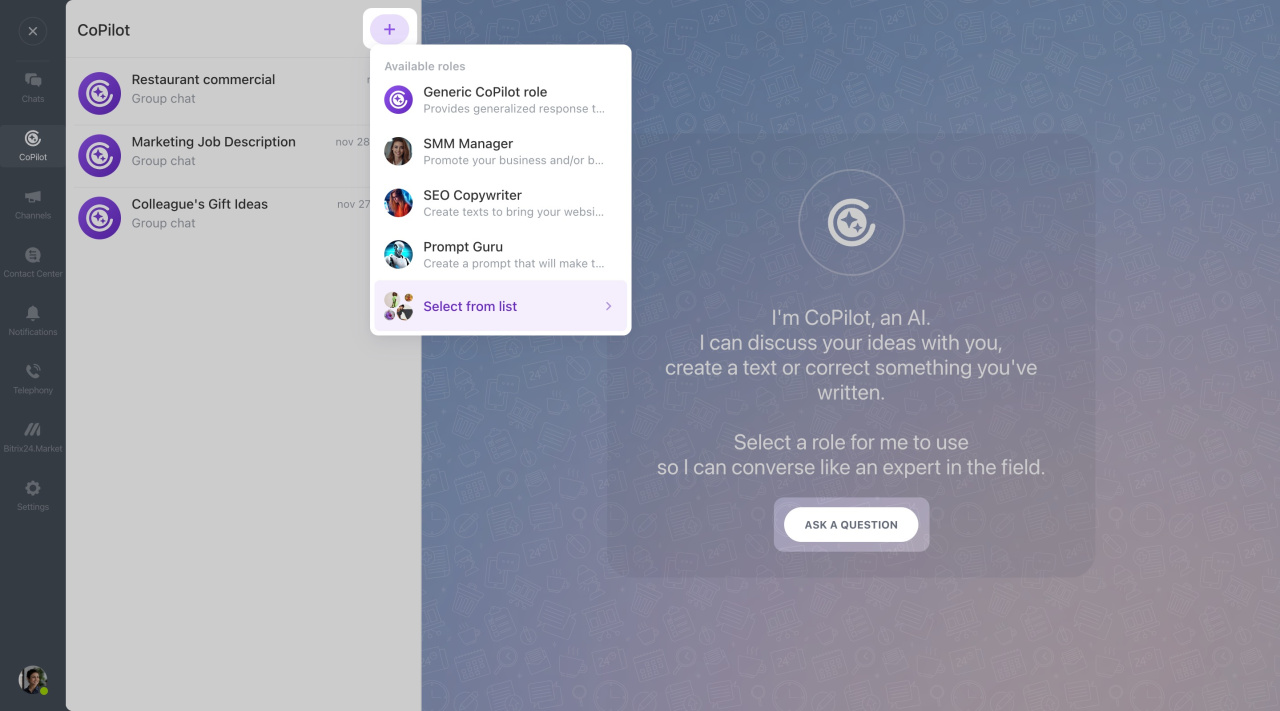
In Bitrix24, you can chat with CoPilot in a dedicated chat or mention it in any conversation. It helps with a wide range of tasks, from writing emails to generating business ideas.
CoPilot providers
Currently, CoPilot uses various service providers in Bitrix24. They are specified in Bitrix24 account settings.
CoPilot providers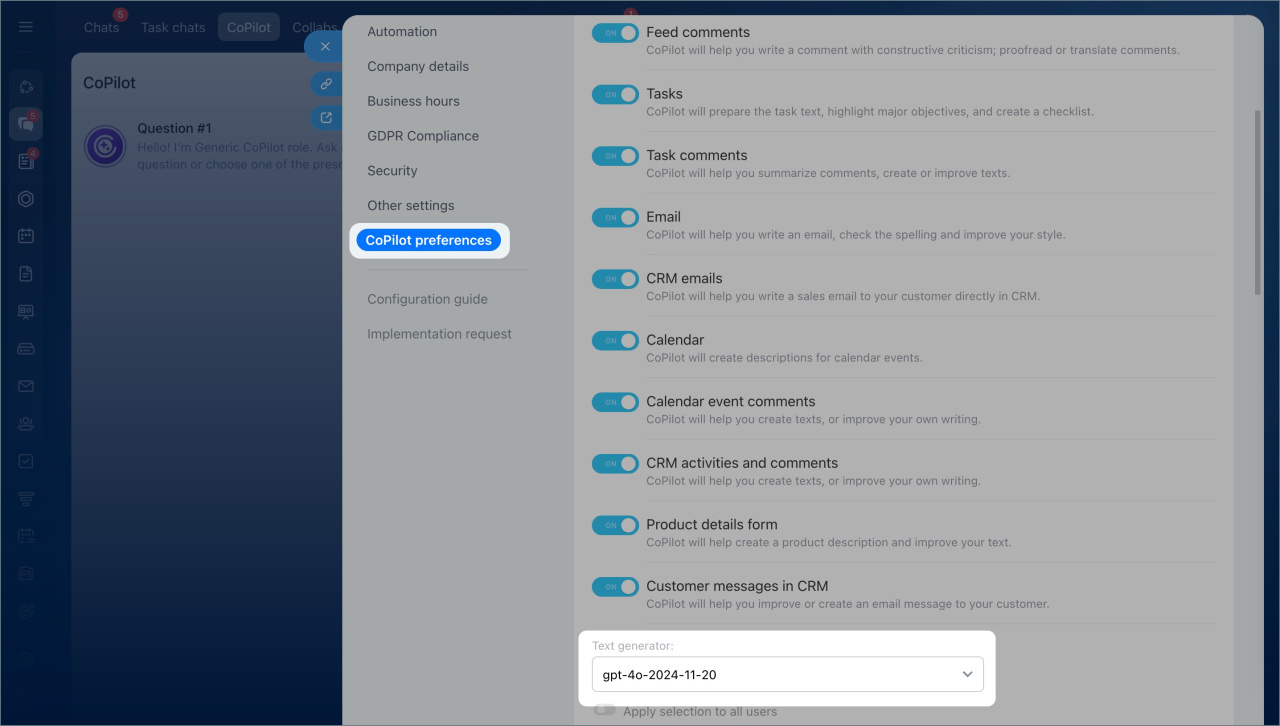
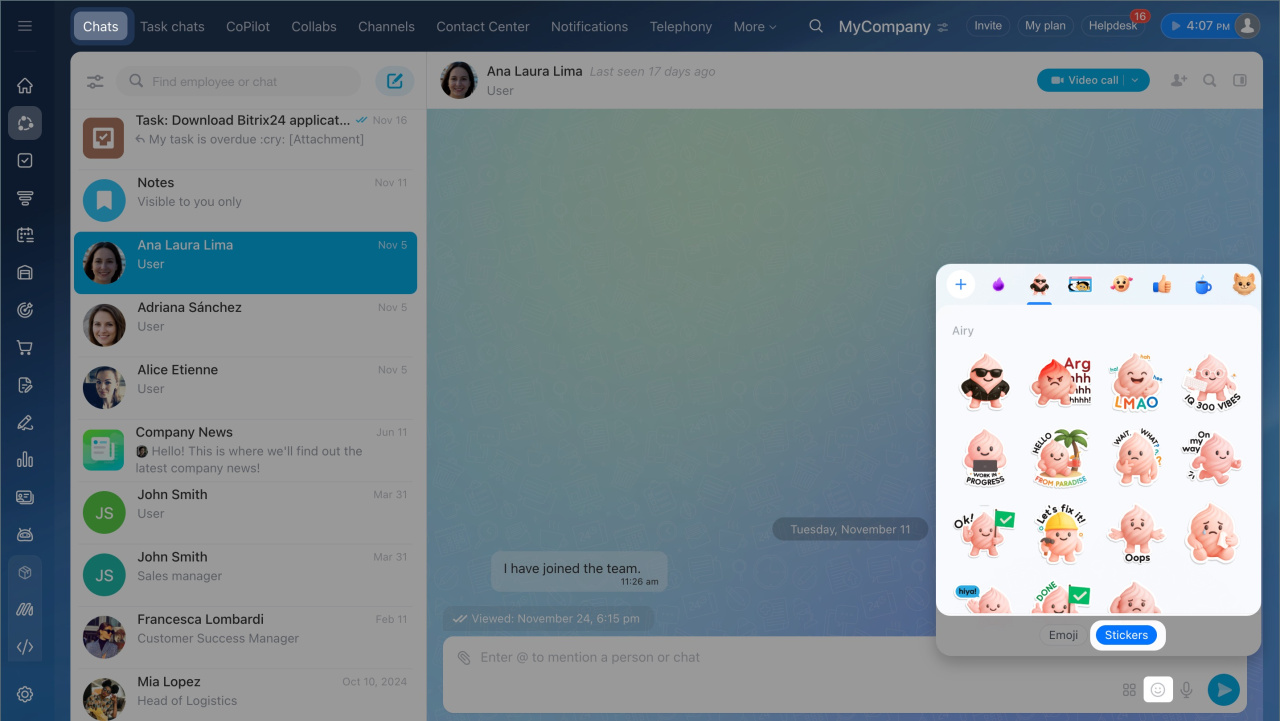
Stickers in the Bitrix24 Messenger
In the Bitrix24 Messenger, you can use stickers to react to messages and add emotions to the chat. Bitrix24 offers ready-made sticker packs. You can use them or add your own.
Stickers can be used in:
- Personal and group chats
- Comments on Feed posts
- Collabs
- Task chats
Stickers in the Bitrix24 Messenger
Other updates
Create a task
Tags in tasks and projects
Task reminders
Task status summary
Time tracking in tasks
Ping messages in tasks
FAQ: Plans and payment
FAQ: Sales Intelligence and CRM analytics
FAQ: New tasks in Bitrix24
FAQ: Online store
FAQ: Bitrix24 tools
Bitrix24 Chat: new interface and features
